
What Recast Studio is
Recast Studio is a content repurposing tool. You upload a webinar, podcast, interview or Zoom recording. Recast finds the strongest moments, turns them into captioned clips or audiograms, writes social posts, show notes and blog drafts from the transcript, and publishes everything to your social accounts.
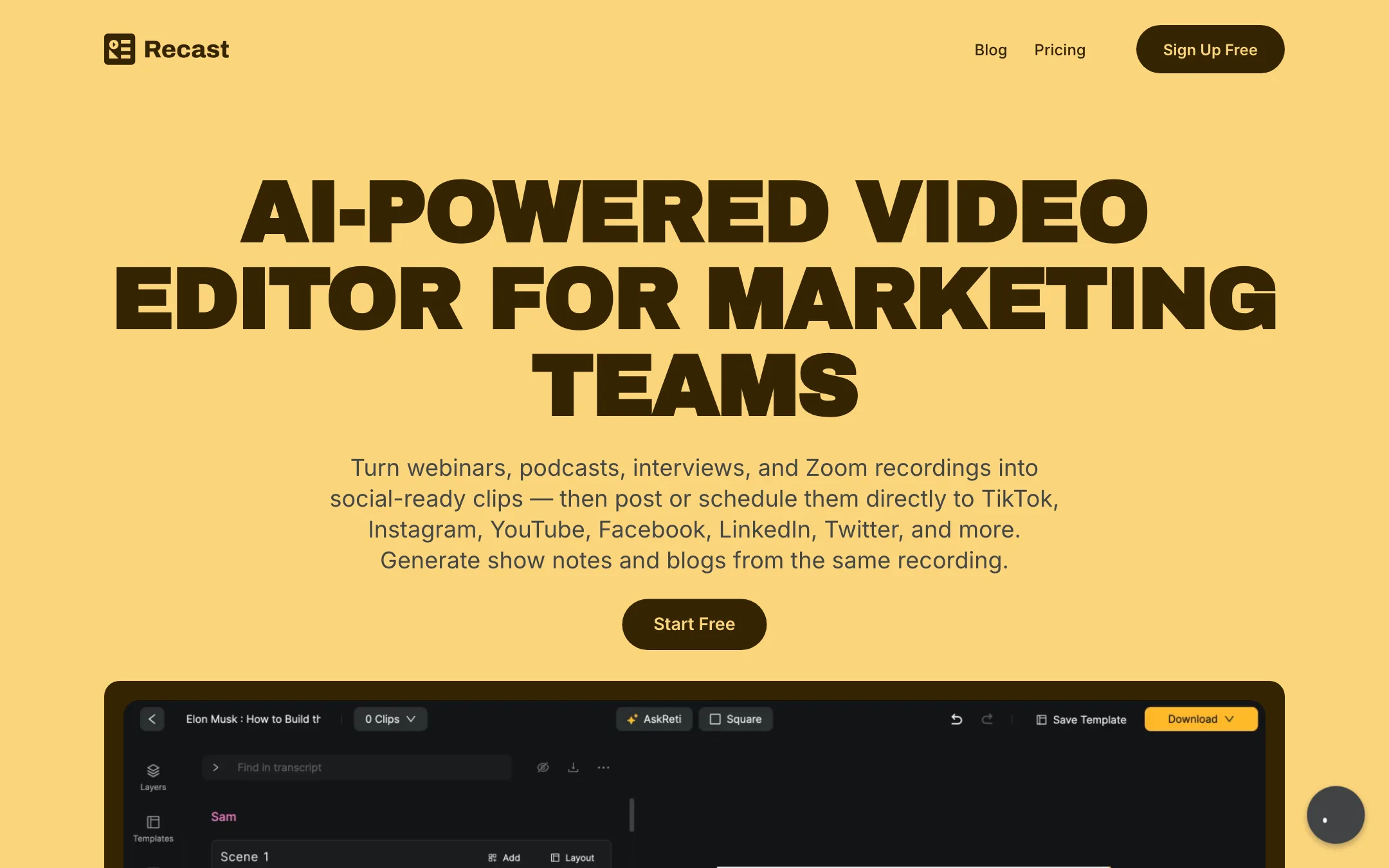
It is made by Bit By Bit Labs and aimed squarely at marketing teams. The homepage headline is “AI-powered video editor for marketing teams”, and the pitch is that you should not have to wait on a video editor to publish a clip. Its testimonials come from podcast and sales people rather than YouTubers.
The feature set overlaps with Opus Clip, Descript and Headliner. What Recast adds is the full loop in one tool: clip, caption, write and post.
Who it is for
Recast fits you if:
- You host a podcast or webinar series and want clips and written posts from each episode.
- You run marketing for a small company and do not have an in-house editor.
- You publish audio-only podcasts and need audiograms for social.
- You want to schedule posts across several networks without a separate tool.
Skip it if:
- You want to test properly before paying. The free trial is very small.
- You record long sessions often. Credits count every uploaded minute.
- You need captions in many languages. Recast lists 20+ transcription languages.
- You are a YouTube clipper chasing viral shorts. Recast’s tone and templates are built for brand content.
How it works
Recast describes a four-step flow, with its own time estimates:
- Upload your video. Recast says this takes about 2 minutes.
- AI finds the best moments. About 3 minutes, by Recast’s estimate.
- Review and customize your clips. About 5 minutes.
- Publish to social or export with one click.
Recast contrasts this with a traditional workflow of four to six days and $2,000 to $5,000 in editor costs. Those are its own numbers for a typical agency process, not a measured comparison.
Clips and reframing
The AI clip generator scans your recording for highlights. Auto reframe detects faces and important scenes and adjusts the crop, so a wide webinar shot becomes a usable vertical clip. The pricing table also lists custom prompts, which suggests you can steer what the AI looks for, though Recast does not describe how that works.
Editing by text
If you can edit a document, Recast says, you can edit a video. You highlight the transcript text you want to keep, and Recast cuts the video to match. AI filler word and pause removal cleans out “um”, “uh” and awkward silences automatically. Captions stay in sync with every cut.
On top of the cut, you can add brand logos, fonts, B-roll, music, images, shapes, sound waves and progress bars. Layers can be animated. This is enough for a polished social clip, though it is not a full editing suite.
Audiograms
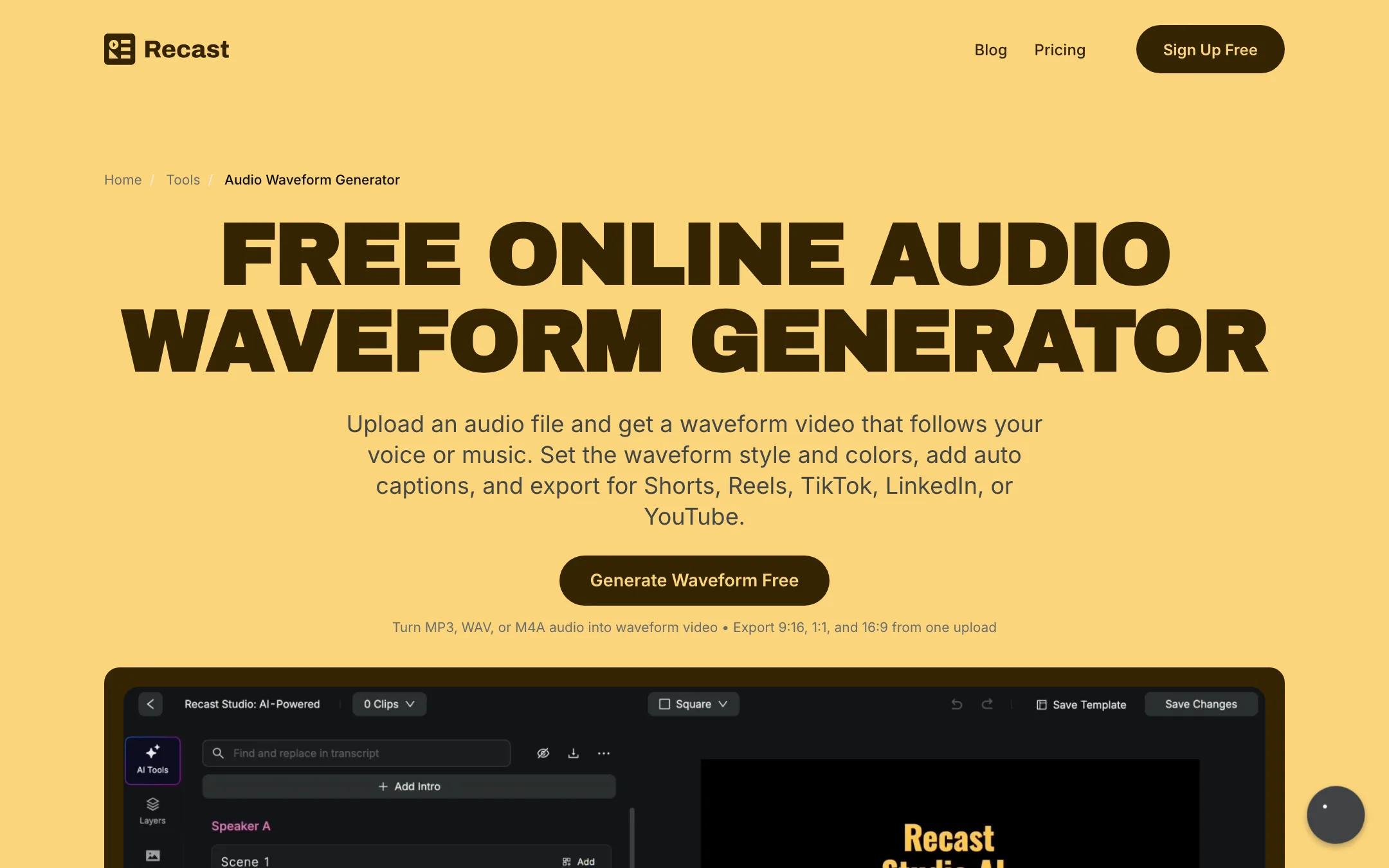
This is one area where Recast stands out from clip makers built purely around video. Its audio waveform generator turns an audio file into a waveform video that tracks the peaks and quiet parts of the sound. You can style it for your brand, add captions with keyword emphasis, and export in 9:16, 1:1 or 16:9. Testimonials on the page praise it over other audiogram tools. For podcasts without video, it is the main reason to look at Recast.
Written content
Recast reuses the transcript for writing. Its AI writing panel generates blog drafts, show notes, LinkedIn posts, email copy and summaries. The quality of AI-written show notes varies a lot between tools, and Recast does not show samples, so treat the drafts as a starting point.
Publishing and teams
Recast connects to TikTok, Instagram, YouTube, Facebook, LinkedIn and X. You can post immediately or schedule from inside the editor, without downloading and re-uploading. A team workspace lets you invite colleagues, share projects and leave feedback.
Free tools and oddities
Recast’s footer links to a long list of free tool and landing pages: a podcast show notes generator, a citation generator, a YouTube clip maker and more. One entry, “Video Character Swap”, sits oddly next to a podcast tool. Recast does not promote it elsewhere on the pages we read.
Output quality
We did not run footage through Recast for this review. These points come from Recast’s own pages.
What Recast claims:
- Speed. About ten minutes from upload to publish in its own example.
- Accurate transcription with “high-precision support” for 20+ languages.
- Hands-off reframing that keeps the focus on faces and key scenes.
What to keep in mind:
- Language coverage is limited. Twenty-plus languages is fine for English and major European languages. Some competitors list 100 or more.
- AI clip picking needs review. Any clip generator can miss a setup or cut a point short. Recast’s own flow includes a review step for this reason.
- Free exports are capped at one minute. You cannot judge long-form output on the trial.
Pricing
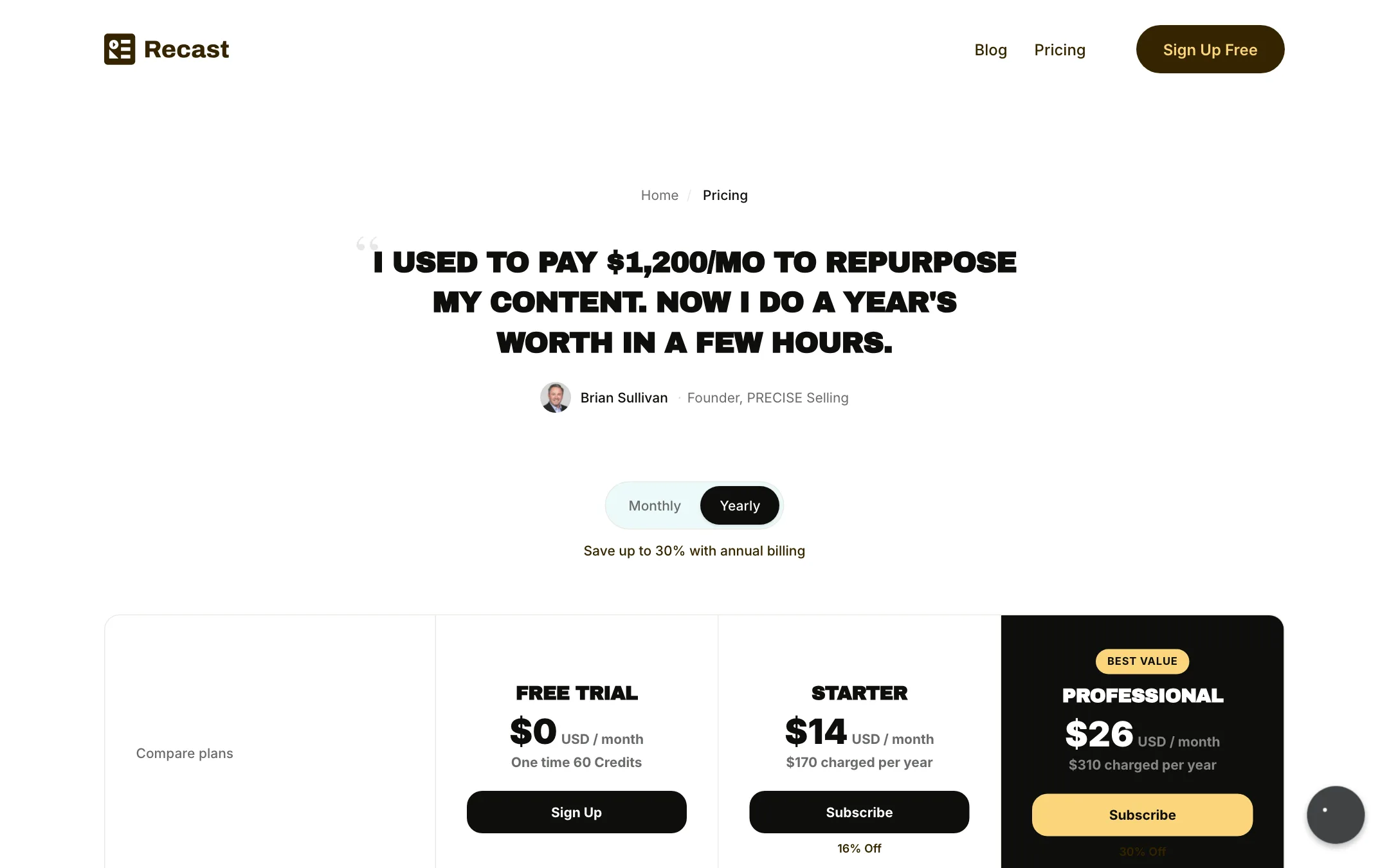
Recast prices by credits, where one credit is one minute of uploaded video. Yearly plans receive all their credits at the start of the billing year.
| Plan | Price | Credits | Exports | Storage |
|---|---|---|---|---|
| Free Trial | $0 | 60 once | 5 min a month, 1 min max | 3GB, 7 days |
| Starter | $14/mo yearly ($170/yr) | 1,800 a year | 300 min a month, 15 min max | 15GB |
| Professional | $26/mo yearly ($310/yr) | 4,320 a year (more tiers listed) | 600 min a month, 60 min max | 50GB |
What the pricing page does not make easy:
- Monthly prices. The page has a monthly toggle and says yearly saves “up to 30%”, with Starter marked 16% off and Professional 30% off. When our crawler switched to monthly, the prices did not change, so we could not confirm monthly rates.
- Per-plan features. The comparison table lists features like the AI clip generator, auto reframe, filler removal, AI writing, publishing, custom prompts and animated captions, but the plan checkmarks did not render as text. Check which ones the trial includes before you rely on them.
- Credit math. Starter’s 1,800 credits a year average out to 150 upload minutes a month. That is roughly two or three hour-long episodes. Professional’s base tier gives about 360 minutes a month. Larger tiers of 7,200 and 10,800 credits are listed without visible prices.
- The “From $20” claim. The homepage says production cost starts “From $20”. The cheapest listed plan is $14 a month on yearly billing, so that figure probably refers to monthly billing or a typical cost per video. Recast does not explain it.
- Storage. Paid plans keep your files as long as you subscribe. Trial files are deleted after 7 days.
Making the credits last
Because credits count upload minutes, the way you prepare your files matters more than in tools that charge per clip.
- Trim before you upload. Cut the pre-show chatter, tech checks and long Q&A tails in any basic editor first. Every minute you remove is a credit saved.
- Upload audio for audiograms. If you only need waveform videos, there is no reason to upload a video file of the same length.
- Plan around the yearly pool. Yearly plans get all credits upfront. That helps if your output is seasonal, but it also means a busy quarter can drain the year. Track usage each month.
- Watch the export caps too. Starter allows 300 export minutes a month and 15 minutes per export. That is plenty for clips, but full-episode exports need Professional.
- Use the trial on your hardest file. With only 60 minutes, upload the recording type you find most difficult to clip, such as a multi-speaker panel, so you see the reframing and clip picking at their weakest.
Recast compared with the obvious alternatives
Opus Clip and Vizard are the clip makers most people compare first. Both focus on finding viral moments and charge by uploaded minutes as well. Recast’s edge is the rest of the loop: audiograms, written content and native publishing in the same workspace. If you only want clips, a dedicated clip maker may give you more control over clip selection. If you want one place for a podcast’s whole social footprint, Recast covers more ground.
Recast has an affiliate program, but its page says signups are temporarily paused.
Verdict
Recast Studio is a sensible pick for podcasters and small marketing teams who want one tool to clip, caption, write and publish. The audiogram maker and built-in scheduler set it apart from pure clip makers, and transcript editing keeps it approachable for people who have never touched a timeline.
The weak points are the trial and the pricing page. Sixty one-time minutes with one-minute exports is not much of a test, credits count every uploaded minute, and the monthly prices are hard to find. If you publish one or two episodes a month, Starter on yearly billing is affordable. If you record many hours a week, or need wide language support, compare it with credit-per-clip tools first.
