
What Reap is
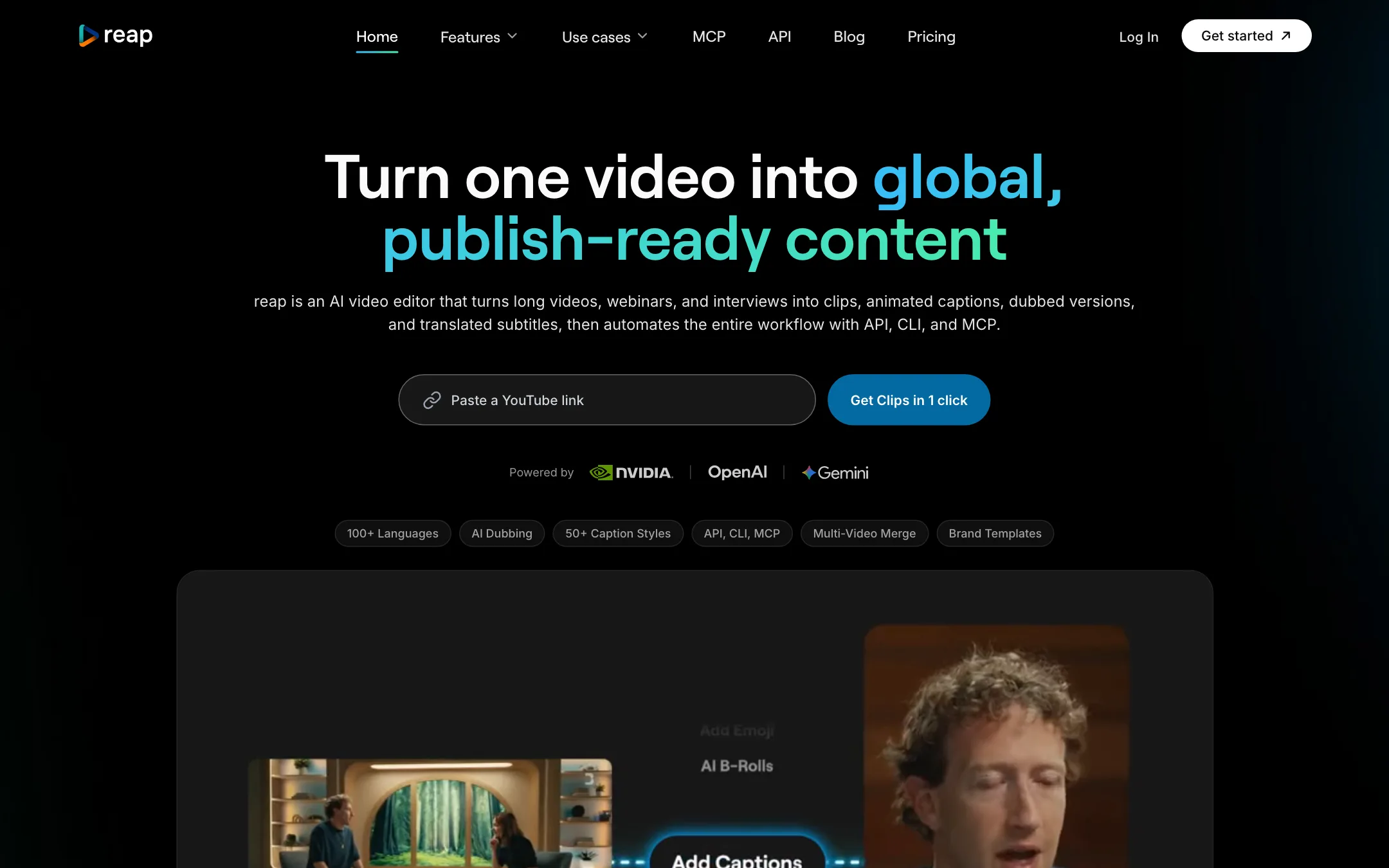
Reap is an AI video clipper for long, talky videos. You give it a podcast, webinar, interview or stream. It finds the best moments, cuts them into vertical clips, adds animated captions and keeps speakers centered. Then it can translate the captions, dub the audio into other languages and publish the clips to your social accounts.
Two things set it apart from the crowd of clip makers. First, languages. Reap says it captions in more than 100 languages, including romanized scripts like Hinglish and Arabizi, and dubs into more than 80. Second, automation. Every paid plan includes a REST API, a command-line tool and an MCP server, so you can run Reap from an AI assistant or your own scripts.
Reap says it has processed more than 500,000 videos for users in more than 50 countries.
Who it is for
Reap fits you if:
- You publish long-form talking content every week and want shorts from each episode.
- Your audience speaks Hindi, Urdu, Arabic or other languages that are often typed in Latin letters.
- You want captioned versions in several languages, or dubbed versions, from one source.
- You or your team like automating repetitive work with scripts or AI assistants.
Skip it if:
- You want dubbing in your own cloned voice right now. Reap’s own pages say that is not available yet.
- You mostly need filler word and noise cleanup. Both are marked coming soon.
- You need a native phone app today.
- Your content is music, visuals or gameplay without commentary. Reap says it works best with spoken content.
How it works
The basic flow is simple. You upload a video or paste a link from YouTube, Twitch, X or Vimeo. Reap processes it, and its FAQ says a 60-minute video typically takes 5 to 10 minutes. You get back a set of clips, each scored, captioned and reframed.
Clipping
Reap says its clipping uses several signals at once: faces, vocal tone, pauses and pacing. Each clip gets a virality score. You can pick clip lengths in bands from under 30 seconds to three minutes, and Reap offers genre-specific models for talking heads, presentations and gaming.
The standout feature is prompt-first clipping. Instead of taking whatever the AI calls a highlight, you tell it what you want: “find every product mention” or “extract the hot takes”. That is useful for marketing teams who need clips on a specific message, not just the loudest moment.
Multi-video merge, which stitches clips from different sources into one video, is in private beta.
Captions and translation
Reap offers more than 50 animated caption presets on paid plans, with custom fonts, AI emoji insertion and keyword highlighting. You can export SRT or VTT files too.
The language range is the selling point. Reap claims 100+ caption languages, including Thai, Swahili and Mongolian, and translation into any of them. It also supports romanized scripts: Hinglish, Romanized Urdu, Arabizi, Romanized Bengali, Tagalog-English and more. Reap claims it is the only video tool doing this. We cannot verify that across every competitor, but it is genuinely rare.
Dubbing
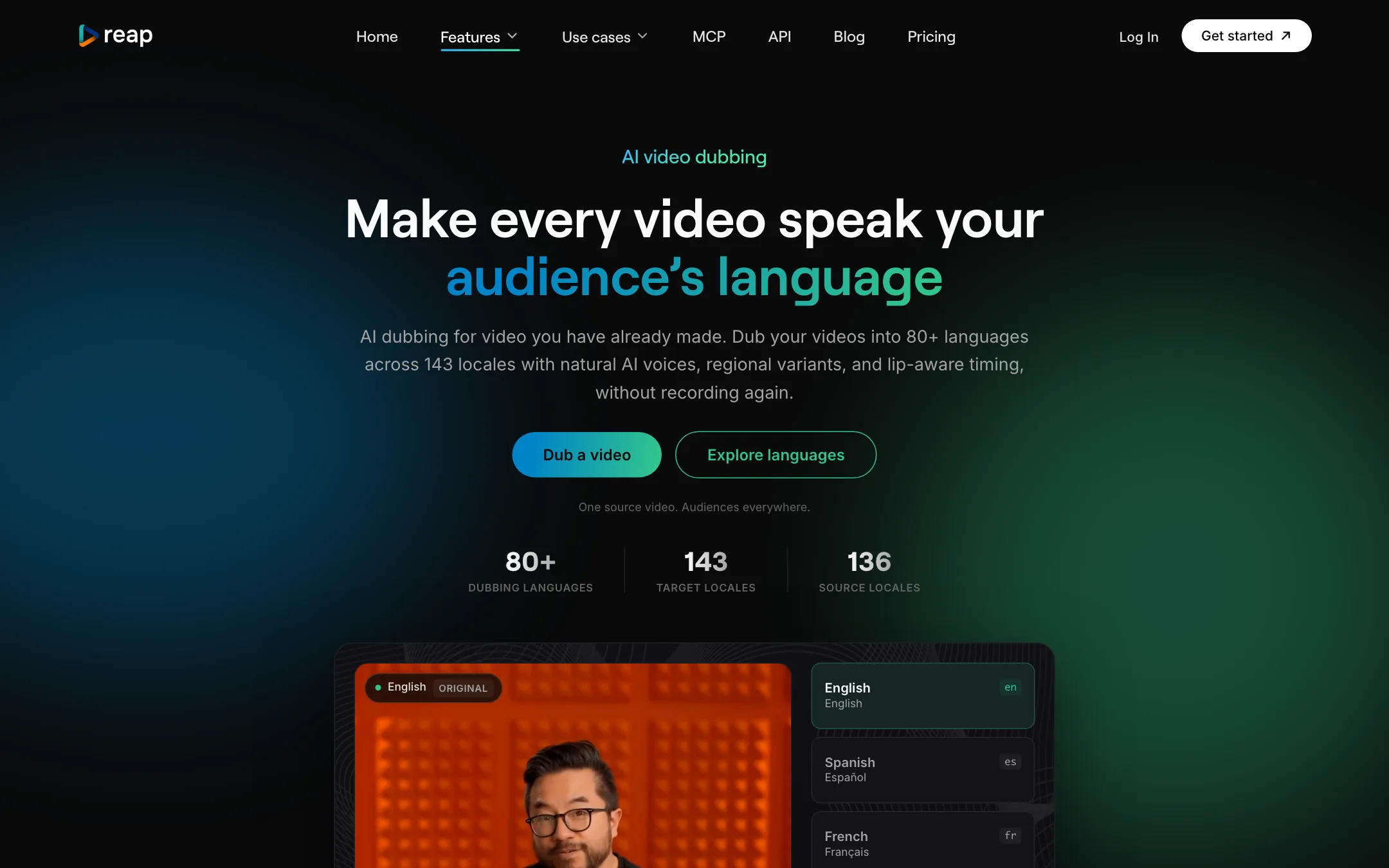
Reap dubs video into 80+ languages across 143 locales. Spanish alone has 22 regional variants. You pick a source language and a target locale, Reap generates a voice track timed to the original, and you review it before export.
There is a contradiction here worth knowing. Reap’s homepage says “AI clones your voice with natural intonation and pacing”. Its own dubbing page says the opposite: the dubbed track is a generated voice for the target language and not a copy of the original speaker. The pricing table lists voice cloning as “coming soon” on Studio. Go by the dubbing page and the pricing table.
The dubbing page also gives sensible advice. A locale sets the language and voice region, but it does not rewrite idioms or cultural references. You still need to check names, terms and tone before publishing.
Editing and branding
Reap includes a transcript-based editor. You delete or move text and the video follows. On top of that you get AI B-roll from a stock library, text overlays, intros and outros, logo overlays and a multi-layer timeline. Brand templates lock in your fonts, colors and caption styles so every clip matches.
Two cleanup features you might expect are not there yet. The pricing table marks AI filler word removal and background noise removal as coming soon on every plan. A testimonial on the homepage praises automatic audio cleanup, so that quote may describe a different feature or an earlier version.
Publishing and automation
Reap connects to TikTok, Instagram Reels, YouTube Shorts, LinkedIn, Facebook and X. You can post directly, schedule weeks ahead on a content calendar and get suggested posting times. Creator publishes to TikTok, Reels, Shorts and LinkedIn; Studio adds X and Facebook.
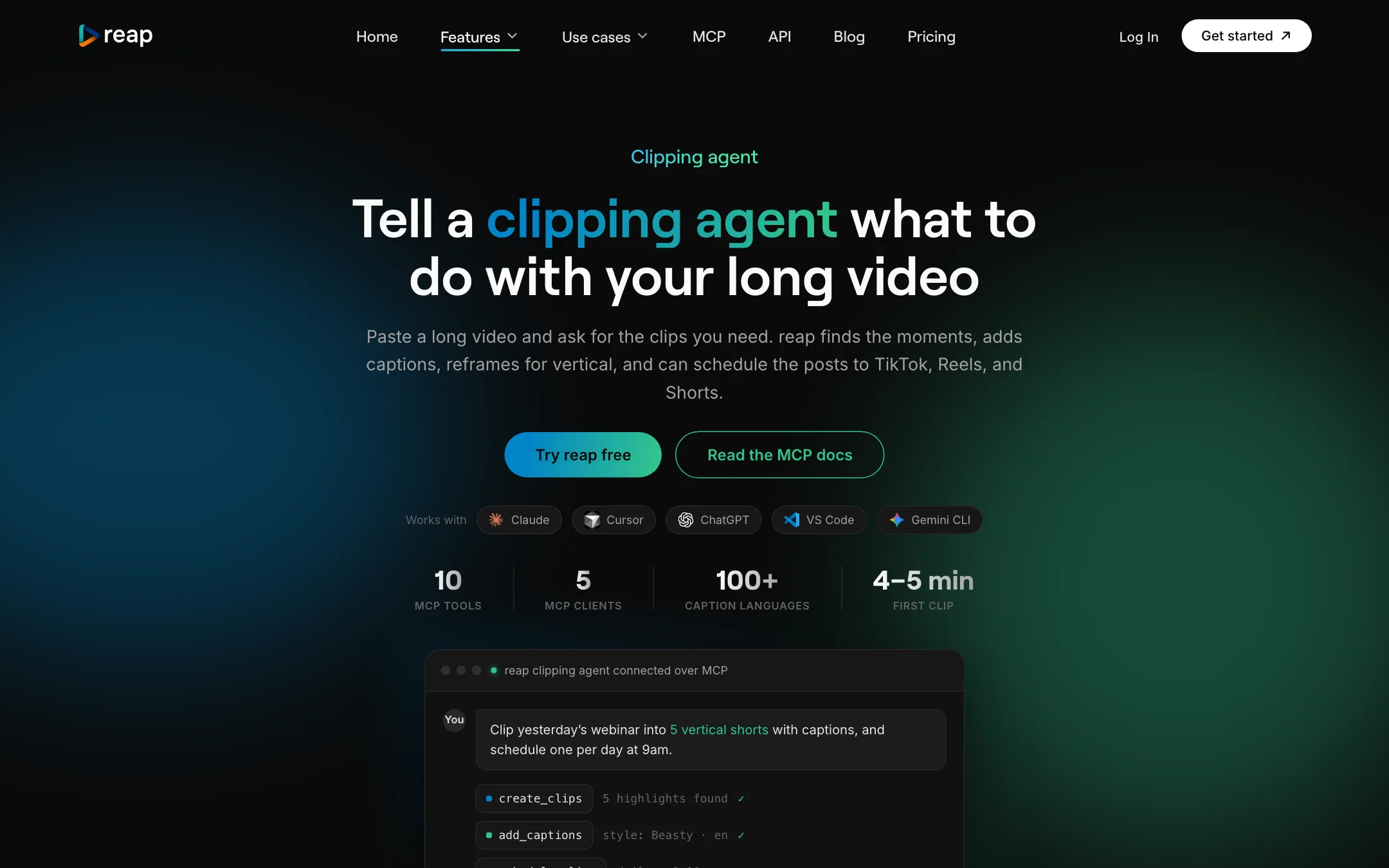
For automation, the API, CLI and MCP server expose the same toolkit: clipping, captions, translation, dubbing, B-roll, brand templates and publishing. Reap’s clipping agent page shows setup for Claude, Cursor, VS Code and Windsurf, and its help center has guides for ChatGPT and Codex too. All three routes use the same plan credits as the dashboard.
Output quality
We did not run footage through Reap for this review. These points come from Reap’s own pages.
What Reap claims:
- Accuracy across languages. Reap says it beats tools that offer only around 20 languages “with poor word error rates”. It does not publish its own error rates.
- Speed. Five to ten minutes for an hour of video, with priority processing on Studio.
- Speaker tracking. Multi-speaker podcasts and panels stay in frame, with layouts for single crop, zoom out and split screen.
What to watch for:
- Screen shares and odd layouts. Reap’s help center has articles on clips where screen sharing is not framed correctly and on manual framing adjustments. Expect to fix some crops by hand.
- Dubbed voices. Reap itself says results vary with audio quality, background noise and language pair. Listen before you publish.
- Comparison claims. Reap’s homepage comparison table pits it against unnamed “Others”. Its clipping agent page cites its own April 2026 test of nine tools. Treat both as marketing.
Pricing
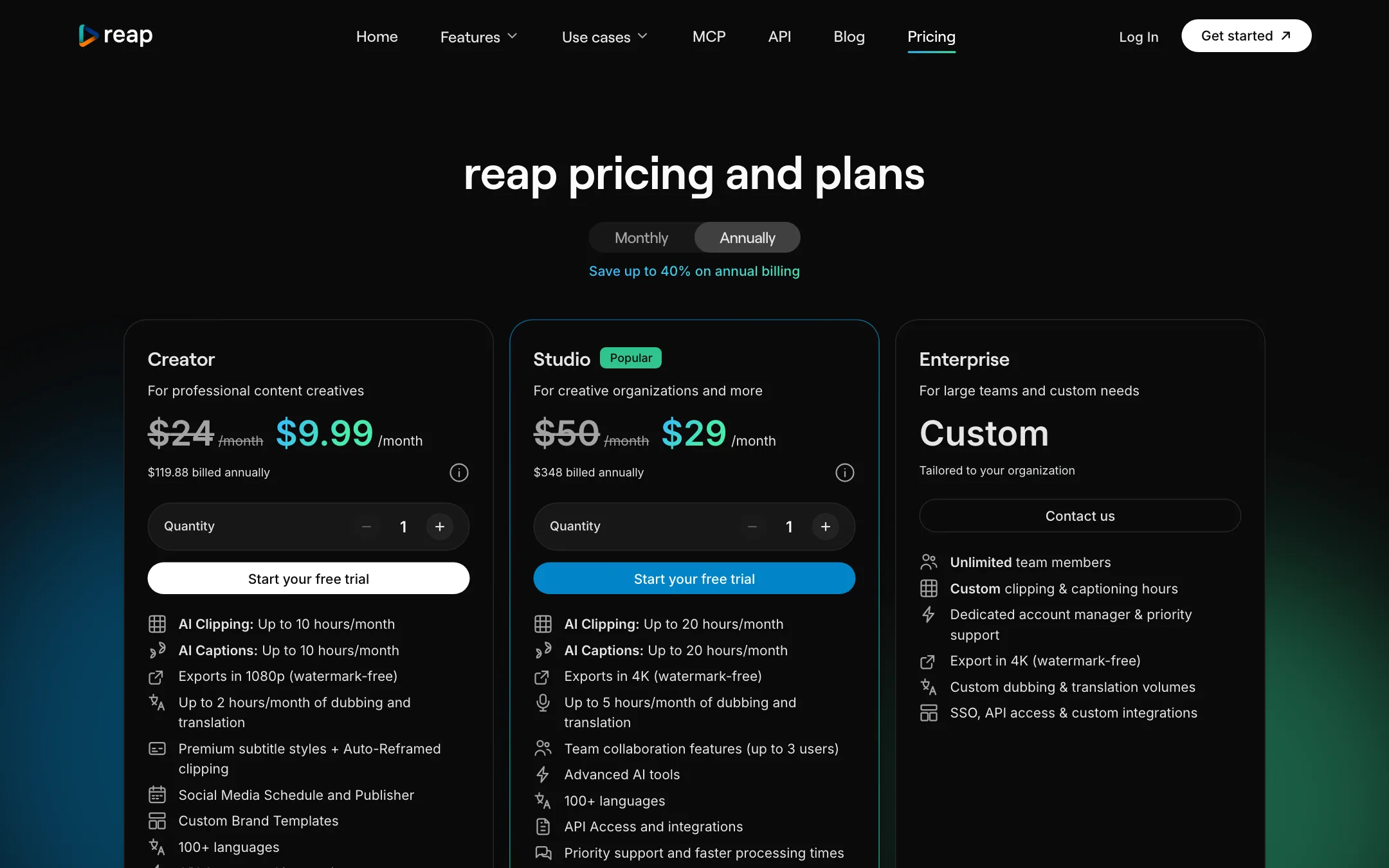
| Plan | Yearly | Monthly | Main limits |
|---|---|---|---|
| Free | $0 | $0 | 1 hour clipping + 1 hour captions, 720p with watermark |
| Creator | $9.99/mo ($119.88/yr) | $24 | 10 hours clipping and captions, 1080p, 2 hours dubbing |
| Studio | $29/mo ($348/yr) | $50 | 20 hours, 4K, 5 hours dubbing, 3 seats |
| Enterprise | Custom | Custom | Custom volumes, SSO, unlimited seats |
What to know before you pay:
- Yearly is the real price. The toggle says annual billing saves “up to 40%”, but Creator drops from $24 to $9.99, a 58% cut. Studio drops 42%. If you plan to keep Reap, yearly is much cheaper.
- Hours count source length. Each upload counts its full duration, however many clips you keep. Editor transcription hours are a separate allowance: 10 on Creator and 25 on Studio.
- Dubbing is limited. Two hours a month on Creator and five on Studio, shared with translation.
- Upload size. Up to 5GB on Free and 10GB on paid plans.
- Credit expiry. The pricing cards say purchased credits expire after 13 months, and you can buy more when you run out. The help center has an article on topping up minutes.
- Free projects vanish. Free projects expire after 7 days, so download anything you want to keep.
Which plan fits
- Free is for testing. Run one real episode through it to judge clip picks and caption accuracy in your language. Remember the 7-day project expiry.
- Creator suits a solo podcaster or coach publishing one or two long videos a week. Ten hours of source a month covers about eight hour-long episodes, and the two hours of dubbing are enough to try a second language.
- Studio makes sense when a small team shares the work, when you need 4K, or when you publish to X and Facebook from Reap. The extra dubbing hours matter if localization is a real part of your plan.
- Enterprise is for agencies or companies that need SSO, unlimited seats or custom dubbing volumes.
If you plan to automate with the API or MCP, start on Creator. Every paid plan has the same automation access, and agent runs draw on the same hours as the dashboard, so you can scale up only when the volume is there.
We found no affiliate or partner program on Reap’s site.
Verdict
Reap packs more into its entry plan than most clipping tools. Prompt-first clipping, 50+ caption styles, dubbing, a scheduler and full API and MCP access for $9.99 a month on yearly billing is a strong deal, and the romanized caption support is something few rivals offer.
Read the pricing table, not the homepage. Voice cloning, filler word removal and noise removal are not live yet, and month-to-month billing costs much more than the headline price. If you clip spoken content in more than one language, or want to run clipping from an AI assistant, Reap belongs on your shortlist. Use the free hour on a real episode first.
