
What Plazmapunk is
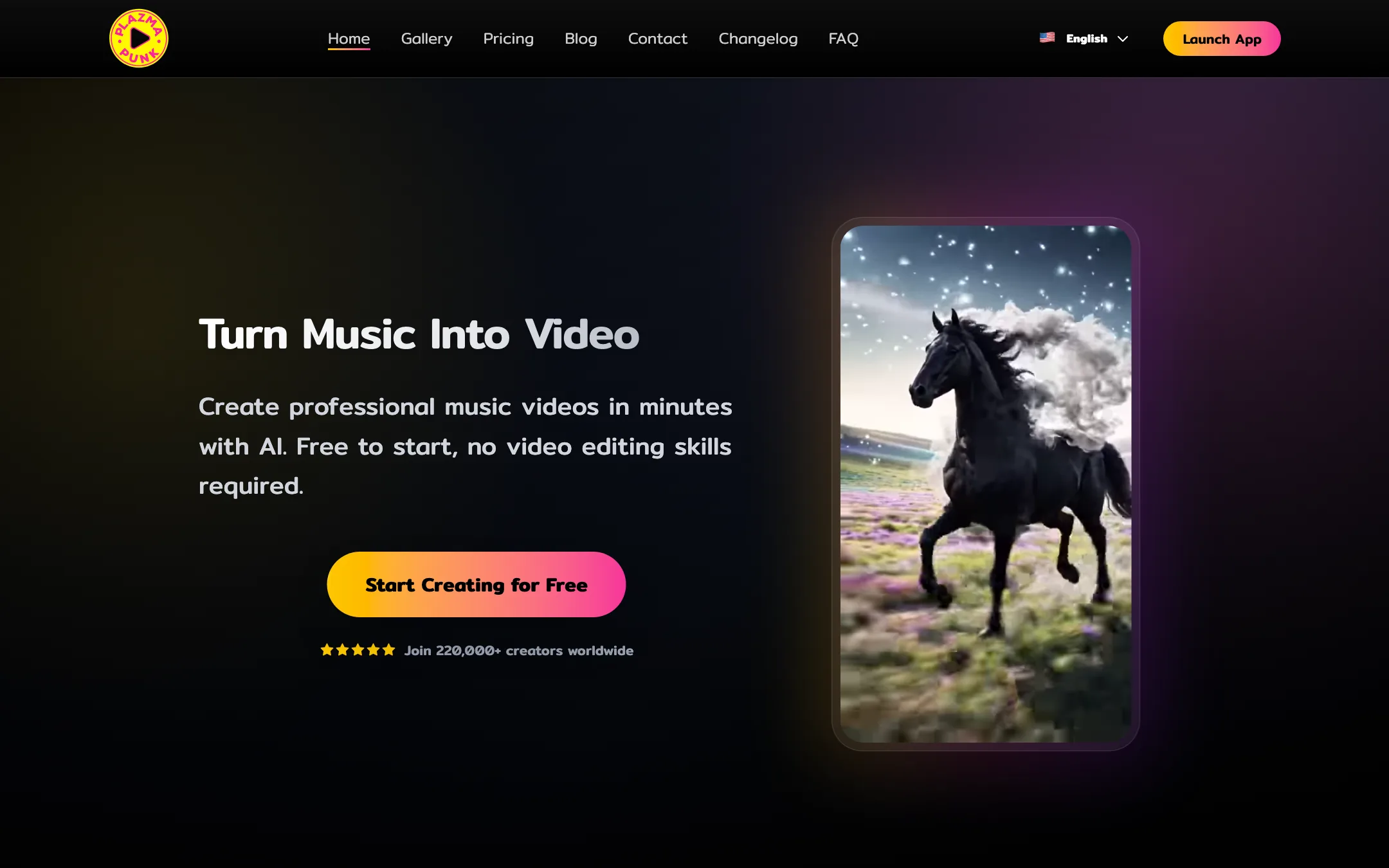
Plazmapunk is an AI music video generator. You upload a song, describe or pick a look, and it builds a video whose cuts and motion follow the music. It is made by ADALAB AI GmbH, a German company, and says more than 220,000 creators have used it.
Most text-to-video tools start from a prompt and treat sound as an afterthought. Plazmapunk starts from the audio. It analyses your track and syncs the visuals to its beat, instruments and lyrics, according to the company. That makes it a tool for musicians first and a general video generator second.
It now offers three ways to work: a one-prompt Quick Video, a multi-scene Scene Editor for full songs, and a Spotify Canvas mode for short vertical loops.
Who it is for
Plazmapunk fits you if:
- You release music and need a video or visualizer for YouTube.
- You want a Spotify Canvas loop for each new single.
- You make AI music with tools like Suno and want visuals to match.
- You want short vertical teasers for TikTok, Reels and Shorts around a release.
Skip it if:
- You need a performance video with you or your band in it. Plazmapunk generates visuals; it does not film you.
- You want photo-real footage across a whole song on a small budget. The premium Veo model is expensive per second.
- You need pricing in US dollars or a mobile workflow. Prices are in euros and the Scene Editor is desktop only.
- You want a general-purpose generator for ads or product shots. A broader text-to-video tool is a better fit.
How it works
Everything starts with your track. Plazmapunk accepts MP3 or WAV files at least 15 seconds long and recommends 320kbps or higher. You can also record from your microphone or pick a song from its free library.
Quick Video
Quick Video is the fast mode. You upload a song, write one prompt and Plazmapunk renders a 15 to 30 second video synced to the rhythm. Plazmapunk says most videos are ready in 2 to 4 minutes.
You pick a look from presets such as 16mm film, anime, cyberpunk, claymation and vaporwave, or describe your own. Magic Enhance expands a short prompt into a fuller scene description. Quick Video can run on image models (ZImageTurbo or Stable Diffusion XL) or on the LTX video model. Aspect ratios are 16:9, 9:16, 1:1 and 4:3.
According to Plazmapunk’s FAQ, Quick Video can cover a whole song with one prompt when you use the image models. The true video models are limited to clips of up to 24 seconds, so full-length real video needs the Scene Editor.
Scene Editor
The Scene Editor is where Plazmapunk becomes more than a visualizer. You build the video along your song’s waveform, one scene at a time:
- Lay out scenes along the waveform. Cuts land on the beat.
- Write a prompt for each scene, or let the AI Director write a full set from one idea.
- Generate each clip with LTX 2.5 or Veo 3.1. Plazmapunk says you can generate up to 50 clips per song.
- Retake clips you do not like and drag scenes into a new order.
- Use starting images to keep characters and settings consistent from scene to scene.
- Stitch it all into one video that runs the full length of the song.
Plazmapunk says this handles songs of four minutes or more, in 16:9 or 9:16. The Scene Editor is desktop only for now.
Spotify Canvas
Spotify Canvas mode makes 3 to 8 second seamless loops in 9:16, at 720p or 1080p, using Veo 3.1 or LTX 2.5. Plazmapunk pitches these as a way to increase saves and playlist adds on Spotify. Spotify sets its own Canvas rules, so check them before you upload.
The models underneath
Plazmapunk is open about the models it uses, which is more than many tools in this category manage:
- LTX 2.5 for most video. Plazmapunk calls it “our own video model” and says it makes clips of 4 to 24 seconds at 720p or 1080p. LTX is also the name of the video model family released by Lightricks, and Plazmapunk’s pages do not explain how its LTX 2.5 relates to that work. It is now the default in Quick Video and the Scene Editor.
- Google Veo 3.1 for premium, more realistic clips of 4, 6 or 8 seconds, in every mode.
- ZImageTurbo and Stable Diffusion XL for image-based styles, which are the cheapest option.
- Gemini inside the Scene Editor, with Gemini Pro on the Professional and Producer plans.
This matters for your budget. The look and cost of a video depend heavily on which model each scene runs on.
Output quality
We did not generate videos with Plazmapunk for this review. These notes come from its own pages, its community gallery and how these models generally behave.
What Plazmapunk aims for:
- Audio reactivity. Its main claim is that cuts and motion follow the beat, instruments and lyrics.
- Stylised looks. The gallery and presets lean towards anime, cyberpunk, watercolor and psychedelic styles rather than live-action realism.
- Full HD output on paid plans, exported as H.264 MP4.
What to expect:
- Image-model videos look like animated stills. ZImageTurbo and SDXL are cheap and cover a whole song, but they are not true video. Use them for visualizers and lyric-style backgrounds.
- LTX clips are the middle ground. Real motion at a moderate credit cost, with the usual AI video issues in hands, faces and fast action.
- Veo is the realism option and costs several times more per second.
- Consistency across scenes depends on your prompts and starting images. A full song is many separate generations stitched together.
Pricing
Plazmapunk uses credits and shows prices only in euros. We found no USD price on the marketing site or in the app, so we have not listed a dollar figure.
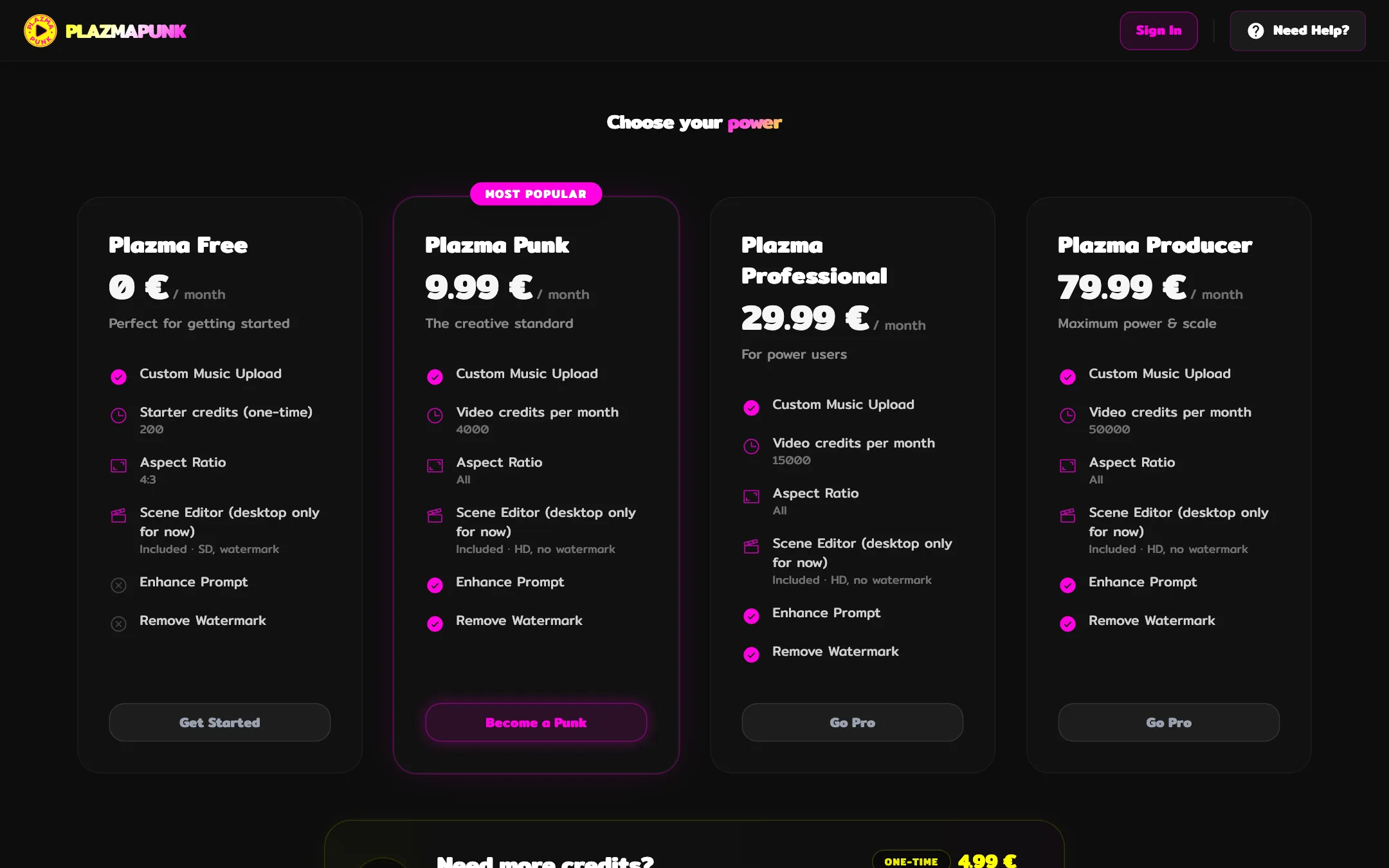
| Plan | Price | What you get |
|---|---|---|
| Free | 0 EUR | 200 starter credits, 4:3, SD, watermark, personal use |
| Punk | 9.99 EUR/mo | 4,000 credits, all aspect ratios, Full HD, no watermark, commercial licence |
| Professional | 29.99 EUR/mo | 15,000 credits, Scene Editor with Gemini Pro |
| Producer | 79.99 EUR/mo | 50,000 credits, priority support |
| Top-up | 4.99 EUR once | 1,500 credits |
Payment runs through Stripe, plans renew monthly and unused credits roll over on paid plans.
What a video actually costs
Plazmapunk’s FAQ gives rough credit costs per second:
- Image models: about 1 to 2 credits a second. A 3-minute visualizer is a few hundred credits.
- LTX 2.5: about 20 credits a second on a 4-second clip, falling to about 8 on a 24-second clip. Longer clips are cheaper per second.
- Veo 3.1: about 50 to 100 credits a second, depending on the Veo variant.
On the Punk plan, 4,000 credits buy roughly 200 to 500 seconds of LTX video, or about 40 to 80 seconds of Veo. A full three-minute song made entirely of real video clips, with retakes, can need Professional. Mix models: use LTX for most scenes and save Veo for the hook.
Contradictions to know about
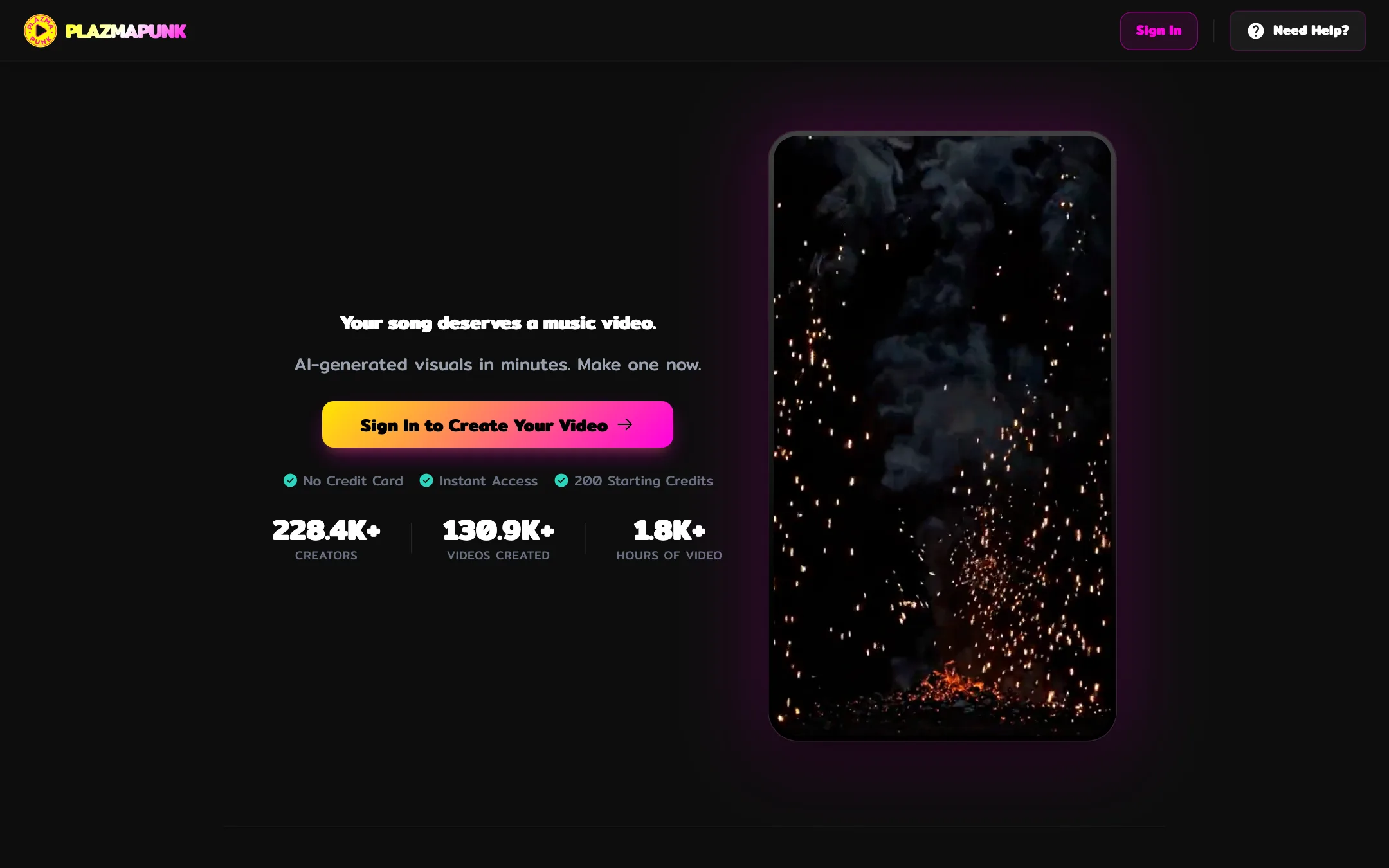
- Free credits. The app’s sign-in page says new users get “200 free daily generation credits”. The pricing page and FAQ say 200 one-time starter credits. Plan on the one-time version.
- Scene Editor on Free. The marketing pricing page says the free plan has no Scene Editor. The in-app pricing page lists the Scene Editor as included on Free, in SD with a watermark. The FAQ describes “topic-only scene editing” on Free.
How to make your credits go further
- Test on the image models first. At 1 to 2 credits a second, they are a cheap way to check a look and a prompt before you spend on real video.
- Use longer LTX clips. LTX gets cheaper per second as clips get longer, so one 24-second clip costs less than six 4-second ones.
- Save Veo for the chorus or hook. It is the most realistic option and the most expensive. A few seconds in the right place go further than a whole song.
- Let the AI Director draft the plan, then edit it. Fixing prompts before you generate costs nothing; retakes cost credits.
Rights and music
Plazmapunk says paid plans include commercial rights, covering YouTube monetization, client projects and commercial releases. The free plan is personal use only. You are responsible for the rights to the music you upload, so use your own songs or tracks you have cleared.
Verdict
Plazmapunk is one of the few AI video tools built for musicians. The Scene Editor, AI Director and beat-synced cuts make it a sensible way to get a full music video or a Spotify Canvas without an animator, and the Punk plan is cheap for a commercial licence and watermark-free Full HD.
Budget carefully if you want realism. Veo clips eat credits fast, and a full song in real video needs more than the entry plan. Start on the free credits to test the look, then mix cheap image-based scenes with LTX and a little Veo for the moments that matter.