
What PandaStudio is
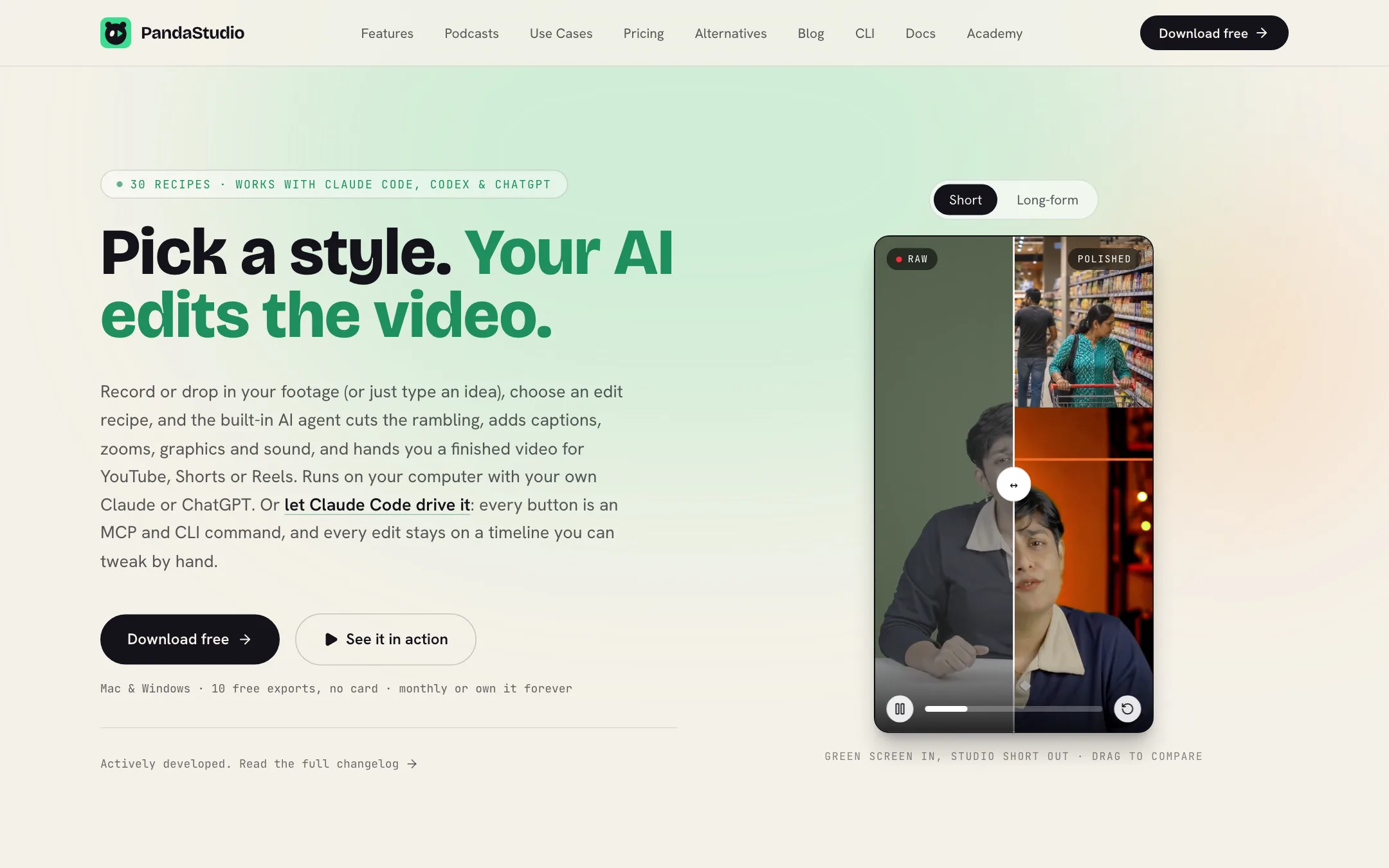
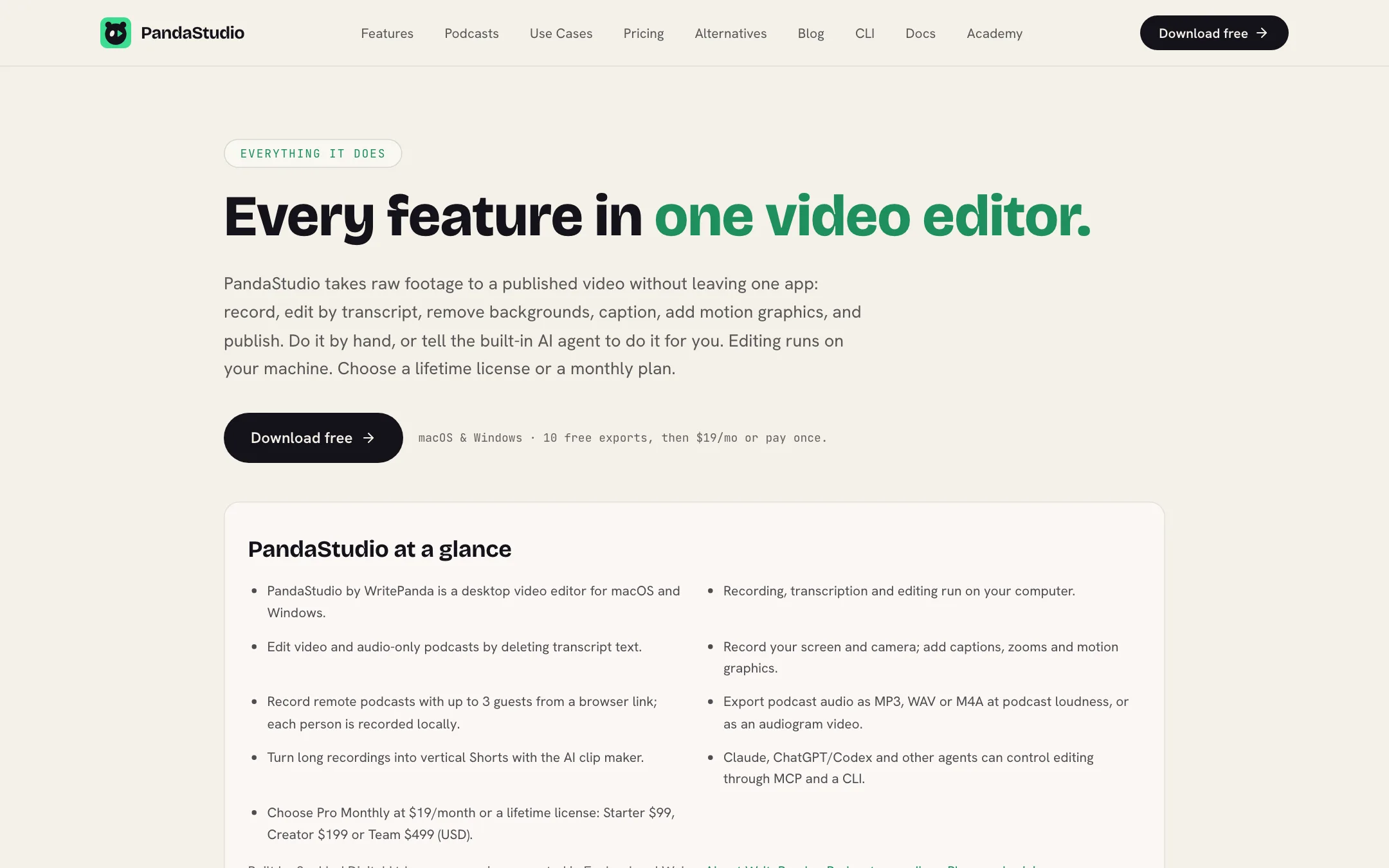
PandaStudio is a desktop video editor for Mac and Windows. It records your screen and camera, transcribes everything on your computer, and lets you edit by deleting words from the transcript. On top of that sits an AI agent that can cut, caption, zoom and add graphics from a plain-English request.
It is sold on the writepanda.ai domain by Sanklad Digital Ltd. WritePanda was once listed as a tool for automating YouTube content. The product today is PandaStudio, and it is a different kind of tool: a local editor for people who record themselves.
Two things make it unusual. First, it runs on your machine instead of in the cloud. Second, you can pay once for a lifetime license instead of renting it.
Who it is for
PandaStudio fits you if:
- You make YouTube tutorials, talking-head videos or product demos and spend too long cutting out mistakes.
- You run a podcast with remote guests and want local, full-quality tracks for each person.
- You want Shorts from your long videos without a separate clipping tool.
- You already pay for ChatGPT or Claude and want to put that subscription to work.
- You are tired of subscriptions and would rather buy software once.
Skip it if:
- You want AI to generate footage from a prompt. PandaStudio edits what you record. Its faceless recipes do generate images and narration, but it is not a text-to-video model.
- You work on a Chromebook, an older laptop or a phone. It is desktop only and wants a capable machine.
- You do not want to set up your own AI account. The agent features depend on it.
How it works
The homepage describes three steps.
- Record or bring footage. Record your screen and camera, a remote podcast, or import a video. For faceless videos, type an idea or paste a script.
- Pick a recipe or say what you want. Choose an edit style, or tell the agent: cut the rambling, add captions, zoom on key moments, make it a Short.
- Review, tweak, publish. Fix anything by editing the transcript, then export up to 4K or publish.
Recording
PandaStudio records a screen or window together with your camera, after a 3-2-1 countdown. It draws a smooth synthetic cursor over the recording so it stays sharp when the editor zooms. Zooms follow your clicks automatically, and you can move or add your own.
For podcasts, guests join from a browser link. PandaStudio says each person is recorded locally in full quality and the tracks transfer peer-to-peer, not through a cloud server. It supports up to 3 guests, and composites of up to four people including screen share.
Editing by transcript
Everything you say is transcribed on your computer. PandaStudio lists English plus 25 European languages detected automatically, and 14 more including Hindi, Tamil, Bengali, Chinese and Japanese. Delete a word and the video cuts. Fix a misheard name and the captions follow.
One-pass cleanup removes filler words, repeated words, false starts and silences over a set length. It can also spot duplicate or abandoned takes.
Recipes
Recipes are the core idea. Each one is an edit style: the cuts, captions, graphics and sound for a certain kind of video. PandaStudio lists 30 in the app, split between Shorts and long-form. Examples:
- Podcast clip Short that follows whoever is talking, with name straps and bold captions.
- Faceless Short with an AI narrator and a painted image for every beat.
- Social ad with three hooks that gives you three hook versions to test.
- Course lesson with chapters with chapter cards and a recap.
- Product demo walkthrough with feature banners and calm zooms.
- Ali style, an educator edit modeled on Ali Abdaal’s videos. PandaStudio notes it is not affiliated with him.
You can save any edit you like as your own recipe. New recipes are added to the catalog without an app update.
The AI agent
The built-in agent turns a request into real timeline edits. Because every change lands on the timeline, you can adjust any of it by hand afterwards.
The agent uses your own AI account. The homepage names ChatGPT, Claude or MiniMax. The FAQ and features page name ChatGPT, Claude, Gemini or Kimi. You pay your provider directly, and PandaStudio says it adds no markup and no usage caps.
For developers, every button is also a command. A CLI and an MCP server let Claude Code, Codex, Cursor, Cline or Claude Desktop drive the editor.
Graphics, sound and publishing
There is a template library of motion graphics: lower thirds, stat reveals, chapter cards, flowcharts, checklists and comparison tables. You can also render custom HTML and GSAP animations. Audio tools include on-device noise removal, music, sound effects and AI voiceover. Exports are leveled to -14 LUFS.
When you are done, PandaStudio can generate a title, description, chapters and a thumbnail from what you said, then publish to YouTube. Pro Monthly, Creator and Team also publish to Instagram, TikTok, Facebook, LinkedIn and X.
Output quality
These notes come from PandaStudio’s own pages, not from a hands-on test.
Since PandaStudio edits your recordings, the picture quality is mostly yours. It exports MP4 up to 4K, with vertical, square and widescreen formats.
The parts where AI quality matters:
- Transcription. It runs on-device. PandaStudio does not publish accuracy figures, so expect to correct names and jargon.
- Agent edits. The results depend on the AI account you connect and on the recipe. PandaStudio says its editing skill is built on “retention grammar measured frame by frame from top creators.” That is a marketing claim you cannot verify from the site.
- Background removal. Person segmentation runs on your computer. Hair and fast motion are hard for any local model.
- Generated pieces. Images, music and narration for faceless videos come through your connected AI provider, so their quality varies with what you use.
Hardware matters too. PandaStudio recommends Apple Silicon or 16GB+ RAM and about 10GB of free disk for longer exports. It supports macOS 12 or newer and Windows 10 or 11 (64-bit).
Pricing
| Plan | Price | What you get |
|---|---|---|
| Free trial | Free | 10 exports, all features, watermark |
| Pro Monthly | $19/mo | 1 device, social publishing, cancel anytime |
| Lifetime Starter | $99 once | 1 device, publish to YouTube only |
| Lifetime Creator | $199 once | Up to 3 devices, social publishing, priority support |
| Lifetime Team | $499 once | 5 devices, unlimited workspaces |
Things to know:
- Your AI bill is separate. The license covers the editor. The agent, titles, thumbnails and generated images use your own AI account.
- Starter skips social publishing. It can publish to YouTube, but not Instagram, TikTok, Facebook, LinkedIn or X. If you post Shorts everywhere, Creator is the lifetime plan to compare against Pro Monthly.
- Lifetime pays back fast. PandaStudio says Starter pays for itself in about five months against Pro Monthly.
- The trial is real. Ten exports with every feature, including the agent, is enough to edit a few actual videos.
- Refunds are easy. There is a 30-day no-questions-asked refund.
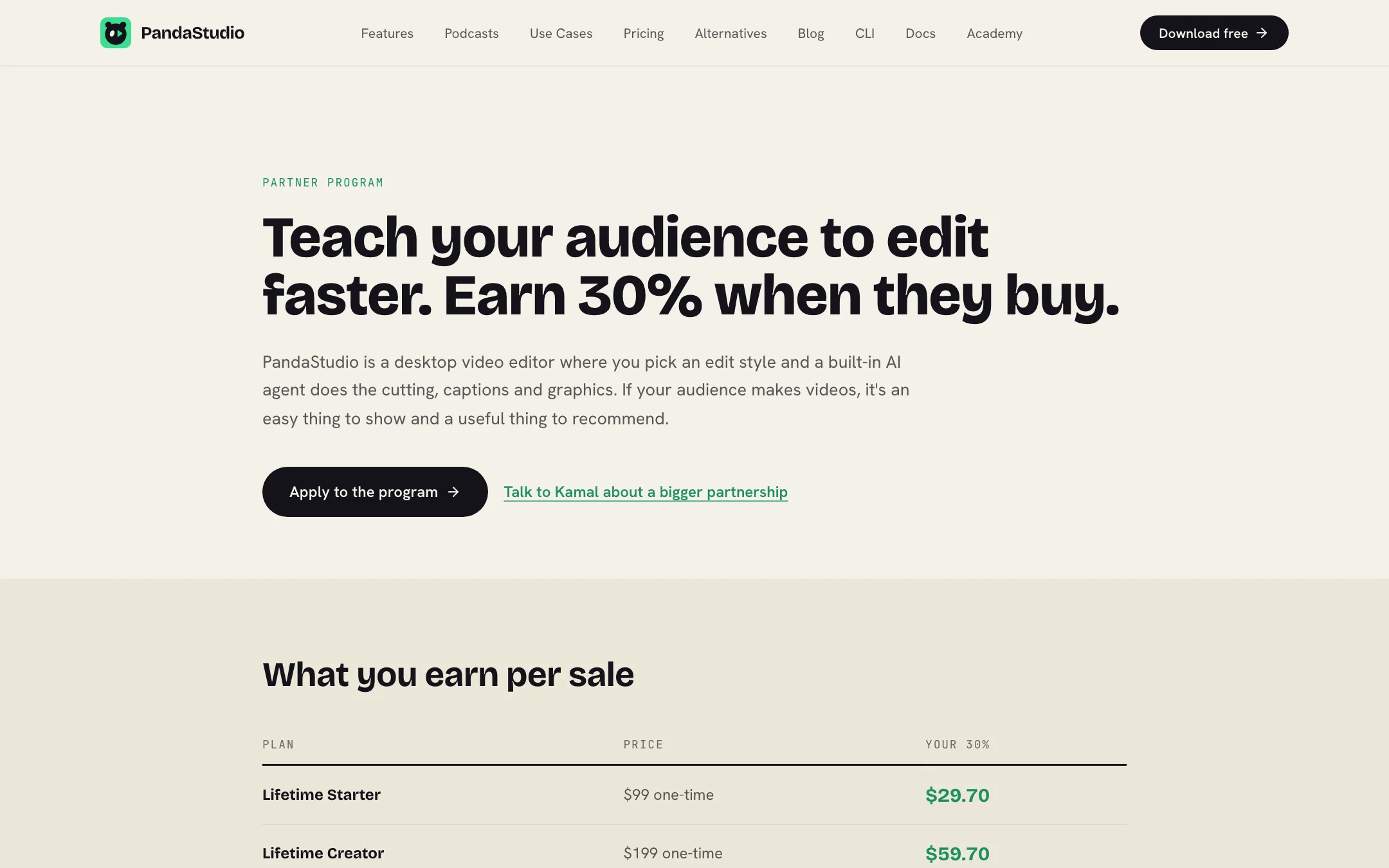
- Trial exports are watermarked. The FAQ and the partner page both say so, which is why partners get a free full license for their demos.
How it compares
PandaStudio competes with several kinds of tools at once.
- Screen recorders with editing, such as Screen Studio, FocuSee and Vmaker, polish screen recordings with zooms and backgrounds. PandaStudio adds transcript editing, captions, recipes and an AI agent on top.
- Transcript editors, such as Descript, popularized deleting text to cut video. Those run mostly in the cloud on a subscription. PandaStudio runs locally and offers a lifetime license.
- Clip makers that turn long videos into Shorts usually live in the browser and charge per minute. PandaStudio does it on your machine as one feature among many.
PandaStudio publishes comparison pages against Descript, Riverside, Screen Studio, CapCut, Camtasia and others. Treat those as the vendor’s view.
Tips before you buy
- Test on your real machine. Run a long recording through transcription and export during the trial to check speed.
- Connect your AI account early. The agent, titles and thumbnails all depend on it, so set it up before judging the recipes.
- Pick the plan by where you post. If you publish only to YouTube, Starter is enough. For Shorts on TikTok and Instagram, look at Creator or Pro Monthly.
Verdict
PandaStudio is a good fit if you record yourself and hate the cleanup. Transcript editing, filler removal, captions, zooms and Shorts all live in one local app, and the recipes give the AI agent a clear brief. The lifetime license makes it one of the cheaper ways to own an editor like this.
The trade-offs are real. You need your own AI account and a capable computer, there is no web or mobile version, and the cheapest lifetime plan cannot post to social platforms beyond YouTube. Use the 10 free exports on real footage, check that your machine keeps up, then pick Creator if you want to own it or Pro Monthly if you want to stay flexible.

