What Malloy Studio is
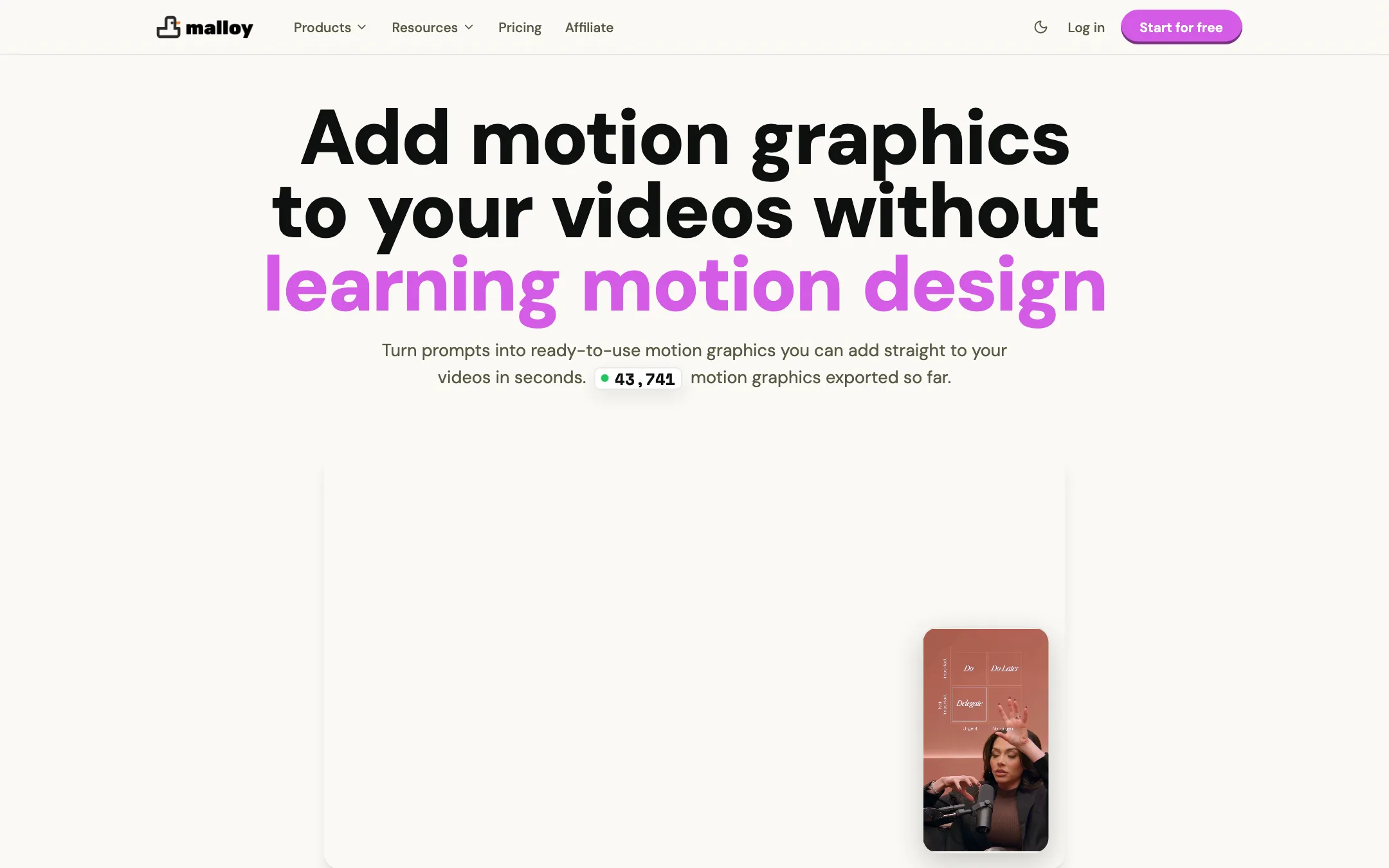
Malloy Studio is a web app that makes motion graphics for your videos. You type a prompt or pick a template. Malloy builds an animated title, callout, chart, lower third or social post mockup. You adjust it with sliders and fields, then export it as a transparent video file.
That file goes on top of your footage in whatever editor you already use. Malloy is not trying to be your editor. It is the overlay department you never hired.
The company behind it started out making portfolio sites for video editors, and it still runs that product on the same domain. That history shows. The motion graphics tool is pitched squarely at editors who post every week and are tired of rebuilding the same stat reveal in After Effects.
One thing to know before you read older listings: our directory data still describes Malloy as a lead-generation repurposing tool. The current site is an AI motion graphics generator, so ignore any listing that says otherwise.
Who it is for
Malloy fits you if:
- You edit YouTube videos, Shorts or Reels and add the same kinds of overlays again and again: titles, number callouts, list reveals, fake text chats.
- You cut in Premiere Pro, DaVinci Resolve, Final Cut Pro or CapCut and do not want another plugin.
- You are a founder or marketer making demo and launch videos who needs animated text that looks deliberate.
- You teach or explain with numbers and want charts that move without opening After Effects.
- You run a small agency that needs consistent branded graphics across many client videos.
Skip it if:
- You need custom, bespoke animation with full keyframe control. Malloy’s own FAQ says After Effects is the better tool for that.
- You want an AI tool that edits your whole video. Malloy only makes the overlays. Look at Motion or Jupitrr for that.
- You only need a couple of graphics a year. Five free exports and a few free templates may be all you need, and a paid plan would be wasted.
How it works
Malloy’s workflow is short. The vendor describes it in four steps, and its affiliate page uses the same flow as the demo it wants reviewers to show.
- Start from a prompt or a template. Type what you want, such as “animated bar chart comparing three plans,” or pick from more than 1,000 templates.
- Adjust in the control panel. Malloy says every generated graphic becomes a template with its own controls. You change text, numbers, colors, layout and timing without rebuilding anything.
- Pick the format. Malloy supports 16:9 and 9:16. It says layouts respect safe zones, so captions and platform buttons on TikTok or Reels do not cover your graphic.
- Export and drop it in. You get a WebM or MOV file with an alpha channel. Put it on a track above your footage in any editor that supports transparency.
There are no keyframes and no timeline inside Malloy. That is the point. It trades depth for speed.
The template library
The homepage shows the kinds of templates on offer: iMessage conversations, X (Twitter) quote cards, charts, list reveals, lower thirds, pie charts and match cuts. The site says there are more than 1,000, covering text reveals, data animations, logo intros and social posts.
These are the overlays that short-form editors reach for constantly. A fake text-message exchange, a tweet that slides in, a number that counts up. If you have ever built one of those by hand, you know how long the small details take.
Prompt generation and AI motion credits
Templates are free to use on every paid plan. Generating a new graphic from a prompt costs AI motion credits. The cheapest plan includes 100 a month, Advanced 300, and Production 1,000. Advanced also lists larger 500 and 700 credit tiers, though the page we checked did not show their prices.
Prompt length is capped by plan too. You get 1,000 characters on the base plan, 5,000 on Advanced and 10,000 on Production. For most overlays, 1,000 characters is plenty.
Brand kits
Advanced and Production add brand guidelines (2 and 5), custom fonts and a brand icon library. If you produce for clients, this is where Malloy starts saving real time. Set the brand once and every graphic comes out in the right fonts and colors.
MCP and AI assistants
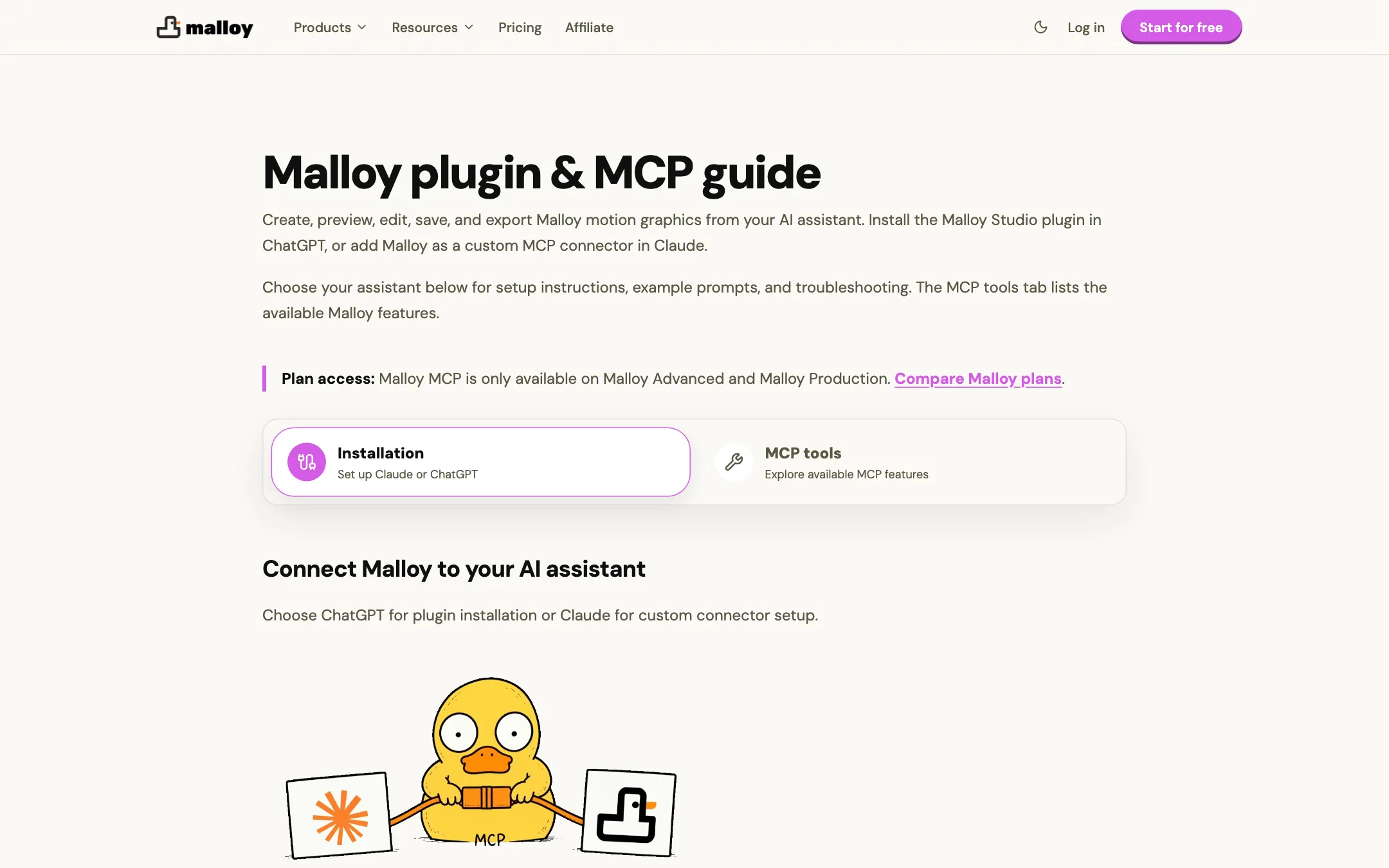
On Advanced and Production, Malloy offers an MCP connector. Malloy’s setup guide shows how to add it to Claude on the web or desktop as a custom connector, and there is a separate plugin for ChatGPT. Once connected, Malloy says you can create, preview, edit, save and export motion graphics from inside the assistant.
That is useful if you already plan videos in a chat assistant. You can ask for “a lower third for each guest in this episode” and get files back without switching tabs. It is a niche feature for now, but it is more than most overlay tools offer.
Output quality
We have not run Malloy ourselves, so this section reports what Malloy says and what the product design implies.
Malloy’s main promise is that the output does not look AI-generated. Its FAQ is direct about this: the tool makes standard motion graphics, such as titles, highlights and callouts, not AI-styled imagery. Because the output is vector-style text and shapes rather than generated pixels, that claim is plausible. There are no melting hands in a bar chart.
What decides quality here is design taste and timing, and that comes from the templates. Testimonials on the homepage come from small production houses and marketing agencies who say Malloy replaced freelance motion work or After Effects text graphics. Treat these as the vendor’s chosen quotes.
A few practical limits:
- 4K is a paid upgrade. The FAQ says exports go up to 4K, but only Advanced and Production list “Exports up to 4K” and “Exports in higher quality.” Assume the base plan exports at a lower resolution.
- Speed depends on plan. The base plan runs one generation at a time. Advanced runs three and adds a priority render queue.
- Complex animation is out of scope. Malloy says so itself. For a fully custom title sequence, you still need a motion designer or After Effects.
Transparent WebM and MOV with alpha are the right export formats. They work in every major editor and keep file sizes reasonable for short overlays.
Pricing
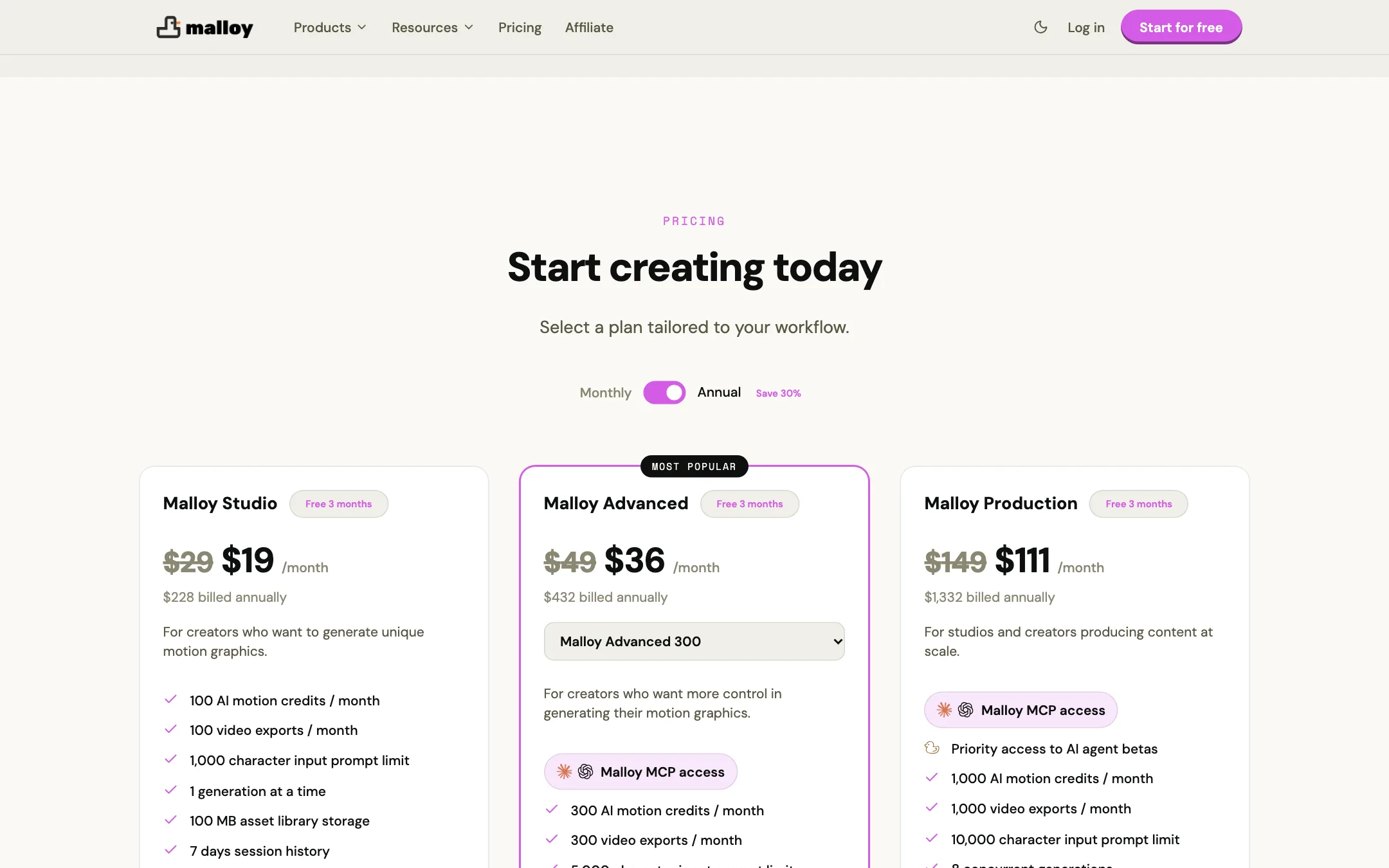
Malloy has three paid plans. Yearly billing saves about 30%.
| Plan | Price | What you get |
|---|---|---|
| Free start | Free | 5 template exports |
| Malloy Studio | $19/mo yearly, $29 monthly | 100 AI motion credits, 100 exports a month, 1 generation at a time |
| Malloy Advanced | $36/mo yearly, $49 monthly | 300 credits and exports, MCP, brand kits, 4K, priority queue |
| Malloy Production | $111/mo yearly, $149 monthly | 1,000 credits and exports, 8 concurrent jobs, stealth mode |
What the pricing section leaves unclear:
- “Free 3 months” on every card. Each plan card carries this label, but nothing on the page explains whether it means a free trial, three free months on a yearly plan, or a promotion. Check at checkout before you assume anything.
- The free tier is small. The homepage offers 5 free template exports. The affiliate page tells partners the product has a “generous free tier.” Five exports is enough to test the workflow, not to use it.
- 4K needs Advanced. If you deliver 4K YouTube videos, the $19 plan is not your real starting point.
- Exports are capped, too. Each plan limits monthly video exports to the same number as its credits. Templates are free to use, but each export still counts.
- No dedicated pricing page. The /pricing URL returns a 404. Prices live in a section at the bottom of the homepage.
Malloy says there are no hidden fees and you can cancel anytime. We did not find a published refund policy in the pages we checked.
Affiliate program
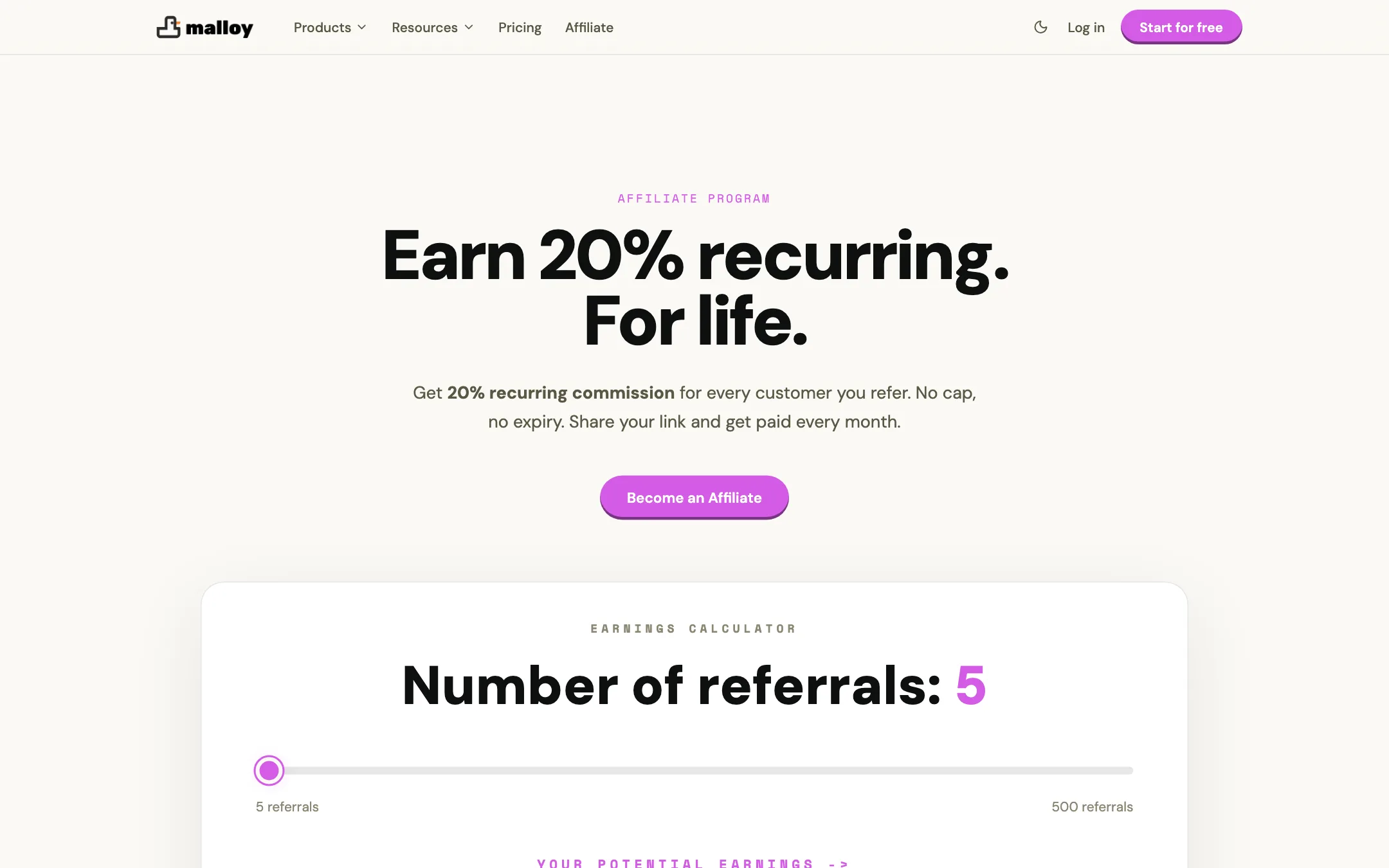
Malloy runs its own affiliate program. It pays 20% recurring commission for the life of each referred subscription, with a 30-day cookie and no cap. Payouts go out on the 7th of each month through PayPal once you pass $50. Promo codes count as referrals. Paid ads are banned, and affiliates who run them lose their commissions.
Verdict
Malloy Studio does something most AI video tools ignore. It makes the small animated overlays that make a video feel edited: titles, stat callouts, chats and charts. It hands them to you as transparent files for the editor you already use. That focus is its strength.
The weaknesses are mostly about clarity and limits. The free start is tiny, 4K sits behind the $36 plan, and the “Free 3 months” label needs an explanation. If you add overlays to most of your videos, the base plan at $19 a month billed yearly is easy to justify. If you need 4K or brand kits, go straight to Advanced.