What JoggAI is
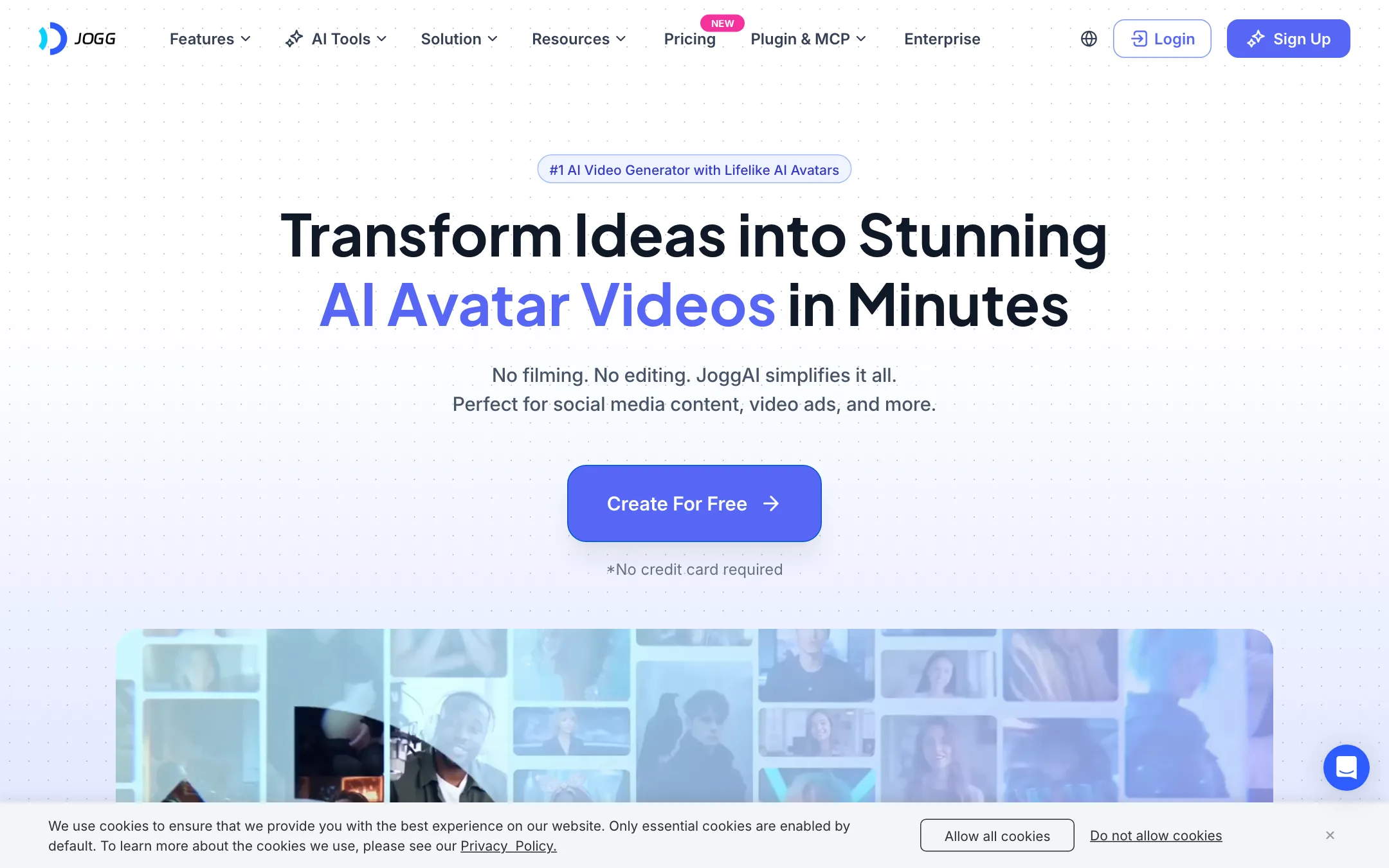
JoggAI is an AI avatar video maker from JOGG PTE. LTD. in Singapore. You type a script, pick a presenter and get a video of a digital person reading it. No camera and no editing.
Around that core it has grown a long list of side tools. There is a product-link-to-ad generator, a talking photo tool, a two-host podcast maker, video translation, voice cloning and a library of resold video models for clips without a presenter.
It pitches itself to marketers, e-commerce sellers and creators who do not want to be on camera. Its own reviews include several from AppSumo buyers, which tells you where much of its early user base came from.
Who it is for
JoggAI fits you if:
- You sell products online and want short ad variations from a product page, fast.
- You run a faceless channel and need a presenter who never has a bad hair day.
- You want to turn a PDF, article or recording into a podcast-style video with two hosts.
- You want an avatar tool that costs less than the big names and does not watermark paid exports.
Skip it if:
- You need one consistent, reliable spec sheet. JoggAI’s pages disagree with each other on basic numbers.
- You mainly want cinematic AI clips. The resold models are there, but they burn credits fast.
- You need a long monologue on the cheapest plan. Starter caps AvatarX clips at one minute per video.
How it works
JoggAI groups its tools into three families: video creation, avatar creation and AI ads. They share one credit balance, and per the pricing page that balance also covers the API, MCP server and plugins.
Avatar videos
This is the main event. You pick an avatar, paste or generate a script with the AI Script Writer, choose a voice and render. JoggAI says its avatars have expressive emotions and “the most accurate lip sync.” That is the vendor’s claim. We have not tested it side by side with HeyGen or Synthesia.
You can get a presenter four ways:
- Stock avatars. Filter by theme, gender, age and aspect ratio. The homepage says 450+. The avatar page says 1,000+ in the body and 1,200+ in the title.
- Photo to avatar. Upload one photo and generate different outfits and settings with the same face.
- Text to avatar. Describe a person and JoggAI generates one.
- Custom avatar. Upload or record a video of yourself, pass a verification step that confirms it is you, and you get a digital twin.
The verification step is a good sign. It means you cannot simply upload a stranger’s footage and clone them.
URL to Video
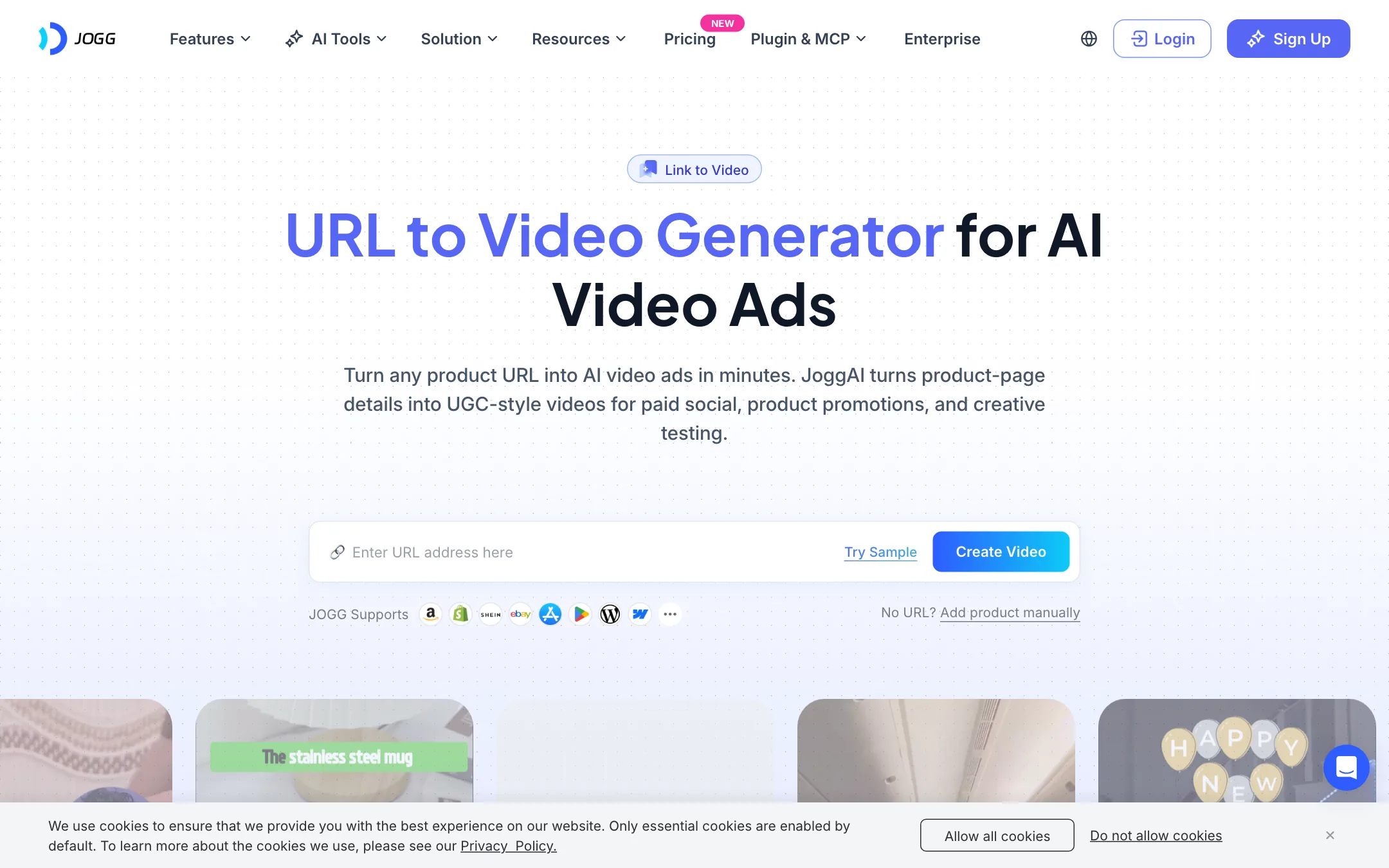
This is JoggAI’s ad tool. You paste a product link from Amazon, Shopify, WooCommerce, Etsy or another store. JoggAI pulls the product details, writes several scripts with a hook, product story and call to action, and builds UGC-style videos around an avatar.
The steps, per JoggAI:
- Paste the URL, then check the extracted name, description, highlights and target audience.
- Pick the media to show and an avatar.
- Choose one of the generated scripts.
- Preview, pick the version you like and use Quick Edit to change the script, avatar, subtitles, voice or music.
Batch creation lets you spin several variations from one product with different templates, voices and avatars. If you test ads on Meta or TikTok, that is the useful part. There are also Product Photo Shoot, Product Video Shoot and Product Avatar tools for product imagery and for an avatar holding or presenting your product.
Podcast videos
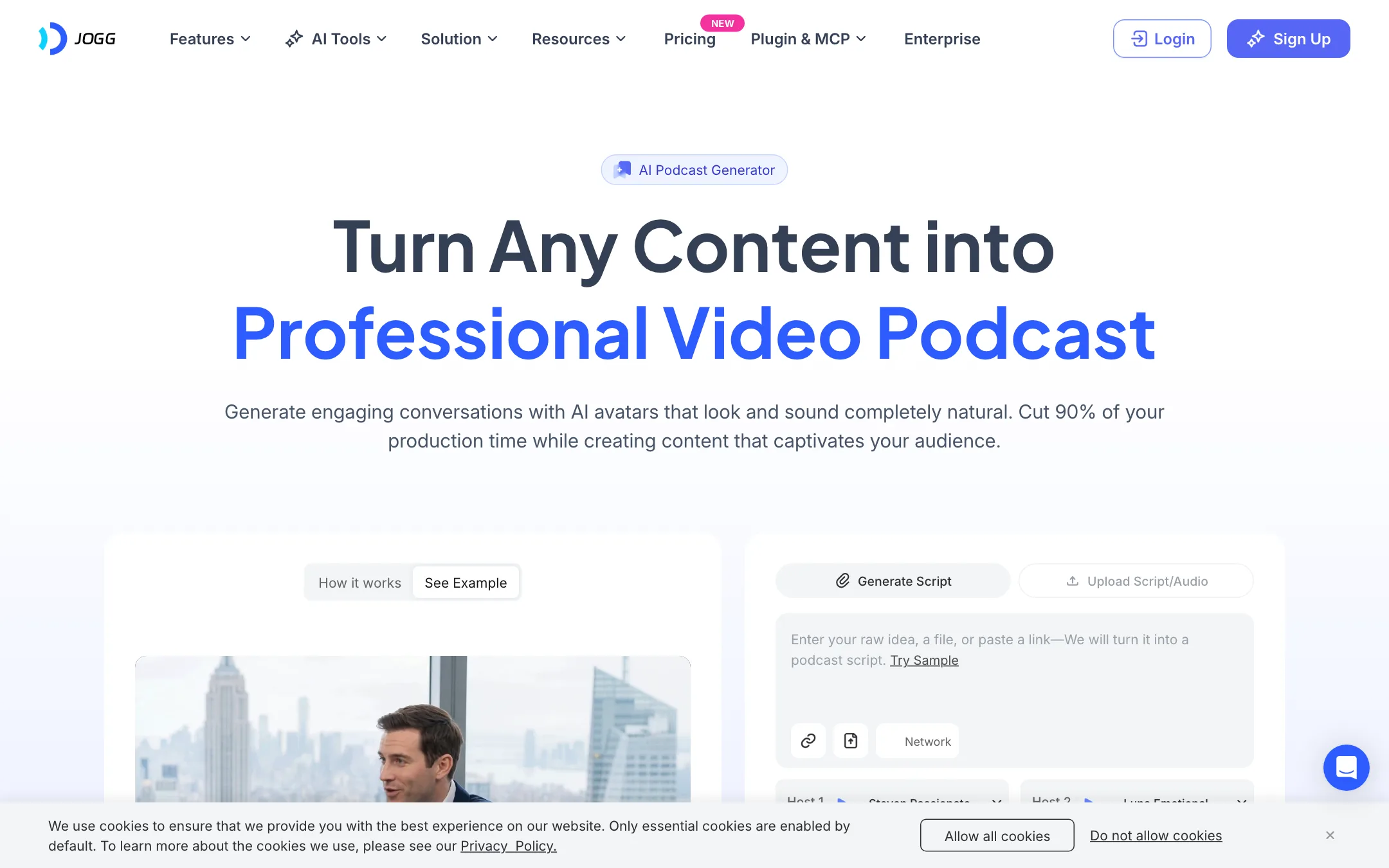
The podcast generator is the most distinctive tool here. You give it a topic, a URL, a YouTube link, a PDF, a DOCX or an MP3 or WAV file. JoggAI writes a two-host dialogue and renders it with two avatars, side by side in 16:9 or stacked in 9:16.
You can use library avatars or your own images, including cartoon characters and mascots. JoggAI also offers one free audio podcast generation a day after sign-up. If you run an educational channel or want to repackage blog posts as video, this is worth trying on the free plan.
Talking Photo and translation
Talking Photo animates a single still. Upload a JPG or PNG of at least 300 by 300 pixels, add a script or audio, pick an emotion such as happy, nervous or confident, and JoggAI adds lip sync, head turns and eye movement. It also offers singing photos, talking animals and talking cartoons.
The video translator re-voices a video in another language with lip sync and your cloned voice. JoggAI says it supports 90+ languages for translation. Its other pages say 50+ languages for scripts and voices.
Resold models
Every paid plan lists “200+ models” and names Seedance 2.0 and 2.5, MiniMax H3, HappyHorse and Wan3. These power image-to-video and text-to-video clips without an avatar. JoggAI also has a page titled “Veo3 AI Video” in its footer.
These are not JoggAI’s own models. You are paying JoggAI’s credit price for someone else’s model. That is fine for convenience, but read the credit math below before you plan to use them heavily.
The numbers do not line up
We found more internal contradictions on JoggAI’s site than on most tools we cover:
- Avatars: 400+, 450+, 1,000+ and 1,200+, depending on the page.
- Voices: “100+ AI Voice Options” on the homepage, “over 10,000” on the avatar and talking photo pages.
- Languages: 50+ for scripts and voices, 90+ for translation. That one may be two different features.
- Users: “800,000+” at the top of the pricing page, “380,000+” at the bottom of the same page.
- Free credits: the Free plan says 200 credits is about one minute of avatar video. Paid plans work out to 100 credits a minute.
None of this means the product is bad. It does mean you should treat every number on the marketing pages as approximate and check inside the app.
Pricing
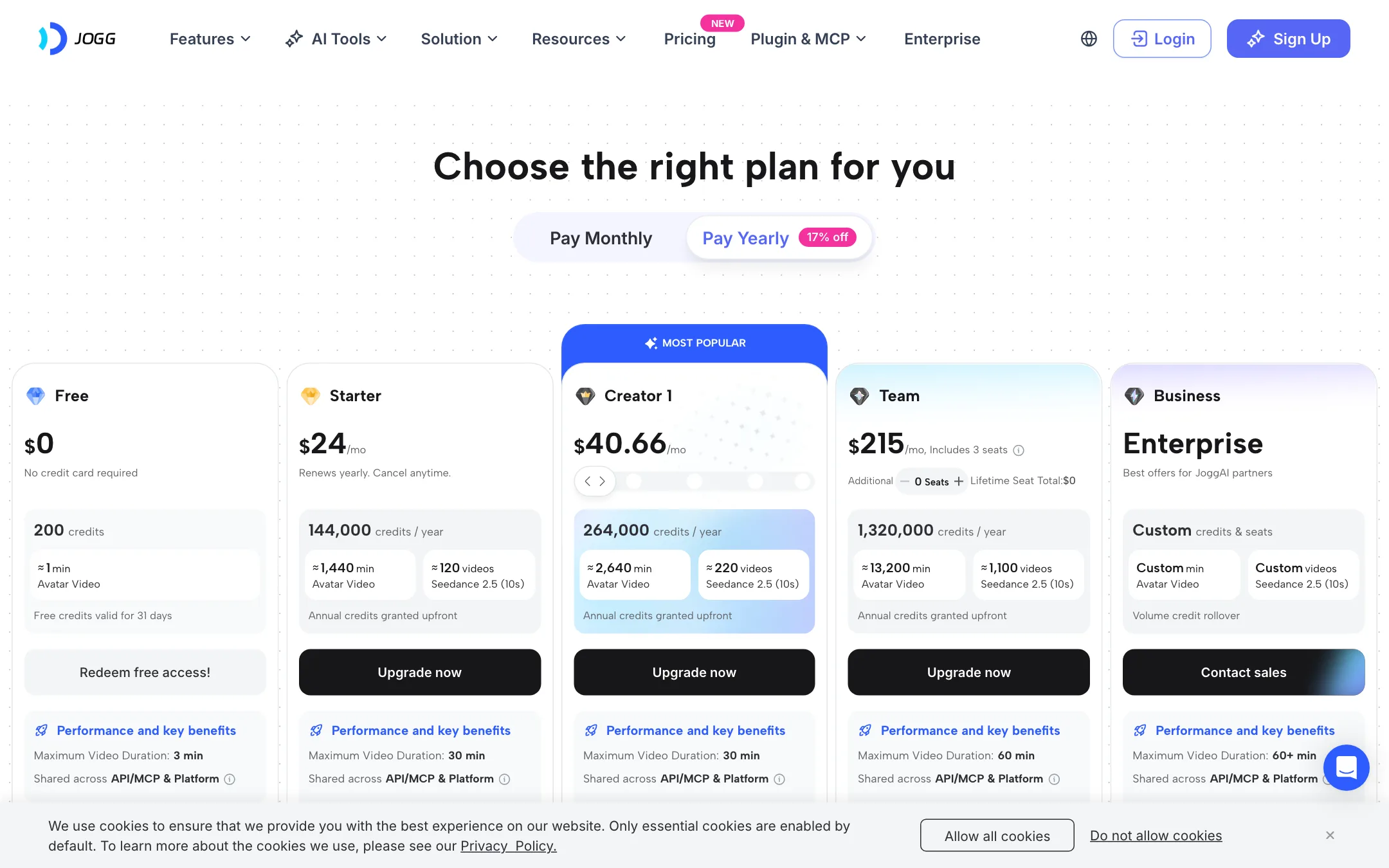
JoggAI runs on credits. Yearly plans grant the whole year’s credits upfront. Monthly plans grant credits each month and let unused credits roll over for up to three months. Yearly billing saves about 17%.
| Plan | Price | What you get |
|---|---|---|
| Free | Free | 200 credits valid 31 days, 1 custom avatar, watermark |
| Starter | $24/mo yearly, $29 monthly | 12,000 credits a month, 3 custom avatars, no watermark |
| Creator 1 | $40.66/mo yearly, $49 monthly | 22,000 credits a month, 10 custom avatars, 5-minute AvatarX clips |
| Team | $215/mo yearly | 3 seats, 1.32 million credits a year, 50 custom avatars |
| Enterprise | Contact sales | Custom credits, seats and support |
What the table does not make obvious:
- Avatar minutes are cheap. Model clips are not. Starter’s 12,000 monthly credits buy about 120 minutes of avatar video, or about ten 10-second Seedance 2.5 clips. One Seedance clip costs roughly what 12 minutes of talking avatar does.
- Starter limits avatar length. AvatarX clips top out at one minute per video on Starter and five minutes on Creator 1 and Team. The overall video can run up to 30 minutes, so longer pieces mean stitching scenes.
- “Creator 1” hints at more tiers. JoggAI’s affiliate page quotes a “Creator 3” plan at $968 a year, which is not on the public pricing page. Ask support about larger Creator tiers if Creator 1 is too small.
- Team is yearly only on the public page, at $2,580 a year for three seats.
- Free credits expire. You have 31 days to use your 200 credits.
How to make your credits go further
- Use the free plan to test one avatar video and one URL-to-video ad before you pay.
- Pick monthly billing first if you are unsure of your volume. Rollover protects you for three months.
- Keep avatar scripts tight. Credits follow minutes, so a 45-second script costs a quarter of a three-minute one.
- Use the avatar tools for volume and save Seedance and other resold models for the few shots that need them.
- Preview before export. One AppSumo reviewer quoted on JoggAI’s homepage says previews are free of charge, so check the result there before you commit a render.
Alternatives
- HeyGen is the category leader for avatars and translation. It costs more, but its documentation and avatar quality claims are more consistent.
- Creatify goes head to head with URL to Video for product ads, with a similar link-to-UGC-ad workflow.
- Vidnoz has a generous free tier for avatar videos if you mainly want to experiment.
Verdict
JoggAI is a wide, low-cost avatar suite. Starter at $24 a month billed yearly gets you watermark-free avatar videos, custom avatars and a generous pool of avatar minutes. URL to Video and the two-host podcast maker give it real reasons to exist next to HeyGen and Creatify.
The weak spots are trust and focus. The site’s own numbers contradict each other, the “200+ models” claim is mostly resold access priced at a steep markup in credits, and the tool list keeps sprawling into face swap and clothes changers. Start on the free plan, make one avatar video and one product ad, and only then decide between monthly and yearly billing.