What HeyGen is
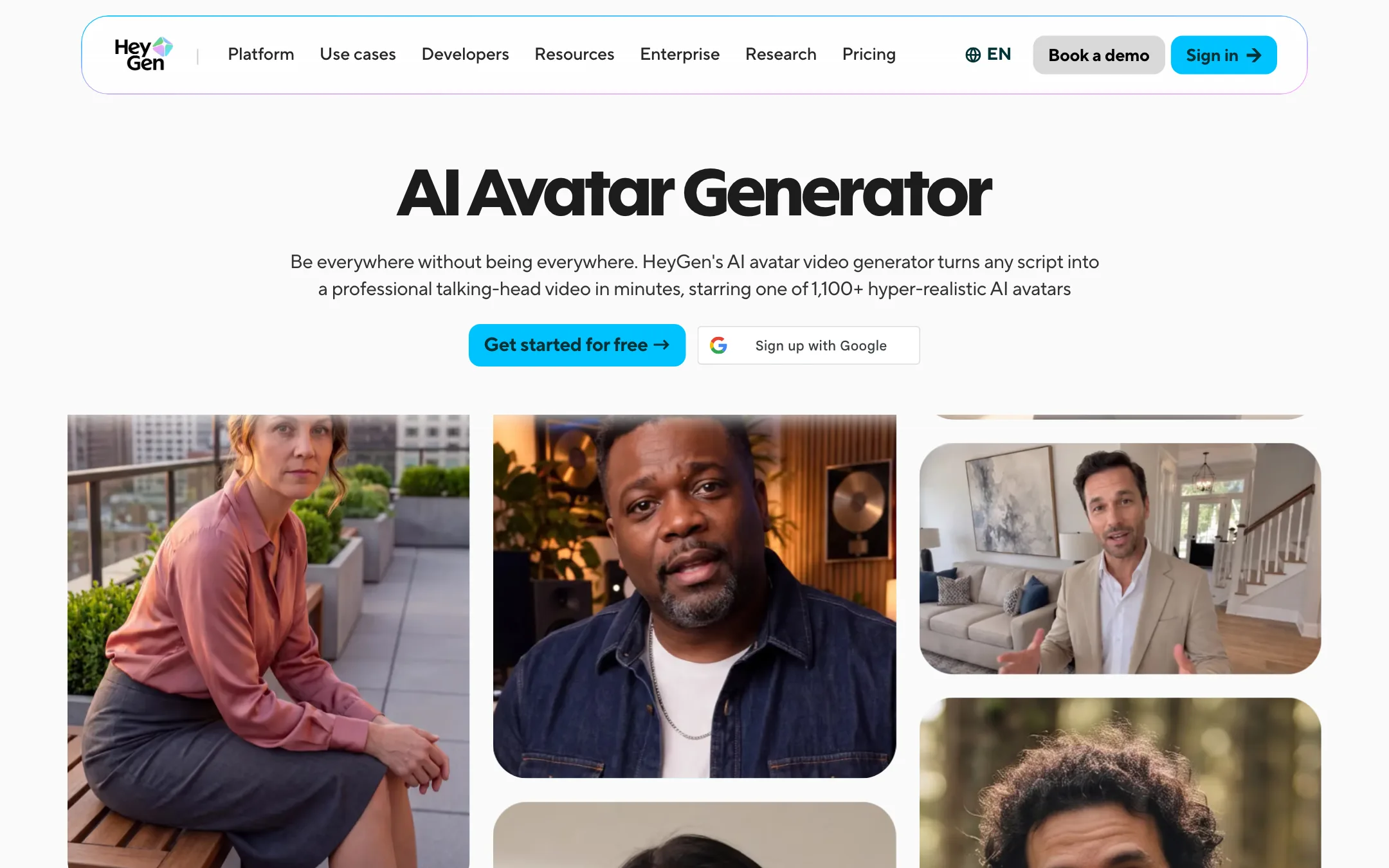
HeyGen is an AI avatar video platform. You pick a presenter, type a script, and HeyGen renders a video of that presenter speaking it, with lip sync, gestures and a voice. The presenter can be a stock actor, a photo you upload, or a digital twin of you.
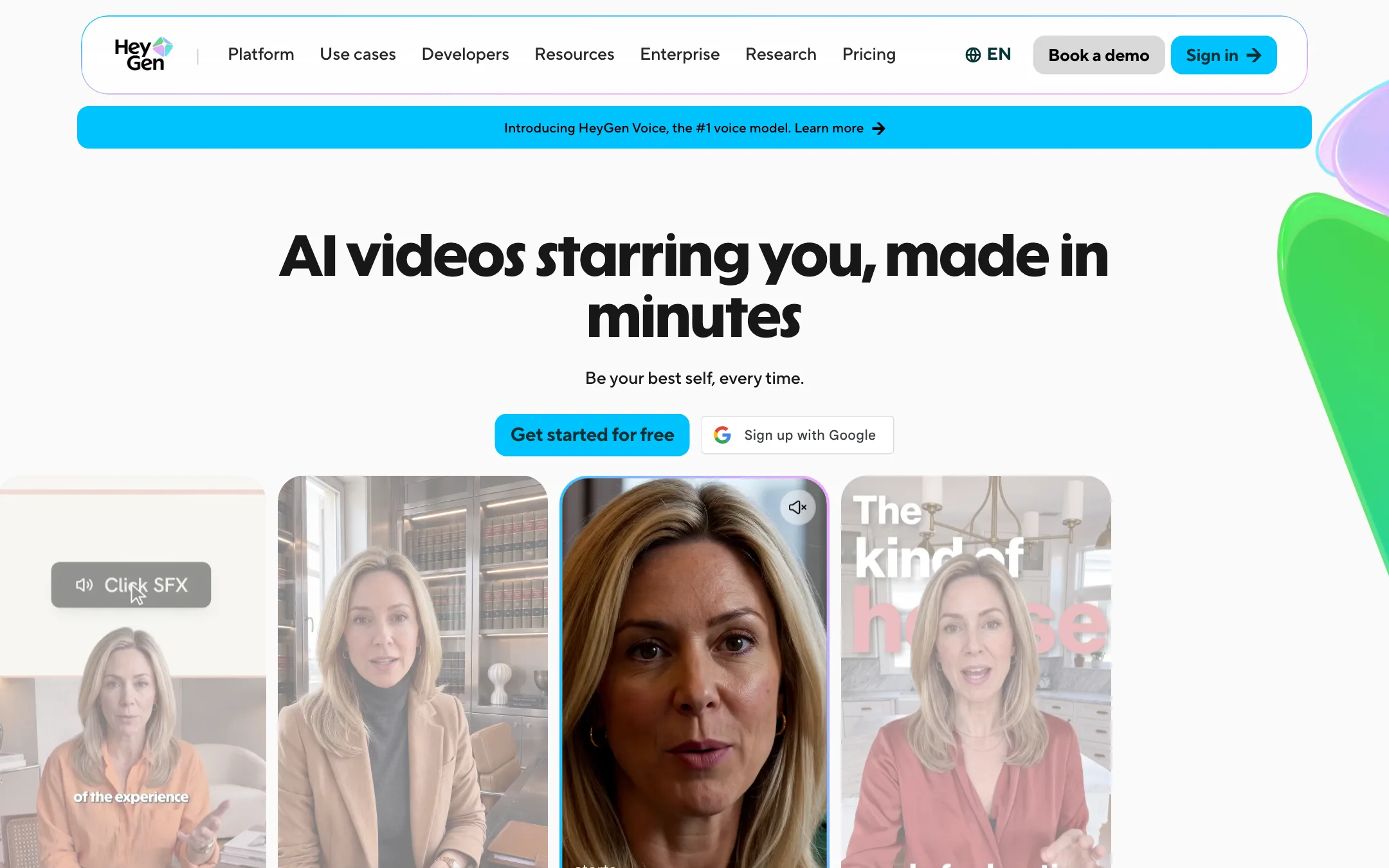
That last option is now the center of HeyGen’s pitch. Its homepage leads with “AI videos starring you.” You record yourself once, then make new videos from scripts without filming again. HeyGen calls this a Personal Avatar and runs it on its own model, Avatar V.
Around the avatar sits a lot more: a Video Agent that writes and builds a whole video from a prompt, a text-based editor called AI Studio, video translation with lip sync, slide decks to video, and an API. HeyGen also added Seedance 2.0, Veo 3.1 and Nano Banana inside the app on its Pro plan, so it now resells big third-party generation models too.
HeyGen is large. It says 40 million people use it on its About page, while a June 2026 update on its homepage says 30 million users and $200M in annual revenue. Either way, it is one of the reference products in this category.
Who it is for
HeyGen fits you if:
- You want to post or teach on video regularly without filming every time.
- You make courses, explainers, sales videos or training and need a consistent presenter.
- You already have videos and want them in Spanish, Hindi or German with your own voice.
- You are a small team that needs avatars, translation and slides to video in one place.
Skip it if:
- You want cinematic AI footage first and a presenter second. A dedicated text-to-video tool gives you more control for less money.
- You need one or two quick talking clips a year. The free plan may cover you, but paid plans start at $29 a month.
- You hate credit systems. HeyGen prices everything in credits, and the rate per minute depends on which avatar model you use.
How it works
HeyGen gives you several ways to start a video. Pick the one that matches what you have.
From a script, with an avatar
This is the classic HeyGen flow. According to HeyGen’s help pages and FAQ:
- Choose an avatar. Pick a stock presenter, a Photo Avatar or your own digital twin.
- Add the script. Paste it, write it in the editor, or upload your own recorded audio.
- Pick a voice. Use a stock voice or your cloned voice. HeyGen says you can direct tone, pace and emotion line by line.
- Build scenes. Each scene holds one avatar. Add more avatars by putting them in separate scenes, plus backgrounds, B-roll, captions and music.
- Submit. The video renders in the cloud. You cannot preview lip sync or gestures before you submit, only the audio.
- Download or share. Paid plans export at 1080p, Pro and up at 4K.
AI Studio is the editor for all this. HeyGen describes it as working like a document: you edit the script and the video follows. It adds Voice Director, Voice Mirroring and Gesture Control for finer delivery.
From a prompt, with Video Agent
Video Agent is HeyGen’s answer to the agent trend. You type an idea, up to 500 characters on its public page, choose a length and orientation, and generate. HeyGen says the agent writes the script, picks visuals, adds voiceover and builds motion graphics and B-roll around an AI presenter.
Two details stand out in HeyGen’s description. You see a scene-by-scene plan before rendering, so you can fix the structure before spending credits. And every motion element stays editable afterward in AI Studio, so you can change text or timing without regenerating the whole video.
The Video Agent page also mentions “optional AI face swap” for UGC-style content. Be careful with that. Putting a real person’s face into a video needs their consent, and HeyGen’s own policies say the same.
Your digital twin
HeyGen’s About page says you record a 15-second phone video plus a short consent statement. Its avatar page says about 30 seconds to camera, and that most twins are ready in 10 to 20 minutes. Use the longer recording to be safe.
HeyGen says Avatar V learns how you talk and gesture, keeps your face consistent from a short clip to a long course module, and renders wide, medium and close-up shots from one recording. You can also generate new outfits and settings from a prompt.
If you have no footage, Photo Avatar animates a single front-facing photo using Avatar IV. It is faster to set up but HeyGen positions it below the full twin for realism.
Video translation
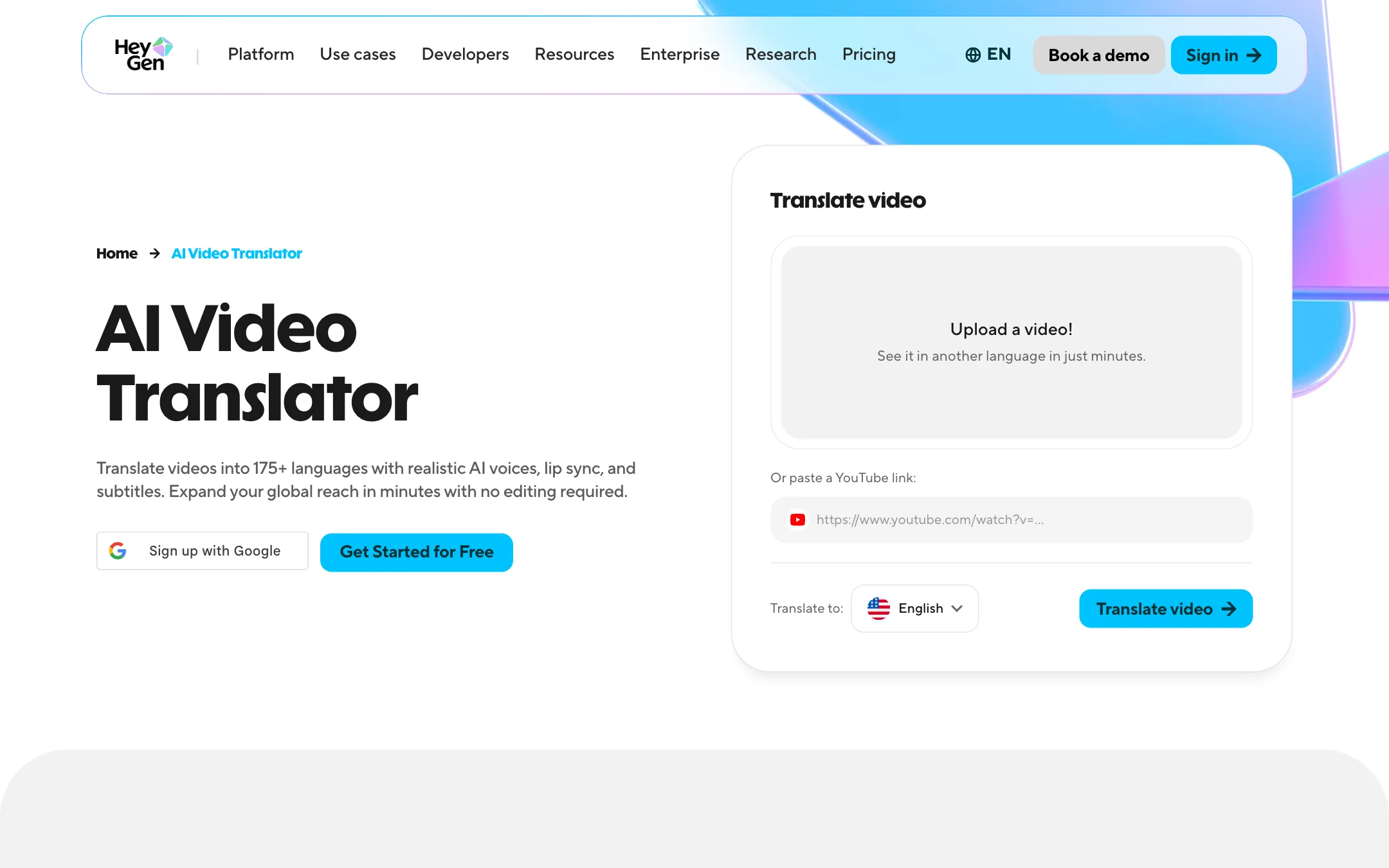
Translation is where HeyGen is hardest to replace. Upload a video or paste a YouTube link, pick up to 10 target languages, and HeyGen dubs it in a clone of the original speaker’s voice and re-syncs the lips. Pro adds an Edit & Review step to proofread the translated script before the final render.
A brand glossary lets you protect product names and force specific translations. Videos in a collection can play in a multi-language player that you embed on a site or LMS.
Output quality
We have not run HeyGen hands-on for this review, so treat these as HeyGen’s claims and outside ratings.
- Realism. HeyGen cites G2’s “#1 Most Realistic” badge and a 4.8 rating from over 1,000 reviews. It publishes a research report on Avatar V’s training pipeline.
- Consistency. HeyGen says Avatar V keeps one identity across angles and lengths with “no drift.”
- Lip sync. HeyGen claims phoneme-level lip sync in every supported language.
Where avatar tools in general still struggle:
- Hands and big gestures. Upper-body avatars hide this well, but wide shots expose it.
- Emotional range. A presenter reading a script works. Acting a scene does not.
- Photo avatars. One still image gives the model less to work with than a recording, so expect more stiffness.
One more caution. HeyGen’s numbers shift from page to page. The stock library is “500+” on the free plan, “700+” on paid plans, “1,100+” on the avatar page and “over 100” in one older FAQ. Languages are 175+, 177+ or “over 40” depending on the page. Voices are 1,000+ in the plan table and 300+ on the avatar page. The pricing page is the most current source, so trust that first.
Pricing
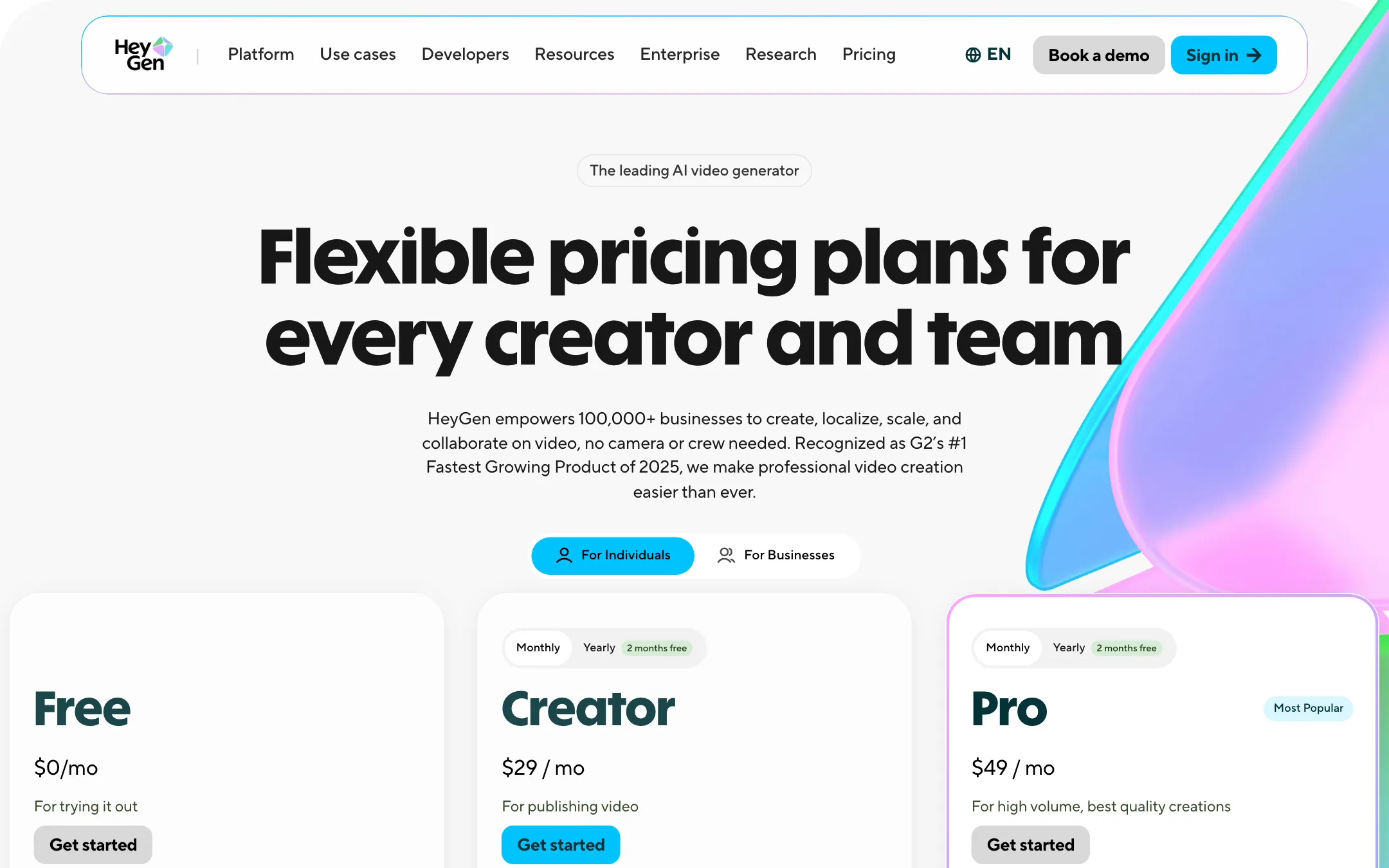
HeyGen runs on credits. Every paid plan includes a monthly allocation that you spend across avatars, Video Agent, translation and generation models.
| Plan | Price | What you get |
|---|---|---|
| Free | $0 | 3 watermarked videos a month, up to 1 minute |
| Creator | $24/mo yearly, $29 monthly | 600 credits, 1080p, no watermark, 30-minute videos |
| Pro | From $49/mo | 1,000 credits, 4K, Seedance 2.0, Veo 3.1, faster renders |
| Business | $149/mo + $20/seat | 1,500 credits, 4K, 60-minute videos, team tools |
| Enterprise | Custom | SSO, admin controls, interactive video, SCORM |
Things the pricing page does not make obvious:
- Credits per minute vary by model. HeyGen’s avatar page says Avatar IV costs 16 to 31 credits per minute of finished video and Avatar V costs 48. On Creator, 600 credits is about 12 minutes of Avatar V or up to 37 minutes of Avatar IV.
- Pro is a ladder. Every Pro tier has the same features. Only the credits change, from 1,000 at $49 to 100,000 at $4,300.
- Rollover is generous. Monthly plans carry unused credits one extra month. Yearly plans let credits build until renewal. Cancel, and they expire.
- Top-ups are limited. Creator and Pro users must move up a plan or tier for more credits. Only Business can buy one-off packs or turn on auto-reload.
- Extra twins cost extra. HeyGen’s avatar page lists additional digital twin slots at $29 a month.
- Free plan details conflict. The pricing table shows no export resolution for Free, the main FAQ says 1080p, and the avatar FAQ says 720p sharing. The translation page says free translations can run 3 minutes, while the pricing table caps Free at 1 minute.
How to make your credits go further
- Draft with Avatar IV. It costs a third to two thirds of what Avatar V does per minute. Save Avatar V for the final, public version.
- Review the Video Agent plan before rendering. Fixing structure at the plan stage is free. Fixing it after costs a new render.
- Edit in AI Studio instead of regenerating. HeyGen says text, timing and layout changes do not need a full re-render.
- Pay yearly if you are sure. You save two months and credits accumulate all year instead of expiring after one rollover.
- Skip Pro unless you need 4K or Seedance. Creator covers 1080p avatar videos and translation in 175+ languages.
Cancelling
Downgrades and cancellations take effect at the end of your billing cycle. You keep features and credits until then, after which your account moves to Free and unused credits are gone.
Verdict
HeyGen is the safe pick for avatar video. It has a realistic twin of you, a large presenter library, strong translation and an agent that builds whole videos. The free plan is enough to see whether your own avatar looks right before you pay.
The trade-off is complexity. Credit costs move with the avatar model, plan limits differ between HeyGen’s own pages, and the most interesting extras sit on Pro. If you just need a talking head now and then, a cheaper photo-to-video tool will do. If video is a weekly habit, or you need it in other languages, Creator at $24 to $29 a month is where most people should start.