What Fliz is
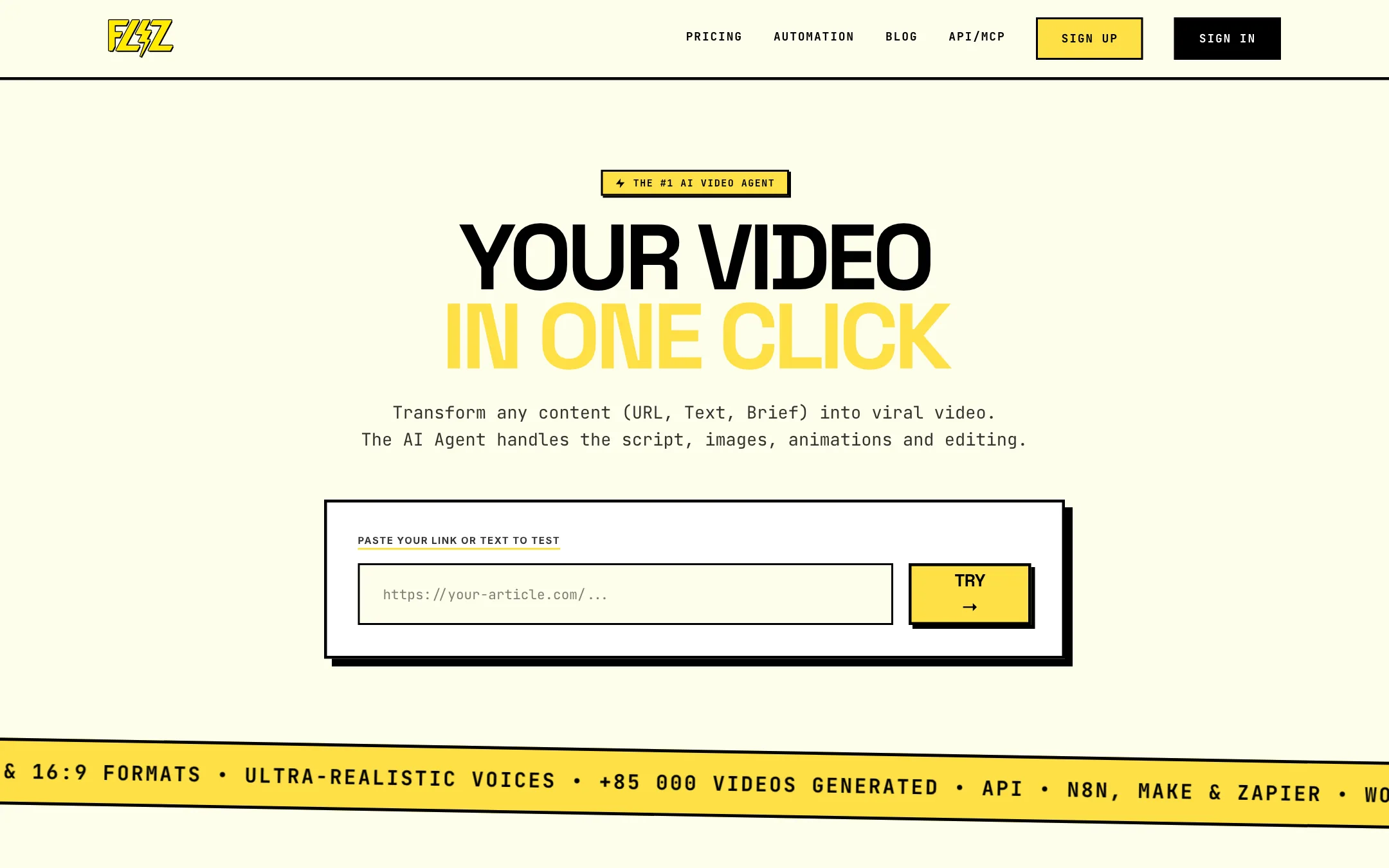
Fliz is an AI video maker from France. You give it content you already have and it hands back a finished, narrated video. The input can be a blog post URL, a news article, a store page, pasted text, a handful of product photos or a few lines of brief.
Fliz calls itself an AI video agent. In practice it chains several models. A language model reads your page and writes a script. An image model draws one picture per scene. A voice model reads the script. Fliz then adds subtitles and music and exports a 1080p MP4.
Be clear on one thing before you go further. Fliz does not generate cinematic video clips the way Veo, Kling or Runway do. Its own FAQ says a standard video is a slideshow format, and its AI video maker page says it “does not compete with Veo on cinematic motion.” You get a well-paced narrated slideshow, with the option to animate parts of it.
Fliz says more than 85,000 videos have been made with it.
Who it is for
Fliz fits you if:
- You run a blog, a news site or a newsletter and want a video version of every piece.
- You sell online and want quick product videos from a store page or a few photos.
- You run faceless channels on TikTok, Shorts or YouTube built on narration and images.
- You want to automate video with an API, Zapier, Make, n8n or WordPress without paying extra for it.
- You publish in more than one language. Fliz supports 32.
Skip it if:
- You want real generated footage, with characters moving through scenes. Use a text-to-video model instead.
- You want an on-screen presenter. Fliz has no avatars or talking heads, by design.
- You want a free plan to play with. There is none, beyond one welcome video.
- You want fine control on a timeline. Editing in Fliz happens in the script, not on a timeline.
How it works
Fliz describes a three-step flow. Here is what each step involves, according to its pages.
1. Give it content
Each input type has its own creation flow:
- A public URL: a blog post, news article, store page, landing page or listing. Fliz reads the page. It is not a video downloader.
- Pasted text: a title and body, for pages that are not public.
- A product: a name, a description and 3 to 10 photos.
- An ad: an ad title and copy, turned into a campaign video.
- A brief: a few lines of ideas, and the AI writes the full script.
Fliz’s advice is sensible. A focused article gives the AI more to work with than a vague prompt. If you use a brief, state the audience, the key message and the call to action. For a children’s story, describe the main character.
2. Pick a style, voice and format
You choose a visual style, a voice and a language, and an aspect ratio. Styles run from hyperrealistic and vintage to manga, clay animation, watercolor, pixel art and pop art. The homepage says 62 styles. The AI video maker page says 63. Either way, the range is wide.
You also pick one of 16 script styles. These tell the AI how to write: TV news, podcast news, YouTube explainer, product presentation, product test, real estate listing, recipe, tutorial, wellness, history, science, children’s story and paranormal story, among others.
Formats are 9:16 for TikTok, Reels and Shorts, 1:1 for feed posts and 16:9 for YouTube.
3. Review the script, then generate
This is the step that matters most. Fliz shows you the script before it spends credits on images and voice. You can rewrite the hook, cut a scene or change any line. Fliz itself calls this the best place to refine the video.
After generation you can:
- Regenerate any image that does not fit.
- Move or hide the subtitles.
- Swap the default music for your own copyright-free track.
- Add your watermark in the top right corner.
- Animate only the hook, the whole video, or nothing.
Fliz’s tip is to add motion to the hook so the first seconds stand out in a feed. That is good advice for any slideshow-style video. Still images in the opening seconds are where viewers scroll away.
Automation
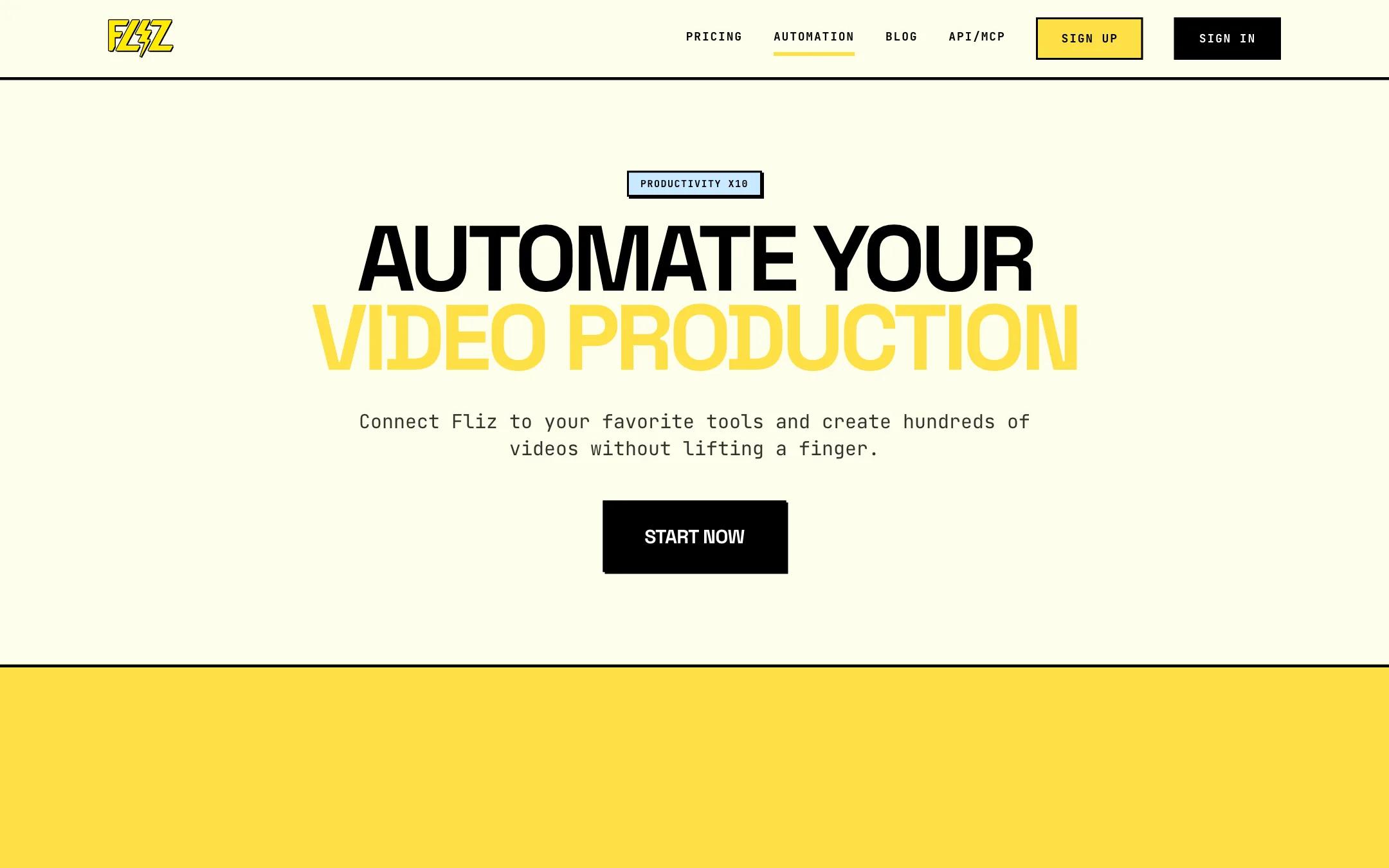
Automation is where Fliz stands apart from most tools at this price. The REST API is included on every plan, including the cheapest. So are these connectors:
- WordPress plugin. It creates a video automatically when a post is published and places it in the post.
- Zapier. Connect Fliz to Google Sheets, Slack or social accounts.
- Make. Build visual scenarios that transform data before generation.
- n8n. An official node for self-hosted automation.
Fliz’s own examples show where this goes. A new blog post triggers a summary video inside the article. A new row in a sheet triggers a video posted to TikTok. A new RSS item becomes an Instagram video. A scheduled job posts a children’s story to YouTube every day.
Two cautions. First, credits are shared between the app and the API, so an automation that fires too often can drain your month fast. Second, automating posts straight to social accounts with no human review is a quick way to publish a bad video. Keep a review step if your brand matters.
Output quality
We did not generate videos with Fliz for this review. What follows is based on Fliz’s own pages and examples.
The examples on the homepage show what the tool aims at: a news video from a news site URL, a vintage-style health explainer built from AI research, a pop art social video from a blog post, a clay animation children’s story, a dark cinematic horror story and a digital art YouTube explainer. They are all narrated, image-led videos with subtitles.
What to expect from this format:
- Strong for explainers and stories. Narration carries the content, and a consistent style holds the video together. Fliz says each video keeps one visual identity from the first shot to the last.
- Weaker for anything that needs motion. Without the motion option, you are watching stills. With it, you get AI animation on top of images, not footage.
- Only as good as the source. A thin page makes a thin script. Review the script every time.
- AI images can still go wrong. Hands, text in images and specific products can come out off. Regenerate the scenes that miss.
If you need a few seconds of cinematic footage, Fliz itself points you to models like Veo. You can combine both: generated clips for hero shots, Fliz for the daily narrated videos. The export is a normal MP4 you can open in any editor.
Pricing
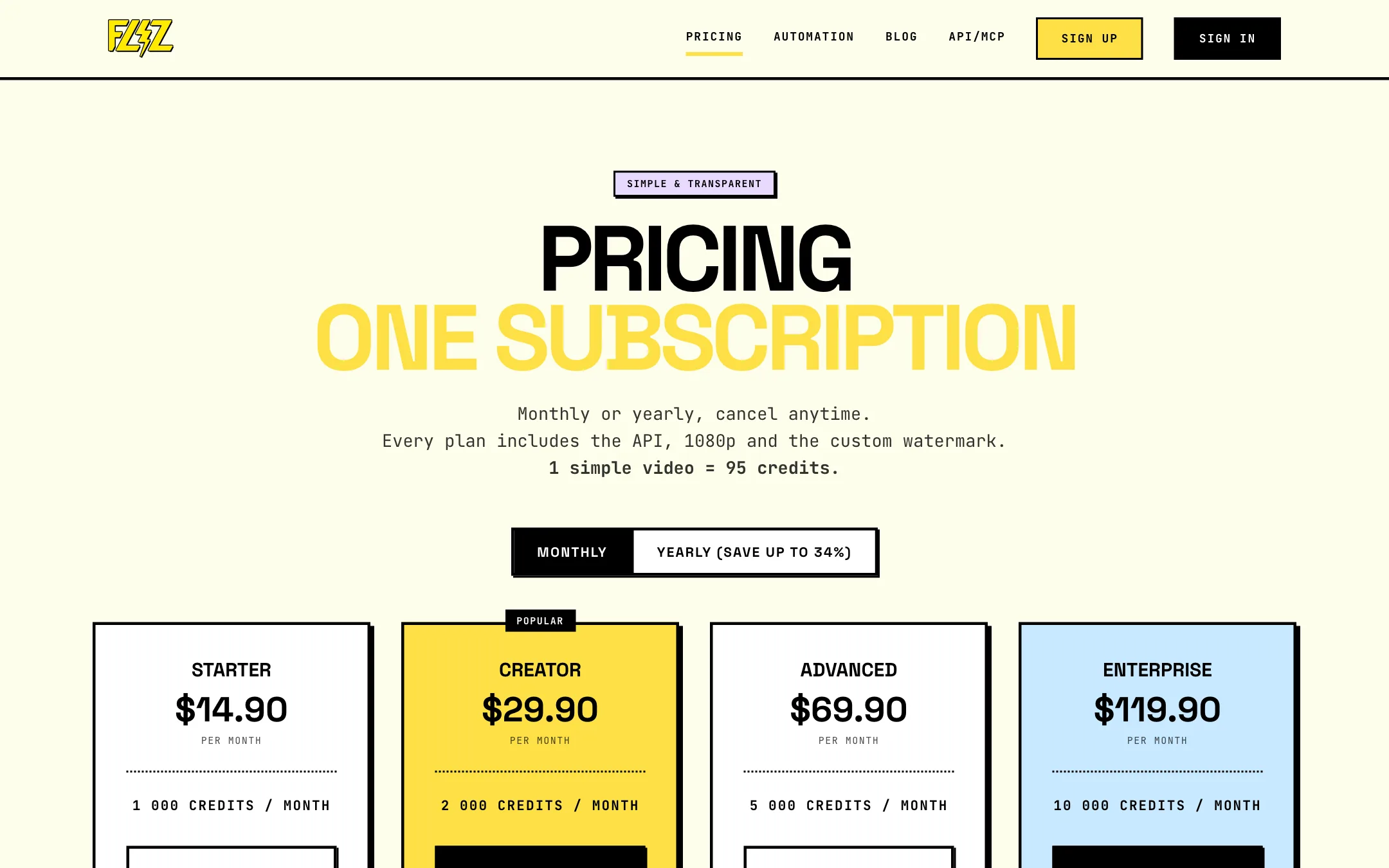
Fliz runs on monthly subscriptions with credits. Every plan includes the API, 1080p export and a custom watermark. Fliz says a simple video uses about 95 credits.
| Plan | Yearly | Monthly | Credits a month |
|---|---|---|---|
| Starter | $9.90/mo ($118.80/yr) | $14.90 | 1,000 |
| Creator | $19.90/mo ($238.80/yr) | $29.90 | 2,000 |
| Advanced | $49.90/mo ($598.80/yr) | $69.90 | 5,000 |
| Enterprise | $99.90/mo ($1,198.80/yr) | $119.90 | 10,000 |
Things to know before you pay:
- Starter is about 10 videos a month. That is 1,000 credits at roughly 95 each. Videos with motion or regenerated images will cost more, since credits are charged per AI action.
- Yearly saves up to 34%. The saving shrinks as the plans grow. Starter saves 34%, Enterprise only 17%.
- Credits do not roll over. Your allowance resets every period. Unused credits are lost. Old credit packs bought before the switch to subscriptions on 2026-09-17 still never expire.
- No free plan. Fliz’s FAQ says account creation is free but there is no free plan with credits. The homepage offers your first video free as a welcome offer, and you can earn credits through referrals.
- No refunds. The terms say any started billing period is non-refundable and unused credits are never refunded. Cancelling takes effect at the end of the paid period.
- Inactive accounts lose videos. The terms say videos can be deleted after 30 days of prolonged inactivity. Download what you want to keep.
Fliz is a French company and its terms fall under French law, with disputes going to the commercial court of Nice.
Fliz vs other URL-to-video tools
Fliz sits in a crowded space with Pictory, Lumen5, Fliki and InVideo. A few differences stand out from the vendors’ pages:
- Fliz uses AI images, not stock footage. Lumen5 and Pictory lean on stock libraries. Fliz draws every scene in one style. That gives a more consistent look but less real-world footage.
- Automation is included. Many rivals keep the API for higher tiers. Fliz puts it on Starter.
- No avatars. Some rivals add presenters. Fliz focuses on voice, visuals and subtitles.
- Entry price is low. $9.90 a month yearly is near the bottom of the category.
Verdict
Fliz is a tidy, focused tool for one job: turning written content into narrated faceless videos. The script review step, the style range and the 32 languages make it practical for publishers. Automation on every plan makes it practical at scale.
Know what you are buying. It is a slideshow of AI images with narration, not generated footage. There is no free plan, credits expire monthly and nothing is refunded. Use the welcome video to test it on one of your own articles before you subscribe. If the result fits your channel, Starter at $9.90 a month yearly is a low-risk way to put every new post into video.