
What Lumen5 is
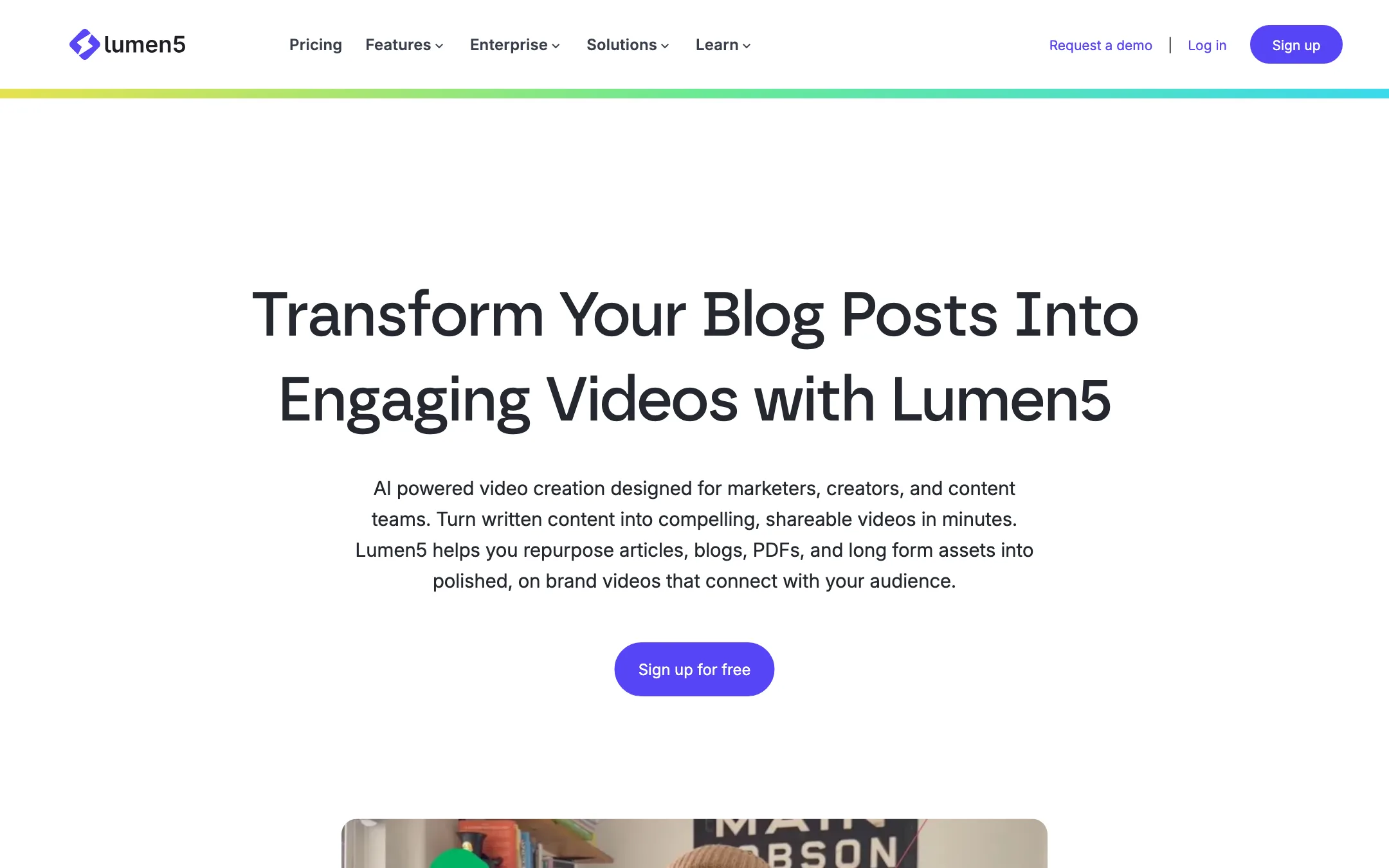
Lumen5 is a browser-based video maker that turns written content into short videos. You give it a blog post, a PDF, a script or a few bullet points. It writes a video script, splits it into scenes, matches each scene with stock footage or images, and adds motion, text and voiceover. You then tidy it up in an editor that works much like a slide deck.
It has been around since 2017, long before the current wave of generative video models. That shows in the product. Lumen5 is built around templates, stock media and brand control, not around prompting a model for brand-new footage. Its own pages now lean on AI for the script, voiceover, image generation and translation, but the finished video is still mostly stock media with on-screen text.
Lumen5 sells itself to business teams: marketers, publishers, internal comms and learning and development. Its homepage claims more than 5 million companies use it. The pricing page calls itself “designed for business use.” It is not aimed at TikTok creators chasing trends, and it does not try to be.
Who it is for
Lumen5 fits you if:
- You already publish blog posts, newsletters or reports and want a video version of each one without extra filming.
- You run marketing, comms or training for a company and need videos that look on brand every time.
- You find timeline editors slow and would rather edit scene by scene, like slides.
- You want licensed stock media included, so you do not have to source footage yourself.
- You need predictable limits in minutes and videos, not a credit system that changes per model.
Skip it if:
- You want cinematic AI footage generated from a prompt. Lumen5 is a stock-and-template tool. Look at PixVerse, Veo or Kling front ends instead.
- You make fast, trend-driven vertical content for TikTok or Reels. Short-form clip makers and faceless video tools are built for that rhythm.
- You need 1080p on a small budget. Lumen5 holds 1080p back until Starter, which costs $59 a month billed yearly.
- You need several people editing together without paying for the custom Team plan. Every other plan is single user.
How it works
Lumen5 describes a three-step flow on its Blog to Video page. Here is what each step involves, based on Lumen5’s own description.
1. Add your content
You start a video from one of several sources:
- A URL. Paste a link to a blog post or article and Lumen5 pulls in the text and images.
- A document. Upload a PDF, such as a whitepaper or report.
- Pasted text or a script. Useful when the content is not online.
- An outline or an idea. Lumen5 has an “Idea to Video” tool for when you start from a few bullet points.
Lumen5 says it extracts the most important points from the source. How well that works depends on how clearly your original piece is written. A tight article with clear sections gives the AI more to work with than a rambling one.
2. Pick a script
The AI Script Composer reads your source and writes several script versions with different angles and tones. You pick one and adjust its length or style. This is the step where you have the most control over the message. Treat the AI draft as a starting point. Cut anything that sounds generic and make sure each line can stand on its own as a scene.
3. Convert to video
When you confirm the script, Lumen5 pairs each line with media, timing and motion. It builds a rough cut in a template’s style. Lumen5 says this takes seconds.
From there you edit scene by scene:
- Swap the stock clip or image on any scene.
- Change text, background and graphics.
- Add your logo, colors and fonts through a brand kit (Starter and above).
- Reformat the whole video to a different aspect ratio for another platform.
- Add AI voiceover or upload your own narration and music.
- Drop in talking head clips, screen recordings or in-app recordings of yourself.
Blueprints and templates
Lumen5 includes 100+ templates on every plan, plus “blueprints,” which are reusable structures for formats you make often. If you publish the same type of video every week, such as a weekly news recap or a product tip, a blueprint keeps each one consistent. On the Team plan, Lumen5’s Creative Services team builds a bespoke branded template for you.
Voice and translation
AI voiceover is included on every plan, with minutes that scale by tier. Lumen5’s pricing page advertises “1000+ AI voices,” while its Blog to Video page talks about “more than 40 high quality voices.” The difference may be between the full library and a curated set, but the pages do not explain it.
Voice cloning lets you record a short sample and narrate videos in your own voice. Paid plans also include video translations, which make localized versions of an existing video.
Talking heads and recording
Lumen5 is not an avatar tool. There are no AI presenters. Instead, it lets you add real presenter clips as overlays, cutaways or callouts, and record your camera or screen inside the app. That keeps a human face in the video without filming a full production.
Output quality
Lumen5’s output is a known quantity: clean, slide-like videos with stock footage, animated text, captions and narration. It is the kind of video you see in LinkedIn feeds, company blogs and training portals. Lumen5 shows examples for consulting, finance, healthcare, technology and industrial clients.
What that means in practice:
- Consistent and brand-safe. Templates and brand kits keep fonts, colors and logos in line, which matters to marketing and comms teams more than novelty does.
- Fast to produce. Lumen5 quotes a Siemens content director saying production time dropped from about a week with an agency to hours.
- Generic-looking if you do nothing. Stock footage matched to keywords can feel familiar. The best Lumen5 videos come from people who replace the weaker auto-picked shots and cut the AI script down.
- Not generative video. Paid plans include AI image generation and a small yearly allowance of animation minutes, from 12 on Basic to 60 on Pro. That is a supplement, not the core. If you want a scene that no stock library has, you will need another tool.
Resolution is the main quality gap between plans. Free and Basic export at 720p. Starter and above export at 1080p. Lumen5 does not list 4K.
Pricing
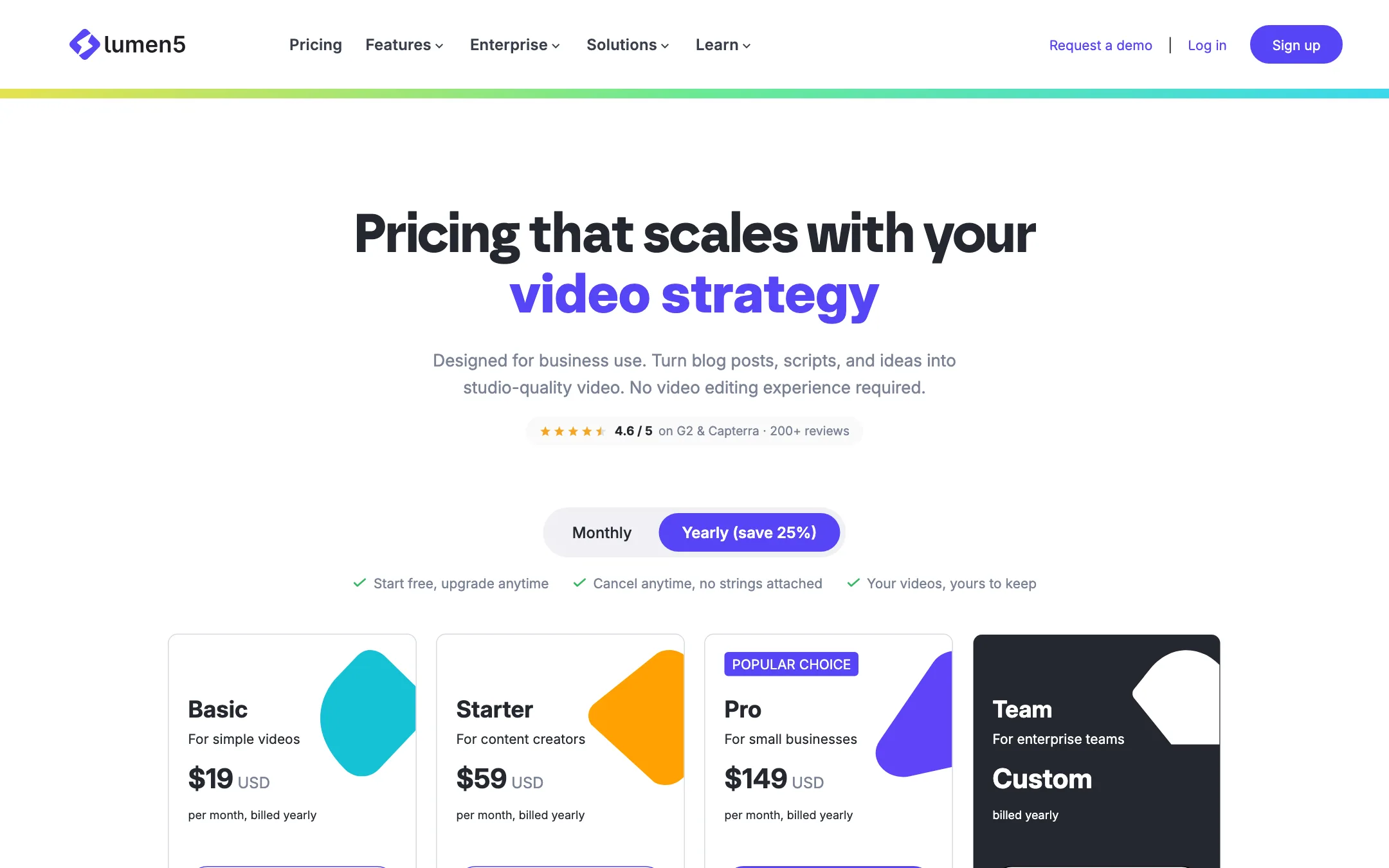
Lumen5 has a free plan and four paid tiers. Yearly billing is labelled “save 25%,” which matches Starter and Pro. On Basic the yearly price is about a third cheaper than monthly.
| Plan | Price | What you get |
|---|---|---|
| Free | Free | 5 videos a month, 2 min max, 720p, Lumen5 outro |
| Basic | $19/mo yearly, $29 monthly | Unlimited videos up to 10 min, 720p, no Lumen5 branding |
| Starter | $59/mo yearly, $79 monthly | 1080p, 50M+ stock assets, brand kit, voice clone |
| Pro | $149/mo yearly, $199 monthly | Shutterstock editorial, font and watermark uploads, 3 workspaces |
| Team | Custom | Multiple users, approvals, SSO, bespoke templates |
A few things the pricing page does not make obvious:
- The free plan is a real trial. Five two-minute videos a month at 720p is enough to see whether the blog-to-video flow suits your content. The outro is the catch.
- Minutes are counted per year on yearly plans. The yearly cards list AI voice minutes and animation minutes per year. The monthly cards list the same allowance per month: 20 voice minutes on Basic, 60 on Starter and 180 on Pro.
- 1080p is the real price jump. If your videos go on YouTube or a company site, you will probably want Starter. That is $59 a month billed yearly, three times Basic.
- The pages disagree on some limits. The Basic card lists no voice cloning, and the FAQ says cloning starts on Starter, but the comparison table gives Basic one cloned voice. The FAQ says Pro gets 60 translations a year, and the comparison table gives Basic and Starter 12 a year. Check inside the app before you pay for a specific feature.
- Your videos stay yours. Lumen5’s FAQ says you can download and reuse everything you made after you cancel or downgrade.
Lumen5 also has a public API, listed in its footer, for teams that want to automate video creation.
Getting the most from a plan
- Start with your best-structured content. Articles with clear headings and short paragraphs produce cleaner scripts and scenes.
- Edit the script before you convert. It is faster to cut a weak line in the Script Composer than to delete a scene later.
- Build a blueprint for repeat formats. If you make the same kind of video weekly, a blueprint saves you from rebuilding the structure each time.
- Watch your voiceover minutes. A yearly allowance can run out mid-year if you narrate long videos. Upload your own recordings for drafts you are likely to redo.
Verdict
Lumen5 is a safe, easy way to turn written content into tidy branded video. If your team already produces articles, reports or training material, it can turn that backlog into video with very little effort, and the free plan lets you test the workflow before paying.
It is not a generative AI video tool, and it does not pretend to be. The look is stock footage, text and voiceover. Budget for Starter if 1080p and a brand kit matter. If you want prompt-to-footage generation or fast vertical clips for social trends, look elsewhere.