What FlexClip is
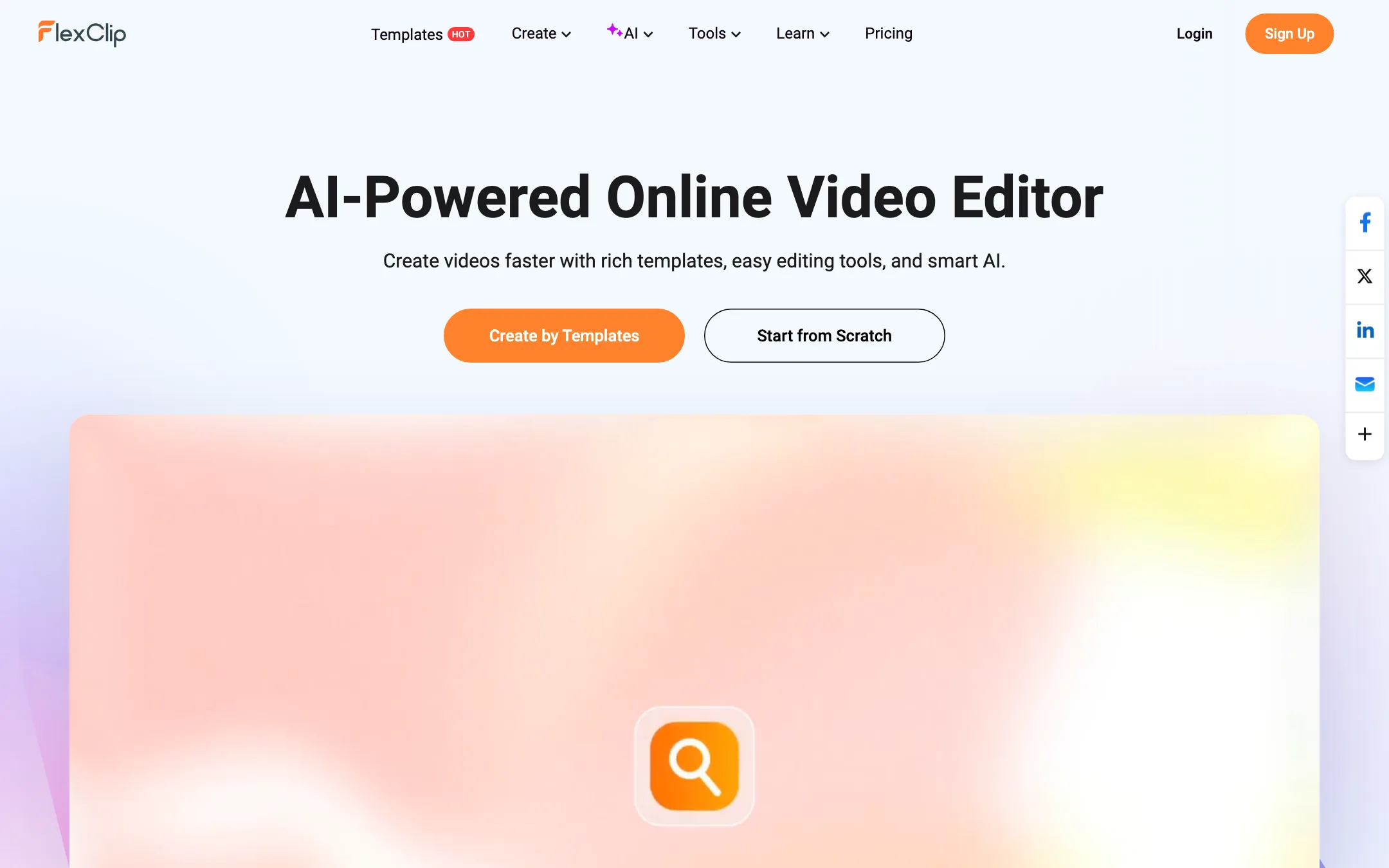
FlexClip is an online video editor that runs in your browser. It is made by PearlMountain, a company that has built graphics and multimedia software for more than ten years, according to FlexClip.
The core of the product is a template library. FlexClip says it has more than 6,000 templates for promos, intros, wedding films, birthday videos, slideshows, real estate listings and social posts. You open one, swap in your own text, photos and clips, and export.
On top of the editor sits a set of AI tools. There is a text-to-video tool that drafts a full video from a prompt, script or URL. There is an AI video generator for short clips. There is text to speech, a script writer, auto subtitles, a translator and a background remover. Every AI result lands back in the same editor.
FlexClip says it has more than 5 million registered users and 10 million downloaded videos. Treat those as vendor figures.
Who it is for
FlexClip fits you if:
- You run a small business and need promo videos, product clips or social posts without hiring an editor.
- You teach and want simple explainers or slideshows that students can also make.
- You manage social accounts and want branded templates you can reuse.
- You work on a Chromebook or a locked-down machine and cannot install desktop software.
- You want AI to get you a first draft, then fix it by hand on a real timeline.
Skip it if:
- You edit long YouTube videos from your own footage every week. A desktop editor or a text-based editor will be faster.
- You want the best AI-generated footage available. FlexClip’s generator is one tool among many, and FlexClip does not name the model behind it.
- You need advanced color, audio mixing or motion graphics. Even the reviewers FlexClip quotes call the editing capabilities basic.
How it works
You start a project one of two ways: from a template or from scratch. The homepage gallery shows template cards with two buttons, Customize and AI Recreate. Customize opens the template as-is. AI Recreate uses AI to rework the template around your own content.
The editor
FlexClip’s editor covers the jobs most short videos need:
- Cut and arrange: trim, merge, reverse, speed up or slow down clips, with a speed curve and freeze frame.
- Add layers: text, subtitles, music, voiceover, stickers, GIFs and animated elements.
- Effects: filters, transitions, chroma key and video effects.
- Record: a built-in screen recorder.
- Brand: a Brand Kit and custom fonts on paid plans.
FlexClip says you can collaborate with teammates, store files in its cloud and export up to 4K, then share straight to social platforms. Export resolution depends on your plan.
AI Text to Video
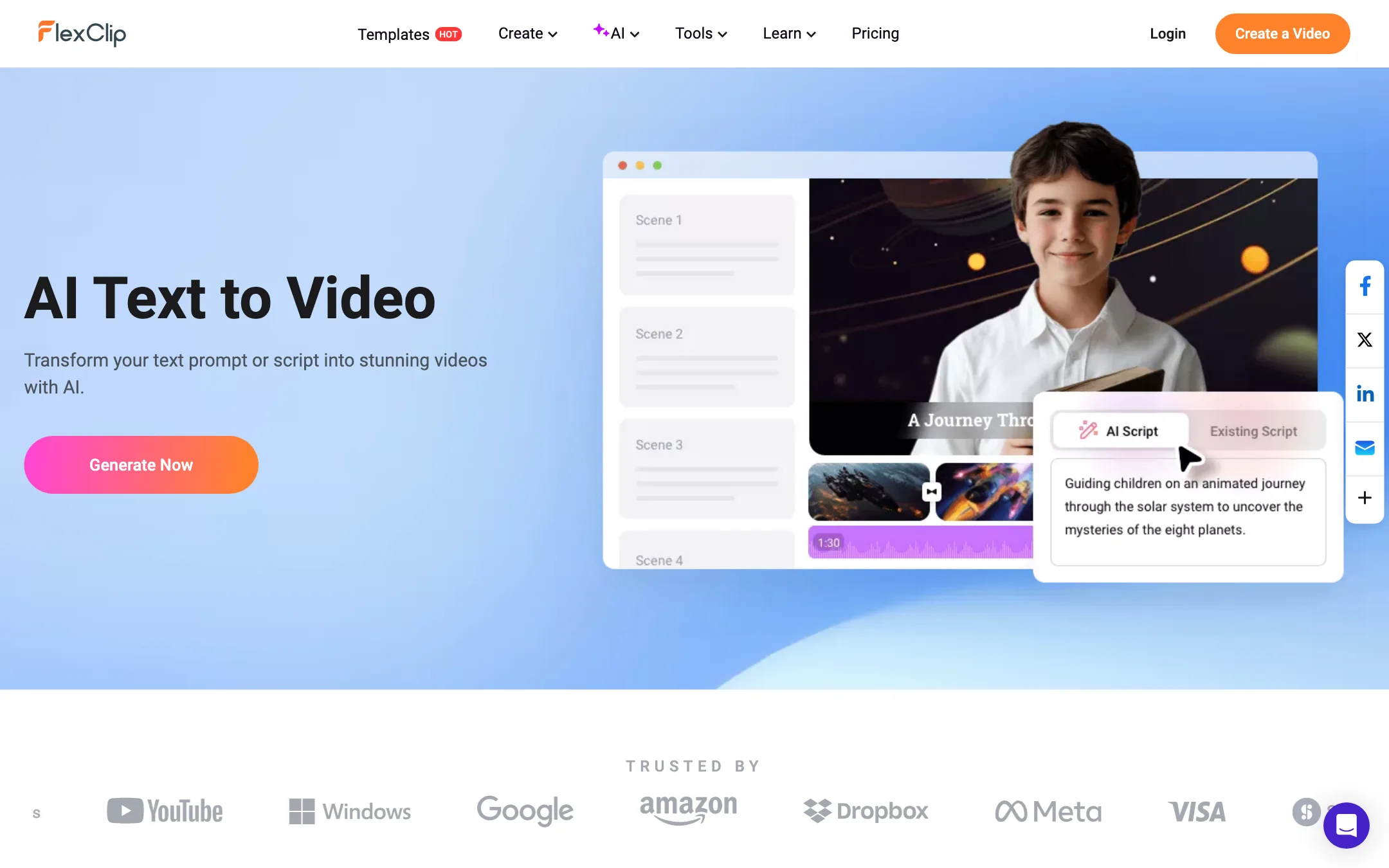
This is the AI tool most people will use first. You type a prompt or paste a script. FlexClip can also write the script for you from preset scenarios. It then builds a video with stock media, AI images, a text-to-speech voiceover and animated subtitles.
The draft opens in the editor, where you change text, visuals, music and effects. FlexClip also offers related starting points: blog URL to video, product URL to video ads, PowerPoint to video and PDF to video.
A typical run looks like this:
- Open AI Text to Video and enter a topic, prompt or full script.
- Let the AI write or tidy the script, then confirm it.
- Generate. FlexClip assembles scenes, voiceover and subtitles.
- Review the draft in the editor. Swap any stock clip that does not fit.
- Translate into another language if you need it.
- Export and share.
The result is a stock-footage video with narration, not new footage generated from scratch. That is the right tool for explainers, listicles and simple ads.
AI Video Generator
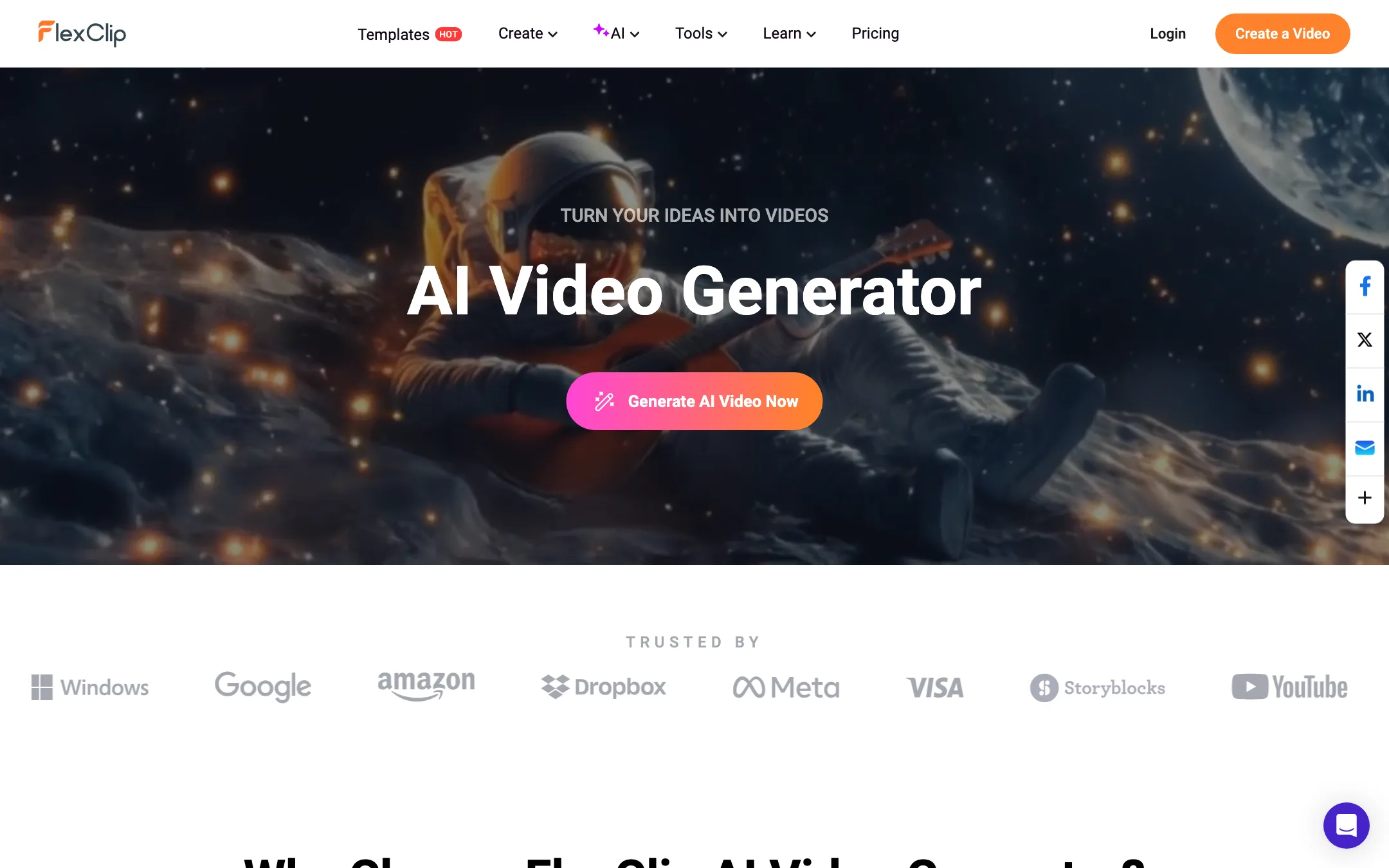
This is a separate tool for generating new clips. You write a prompt or upload an image, pick a mode, aspect ratio and duration, and wait. FlexClip says you can control subject movement, shot type and scene in the prompt. Its gallery shows people, animals, cartoons, landscapes, products and surreal scenes.
FlexClip does not say which model powers the generator on the pages we checked. Many editors in this class license third-party models, so the quality you get may track whichever model sits underneath. If generation quality matters most, compare it against a dedicated text-to-video tool before you commit.
There is also a long list of single-purpose AI effects: image to video, consistent character video, AI face dance, outfit transitions, season changes, day to night and more. These are novelty tools for social posts.
Subtitles, voice and translation
FlexClip has an AI auto subtitle tool that detects speech and writes captions, plus an SRT editor for fixing timings and text. The AI translator turns a video into other languages. AI text to speech gives you a voiceover without recording. These are the tools that make FlexClip useful for captions as well as editing, though a dedicated caption app will offer more animated styles.
Output quality
Quality depends on what you are making.
- Template videos look as good as the template and your media. The templates are professionally designed, and FlexClip’s stock library covers the gaps.
- AI Text to Video drafts are assembled from stock clips, AI images and a synthetic voice. Expect a usable draft that needs a few swaps, not a finished film.
- AI Video Generator clips are short. FlexClip describes them as realistic and high quality. We have not tested them, and FlexClip does not name the model, so treat its sample gallery as a best case.
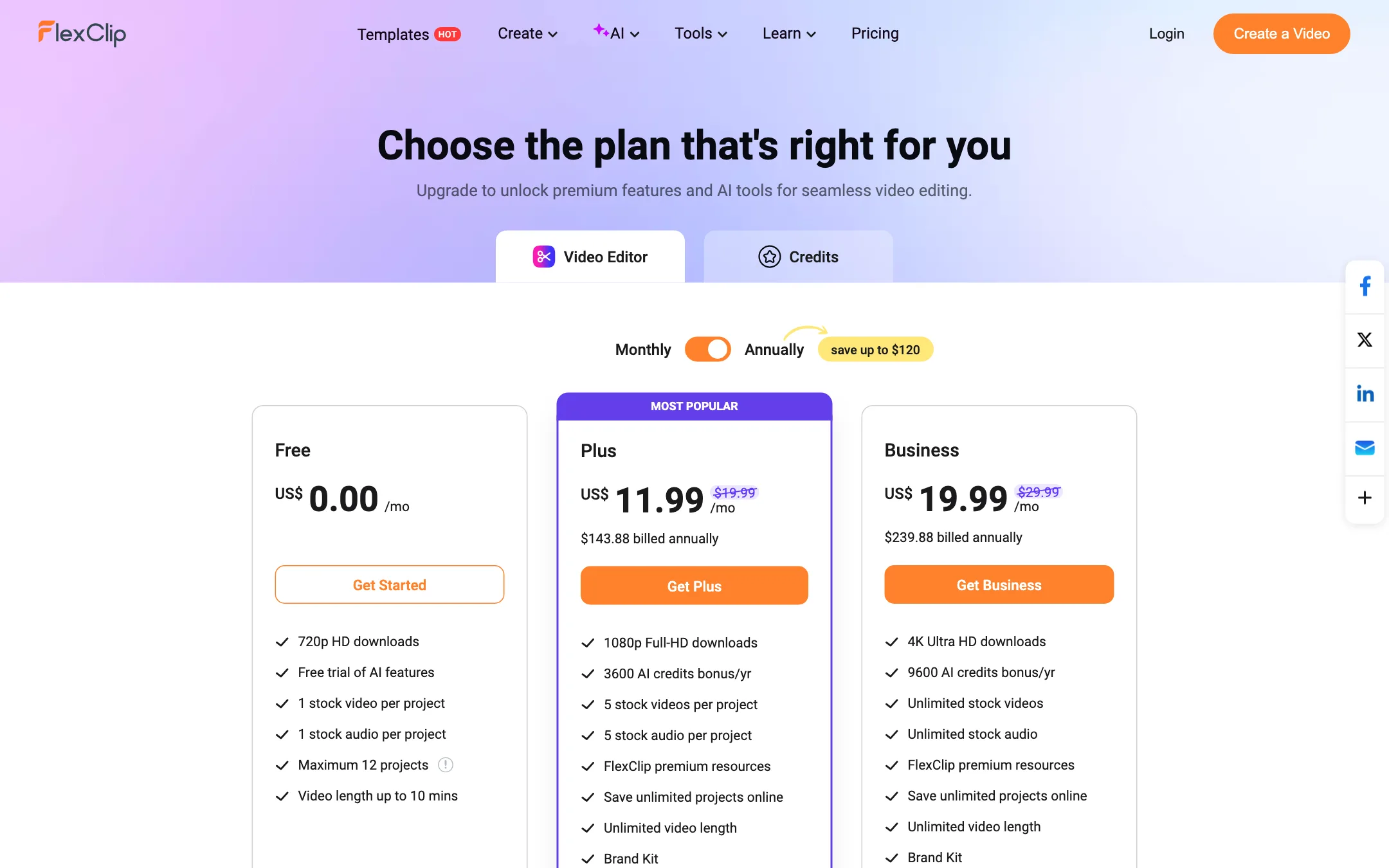
Exports are capped by plan: 720p on Free, 1080p on Plus and 4K on Business. If your work goes to a big screen or a client who expects 4K, budget for Business.
Pricing
FlexClip has a free plan and two paid individual plans. Team plans are priced separately.
| Plan | Price | What you get |
|---|---|---|
| Free | $0 | 720p, AI trial, 1 stock video and 1 stock audio per project, 12 projects, 10-minute videos |
| Plus | $11.99/mo yearly, $19.99 monthly | 1080p, 3,600 AI credits a year, 5 stock videos and audio per project, unlimited projects, Brand Kit, 30GB cloud |
| Business | $19.99/mo yearly, $29.99 monthly | 4K, 9,600 AI credits a year, unlimited stock media, 100GB cloud, 1TB hosting, reseller rights |
What the pricing page does not make obvious:
- The two savings claims measure different things. The plan cards say “save up to $120” on yearly billing. The comparison table says “save up to 40%.” Both check out: Plus drops from $19.99 to $11.99 a month (40%), and Business saves $120 a year. Just know which plan each number refers to.
- AI credits are yearly, not monthly. Plus gets 3,600 a year, which is 300 a month on average. Business gets 9,600.
- Credit costs per tool are not public. The pricing page has a Credits tab, but it did not show per-action costs to our crawler. Check the cost of the AI tools you plan to use inside your account before you buy.
- Stock limits are per project. Plus allows 5 stock videos and 5 stock audio tracks in each project. Business removes the cap.
- Watermarks follow resources, not plans. FlexClip adds its watermark when a project uses features or resources above your current plan.
Refunds and cancellation
FlexClip offers a 7-day money-back guarantee on the first payment of a subscription. You can cancel any time and keep your plan until the end of the billing cycle, then drop to Free. FlexClip accepts cards, PayPal, Google Pay, Apple Pay and Link.
Things to watch
- AI tools vary in quality. The list of AI effects is long, and some are clearly built for quick social novelty. Pick the few you need.
- Unnamed model. FlexClip does not say which video model powers its generator. That makes it hard to compare against tools that name theirs.
- Free plan stock limits. One stock video per project is tight. Most templates use several clips, so expect to bring your own media or upgrade.
- Team pricing. The pricing page asks how many seats you need and links out to team plans, but shows no team prices itself. Check that page or ask FlexClip if you need seats.
Verdict
FlexClip is a solid choice if you want an easy browser editor with templates and stock media built in. The free plan is enough to learn the tool, and Plus at $11.99 a month billed yearly unlocks 1080p and the AI tools at a fair price.
Do not pick it for AI generation alone. The AI tools are helpers around a template editor, the video model is unnamed, and credit costs per tool are not public. If you want a capable editor that can also draft a video from a script and caption it, FlexClip covers that well.