
What Exemplary AI is
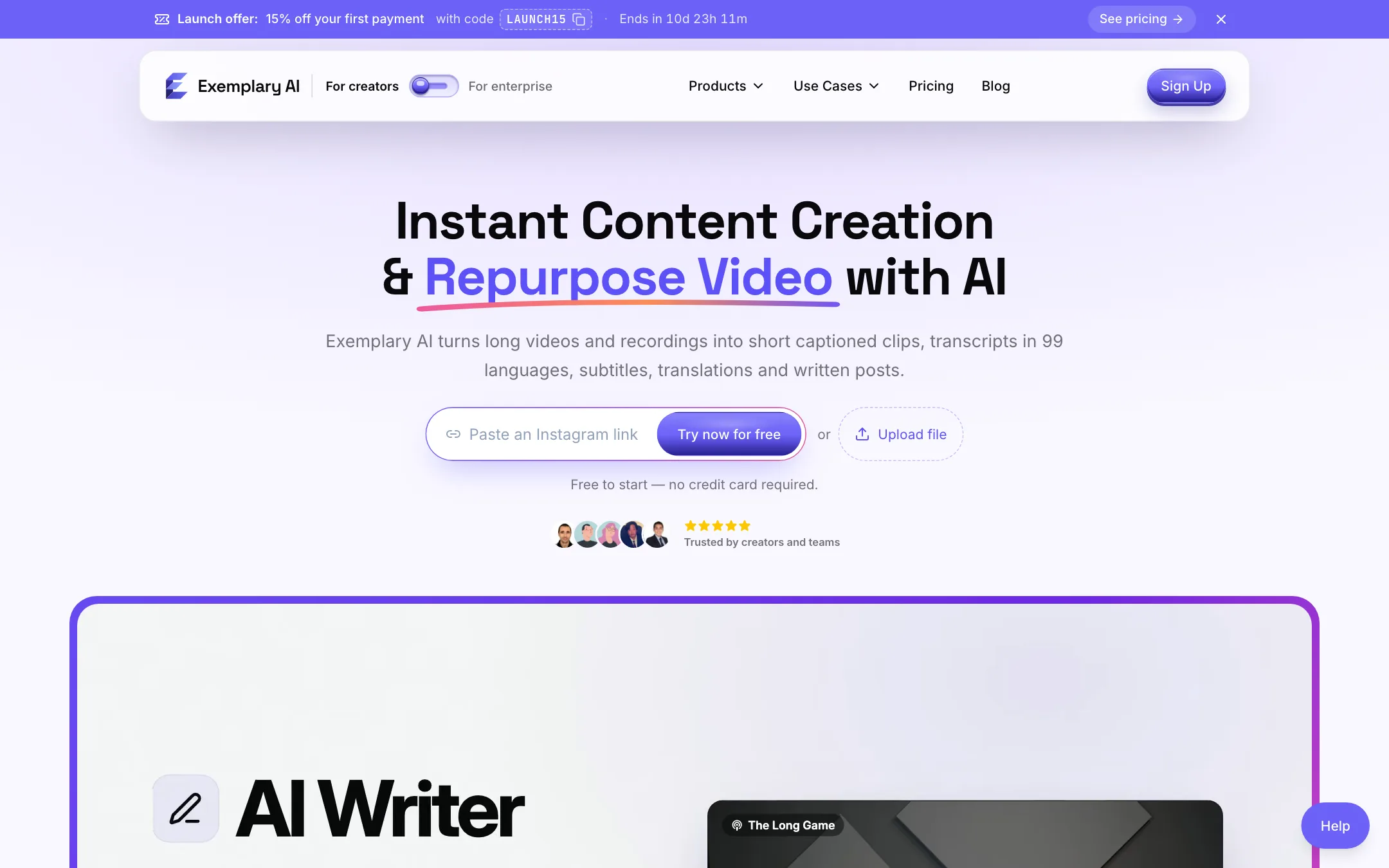
Exemplary AI is a video repurposing tool built around the transcript. You upload a long video or paste a link. Exemplary transcribes it, and everything else comes off that transcript: short clips, subtitles, translations, chapters, show notes and social posts.
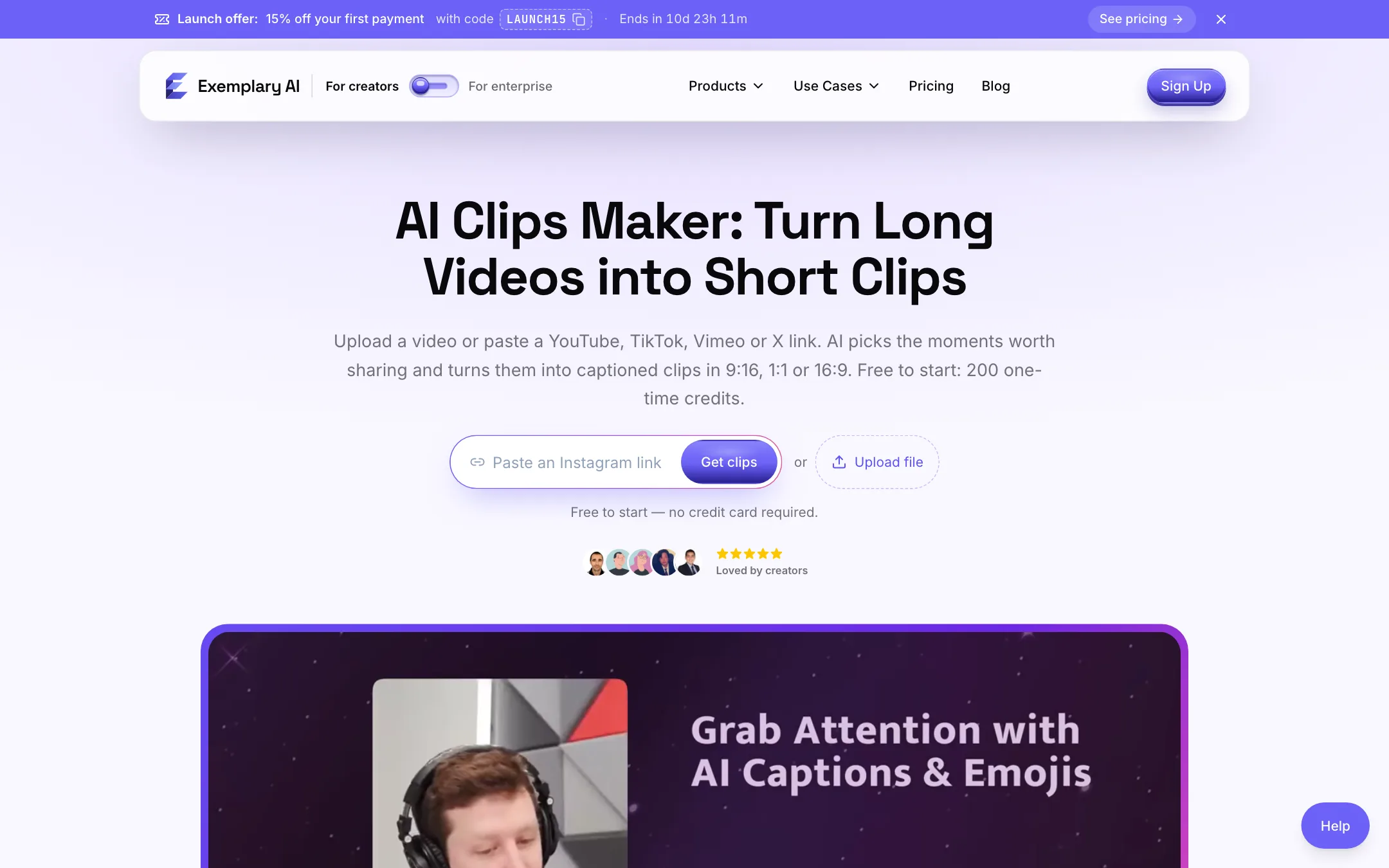
The clip maker is the headline feature for creators. It picks moments from a long video, scores each one for “virality,” adds animated captions and reframes the shot for vertical, square or landscape feeds. Around it sit a transcript editor, a subtitle tool, an AI writer and a chat assistant called Emmy.
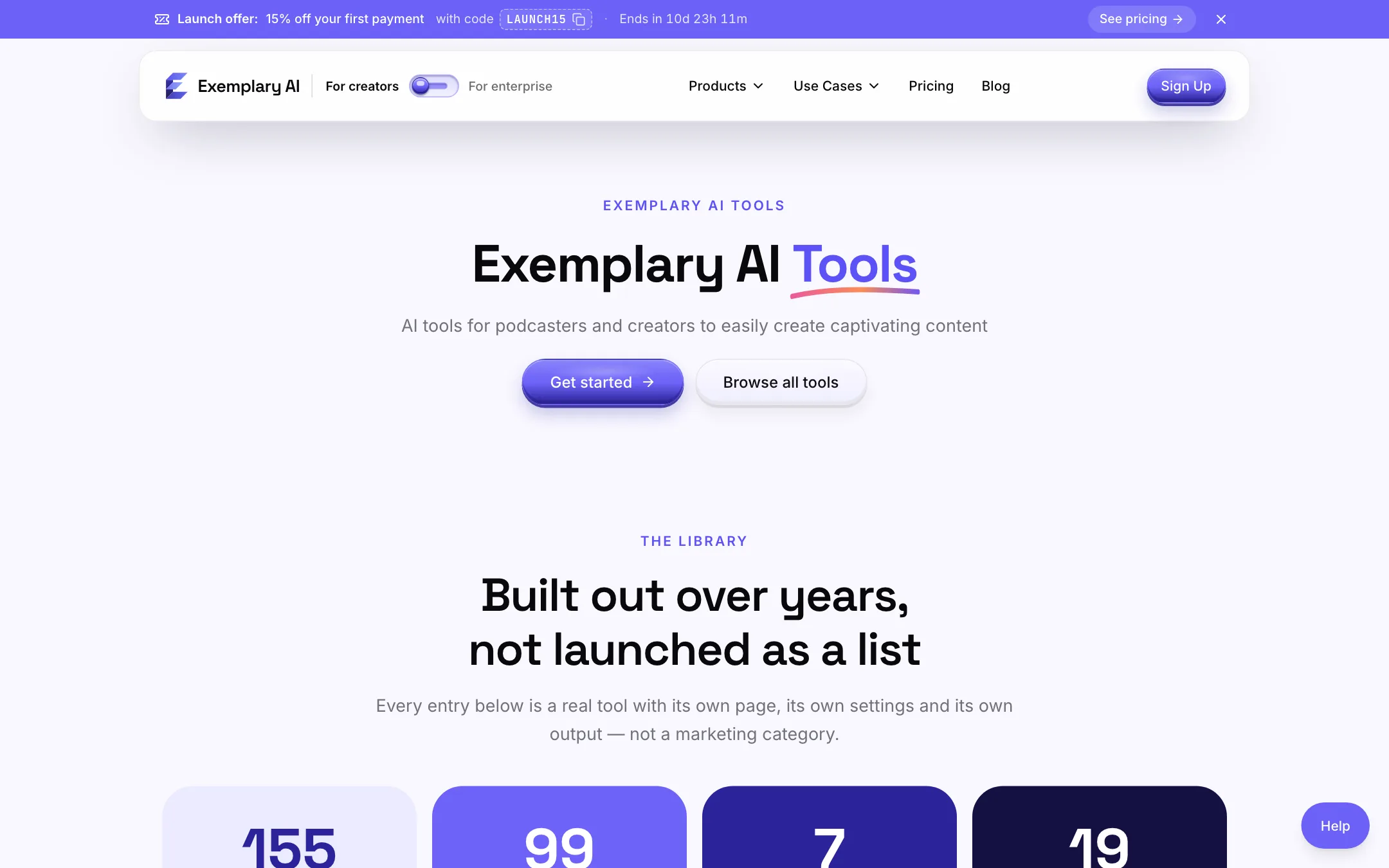
It is a small brand next to OpusClip or Vizard. It is also broader than most clip tools. If you mainly want subtitles and written content from your recordings, with clips as a bonus, that breadth is the reason to look at it.
Who it is for
Exemplary AI fits you if:
- You record podcasts, webinars, lectures or interviews and want clips, captions and a blog post from each one.
- You publish in more than one language and need translated subtitle files.
- You work in a small team and want shared credits across two to five seats without enterprise pricing.
- You would rather edit by deleting words in a transcript than by dragging a timeline.
Skip it if:
- Your videos are under 10 minutes. AI Clips will not run on them.
- You only want a clip finder and nothing else. Dedicated clippers have more track record and more reviews to check.
- You need dubbing, avatars or auto-posting today. Exemplary lists all three as coming soon.
- You want a monthly free allowance. The free credits are a one-off.
How it works
The flow is the same whichever tool you start from.
- Upload or paste a link. Exemplary accepts MP4, MOV, WEBM, MKV, AVI, MP3, WAV and M4A files, or links from YouTube, TikTok, Instagram, Vimeo and X. It also connects to Zoom and has a browser recorder for your screen and camera.
- Get the transcript. Exemplary transcribes the file, with speaker detection on paid plans. You can fix errors before anything else is generated from it.
- Pick an output. Clips, subtitles, a translation, chapters, a summary or a written post.
- Edit and export. Video comes out as MP4 (H.264). Text comes out as SRT, VTT, TXT or DOCX. You can also share by link.
Making clips
AI Clips is where most creators will spend their time. The setup asks for the spoken language, a clip duration, a video category and optional keywords.
- Durations run from under 30 seconds up to 5 to 10 minutes. The longer choices need a source of at least 15 minutes.
- Categories include General, Podcast, Webinar, Q&A, Marketing, Academic, News, Vlog and Meeting, or your own.
- Keywords narrow the results to clips about specific topics.
Exemplary says the AI reads the transcript, picks moments that stand on their own and gives each a virality score. Clips come back sorted by that score. Treat it as a first sort, not a prediction. Every clipper in this category has a score like this, and none of them knows your audience better than you do.
From there you open a clip in the editor. You can change the layout between Fill, Fit and split screens for two, three or four speakers. Speaker framing follows whoever is talking, according to the vendor. There are five caption animations: Karaoke, Pop word, Box spotlight, Highlight word and Bazooka. You can fix any word and save a brand template.
If you upload audio only, the clips come out as audiograms: a waveform over a background with captions.
Editing from the transcript
The editor works like a document. Select words, press Delete, and the video cuts with them. On paid plans you also get one-pass removal of silences and filler words, punch-in zooms, caption emojis and auto B-roll from stock footage.
This is the same text-based editing approach used by Descript and several clip tools. It is fast for talking-head content. It is less useful for footage where the important moments are visual rather than spoken.
Emmy and the AI writer
Emmy is a chat panel next to the transcript. You ask in plain language, and Exemplary says she will summarize, find the most clippable moments, draft a LinkedIn post, build an audiogram or add B-roll. Answers cite timestamps you can click to jump to the source moment.
The AI writer covers 17 to 19 content types, depending on the page you read: posts, show notes, chapters, newsletters, titles, descriptions, hashtags and meeting minutes. For podcasters this may be worth more than the clips. One recording can feed a week of written posts.
Subtitles and translation
Exemplary says it transcribes 99 languages and translates subtitles into 116. You can download subtitle files or burn captions into the video. Translation and subtitle export are included on the free plan, which is unusual. Most tools in this category lock translation behind a paid tier.
What is coming soon
Exemplary is open about its roadmap, and it is a long one. The homepage and pricing page list these as coming soon:
- Social publishing with a calendar for seven networks
- AI video from a script, including faceless, avatar and UGC styles
- Dubbing with lip sync
- A thumbnail maker and carousels
- A canvas editor, a browser extension and a mobile app
- E-commerce content for Amazon and Shopify
- A meeting notetaker that joins Zoom, Meet, Teams and Webex on its own
Do not buy for any of these. Judge Exemplary on what it ships today: transcripts, clips, subtitles and written content.
Output quality
We did not run our own videos through Exemplary, so we cannot rate its clip selection or transcript accuracy firsthand. Here is what the vendor and its users say.
- Transcription. Exemplary describes its transcripts as accurate on clear audio and gives you an editor to fix errors. It does not publish an accuracy figure. User quotes on its homepage praise speaker identification and Spanish support.
- Clip selection. The virality score and topic keywords are standard features in this category. How well the picks work depends on your content. Podcasts and interviews with clear, self-contained answers usually clip better than rambling vlogs.
- Export quality. Free is 720p with a watermark. Pro exports 1080p. Creator and Studio go up to 4K.
Exemplary’s footer links to its own comparison pages against OpusClip, Vizard, Submagic, Klap and others. Read those as marketing. Test the free credits on one of your own recordings instead.
Pricing
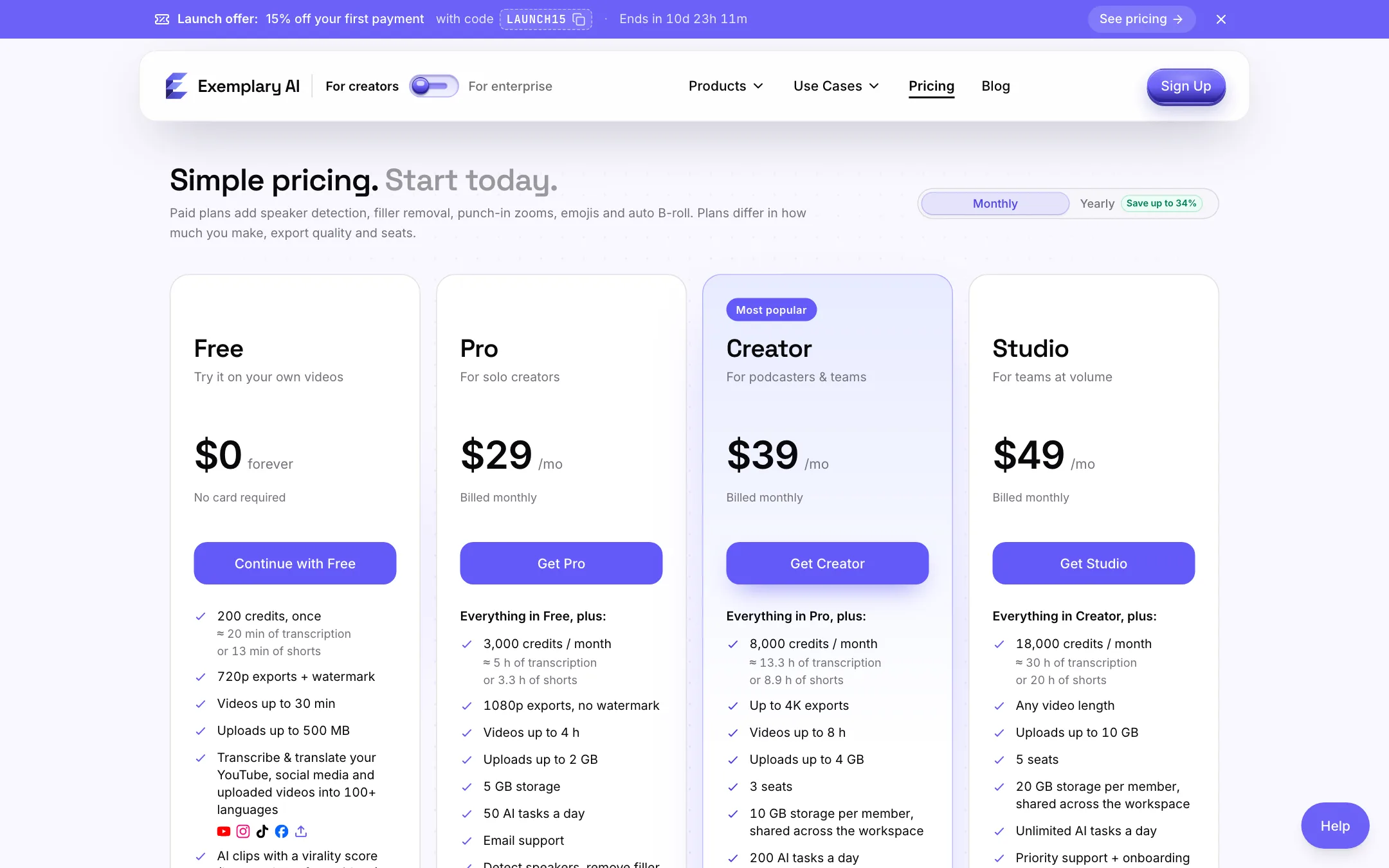
Exemplary uses credits. One minute of transcription costs 10 credits. One minute of new video turned into shorts costs 15 credits. Monthly credits reset each cycle and do not roll over.
| Plan | Price | What you get |
|---|---|---|
| Free | $0 | 200 credits once, 720p, watermark, videos up to 30 min |
| Pro | $19/mo yearly, $29 monthly | 3,000 credits, 1080p, videos up to 4 h, 1 seat |
| Creator | $26/mo yearly, $39 monthly | 8,000 credits, up to 4K, videos up to 8 h, 3 seats |
| Studio | $33/mo yearly, $49 monthly | 18,000 credits, any length, 5 seats |
A few things worth knowing before you pay:
- The free plan is a trial. Two hundred credits once is enough for one short podcast episode. It is not a way to run a channel for free.
- Pro is the real starting plan for clips. Filler removal, speaker detection, punch-in zooms and B-roll are all paid features. These are the edits that make clips look finished.
- Exemplary’s estimates are useful. Pro covers about 3.3 hours of new video turned into shorts a month, according to the pricing page. If you publish one hour-long podcast a week, Pro is enough.
- AI tasks are capped per day. Free gets 5, Pro 50, Creator 200 and Studio unlimited. Transcriptions, imports, clip runs, AI writing and face detection each count as one task.
- Seats share credits. On Creator and Studio, all members draw from one pool, and storage is shared across the workspace.
- A launch code was running when we checked. LAUNCH15 gave 15% off the first payment. Offers like this change often.
Billing runs through Paddle in US dollars. Upgrades are prorated and apply right away. Downgrades also apply right away, with no refund for the period you already paid for. You can cancel from the link on any receipt.
Pros and cons
The strengths are breadth and price. One upload gives you clips, subtitles in many languages and written posts, at a yearly price that undercuts most clip-only tools. Team seats arrive at $26 a month on yearly billing.
The weaknesses are the 10-minute minimum for clips, a one-time free allowance, and a roadmap that is longer than the shipped product. The polish features that make clips look professional are all on paid plans.
Verdict
Exemplary AI is a good value pick if you record long-form talk and want more than clips out of it. Subtitles in 116 languages, an AI writer and a transcript editor sit in the same workspace as the clipper, and the yearly Pro plan costs less than many tools that only do one of those jobs.
If clips are all you need, compare it with OpusClip, Vizard and Klap using your own footage. If you need dubbing, avatars or auto-posting, wait until Exemplary ships them rather than paying for a promise.
