
What Elai is
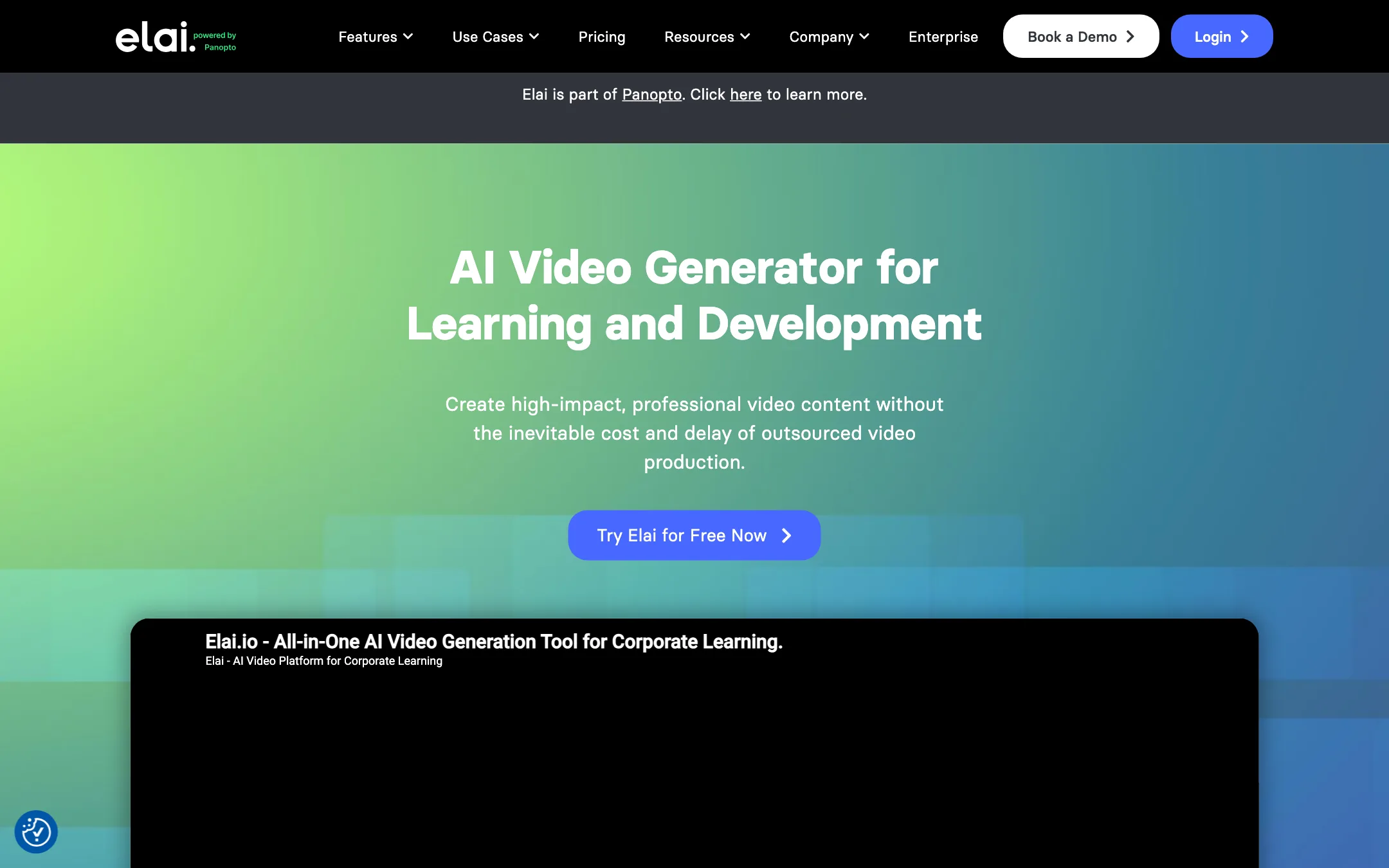
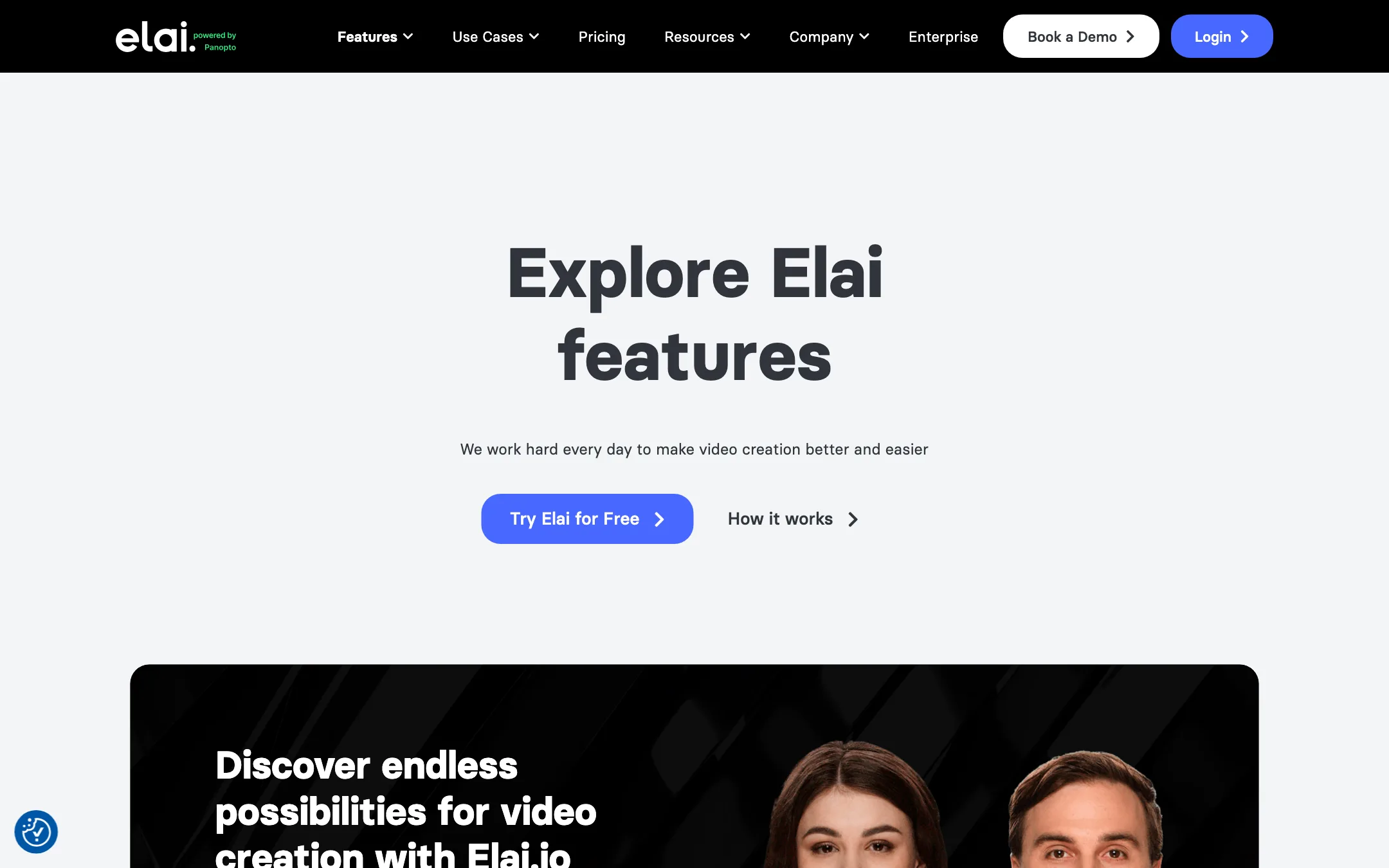
Elai is an AI video studio built around talking presenters. You write a script, paste a link or upload a PowerPoint. Elai turns it into a set of video slides with an AI avatar speaking your words. You can then translate the whole thing into another language.
If you have seen Synthesia, you know the shape of it. Elai is a direct competitor: a slide-based editor, a library of stock presenters, custom avatars of real people, and a long list of voices and languages.
The biggest recent change is ownership. Elai is now part of Panopto, a video platform used by universities and corporate training teams. The homepage title now reads “AI Training Video Generator,” and most of the copy talks about learning and development. The self-serve Creator plan is still there, but the product is clearly aimed at training departments first.
Who it is for
Elai fits you if:
- You make training, onboarding or course videos and want a presenter on screen without filming anyone.
- You already have slide decks with speaker notes and want them turned into narrated videos.
- You need the same video in several languages and want translation in the same tool.
- You want quizzes, buttons or branching inside the video itself.
- You build an app or a campaign that needs personalized videos through an API.
Skip it if:
- You make TikTok, Reels or YouTube content. Elai is a presentation tool, not a social clip maker.
- You want to iterate freely. Every render costs minutes, even when nothing big has changed.
- You want cinematic or generative footage. Elai places an avatar on slides. It does not generate scenes.
- You want to try it properly for free. One free minute is a demo, not a trial.
How it works
Elai’s editor is built on slides, like a presentation app. Each slide has a background, text, media and usually an avatar. The script for that slide sits beside the canvas. When you render, Elai joins the slides into one video with the avatar narrating each one.
You can start a project in several ways:
- From a blank template. Elai says it has 100+ templates in different styles, in horizontal or vertical format.
- From a PowerPoint. Upload a PPTX and Elai turns each slide into a video slide. Its own customer quotes highlight one detail: the notes under each slide become the avatar’s speech. If your decks already have good speaker notes, most of the script work is done.
- From a URL. Paste a blog post or article link and Elai drafts a narrated video from it.
- From a prompt. AI Storyboard takes a topic, writes a script and course outline, and converts it into slides you can edit.
A typical run
- Pick a template or import your deck, link or prompt.
- Choose an avatar for each slide, or one for the whole video.
- Edit the script. Elai includes a GPT-based writing helper if you need it.
- Pick a voice and language. Elai lists 450+ voices across 75+ languages.
- Add media from the stock library, upload your own, or record your screen with the built-in recorder.
- Add interactivity if you need it: a quiz, a button or a branch.
- Render. This is when minutes come off your balance, so check everything first.
- Translate the finished video into other languages if needed.
Avatars
Elai lists 80+ stock avatars. These are recorded presenters you can place on any slide. You can also put two avatars on the same slide for dialogue scenes. Elai pitches this for scenario-based training, like a customer and a support agent role-playing a call.
Custom avatars come in four types, per Elai: Selfie, Studio, Photo and Animated mascot. A selfie avatar is built from footage you record yourself. A studio avatar is a higher-quality version shot in a studio. Photo avatars animate a still image. Mascots are cartoon characters.
Custom avatars cost extra on the lower plans. A selfie avatar is $199 a year and a studio avatar is $500 a year. Team annual includes one selfie avatar. Enterprise includes three plus premium avatars.
Voices, cloning and translation
This is where Elai crosses into dubbing and voice work. Elai says you can:
- Clone your voice and use it in 28 languages. You type, and the avatar speaks in your voice.
- Translate a whole video into 75+ languages in a few clicks.
- Upload your own voiceover instead of using text to speech.
Voice cloning is a $200 a year add-on unless you are on Team annual or Enterprise. Premium voices, which Elai lists as 100+, need Team or higher. Creator gets the 300+ standard voices.
We could not test translation quality, lip sync on translated versions or how natural the cloned voice sounds. Ask for a demo or use the free minute on your most important language before you commit.
Interactivity
Few avatar tools at this price let learners click inside the video. Elai’s pricing table lists branching, buttons, hotspots, text quizzes and video analytics on every plan, including Free. Image-based quizzes and multi-select answers need Team or Enterprise. Enterprise adds SCORM export, which is what most learning management systems expect.
API and personalization
The public API is available from Creator up. Elai pitches it for personalized video at scale: you set variables like a name or company and generate many versions of one template. Elai also documents an integration with Thinkific for course creators.
Output quality
We have not rendered videos in Elai, so we can only report what Elai claims and what the plans state.
- Resolution. Creator renders in 1080p. Team and Enterprise add 4K. Vertical and square formats are listed on every plan.
- Avatar realism. Elai’s site does not publish side-by-side comparisons. Its reviews on the site praise ease of use more than realism. Expect presenter-style footage: an avatar speaking to camera on a slide, not acted scenes.
- Language range. 75+ languages and 450+ accents is a wide list. As with every tool in this class, quality varies by language. English and major European languages usually sound best.
The fair comparison is Synthesia and HeyGen. All three produce talking presenters on slides. HeyGen leans toward marketing and social. Synthesia and Elai lean toward training. Elai’s edge is PPTX import with notes, built-in interactivity and the Panopto connection for teams that already host video there.
Pricing
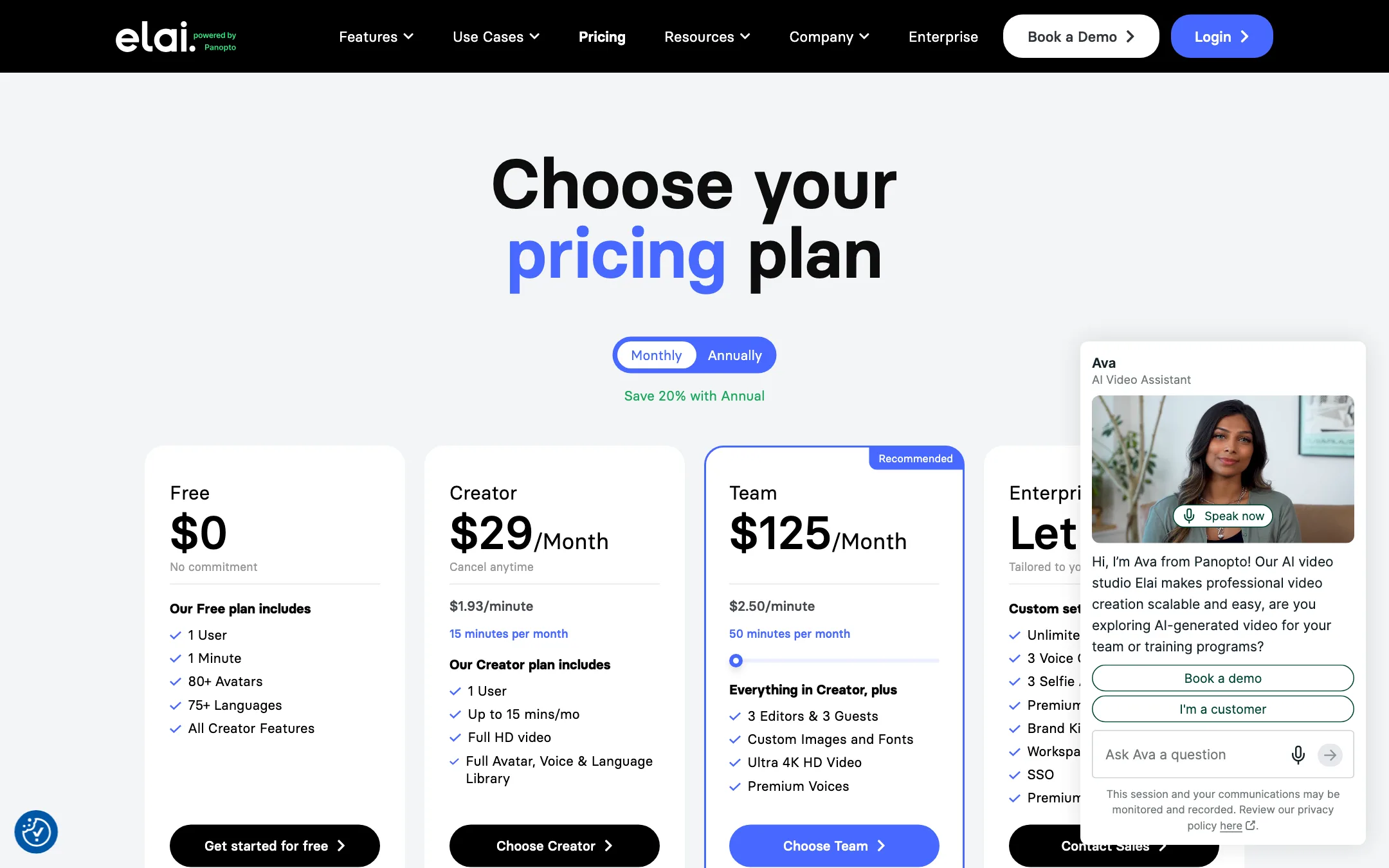
Elai prices by minutes of rendered video, not abstract credits. That is easier to plan around, with a big catch covered below.
| Plan | Price | What you get |
|---|---|---|
| Free | $0 | 1 minute, 80+ avatars, all Creator features |
| Creator | $23/mo yearly, $29 monthly | 15 minutes a month, 1080p, API |
| Team | $100/mo yearly, $125 monthly | 50 minutes a month, 3 editors and 3 guests, 4K, premium voices, brand kit |
| Enterprise | Contact sales | Unlimited users, SSO, SCORM, 3 clones and 3 selfie avatars |
Add-ons: selfie avatar $199 a year, voice cloning $200 a year, studio avatar $500 a year. Extra minutes cost $2 each on paid plans.
Things the pricing page does not make obvious:
- Re-renders cost full price. Elai’s FAQ says minutes come off every time you click Render, even for the same video with a small edit. A 5-minute module rendered three times uses 15 minutes, which is the whole Creator month.
- Deleting does not refund. Removing a project never gives minutes back.
- The per-minute price is higher than it looks. Creator works out to about $1.53 a minute billed yearly, or $1.93 monthly. Team is $2.00 to $2.50 a minute. Top-ups are $2.
- No pay-as-you-go. You need a subscription to buy extra minutes.
- Cancel and you freeze. After you cancel, Elai keeps your videos for a year. You can download them but cannot edit or re-render.
- Team lists larger tiers. The comparison table shows 50, 100 and 150 minutes for Team. The public page does not show prices for the bigger tiers.
How to make your minutes go further
- Preview before you render. Read the script aloud with the slide in front of you. Catch typos and timing issues before the render, not after.
- Split long videos into modules. If one slide needs a fix, you re-render a 2-minute module, not a 15-minute course.
- Clean your deck first. Tighten the speaker notes in PowerPoint before import. Shorter notes mean shorter videos and fewer minutes.
- Translate last. Lock the source language version completely before you translate. Every translated render costs minutes too.
Affiliate program
Elai runs an affiliate program through Rewardful. Its partners page says affiliates earn 25%, but does not say whether that is one-time or recurring. Affiliates cannot bid on Elai-branded keywords in paid ads.
Verdict
Elai is a solid choice for one job: turning written training material into presenter-led videos in several languages. PPTX import with speaker notes, built-in translation, voice cloning and in-video quizzes make it practical for course builders and L&D teams.
It is a poor fit for social creators. The free plan is a single minute, re-renders cost full minutes, and custom avatars are paid add-ons on the cheaper plans. Since the Panopto acquisition, the product’s direction is corporate learning. If that is your world, compare it with Synthesia on a short pilot. If you make content for social feeds, look at HeyGen or a short-form clip tool instead.