
What EchoWave is
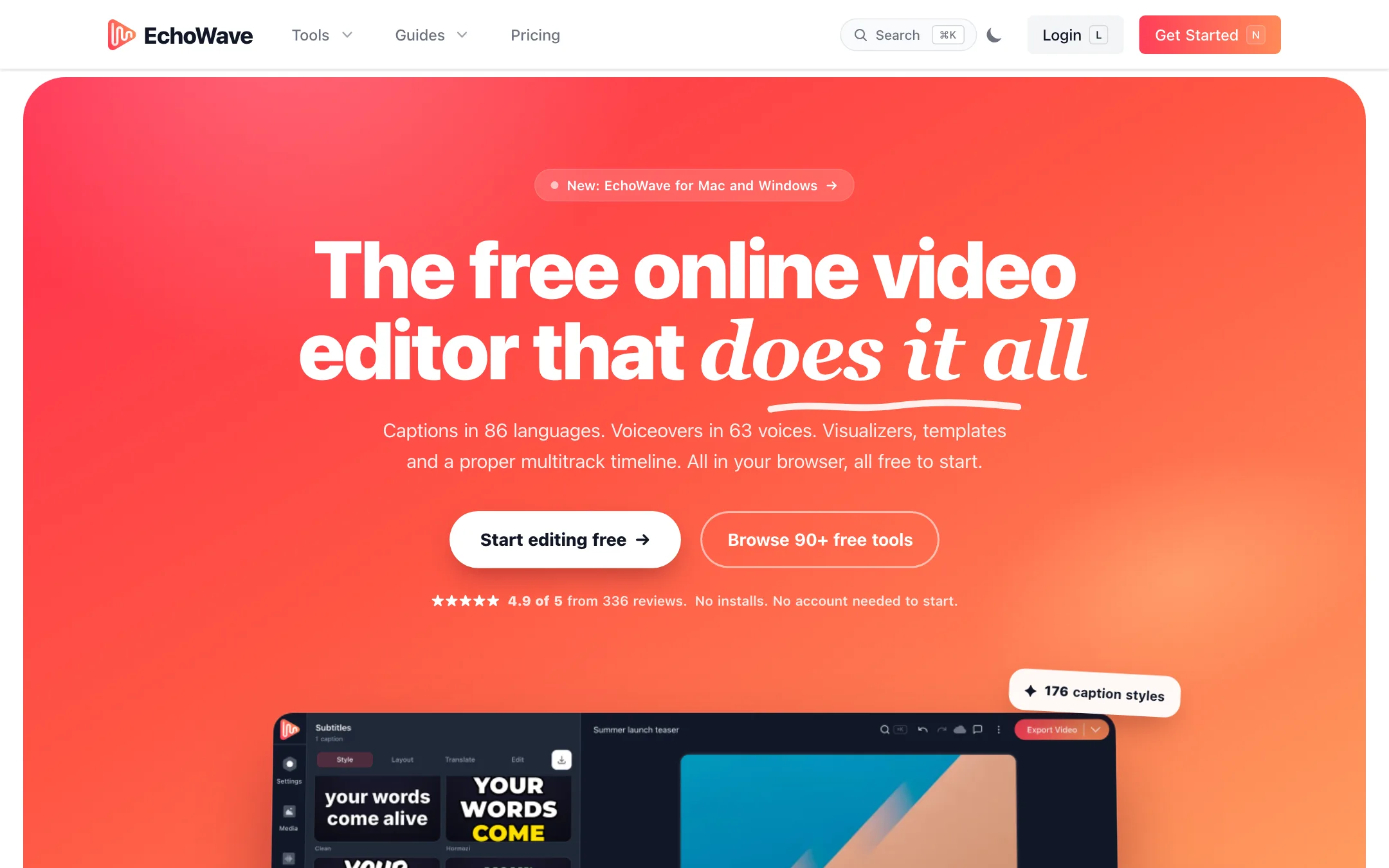
EchoWave is a video editor that runs in your browser. It has a multitrack timeline, auto captions, AI voices, audio visualizers, motion presets and a recorder, all in one tab. Renders happen on EchoWave’s servers, so a slow laptop is not a problem.
It started as a tool for turning audio into video, and that shows. Waveforms, visualizers, audiograms and lyric videos get much more attention here than in most editors. Around the editor sits a large set of free single-purpose tools: a compressor, a trimmer, a GIF maker and more than 175 converters.
EchoWave is run by Lemon Vault LLC in the US. It recently added native apps for Mac and Windows.
Who it is for
EchoWave fits you if:
- You make podcasts and want clips with captions and waveforms for social media.
- You are a musician who needs visualizers or lyric videos for each release.
- You cut Shorts, Reels and TikToks and want karaoke-style captions.
- You produce lots of similar videos and want templates, CSV batch rendering or an API.
- You want to edit on a Chromebook or a borrowed computer without installing anything.
Skip it if:
- You want AI to generate footage from a prompt. EchoWave edits your media; it is not a text-to-video generator.
- You need a pro desktop editor for long, complex projects with color grading and effects stacks.
- You want AI captions on the free plan. The pricing page puts AI subtitles on Pro.
How it works
EchoWave’s homepage boils the workflow down to three steps.
- Drop your media in. Upload video, audio or photos, paste from the clipboard, pull stock media, import a podcast episode, or record your screen, camera or mic.
- Make it pop. Add captions, voiceovers, visualizers and motion on the multitrack timeline. Everything previews live.
- Ship it. Render in the cloud and download the file.
Captions
Hit one button and EchoWave transcribes the speech. You edit the words like a document, pick from 176 caption styles and 45 animations, add karaoke word highlighting or emoji, and translate into any of 86 languages. Captions can be burned in or exported as SRT and VTT files.
AI voices
AI Voice Studio turns a typed script into voiceover. Each paragraph becomes its own clip on the timeline. EchoWave lists 63 studio voices, and you can clone your own voice and use it in any project. Both sit on the Pro plan per the pricing comparison.
Visualizers and motion
This is EchoWave’s strongest area on paper. It lists 93 visualizer styles that react to your audio, plus progress bars and shapes. For motion, there are 126 preset animations, 56 transitions and 72 properties you can keyframe when a preset is not enough. You also get masks, blend modes, speed changes from 0.1x to 16x, picture in picture and every Google Font.
Recording
You can record your screen, camera or microphone straight into the timeline. There is also a voiceover recorder, a stock library and sound effects. Extras include face blur, virtual backgrounds, audio cleanup and AI image generation.
Automation
Here EchoWave goes further than most browser editors:
- Templates with placeholders for text, images, video and audio.
- CSV batch rendering, so one template becomes a hundred videos.
- A REST API and MCP server for generating videos from your own code or an AI agent.
If you make a weekly podcast clip or a set of product promos in the same format, this saves real time.
Free tools
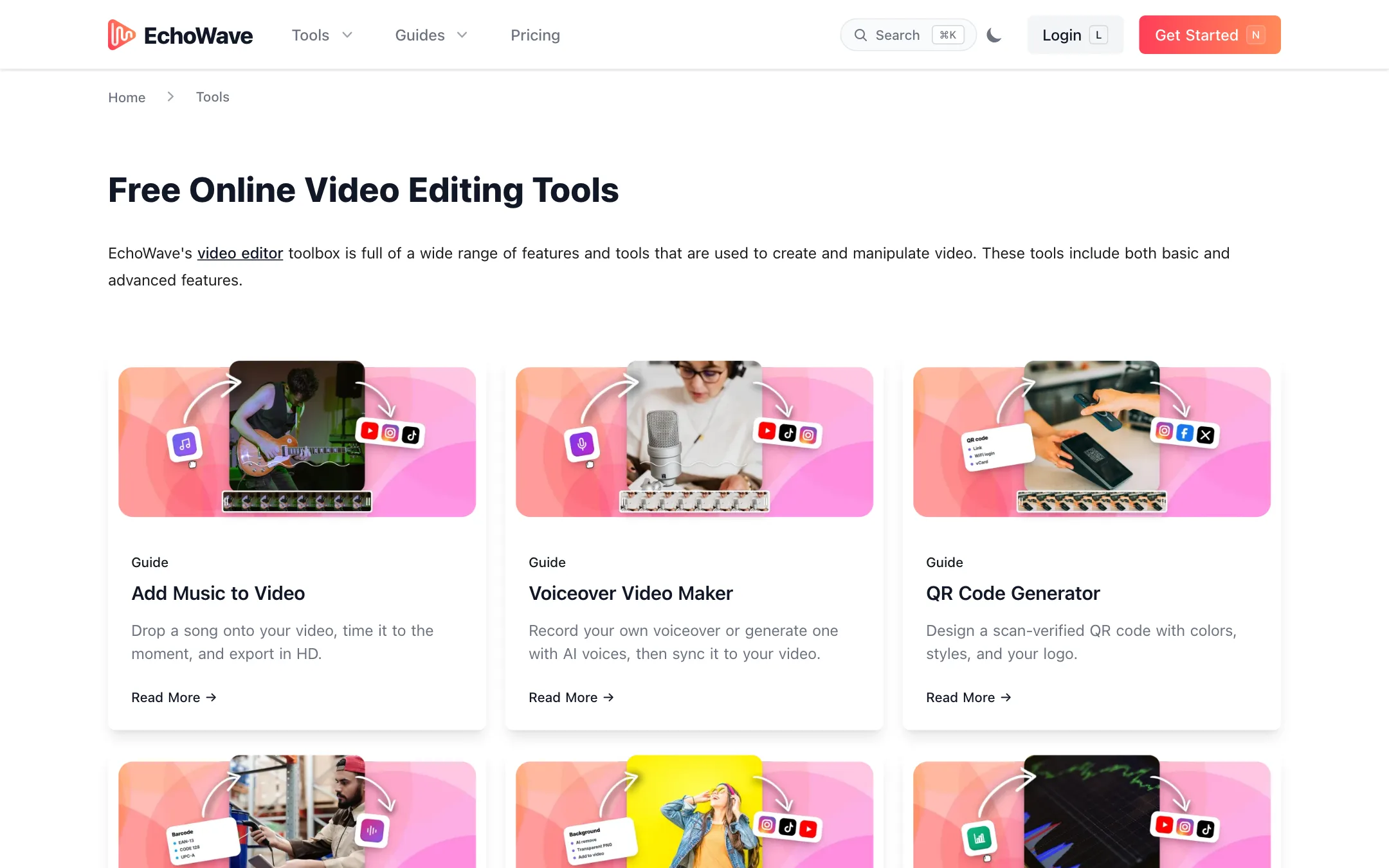
The 90+ free tools each do one job: compress, trim, crop, resize, add subtitles, make a GIF, turn audio into video and so on. EchoWave says they export without a watermark and need no account. They are a useful side door into the product.
Output quality
These notes come from EchoWave’s own pages, not from a hands-on test.
Because EchoWave edits your own footage, output quality depends mostly on your source media and your export settings. The limits that matter are plan-based:
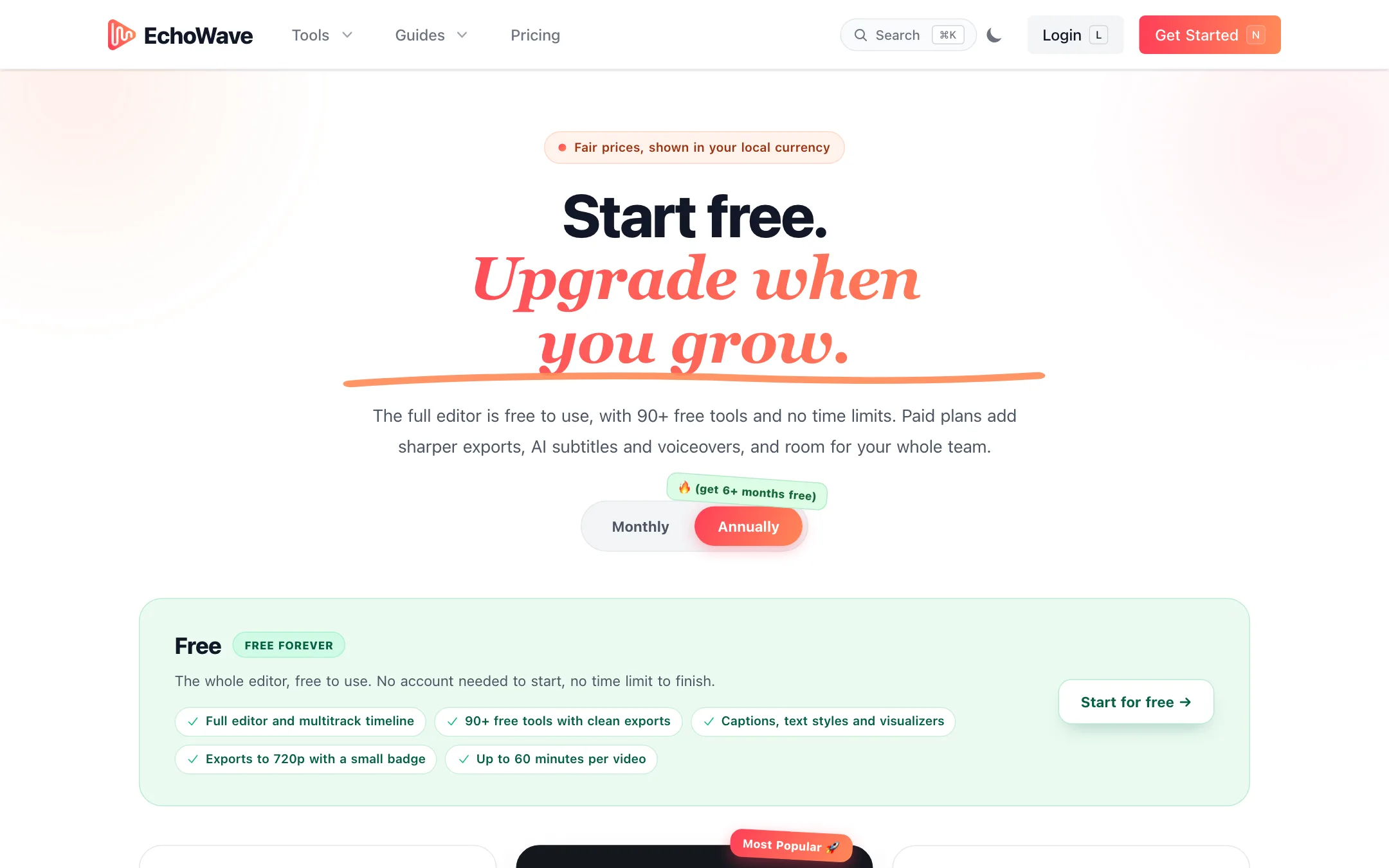
- Free: 720p at 30 fps, with a small badge. The homepage FAQ also mentions 480p as a free option.
- Basic: 1080p at 24 or 25 fps.
- Pro: 2K and 4K, up to 60 fps.
- Business: 8K, up to 120 fps.
Exports come in MP4, WebM, MOV and GIF, plus MP3, WAV and FLAC audio on paid plans.
Transcription quality is the other factor, and EchoWave does not publish accuracy figures. Expect to fix names and jargon by hand, as with any automatic captioning tool.
The ratings on the site do not line up. The homepage shows 4.9 out of 5 from 336 creator ratings. The pricing page says 4.5 out of 5 on Trustpilot. Treat both as marketing.
Pricing
EchoWave localizes prices by country and shows them in your local currency. The USD figures below are the US prices from EchoWave’s own pricing service, which match the defaults built into the pricing page. A visitor from Malaysia, for example, saw RM19, RM39 and RM150 a month billed annually instead.
| Plan | Price (USD default) | What you get |
|---|---|---|
| Free | Free | Full editor, 720p with badge, 60 minutes per video |
| Basic | $9/mo annually, $19 monthly | 1080p, no watermark, priority rendering |
| Pro | $17/mo annually, $39 monthly | 4K, 60 fps, AI subtitles, AI voices, voice cloning |
| Business | $69/mo annually, $99 monthly | 8K, 120 fps, team seats, unlimited renders |
Things to know before you pay:
- Pro is the real AI plan. AI subtitles, subtitle translation, AI voiceovers and voice cloning are listed under Pro. Basic only removes the badge and raises resolution.
- Annual billing is a big discount. The page advertises “6+ months free,” with savings of 30% to 56% depending on the plan.
- Free storage is short. Free videos are kept for 24 hours and paid videos for at least 30 days. Download your exports promptly.
- Fair use applies. AI features and rendering follow a fair use policy. EchoWave does not publish the limits, and says very heavy use may require a higher plan.
- Refunds are rare. The FAQ says EchoWave does not typically refund and points you to the terms. Individuals have no paid trial; Business teams of three or more can ask for one.
How it compares
EchoWave competes with other browser editors such as Kapwing, VEED and Clipchamp. On paper, it stands out in three places.
- Audio-first features. Visualizers, audiograms, lyric videos and podcast import get more attention here than in most general editors.
- Automation. Templates with placeholders, CSV batch rendering, a REST API and an MCP server are uncommon at this price.
- Free tools. Ninety-plus single-purpose tools and 175+ converters let you do quick jobs without opening the full editor or signing up.
Where the others may suit you better:
- Collaboration. EchoWave puts team seats on the Business plan only. If several people edit together, compare how other editors handle teams at lower tiers.
- AI extras. Some rivals bundle AI clipping, filler-word removal or text-to-video into cheaper plans. EchoWave lists a filler-word tool and an AI video agent page, but its pricing table focuses on export quality, captions and voices.
Tips for getting the most out of it
- Try the free tools first. If you only need to compress, trim or caption one file, a free tool may be all you need.
- Download free exports right away. The free plan keeps rendered videos for only 24 hours.
- Check the price at checkout. Because pricing is localized, the amount you pay may differ from the USD defaults in this review.
- Build a template before batch rendering. Set up placeholders for the text, audio and images that change, then feed the CSV.
- Fix the transcript before styling captions. Correct names and jargon in the text first, so every caption style and translation starts from clean words.
- Pick Pro only if you need AI. If you just want clean 1080p exports, Basic covers it at a lower price.
- Use the native app for big files. The Mac and Windows apps are new, but they may suit long projects better than a browser tab.
- Plan around fair use. If you expect to caption hours of video every week, ask EchoWave about limits before you commit to an annual plan.
Verdict
EchoWave is a strong pick if your content starts with audio. Podcasters and musicians get captions, visualizers and audiograms in the same place, and the free plan lets you use the whole editor before you pay. The template, CSV and API features also make it a good fit for anyone producing the same format at volume.
Be clear on the limits. The AI features most people come for, subtitles and voices, need Pro. Free exports are 720p with a badge, and the price you see depends on where you are. Start on the free plan, make one real project, and upgrade to Pro on annual billing only if the captions and voices earn their place.