
What Dubverse is
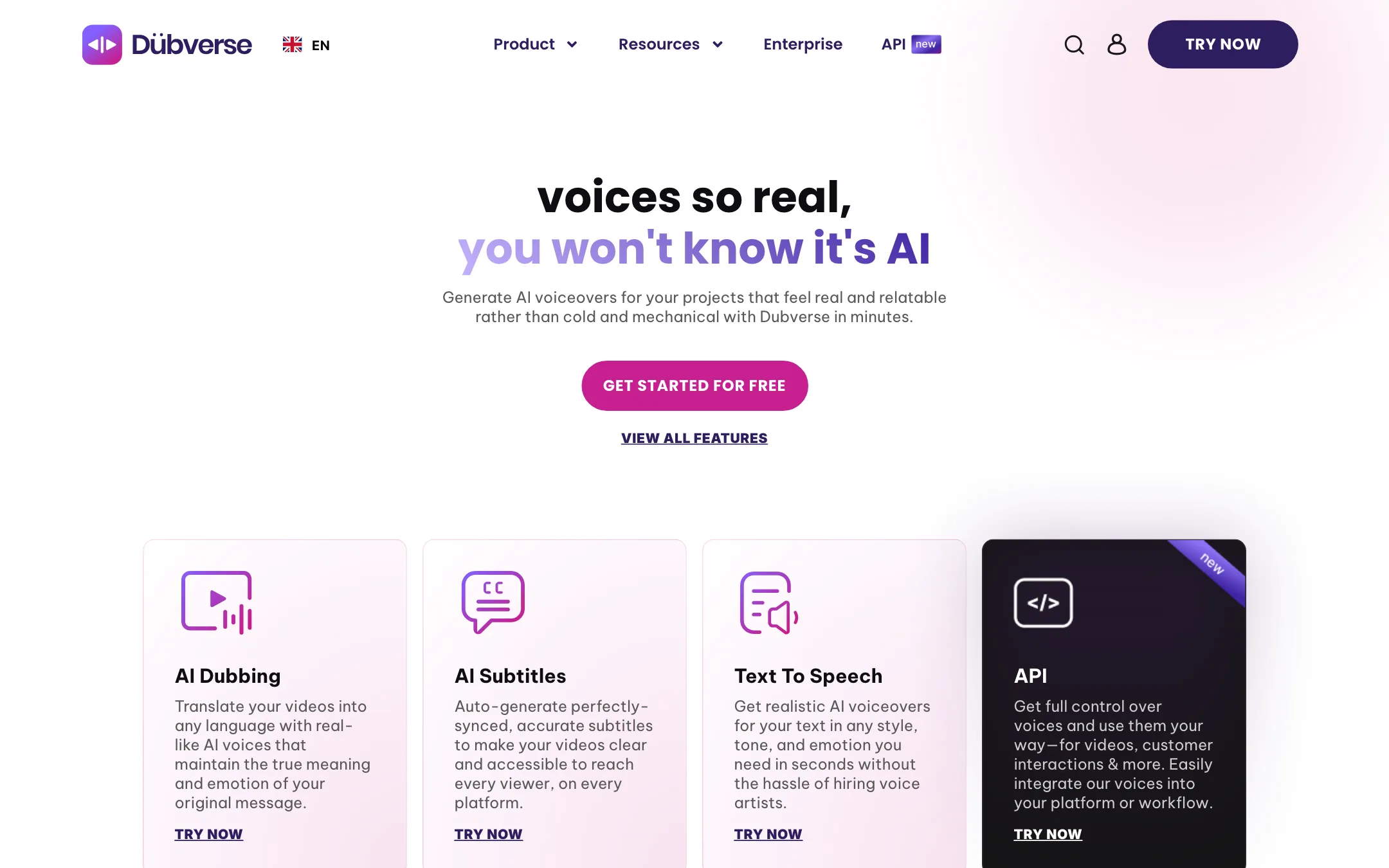
Dubverse is an AI dubbing platform from Lensmatic Solutions, a company based in India. You upload a video, pick target languages and get back a translated, voiced version. The same account also makes subtitles and plain text-to-speech voiceovers.
It has been around longer than most tools in this category. Its FAQ jokes that the team was building this “when people used to call this deepfakes.” It was an early pick for the JioGenNext accelerator run by Reliance Jio, per the About page.
Dubverse’s angle is Indian languages. It talks up Hindi, Hinglish and regional languages, and its reviews come mostly from Indian teams. It also supports major global languages like Spanish, French, German, Japanese and Arabic.
The other angle is the editor. Dubverse does not just hand you a finished dub. It gives you a studio where you fix the script, change pronunciations and swap voices line by line.
Who it is for
Dubverse fits you if:
- You make training videos, explainers, software walkthroughs or support content and want them in more languages.
- Your audience is in India, and you need Hindi, Bengali, Assamese or code-mixed scripts like Hinglish.
- You or someone on your team can read the target language and wants to correct the translation before export.
- You want subtitles and TTS in the same account as dubbing, on one credit balance.
Skip it if:
- You want your own voice in every language out of the box. Dubverse’s FAQ says a dub will not sound like the original speaker. You choose from its speaker library instead.
- You dub films, drama or comedy. Dubverse itself says entertainment content “won’t come out good.”
- You dub hours of video a month on a small budget. Fifty credits goes fast.
- You need perfect lip sync on talking-head footage. Lip sync is listed as a newer feature, and tools built around lip sync may suit you better.
How it works
This is not a hands-on test. The workflow below comes from Dubverse’s features page, FAQ and pricing page.
A typical dubbing run
- Start the 2-day trial. Dubverse’s FAQ says you get 20 credits and no card is needed.
- Import a video. The features page says you can import from anywhere, and there are YouTube and Google Sheets integrations.
- Pick the source and target languages.
- Let Dubverse transcribe, translate and voice the video. Its FAQ says this usually takes under 4 minutes.
- Open the result in the studio. Fix the translation, pick a different speaker or tone, and assign lines to more than one speaker if the video has several people.
- Add music from the royalty-free library, or upload your own.
- Export the dubbed video, the audio or the subtitle files.
The studio editor
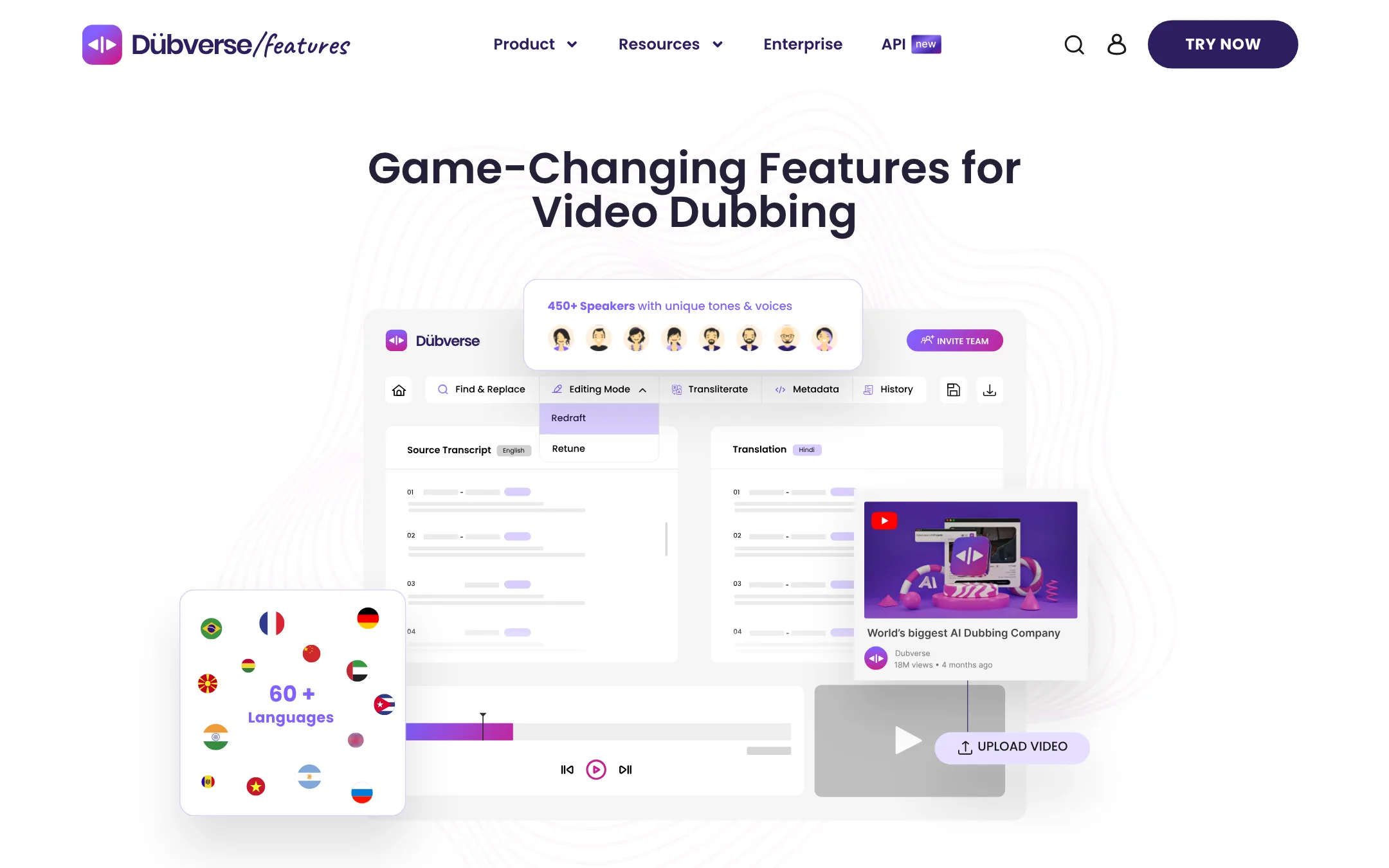
The editor is where Dubverse sets itself apart. The features page lists:
- One-screen review. Text, audio and video sit side by side. Dubverse claims this cuts edit time by 50%.
- Find and replace across the whole script, so one wrong term gets fixed everywhere.
- Transliterate. Type Hindi or another language on an English keyboard and pick from suggested spellings.
- Pronunciation choices. Pick how a single word is said from several options.
- Glossary. Keep brand names, nouns and common English verbs in English inside a translated script. Dubverse’s own wording is that nobody speaks “Shudh bhasha” any more.
- Multi-tone speakers. Change how a voice sounds to add some life to the dub.
- Retune mode. Assign lines to different AI speakers for podcasts and interviews. The FAQ says automatic speaker detection is in beta.
On paid plans you also get “Redo by Range,” “Repeat Segments” and a “Transcript Customizer,” per the pricing page.
Subtitles and TTS
Subtitles are the cheapest thing Dubverse does, at 1 credit a minute. Pro includes basic animated subtitles. Supreme adds custom animated styles. Both export VTT and XML files.
The text-to-speech side is a separate studio. You paste or upload text, pick a voice and download audio. Dubverse names two in-house models, Neo.One and Candy.Two, and says they handle mixed-language scripts in a single call.
API
Dubverse has a TTS API for apps, chatbots and voice assistants. The API page claims around 400 ms latency, 128 kbps audio and 500+ speakers, with automatic language detection. The homepage puts response time “as low as 500 ms.” Both are vendor numbers.
Human review
Dubverse recommends a human check on every dub, especially in languages you do not speak. It offers a vendor service with language experts, including medical, financial and education translators. This is billed separately from any plan.
Output quality
We have not dubbed a video with Dubverse, so here is what Dubverse claims, and where its own pages hedge.
What Dubverse says:
- Translation accuracy. Over 95% for English and Spanish, and about 85% for other languages, per its FAQ.
- Background sound. The FAQ says sound effects are kept under the new voice.
- Voices. Its testimonials, all on Dubverse’s own site, praise the Indian-accented voices in particular.
- Speed. Most videos dub in under 4 minutes.
What to take from that:
- An 85% accurate translation still needs work. On a 10-minute video, that can mean several wrong lines. Budget time in the editor, or pay for the review service.
- The voice will not be yours. Unless you set up a clone, the dub uses a library speaker. For a talking-head creator, that can feel off to your audience.
- Content type matters. Dubverse is clear that it is built for informational videos. Fast dialogue, jokes and emotional scenes are where AI dubbing fails most.
Contradictions to check
Dubverse’s pages do not agree with each other on several points. None of them is a dealbreaker, but test them in the trial:
- Languages. The languages page says 32. The same page’s header says 60+. The FAQ says 60+. The homepage mentions consistent voices across “10+ Indian and global languages.”
- Voices. The homepage says 200+ voices. The FAQ and API page say 500+ speakers.
- Voice cloning. The pricing page lists it on Supreme. The FAQ says cloning is not in any plan and is billed separately.
- API. The FAQ says there is no API yet and one is planned for 2024. A full API page with documentation is live.
- In-house models. The FAQ says the product is “not just a wrapper around third party APIs.” The pricing page names GPT 3.5 and GPT 4 for the Hawk and Eagle translation tiers. The voices may well be in-house, but the translation step uses OpenAI models by Dubverse’s own labels.
Pricing
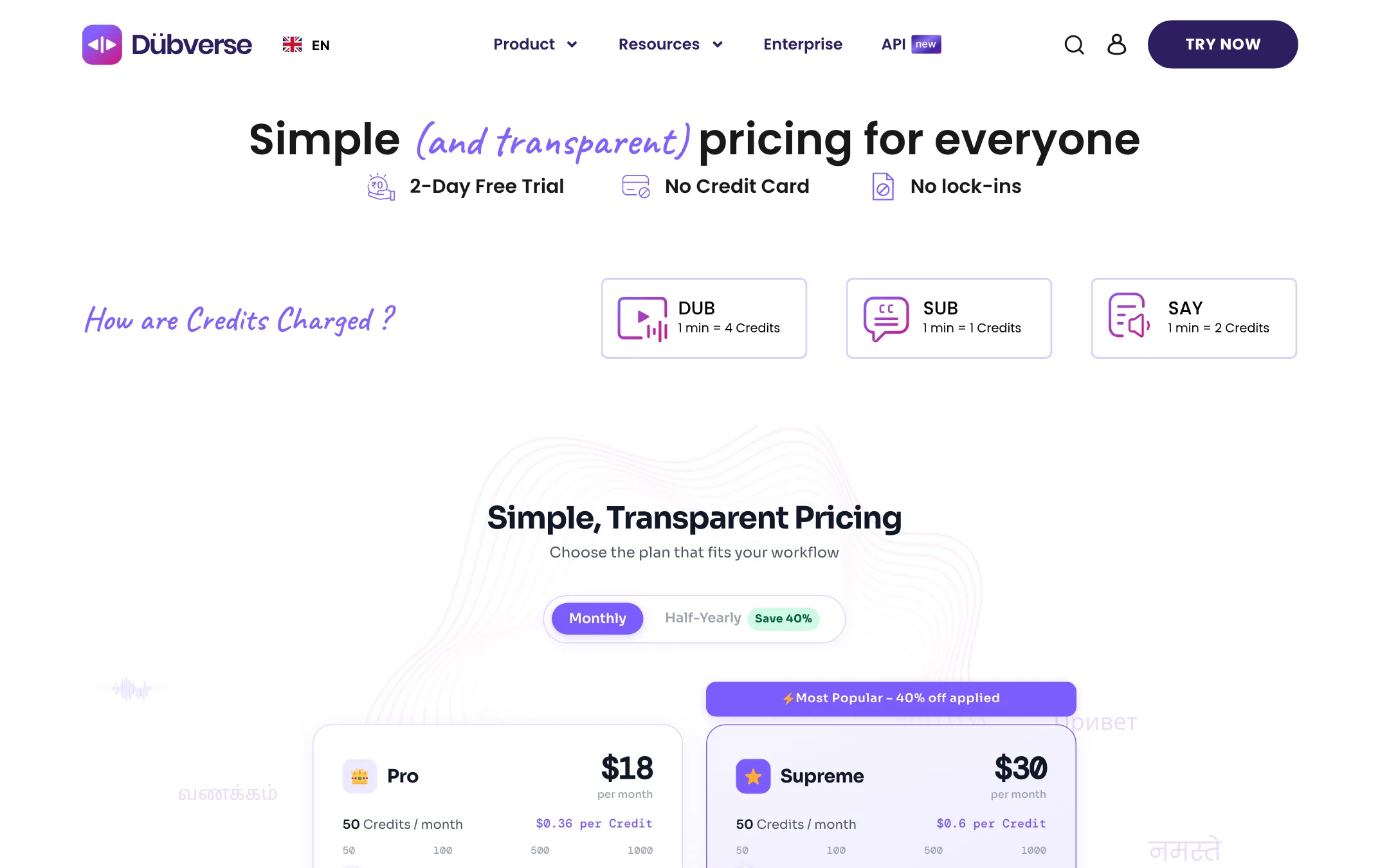
Dubverse runs on credits. Every plan gives you a monthly pool, and each service eats credits at a fixed rate:
- Dubbing: 4 credits a minute
- Text-to-speech: 2 credits a minute
- Subtitles: 1 credit a minute
| Plan | Price | What you get |
|---|---|---|
| Free trial | Free for 2 days | 20 credits, no card |
| Pro | $18/mo, or $54 per 6 months ($9/mo) | 50 credits, GPT 3.5 translations, videos under 60 min, no watermark |
| Supreme | $30/mo, or $90 per 6 months ($15/mo) | 50 credits, voice cloning, GPT 4 translations, videos under 150 min |
| Enterprise and API | Contact sales | Bulk dubbing and API |
A few things the pricing page does not make obvious:
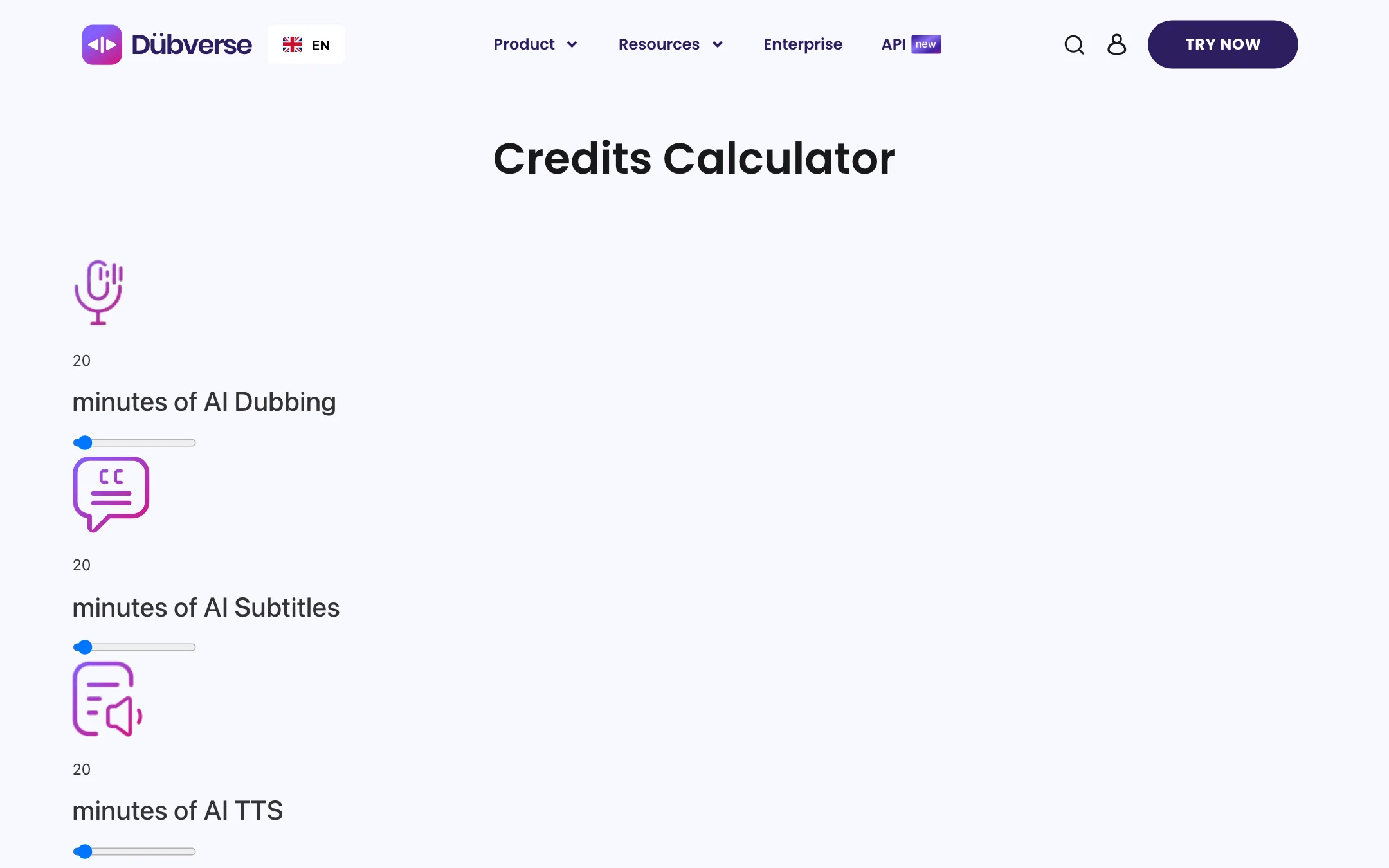
- Fifty credits is about 12 minutes of dubbing. If you only make subtitles, it covers 50 minutes. Plan your minutes before you pick a tier.
- Credit tiers go higher. Each plan has 50, 100, 500 and 1,000 credit options. On monthly billing, Pro costs $18, $30, $90 and $150, and Supreme $30, $50, $150 and $250.
- Half-yearly billing halves the price. The toggle says “Save 40%”, but the half-yearly prices are exactly half the monthly ones: Pro $9 a month ($54 every 6 months), Supreme $15 ($90). The Supreme card’s “40% off applied” label shows on monthly billing too, so it does not tell you much.
- Supreme costs more per credit. On monthly billing, Pro works out to $0.36 a credit and Supreme to $0.60. You pay extra for better translations, cloning and longer videos, not more minutes.
- Commercial rights. The FAQ says commercial rights are “available only on the pro subscriptions.” It does not say whether that means Pro only or any paid plan. Ask before you publish client work.
- Extras cost extra. Human review is always billed separately. Voice cloning may be, depending on which page is right.
How to make your credits go further
- Test in the trial first. Twenty credits is enough to dub about five minutes. Use it on the exact kind of video you plan to make.
- Trim before you upload. You pay per minute, so cut intros, silences and outros first.
- Use subtitles where they work. At a quarter of the price of a dub, subtitles may be enough for some markets.
- Fix the script, not the output. Correct the transcript before you generate voices, so you do not pay to redo lines.
Verdict
Dubverse is a sensible pick if you localise training, product or explainer videos, especially for Indian audiences. The studio editor, glossary and transliteration tools give you real control over the script. The trial needs no card.
The catch is volume. Fifty credits buys about 12 minutes of dubbing, so heavy users will need a bigger tier, up to $150 a month for 1,000 Pro credits on monthly billing. The site also contradicts itself on languages, cloning and the API. Use the 2-day trial to confirm your language pair, voice options and the real checkout price before you commit.
