Dubverse vs Dub AI
Two dubbing and voice tools side by side: pricing, free plans, features and who each one suits.
Some links on this page are affiliate links. If you buy through them we may earn a commission at no extra cost to you. Read our disclosure.

#6 of 33 in Dubbing and voice
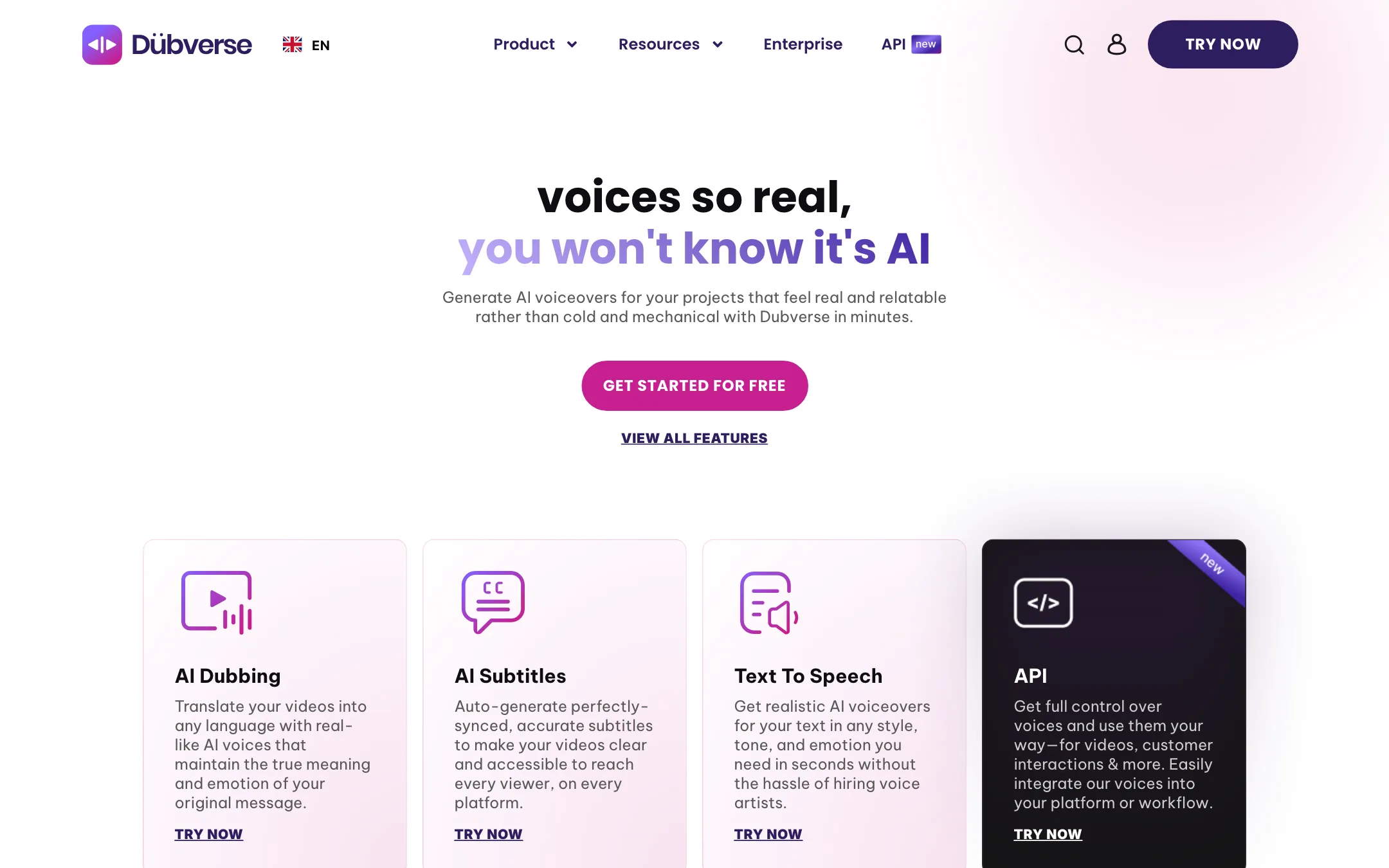
An Indian-built AI dubbing, subtitle and text-to-speech studio with a script editor, multi-speaker dubs and a TTS API
Best for: Teams localising explainers, training and product videos into Indian and global languages who want to fix the script themselves before export.

#9 of 33 in Dubbing and voice
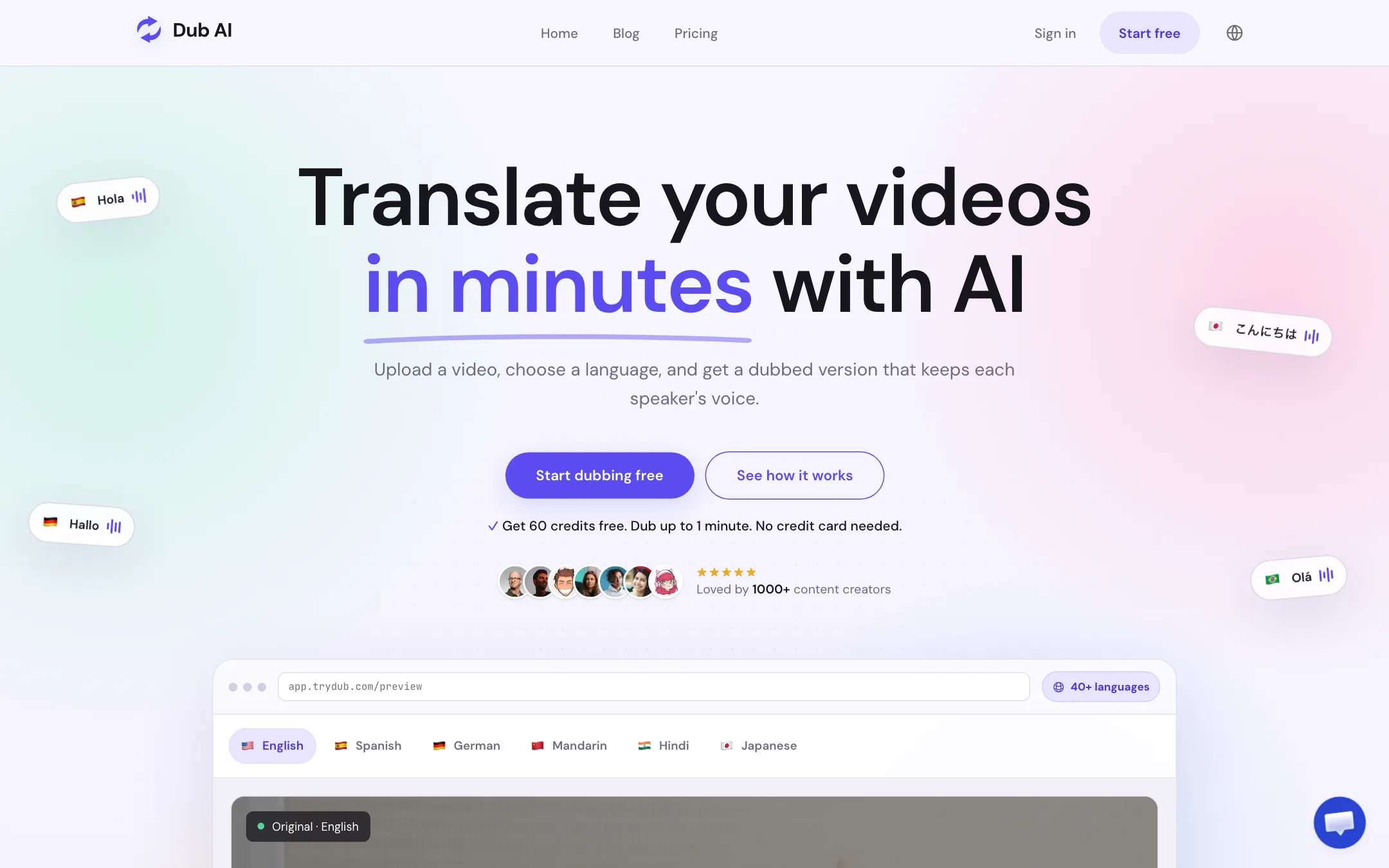
A focused web tool that translates and dubs video or audio into 40+ languages, keeps each speaker's voice, and hands you the transcript, subtitles and audio files
Best for: YouTubers, course makers and small teams who want to dub a finished video into another language in their own voice, without a full editor or a subscription.
The short answer
More creators choose Dubverse than Dub AI, and it ranks higher in our dubbing and voice list. Pick Dubverse if you want teams localising explainers, training and product videos into indian and global languages who want to fix the script themselves before export. Pick Dub AI if you want youtubers, course makers and small teams who want to dub a finished video into another language in their own voice, without a full editor or a subscription.
Dubverse: A focused dubbing studio with a real editor and strong Indian-language coverage, at a low entry price. Fifty credits is only about 12 minutes of dubbing, and the site contradicts itself on languages, voice cloning and the API, so confirm the details in the trial.
Dub AI: Simple, cheap to try and easy to budget, with a one-time credit pack and useful exports. It skips lip sync and editing tools, publishes no API docs and names no model provider, so it suits occasional dubbing more than a localization pipeline.
Specs side by side
| Dubverse | Dub AI | |
|---|---|---|
| Starting price | From $9/mo | From $60/mo |
| Free tier | ||
| Pricing | 2-day free trial with 20 credits and no card. Pro $18/mo or $9/mo billed every 6 months; Supreme $30/mo or $15/mo half-yearly; both with 50 credits a month. | 60 free credits (1 minute of dubbing), no card. Pay as you go $15 once for 15 minutes, or $60/mo for 2 hours. |
| Platforms | Web, API | Web |
| Best for | Teams localising explainers, training and product videos into Indian and global languages who want to fix the script themselves before export. | YouTubers, course makers and small teams who want to dub a finished video into another language in their own voice, without a full editor or a subscription. |
| Last checked | 2026-10-21 | 2026-10-21 |
Pricing
Dubverse
2-day free trial with 20 credits and no card. Pro $18/mo or $9/mo billed every 6 months; Supreme $30/mo or $15/mo half-yearly; both with 50 credits a month.
- Free trialFree for 2 days
- Pro$18/mo monthly · $54 per 6 months ($9/mo)
- Supreme$30/mo monthly · $90 per 6 months ($15/mo)
- Extra creditsVaries
- Enterprise and APIContact sales
Dub AI
60 free credits (1 minute of dubbing), no card. Pay as you go $15 once for 15 minutes, or $60/mo for 2 hours.
- FreeFree
- Pay As You Go$15 once
- Subscription$60/mo
- EnterpriseCustom
Key features
Dubverse
- AI video dubbing from one language into many, with translation, voiceover and sync in one project
- Auto-generated subtitles with basic or custom animated styles and VTT/XML export
- Text-to-speech studio with a library Dubverse puts at 200+ voices on the homepage and 500+ in the FAQ
- Two in-house voice models, Neo.One and Candy.Two
- Script editor with find and replace, transliteration, pronunciation choices and a glossary
- Multi-speaker dubs, with lines assigned to different AI speakers in Retune mode
- Mixed-language scripts such as Hinglish or Spanglish
- Lip sync, in-video text translation and background sound preservation, per the features page
- Voice cloning on Supreme, or as a separately billed service per the FAQ
- Team folders, link sharing and Google Sheets and YouTube integrations
- Low-latency TTS API for apps and chatbots
Dub AI
- Translate and dub video or audio into 40+ languages
- Keeps each speaker's voice, with automatic detection of up to 10 speakers
- Accepts MP4, MOV, MP3 and WAV uploads
- Downloads the dubbed video, a translated transcript, an SRT subtitle file and separate audio files
- One credit per second of media, so costs are easy to predict
- One-time credit packs or a monthly subscription
- API access on custom Enterprise plans
Strengths and weaknesses
Dubverse
- Two-day trial with 20 credits and no card
- Cheap entry price for a dubbing tool with no watermark on paid plans
- Script, audio and video sit on one screen, so you can fix translations line by line
- Strong focus on Indian languages and code-mixed scripts like Hinglish
- Background sound is kept under the new voice, per Dubverse
- Optional human review by language experts for content you cannot check yourself
- 50 credits a month covers about 12 minutes of dubbing at 4 credits a minute
- Half-yearly billing is the only discount, and it means paying 6 months upfront
- Language count varies by page, from 32 to 60+
- FAQ says voice cloning is not in any plan, while the pricing page lists it on Supreme
- FAQ says there is no API and one is planned for 2024, while a live API page exists
- Dubverse itself advises against using it for films and entertainment content
- FAQ says commercial rights come only with "pro subscriptions", without defining which plans that covers
Dub AI
- Free minute with no card, so you can test your own voice first
- One credit equals one second, the simplest pricing in this category
- A one-time $15 pack means no subscription for occasional jobs
- Subtitle, transcript and audio stems come with every dub
- Clear consent and review guidance on its own pages
- Says voice data is not kept after dubbing or used for training
- No lip sync, so on-camera talking heads will look out of step
- No published API documentation; API needs a sales conversation
- Only one monthly plan, and it jumps straight to $60
- Does not say which voice or translation models it uses
- Testimonials are mostly first names and handles, hard to verify
- Only 1 concurrent job on the pay-as-you-go pack
Try Dubverse
2-day free trial with 20 credits and no card. Pro $18/mo or $9/mo billed every 6 months; Supreme $30/mo or $15/mo half-yearly; both with 50 credits a month.
Try Dub AI
60 free credits (1 minute of dubbing), no card. Pay as you go $15 once for 15 minutes, or $60/mo for 2 hours.