What sync. is
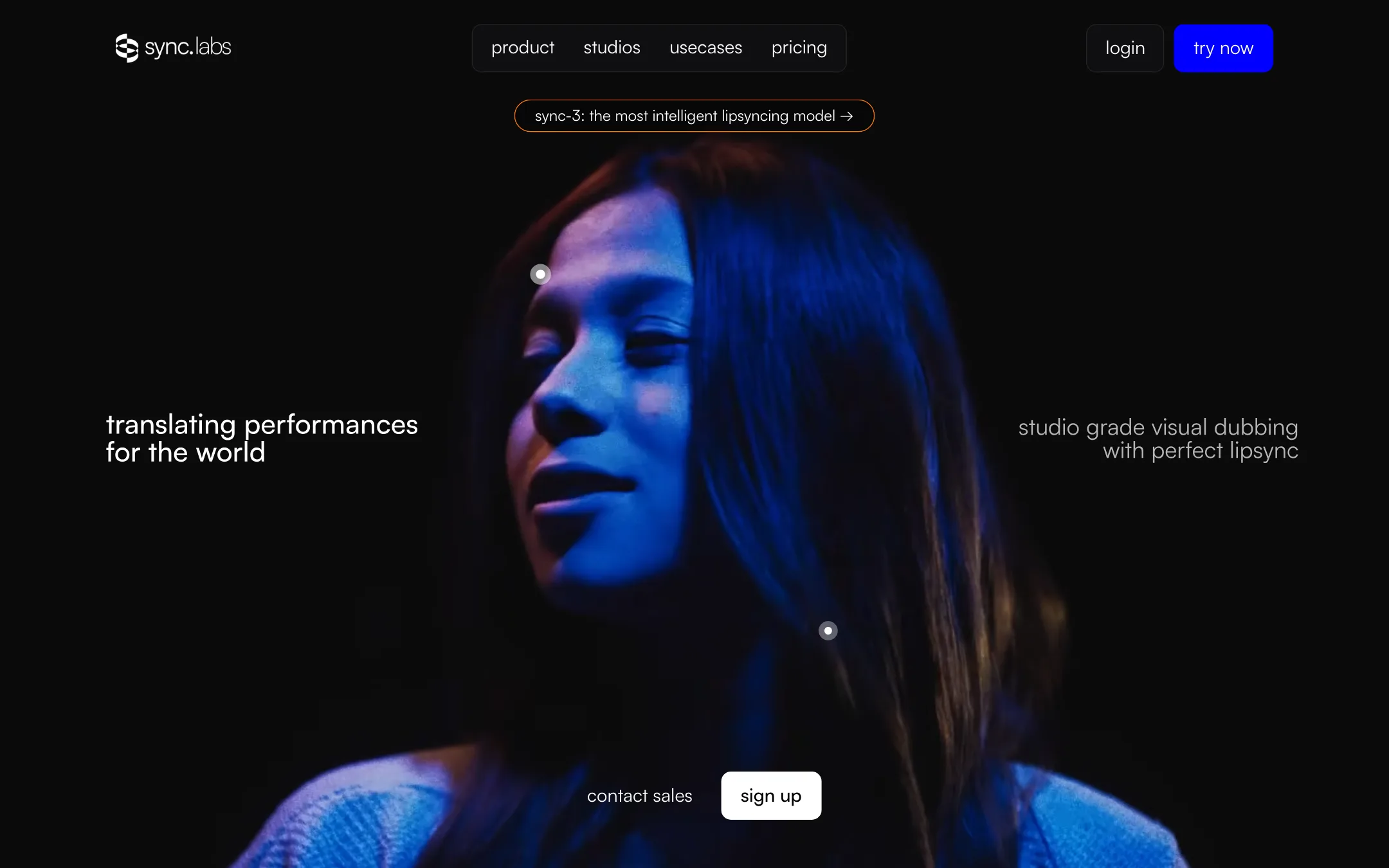
sync. is a lip-sync platform from synchronicity labs, sold at sync.so. AAT lists it under the name of one of its models, Lipsync-2-Pro. You give it a video or a photo of a face and a new audio track. It rewrites the mouth so the person appears to say the new words.
That one job covers a lot of ground. You can dub a video into another language, fix a fluffed line without a reshoot, swap a script after the edit is locked, or give an AI-generated character a voice.
sync. labs trains its own models. This is not a reseller of someone else’s video model. The current lineup is sync-3 (the default), lipsync-2-pro, lipsync-2, an older lipsync-1.9, and react-1, which edits facial expression and head movement as well as the lips.
What sync. does not do is generate a video from a prompt. You bring the face. It brings the mouth.
Who it is for
sync. fits you if:
- You edit talking-head content and want to fix or change lines after the shoot.
- You localize videos, courses or ads and want the speaker’s mouth to match the dub.
- You work in Premiere Pro or DaVinci Resolve and would rather not leave the timeline.
- You build an app or pipeline and want lip-sync behind an API.
- You make AI characters elsewhere and need them to deliver dialogue convincingly.
Skip it if:
- You want a tool that writes, films and edits a whole video for you. Look at an all-in-one editor instead.
- You want a stock avatar to read a script. Avatar tools ship with ready-made presenters, and sync. does not.
- You need a predictable flat monthly bill. On most plans you pay a fee plus usage, and heavy months cost more.
- You only need subtitles or a voiceover with no picture changes. A captioning or dubbing tool is cheaper for that.
How it works
You work in Lipsync Studio, a web app, or through the API and plugins. The Studio has three ways in, according to sync. labs:
- Lite: drop in a video, add a voice, get your result. The voice can be an uploaded file, text-to-speech, a cloned voice or the clip’s own audio. There is no timeline to learn.
- Assistant: drop in a video and describe what you want in plain language. sync. labs says the assistant picks the model, detects the speakers and runs the job.
- Advanced: a full timeline where you cut, trim and split video and dialogue at the frame level.
A workflow dashboard sits in front of these. It asks what you want to do (lip sync, translate and dub, image to video, assistant or timeline) and opens the right tools.
A typical lip-sync run
- Upload your source video, or a still image if you want sync-3 to animate a photo.
- Add the new audio. Upload a file, type a script for text-to-speech, or use a cloned voice.
- Pick a model. sync-3 is the default. Drop to lipsync-2 for clean, front-facing shots to save money.
- If more than one face is on screen, choose the speaker. Creator and above get automatic speaker detection.
- Check the estimated cost in the bottom right of the playground, then generate.
- Download the result. Watermark-free downloads start on Creator.
When the audio and video are different lengths, a sync mode setting decides what happens. Per the docs, you can loop the shorter track, cut off the excess, pad with silence or stretch to fit. With cut-off, you are billed only for the processed length.
Dubbing
Dubbing is a separate flow. Click the translate icon in the player, pick a target language, and sync. translates the speech, clones the voice and lip-syncs the result. The docs say the audio side runs on ElevenLabs’ dubbing endpoint and that the available languages come from there.
The language count depends on which page you read. The pricing page says 29 languages. The August 2026 changelog says built-in dubbing now supports 92. The homepage shows six. The sync-3 model doc says the lip-sync model itself handles 95-plus languages, which is a different thing: it can sync to audio in those languages if you supply the audio yourself.
Plugins, API and agents
This is where sync. is stronger than most tools in this category:
- Adobe Premiere Pro plugin: set in and out points on your sequence, generate, and drop the result back into the edit.
- DaVinci Resolve plugin: the same idea, from your timeline or media pool.
- ComfyUI node: add lip-sync to a node-based generation workflow.
- REST API and SDKs for Python and TypeScript, with webhooks and asset uploads.
- Batch API on Scale, which sync. labs says handles up to 500 generations per batch.
- MCP server and a ChatGPT app so an AI assistant can run jobs for you.
The models
sync. labs publishes what each model is for:
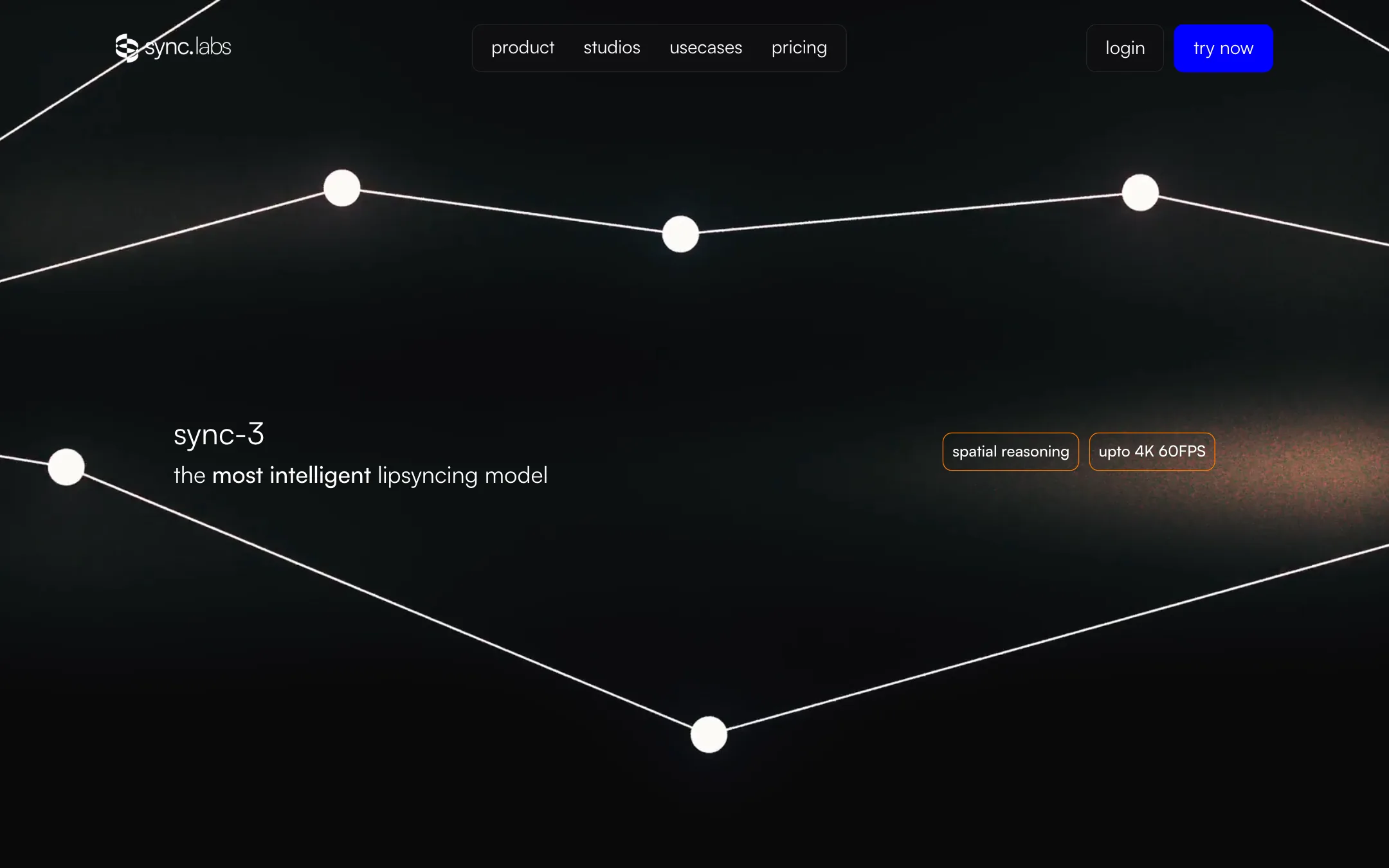
- sync-3 is the flagship. sync. labs says it reads the whole shot at once instead of stitching short snippets. It claims sync-3 handles tight close-ups, profile angles, hands and microphones in front of the mouth, low light and shaky camera, and outputs up to 4K. It is also the only model that animates a still image.
- lipsync-2-pro adds what sync. labs calls diffusion-based super resolution, for more detail in teeth, beards and fine features. A “reasoning mode” toggle is meant to fix artifacts and extreme poses at the cost of slower runs.
- lipsync-2 is the mid-price model. sync. labs describes it as preserving each speaker’s own style of mouth movement.
- lipsync-1.9 is the cheapest, listed on pricing but no longer on the model pages.
- react-1 goes beyond the mouth. You choose to edit just the lips, the whole face, or the face plus head movement. You can steer it with one of six emotion prompts: happy, angry, sad, neutral, disgusted or surprised.
Face resolution matters for close-ups. The docs list 512 by 512 for lipsync-2 and lipsync-2-pro, and native 4K for sync-3. If your shots are tight on the face, that gap is worth testing.
Output quality
We have not run sync. ourselves, so treat the following as what the vendor claims and what to check.
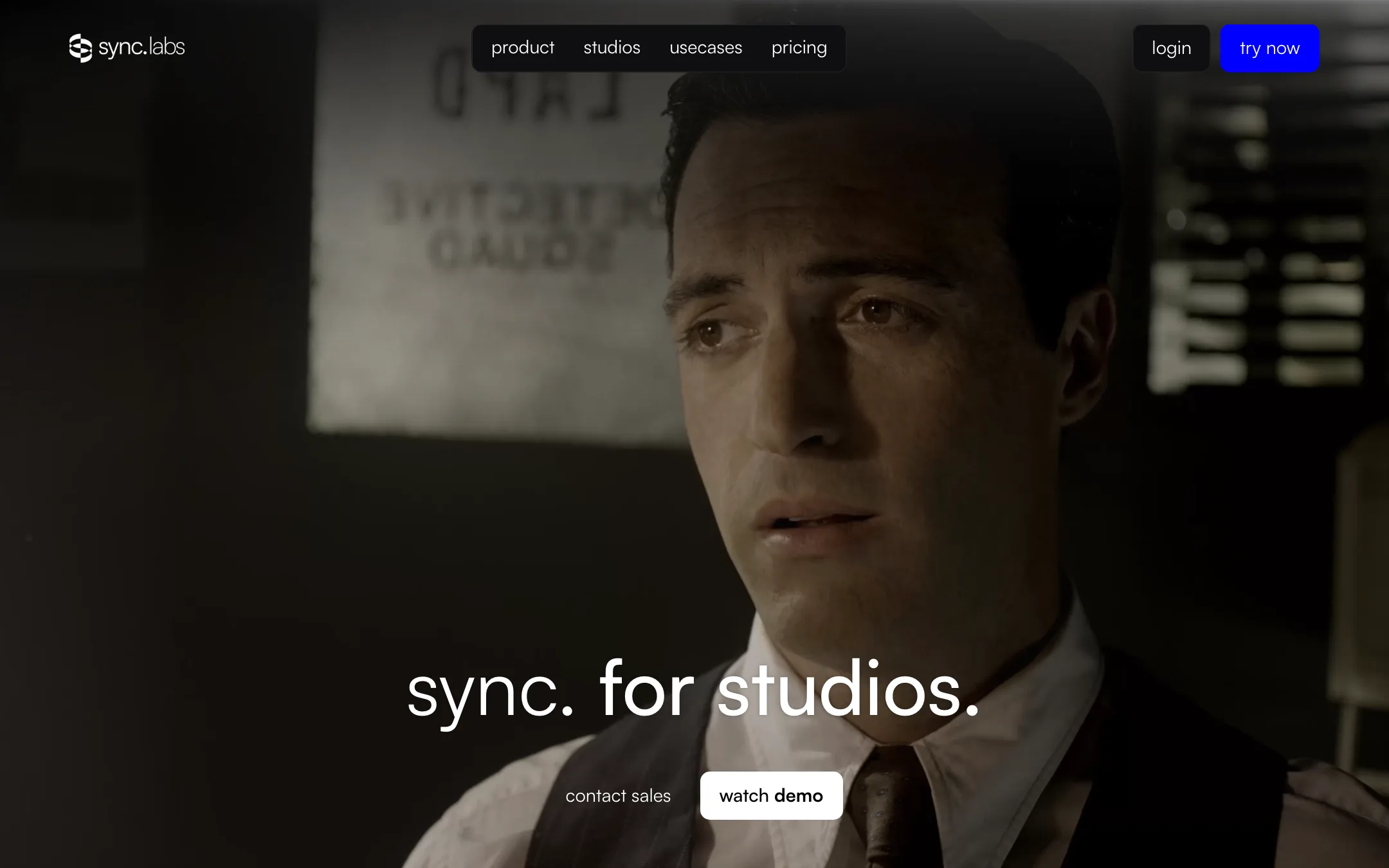
sync. labs pitches sync-3 at film and TV work. Its studios page lists ProRes 4444 XQ through Proxy, OpenEXR sequences, 4K DCI, HDR10 and ACES, plus a three-round QC process with post teams. It also says the model needs no per-actor training and preserves each speaker’s performance.
What to test with the free generations:
- A side angle or a close-up. This is where sync. labs says sync-3 beats its older models.
- A shot with a hand or mic near the mouth. Obstruction handling is a headline claim.
- Two people on screen. Check that speaker selection picks the right face.
- Teeth and beards if you plan to pay for lipsync-2-pro over lipsync-2.
Twenty seconds per free run is enough to judge a single line. It is not enough to judge a full scene, so pick your hardest shot for the test.
The watermark verification tool is worth knowing about. sync. labs says you can upload any video and check whether it was modified with its technology. That matters if you publish edited dialogue and want a way to show it was disclosed.
Pricing
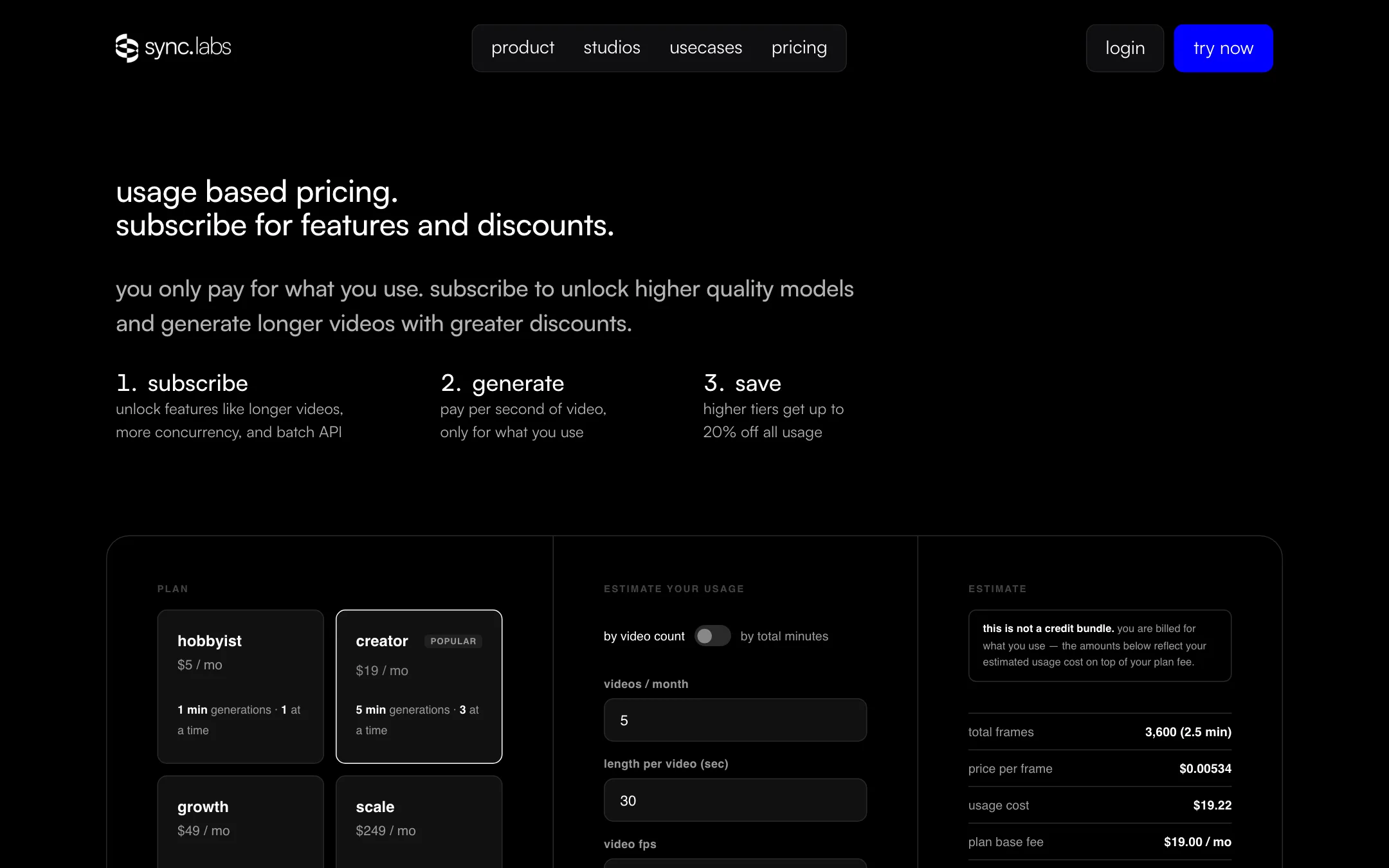
sync. bills in a way that takes some getting used to. Most accounts pay a monthly subscription for features and limits, then pay separately for every second they generate.
| Plan | Monthly fee | Max video | Jobs at once | Usage discount | Watermark |
|---|---|---|---|---|---|
| Free | $0 | 20 seconds | 1 | None | Yes |
| Hobbyist | $5 | 1 minute | 1 | None | Yes |
| Creator | $19 | 5 minutes | 3 | None | No |
| Growth | $49 | 10 minutes | 6 | 5% | No |
| Scale | $249 | 30 minutes | 15 | 20% | No |
Usage rates per second of output at 25 fps, before plan discounts:
| Model | Per second | Per minute |
|---|---|---|
| lipsync-1.9 | $0.025 | $1.50 |
| lipsync-2 | $0.05 | $3.00 |
| lipsync-2-pro | $0.083 | $5.00 |
| sync-3 | $0.133 | $8.00 |
| react-1 | $0.167 | $10.00 |
Dubbing adds $0.10 a second of audio ($6 a minute) on Hobbyist and Creator, on top of the lip-sync model. So a one-minute dub synced with sync-3 on Creator costs about $14 in usage, plus the $19 fee.
Things the pricing page does not make obvious:
- The free tier lives in the docs. The pricing page’s cheapest option is Hobbyist at $5, with a button that says “Try sync for free.” The docs and the August 2026 credit-billing page describe a free account with 3 generations a month and no card.
- Usage is invoiced in chunks. When usage hits your tier’s threshold ($6 on Hobbyist, $20 on Creator, $50 on Growth, $250 on Scale), sync. charges your card. You can see several charges a month.
- Free allowance stops when you subscribe. Paid plans have no included generations. Every second is billed.
- There is a second pricing system. The docs say some organizations are on credit billing instead: Hobby $5 (300 credits), Starter $12 (700), Pro $29 (2,000) and Team $99 (8,000), with 1 credit worth $0.01 of usage. Your Studio billing page tells you which one you are on.
- Frame rate matters. Lip-sync is priced per output frame. Footage above 25 fps costs more per second than the table above.
How to keep the bill down
- Test on the free account first. Use all three monthly generations before you subscribe, since the allowance disappears once you pay.
- Match the model to the shot. Use lipsync-2 for clean front-facing talking heads. Save sync-3 for close-ups, angles and obstructions.
- Trim before you sync. You pay for every output frame, so cut the clip to the lines that change.
- Use cut-off sync mode when the audio is longer than the video, so you are billed for the shorter track.
- Bring your own ElevenLabs key on Creator and above if you dub a lot. The docs say ElevenLabs then bills the dubbing audio directly.
Refunds
The docs give a clear rule. On Hobbyist and Creator, you get the monthly fee back if you have used 1,500 frames or fewer (about 60 seconds at 25 fps) and you ask within the same billing period. Usage invoices are never refunded. Cancelling keeps access until the end of the cycle, and anything you generate in that time is still billed.
Affiliate program
We could not find a cash affiliate program. sync. runs a creator partner program that, per its page, gives selected creatives $1,000 in free credits, support and early access in exchange for collaboration. That is credit, not commission.
Verdict
sync. is a serious lip-sync engine, not a video generator with lip-sync bolted on. It trains its own models, publishes per-second rates for each one, and plugs into Premiere Pro, DaVinci Resolve and ComfyUI. If you already have footage and need the mouth to match new audio, it belongs on your shortlist.
The friction is billing and consistency. You pay a fee plus usage on most plans, the free tier only shows up in the docs, and the dubbing language count changes from page to page. Use the free generations on your hardest shot, check the result on a big screen, and only then pick a plan. If you need watermark-free output, budget for Creator at $19 a month plus usage.