What Descript is
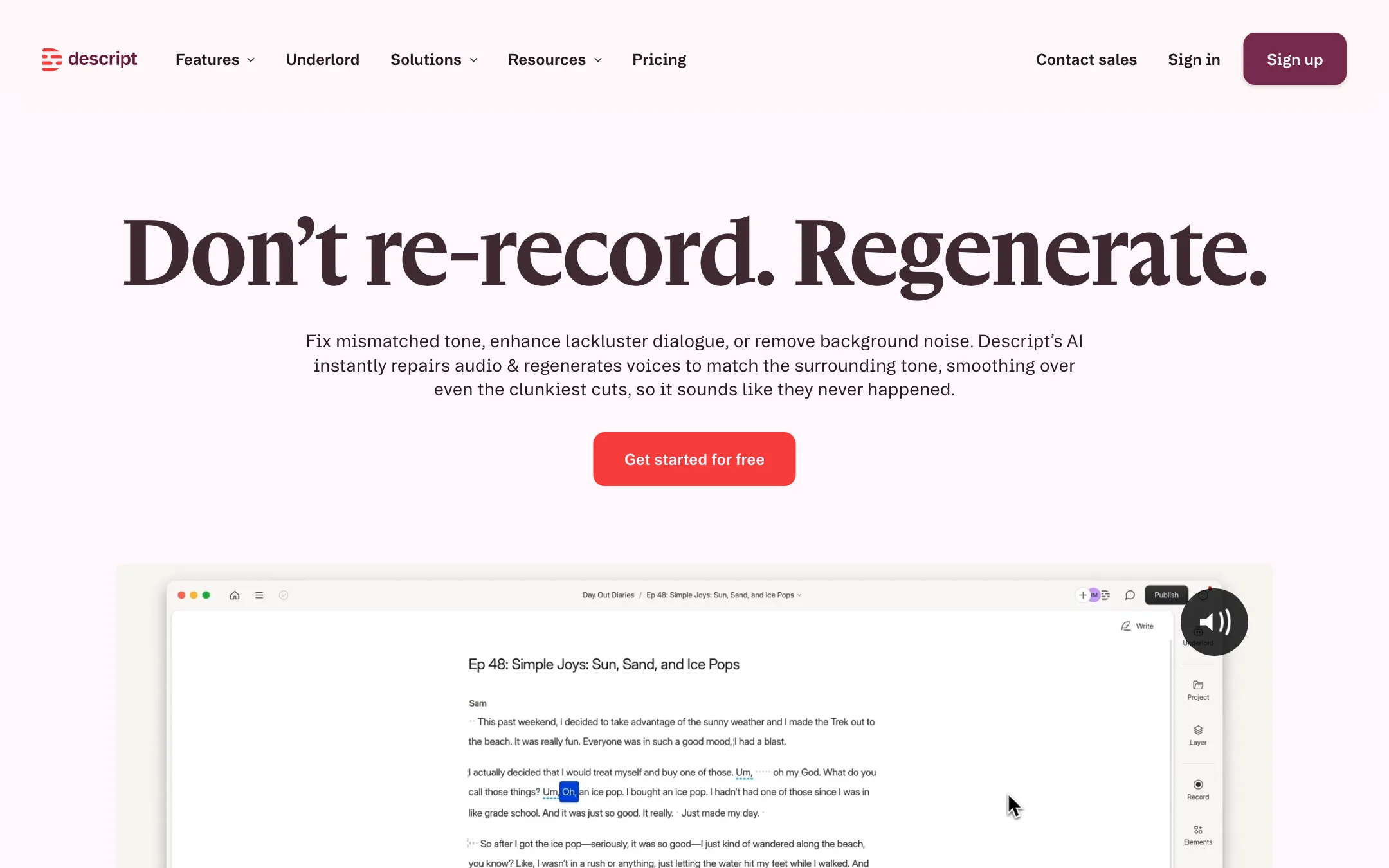
Descript is a video and podcast editor built around the transcript. You import or record video or audio, Descript transcribes it, and you edit the media by editing the text. Delete a sentence in the transcript and it disappears from the video. Copy and paste a paragraph and the clip moves with it.
Descript says more than 6 million creators and teams use it. It has been around for years and is one of the best-known AI editors for spoken content.
Our readers often reach Descript through one feature, which used to be called Overdub. Overdub was Descript’s voice cloning tool: type a word and hear it in your own voice. The current site folds that into AI Speech, which covers custom voice clones, stock AI speakers, text-to-speech and Regenerate. This review covers Descript as a whole, with extra attention to those voice tools.
Who it is for
Descript fits you if:
- You host a podcast, video or audio, and spend hours cutting ums, retakes and tangents.
- You make talking-head YouTube videos, tutorials or course lessons.
- You record webinars, demos or training videos and need clean, short versions.
- You work in a team that needs comments, shared drives and brand templates.
- You want to fix a flubbed word without setting up the mic again.
Skip it if:
- You cut music videos, action or cinematic footage. A traditional timeline editor fits better.
- You want generative AI clips from prompts as your main output. Descript has a video generator, but it is a side feature.
- You need heavy motion graphics. Descript has scenes, layouts and animation, but it is not After Effects.
How it works
Edit by editing text
This is the core idea and the reason people stay. After transcription, the transcript is your editing surface. You can:
- Delete words, sentences or whole sections to cut them.
- Strike out filler words like “um” and “you know” in one pass with Remove Filler Words.
- Shorten word gaps and remove retakes automatically.
- Search the transcript to find the moment you need instead of scrubbing.
Descript transcribes in 25 languages and can detect 8+ speakers. Multitrack transcription handles podcasts with one track per speaker.
There is still a timeline when you need it, plus scenes and layouts for B-roll, multicam, titles and on-screen text.
Regenerate and AI voices
This is the part that grew out of Overdub. Descript describes three uses for Regenerate:
- Smooth over awkward edits. When a cut leaves a jump in tone, Regenerate recreates the speaker’s voice around the cut so it sounds natural.
- Liven up flat dialogue. It can inject energy into a line where the speaker trails off.
- Remove noise. Leaf blowers, barking dogs and other background noise.
Alongside Regenerate you get:
- Custom voice clones. Descript says you can make a clone in about 60 seconds and make several for different tones and accents. It also says you can only clone your own voice.
- Text-to-speech. Type a script and generate a voiceover with a clone or one of the stock AI speakers. Descript says the stock voices speak over 20 languages.
- Correction. Type a missing or wrong word into the transcript and generate it in the speaker’s voice.
Voice clones and Regenerate are included from Hobbyist up. The Free plan gets a limited trial of AI Speech. Treat any AI-generated speech with care. Listen to every regenerated line before you publish, and be open with your audience if a large part of a voiceover was generated.
Underlord, the AI co-editor
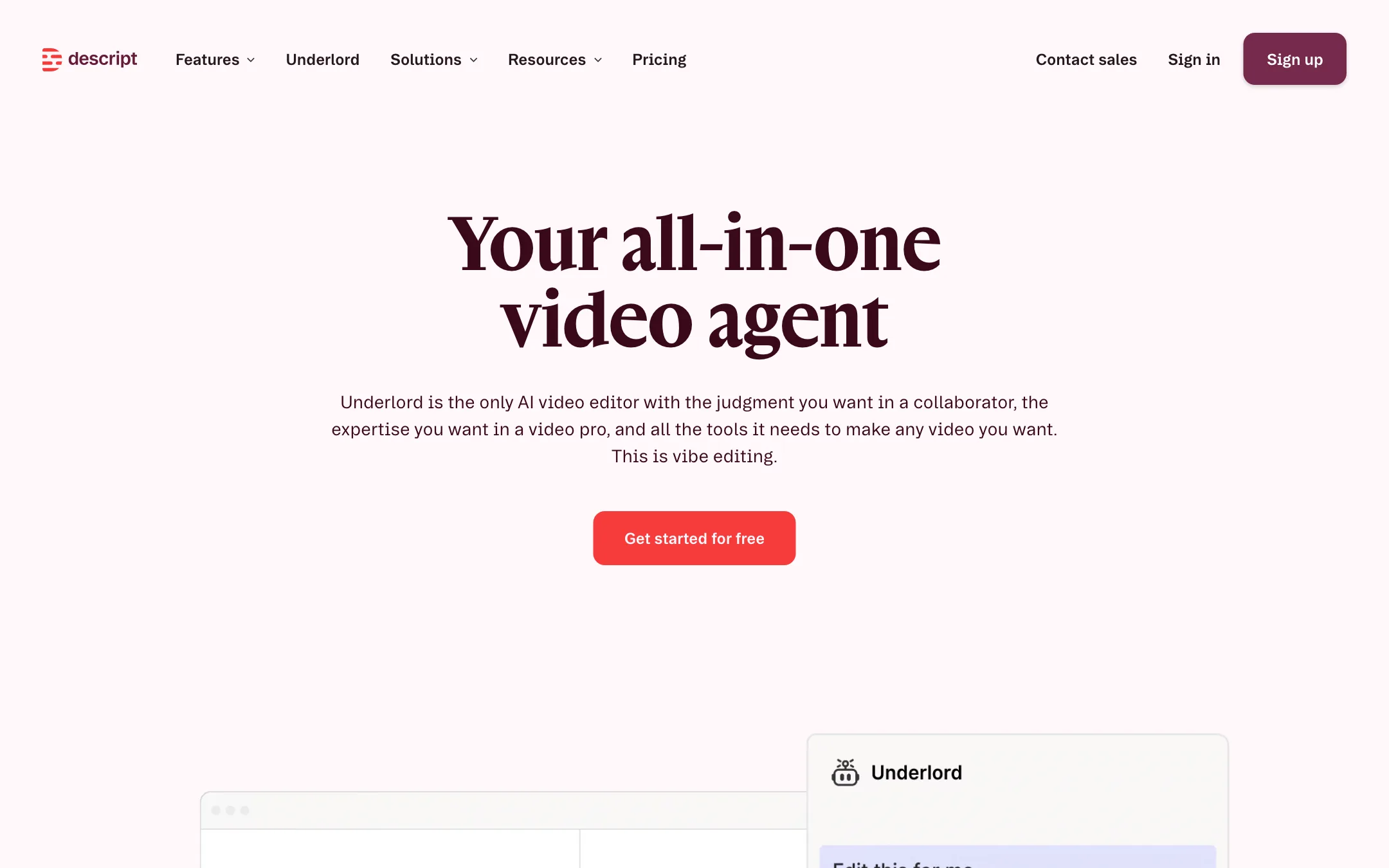
Underlord is Descript’s agent. You describe what you want and it acts on the project. Descript’s own examples include:
- “Edit this down to 2 minutes, focusing on when I talked about Freud.”
- “Hide my jump cuts by adding zooms.”
- “Make the trailer for this webinar recording.”
- “Add camera layouts every time I reference the new dashboard feature.”
It can also write a script, give feedback on yours, turn docs or blog posts into video, and make bulk edits like centering every speaker or adding lower thirds. The Free plan gets limited use. Creator and above get full access.
Other AI tools
Descript bundles a long list of AI actions:
- Studio Sound: removes noise and echo and enhances voices.
- Eye Contact: makes it look like you are looking at the camera while reading.
- Green Screen: removes or replaces the background without a physical green screen.
- Create Clips: finds highlights in long recordings for social.
- Automatic Multicam and Center Active Speaker: for interviews and podcasts.
- Generate image and video: with outside models, priced by model in AI credits.
- Avatars: a gallery, prompt-made avatars, and custom avatars from a photo on Business.
Recording and collaboration
Rooms records remote guests with separate cloud backups for each session. Descript also records your screen, webcam and microphone. Teams get shared drives, comments on the transcript, live collaboration and, on Business, Brand Studio for shared templates and fonts.
Captions, translation and dubbing
Dynamic captions are included on every plan. Caption translation is limited on Free and included on paid plans. AI dubbing is the bigger feature. The pricing page lists “translate and dub video in 30+ languages with proofread” on Business. The AI voices page says you can translate voiceovers to “any of 5 languages (and counting).” The pricing page is the more recent and more specific source, but check the language list in the app before you plan a dubbing project.
Output quality
We did not test Descript hands-on for this review. A few points from Descript’s own pages and help center:
- Transcript editing is only as good as the transcript. Accents, crosstalk and jargon cause errors. Fix the transcript before you make big cuts.
- Regenerate and voice clones work best on short fixes. A single word or a smoothed cut is easier to hide than a full paragraph.
- Studio Sound is aimed at spoken voice. It is not a tool for music or sound design.
- Exports run up to 1080p on Hobbyist and 4K on Creator and Business. Free is 720p with a watermark.
Pricing
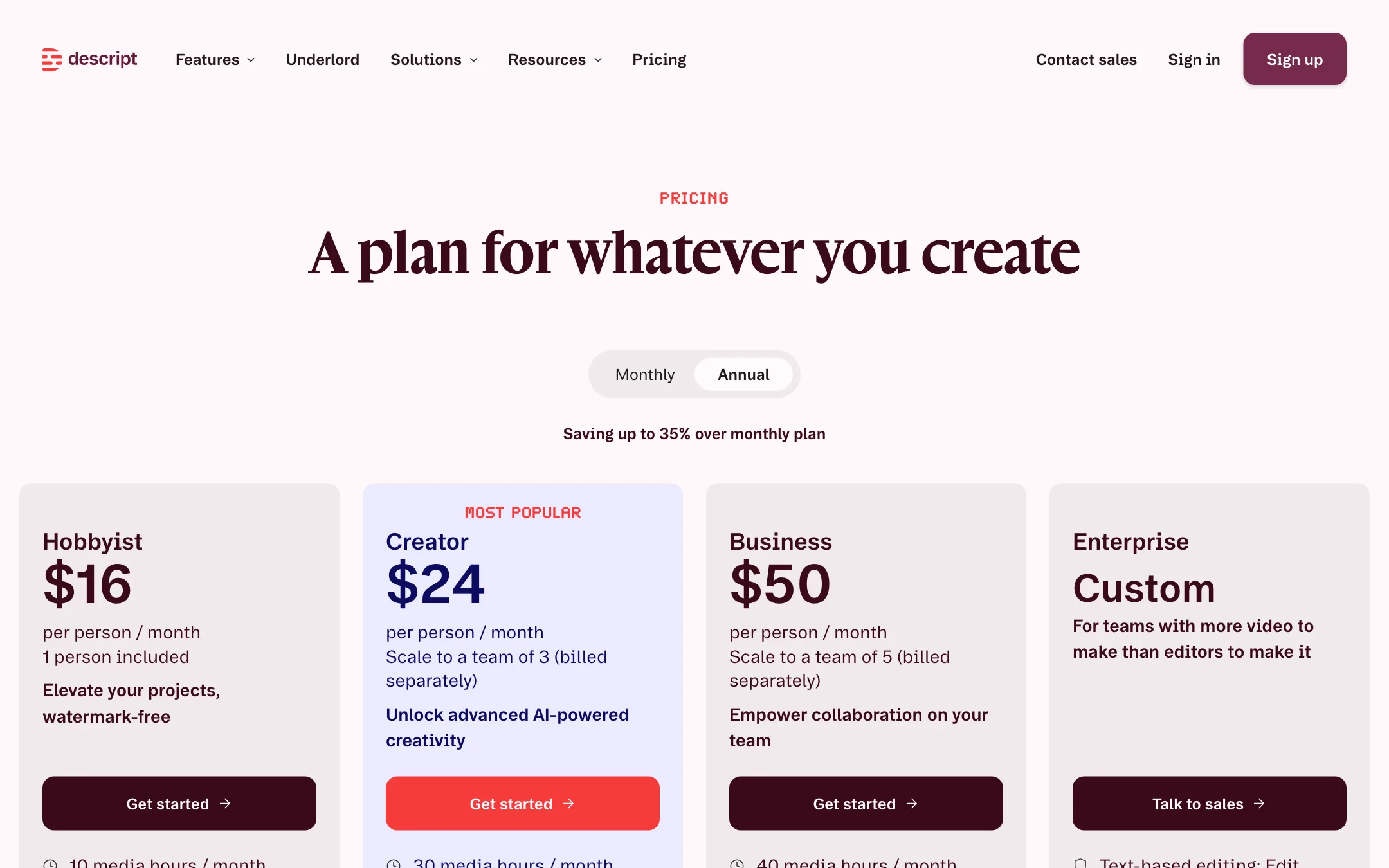
Descript charges per person and meters usage in two currencies: media hours and AI credits.
| Plan | Yearly | Monthly | Media hours | AI credits | Export |
|---|---|---|---|---|---|
| Free | $0 | $0 | 1 a month | 100 one time | 720p, watermark |
| Hobbyist | $16/mo | $24/mo | 10 a month | 400 a month | 1080p |
| Creator | $24/mo | $35/mo | 30 a month | 800 a month | 4K |
| Business | $50/mo | $65/mo | 40 a month | 1,500 a month | 4K |
| Enterprise | Custom | Custom | Custom | Custom | 4K |
Descript says annual billing saves up to 35%.
What the pricing page does not spell out, from Descript’s help center:
- Media minutes count everything you bring in. Uploads and recordings both use them, whether or not you transcribe. A still image counts as one second. A one-hour Rooms session uses 60 minutes, not 60 per guest.
- AI credits pay for every AI feature. Underlord, Studio Sound, filler word removal, Green Screen, Eye Contact, AI speech, avatars and generated video all draw from one pool.
- Nothing rolls over. Unused media minutes and AI credits reset each billing cycle.
- Some costs are capped. Studio Sound and Remove Filler Words cost at most 30 credits per file.
- Underlord costs vary. Descript says even chatting with Underlord uses a few credits, and that two similar requests can cost different amounts. It admits this makes credit spend harder to predict. The Usage tab shows what each run cost.
- Top-ups for extra media hours and AI credits are available from Creator up.
- Seats add to the pool. Each editor seat adds its allowance to the drive’s shared pool.
Hobbyist is the plan most solo podcasters and YouTubers will want. It removes the watermark and includes voice clones and Regenerate. If you use Underlord heavily, need 4K or want top-ups, Creator is the safer pick. Business only makes sense for dubbing, custom avatars or teams of up to five.
Descript offers special rates for students, educators and non-profits through a form on the pricing page.
Verdict
Descript remains the default answer for editing people talking. Editing a transcript is faster than scrubbing a waveform, and the audio tools, from Studio Sound to Regenerate, cover most of what a podcast or YouTube edit needs. The voice features that began as Overdub are now part of a broader AI Speech set and are included from the $16 plan.
The weak spot is the credit model. One pool of AI credits pays for everything, it does not roll over, and Underlord’s costs vary request by request. Start on the free plan with one real episode, watch the Usage tab, and pick the plan that matches what you actually spend.