What DeepReel is
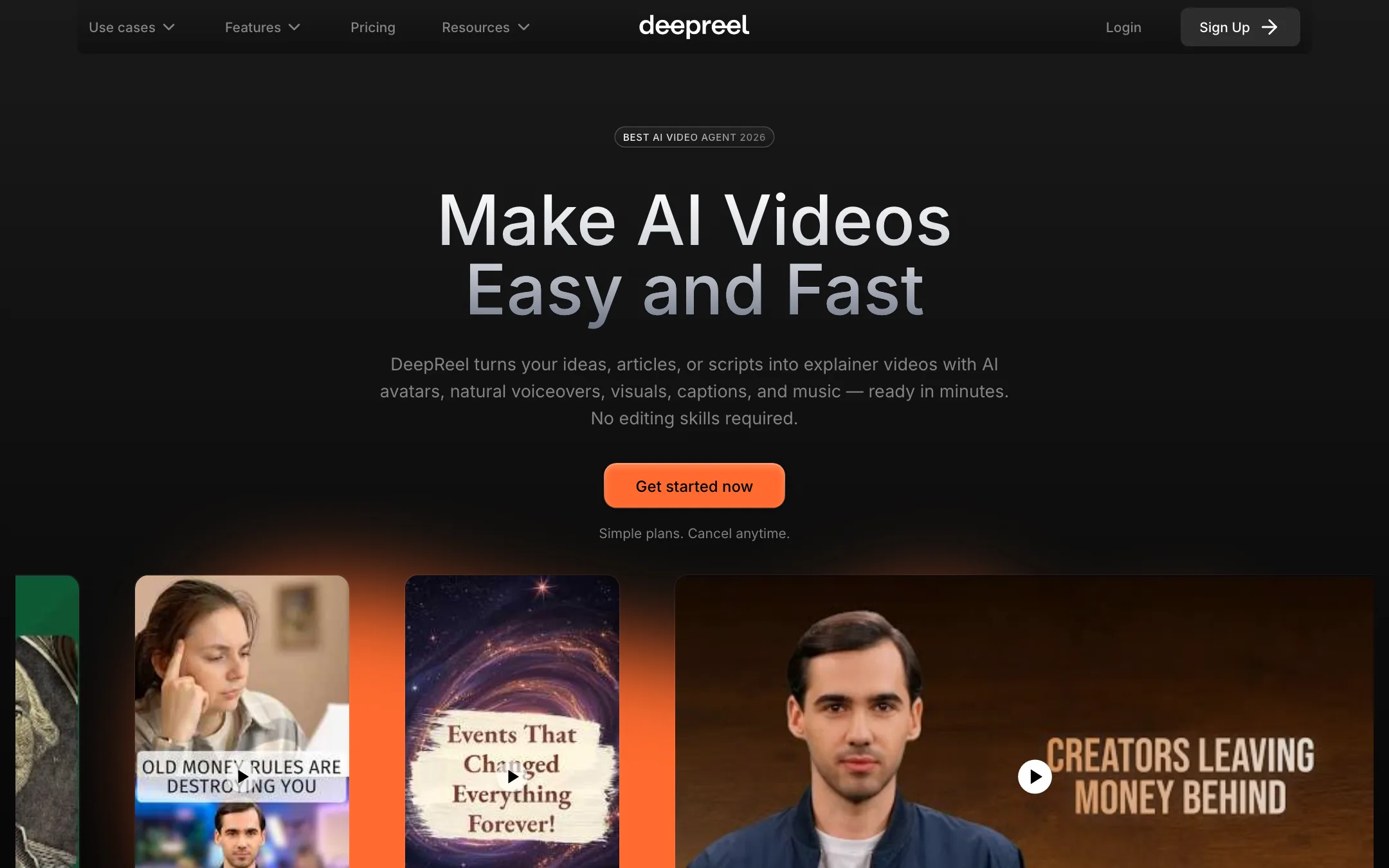
DeepReel is an AI video platform built around a presenter. You give it a topic, a blog URL, a PDF or a script. Its “AI Video Genie” writes the script, picks a stock or custom AI avatar, adds a voice, captions, visuals and music, and hands you a draft to edit.
The company behind it is DeepReel Technologies, Inc. Its FAQ says it is designed for small and medium-sized businesses, entrepreneurs and marketing managers. The site has use-case pages for finance firms, law firms, customer support, coaches and small business. It also cites the Aston Martin F1 team’s “Ai.lonso” avatar as a showcase.
DeepReel does not make its own image or video models. For generated visuals it resells Google Veo, OpenAI Sora, Kling, Wan, Seedance, Hailuo, Flux, Nano Banana and Seedream. The avatars, voices, scripting and editing are what you are paying for.
It has also grown into a small marketing suite. There is a social media scheduler, a Canva app, an Adobe Express add-on and team features with shared credits.
Who it is for
DeepReel fits you if:
- You want a presenter in your videos but do not want to film yourself.
- You already have blog posts, help articles or PDFs and want them as short explainer videos.
- You run a small business or a support team and want a low monthly price.
- You want to schedule the finished videos to social channels from the same place.
Skip it if:
- You need 1080p on a budget. Starter and Pro stop at 720p.
- You need several minutes of avatar video every month on the cheapest plan. The credits will not stretch that far.
- You want a big, polished enterprise avatar library with deep compliance features. The larger avatar platforms are built for that.
- You want to test without paying. There is no free plan on the pricing page.
How it works
DeepReel describes a three-step flow.
- Choose a source, avatar and settings. The source can be a prompt, a URL, a PDF, Word or text file, or your own script.
- Review the draft. Video Genie returns a storyboard with the script, visuals and presenter. You edit any of it.
- Generate. Render the video, then download it or schedule it.
Inputs
- Prompt to video. Type a topic. DeepReel says Video Genie writes a hook-first script “trained on best performing video” and localises it to your language and region.
- URL to video. Paste a blog post or web page. DeepReel says it writes the script from the page and pulls images and graphics from it into the video.
- File to video. Upload a PDF, Word or text file. DeepReel says it extracts the text plus charts and graphs, and you can point it at specific sections.
- Script to video. Paste your own script word for word.
DeepReel says one article can produce a 60-second version for Reels and Shorts and a 3 to 5 minute version for YouTube. On Starter, video length is capped at 5 minutes. Business raises it to 8.
Avatars and voices
DeepReel lists 100+ stock presenters. Its FAQ describes them as head-and-shoulders digital humans with lip-synced speech. A June 2026 update grouped avatars by person, so you pick a face first and then a style.
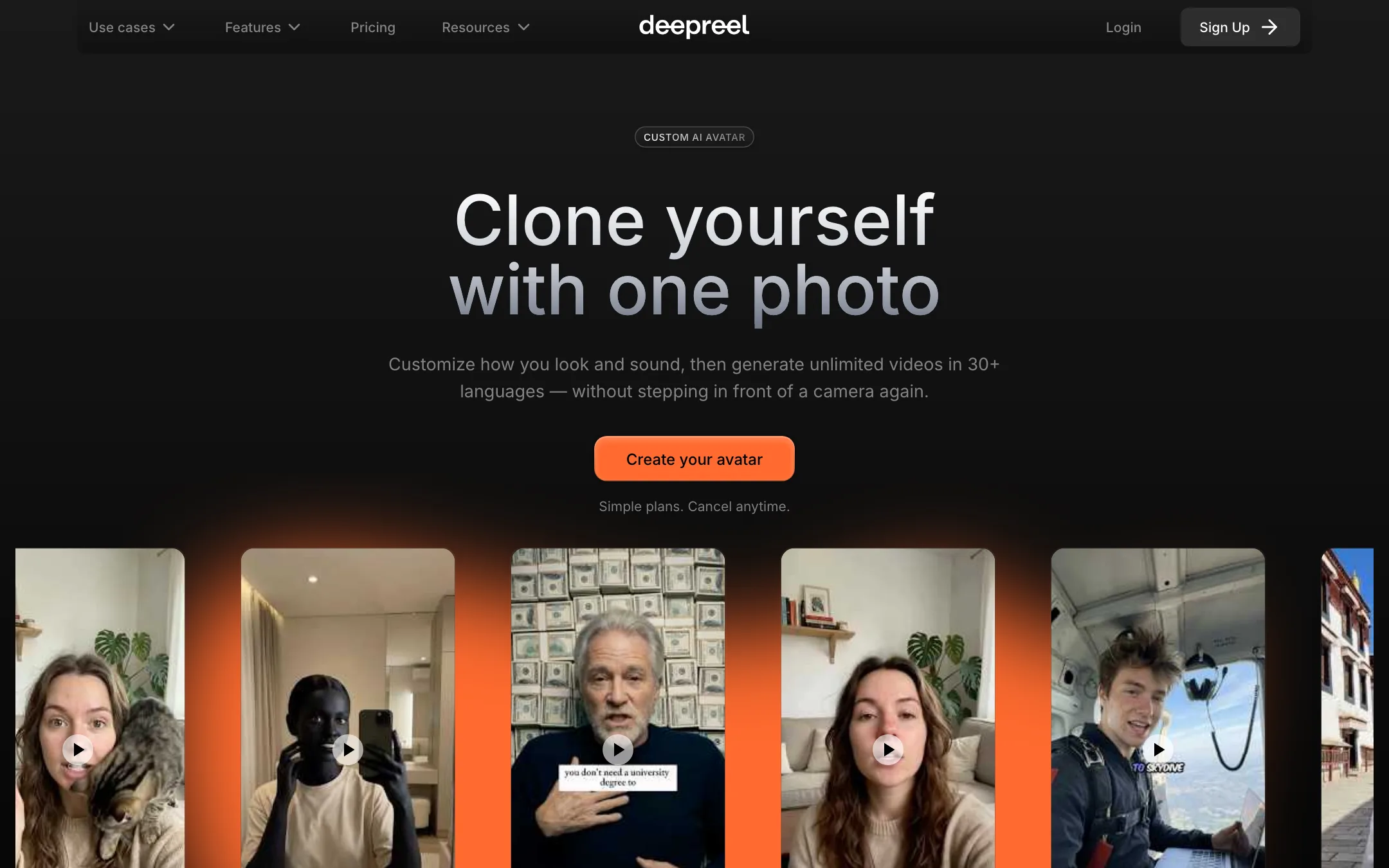
You can build your own avatar from a single photo. DeepReel says you customise the look and design a voice by describing it in words. That avatar then speaks in all supported languages. Pro includes two custom avatars and Business ten. Otherwise each one costs 750 credits.
The same update added two photo-avatar models, a fast one to save credits and a high-quality one, and voice filters by provider: Minimax, Gemini and ElevenLabs.
Cinematic avatars are the newest feature. You upload a reference image, describe a shot, and DeepReel generates a video where your character walks, talks and moves through the scene across one or more shots. This moves DeepReel toward story and film-style video, not just talking heads.
Faceless videos
If you do not want a presenter, pick a voiceover instead. DeepReel says it fills the video with stock footage, photos, graphics or AI-generated images. Pro adds Storyblocks premium stock.
Editing and branding
A timeline editor arrived in June 2026. DeepReel says it brings avatars, voices and multi-scene editing into one canvas, with templates you can save. You can rewrite the script, swap visuals and avatars, adjust timing and edit captions.
A brand profile stores your logo, colours, fonts and tone of voice. DeepReel says it applies them to every new video automatically.
Scheduling and integrations
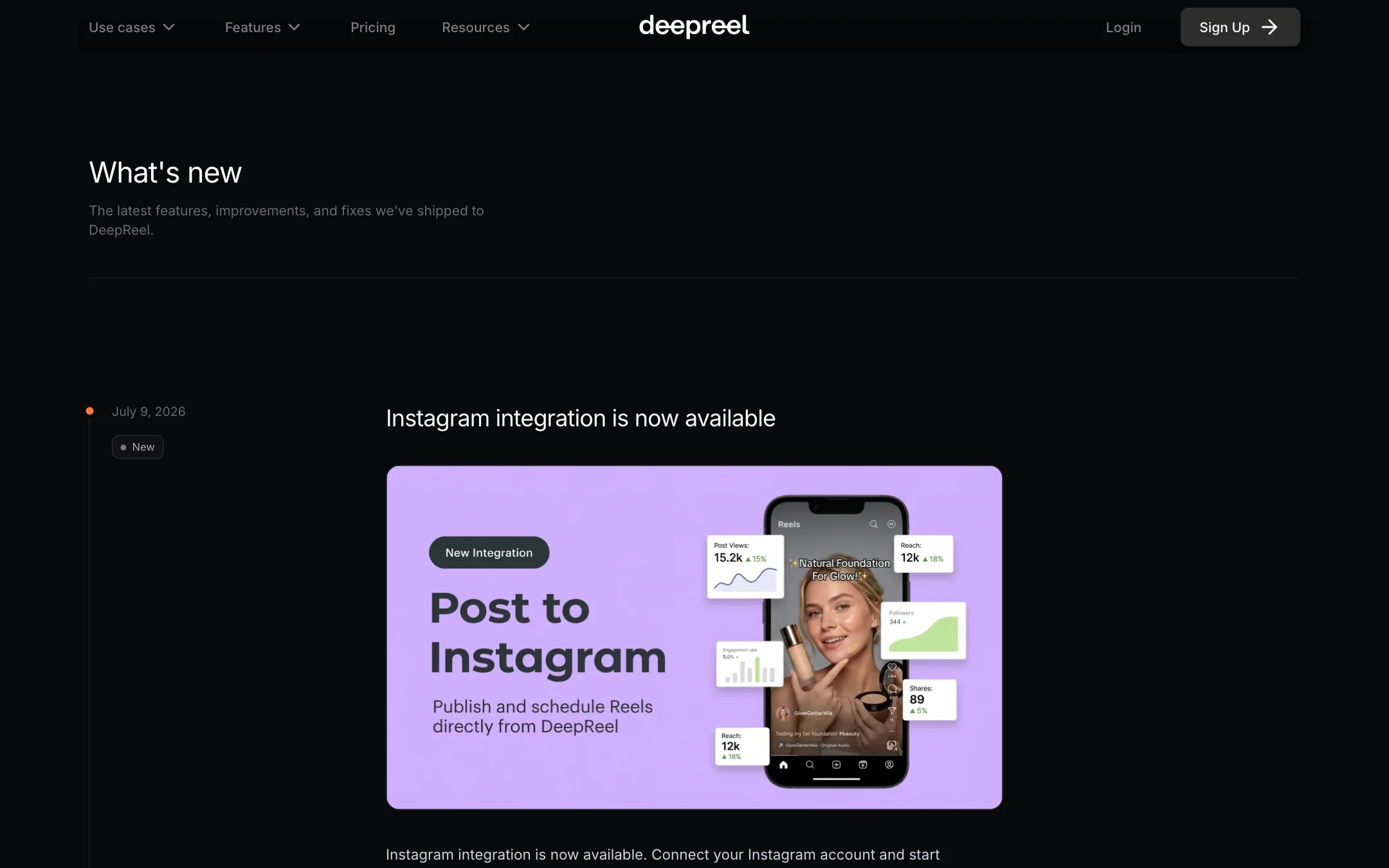
The social media scheduler connects TikTok, YouTube, LinkedIn and, since July 2026, Instagram. DeepReel says posts and channels are unlimited on every plan. You write a caption per channel and post now or later.
DeepReel also runs inside Canva as an app and inside Adobe Express as an add-on. That suits teams that already design in those tools.
Output quality
We have not made videos with DeepReel, so this section reports what DeepReel says and what its pages show.
Resolution. Starter and Pro export at 720p. Business goes up to 1080p. The homepage says AI clips come in “high-quality 4K” up to 12 seconds, but DeepReel’s own credit table lists every video model at 720p, 768p or 1080p. Plan around 1080p as the ceiling.
Languages and voices. The numbers move from page to page. The pricing page says 30+ languages and 100+ voices. The FAQ says over 33 languages. The customer support page says 624 voices across 35 languages. All of them describe broad coverage. Check your specific language in the app before you commit.
Avatars. DeepReel calls its avatar technology “world-class” and leans on the Aston Martin case study. Treat that as marketing. Lip-sync and expression quality vary across all avatar tools, and a custom avatar from one photo usually looks less natural than one trained on video footage.
Pricing
DeepReel runs on monthly credits.
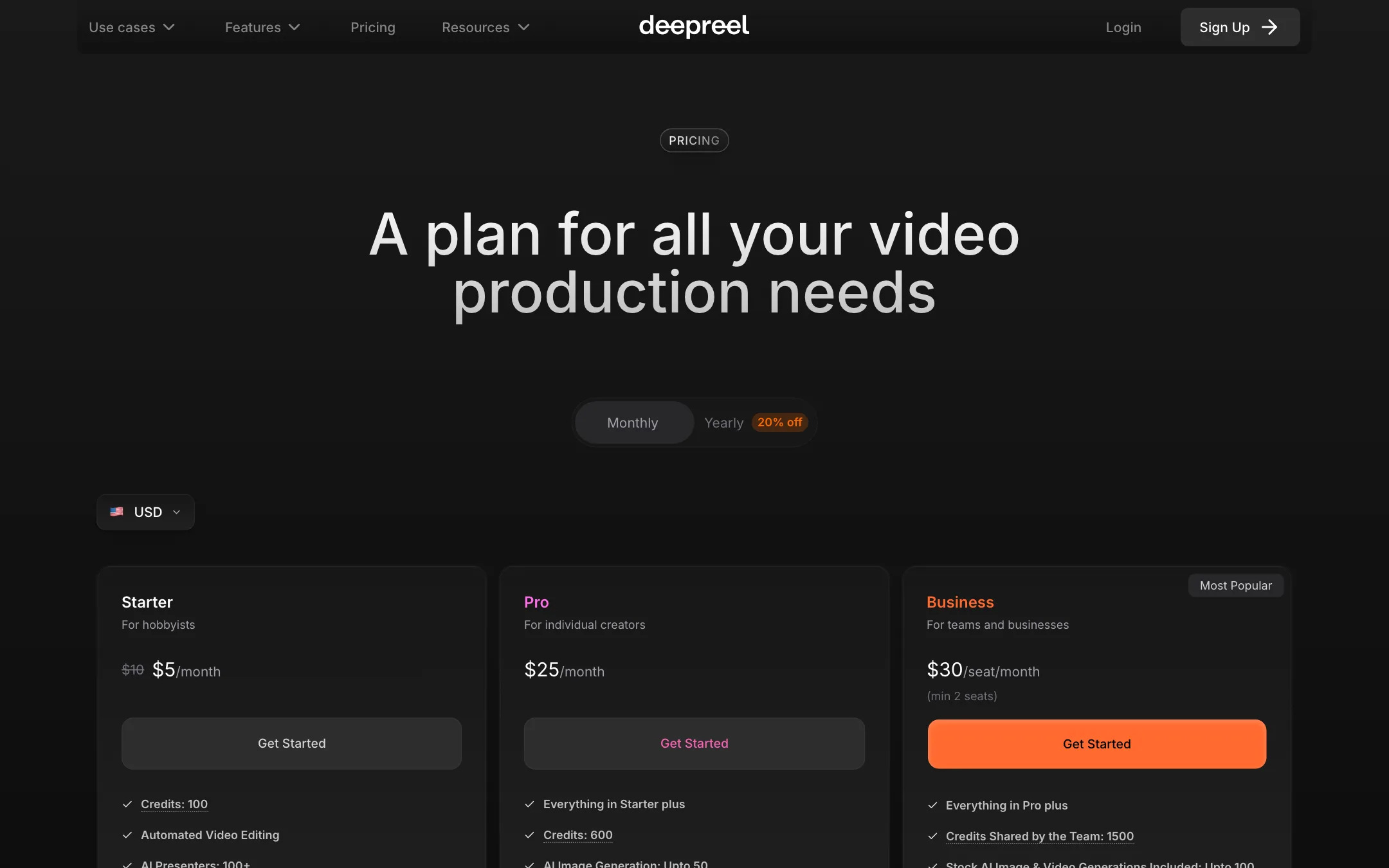
| Plan | Monthly | Yearly | Credits | Key limits |
|---|---|---|---|---|
| Starter | $5 (listed down from $10) | $50 | 100 a month | 720p, 5-minute videos |
| Pro | $25 | $250 | 600 a month | 720p, 2 custom avatars, 50 AI images |
| Business | $30/seat, 2 seats min | $300/seat | 1,500 shared | 1080p, 8-minute videos, 10 custom avatars |
| Enterprise | Custom | Custom | Custom | Personalised design system |
Every paid plan includes commercial use, no watermark, the social scheduler and the Canva and Adobe integrations.
What credits buy
DeepReel publishes its credit costs, which is more than many avatar tools do.
- Avatar video: 2 credits per second.
- Audio generation: 1 credit per 10 seconds.
- Custom avatar: 750 credits.
- AI images: 1 to 4 credits each, depending on the model.
- AI video clips: 2 to 15 credits per second. Hailuo-02 and Seedance are the cheapest, Veo 3.1 costs 12 and Sora 2 Pro at 1080p costs 15.
Do the maths before you pick a plan. Starter’s 100 credits buy about 50 seconds of avatar video a month. Pro’s 600 buy about 5 minutes. One 10-second Veo 3.1 clip costs 120 credits, more than all of Starter’s monthly allowance. If you want generated clips in your videos, Pro is the real starting point.
Things to know before you pay:
- The $5 Starter price is presented as a discount from $10, with no end date or terms shown. Expect it to change.
- Yearly savings vary. The toggle says 20% off, but Pro at $250 a year is about 17% less than twelve months at $25.
- 1080p is a team feature. Business needs two seats, so the cheapest route to 1080p is $60 a month.
- No free plan is listed, even though the FAQ mentions watermarked free trial videos.
Making credits last
- Draft before you render. Review the storyboard and fix the script first. Every re-render of an avatar scene costs credits by the second.
- Use voiceover scenes between avatar scenes. Audio costs 1 credit per 10 seconds, far less than an avatar at 2 credits per second. A presenter at the start and end with B-roll in the middle stretches a plan a long way.
- Pick cheap models for generated clips. Hailuo-02 and Seedance cost 2 to 4 credits per second against 12 for Veo 3.1. Save the expensive models for the one shot that needs them.
- Use the fast photo-avatar model for drafts and the high-quality one for the final version.
DeepReel does not publish an affiliate program. Its /affiliate and /partners URLs lead nowhere.
Verdict
DeepReel is a low-cost way to get presenter-led explainer videos out of content you already have. The URL and document flows suit blogs, help centres and reports. A custom avatar from one photo on Pro, a built-in scheduler and the Canva and Adobe add-ons make it a practical tool for a small business.
Read the credit table before you buy. Starter is cheap because it is small: under a minute of avatar video at 720p. Pro at $25 is the plan most people will need, and 1080p means paying for two Business seats. The inconsistent language, voice and 4K claims across the site are worth noting too. Check them inside the app for your use case before you commit to a year.