
What CreatorKit is
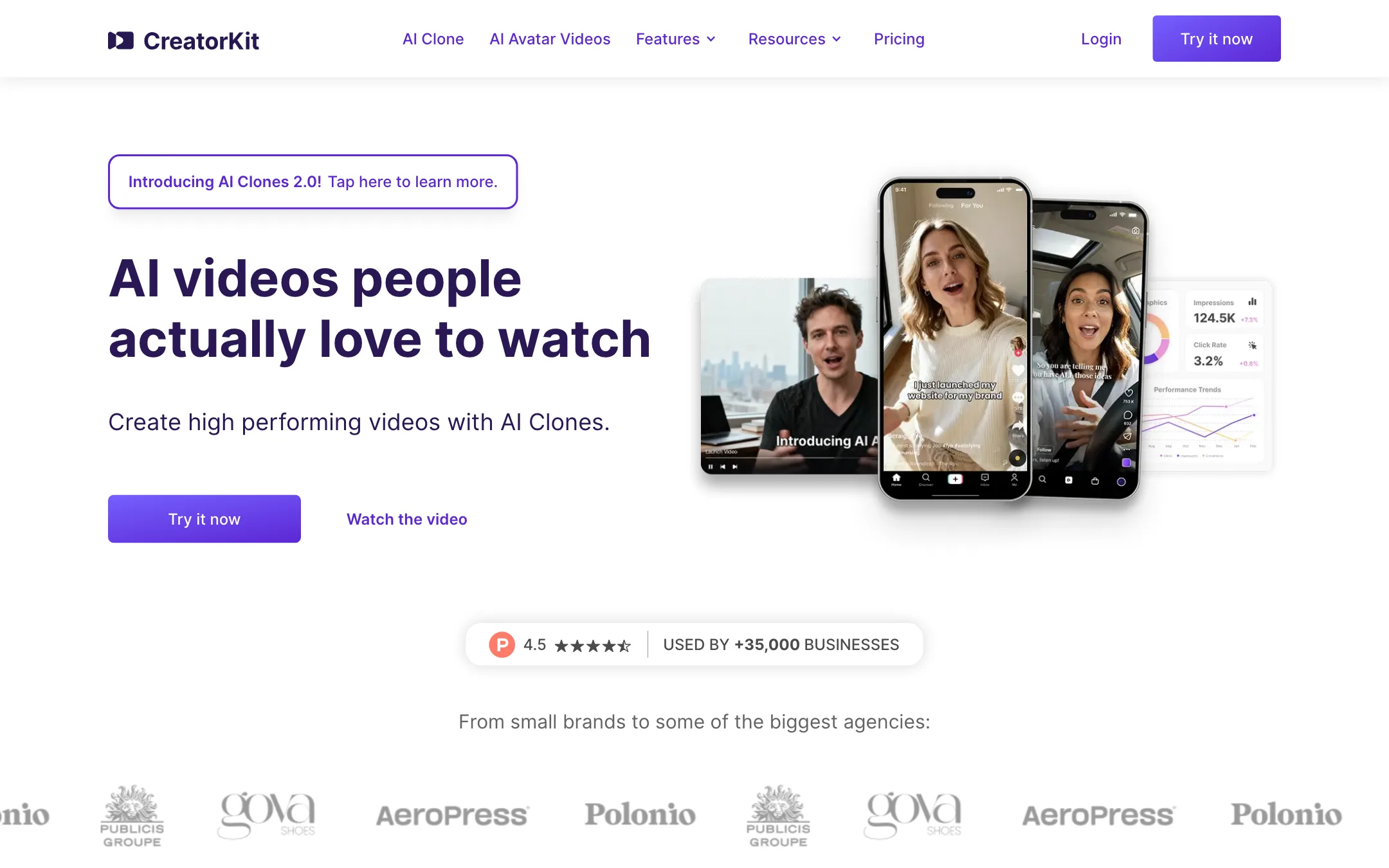
CreatorKit is an AI ad maker aimed at online stores. It started with AI product photos in 2022 and has grown into a video tool built around AI presenters. You pick a synthetic actor or build a clone, paste a script, and get a talking-head ad back.
The product is split into four parts:
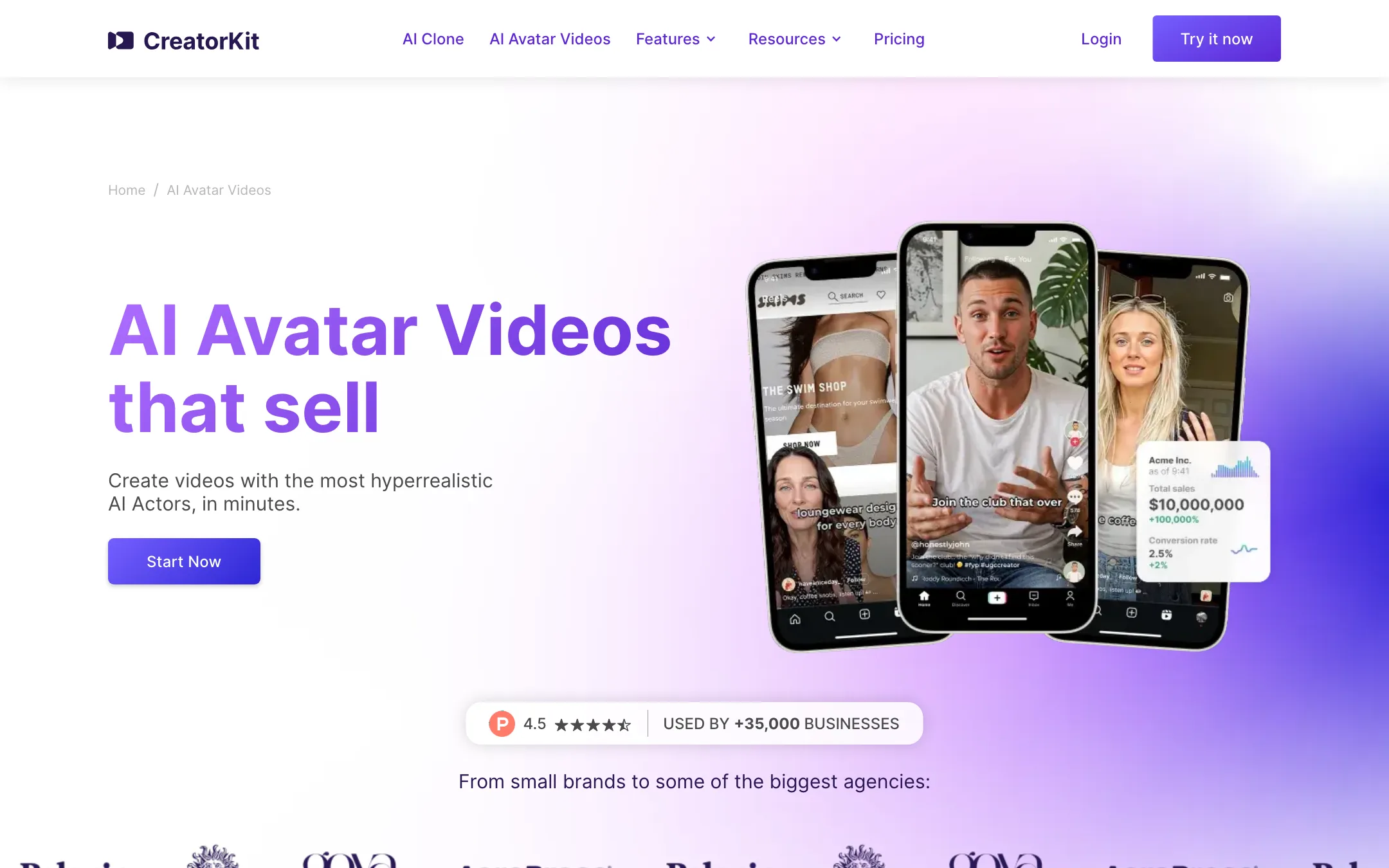
- AI Actors and AI Avatars. A stock library of synthetic presenters who read any script.
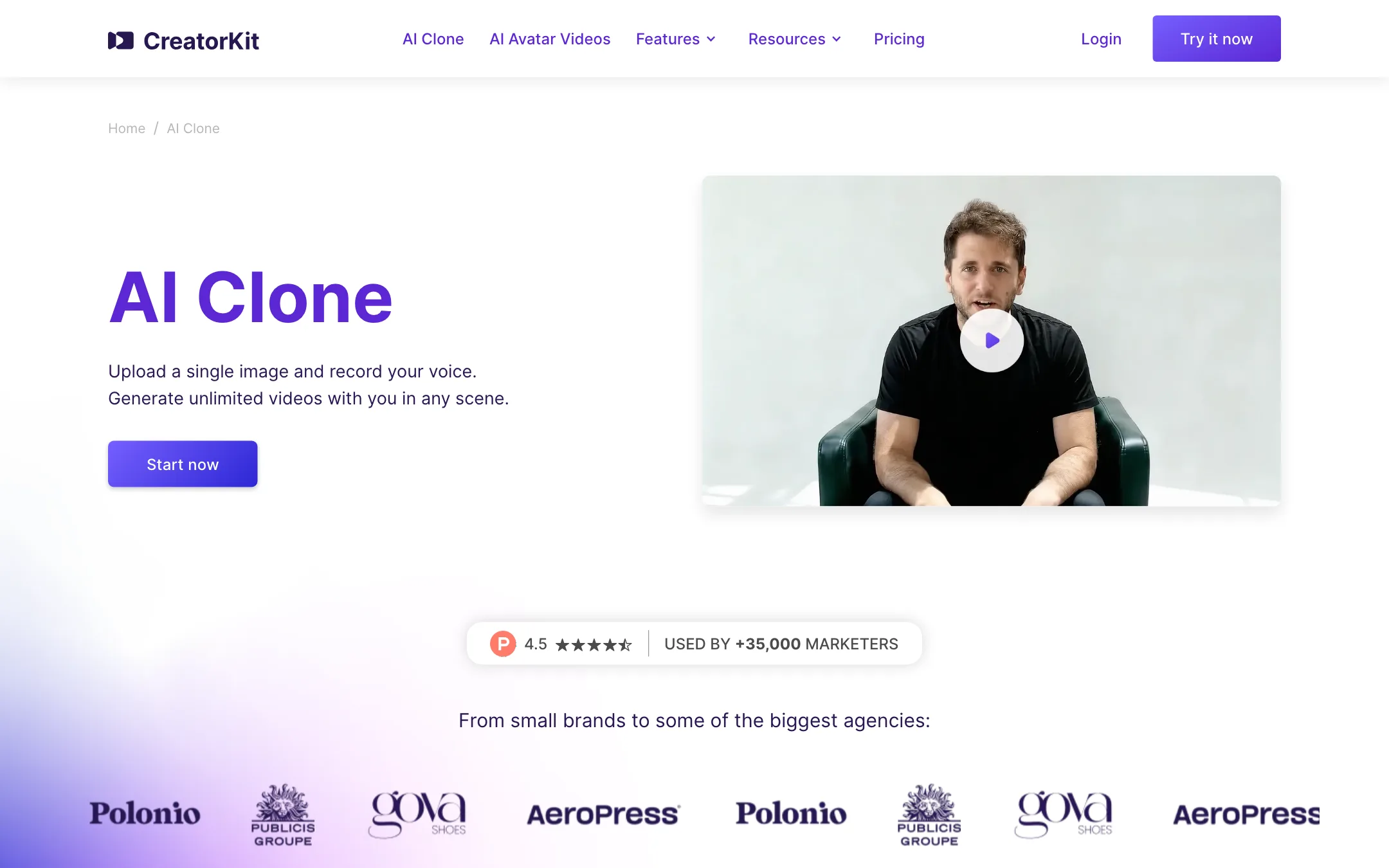
- AI Clones. A presenter built from one photo and a voice recording.
- AI Ads. Lipsync that changes what a real creator says in footage you already have.
- AI Product Photos. Product shots on generated backgrounds, with a Shopify app.
CreatorKit says more than 35,000 businesses use it, and most of its testimonials come from Shopify store reviews. That tells you who it is for. This is a tool for brands testing many ad variations, not for YouTubers making explainers.
What makes it different is the pricing. Most avatar tools charge credits for every render, good or bad. CreatorKit charges by downloads and calls generations unlimited. There is a catch, covered below.
Who it is for
CreatorKit fits you if:
- You run a Shopify or DTC store and need UGC-style ads for Meta and TikTok.
- You test lots of hooks and scripts and hate paying for takes you throw away.
- You already have creator footage and want new lines without a reshoot.
- You want product photos and video ads from the same subscription.
Skip it if:
- You sell supplements, health products or anything pharmaceutical. The terms ban generated content in those ads.
- You need long training videos, corporate presenters or many languages at enterprise scale. HeyGen and Synthesia are built for that.
- You want to clone a real person today on a self-serve plan. Clones are still a private beta, and custom clones sit on Enterprise.
- You want a general video editor. CreatorKit’s editing tools are basic web utilities for trimming, merging and adding text.
How it works
The workflow is the same across the video features. You choose a presenter, add a script, pick a voice and generate. When you like a result, you download it, and that download counts against your plan.
AI Actors
AI Actors are the stock presenters. CreatorKit says it worked with real UGC actors and content strategists to train them. The avatar page claims 300+ personas in 40+ languages and accents, from Gen Z creators to executives.
A few details stand out on the vendor pages:
- Filters and rankings. You filter by age, style, language or vibe. CreatorKit says it marks “Best Sellers” based on click-through and purchase lift, refreshed weekly.
- Product in hand. CreatorKit says a pose control engine places your bottle or box in the actor’s hand or on a nearby surface.
- Custom actors. Paid plans include a quota of custom presenters: one on Pro, ten on Business and fifteen on Business Plus. The pricing table does not make clear whether that number covers custom actors, clones or scenes. CreatorKit says custom avatars are locked to your account, so a competitor cannot use the same face.
AI Clones
AI Clones 2.0 is the newest feature. You upload one photo and record your voice. CreatorKit then generates you speaking in any scene, such as a product demo or testimonial. The company says no training video is needed and that you can create many variations from that single image.
Two warnings. First, the pricing page lists AI Clones as a private beta, so access may not be instant. Second, the pricing copy says “upload a photo with any person to create their AI clone.” We did not see a consent step on the public pages. Clone yourself or people who have agreed in writing. Anything else is a legal and ethical risk.
AI Ads lipsync
This is the most useful feature for brands that already work with creators. You upload existing footage, write a new script, and CreatorKit lipsyncs the creator to the new lines. CreatorKit pitches it for partnership and whitelisted ads, where you want to test new hooks without booking another shoot.
Get your creator’s permission before you change what they say on camera. Many creator contracts do not cover AI edits.
Slack agent
CreatorKit also offers a video agent inside Slack. You drop a link to an article, blog post or brief, and the agent turns it into a video. You get a link back in Slack, leave timestamped notes, and click to regenerate. It suits marketing teams who already live in Slack.
AI Product Photos
The photo tool places your product on generated backgrounds, with templates for supplements, beauty, candles, jewelry, skincare and more. CreatorKit says it fixed early problems like blurred labels and changed product shapes. It integrates with the Shopify admin, so you can generate photos and pull them into video templates without exporting files.
Output quality
We have not tested CreatorKit hands-on, so the quality claims below are CreatorKit’s.
- Lipsync. CreatorKit says its zero-shot engine aligns audio to phonemes below the frame level and drives a 3D face mesh for blinks, pauses and gestures.
- Speed. It says most 60-second clips render in under two minutes.
- Resolution. Exports go up to 1080p in square, vertical or widescreen, with 4K as a beta on request.
- Compliance. CreatorKit says it embeds an invisible watermark so videos can be tagged as synthetic where platforms support it.
CreatorKit’s own comparison table rates its lipsync “Perfect” and marks rivals like Arcads and Icon as “Bad.” Treat a vendor’s table about its rivals as marketing. The free plan’s five downloads per feature are enough to judge lipsync and hand gestures on your own script before you pay.
Expect the usual limits of AI presenters. Fast head turns, hands near the face and products with fine text are where avatar videos tend to break. Keep shots simple and test with your real product.
Pricing
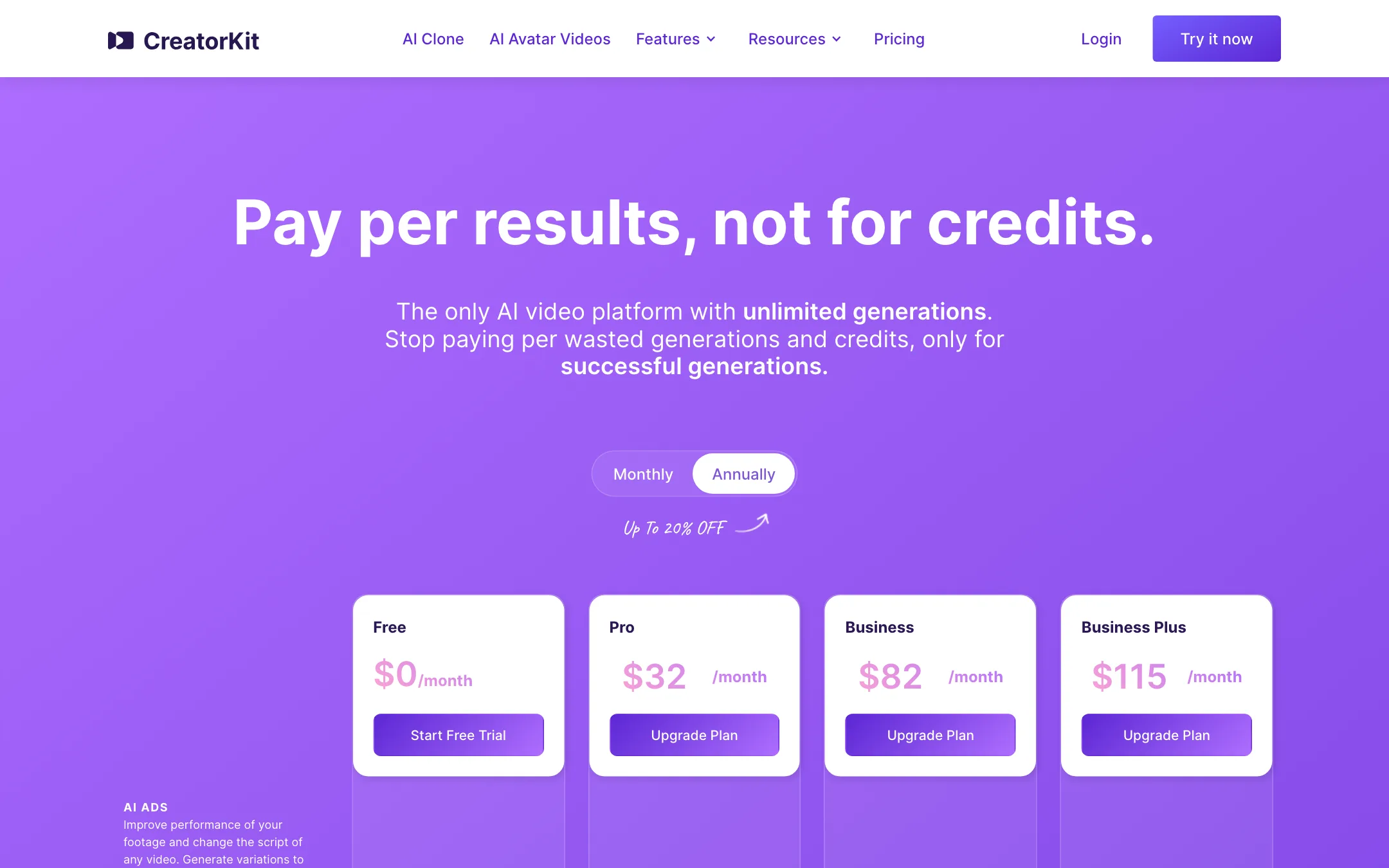
CreatorKit’s headline is “pay per results, not for credits.” Every plan has unlimited generations, and plans differ by how many results you can download.
| Plan | Price | What you get |
|---|---|---|
| Free | $0 | 5 downloads per feature, unlimited generations |
| Pro | $32/mo yearly, $39 monthly | 10 downloads per feature, 1 custom presenter, no watermark |
| Business | $82/mo yearly, $99 monthly | 50 downloads per feature, 10 custom presenters |
| Business Plus | $115/mo yearly, $134 monthly | 100 downloads per feature, 15 custom presenters, real-time support |
| Enterprise | Demo call | Custom clones and scenes, done-for-you services |
Downloads are counted per feature. On Pro you get 10 lipsync ads, 10 AI Actor videos, 10 AI Clone videos and 10 product images each month, not 10 in total.
A few things the pricing page does not make obvious:
- Unlimited has a cap. The pricing FAQ says each plan has a generation limit equal to its download count “to avoid abuse,” and you request more when you hit it. So Pro gets 10 generations per feature before you have to ask.
- The FAQs disagree with the price list. The AI Clone and AI Actor FAQs say plans “start at $99 month for 10 videos.” The pricing page shows Pro at $39 monthly with 10 downloads, and $99 buys Business with 50. Trust the pricing page, and confirm at checkout.
- Product photos are priced separately on another page. The product photo page advertises free generations and paid use “starting at $2.99 per image used.” It is not clear how that maps onto the plan downloads.
- Big companies pay per seat. The terms say that if your employer has more than $1M in yearly revenue, every person using the account needs their own subscription.
Refunds
The comparison table on the AI Clone page lists a “100% money-back guarantee.” The terms of service are narrower. You get a full refund only if you cancel within 5 days of your first purchase, on either monthly or annual billing. Renewals are not refunded, and an annual plan cancelled after day 5 runs to the end of the term. Use the free plan to test before you pay, and set a reminder if you buy annual.
Content restrictions
Read the restricted uses in the terms before you build ads. Generated content may not appear in ads for tobacco, adult venues, dating or escort services, political endorsements, or pharmaceutical, health, herbal and dietary supplement products. That clashes with the product photo page, which leads its category list with supplements. If you sell in those markets, ask CreatorKit in writing what is allowed before you commit.
Verdict
CreatorKit is a sensible pick for small ecommerce brands that churn through ad variations. Download-based pricing rewards experimentation, the free plan includes real downloads, and having actors, lipsync and product photos in one place saves juggling tools.
The weak spots are trust and fine print. The site quotes different prices on different pages, promises a money-back guarantee its terms do not match, and invites you to clone “any person” from a photo. If you sell supplements or health products, the terms rule it out entirely. For everyone else, test the lipsync on your own script with the free downloads, then decide whether Pro’s 10 videos per feature cover your monthly testing.
