What ContentFries is
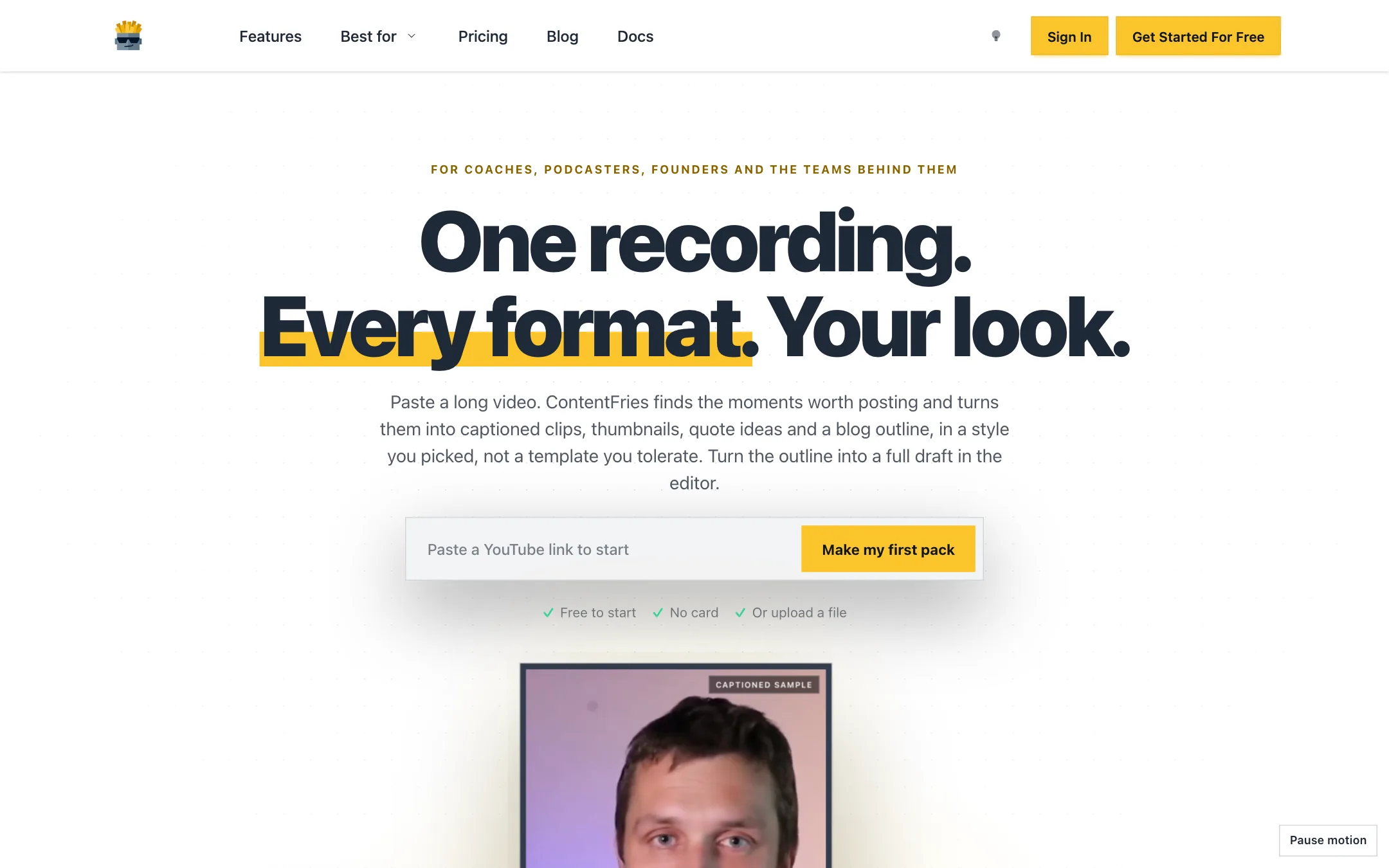
ContentFries is a content repurposing tool. You give it one long recording, like a podcast episode, a webinar or a coaching call. It finds the moments that stand on their own, cuts them into captioned vertical clips, and builds the rest of a week’s posts around them.
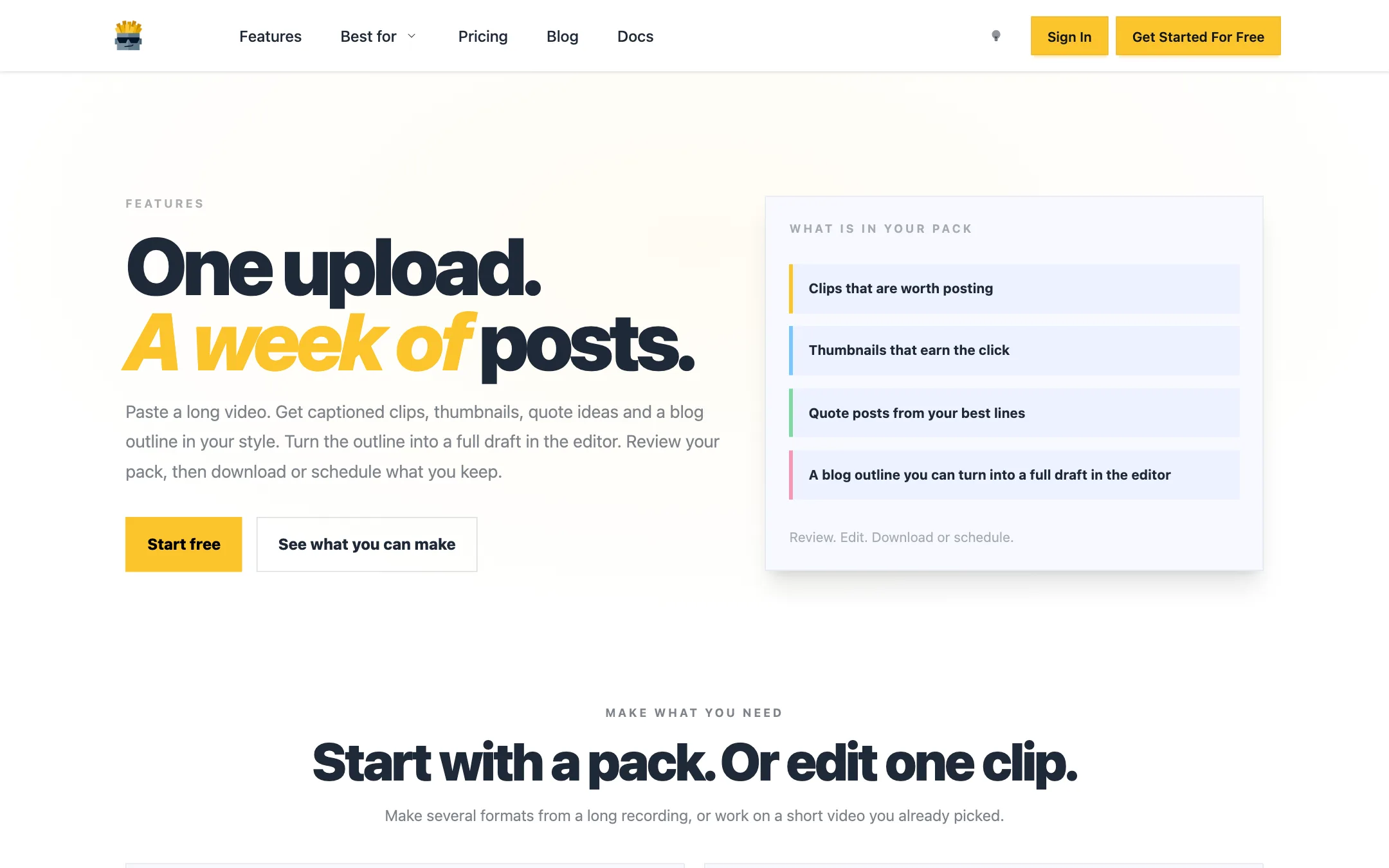
That last part is what sets it apart. Most clipping tools stop at clips. ContentFries calls its output a pack, and a pack includes:
- Captioned 9:16 clips
- AI thumbnails
- Quote ideas and quote posts
- A blog outline you can turn into a full draft
- Carousels, added later with “Make more”
It is aimed squarely at coaches, podcasters, founders and the small teams behind them. ContentFries says it has 27,000+ creators and 100,000+ assets made, with a 4.8 rating across Trustpilot and Capterra.
Who it is for
ContentFries fits you if:
- You record long talking-head content and never find time to cut it up.
- You want posts, not just clips: quotes, carousels and a blog draft from the same episode.
- You run content for several clients and need their styles and brand context kept apart.
- You like working through an AI agent and want one that asks before it spends.
Skip it if:
- You clip gaming streams, sports or fast-cut entertainment. ContentFries is tuned for speakers.
- Your source videos are already short and heavily edited. ContentFries itself says that is a poor fit.
- You only need captions on a clip you already cut. A simpler caption tool is cheaper.
How it works
Make a pack
- Paste a link or upload. YouTube, Vimeo or any MP4. There are no settings to learn first.
- Pick your look while it processes. The app moves through downloading, transcribing and finding moments. Meanwhile you choose caption, post, thumbnail and blog styles.
- Review the pack. Everything lands in one grid. Fix a word, swap a moment, expand the outline into a full blog draft.
- Download or schedule. Keep what you like and send it to the Planner or download it.
ContentFries’ own advice for a first run is sensible: upload one strong long-form video, review the clips first, then the thumbnails, and only open the best outputs for editing.
Styles, not templates
ContentFries offers six starting styles: Headline, Editorial, Boardroom, Bloom, Creator Pop and Luxe. You pick one per format, mix them, or describe your own look in words. Your preferences are saved for the next pack.
Headline, for example, is the loud black-and-yellow caption style made for founders and B2B hosts. Luxe and Editorial lean quieter. It is a smaller range than the dozens of caption templates some rivals advertise, but each style covers clips, posts and thumbnails together, so a pack looks consistent.
Fry: editing one clip
If you already have the moment you want, Fry skips the pack and opens a short video straight in the editor. The editor handles subtitles, timing, text, GIFs, background color and layout. A March 2026 update added automatic removal of silences and filler words, and 10+ new subtitle presets.
Content Cookbook and workspaces
The Content Cookbook is where you store brand facts, voice, audience, offers, photos and visual references. ContentFries uses it to shape future packs. It can also import your public brand from your website and profiles.
Each workspace holds one brand’s projects, Cookbook, assets and Planner. ContentFries recommends a separate workspace per brand or client so one client’s voice never bleeds into another’s. Free gets one workspace, Creator three and Scale unlimited internal workspaces.
Agents, MCP and webhooks
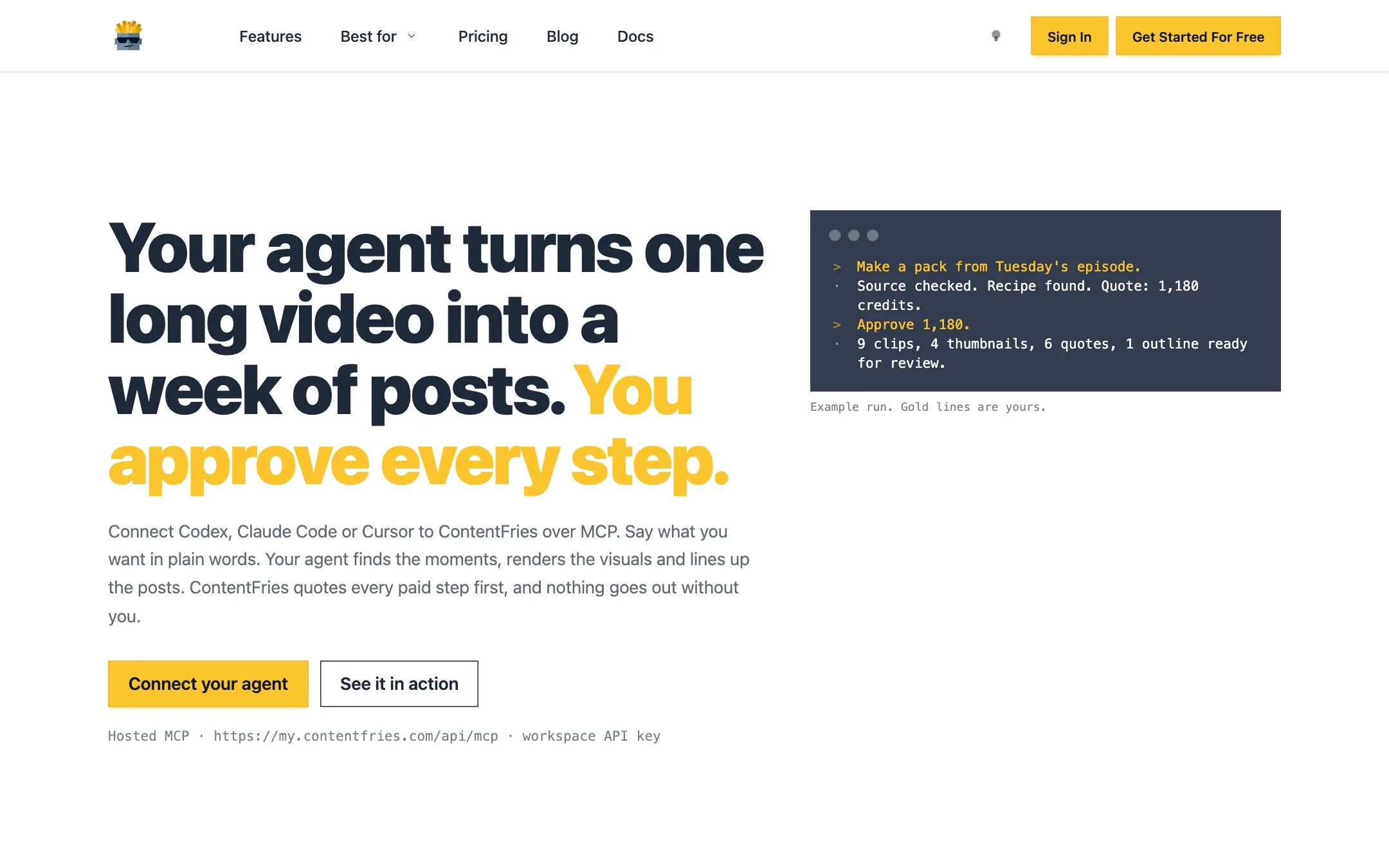
ContentFries runs a hosted MCP server. You create a scoped API key in your workspace and add the server to Claude Code, Codex, Cursor or any other MCP client. From there an agent can:
- Make a pack from a video link
- Render clips, quote cards, carousels (up to 16 slides) and stills
- Watch your YouTube channel and list videos worth repurposing
- Suggest what to make next based on your channel’s numbers
- Read and update your brand context
- Queue outputs for review and hand approved posts to your scheduler
The safeguard is good. Every paid step returns an exact, itemised quote that expires in 15 minutes, and nothing runs until you approve it. A failed render batch refunds the whole quoted charge, per ContentFries.
On Free and Pay as you go, each successful write command through the API or MCP costs one extra automation credit. Creator and Scale waive that surcharge.
Pricing
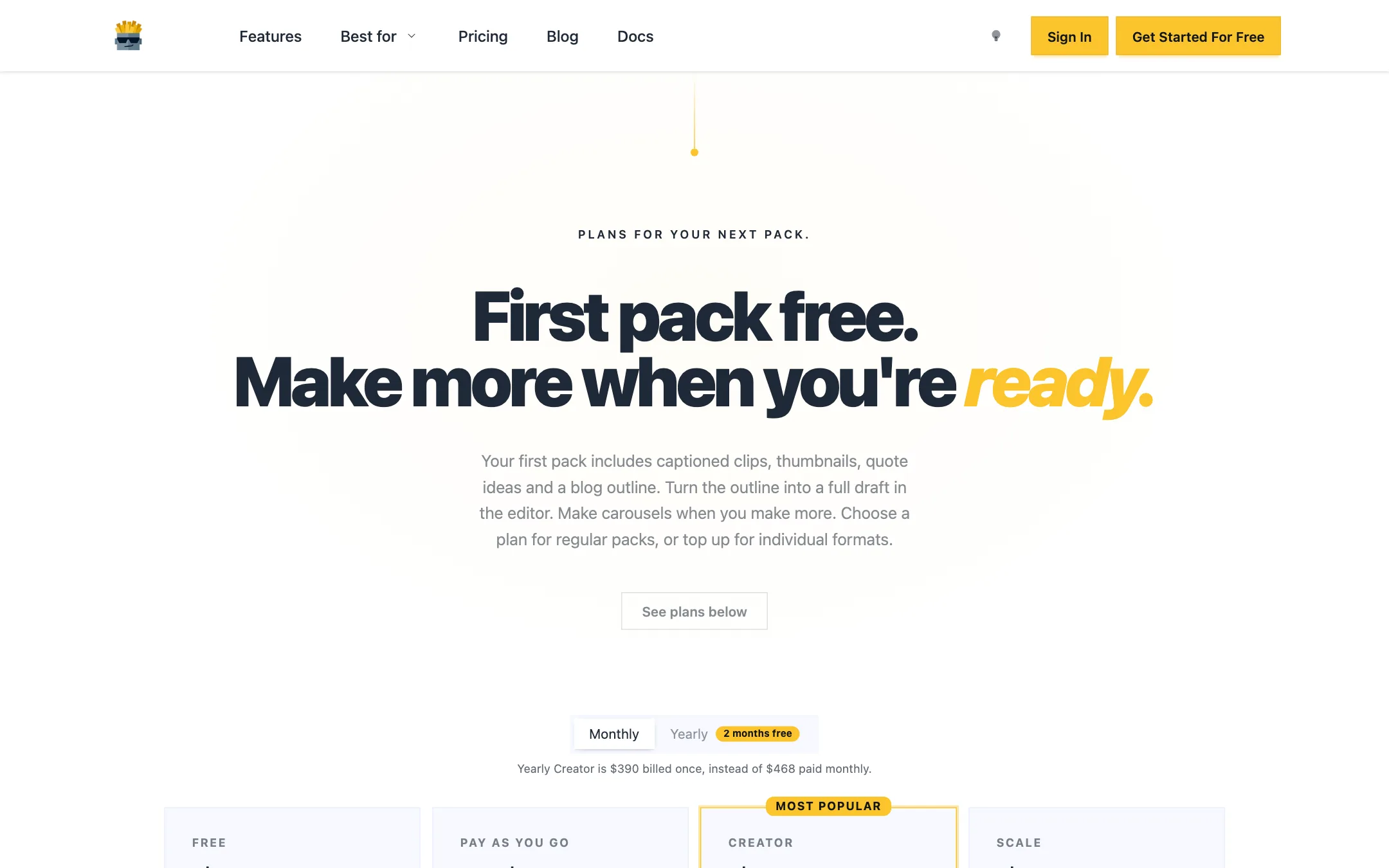
ContentFries runs on credits. A standard pack uses up to about 110 credits, and ContentFries shows the maximum cost before any paid work starts.
| Plan | Price | What you get |
|---|---|---|
| Free | Free | First pack sponsored, 150 signup credits, 50 a month |
| Pay as you go | $4 to $50 one-time | 40 to 650 credits that never expire |
| Creator | $39/mo or $390/yr | 650 credits a month, rollover to 1,300, 3 workspaces, 3 seats |
| Scale | $99/mo | 2,500 credits a month, rollover to 5,000, 10 seats |
Credit packs:
| Pack | Price | Credits |
|---|---|---|
| Small | $4 | 40 |
| Medium | $10 | 110 |
| Large | $25 | 300 |
| Power | $50 | 650 |
What the pricing page makes clear, and what to watch:
- The free plan is a real trial. Your first pack is sponsored separately, so the 150 signup credits are still there afterwards. After that, 50 monthly credits cover roughly half a pack.
- Pay as you go suits irregular posting. A Medium pack at $10 buys about one standard pack, and those credits never expire.
- Creator is about $6.50 a pack. At $39 for roughly six packs a month, it is reasonable for one weekly show.
- Rollover is capped. Creator holds up to 1,300 credits and Scale 5,000. Monthly credits are spent before permanent ones.
- Pack counts are estimates. Longer sources, more formats and extra exports cost more.
- Lifetime buyers get less. ContentFries says lifetime entitlements stay valid, but do not include the agent API, MCP, webhooks or multiple workspaces.
A note on the 2026 rebuild
ContentFries rebuilt its backend in early 2026, moving to credit billing and the Content Multiplier recipe. Its changelog warned in March that some older content might be temporarily unavailable during the move. Later entries through July describe fixes for stuck long videos and smoother downloads. If you are an older user, check your back catalogue before relying on it.
Who should pick which plan
- Occasional posters. Skip the subscription. Use the sponsored first pack, then buy a $10 Medium pack whenever you have an episode worth repurposing. Those credits never expire.
- Weekly shows. Creator at $39 a month covers about six standard packs, enough for one episode a week plus extras. Pay yearly at $390 once you know you will stick with it.
- Agencies and teams. Scale’s ten seats, unlimited internal workspaces and 2,500 monthly credits suit several clients at once. Its larger rollover cap also smooths out busy and quiet months.
Before you commit
Use your free pack as a real test:
- Pick a typical episode, not your best one. You want to see how ContentFries handles an average recording.
- Compare its chosen moments with yours. If you would have cut different clips, that is the main thing a paid plan will not fix.
- Check the captions in your language. ContentFries’ changelog says it added native language support for generated assets in 2026, but test the language you publish in.
- Look at the quote before paying. The credit quote shows what a full pack really costs for your source length.
Alternatives
- OpusClip is the best-known clipping tool, with a broader audience than talking-head experts and more caption templates.
- Klap turns long videos into shorts quickly and suits YouTubers who mainly want clips.
- Vizard adds an editor and team features for clip-heavy workflows.
None of these builds quote posts, carousels and a blog outline from the same upload the way ContentFries does. If you only need clips, they are worth comparing on price.
Verdict
ContentFries is one of the more complete repurposing tools for expert-led content. One long video becomes clips, thumbnails, quote posts, carousels and a blog outline in a consistent style, and the quote-before-you-spend credit system makes costs predictable. The MCP server with approval on every paid step is a genuinely useful extra if you work through an AI agent.
It is a narrower fit than OpusClip or Klap. It is built for talking heads, not entertainment, and its caption style range is small. If you host a podcast, run webinars or coach on video, use the sponsored first pack on your best recent episode. If the moments it picks are the ones you would have picked, Creator at $39 a month pays for itself in saved editing time.
