What Colossyan is
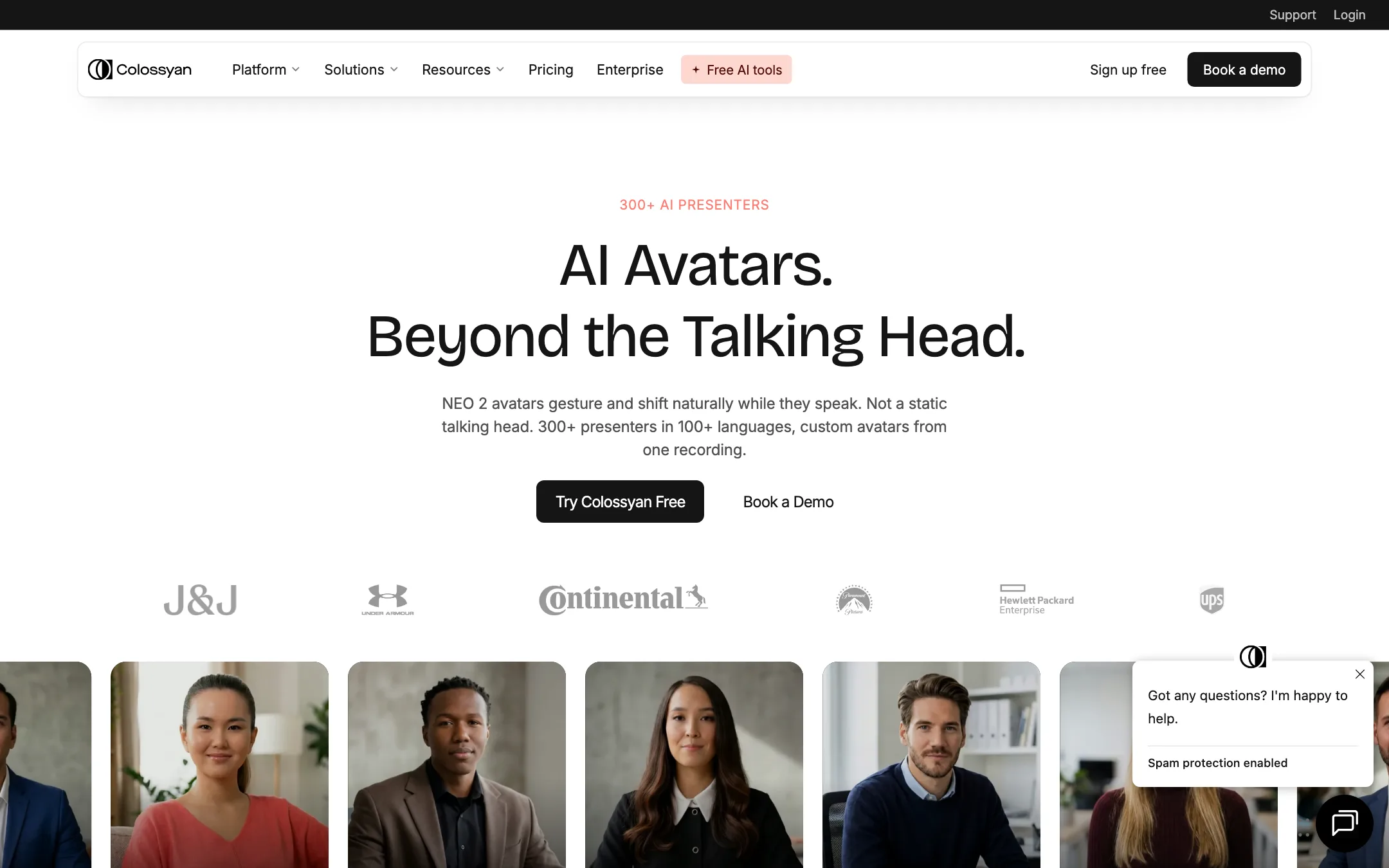
Colossyan is an AI avatar video platform. You give it a script or a document, pick a digital presenter, and it produces a video of that presenter speaking your content. It also translates that video into other languages, adds quizzes and branching, and exports the result to a learning management system.
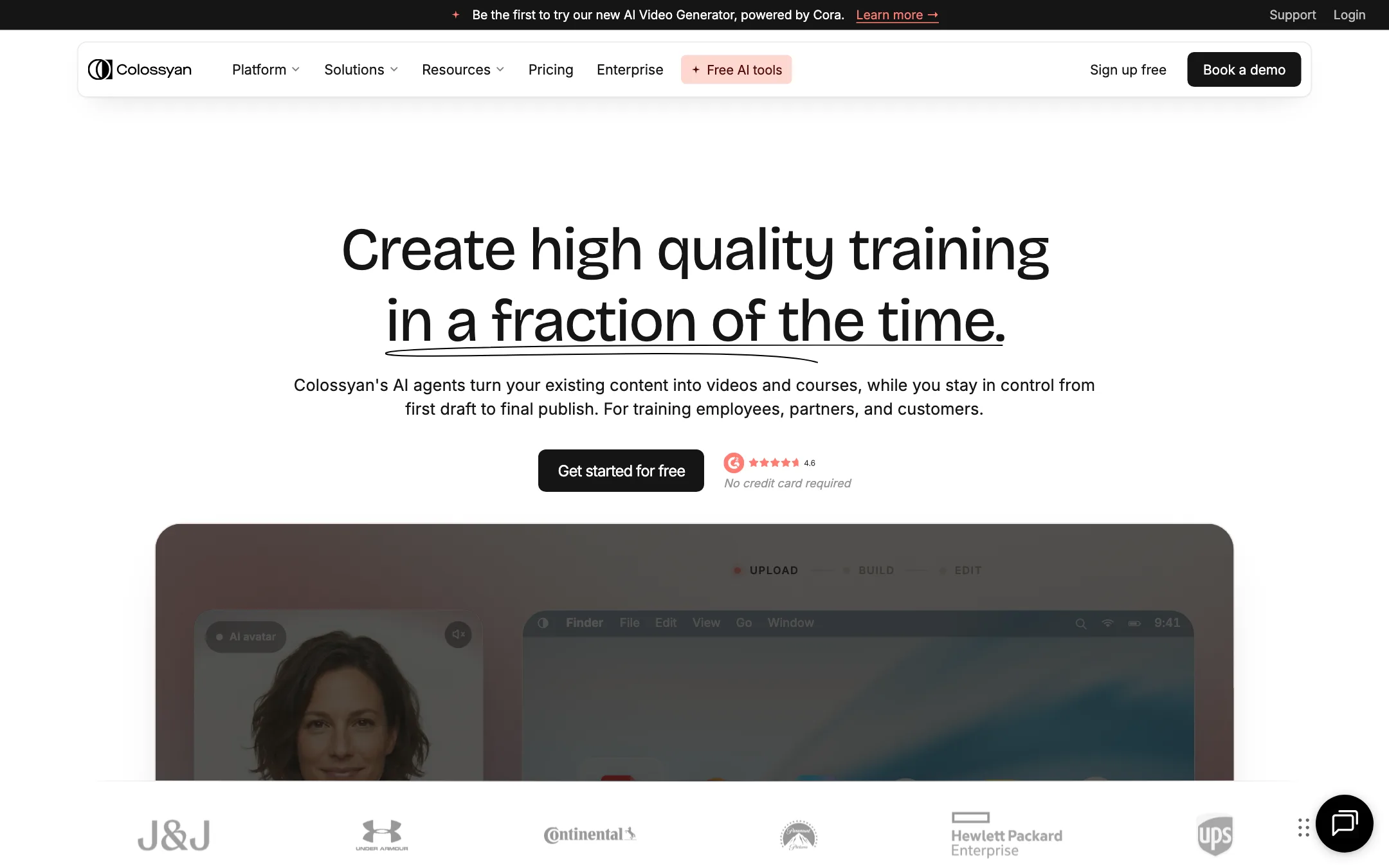
That last part is the key to understanding it. Colossyan is not trying to be the AI avatar tool for TikTok or ads. Its homepage pitches it as a way to “create high quality training in a fraction of the time.” Its customer quotes come from HR managers, curriculum managers and learning designers. The features that set it apart, like SCORM export, interactive courses and LMS scoring, only matter if you run training.
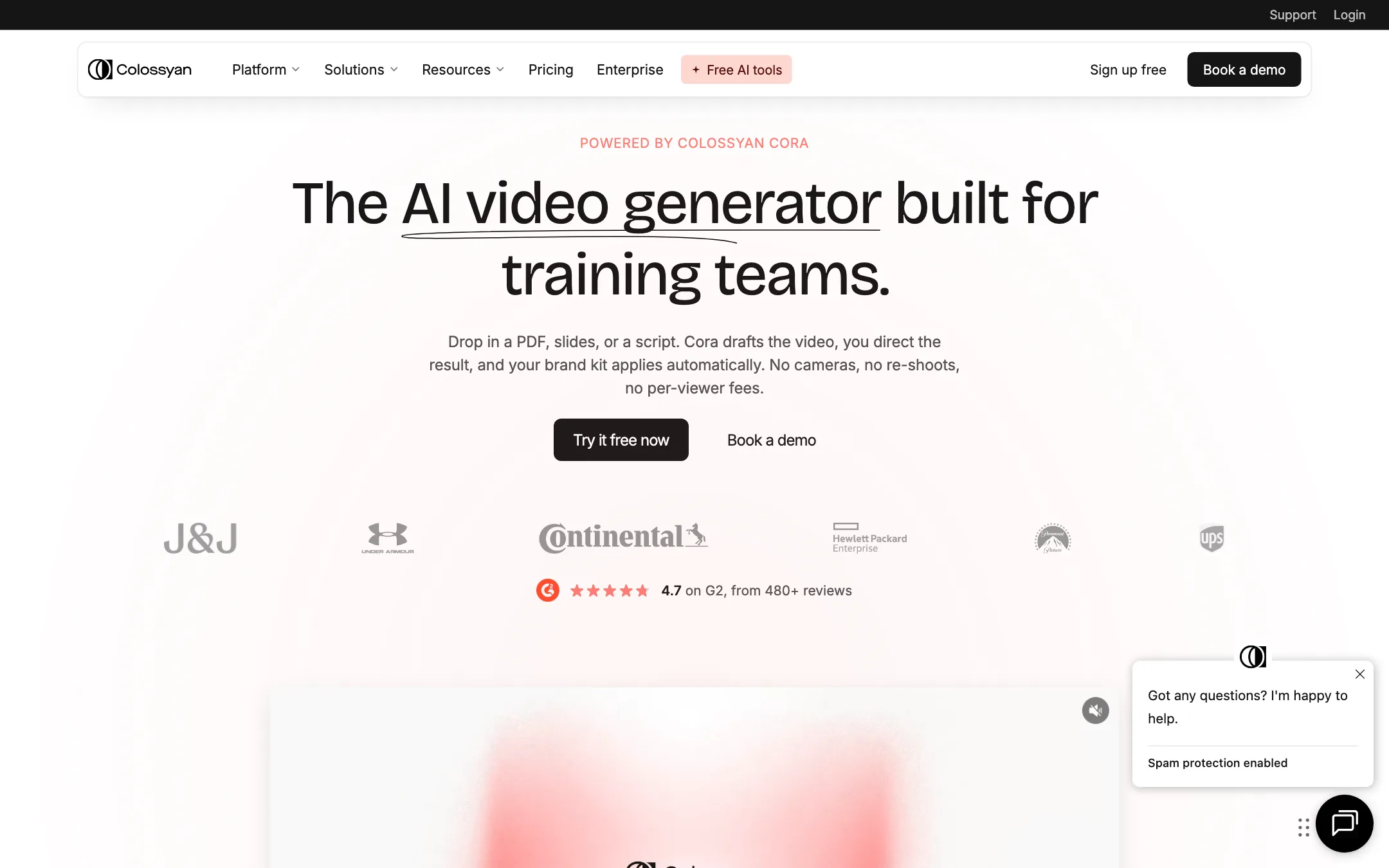
The current version adds Cora, an AI agent that reads your source material and drafts the whole video plan for you. Colossyan’s avatars run on its own engines, called NEO and the newer NEO 2.
Who it is for
Colossyan fits you if:
- You work in L&D, HR, compliance or sales enablement and need training videos made from existing documents.
- You need the same video in many languages without reshooting.
- Your videos have to live inside an LMS and report completions and quiz scores.
- You update policies often and want to edit a line instead of booking a film crew.
- You are a course creator who wants interactive lessons with quizzes, not just talking heads.
Skip it if:
- You make social content, UGC-style ads or short clips. Tools like Arcads, Creatify or HeyGen are aimed at that.
- You want a cinematic AI video generator. Colossyan makes presenter videos, not scenes from a prompt.
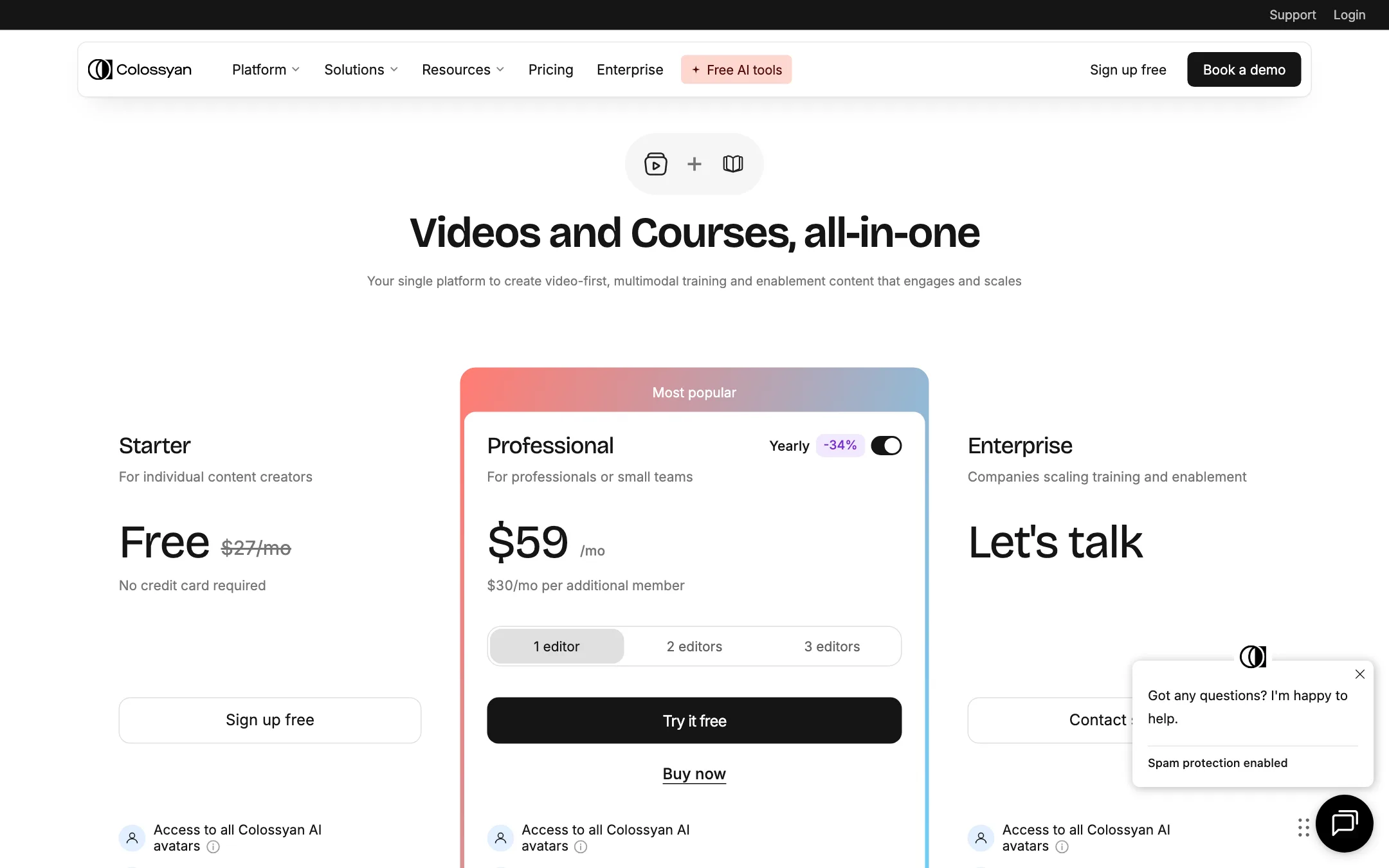
- You are a solo creator on a tight budget. The free plan is watermarked and the paid plan starts at $59 a month billed yearly.
How it works
Colossyan’s pages describe three stages: plan, edit and translate.
1. Plan with Cora
You start by dropping in a source. Colossyan accepts a PDF, a PowerPoint, a Word document, a web page URL, a script or an existing video. You add a short brief, for example “turn this handbook into a 3-minute welcome video for new warehouse staff, friendly tone, end with a short quiz.”
Cora reads the source and builds a scene-by-scene plan. Each scene gets a layout and a script. You can ask Cora to change anything in plain language, then open the plan as an editable draft.
Colossyan stresses that nothing renders until you approve it. Drafts and previews are free, and only generated videos count toward your minutes. This is a sensible design. Many avatar tools charge you for every render, including the ones you throw away.
One limit Colossyan states plainly: Cora cannot yet create quizzes, branching scenes or click-to-continue prompts on its own. You add those yourself in the editor.
2. Edit the scenes
The editor treats the script like a document. Change a line and the voiceover follows. You can swap the presenter in any scene, change the layout, apply your brand kit and add stock media or AI-generated images.
This is also where you build interactivity:
- Quizzes to check what stuck.
- Buttons for click-to-continue moments.
- Branching paths where the viewer picks an option and sees a different scene.
Every interactive element is SCORM-trackable, according to Colossyan, so scores reach your LMS.
3. Translate
Add a language and Colossyan translates the script, voiceover and on-screen text together. It says lip-sync holds and the layout stays put. Each language version keeps its own script and voice, so a native speaker can fix any line before you publish.
Colossyan claims 100+ languages on the homepage and 120+ in the pricing FAQ. Both numbers appear on its own pages.
Avatars and voices
You get 300+ stock avatars. Colossyan says they use the NEO 2 engine with natural gestures and context-aware expressions. You can also make:
- Instant custom avatars of a teammate from a single photo, included on every plan.
- Studio custom avatars, filmed on green screen, as a $1,000 a year add-on.
- Cartoon avatars for when a character fits better than a person.
- Cloned voices, from 3 on Starter to unlimited on Enterprise.
There are 700+ stock voices and a pronunciation library for product names and jargon.
Courses with Colossyan Learn
Colossyan Learn turns a set of videos into a full course. There is a course outline generator, quizzes and assessments, and SCORM export for the whole course. Course creation is unlimited on every plan, including Starter. SCORM export starts on Professional.
Output quality
We have not generated videos with Colossyan, so this section reports what Colossyan and its customers say.
- Avatars. Colossyan markets NEO 2 as studio quality with natural gestures. Its own plan table keeps NEO 2 minutes scarce on the cheaper plans, which suggests it costs more to run. Judge it on the free plan’s half-minute allowance before you commit.
- Resolution. Starter and Professional export up to 1080p. 4K is Enterprise only.
- Translation. Customer quotes on the homepage praise the translation workflow, especially for multilingual teams. Lip-sync quality varies by language in every tool of this type, so check a sample in each language you need.
- Results. One customer quote claims a 90% cut in video production costs. That is a customer story on a vendor page, not a measured benchmark.
Colossyan also says it is building a model-agnostic platform, with Veo 3 and Sora 2 support “arriving soon.” At the time of our check, those models were not listed as available.
Pricing
Colossyan runs on monthly video minutes, split between NEO and NEO2 avatars.
| Plan | Price | What you get |
|---|---|---|
| Starter | Free | 20 NEO min/mo, 0.5 NEO2 min/mo, watermark, 1 editor |
| Professional | $59/mo yearly | 30 NEO min, 10 NEO2 min, MP4, no watermark, 5 SCORM exports |
| Enterprise | Custom | Unlimited minutes, unlimited SCORM, 4K, SSO, CSM |
A few things the pricing page does not make obvious:
- The free plan is real but limited. You get every stock avatar and 20 minutes a month, but the plan card lists no NEO2 minutes while the comparison table shows half a minute. Videos are watermarked and MP4 downloads need Professional. Sharing a link works.
- “Free” sits next to “$27/mo”. The FAQ explains this as “$27/month worth of value.” It is not a price you pay.
- Free plan and free trial. The pricing page offers a free plan, and the footer on every page promises a 14-day free trial. Expect the trial to be a taste of paid features on top of the free plan.
- Extra editors add up. Professional covers one editor. Each extra editor is $30 a month, with a cap of 3. Bigger teams need Enterprise.
- Minutes do not roll over. Unused minutes expire at the end of each period. Yearly plans get the full year’s minutes up front, which helps if your work comes in bursts.
- Deleting a video does not refund minutes. Use the free drafts and previews to get a scene right before you generate.
- Extra NEO2 minutes are expensive. A pack of 600 costs $1,500 a year and only on Professional yearly.
You can pause your account for up to two months for free by asking support in chat.
How to make your minutes go further
Minutes are the scarce resource on every plan below Enterprise. A few habits help:
- Approve the plan before you render. Drafts and previews are free. Fix the script, the scene order and the avatar in the draft, then generate once.
- Keep scenes short and tight. Only the length of the generated video counts. A two-minute lesson costs half of a four-minute one, and viewers in training rarely miss the padding.
- Use NEO avatars for drafts and internal videos. Save the scarce NEO2 minutes for the videos people outside your team will see.
- Translate after you lock the source. Each auto translation counts against your monthly allowance. Get the original right first so you do not translate it twice.
- Pick yearly if your work is lumpy. Yearly plans load the whole year’s minutes up front, so a busy onboarding month does not run you dry.
Refunds
Colossyan gives a full refund within 14 days if you have generated under 10 minutes of video and are not on Enterprise. After 14 days a partial refund is at its discretion. Annual plans that are cancelled stay active to the end of the term with no refund for unused months.
Verdict
Colossyan is one of the most complete avatar platforms for training teams. Cora turns documents into a plan you approve before spending minutes, translation keeps everything in sync, and quizzes, branching and SCORM put it ahead of most rivals for anyone feeding an LMS.
For creators it is a harder sell. The platform is shaped around corporate learning, the free plan is watermarked, and the newer NEO2 avatars are rationed on every plan below Enterprise. If you make course content and want interactive lessons, start on the free plan and test both avatar engines. If you make social videos, look at HeyGen or the other tools in our avatars list instead.