What Clipfly is
Clipfly is a web-based AI video toolkit. It started as an online video editor and has grown into a hub for AI generation. Today the menu covers video, images, music, a “drama” section, an editor and a script tool.
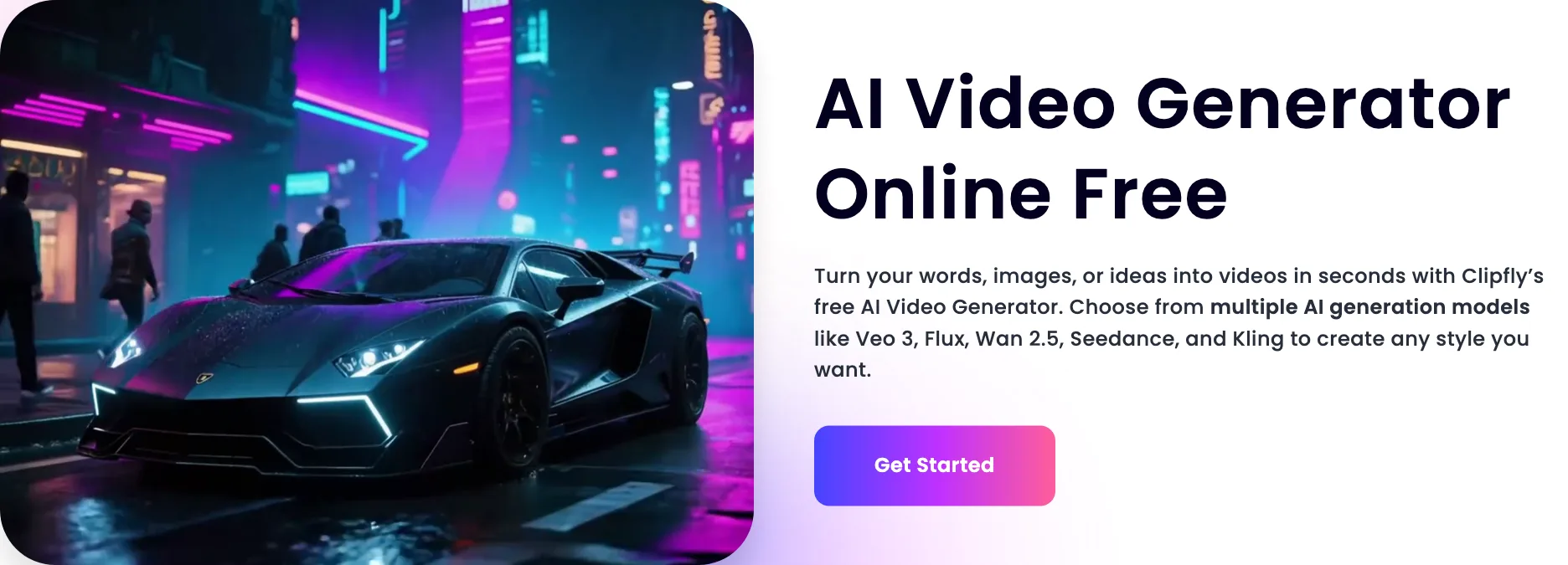
The headline feature is the AI video generator. You type a prompt or upload an image, pick a model and get a short clip. Most of the models are not Clipfly’s own. The generator page lists Seedance 2.0, Wan 2.7, Kling 3.0, Veo 3.1, PixVerse V6 and HappyHorse 1.0. In other words, Clipfly is mainly a wrapper: one account and one credit balance in front of several big-name models.
Around the generator sit a lot of practical tools. There is a video enhancer, an upscaler, background, object and text removers, talking avatars, a storyboard tool and a full online editor. And there is a large shelf of novelty effects, from hairstyle changers to “make them hug” motion filters.
Who it is for
Clipfly fits you if:
- You want to try Kling, Veo and Seedance without paying for each one separately.
- You want generation and basic editing in the same account.
- You need to clean up footage you own, such as removing a logo, a caption or a passer-by.
- You are cost-sensitive and happy to pay yearly.
Skip it if:
- You need one model’s full feature set. Going direct to Kling or Veo gives you every setting the model offers.
- You want predictable credit costs before you sign up.
- You want a brand-safe tool for a client. The template shelf leans heavily on viral and novelty effects.
- You need a mobile app. Clipfly is web only.
How it works
The generator
The generator app has tabs for text-to-video, image-to-video and “element combination”, where you mix several reference images into one clip. Under the prompt box you pick:
- Model. The live app defaulted to MiniMax H3 when we loaded it, with a “Seedance 2.0 Mini” promotion on screen.
- Number of videos. Generate more than one variation at a time.
- Mode. Standard, Professional or Premium.
- Duration. 5, 10 or 15 seconds.
- Aspect ratio. 16:9, 9:16, 3:4, 4:3, 1:1 or 21:9.
There is an “AI Optimize” button that rewrites your prompt and an “Inspiration” button for ideas. The credit cost appears on the Generate button. For the default model at 5 seconds in Standard mode, it showed 10 credits.
The sidebar goes further: first and last frame to video, motion control, a video extender, an upscaler, video-to-video, “link to video ad” and a UGC avatar tool.
Storyboard and AI Movie
For anything longer than one clip, Clipfly offers an AI storyboard tool and a script generator. You write or generate a script, the storyboard splits it into scenes and Clipfly generates each one. You can then merge clips into a single movie. Pro+ and Business add a feature called AI Movie, which Clipfly describes as turning scripts into movies instantly.
The editor
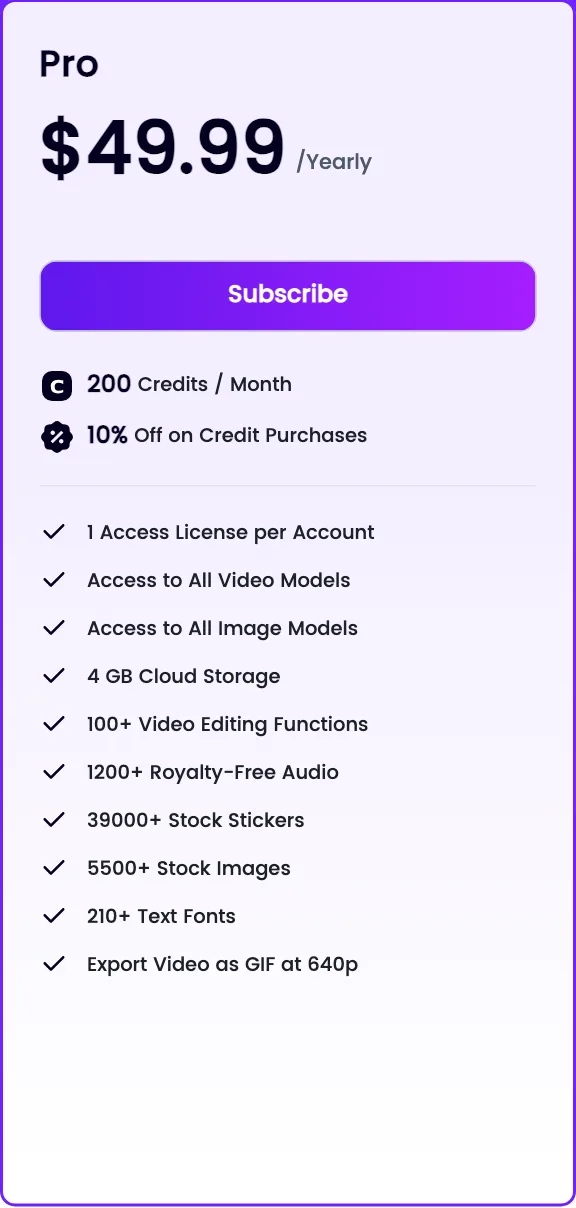
Clipfly’s online editor is a standard timeline. You can crop, split, add text, music and effects, change speed and export in several formats. Paid plans include 1,200+ royalty-free audio tracks, 39,000+ stickers, 5,500+ stock images and 210+ fonts. GIF export is capped at 640p.
This is the part that makes Clipfly more than a model reseller. You can generate three clips, drop them on a timeline, add a voiceover and captions and export, all without leaving the site.
Cleanup tools
The cleanup tools work on any video, not just AI ones:
- Video enhancer sharpens, removes noise and adjusts color.
- Object remover erases things you brush over.
- Text remover strips slogans, captions or names.
- Background remover cuts out the subject.
For marketers repurposing old footage, these may matter more than the generator.
Templates and effects
Clipfly’s homepage gives a lot of space to effects: AI hairstyle changer, cosplay generator, video filters that make things melt or explode, a motion creator that makes people dance, hug or fight, a squish effect, “elf yourself” and age progression. The age progression page invites you to try it on celebrities as well as yourself.
These are fun for personal posts. They also sit uneasily next to a pitch about business presentations and training videos. Use them on your own photos, not other people’s.
Contradictions to know about
Clipfly’s pages do not agree on which models it offers:
- The generator landing page lists Seedance 2.0, Wan 2.7, Kling 3.0, Veo 3.1, PixVerse V6 and HappyHorse 1.0.
- The same page’s how-to steps mention Veo 3, Flux, Wan 2.5, Seedance and Sora. Flux is an image model, not a video one.
- The partner program page lists Kling, Seedance, Wan, Google Veo and Clipfly’s own Lumen and Fluxon.
- The live app defaulted to MiniMax H3.
None of this is unusual for a wrapper that adds models quickly. But it means the version you get may not be the one a page names. Check the model picker before you assume you are on the latest Kling or Veo.
The other contradiction is cost. The pricing page’s credit table lists “Video Generator: 10 credits for 1 clip”. In the app, the cost changes with model, mode and duration. Treat the table as a starting point.
Output quality
We did not generate clips on Clipfly, so quality claims here belong to Clipfly or to the underlying models.
Because Clipfly resells other models, output quality is mostly the quality of whichever model you pick. Kling, Veo and Seedance are among the strongest video models available, and Clipfly describes Seedance 2.0 as producing 4 to 15 second clips with native audio and Veo 3.1 as a realistic all-rounder.
What Clipfly controls is the wrapper: which settings it exposes, which model versions it runs and how it prices them. A direct subscription to a model usually gives you more controls and the newest version first. Clipfly gives you breadth and a lower entry price instead.
Its own Lumen and Fluxon models get almost no description on the public pages. We found no examples or specs to judge them by.
Pricing
Clipfly sells subscriptions with monthly credits, plus one-time credit packs.
| Plan | Yearly | Monthly | Credits a month | Extras |
|---|---|---|---|---|
| Pro | $49.99 | $10.99 | 200 | 10% off packs, 4 GB, 1 license |
| Pro+ | $189.99 | $39.99 | 1,000 | 12% off packs, AI Movie, 20 GB, 2 licenses |
| Business | $389.99 | $87.99 | 3,000 | 15% off packs, AI Movie, 100 GB, 5 licenses |
Credit packs start at $9.99 and the largest listed costs $783.99. Every pack adds bonus credits on top, and larger packs carry bigger bonuses and discounts.
The pricing page lists these per-feature costs:
- Template generator: 10 credits.
- Video generator: 10 credits per clip (varies by model in the app).
- Talking avatar: 10 credits.
- Object remover: 10 credits.
- Video background remover: 20 credits.
- Video enhancer: 5 credits a minute.
- Video upscaler: 10 credits a minute.
Things to know:
- Yearly is the deal. Pro at $49.99 a year is less than half the monthly price over twelve months.
- Monthly credits expire. Plan credits are valid for two months from when they are granted and are used oldest first. You cannot bank them for a big project later in the year.
- Pack credits last longer. One-time credits stay valid for a year.
- Credits renew on your billing date, not the first of the month.
- 200 credits is not much if you use premium models at longer durations. Watch the cost on the Generate button.
Partner program
Clipfly does not run a cash affiliate program. Its Creative Partner Program gives approved creators Pro membership, monthly credits, early access and discounts. In return you add “Clipfly CPP” to your bio, tag Clipfly and post two to four Clipfly creations a month. Clipfly may reuse your posts in its own promotion without paying you.
Clipfly vs the alternatives
Clipfly competes with other multi-model hubs more than with the model makers. PixVerse has its own strong model and also offers partner models on its Pro plan. Vidu focuses on its own model with reference-based consistency. Deevid is another low-cost wrapper. Clipfly’s edge over all three is the full online editor and the cleanup tools, which let you finish a video without exporting to CapCut or Premiere.
Verdict
Clipfly is a cheap, broad entry point. For $49.99 a year you get access to several leading video models, an online editor and tools to clean up footage you already have. If you want to dabble across models and finish clips in one place, that is good value.
Go in knowing it is a wrapper. The model list shifts between pages, per-model credit costs only show in the app, and plan credits expire after two months. If you have settled on one model and need its full controls, subscribe to that model directly. If you are still exploring, Clipfly’s yearly Pro plan is a low-risk way to do it.