
What Choppity is
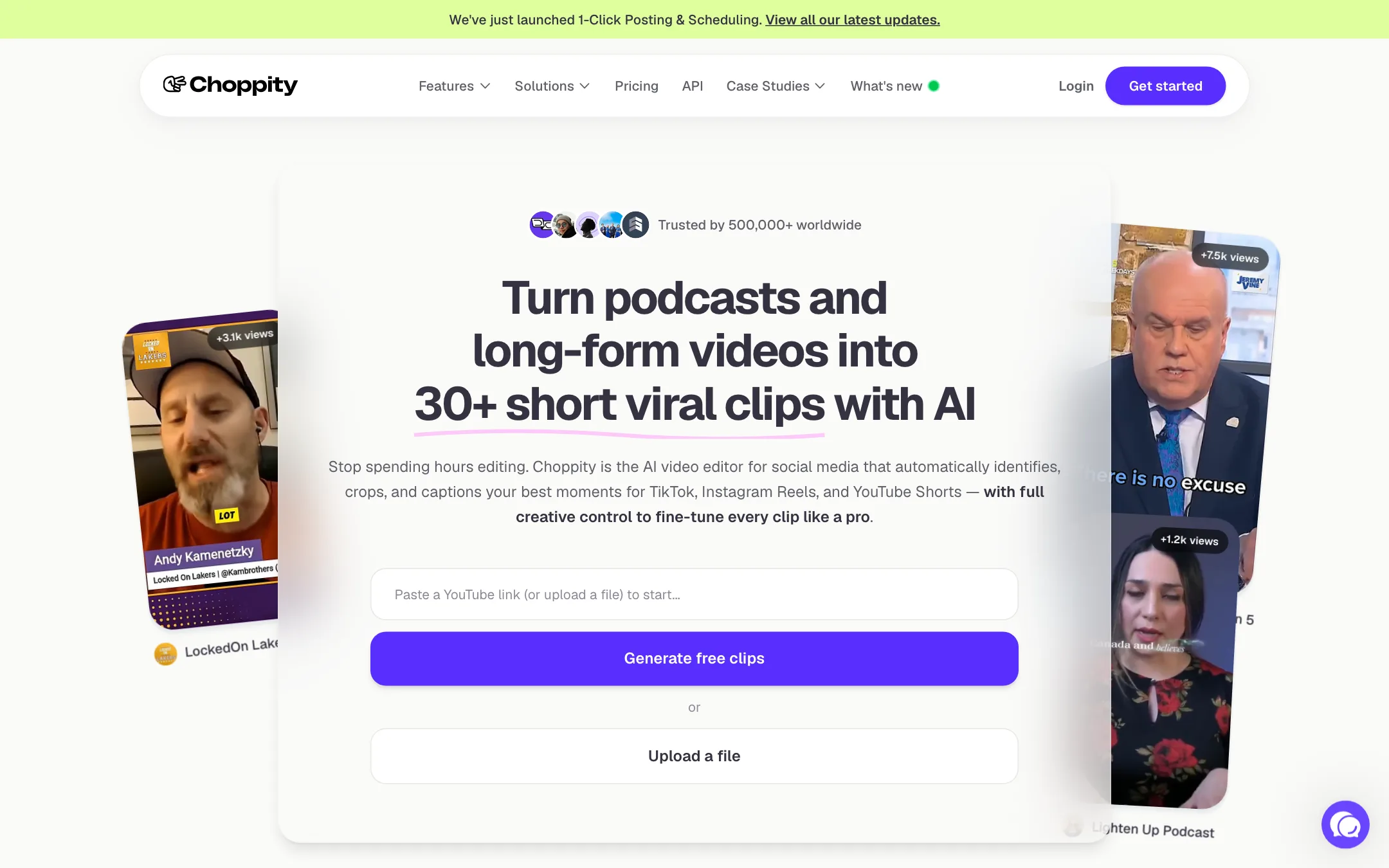
Choppity is an AI video clipper. You give it a long video, usually a podcast, interview, webinar or sermon, and it finds the best moments and turns them into vertical clips with captions. Then it lets you edit those clips properly and post them to your social accounts.
It is made by Mizko Media Pty Ltd, and it competes directly with OpusClip, Vizard and Klap. Choppity even publishes comparison pages against those rivals plus CapCut, Submagic, VEED and Captions.
What sets it apart from the cheapest clippers is control. Many tools hand you a stack of clips and a basic caption editor. Choppity adds a transcript editor, a full timeline editor, brand templates, speaker tracking, a profanity censor and a content planner with scheduling. You can let the AI do it all, or take over.
Who it is for
Choppity fits you if:
- You publish a weekly podcast or long YouTube video and want 10 to 30 shorts from each one.
- You record conversations with two or more people and need the frame to follow whoever is talking.
- You want to fix the AI’s cut by editing text, not by scrubbing a timeline.
- You want clipping, captioning and posting in one tool.
- You run a church, non-profit or small agency. Choppity markets directly to all three.
Skip it if:
- You need to download clips without paying. The free plan’s table does not list exports.
- You make music, gaming or action videos. Choppity says it works best on talking content.
- You publish many hours of video a month on a solo budget. Starter’s 3 hours run out fast.
How it works
Choppity lays out a four-step workflow.
1. Upload
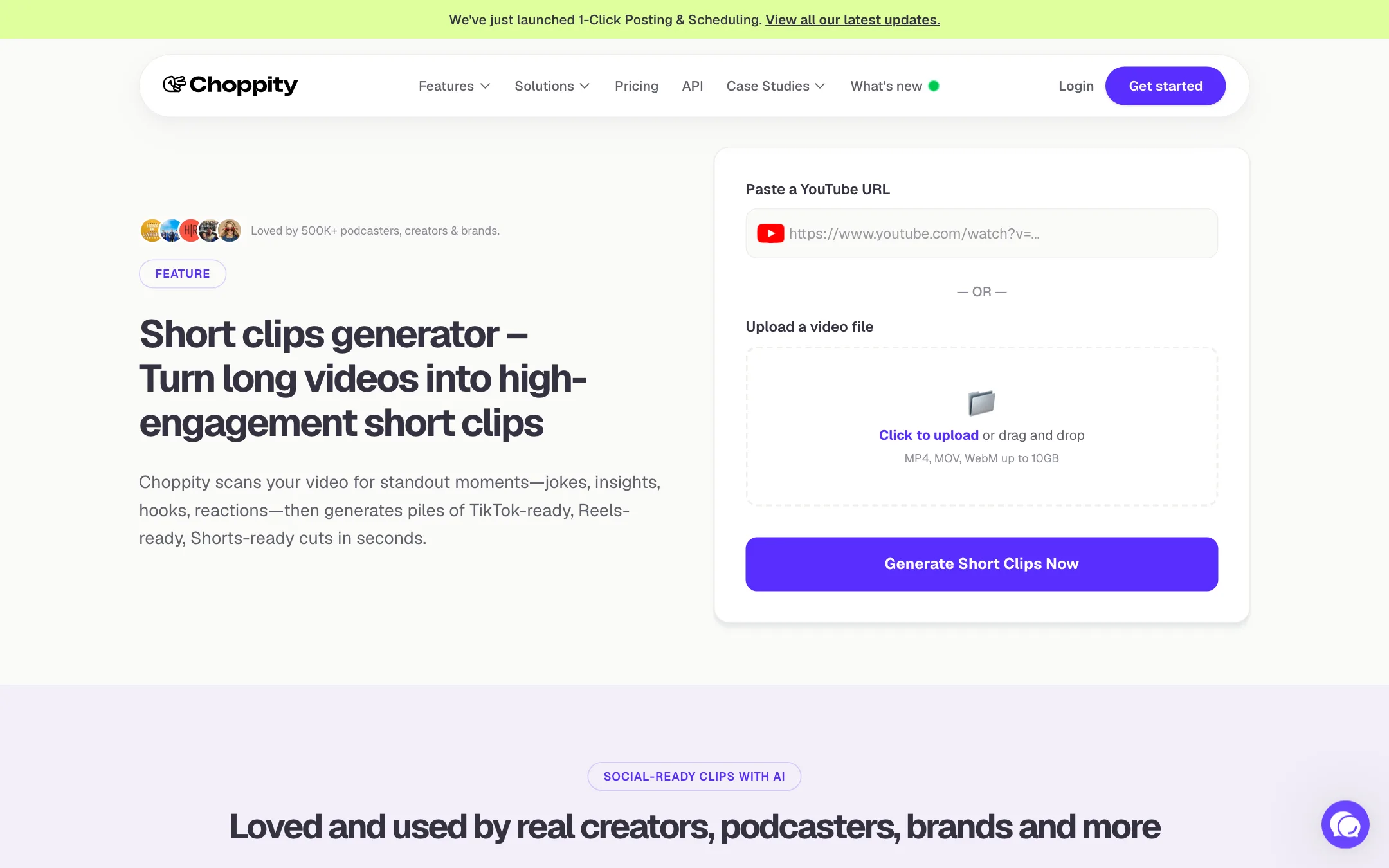
Paste a YouTube link or upload a file. Choppity lists MP4, MOV, WebM and AVI, and a 10GB limit on its editor page. Creator and above can bulk upload up to 10 links or videos at once.
You can add an optional request to steer the AI. Choppity’s own example is “Find every moment where Michael mentions Adobe.” That is useful if you only want clips on one topic or one guest.
2. Set your style
Pick your caption style, fonts, logo and colours. Save them as a brand template and Choppity applies it to every clip. Starter has no brand templates, Creator has one, Team has five.
3. Generate clips
The AI transcribes the video and looks for hooks, jokes, insights, reactions and strong statements. Choppity says it uses semantic understanding rather than just loud moments. Each clip gets a relevance score so you can sort the strong ones from the filler.
Processing time, according to its FAQ, runs from about 5 to 7 minutes for a 30-minute podcast to 12 to 15 minutes for a 2-hour webinar.
4. Edit, then post
This is where Choppity earns its place.
- Transcript editing. Drag handles to trim, highlight a sentence to cut it, or drop an image or B-roll clip onto a line of text. Delete a word and the video cuts with it.
- Keyword search. Search the transcript for any phrase and turn that segment into its own clip.
- Auto framing and speaker tracking. The AI crops landscape footage to 9:16 or 1:1 and switches focus to whoever is speaking. Choppity pitches it for Zoom interviews and multi-camera podcasts.
- Captions. Choppity says its subtitles are 97%+ accurate, with animated presets styled after creators like Alex Hormozi.
- Profanity censor. One toggle detects swear words and beeps or mutes them. Handy if you want clips to stay advertiser-friendly.
- Full editor. For power users there is a traditional editor as well.
When the clip is ready, post it now or schedule it to YouTube, TikTok, Instagram, Facebook, X or LinkedIn. Starter connects one social account, Creator three, Team six.
The content planner
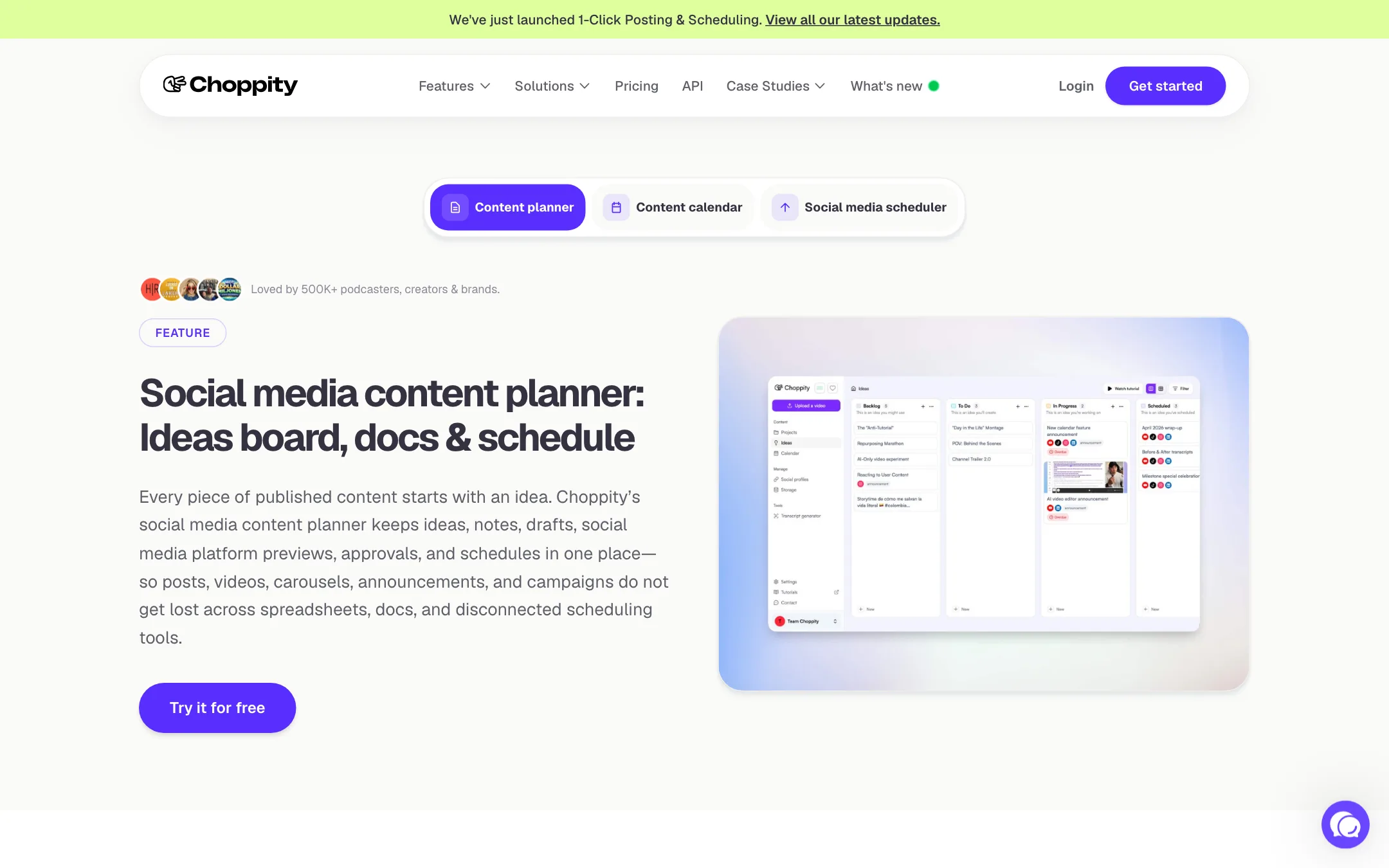
Choppity also has an ideas board, planning docs and a calendar. Ideas move through Backlog, To Do, In Progress and Scheduled. Each card holds notes, captions, hashtags and platform previews. You can switch to a table view to audit what is planned. It is aimed at teams who currently juggle a spreadsheet, a doc and a separate scheduler.
API
Creator and above include API access, so you can push videos in and get clips out from your own workflow.
Output quality
We did not run Choppity hands-on. This section covers what Choppity claims and what to expect from this class of tool.
Choppity’s claims:
- 20 to 50+ clips from a single long video.
- 97%+ caption accuracy.
- 800K+ clips created and 200K+ editing hours saved across its users.
Customer quotes on its site credit it with view growth, including a 4x lift from SmartLead.ai’s founder and higher views for the AutoTrader tech podcast. Treat these as testimonials, not data.
What to expect from any AI clipper:
- Not every clip is a keeper. Fifty clips usually means a handful of great ones and a lot of filler. The relevance score helps you triage.
- Hooks need a human. AI finds a quotable line. It does not always find the setup that makes the line land. The transcript editor is where you fix that.
- Captions need a proofread. Even at 97%, a 60-second clip with 150 words has a few errors. Names and jargon are the usual culprits.
- Tracking works best on clean shots. Speaker detection relies on clear faces. Wide shots with several people or heavy movement are harder.
Pricing
Choppity charges by hours of AI video analysis, not by clip count or credits.
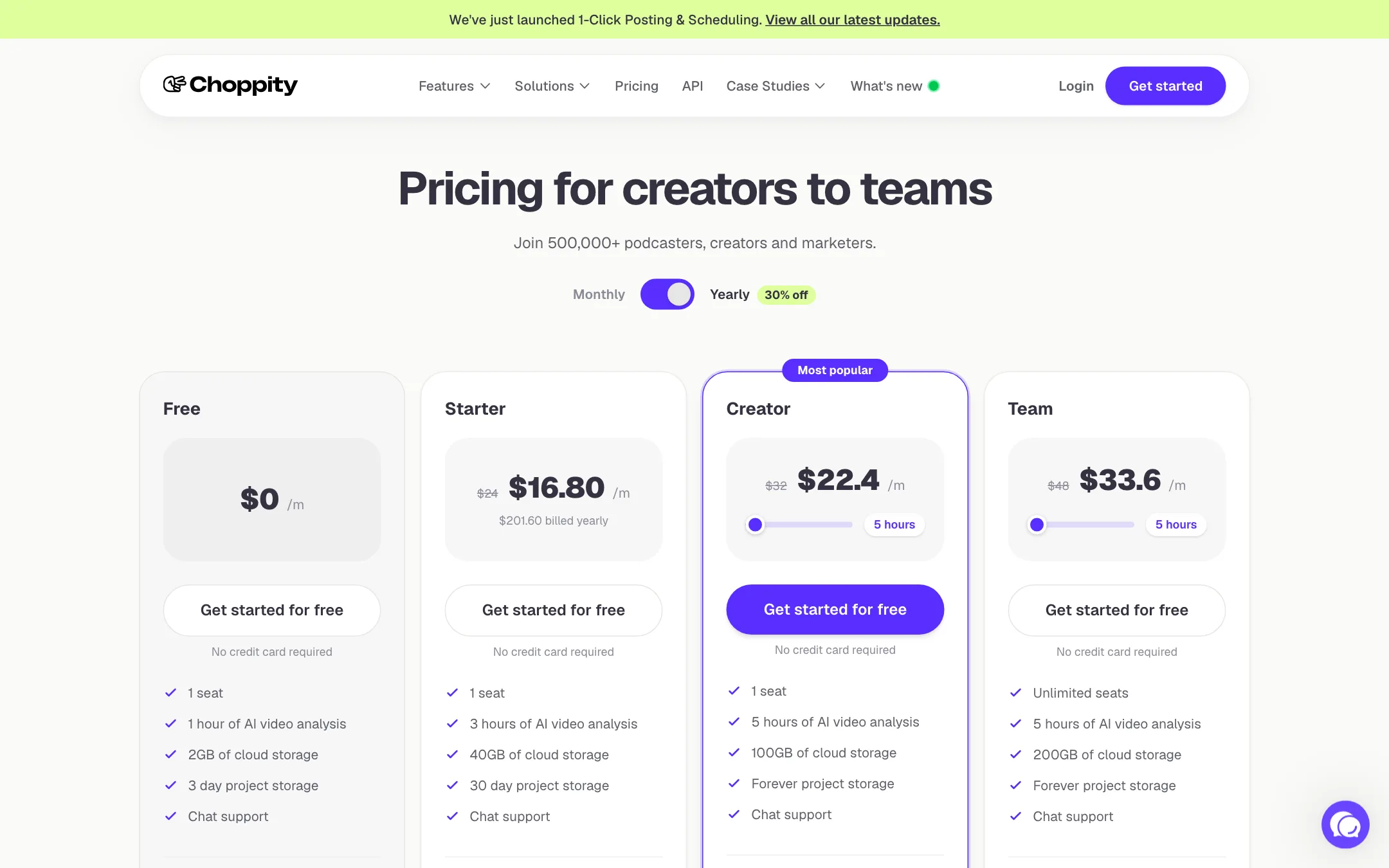
| Plan | Yearly | Monthly | Key limits |
|---|---|---|---|
| Free | $0 | $0 | 1 hour of analysis, 3-day project storage, no exports listed |
| Starter | $16.80/mo | $24/mo | 3 hours, 1080p and 4K exports, 1 social account |
| Creator | $22.40/mo | $32/mo | 5 hours, projects kept forever, 3 accounts, API |
| Team | $33.60/mo | $48/mo | Shared workspace, 6 accounts, 5 brand templates |
| Enterprise | Custom | Custom | Unlimited accounts, whitelabel, contract |
Things the pricing page does not make obvious:
- Hours are source video, not output. A 90-minute podcast uses 1.5 hours whether you keep 3 clips or 30.
- Usage resets on the 1st. Your hours reset on the first day of each calendar month, not on your billing date. If you subscribe on the 25th, your first month is short.
- Free projects vanish after 3 days. Starter keeps them 30 days. Only Creator and Team keep them forever.
- Creator packs. You can top up with Creator packs, each adding 0.5 hours of upload a month and 10GB of storage.
- Team is described two ways. The pricing card says unlimited seats. The FAQ says Team starts at 3 seats, each with 3 hours of upload, 60GB of storage and 3 templates. Ask sales which applies before you budget for a team.
Which plan to pick
Work out how many hours of source video you record each month, then add a margin for re-uploads.
- One weekly podcast of about 45 minutes is roughly 3 hours a month. Starter covers it, just. Any re-upload or extra episode tips you over.
- One weekly show of 60 to 75 minutes needs Creator’s 5 hours. You also get bulk uploads, brand templates and projects that never expire.
- Two or more shows, or client work points to Team, where you share a workspace and connect up to six social accounts. Confirm the seat and hour allowance first, because the card and the FAQ disagree.
- Testing the idea is what Free is for. One hour of analysis is enough for one full episode, so you can judge clip quality before paying.
Yearly billing is 30% cheaper than monthly on every paid plan. Pay monthly for the first month while you test, then switch.
Refunds
The pricing FAQ says you can ask for a refund within 14 days of a payment by opening a support case. After 14 days, Choppity does not refund partial months. Cancelling keeps your access until the end of the billing period. Non-profits can ask for a discount.
Affiliate program
Choppity pays affiliates 20% of every payment for the lifetime of the customer. It runs on Rewardful, costs nothing to join and has no approval step.
Things to watch
- Inconsistent numbers. The homepage says 500,000+ users. Its own meta description and several feature pages say 90,000+. Neither changes the product, but it is a reason to read its other claims with care.
- Free plan limits. The free plan is a test drive. Without listed exports, you cannot run a channel on it.
- Talking content only. Choppity’s clip finder reads the transcript. If your video has little speech, it has little to work with.
Verdict
Choppity is one of the better-value AI clippers for podcasters. At $16.80 a month billed yearly you get clip finding, speaker tracking, animated captions, transcript editing and scheduling in one place. The editing control is the real selling point. You are never stuck with a bad AI cut.
Watch the hour limits. A weekly long-form show will push you to Creator quickly. And test the free plan on your own footage first, then confirm the Team plan details in writing if you are buying for more than one person.
