What Brevidy is
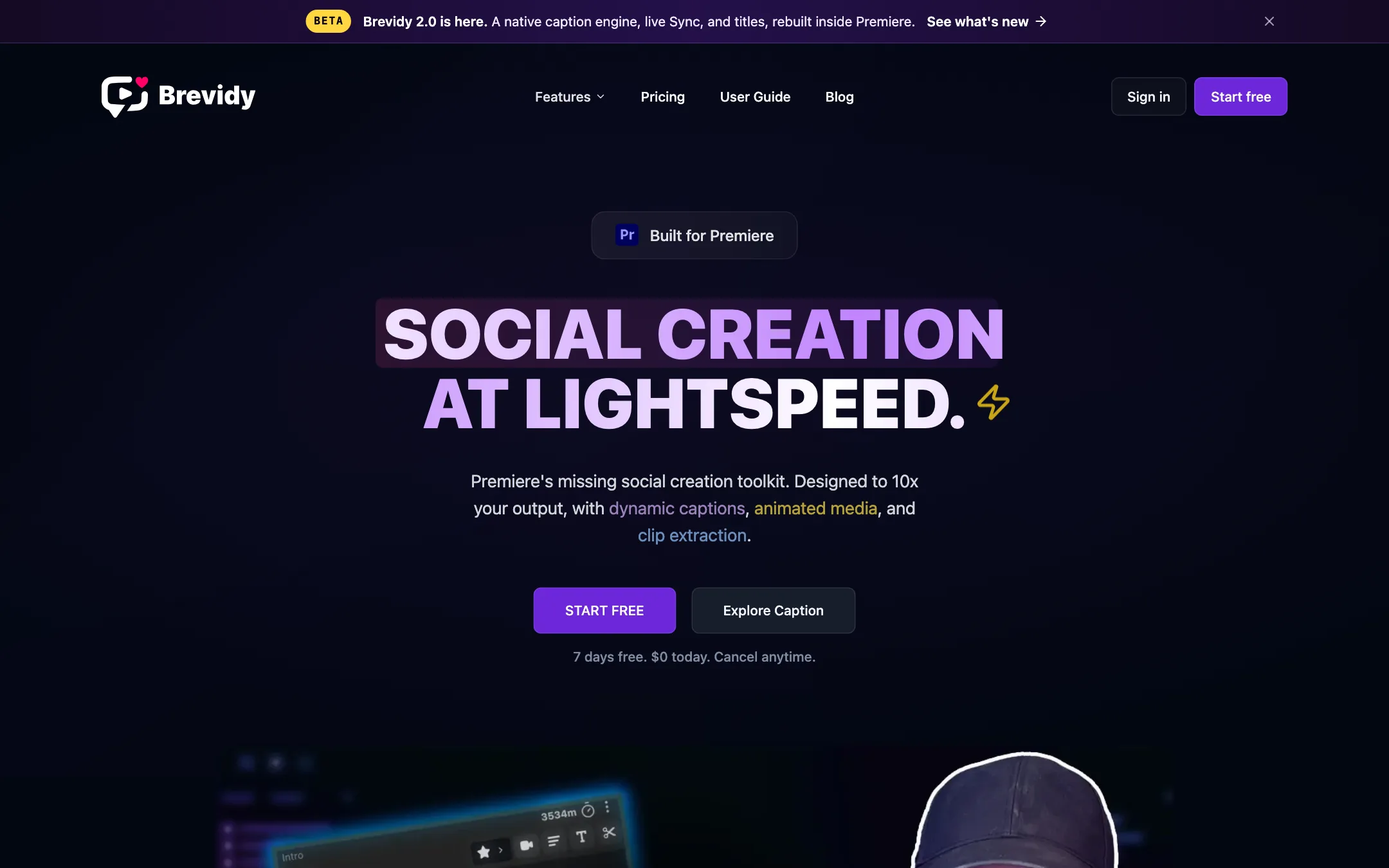
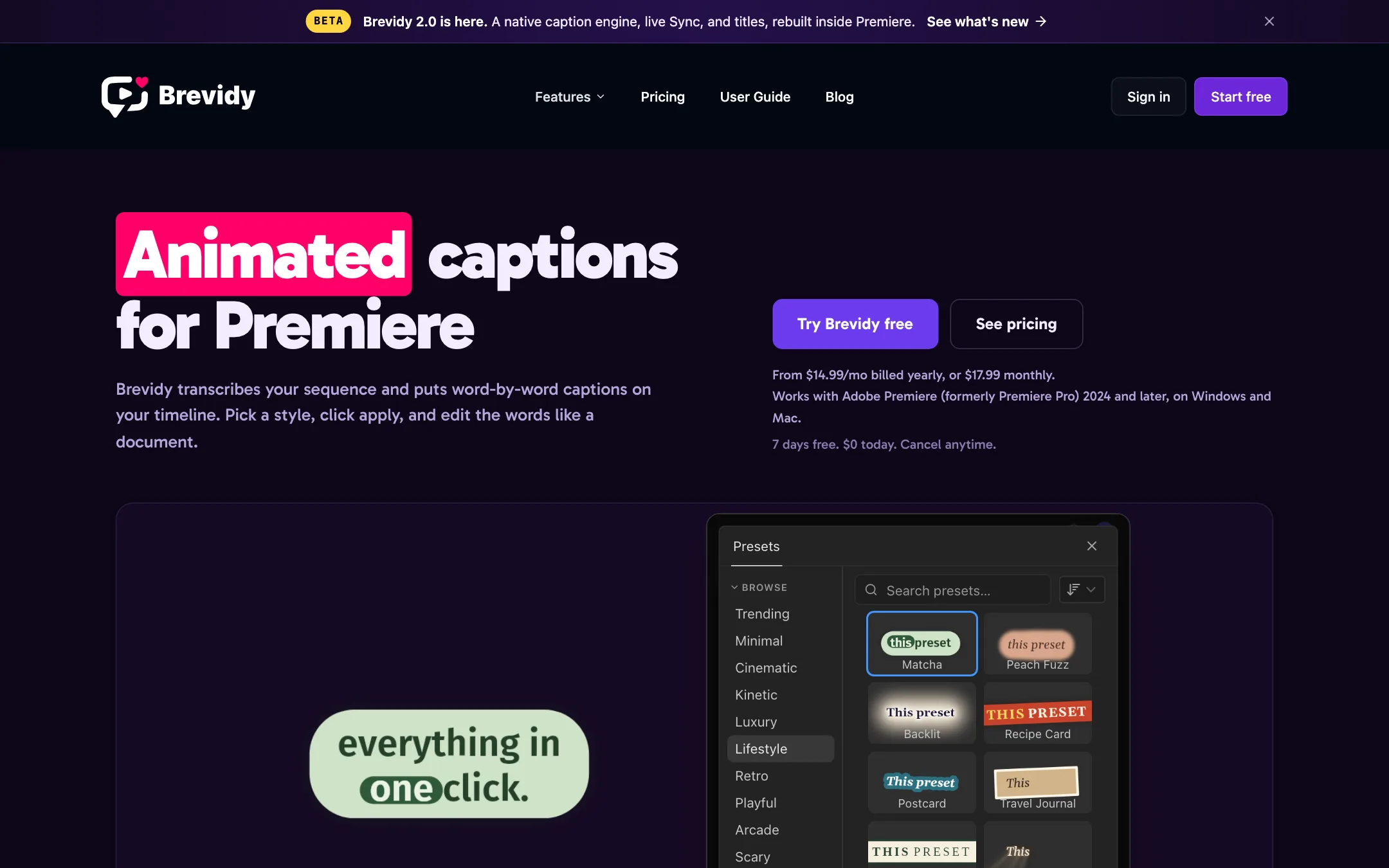
Brevidy is an extension for Adobe Premiere Pro. It adds a panel that transcribes your sequence and puts animated, word-by-word captions straight onto your timeline. You pick a look from more than 700 presets, fix any words in a document-style transcript, and apply.
Around the captions, Brevidy has grown into a small social-video toolkit. AutoCut pulls clip-worthy moments out of long dialogue. AutoCrop turns landscape footage vertical by following whoever is talking. Media lets you search stock footage, GIFs and emoji without leaving Premiere.
Brevidy calls itself Premiere’s missing social creation toolkit and lists itself as an official Adobe Video Partner. It says more than 36,000 editors have signed up.
Who it is for
Brevidy fits you if:
- You already edit in Premiere Pro and caption short-form video often.
- You make podcasts, interviews or webinars and need to cut them into vertical clips.
- You want captions that look like the trending styles on TikTok and Reels without building MOGRTs by hand.
- You run a small team and want every editor shipping the same caption look.
Skip it if:
- You edit in DaVinci Resolve, Final Cut Pro or CapCut. Brevidy is Premiere-only.
- You want a browser tool where you upload and download. Submagic or AutoCaption suit that better.
- You need offline transcription. Brevidy’s captions run through the cloud.
- You only caption now and then. There is no free plan to fall back on.
How it works
Installation is standard for a Premiere extension. You sign up, download the Mac or Windows installer from your dashboard, run it, restart Premiere and open Brevidy from Window > Extensions. Brevidy says it supports Premiere 2024 and later.
Captions
In the current version, Brevidy’s FAQ describes the caption flow like this:
- Set in and out points on your sequence.
- Transcribe in the Brevidy panel.
- Edit the transcript and pick a style: fonts, colors, animation and presets.
- Apply captions back to your timeline.
The transcript editor is the part Brevidy pushes hardest. It edits like a document. You click words to fix them, highlight the ones that matter, or drag a marker beside the text to give part of it a different style. Brevidy also suggests highlight words using AI.
Presets are grouped by mood: trending, minimal, cinematic, kinetic, luxury, retro, playful, arcade, hype and more. Captioner lets you save 3 custom presets. Producer makes that unlimited.
Brevidy says transcription is about 95% accurate, with three cloud models to choose from and support for 99+ languages, including translation. One of its listed testimonials says it found Brevidy more accurate than Premiere’s built-in transcription. We have not run our own accuracy test.
You can also export an SRT file if you need standard subtitles for YouTube or a client.
One important workflow rule
Brevidy’s own getting-started docs say Brevidy should be the last step in your edit. Finish all other cuts first, and avoid moving or cutting the caption layer afterward. If you have ever re-cut a video after captioning, you know why: the captions drift.
That is the problem the 2.0 beta claims to fix (see below). Until 2.0 leaves beta, plan to lock your edit before you caption.
AutoCut
AutoCut analyses a long sequence and builds shorter sequences from the moments it rates as clip-worthy. Brevidy says it uses its own AI model to find standalone sections and engaging moments. It can also remove silence.
Brevidy recommends it for dialogue-heavy content over roughly 20 minutes: podcasts, interviews, radio segments, webinars and stream highlights. It positions AutoCut as an alternative to web clippers like Opus Clip for editors who refuse to leave Premiere.
AutoCrop
AutoCrop takes a landscape timeline and reframes it to vertical. It detects who is speaking and keeps that person in frame, switching as the conversation moves. You choose how fast it switches (responsive, default or stable) and how the frame moves (tracked, dynamic or static).
The output is plain transform effects on your clips. That matters. You can override any shot by hand instead of fighting a baked-in crop. Brevidy says it handles multicam and stacked tracks, and it compares itself favourably with Premiere’s native Auto Reframe on podcasts and interviews.
You can also run AutoCrop inside AutoCut, so new clips land already vertical. AutoCrop is labelled beta on the homepage.
Media
The Media tool searches Giphy, Pexels, Unsplash and Pixabay from inside the panel. Brevidy reads your transcript and suggests matching b-roll or emoji, then lets you animate them with motion presets. AI media suggestions are a Producer feature.
Brevidy 2.0 beta
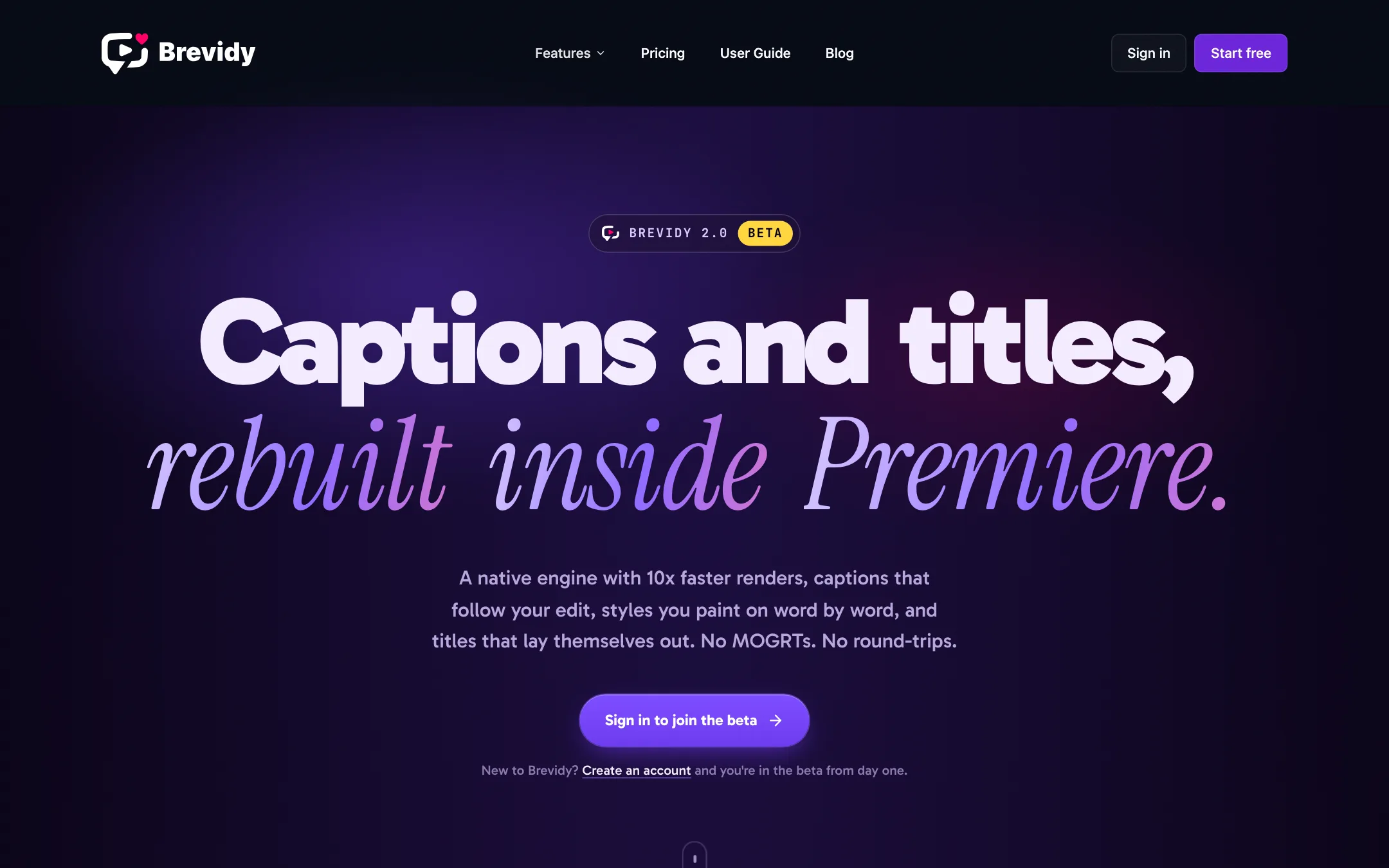
Brevidy 2.0 is a rebuild that any account can join as a beta. Brevidy lists seven changes:
- Native engine. Captions render through Brevidy’s own Premiere effect instead of templates. Brevidy claims 10x faster renders.
- Drag to create. Drop a caption layer at the playhead, drag it over the range you want, and hit Create. No in and out points.
- Sync. Cut and trim your edit, then hit Sync. Captions realign to the audio, and only new footage is transcribed.
- Named styles. Save a look and paint it onto words in the transcript.
- Text effects. Stack glow, long shadow, fire, smoke, snow, god rays, motion blur and more.
- Preset Studio. Describe a caption look in words, typed or spoken, and Studio drafts presets.
- Titles. Type a line and Brevidy picks the hero word and lays out the title for any aspect ratio.
If Sync works as described, it removes the biggest workflow limit in the current version. It is still beta, so test it on a copy of a project first.
Output quality
Caption quality in a tool like this comes down to three things: transcription accuracy, how good the presets look, and how cleanly the result renders in Premiere.
On accuracy, Brevidy cites about 95%. That is a typical figure for cloud transcription on clear speech. Expect more fixes on noisy audio, heavy accents and technical terms. The transcript editor is where you will spend that time.
On looks, the preset library is the draw. Brevidy says it has more than 700, and the testimonials on its site from editors at production companies and School of Motion praise the presets more than anything else. Treat these as the vendor’s chosen quotes.
On rendering, Brevidy itself admits the 1.x template engine is slow, which is why 2.0’s headline claim is 10x faster renders. If you caption a lot of long sequences today, that is worth knowing.
Brevidy’s comparison pages are useful but biased, as all vendor comparisons are. It says it beats Captioneer on most Premiere workflows, but that Captioneer wins for offline transcription, After Effects and a lifetime licence. It says AutoCut AI costs about the same and wins for Resolve and a wider set of cleanup tools. That candour is helpful when you choose.
Pricing
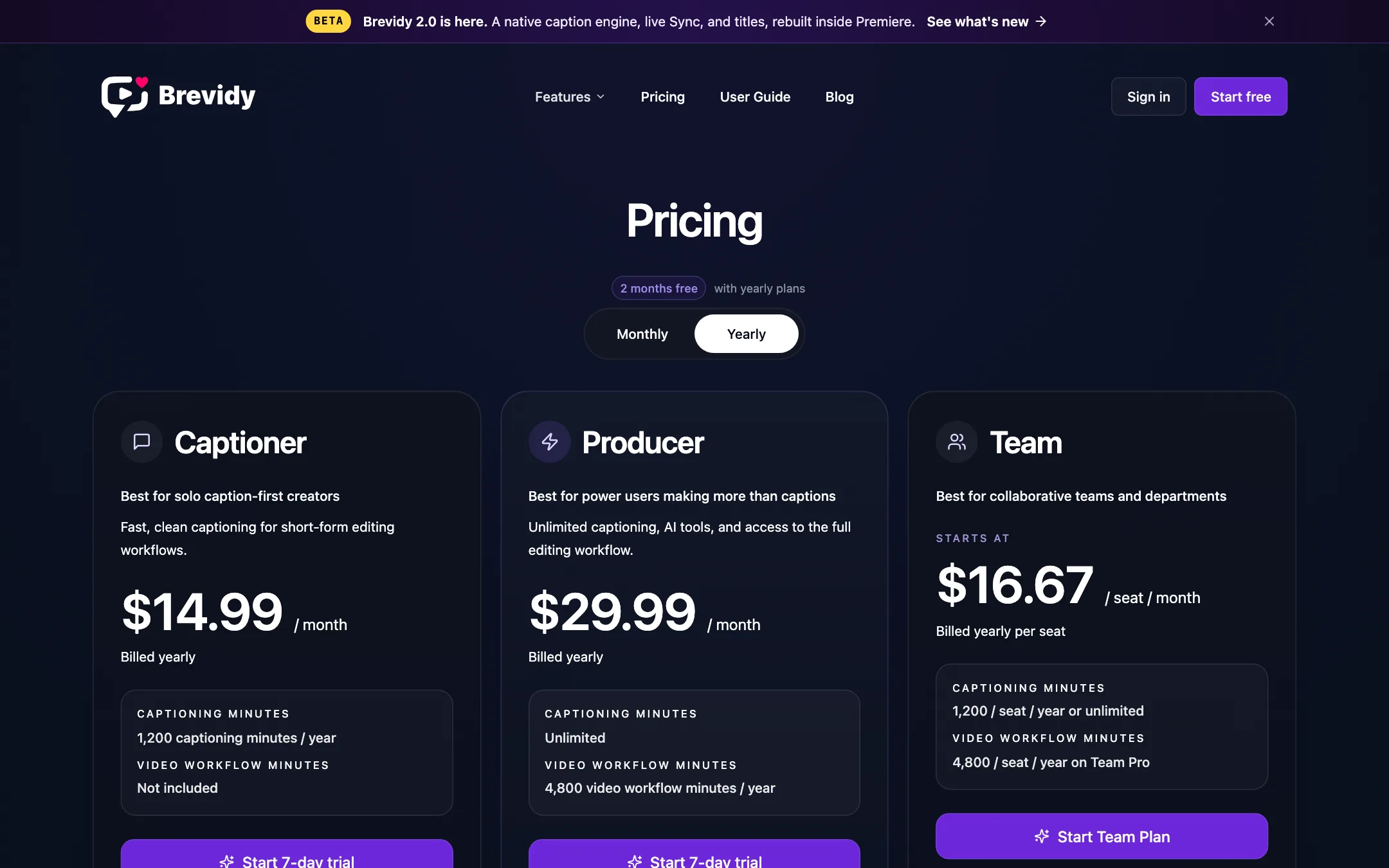
Brevidy sells two solo plans and two team plans. Yearly billing gives you two months free.
| Plan | Yearly | Monthly | Usage |
|---|---|---|---|
| Captioner | $14.99/mo | $17.99 | 100 captioning minutes a month |
| Producer | $29.99/mo | $35.99 | Unlimited captions, 400 workflow minutes |
| Team Starter | $16.67/seat/mo | $19.99/seat | 100 captioning minutes per seat |
| Team Pro | $29.17/seat/mo | not listed | Unlimited captions, 400 workflow minutes per seat |
Enterprise adds API access, custom usage and onboarding through sales.
What to watch:
- There is no free plan. The 7-day trial needs a card. Cancel before day 7 if you are not sure.
- Captioner is captions only. No AutoCut, no AutoCrop, no AI media suggestions. If you want clips and vertical reframing, Producer is the real price.
- 100 minutes is not a lot. If you caption a weekly hour-long podcast in full, you will burn through Captioner in two episodes. Short-form editors captioning 60-second clips will be fine.
- Minutes are yearly on yearly plans. The yearly Captioner gives 1,200 minutes for the year, so a busy month can eat into later months.
We did not find a published refund policy on the pages we checked, beyond the trial.
Affiliate program
Brevidy runs an invite-only affiliate program. It pays a revenue share on every subscription for each customer’s first 12 months, with custom discount codes and live tracking. The percentage is not published. Creators have to contact Brevidy to join.
Verdict
Brevidy is a strong pick if you edit in Premiere and caption short-form video every week. It keeps the whole job on your timeline, the preset library makes captions fast, and AutoCrop’s editable transforms show it was built by people who edit.
The limits are clear, too. It is Premiere-only, there is no free plan, and the cheapest plan caps you at 100 minutes and skips AutoCut and AutoCrop. Try the trial with your real footage. If you only need captions, Captioner at $14.99 a month billed yearly is fair. If you cut podcasts into vertical clips, budget for Producer.