What Vyond is
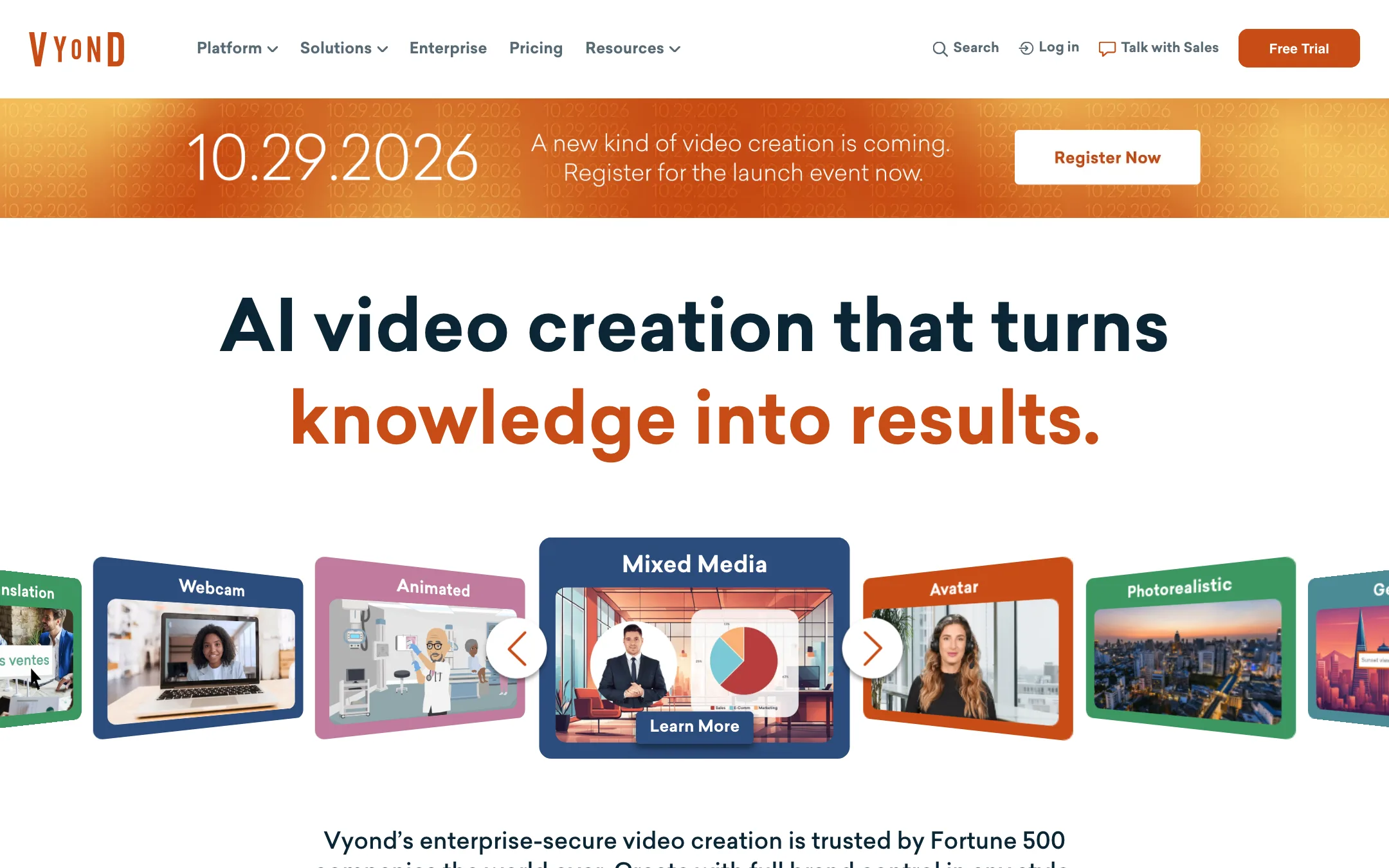
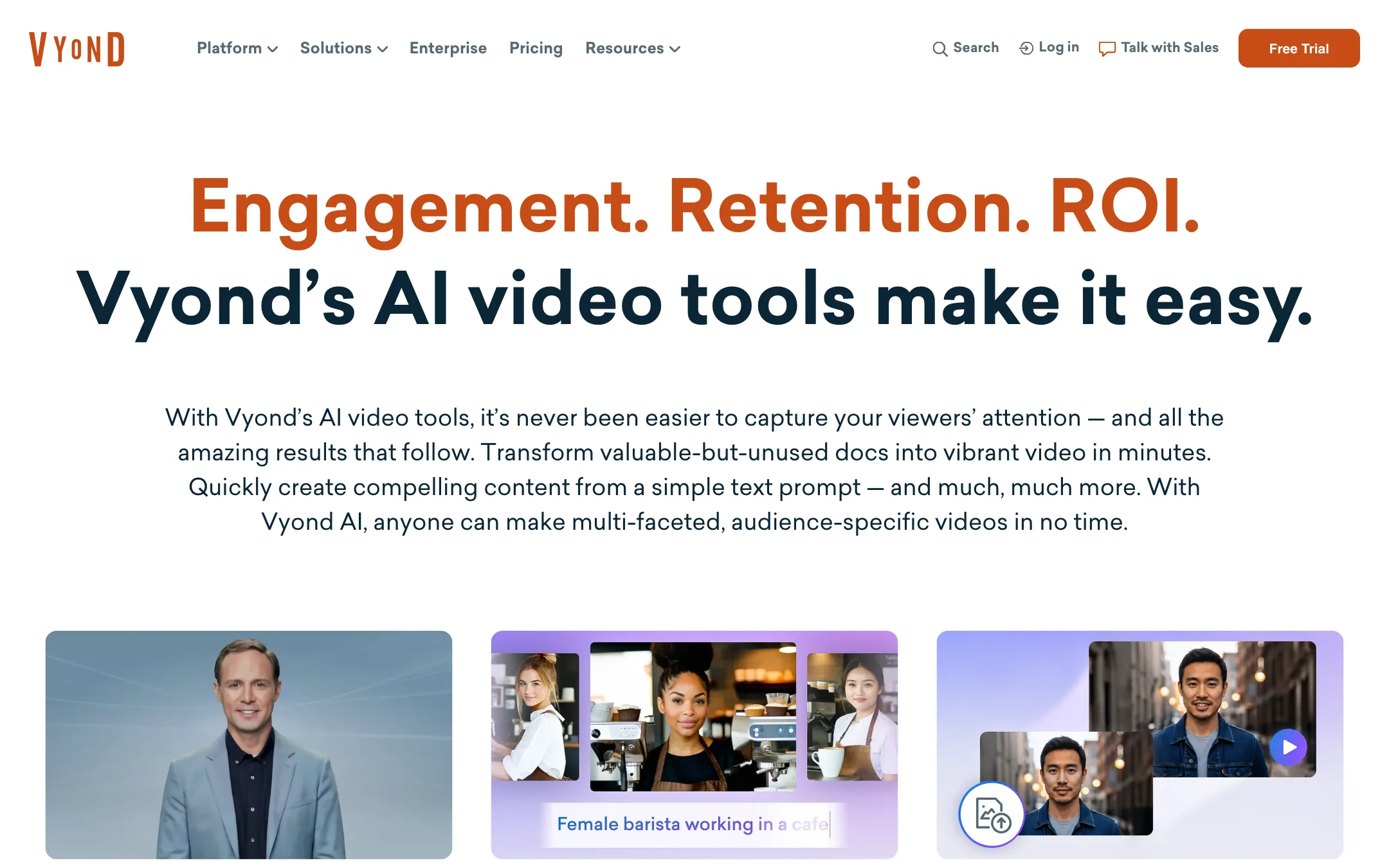
Vyond is a video creation platform for businesses. It started life as GoAnimate, the cartoon explainer tool, and the company is still GoAnimate, Inc. Today it mixes that animation heritage with AI: avatars, instant drafts from documents, generated images and clips, and translation.
Vyond says more than 17,000 companies and about two-thirds of the Fortune 500 use it. Its customers are training teams, HR, internal comms and sales enablement. The testimonials on its homepage come from court systems, insurers, Whole Foods and Indeed, not YouTubers.
The product has three parts:
- Vyond Go, the instant video maker. Feed it a prompt, a document, a script or a URL and it writes and assembles a draft.
- Vyond Studio, the full editor, where you build or polish videos with templates, characters, props, charts and stock assets.
- Vyond Mobile, for capturing footage on your phone.
Who it is for
Vyond fits you if:
- You make training, onboarding or compliance videos and need SCORM files for a learning platform.
- Your company wants on-brand animated explainers without hiring an agency.
- You need several visual styles in one place: cartoon characters, avatars, screen recordings and stock footage.
- Security reviews, brand controls and FedRAMP matter to your buyer.
Skip it if:
- You are a solo creator on a small budget. Vyond’s cheapest plan costs more than the top plans of many creator tools.
- You only want a talking avatar. Dedicated avatar tools give you far more avatar minutes per dollar.
- You want cinematic AI footage. Vyond’s generated clips are a side feature, not the product.
How it works
Vyond Go
Vyond Go is where most people start now. On the homepage you can choose Text to Video, Doc to Video or URL to Video. Upload a document or drop in a link, and Vyond Go turns it into a full video with a script, scenes and voiceover. Vyond offers starter prompts such as a product launch, an event promo or an explainer.
Vyond says you can finish your first video in under a minute. Treat that as a draft. The point of Go is to skip the blank page, then hand the result to Studio.
Each Vyond Go generation costs 800 credits on every plan, according to the pricing table.
Vyond Studio
Studio is the drag-and-drop editor that made Vyond’s name. You work scene by scene with templates for eLearning, presentations, storytelling and marketing. Templates come with settings, characters and props you can swap.
Inside Studio you can combine:
- Animated characters, including ones built from a photo with Photo to Character.
- Video to Action, which copies a movement from a video you upload onto an animated character.
- AI avatars, stock or custom, with background swap and transparency.
- Charts and infographics for data-heavy training.
- Screen and webcam recordings for software demos.
- Generated images and short clips from a text prompt.
- Stock media, with 4M+ Shutterstock assets on Professional and up.
This mix is Vyond’s real argument. Its own FAQ takes a swipe at Synthesia and HeyGen, saying “not every business communication should be a talking-head video.” That is a fair point for training content, where a screen recording and a chart often teach more than a presenter.
Voice, avatars and translation
Starter includes 650+ text-to-speech voices. Enterprise adds 200+ “ultra high quality” voices. Voice cloning and custom avatars sit on the higher plans.
Professional and up add instant video translation into 95 languages, plus caption translation. Translation costs 160 credits per minute of video.
Vyond does not say which AI models power its voices, image generation or text-to-video clips. If your legal team needs to know, ask sales.
Export
Vyond exports MP4, WebM, animated GIF, image sequences and SCORM, at various resolutions including HD. SCORM is the standout. It lets you publish a training module straight into most corporate learning systems.
Credits: where the cost really sits
Since May 2025 Vyond runs on credits. Each plan gets a monthly allowance per user, and AI features draw it down. From the pricing table:
| Action | Credits |
|---|---|
| Avatar speech | 40 to 50 per 10 characters |
| Custom avatar speech | 50 per 10 characters |
| Text to speech (high quality) | 2 per 10 characters |
| Text to speech (ultra high quality) | 10 per 10 characters |
| Translation | 160 per minute of video |
| Text to avatar | 160 to 800 |
| Text to image | 160 to 800 |
| Vyond Go draft | 800 |
| Text to video clip | 2,500 to 4,000 |
| Voice cloning | 20,000 |
Run the numbers and the picture is clear. Starter’s 10,000 monthly credits cover roughly 2,000 to 2,500 characters of avatar speech. That is about 350 to 400 words, or two to three minutes of a talking avatar a month, by our estimate. Plain text-to-speech over animation is twenty times cheaper per character.
So Vyond on Starter is an animation tool with a little avatar on the side. If avatars are the main thing you need, you need Professional or above, or a different tool.
Pricing
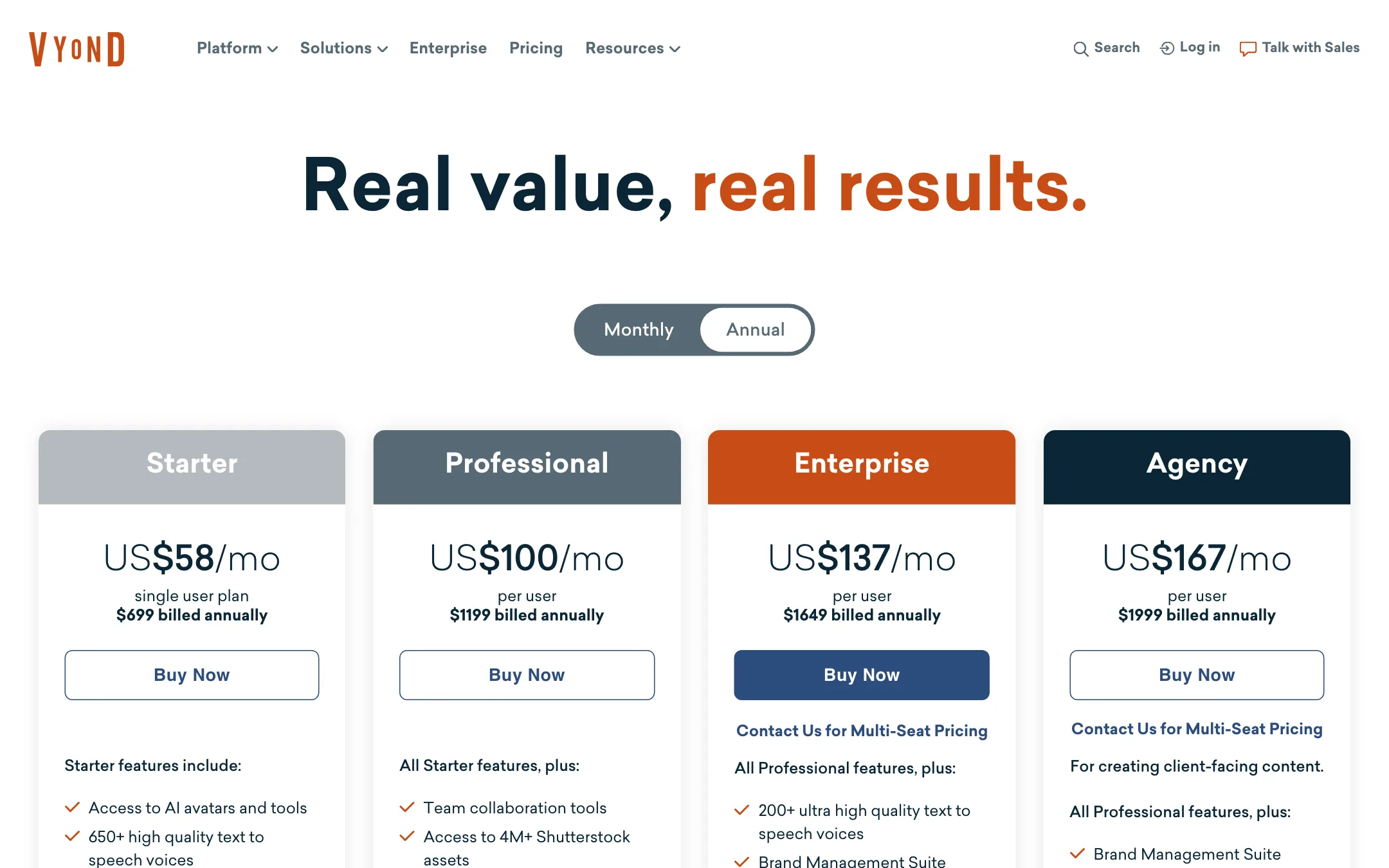
All prices are per user.
| Plan | Price | What you get |
|---|---|---|
| Free trial | Free | 2,000 credits, watermarked exports |
| Starter | $58/mo yearly, $99 monthly | 10,000 credits, 100 downloads a month, 25-minute videos |
| Professional | $100/mo yearly, $199 monthly | 20,000 credits, collaboration, Shutterstock, translation |
| Enterprise | $137/mo yearly | Virtually unlimited credits, brand suite, security, 90-minute videos |
| Agency | $167/mo yearly | 400,000 credits, rights transfers for client work |
| Government | $2,450 a year | FedRAMP certified |
A few things to know:
- Monthly billing is steep. The plans page only shows yearly prices. The FAQ puts Starter at $99 a month and Professional at $199. Yearly saves about 40% on Starter and 50% on Professional.
- Enterprise is cheaper per credit than it looks. For $37 a month more than Professional (billed yearly), you go from 20,000 credits to “virtually unlimited.”
- Download caps exist. Starter allows 100 video downloads a month and Professional 200.
- The trial is limited. Every trial export is watermarked, and trial videos are deleted after 90 days.
- Some regions get a $10 plan trial. Vyond says these unlock more Starter and Professional features and are non-refundable.
Who should buy which plan
Most people evaluating Vyond fall into one of four groups:
- A single instructional designer who mostly animates. Starter covers you, as long as you narrate with standard text-to-speech instead of avatars. Pay yearly. Monthly at $99 makes little sense once you know you will keep it.
- A small L&D or comms team. Professional adds collaboration, Shutterstock and translation. If your company works in several languages, translation alone justifies the jump.
- A large company with heavy avatar use. Enterprise’s “virtually unlimited” credits remove the credit math entirely. That matters more than any feature on the list once several people make avatar videos every week.
- An agency making client videos. Agency’s 400,000 monthly credits and rights transfers are built for you. Enterprise is cheaper per seat, but it does not transfer rights to clients.
Before you commit
Use the trial on a real project, not a demo. A few checks are worth making:
- Upload one of your actual slide decks or PDFs to Vyond Go. See how much of the draft survives editing. If you rewrite most scenes, the time saving is smaller than the pitch suggests.
- Watch your credit balance as you work. The trial’s 2,000 credits are enough to see what a Vyond Go draft and a short avatar line cost in practice.
- Test the export your team really uses. If your LMS takes SCORM, export a SCORM package and load it there before you buy.
- Ask sales about models and data. Vyond markets enterprise security heavily. If your legal team cares which third-party AI models touch your content, get that in writing.
Alternatives
- Steve AI covers similar animated and avatar business videos for a fraction of the price, with less polish and fewer enterprise controls.
- Pictory suits script- and blog-to-video work with stock footage if you do not need animation.
- Fliki is a cheaper choice for voiceover-led videos and avatars in many languages.
Verdict
Vyond is a mature, serious tool for business video. Vyond Go makes fast drafts from the documents your company already has, Studio gives you real control over animation, and SCORM export, brand controls and enterprise security answer the questions an L&D buyer will ask.
It is a poor fit for most solo creators. There is no free plan, the cheapest paid tier is $699 a year per user, and the credit costs mean AI avatars and generated clips run dry quickly on Starter. If your company already budgets for training content, trial it with a real course module. If you are a creator, start with a cheaper text-to-video tool.