What Visla is
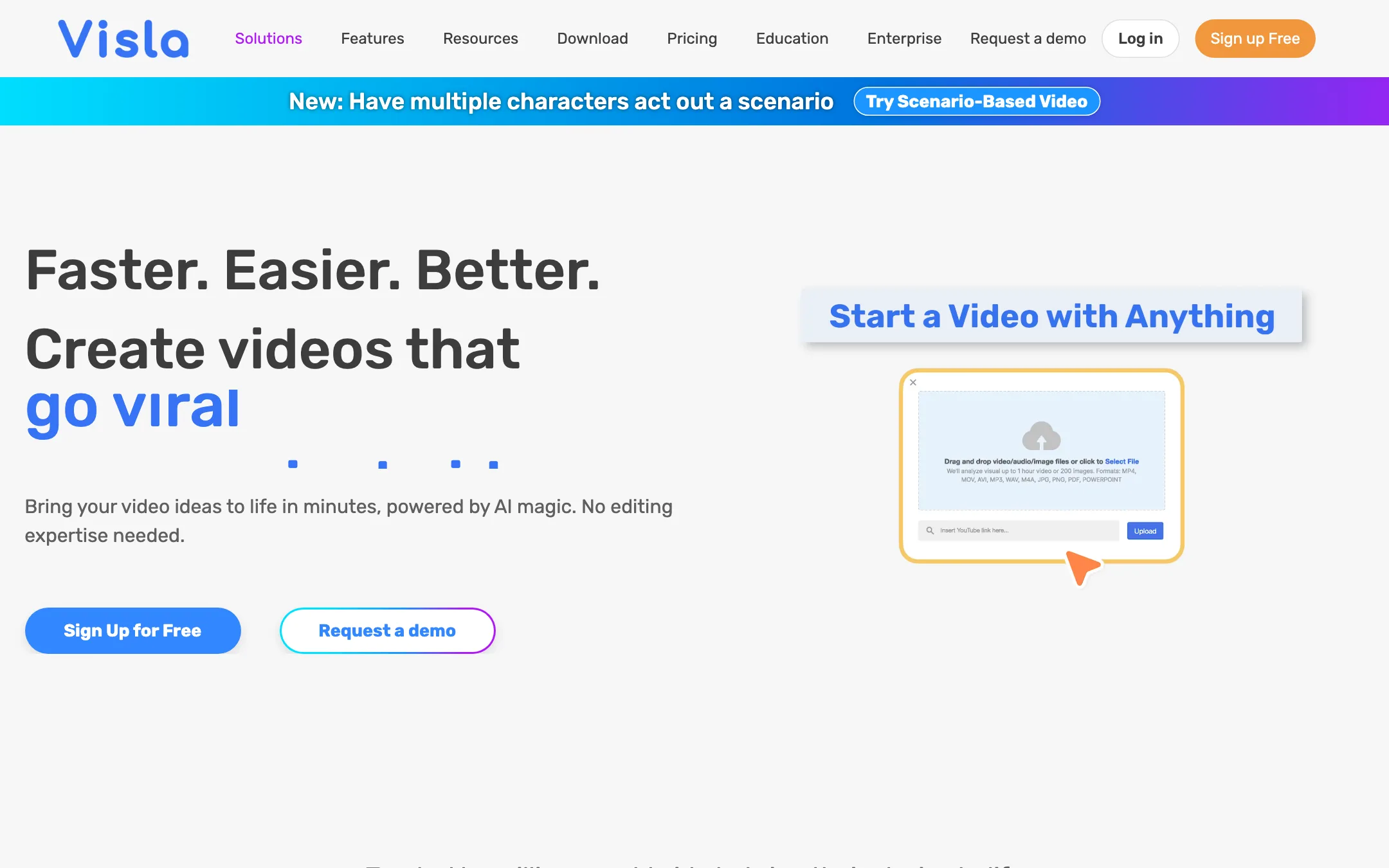
Visla is an AI video platform for business teams. You give it something you already have, such as an idea, a script, a blog post, a PDF, a slide deck, a webpage, a podcast or a pile of clips. It returns a full video draft with stock footage, an AI voiceover, background music and timed subtitles. You then fix the draft in a scene-based editor.
That puts Visla in the same family as InVideo and Pictory. It is mostly an assembler, not a model. The default workflow picks clips from stock libraries. It does not generate the footage.
There is a second, newer path. AI Director Mode generates every scene with AI and, Visla says, keeps characters, products and visual style consistent from scene to scene. It is far more expensive in credits, and we cover the math below.
Around both, Visla has built a full business video suite: screen and camera recording, transcript-based editing, avatars, voice cloning, translation, shared workspaces and brand kits.
Who it is for
Visla fits you if:
- You make training, onboarding, support or sales videos and already have the source material in a doc or deck.
- You work in a team and need shared workspaces, comments, approvals and one brand kit.
- You want to turn a webpage or blog post into a short explainer without opening an editor.
- You record screen tutorials and want recording, editing and AI tools in one app.
Skip it if:
- You want cinematic, AI-generated footage for social or creative work. Visla’s stock-based videos look like stock-based videos, and AI Director is costly.
- You are a solo creator chasing TikTok trends. The templates, tone and pricing are aimed at business teams.
- You hate credit systems. Visla’s credits change in value between plans, and the cost of a video depends on its type.
How it works
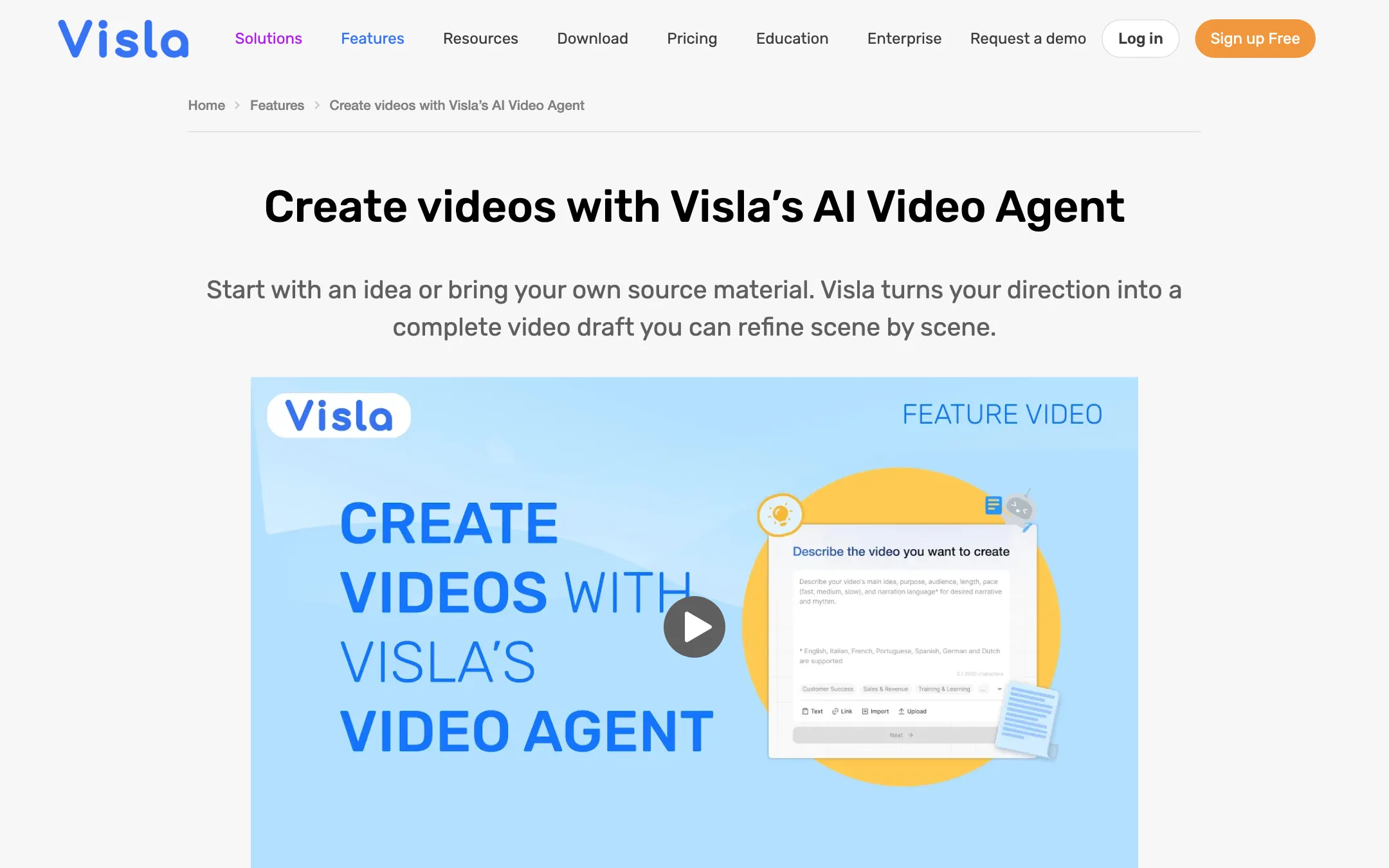
Visla calls its main workflow the AI Video Agent. Its own pages lay it out in a few steps.
- Start with anything. A prompt on its own works. You can also upload a script, text, a webpage URL, a PDF or PowerPoint, audio, images or video clips.
- Set the direction. Choose length, pace, language and aspect ratio. Pick an AI voice, a cloned voice or keep the existing speech. Add an AI avatar and a subtitle style. Choose which footage libraries the agent can pull from: free stock, premium stock or your own private stock.
- Let the agent build it. Visla analyzes your input, writes or adapts the script, splits it into scenes, picks footage, generates voiceover, times subtitles, adds music and transitions.
- Edit the draft. It opens in the Scene-Based Editor. You can reorder scenes, swap clips, rewrite text, add graphics and apply branding.
- Share. Download the file, copy a share link or grab an embed code.
The input type changes what the agent does. Give it text, and Visla rewrites it into a video script first. Give it a finished script, and Visla says it builds the video around your exact words without rewriting them. Give it audio or a talking-head recording, and it adds visuals and subtitles that match. Give it your own clips, and it can cut them into a montage or a narrated story.
AI Director Mode
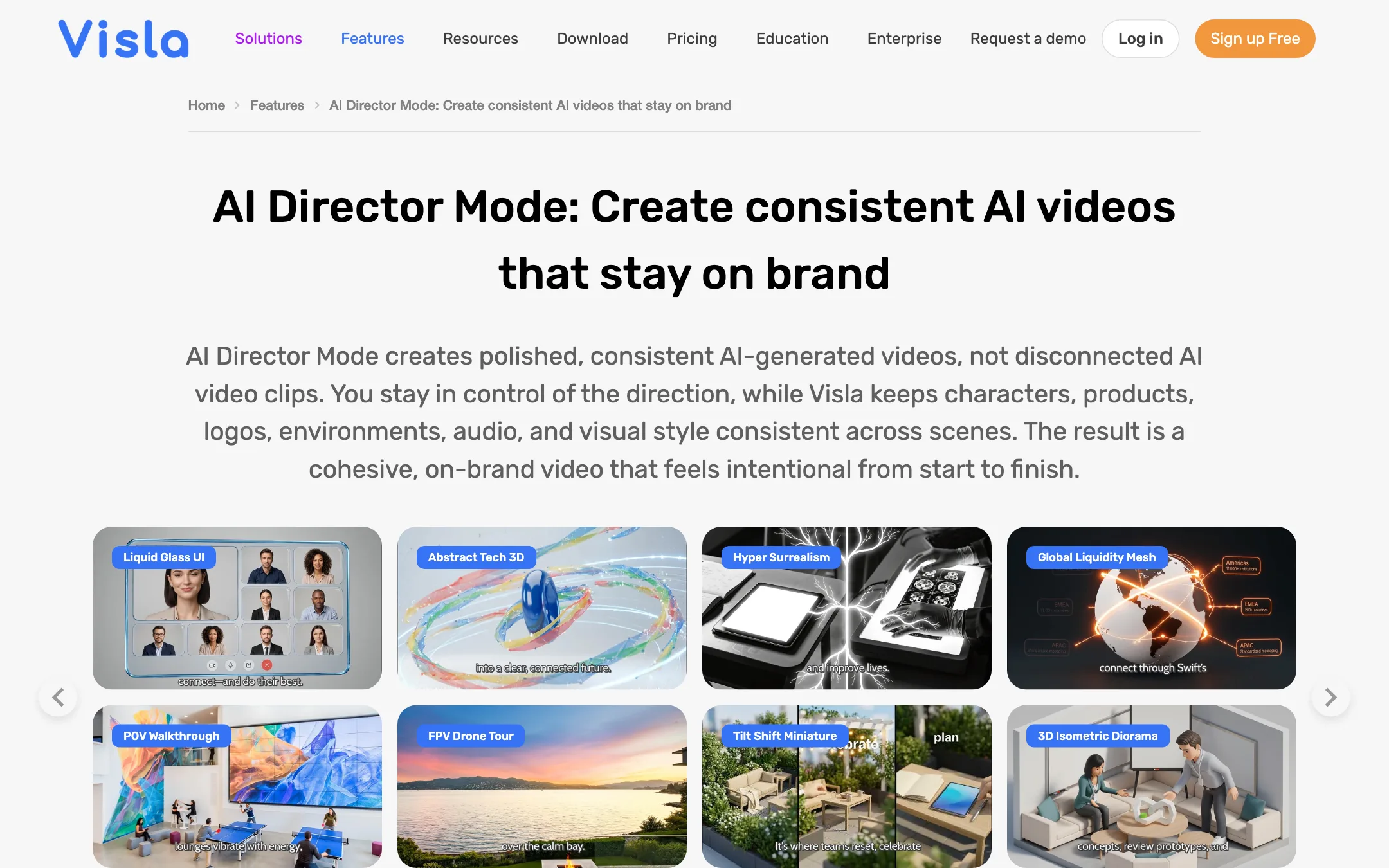
AI Director Mode is the generative path. Instead of pulling stock, it generates images and video clips for each scene. Visla says it:
- Plans the video as a storyboard first, so you approve scenes before credits go on generation.
- Keeps characters, products, logos, environments and visual style consistent across scenes.
- Lets you assign a voice to each character, so several characters can talk in one video.
Visla’s feature list also has pages named for Veo 3, Veo 3.1, Sora 2 and Sora 2 Pro. The pricing FAQ does not say which models AI Director uses for a given scene, so you will not know what is under the hood before you start.
Avatars and voices
Visla offers public avatars and custom avatars. Its pricing table lists 150 public avatars on every plan, while the homepage says “100+”. Custom avatars can come from a photo or a short prompt. Visla describes two types: Basic, and Advanced with more natural lip sync, expressions and gestures.
Voice cloning creates a custom voice for narration. The FAQ puts it at 2,000 credits per voice, and the pricing table includes 3 voice clones on Business and unlimited on Enterprise.
Editing and recording
This is where Visla goes beyond a typical text-to-video tool. The pricing table lists:
- Transcript-based editing. Cut a video by deleting words from its transcript.
- Autocut for filler words, repeated phrases, pauses and silence.
- Topic-based extraction to pull highlight clips from long recordings.
- Screen recording with auto zoom, auto panning, click highlights and annotations.
- Camera recording with multi-camera, phone as webcam, a teleprompter and background removal.
- SCORM export for learning management systems.
It also runs as a desktop app on Windows and Mac and has iOS and Android apps, according to the Pro plan listing.
Output quality
We have not run Visla hands-on, so this section reports what Visla shows and claims.
For stock-based videos, quality depends on the library you can access. Free users get the free stock library. Pro adds more than 2 million Storyblocks clips. Business adds Getty Images for more than 16 million clips in total. Better stock means fewer generic shots, so the plan you pick shapes the look of every video.
Expect the usual limits of stock-assembly tools:
- Literal matching. Automatic clip picks tend to illustrate keywords. You will swap some clips by hand.
- No real continuity. Stock scenes show different people and places from shot to shot.
- Voiceover tone. AI voices are clean but flat for emotional content. A cloned voice or your own recording helps.
AI Director Mode is Visla’s answer to the continuity problem. Its gallery shows a wide range of styles, from 3D explainers and whiteboard animation to watercolor, anime and cinematic looks. Treat those as curated vendor examples, not typical results.
Pricing
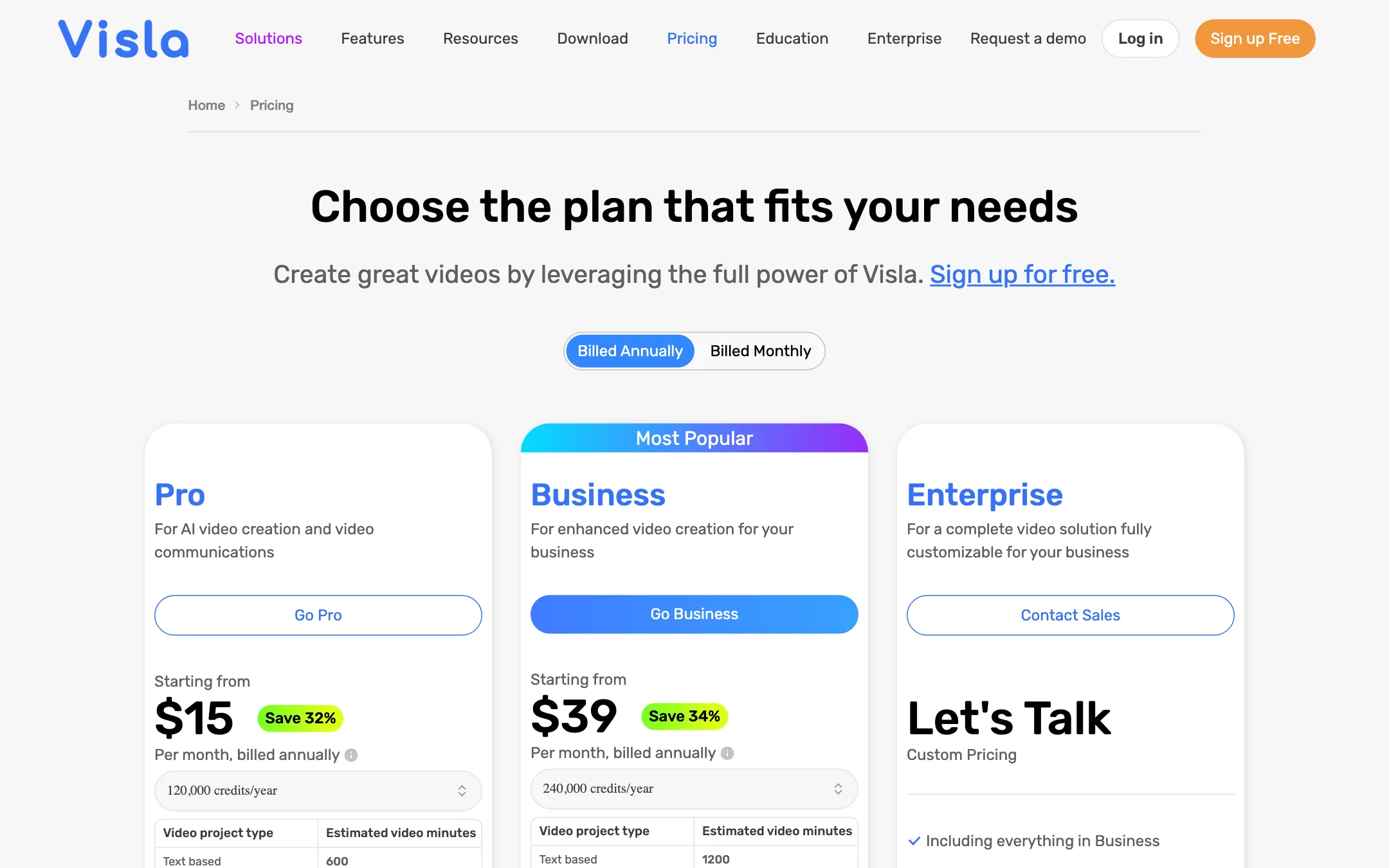
Visla runs on credits. There are two kinds. Base credits come with your plan and reset every month without rolling over. Flexible credits are bought on top and do roll over.
| Plan | Price | What you get |
|---|---|---|
| Free | Free | Monthly base credits, 150 public avatars, 1080p |
| Pro | $15/mo yearly, $22 monthly | 10,000 credits a month, Storyblocks stock, 2 custom avatars |
| Business | $39/mo yearly, $59 monthly | 20,000 credits a month, Getty and Storyblocks, 4K, brand kit, 3 voice clones |
| Enterprise | Custom | Unlimited avatars and voice clones, SSO, account manager |
Visla’s own credit rates, from its pricing FAQ:
- Text, webpage, PDF or script to video: about 200 credits a minute.
- Speech-based video: about 220 credits a minute.
- Montage or visual storytelling from your own media: about 400 credits a minute.
- AI Director Mode: about 5,000 credits a minute, about 8,000 with a speaking character throughout, and about 2,000 more with the advanced visual model.
- Public text-to-speech: about 18 credits a minute. Custom voice: about 45.
A few things the pricing page does not make obvious:
- Stock videos and AI videos live in different worlds. Visla’s plan table says Pro’s 10,000 monthly credits cover about 50 minutes of text-based video, or about 5 minutes of AI-generated video. Its FAQ rate of 5,000 credits a minute for AI Director points to closer to 2 minutes, so treat the table as optimistic.
- The dollar estimate does not add up. The AI Director page says a 1-minute video uses about 5,000 credits and costs about $57 to $85 in flexible credits on Pro or Business. At Visla’s listed rates of 150 and 100 credits per dollar, 5,000 credits is about $33 to $50. Budget with the credit numbers, and check the live balance before a big job.
- Business credits cost more per credit. Flexible credits are 150 per dollar on Pro and 100 per dollar on Business. Business makes sense for the stock library, 4K, brand kit and voice clones, not for cheaper top-ups.
- Switching plans converts credits. Unused credits move between tiers at each tier’s conversion rate, so moving up from Pro shrinks your balance.
- Storage costs credits. Above 1GB, Visla charges 1.25 credits per GB per day.
- Free plan limits are vague. The free credit amount is not on the pricing page, and Free users cannot buy flexible credits when they run out.
Refunds
Visla’s FAQ says subscription fees are non-refundable. When you cancel, the plan runs to the end of the period and then drops to Free. Unused flexible credits are frozen in your account and return if you subscribe again.
Referral program
Visla runs a referral program, not a cash affiliate program. You and the person you invite each get 200 credits on sign-up. If they upgrade within three months, 40% of their subscription fee is paid out as credits, split between the two of you. Visla says paid users can cash those credits out.
Verdict
Visla is a solid pick for business teams who need a steady stream of explainer, training and support videos from material they already have. The range of inputs is wide, the scene-based editor is easy to follow, and the recording and collaboration tools mean one subscription can replace two or three apps.
It is a weaker fit for creators who want AI-generated footage. The default videos are stock-based, and AI Director Mode costs about half of Pro’s monthly credits per minute. Start on Free with a real document of yours. If the stock-based drafts work for you, Pro at $15 a month billed yearly is good value. If you need generated scenes, compare the credit math with dedicated text-to-video tools first.