What DreamFace is
DreamFace is an AI avatar and video app from NewPort LLC, a US company that also sells the DreamAPI developer platform. You upload a photo, type a script or add audio, and the app makes the face talk. Around that core it has grown into a grab bag: template videos, AI images, a lip-synced video translator, a chat agent, a canvas, and third-party video models such as Seedance 2.5, Wan 3.0 and LTX 2.5.
It is the most-clicked avatar tool among our readers by a long way, and the homepage claims more than 20 million users. That reach comes from mobile. DreamFace started as a phone app for animating photos with songs and funny voices, and the reviews on its own homepage still read that way: pets, babies, song lyrics, and “a talking image of my uncle’s wife.”
This review is based on DreamFace’s public pages, pricing table, terms and refund policy as of October 2026. We did not run paid generations, so quality claims below are DreamFace’s own unless we say otherwise.
Who it is for
DreamFace fits you if:
- You want a talking photo or a quick avatar clip for social posts and do not want to pay much.
- You mostly create on your phone and want the same account on the web.
- You sell small products and want cheap UGC-style or promo clips from a template.
- You need to translate a short video into another language with lip sync, now and then.
Skip it if:
- You make training, sales or brand video for a company. Tools like Synthesia and D-ID are built for that, with consent checks, brand controls and clearer licensing.
- You need long, high-quality avatar video. The best model costs credits per second, and the cheap plans include very few credits.
- You want a tool with a clean reputation to recommend to clients. Some of DreamFace’s own landing pages are hard to defend (more on that below).
How it works
The web app opens on a single prompt box labelled “Create Avatars, Videos & Images,” with a model selector and shortcuts underneath. The left menu splits the product into Home, Canvas, Agent, Avatar, Video, Image and All Tools. The same features exist in the iOS and Android apps.
Avatar Video
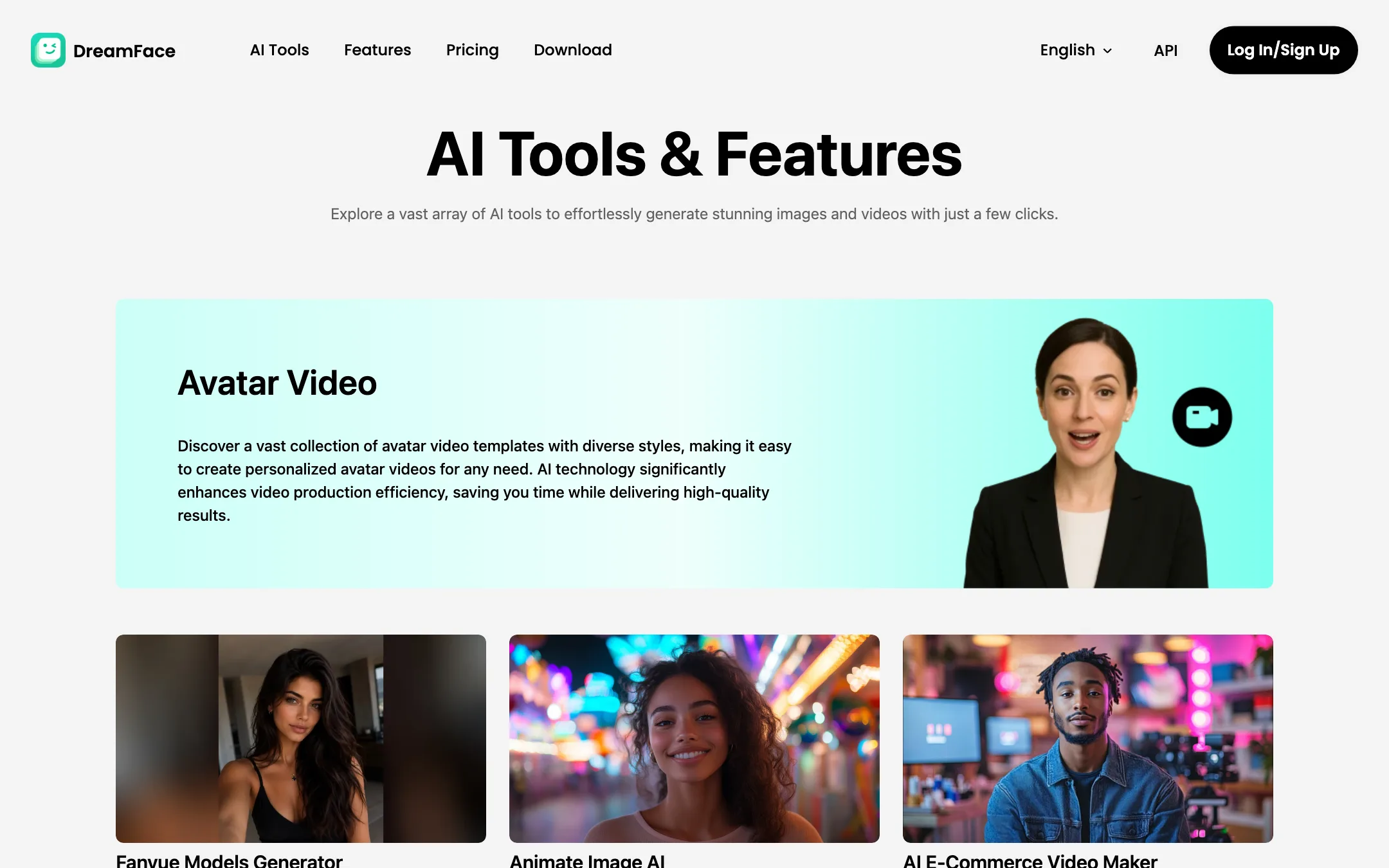
This is the core product. DreamFace’s description is simple: input your text or audio and the AI generates a video with a realistic avatar and voice. You can start from a stock character in the gallery (the homepage shows dozens, grouped as anime, beauties, pets, advertising, educational training and so on) or upload your own photo.
There are two kinds of avatar output, and the difference matters for pricing:
- Standard avatar video. This is what the free plan’s “5 times per day” and the paid plans’ “unlimited” refer to.
- Dream Avatar 3.0 and 3.0 Fast. DreamFace’s newer avatar models. They are billed in credits on every plan: 1 credit per second for 3.0, 1 credit per 10 seconds for 3.0 Fast.
A typical run, going by the product pages:
- Pick a stock avatar or upload a clear, front-facing photo.
- Type your script or upload an audio file. Free scripts stop at 500 characters, Pro at 2,000, Premium and Team at 4,000.
- Choose a voice if you typed text.
- Pick the model. Standard is free or unlimited; Dream Avatar 3.0 costs credits.
- Generate, then download. Free videos carry a watermark.
The pricing table also lists Avatar Bulk, which runs several avatar videos at once: not on Free, 10 times a day on Pro, unlimited on Premium and Team.
Video Translator
Upload a video, pick a target language, and DreamFace translates the speech and re-syncs the lips, per its own description. Free handles videos up to 10 minutes, paid plans up to 30. It is billed in credits: 1 credit per 12 seconds on Free and Pro, and 1 credit per 40 seconds on Premium and Team. That makes the translator more than three times cheaper per second on the top plans.
AI Video and AI Image
AI Video turns one image into a short clip. DreamFace lists 100+ video templates, keyframes, 8-second clips and 1080p output on every plan. Free and Pro users get one free Dream Video 1.5 clip a day; Premium and Team get it free “for a limited time.” A banner on the homepage announces DreamVideo 3.0 as the new model, and separate pages sell Seedance 2.5 (“up to 30 seconds of seamless multi-shot storytelling with synced audio”), Wan 3.0 and LTX 2.5.
AI Image runs Seedream 5.0 Pro, Seedream 4.5 and 4.0, GPT Image 2, Nano Banana and Nano Banana Pro, at 1 or 2 credits per image.
So for anything beyond avatars, DreamFace is partly a reseller of other companies’ models. That is not a problem in itself, but it means you are paying DreamFace’s credit price for models you can also use elsewhere.
Agent, Canvas and the rest
- Agent (“I Want”) is a chat box with ready-made recipes: UGC advertisement, product poster, TVC-style ad, photo talk, voice over, outfit swap, scene swap, face swap and character swap.
- Canvas asks you to build an “Account Persona” from your social content so the agent can make posts that “feel like you.” Free gets one persona, paid plans ten.
- Smaller tools include Act (make an avatar perform motions), AI filters, photo enhance, video enhance, a background remover, Voice Studio and AI Sound.
The parts to be careful with
DreamFace’s AI Tools index lists pages titled “Fanvue Models Generator,” “AI Influencer Generator,” “Fake Live Stream AI,” “Virtual Live Streaming Room” and “Heygen Alternative.” The agent offers face swap and character swap as one-tap recipes, and the gallery is full of named “beauties” to remix.
Some of that is ordinary marketing. Some of it points at uses that can mislead viewers or put real people’s faces into content they never agreed to. DreamFace’s terms require users to be at least 13, with parental consent under 18, and its pages show no consent check for uploaded faces of the kind Synthesia or D-ID use for personal avatars.
Our advice is simple. Animate your own face, a stock avatar, or someone who has said yes. Label AI presenters as AI. Do not use a “fake live stream” to pass off generated video as a real broadcast.
Output quality
We have not tested DreamFace output ourselves, so here is what the vendor claims and what its own numbers imply.
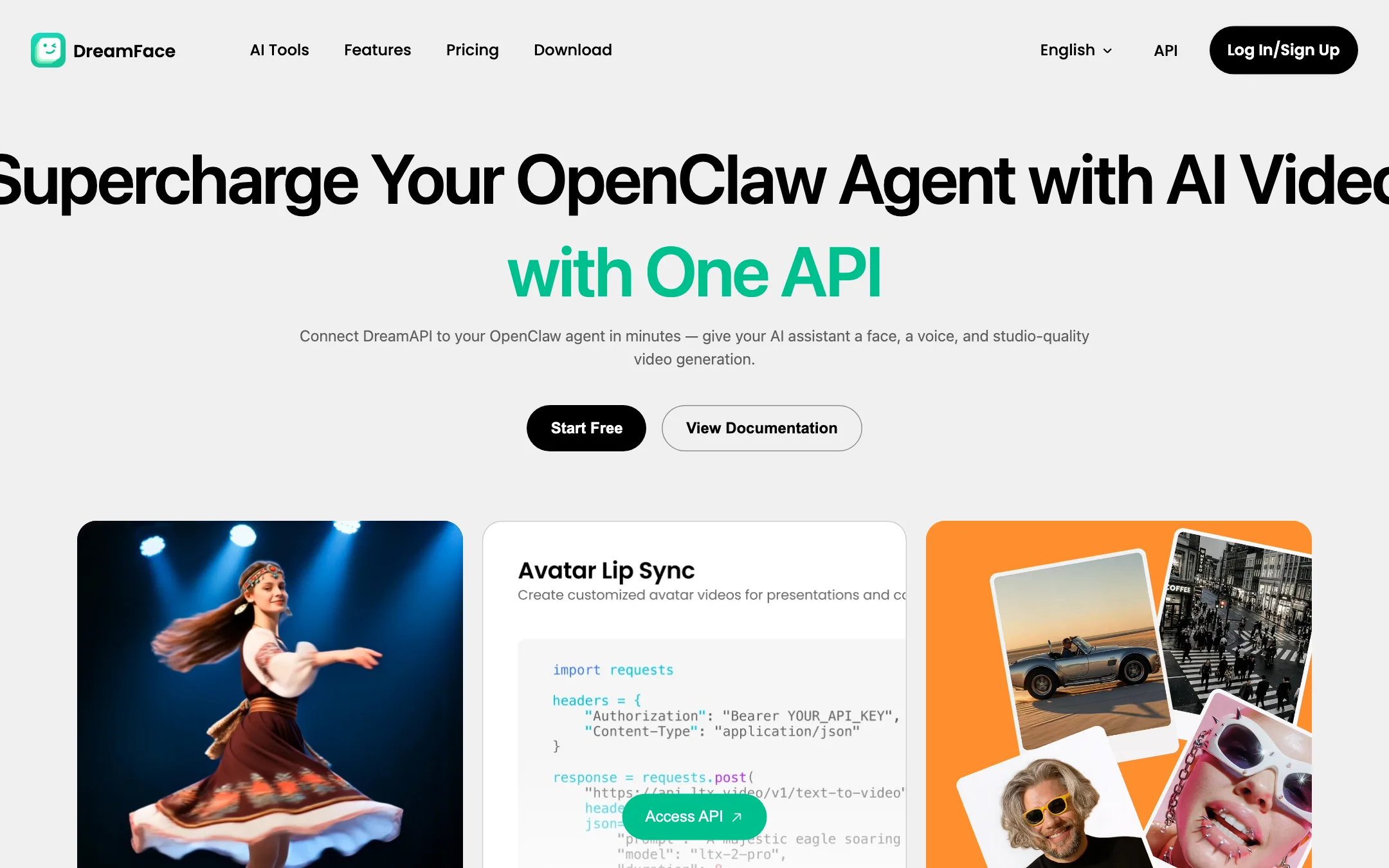
- Lip sync. DreamFace and DreamAPI both lead with lip sync, and DreamAPI claims under 5 seconds average generation and a 99.9% uptime SLA. Homepage reviews from users say the mouth shapes “basically match,” which is about the level you should expect from a photo-based talker.
- Resolution. Free avatar video tops out at 720p. Pro is listed as “720p+” and “High-Definition” in different places on the same page, without saying what that means. Only Premium and Team list 1080p avatar video.
- Length. Free stops at 30 seconds, Pro at 180, Premium and Team at 600 seconds per video. AI Video clips stop at 8 seconds on every plan.
- Model choice. The better results are likely on Dream Avatar 3.0 and the third-party video models, which are exactly the ones that cost credits.
If you need a presenter that holds up on a large screen, test the free tier with your own photo before you pay, and compare it against D-ID or Synthesia with the same script.
Pricing
DreamFace’s web pricing page offers weekly or annual billing. There is no monthly option.
| Plan | Annual | Weekly | Key limits |
|---|---|---|---|
| Free | $0 | $0 | 5 standard avatar videos or photos a day, watermark, 30s, 720p |
| Pro | $29.99/year | $4.99/week | 5 credits a week, no watermark, 180s per video |
| Premium | $119.99/year | $19.99/week | 30 credits a week, 600s, 1080p avatar video |
| Team | $89.99/seat/year | $14.99/seat/week | 2-seat minimum, 50 credits a week, 30% bonus on purchases |
Credit costs from the comparison table:
- Dream Avatar 3.0: 1 credit per second.
- Dream Avatar 3.0 Fast: 1 credit per 10 seconds.
- Video Translator: 1 credit per 12 seconds (Free, Pro) or per 40 seconds (Premium, Team).
- Images: 1 credit (Seedream, Nano Banana) or 2 credits (GPT Image 2, Nano Banana Pro).
What the pricing page does not make obvious
- “Unlimited” is narrower than it sounds. It covers standard avatar video and standard AI photos. Pro’s 5 weekly credits buy 5 seconds of Dream Avatar 3.0, or 50 seconds on 3.0 Fast. Premium’s 30 credits buy 30 seconds of 3.0.
- Weekly billing is a trap for anyone who stays. Pro weekly costs about $260 over a year, against $29.99 on annual. DreamFace’s own “Save 88%” label confirms the gap.
- Team can beat Premium. Per seat, Team costs less than Premium on both billing periods and includes more weekly credits, but you must buy two seats. Two people who would each buy Premium save money on Team.
- Credit pack prices are not public. The page mentions a 10% bonus on purchases (30% on Team) but not what packs cost.
- App store pricing may differ. These prices come from the web page. Subscriptions bought in the iOS or Android app can be priced differently and are billed by Apple or Google.
Refunds and renewals
DreamFace’s refund policy says web payments are generally non-refundable. You can ask within 7 days, and approval depends on whether you used credits or generated anything. Unused credit packs can be refunded pro rata within 7 days. Subscriptions are not refunded for unused time after you cancel, and DreamFace says it does not send a renewal reminder unless the law or the app store requires one.
There is one small contradiction. The pricing page says unused benefits are “prorated and refunded” when you upgrade, and that a previous plan “will be refunded in recent days” when you switch to Team. The refund policy does not mention upgrades at all. If you plan to upgrade, screenshot the pricing page first.
Set a calendar reminder the day you subscribe, especially on weekly billing.
Getting better results from DreamFace
- Use a clean photo. Front-facing, even light, mouth closed, no hands near the face. Talking-photo models fail first on odd angles.
- Write for the ear. Short sentences read better. One user review on DreamFace’s homepage notes that the text-to-speech reads full stops aloud in some cases, so check the output before you post.
- Draft in standard mode. Use the unlimited standard avatar to test scripts and timing, then spend credits on Dream Avatar 3.0 only for the final take.
- Upload your own audio when the voice matters. It skips voice selection and avoids robotic delivery.
- Translate on the top plans. If you translate a lot, Premium’s translator rate (1 credit per 40 seconds) is the cheaper path per minute.
Verdict
DreamFace is cheap, easy and everywhere. If you want talking photos and template clips for social media, the free plan is worth a try and Pro at $29.99 a year costs less than a month of most rivals.
The catch is in the fine print. The good avatar model is billed per second, the unlimited plans do not cover it, and weekly billing turns a cheap app into an expensive one. Some of its marketing also leans toward fake streams and face swaps. For business presenters, pick D-ID or Synthesia. For playful social clips on a budget, DreamFace does the job if you stay on annual billing and use your own face.