sync. vs Dub AI
Two dubbing and voice tools side by side: pricing, free plans, features and who each one suits.
Some links on this page are affiliate links. If you buy through them we may earn a commission at no extra cost to you. Read our disclosure.

#5 of 33 in Dubbing and voice
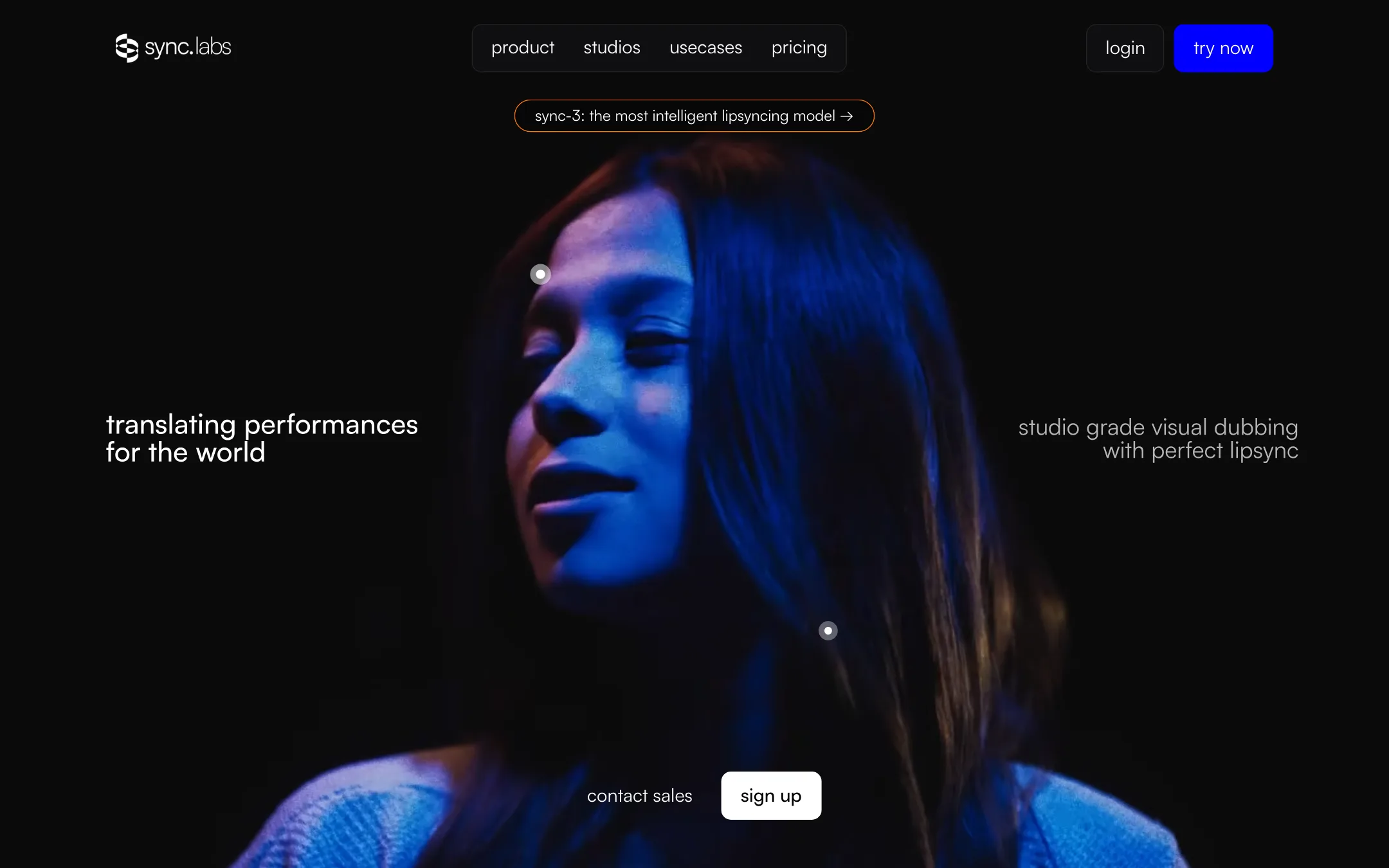
A lip-sync and visual dubbing platform from sync. labs, running its own sync-3, lipsync-2-pro and react-1 models in a web Studio, an API and editor plugins
Best for: Editors, localization teams and developers who already have footage and new audio, and need the mouth to match it convincingly.

#9 of 33 in Dubbing and voice
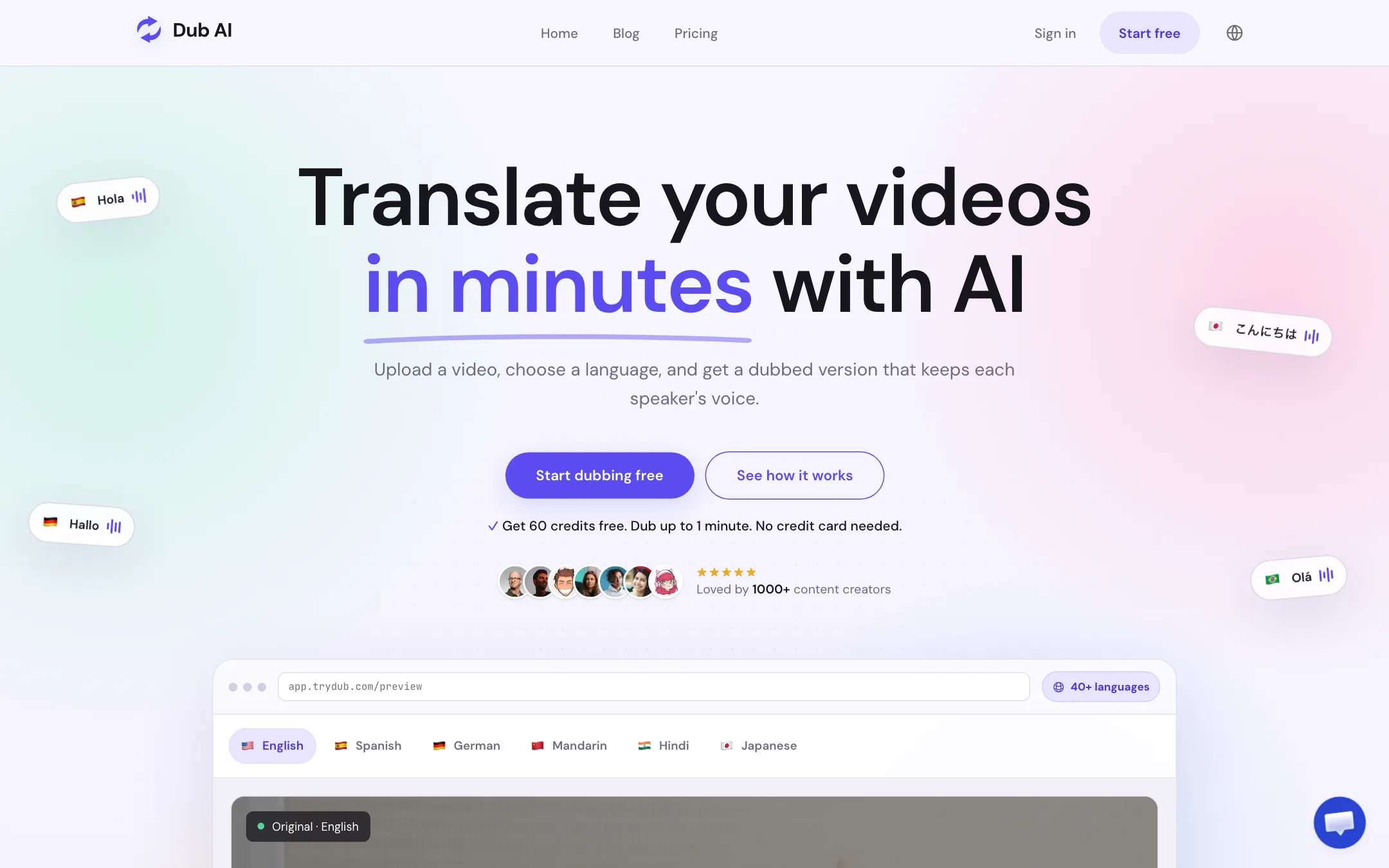
A focused web tool that translates and dubs video or audio into 40+ languages, keeps each speaker's voice, and hands you the transcript, subtitles and audio files
Best for: YouTubers, course makers and small teams who want to dub a finished video into another language in their own voice, without a full editor or a subscription.
The short answer
More creators choose sync. than Dub AI, and it ranks higher in our dubbing and voice list. Pick sync. if you want editors, localization teams and developers who already have footage and new audio, and need the mouth to match it convincingly. Pick Dub AI if you want youtubers, course makers and small teams who want to dub a finished video into another language in their own voice, without a full editor or a subscription.
sync.: A specialist lip-sync engine with its own models, real editor plugins and a public API, priced per second so you pay for what you render. It does not make videos from scratch, the subscription-plus-usage billing takes some reading, and the free allowance and language count differ depending on which sync. page you read.
Dub AI: Simple, cheap to try and easy to budget, with a one-time credit pack and useful exports. It skips lip sync and editing tools, publishes no API docs and names no model provider, so it suits occasional dubbing more than a localization pipeline.
Specs side by side
| sync. | Dub AI | |
|---|---|---|
| Starting price | From $5/mo | From $60/mo |
| Free tier | ||
| Pricing | Free account with 3 short lip-sync generations a month, per the docs. Paid plans from $5/mo plus usage from $0.025/sec, with watermark-free output from $19/mo. | 60 free credits (1 minute of dubbing), no card. Pay as you go $15 once for 15 minutes, or $60/mo for 2 hours. |
| Platforms | Web, API, Premiere Pro, DaVinci Resolve, ComfyUI | Web |
| Best for | Editors, localization teams and developers who already have footage and new audio, and need the mouth to match it convincingly. | YouTubers, course makers and small teams who want to dub a finished video into another language in their own voice, without a full editor or a subscription. |
| Last checked | 2026-10-21 | 2026-10-21 |
Pricing
sync.
Free account with 3 short lip-sync generations a month, per the docs. Paid plans from $5/mo plus usage from $0.025/sec, with watermark-free output from $19/mo.
- FreeFree
- Hobbyist$5/mo + usage
- Creator$19/mo + usage
- Growth$49/mo + usage
- Scale$249/mo + usage
- Usage$0.025 to $0.167 per second
- EnterpriseContact sales
Dub AI
60 free credits (1 minute of dubbing), no card. Pay as you go $15 once for 15 minutes, or $60/mo for 2 hours.
- FreeFree
- Pay As You Go$15 once
- Subscription$60/mo
- EnterpriseCustom
Key features
sync.
- sync-3 model that sync. labs says handles close-ups, profile angles, obstructions and 4K output
- lipsync-2 and lipsync-2-pro for cheaper or more detailed runs, plus a legacy lipsync-1.9
- react-1 for changing facial expression and head movement with an emotion prompt
- Dubbing that translates, clones the voice and lip-syncs in one pass, with ElevenLabs behind the audio
- Lipsync Studio in three modes, Lite, Assistant and an Advanced frame-accurate timeline
- Image-to-video with sync-3, which animates a still face to new audio
- Text-to-speech and voice cloning inside the Studio
- Speaker selection and active speaker detection for shots with several faces
- Plugins for Adobe Premiere Pro, DaVinci Resolve and ComfyUI, plus an MCP server and a ChatGPT app
- REST API with Python and TypeScript SDKs, webhooks and a batch API on Scale
- Watermark verification that checks whether a video was edited with sync. technology
Dub AI
- Translate and dub video or audio into 40+ languages
- Keeps each speaker's voice, with automatic detection of up to 10 speakers
- Accepts MP4, MOV, MP3 and WAV uploads
- Downloads the dubbed video, a translated transcript, an SRT subtitle file and separate audio files
- One credit per second of media, so costs are easy to predict
- One-time credit packs or a monthly subscription
- API access on custom Enterprise plans
Strengths and weaknesses
sync.
- Runs its own lip-sync models rather than reselling someone else's
- Pay per second of output, so short jobs stay cheap
- Works inside Premiere Pro and DaVinci Resolve, not only in a browser
- Public per-second and per-frame rates for every model
- Several model tiers let you trade cost for quality shot by shot
- Clear refund rule on the two cheapest plans if you have barely used them
- Two bills: a monthly fee plus usage invoices whenever usage hits a threshold
- Hobbyist still watermarks output; clean exports start at $19 a month plus usage
- The pricing page shows no free plan, while the docs describe a monthly free allowance
- Dubbing languages are listed as 29 on the pricing page and 92 in the latest changelog
- It only re-syncs existing faces; you need footage or a photo and audio from elsewhere
- Some accounts are moved to a separate credit plan with different names and limits
Dub AI
- Free minute with no card, so you can test your own voice first
- One credit equals one second, the simplest pricing in this category
- A one-time $15 pack means no subscription for occasional jobs
- Subtitle, transcript and audio stems come with every dub
- Clear consent and review guidance on its own pages
- Says voice data is not kept after dubbing or used for training
- No lip sync, so on-camera talking heads will look out of step
- No published API documentation; API needs a sales conversation
- Only one monthly plan, and it jumps straight to $60
- Does not say which voice or translation models it uses
- Testimonials are mostly first names and handles, hard to verify
- Only 1 concurrent job on the pay-as-you-go pack
Try sync.
Free account with 3 short lip-sync generations a month, per the docs. Paid plans from $5/mo plus usage from $0.025/sec, with watermark-free output from $19/mo.
Try Dub AI
60 free credits (1 minute of dubbing), no card. Pay as you go $15 once for 15 minutes, or $60/mo for 2 hours.