What Faceless.so is
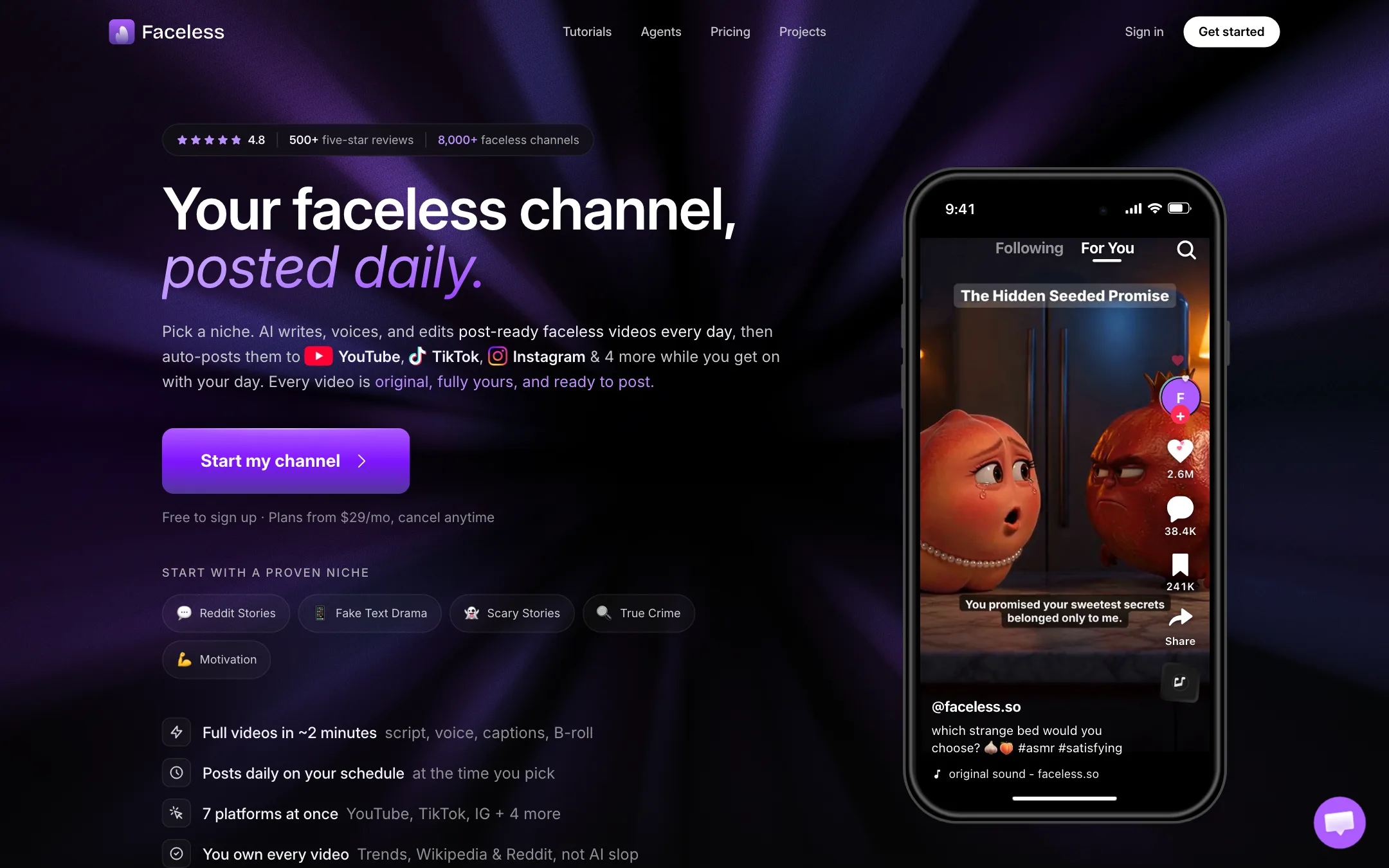
Faceless.so is a faceless channel engine. You pick a niche, a voice and a look. It researches a topic, writes a script, records the voiceover, adds visuals, captions and music, and posts the finished short to your accounts on a schedule.
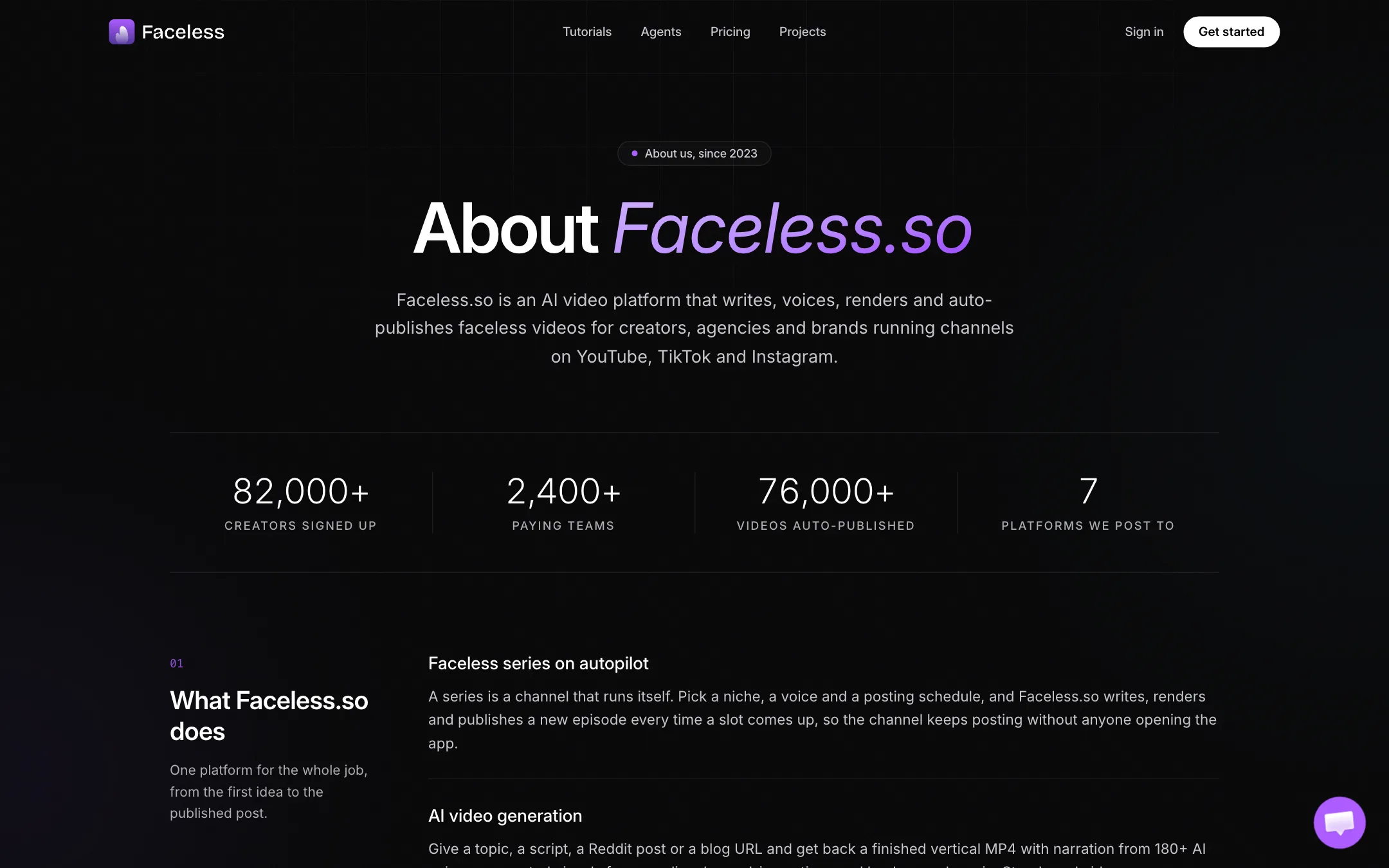
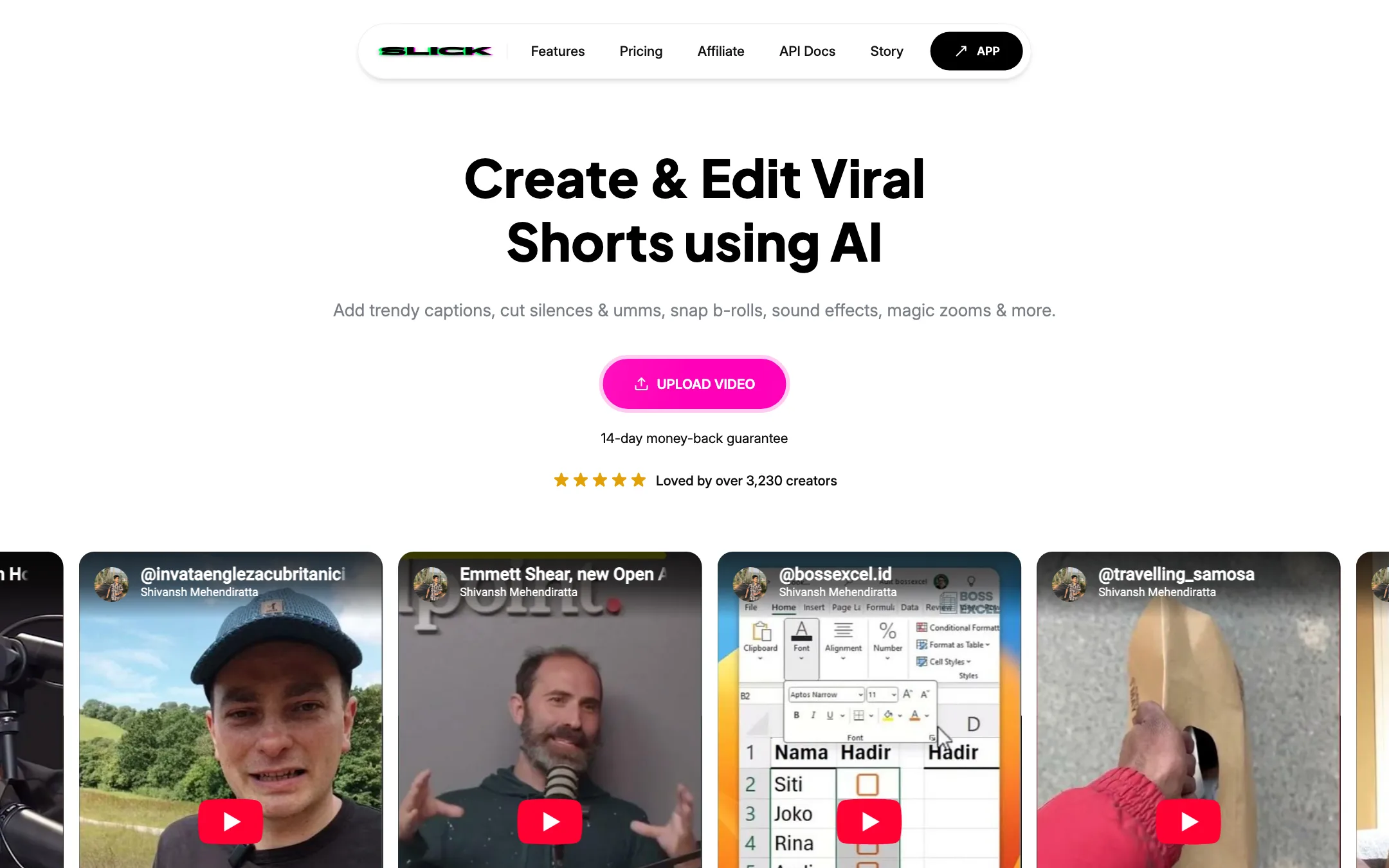
It used to be called Slick. The AAT directory lists the tool as “Slick (Now Rebranded as Faceless.so)”, and the trail backs that up. Faceless.so’s pricing page quotes the same Slick customers (Osman, Alberto, Shultzy) almost word for word, and its About page says the product began in 2023 as a tool for turning audio and scripts into captioned vertical video. That is what Slick was. The demo videos on slick.is are also posted by Shivansh Mehendiratta, whom Faceless.so names as a co-founder.
The two sites still describe different products, though:
- slick.is, run by Backslope LLC in New York, sells an upload-first editor. You drop in a video or a YouTube URL, and it adds captions, cuts silences and filler words, snaps in B-roll and finds short clips in long videos.
- faceless.so, run by Faceless, LLC, sells a channel that runs itself. It makes the video from nothing and posts it daily.
This review covers Faceless.so, the current product, and notes where the old Slick editor fits. It is not the same company as Faceless.video, which Faceless.so points out in its own FAQ.
Who it is for
Faceless.so fits you if:
- You want a faceless TikTok, YouTube Shorts or Reels channel and do not want to edit every video.
- You work in a proven faceless format: Reddit stories, scary stories, true crime, history, motivation or fake text dramas.
- You run several niche channels or manage them for clients, and need seats and scheduling.
- You build automations and want an API, MCP server or CLI to drive video creation from an agent.
Skip it if:
- You film yourself and want captions and clips from your own footage. The legacy Slick editor, Submagic or Klap fit that better.
- You want to test the output before paying. There is no free render.
- You care about an original voice and point of view. Automated niche channels are crowded, and platforms watch for mass-produced content.
How it works
Faceless.so describes three steps.
- Pick a niche and a look. Choose one of 28 preset niches or write your own prompt. Pick a visual style, a voice and a caption style. Faceless.so says setup takes about 10 minutes, once.
- AI makes the video. Scripts start from live sources: Google Trends, Wikipedia, Google News and Reddit. The tool then writes, voices, captions and edits the video with B-roll. The first one is ready in about two minutes, according to the homepage.
- It auto-posts. Connect YouTube, TikTok, Instagram, Facebook, LinkedIn, Threads and X. Videos queue up on the days and times you choose. You can approve, edit or skip each one before it goes out.
Storyboard versus Motion
There are two kinds of short, and the difference drives your costs:
- Storyboard shorts use narrated still images. Faceless.so prices them at 20 credits each, and the pricing page also shows 19 in one stat, so treat it as roughly 20.
- Motion shorts use real AI video, priced by the second. The FAQ says 120 credits for a minute, and the plan calculator uses 60 credits for a 30-second short.
So a Motion short costs three to six times a Storyboard short. Most daily channels on the cheaper plans will run on Storyboard.
Models
Every plan lists the same models: Veo 3.1, Kling 3.0, Seedance 2.5 and Wan 2.7 for video, plus Nano Banana Pro and GPT Image 2.5 for images. Faceless.so does not train its own video model. It routes your scenes to these and charges credits. That is common for this category, and it means output quality depends largely on which model a scene uses.
Studio editor
Every video opens in the Faceless Studio, a timeline editor. Faceless.so says you can change the script, voice, music, B-roll and captions, and add sound effects, transitions, progress bars, animations and waveforms. This is where the old Slick editor’s DNA shows: trendy captions, B-roll and zooms were Slick’s core features.
Other formats
Faceless.so has grown well past Shorts:
- Longform Director turns a topic into a 3 to 180 minute 16:9 YouTube video in one of 18 visual styles, from stickman explainers to archive documentaries.
- TikTok slideshows remix popular carousel formats for your niche.
- AI Agent and UGC video appear from the Growth plan up.
- Voice cloning sits alongside 180+ stock voices, with 90+ languages.
- Developer access comes as a REST API, a hosted MCP server with 27 tools, a CLI and a Claude Skill.
What happened to the clipping editor
The original Slick pitch was “Create and Edit Viral Shorts using AI.” You uploaded a file or pasted a YouTube URL, and Slick found the interesting parts and turned them into shorts. It also cut “umms” and silences in one click, supported 106 languages and exported up to 4K on the Business plan.
That editor is still live at slick.is with its own pricing: Starter $22 a month, Pro $33 and Business $149, all billed yearly, with a 14-day money-back guarantee. Faceless.so’s footer lists a “YouTube to Shorts” converter, so some of the clipping lives on. It is not the headline product any more. If clipping your own long videos is the job, confirm which site you are on before you pay.
Output quality
We have not run Faceless.so ourselves, so here is what the vendor claims and what to watch for.
Faceless.so’s main quality pitch is research. It says scripts are grounded in live sources and “fact grounding snippets” before writing, so videos are not invented from thin air. It calls its output “the least AI-slop videos on the internet.” That is marketing, but grounding scripts in real sources is a sensible design.
Where to be careful:
- Facts. Pulling from Reddit and Wikipedia does not make a script accurate. Read anything in true crime, health or history before it posts.
- Sameness. Preset niches and stock styles mean many channels look alike. Use the custom prompt, your own scripts or a cloned voice to stand apart.
- Platform rules. YouTube and TikTok both restrict monetization of repetitive, mass-produced content. Faceless.so says videos are unique per account and fully yours, which helps, but your channel’s standing is your problem, not theirs.
- Motion quality. Motion shorts are as good as the model behind each scene. Veo, Kling and Seedance are strong, but long continuous action and hands still fail sometimes.
Pricing
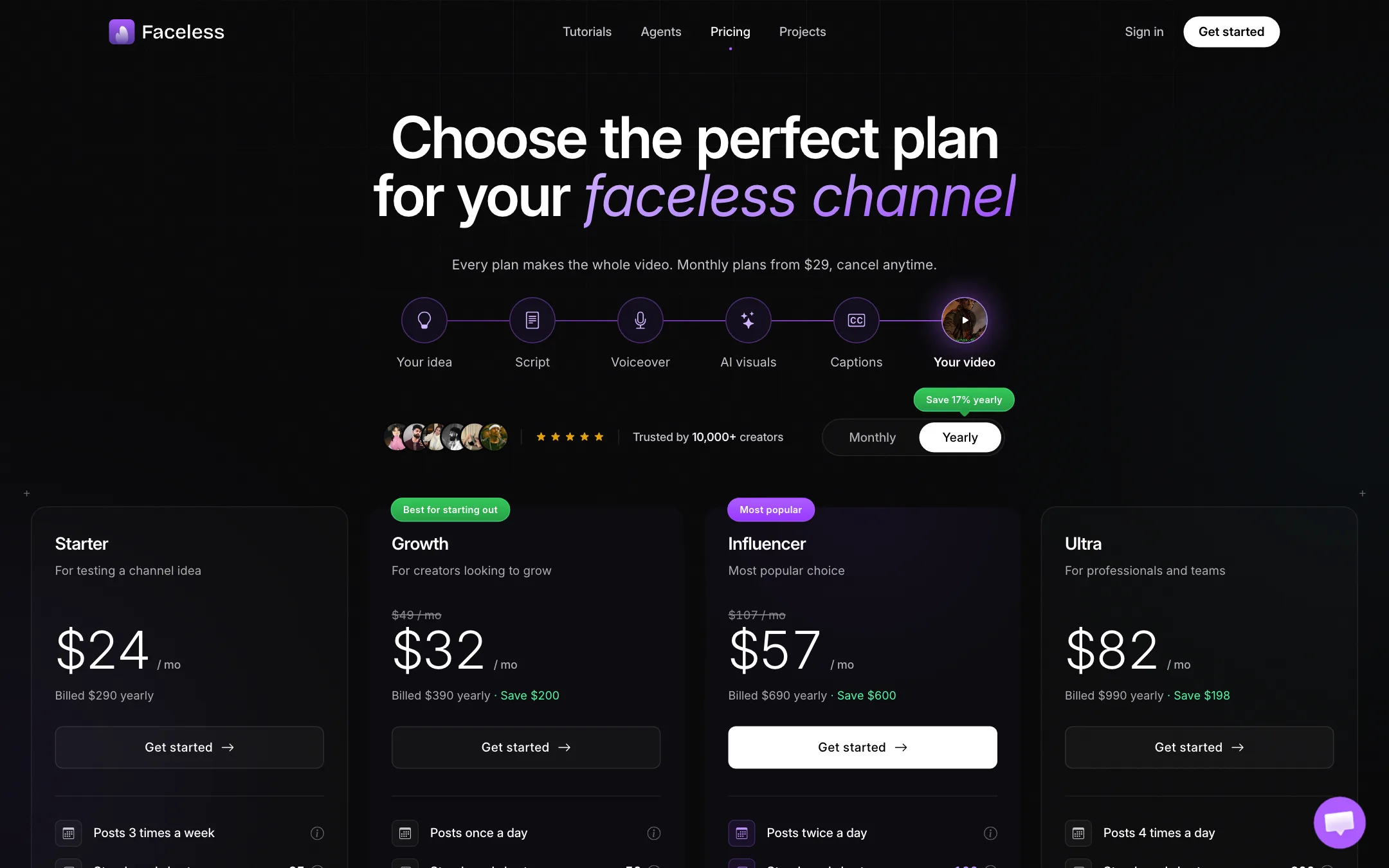
Faceless.so runs on monthly credits. Every plan includes every model, unlimited series and auto-posting. Plans differ by credits, seats and a few features.
| Plan | Yearly | Monthly | Credits a month |
|---|---|---|---|
| Starter | $24/mo ($290/yr) | $29 | 500 |
| Growth | $32/mo ($390/yr) | $39 | 1,000 |
| Influencer | $57/mo ($690/yr) | $69 | 2,000 |
| Ultra | $82/mo ($990/yr) | $99 | 4,000 |
| Agency | $166/mo ($1,990/yr) | $199 | 8,000 |
What the pricing page does not make obvious:
- There is no free render. Signing up is free, and so is choosing a style and writing a script. The finished video costs credits.
- The discounts are confusing. The monthly view shows Growth at $39 crossed out from $59 and Influencer at $69 from $129. The About page says annual billing is “10 months of the monthly price, about 17% less,” which matches $29 versus $290 but not the crossed-out list prices.
- The About page uses other numbers. It says an agency on “$99” per month runs the same automation as a solo creator. $99 is the monthly Ultra price; the Agency plan is $199 monthly.
- AI Agent, UGC video and API need higher plans. API access starts at Ultra.
- Starter means about three videos a week. Faceless.so labels Starter “posts 3 times a week” and Growth “posts once a day.” If you want a daily channel, Growth is the real starting point.
Refunds
Faceless.so says it cannot refund a plan once credits have been used, because each video uses paid GPU time. You can cancel in two clicks and keep access to the end of the period. The legacy Slick site offers a 14-day money-back guarantee, but that appears to apply to Slick plans only.
Verdict
Faceless.so is one of the more complete faceless channel tools. Research-seeded scripts, every major video model on every plan, seven posting destinations and a real developer platform put it ahead of simpler generators. The credit costs are published, so you can plan a month before you start.
The catch is trust. You cannot render a video before paying, the price display contradicts itself, and the Slick-to-Faceless story is only half told on the two sites. Start on monthly Starter, render a handful of videos in your niche, and only commit to a yearly plan once you know the channel is worth running.