

What Shorts Generator is
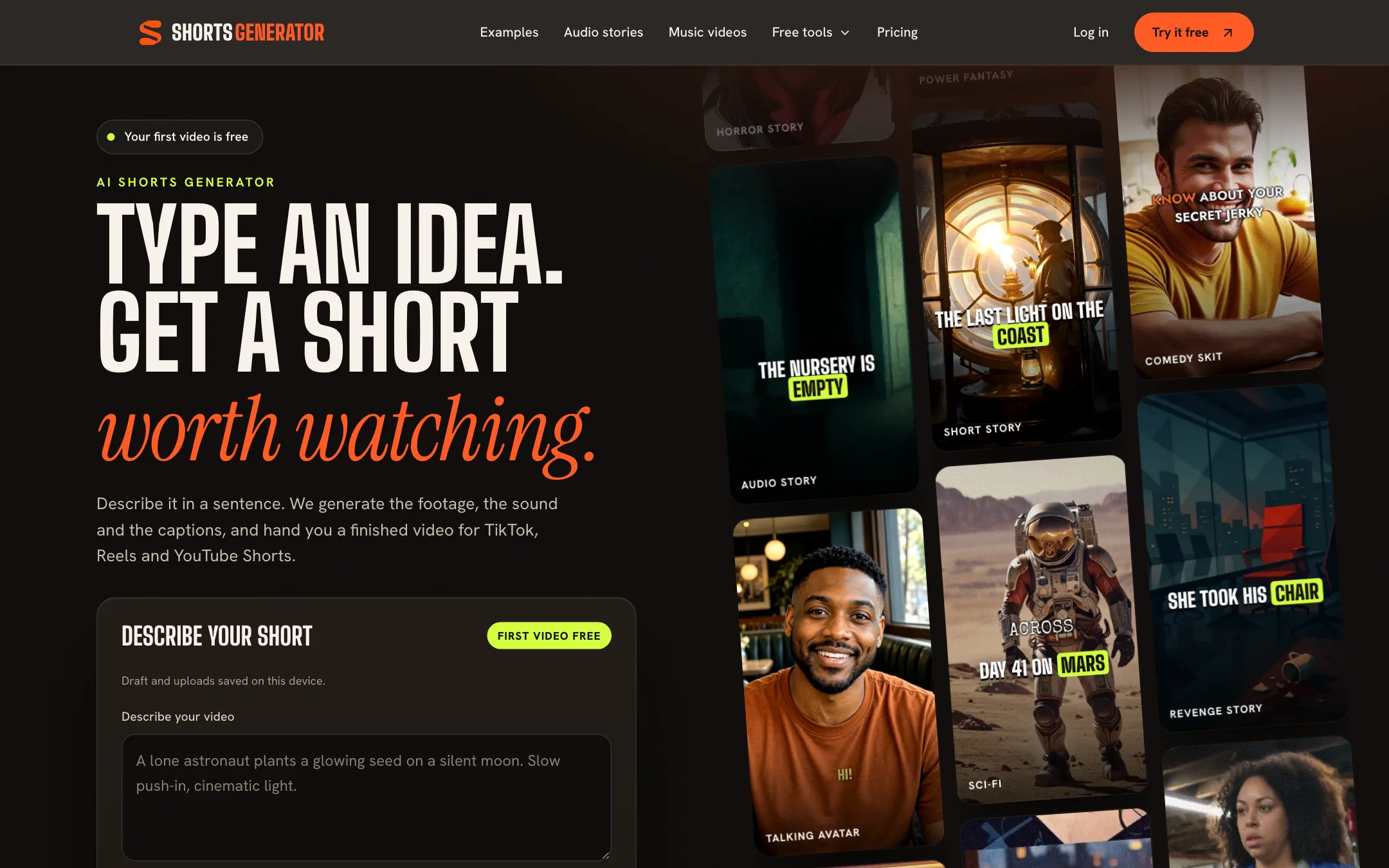
Shorts Generator is an idea-to-video tool. You type one sentence describing a short, pick vertical or landscape, and it generates the footage, the sound and word-timed captions, then cuts them into a single finished MP4. No timeline, no stock search, no separate voiceover step.
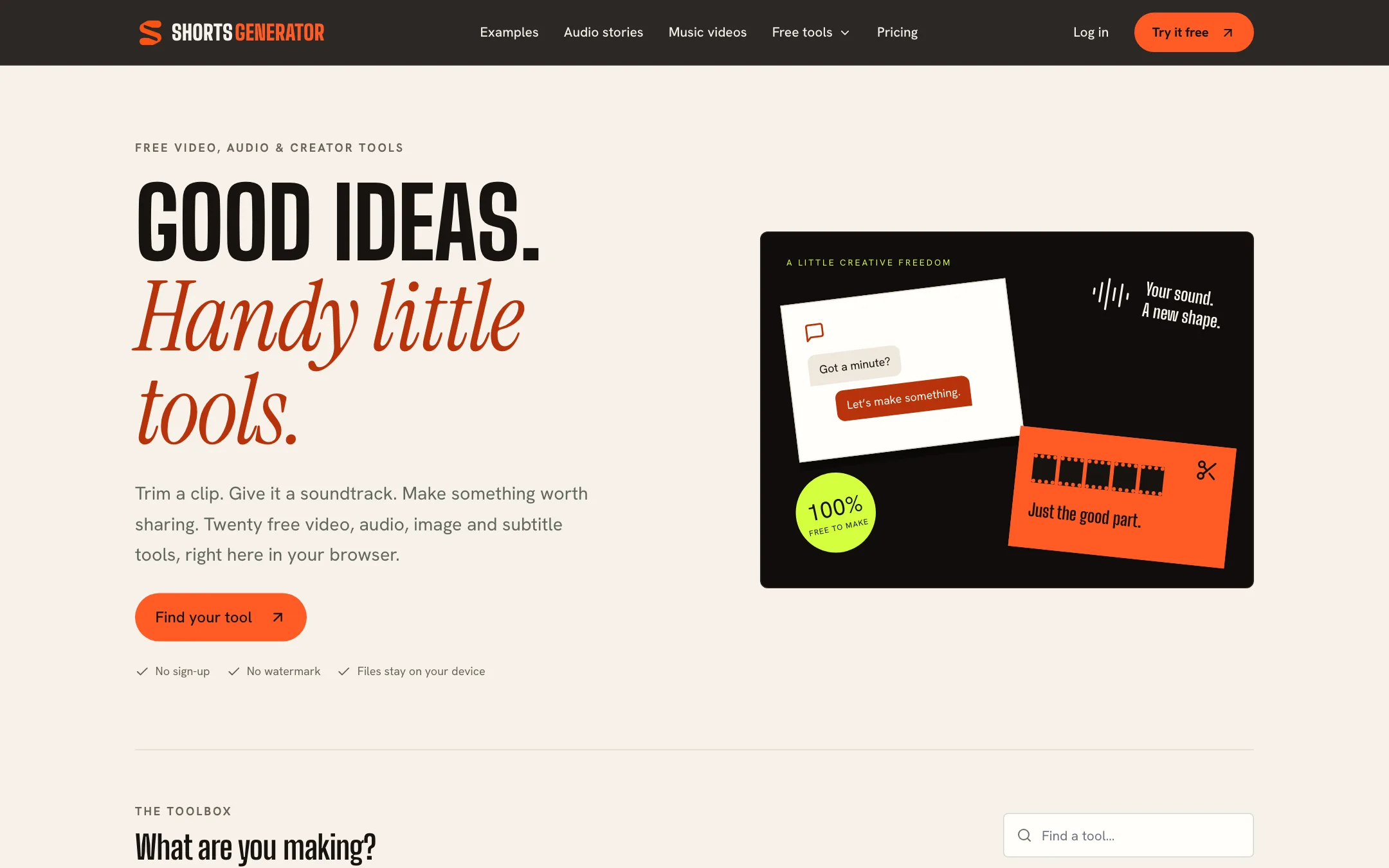
Around that core it has added three things. Audio stories turn a prompt into a 60 to 90 second voiced scene with up to four characters. A music video studio times lyric captions to your song. And a set of 20 free browser tools handles everyday edits like trimming, resizing and adding subtitles, with no account and no watermark.
The pitch is simplicity, and the pricing page backs it up with unusually clear numbers. What the site does not tell you is which AI models make the footage. None of its pages name a video, voice or music model.
This review is based on Shorts Generator’s public pages, pricing and FAQ. We did not generate videos with it, so quality claims are the vendor’s.
Who it is for
Shorts Generator fits you if:
- You run a faceless channel built on stories: horror, revenge, Reddit-style drama, history or sci-fi.
- You want a finished, captioned clip from one sentence and you never want to open an editor.
- You sell a product and want short, vertical ads from a few product photos.
- You are a musician who wants word-timed lyric videos and teaser clips for a release.
Skip it if:
- You need clips longer than 15 seconds from the AI video generator. Longer pieces mean stitching in another tool.
- You want to cut down your own long videos. Shorts Generator makes new videos; it is not a clipper.
- You want scheduling and auto-posting. There is no publishing feature.
- You are cost-sensitive at volume. Per video, it costs more than generating with a model directly.
How it works
The flow is three steps, per the homepage.
- Type it. Describe what happens, how it should feel, and any line someone should say. Put spoken lines in quotes. The brief box takes up to 2,000 characters.
- It makes it. Footage, sound and word-timed captions are generated together and cut into one video. Shorts Generator says this usually takes a few minutes, and you can close the tab while it works.
- Post it. The MP4 lands in your library. You download it and post it wherever you like.
Inputs on paid plans
The free video is made from your words alone. Paid plans unlock more inputs:
- Reference images. Add up to four JPG, PNG or WebP images, up to 5 MB each. One product photo can become a product ad.
- Talking avatars and lip sync. Upload one portrait and an audio clip between 5 and 14.8 seconds, and the portrait speaks in sync.
- Audio. Add a short audio clip with a brief to guide the video.
The FAQ is clear about a few limits. There is no voice picker in the main video flow. You cannot upload an existing video to edit. And you cannot change one scene in place: to revise, you open the result, describe the change, and generate a new version with fresh credits.
Ready-made briefs
The homepage shows examples with a “Use this brief” button: a talking avatar coffee promo, a narrated explainer on why octopuses have three hearts, a lighthouse short film, and a product ad. Category tags include horror, revenge, power fantasy, sci-fi, comedy skit, UGC style and podcast intro. Starting from one of these is the quickest way to see what the generator is built to do.
Audio stories
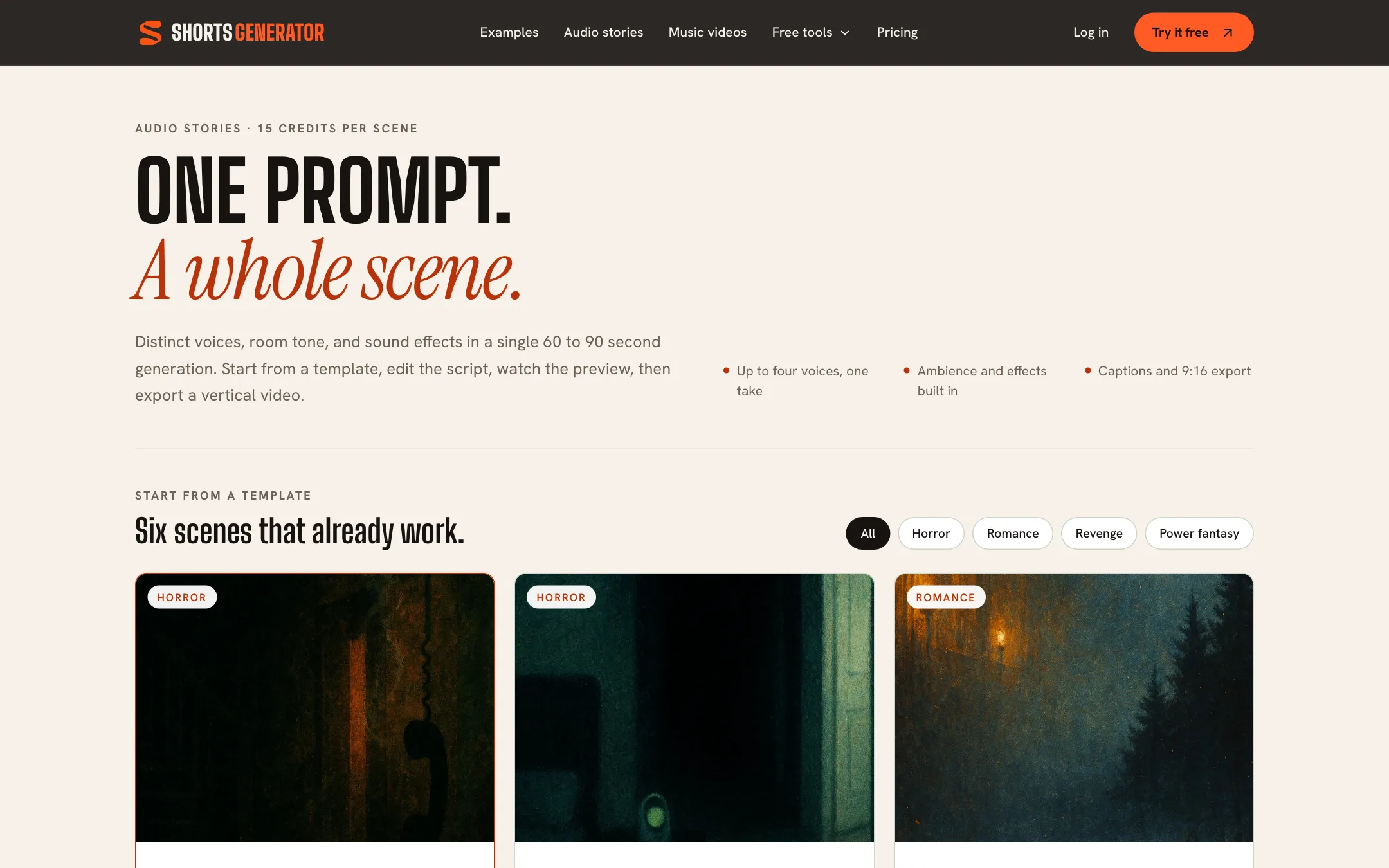
Audio stories are a separate studio at 15 credits per scene. You start from a template or your own prompt, edit the script, preview it and export a vertical video with captions. Each story has up to four distinct voices plus room tone and sound effects, in 60 to 90 seconds. The six starter templates are horror, romance, revenge and power fantasy plots, which tells you who the feature is aimed at: story channels on TikTok and Shorts.
Music videos
The music studio needs a paid plan. You upload a finished track, it times lyric captions word by word to the vocals, and you export a kinetic lyric video or short clips of the hook. It does not write or remix music. Instrumental tracks have nothing to caption. Shorts Generator reminds you to upload only music you own or have licensed.
The free browser tools
Twenty tools run in your browser with no sign-up, no credits and no watermark, and Shorts Generator says your files stay on your device. They cover:
- Video: texting story maker, resizer, compressor, trimmer, MP4 converter, mute, photo slideshow, split screen, video to GIF.
- Audio: video to MP3, audio cutter, add music to video, audiogram maker, lyric video maker.
- Images: chat screenshot maker, thumbnail maker, meme maker.
- Subtitles: add subtitles to video, subtitle converter, subtitle timing fixer.
These are simple utilities, and video exports depend on your browser and device. But they are genuinely free, and the texting story maker in particular is a staple format for story channels.
Output quality
Shorts Generator does not publish which models generate its footage, voices or captions, so you cannot look up independent benchmarks. Its homepage examples are 8 to 15 second vertical clips across avatars, explainers, short films and product ads.
The FAQ is candid about one weakness. Reference photos guide the generation, but “AI can change fine details, lettering and interfaces.” If you make a product video, check that the label, logo and features on screen match the real thing before you post or run it as an ad.
General limits to expect:
- Fifteen seconds per video. Fine for hooks and teasers, short for anything with a story arc. Audio stories go longer because they are mostly voice.
- Resolution costs credits. 1080p costs twice what 720p does.
- Run-to-run variation. Each revision is a new generation, so the result can change more than you asked for.
Pricing
Shorts Generator sells monthly credit plans. Every paid plan has the same features; they differ only in credits.
| Plan | Price | Credits a month | About this many HD videos |
|---|---|---|---|
| Free | $0 | One free video | One 5-second 480p clip |
| Hobby | $19.99/mo | 250 | 6 |
| Standard | $49.99/mo | 800 | 20 |
| Professional | $99.99/mo | 1,600 | 40 |
Credit costs per video, from the pricing page:
| Resolution | Explainer | Lip sync |
|---|---|---|
| 480p | 30 credits | 50 credits |
| 720p | 40 credits | 80 credits |
| 1080p | 80 credits | 150 credits |
Videos with audio or several images use reference video, which starts at 50 credits. Audio stories are 15 credits per scene.
What the numbers mean in practice:
- The free tier is a demo. One 5-second 480p video is enough to see the flow, not to judge the quality of a 15-second HD clip.
- HD video is about $3.30 a clip on Hobby. 250 credits at 40 per 720p video is six videos for $19.99. At 1080p, Hobby buys three.
- Standard is the better value. 800 credits for $49.99 works out to about $2.50 per 720p video.
- Credits reset monthly. Unused credits do not roll over, so do not buy a bigger plan than you will use.
- Failed videos cost nothing. Credits come back automatically when a generation fails.
Getting more from your credits
- Draft at 480p. A 480p explainer costs 30 credits against 40 at 720p and 80 at 1080p. Check the motion and captions cheaply, then rerun the keeper in HD.
- Write tight briefs. Every revision is a full new generation. Name the subject, setting, action, mood and any spoken line in quotes on the first try.
- Save lip sync for when it matters. At 80 credits for 720p, one lip sync clip costs as much as two regular videos.
- Use the free tools for finishing. Trimming, resizing, adding music or converting subtitles costs nothing in the browser tools, so never spend credits on a fix you can make there.
Cancelling
You manage or cancel from the customer portal on your account page. You keep access until the end of the paid period, and finished videos stay in your library. The public pages do not describe refunds for successful generations you are unhappy with.
Who runs it
The terms of service name the operator only as “Shorts Generator” and read like a general website template, with no company name or address. That is common for small tools, but it is worth knowing before you buy a $99.99 plan.
Verdict
Shorts Generator does what its name says, with less friction than most. One sentence gets you a finished, captioned short, the pricing page tells you exactly what each video costs, and failed videos are refunded. Audio stories and lyric videos are useful extras, and the free browser tools are worth bookmarking even if you never pay.
The catches are cost and transparency. At around $3.30 per HD clip on Hobby it is not cheap, every video is 15 seconds, and you never learn which models you are paying for. Make your free video, then try one month of Hobby before you commit to more.