What Lyric Video Studio is
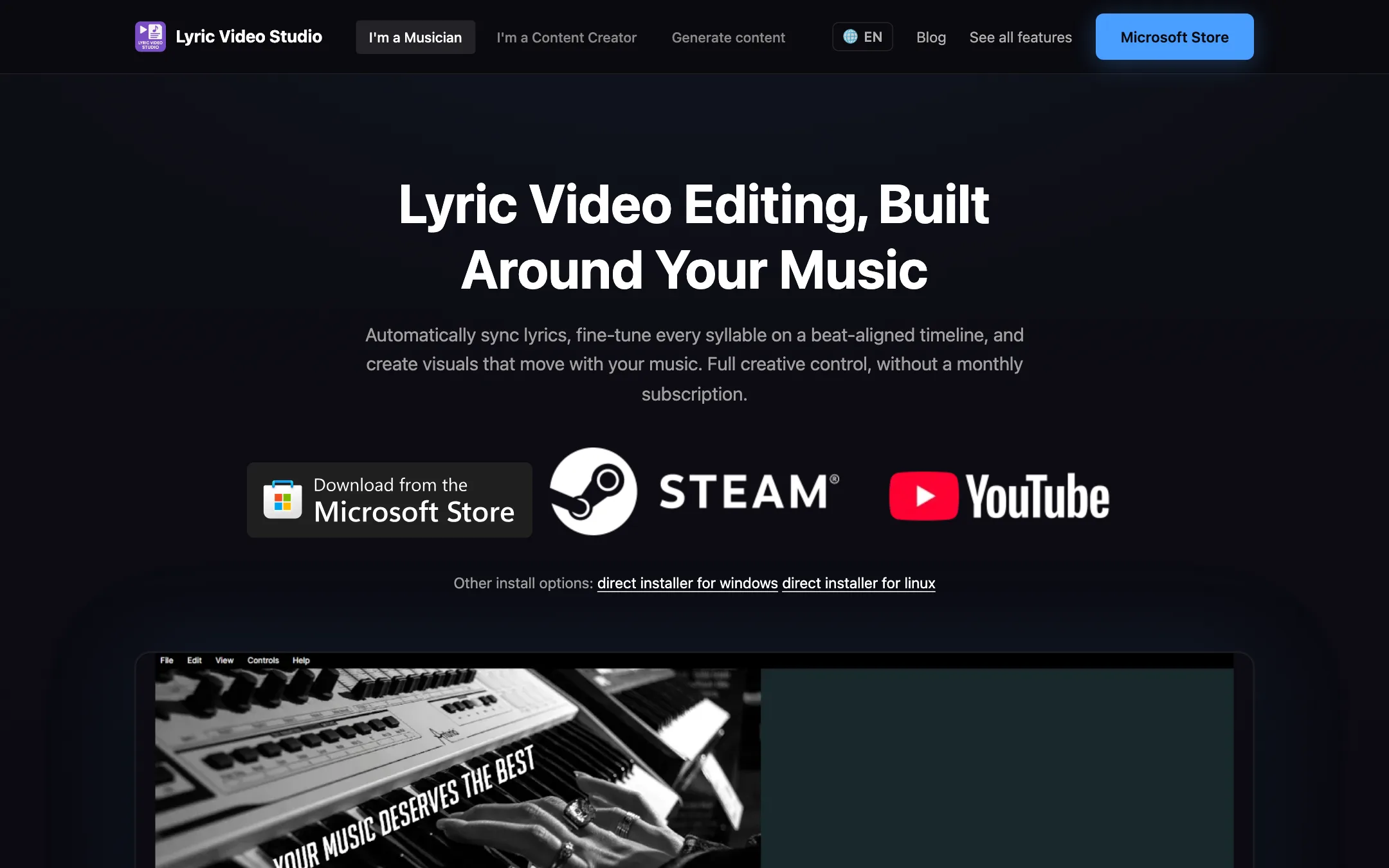
Lyric Video Studio is a desktop video editor built for one job first: lyric videos. You load a song, bring in the lyrics, sync each line to the music, then build visuals around it. It exports full YouTube videos and vertical clips for Shorts, Reels and TikTok from the same project.
It is made by one developer, Matti Pulkkinen in Finland, who is also keyboardist and band leader of the band Ultimatium. That shows in the design. The timeline works like a DAW, with separate tracks for audio, lyrics and visuals, and the app uses terms like “arm” and “rec” that musicians already know.
Over time it has grown well past lyrics. It now has a full non-linear editor, MilkDrop music visualizers, 3D text, and hooks into dozens of AI image, video and voice models. The core idea stays the same: you buy it once and keep it.
Who it is for
Lyric Video Studio fits you if:
- You are a musician or band and want lyric videos, karaoke versions or visualizers for every release.
- You care about exact timing, down to the syllable, not just “close enough.”
- You would rather pay once than add another monthly subscription.
- You run Windows or Linux and have a decent GPU.
- You want to try AI-generated visuals but pay providers directly, without a middleman’s credit markup.
Skip it if:
- You are on a Mac. There is no macOS version.
- You want a one-click template result in a browser. Online lyric video makers are faster for that, and this app expects you to learn it.
- You need a polished all-purpose editor for vlogs or client work and have no music angle. A general editor will feel more familiar.
How it works
The help pages describe a clear core workflow. You start a project, add lyrics, sync them, style them and export.
Getting lyrics in
You have three routes:
- Import a text file. Each line in a .txt file becomes one lyric item on the timeline. The developer suggests breaking long lines and big gaps in the text file first, because it saves time later.
- Drop in a subtitle or lyric file. The app reads .lrc, .vtt, .srt and .tsv files.
- Extract from the audio. Right-click the song on the timeline and choose “Extract text.” This runs local Whisper models on your GPU. You can also use OpenAI or ElevenLabs with your own API keys.
The help page is upfront that AI can mishear lyrics, and that not every language is supported. Treat extraction as a draft.
Syncing lyrics
Unsynced lines show with a gray background. The fast way to sync them is record mode:
- Load the song.
- Arm the lyrics track with its small R button.
- Press record.
- When you hear a line, press and hold the Sync button for as long as that line should show.
- Release, and the next line becomes the target.
You can stop at any point and pick up from the last unsynced line. Then you fine-tune timing on the timeline at frame level. There is also a tempo snap mode and an automatic lyric extraction-and-sync flow covered in a September 2026 tutorial.
Styling text
Fonts can be set for the whole project, a single track or one lyric item, and each level overrides the one above. Options include gradients, blend modes, shader-based colors, text backgrounds and timer or countdown text.
For karaoke-style lyrics, you duplicate a synced track and apply word-by-word offsetting. There is also letter-by-letter transitions and full 3D text with three light sources, materials, normal maps and a shadow plane. 3D text requires switching the render engine to WGL in settings.
Visuals and visualizers
Behind the lyrics you can place your own footage, images, or generated content. Two features stand out:
- MilkDrop engine. The same audio-reactive presets that Winamp users will remember, over 8,000 of them, rendered frame by frame inside the app. No screen recording needed.
- Audio-reactive effects. You can modulate almost any animation value by the song’s volume, so images pulse and shift with the music.
The editor also lists 91 transitions, chroma key, masking, RemBg background removal, motion tracking that lets you pin items to moving objects, color matching, and depth maps for parallax camera moves.
AI models, on your terms
Lyric Video Studio does not sell AI credits. Instead it connects to models two ways:
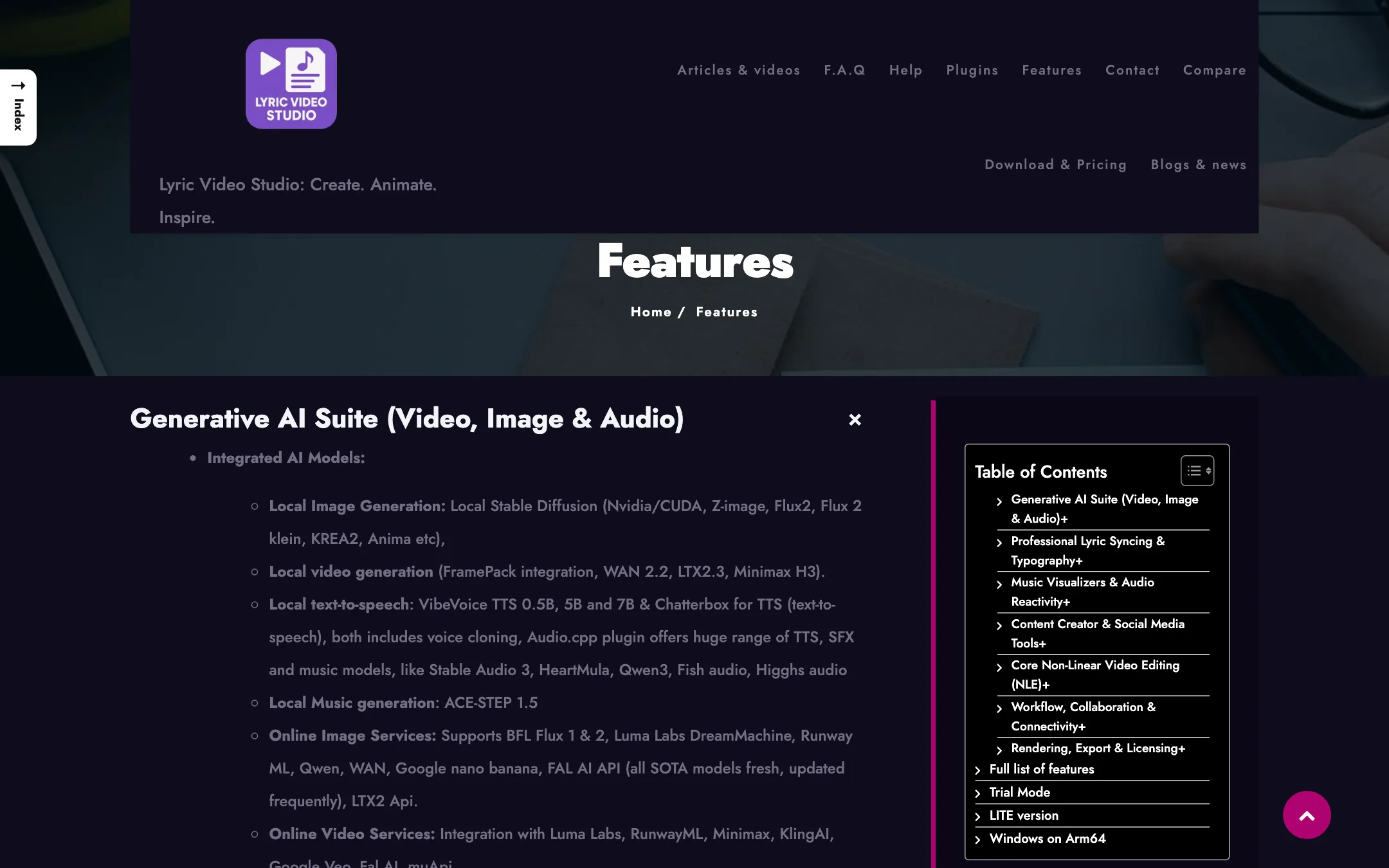
- Local models. Stable Diffusion variants, FramePack, WAN 2.2 and LTX for video, VibeVoice and Chatterbox for speech, ACE-STEP for music. These run on your own hardware, mainly NVIDIA GPUs.
- Online services with your own key. The features page names Runway, Luma, Kling, Google Veo, Minimax, Flux, Fal AI, ElevenLabs and others. You paste your API key and pay the provider directly.
There is also ComfyUI integration for custom workflows, an LLM step that turns lyrics into image and video prompts, and a free, rate-limited default API that the developer says covers prompt work for one video a day.
This is a different model from most AI video tools on this site, which resell the same providers inside a credit balance. Here you see the provider’s own price. The trade-off is setup: you need accounts and keys with each service you want to use.
Creator tools beyond music
The app also markets itself to non-musicians. It has automatic silence removal for jump cuts, Whisper auto-subtitles for talking-head videos, bulk image cropping for different platforms, and reusable intros and outros. A recent post covers MCP support, which lets desktop AI apps like Claude Desktop or the ChatGPT app control the editor.
Output quality
We have not edited a project in Lyric Video Studio, so this section relies on the developer’s specs and documentation.
What it promises:
- Up to 4K at 60fps, at any resolution, including 9:16 for Shorts and square for feeds.
- Transparent export as PNG frames, useful if you composite lyrics in another editor.
- Multithreaded off-screen rendering, though the developer notes this does not apply when shaders are in use.
What limits it:
- The trial is not a fair quality test. It stops at 1280px and 30fps with a watermark, so you cannot judge 4K60 output before buying.
- Generated visuals depend on the model. A Kling or Veo clip looks like Kling or Veo. Lyric Video Studio arranges and syncs it; it does not improve it.
- Local AI needs real hardware. Local image and video generation leans on NVIDIA CUDA, and it is not available at all on Windows on Arm.
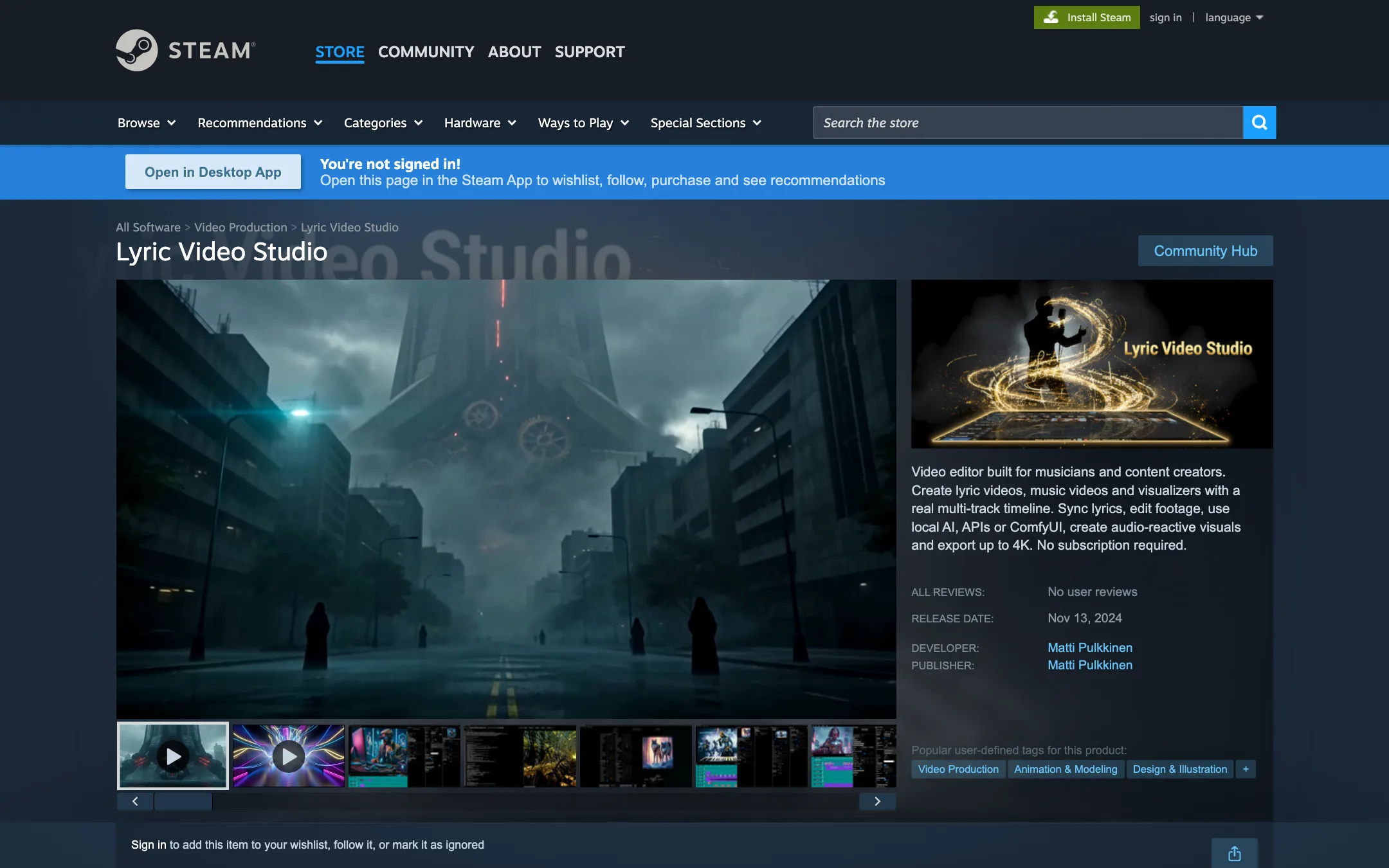
Public feedback is thin. When we checked, the Steam store page showed no user reviews at all, so you have little outside evidence to go on. The developer posts dated release notes regularly, such as audio effects in v1.5.65 and Linux support in v1.5.60, which suggests active maintenance.
Pricing
Lyric Video Studio is a one-time purchase with free ways to start.
| Option | Price | What you get |
|---|---|---|
| Trial | Free, no time limit | 5 tracks, 3-minute timeline, 30fps, 1280px max, watermark |
| LITE (Microsoft Store) | Free, optional monthly add-ons | Trial limits, no local AI, fewer pro features |
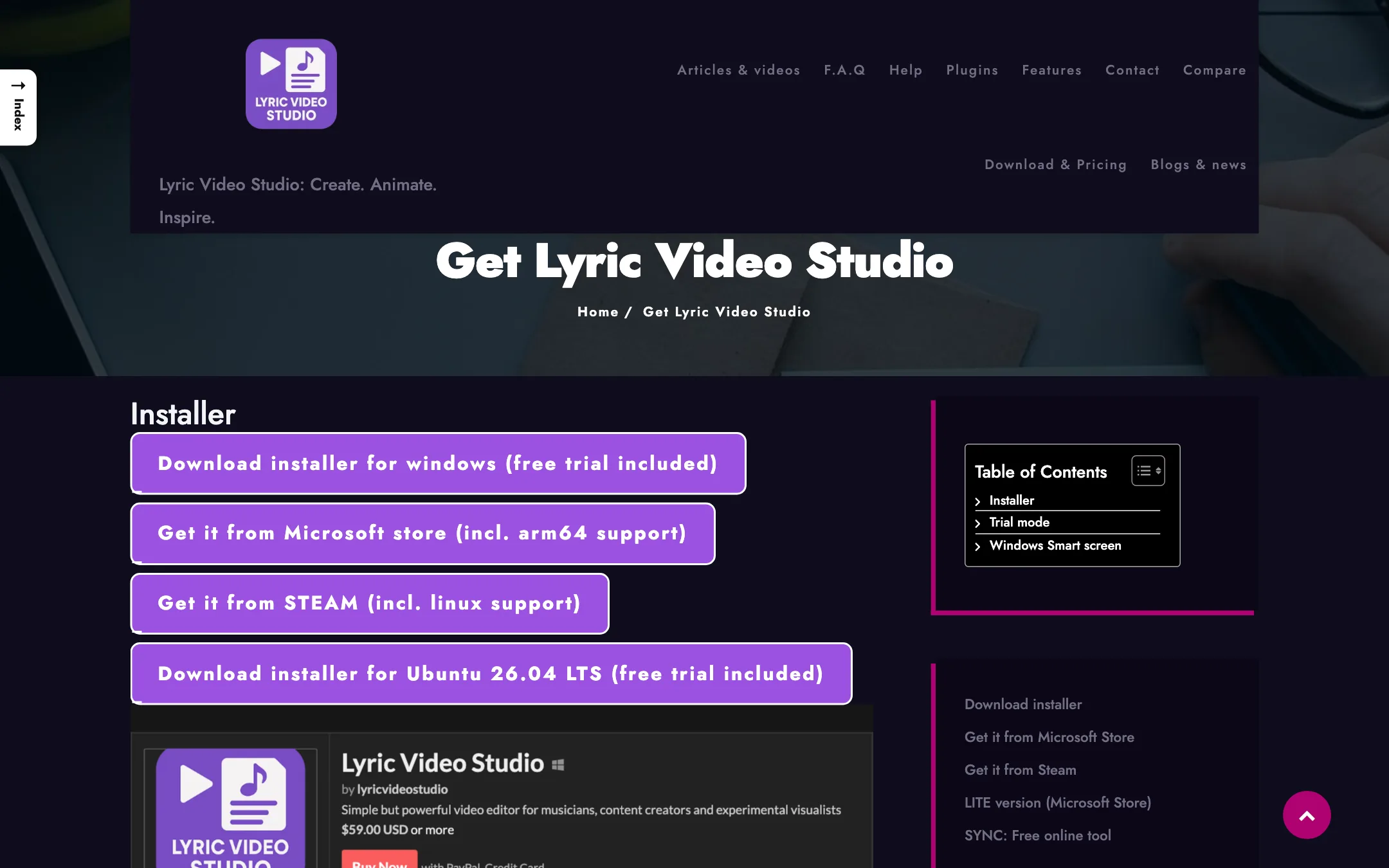
| Full license (itch.io) | $59 one-time | Direct installers, license key, commercial use |
| Full license (Steam) | $59.99 one-time | Windows and Linux via Steam |
| Full license (Microsoft Store) | Not listed on the site | Windows, including arm64 |
Things to know before you buy:
- The trial has a licensing rule. You can use it as long as you like if you are an individual or indie band. If you make videos for others or work for a company, you need to buy.
- The developer prefers itch.io. The download page says direct downloads get updates faster, and that Steam or Microsoft Store owners can contact him to switch to the direct version for free.
- Updates are included, mostly. The features page says you keep getting updates, but adds that new bigger features might require in-app purchases.
- AI is extra. Online models bill through each provider. Budget for that separately if you plan to generate visuals.
- LITE pricing is in the app. The website does not list what the LITE monthly add-ons cost.
Compared with a $10 to $30 monthly subscription for a browser editor, $59 once pays for itself within a few months if you release music regularly.
Verdict
Lyric Video Studio is a serious tool in a niche where most options are thin templates. The lyric syncing, karaoke and 3D text tools, MilkDrop visualizers and bring-your-own-key AI make it a strong fit for musicians who release often and want control.
The limits are just as clear. There is no Mac version, the DAW-style controls take learning, local AI needs a strong NVIDIA GPU, and the trial’s 1280px cap means you buy before you see full-quality output. Install the free trial, sync one of your own songs end to end, and buy the itch.io license if the workflow clicks.