What LipDub AI is
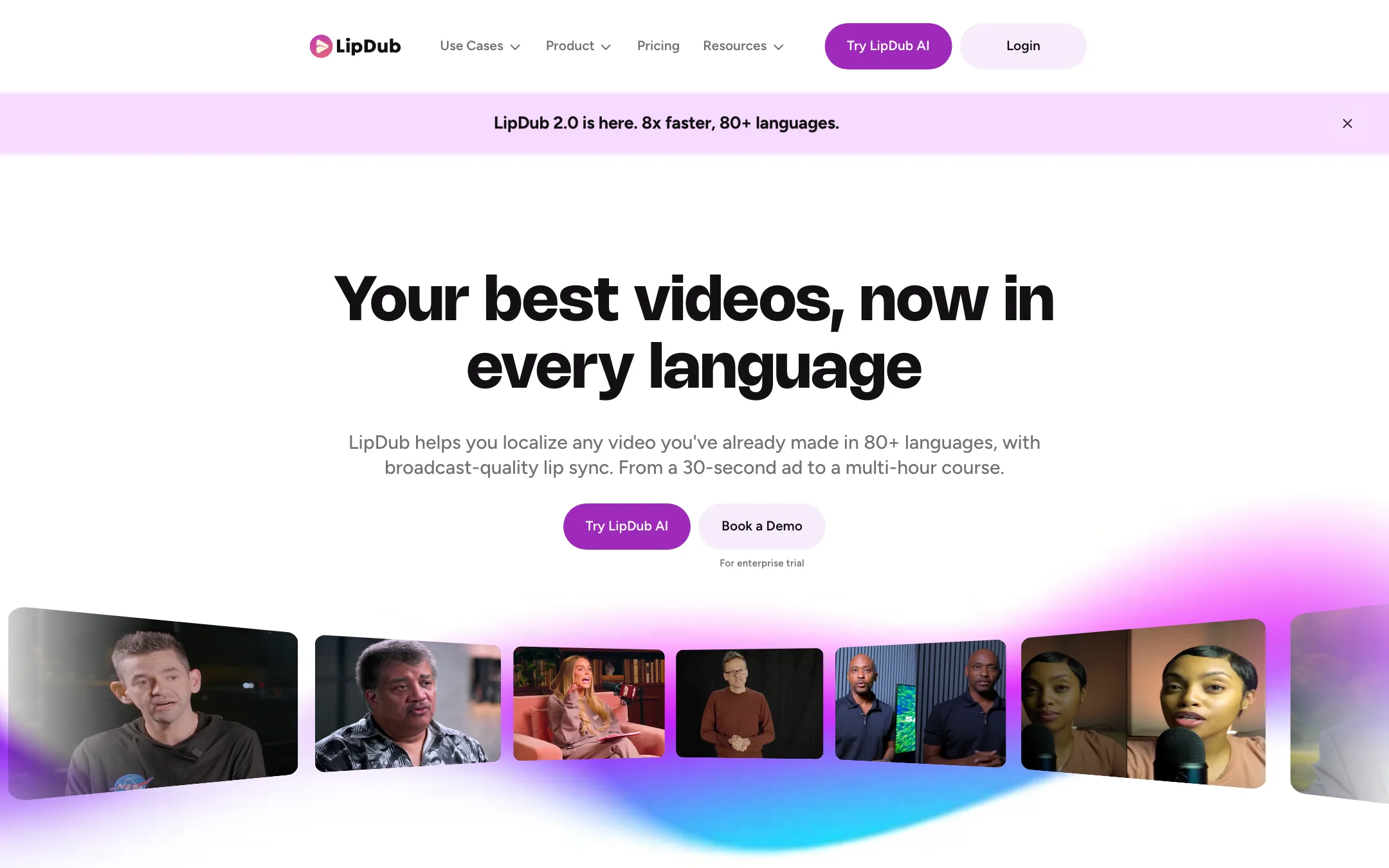
LipDub AI is a video localization tool. You upload a video you already made, and it comes back in another language. The speaker’s voice is cloned into the new language, and their mouth is re-animated to match the new words.
That is the whole product. LipDub does not generate new footage or avatars from a prompt. It takes the video you have and makes more versions of it. The company calls this “localizing what is already working.”
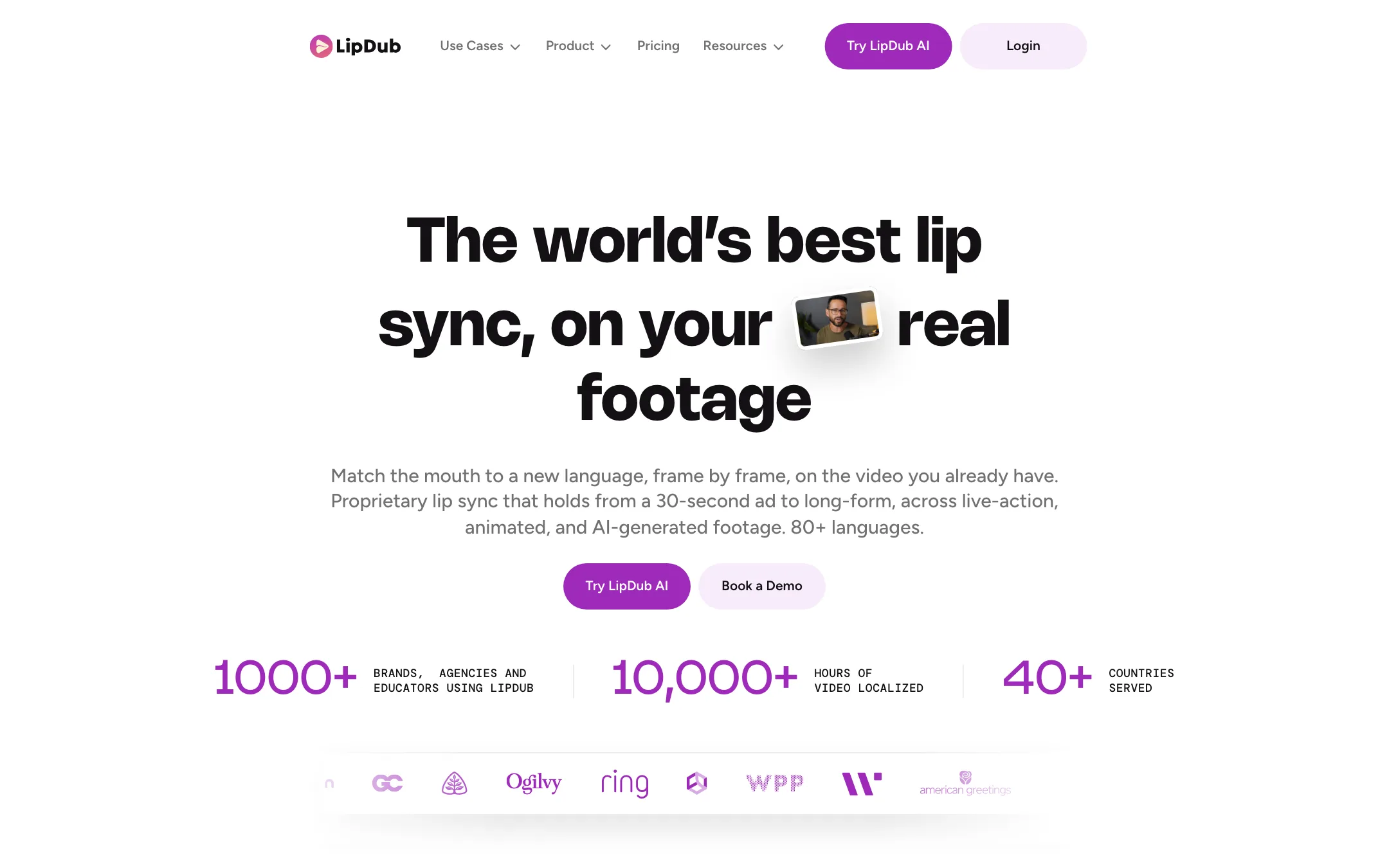
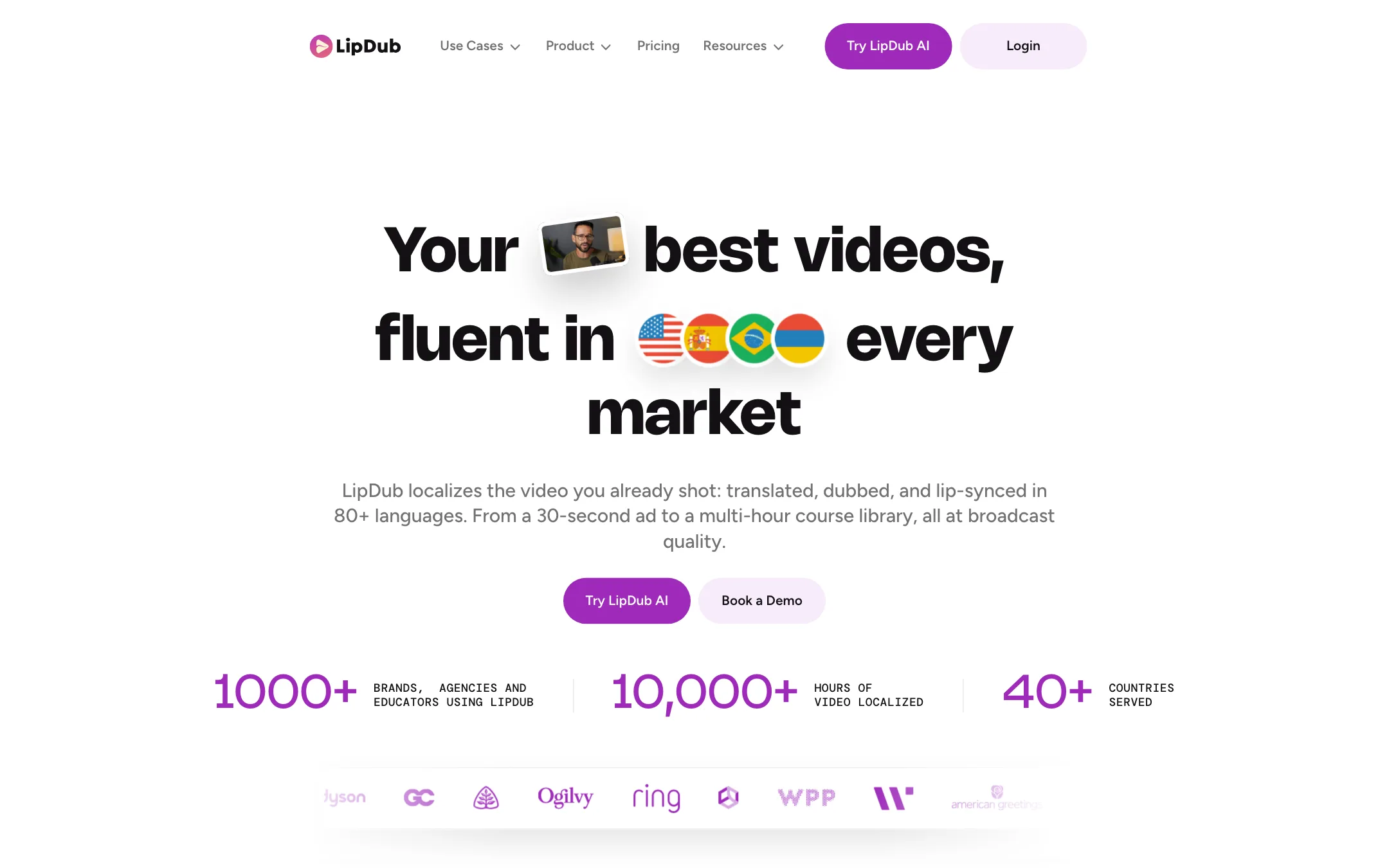
LipDub says it has 1,000+ brands, agencies and educators as customers and has localized more than 10,000 hours of video. It quotes agencies such as WPP Bucharest on its homepage. It sells to marketing teams, online course platforms, agencies, developers and creators.
Who it is for
LipDub fits you if:
- You have a YouTube channel, podcast or course and want it in Spanish, Portuguese or Hindi without re-recording.
- Your face is on camera and you want viewers to hear your voice, not a stranger’s.
- You localize the same kind of video every month and can use credits steadily.
- You run ads in several markets and want one hero video in every language.
- You build a product and want translation, dubbing and lip sync through an API.
Skip it if:
- You want to try it free first. There is no published free plan.
- You need to make the video in the first place. LipDub only translates existing footage. Look at a text-to-video or avatar tool instead.
- You need a quick dub once or twice a year. Monthly credits expire after 60 days, so occasional use is expensive.
- You want a full editor. LipDub has no timeline for cutting, captions or b-roll.
How it works
LipDub describes a five-step flow:
- Upload. Drop in your source video. LipDub accepts MP4 or MOV in H.264 or Apple ProRes, from SD up to 4K, at standard frame rates.
- Translate and refine. LipDub transcribes and translates the script. You can edit any line in the translation editor before anything else is generated.
- Voice clone and dub. LipDub clones the original speaker or you pick a stock voice. You can preview the audio and check pronunciation.
- Lip sync. The mouth is re-animated frame by frame to match the new audio.
- Export. You download a finished version for each language.
You choose per video whether you want dubbing only or dubbing plus lip sync. LipDub suggests dubbing only for gaming, tutorials, screen recordings and podcasts where the mouth is not visible. It is about half the price per minute.
Controls that matter
LipDub says it gives you more control than a one-click dubbing app:
- Translation prompt. You can steer tone, formality and word choice so the translation sounds like your brand, not a literal rendering.
- Glossary. On Growth and above you can keep a list of terms that should always translate a certain way, or never translate at all.
- Region lip sync. You can lip sync only selected parts of the timeline, by clicking or typing a timecode.
- Expressivity. You can tune how strongly the mouth moves.
- Segment re-alignment. You can move segments to fix timing, with a pacing indicator to guide you.
- Partial re-renders. After a script edit, LipDub says it re-renders only what changed.
Dialogue replacement
There is a second use beyond translation. You can start a Dialogue Replacement project and either type new lines or upload new audio. LipDub then syncs the speaker’s mouth to it. That lets you fix a flubbed line or swap a product name without reshooting.
Uploading your own audio is a Growth plan feature. On Core you are limited to LipDub’s own translated and generated voices.
Models
LipDub runs its own models. The company says its lip sync model is 100% proprietary, not built on someone else’s. There are four tiers, and the naming is a bit tangled across pages:
- LipDub 2.0 launched in September 2026. It needs no training step. LipDub says it is 8x faster than 1.0 and handles side profiles, turns and hands in front of the face. It is limited to single-speaker videos up to 2 minutes at up to 1080p, and it is picked by default when a video qualifies.
- Flash is a faster, cheaper training-based model of LipDub 1.0.
- Premium is the higher-quality default of LipDub 1.0. It adds a one-time training fee per speaker.
- Ultra is the top tier, Enterprise only, also with a training fee.
The pricing page lists a “Turbo (zero-shot)” model in one table and “LipDub 2.0” in another. They appear to be the same thing. LipDub’s own rule of thumb is simple: under 2 minutes with one speaker, use 2.0; anything else, use 1.0.
Output quality
We have not run footage through LipDub. What follows is what LipDub and its customers say, plus what its own docs warn about.
LipDub’s claims:
- Native-looking results. It says native speakers typically cannot tell the result from the original, and that expressions and emotion are preserved.
- Long-form. It says quality holds from a 30-second ad to a multi-hour course.
- Multi-speaker. Each speaker in a panel or podcast gets a separate voice clone and lip sync.
- Hard shots. It says it handles side profiles, movement and wide shots, and that 2.0 handles occlusions.
- Audio bed. It re-adds the original music and sound effects under the new voice.
LipDub’s own FAQ is more careful in places. It says the tool works best on “simple production”: a talking head, a two-person conversation or podcast-style footage, shot at broadcast quality with the speaker clearly visible. Its comparison page with HeyGen tells you to “test the exact source footage” before you commit. Take that advice. Busy edits, heavy camera movement and poorly lit faces are where any lip sync model struggles.
There are also format limits. Variable frame rate video must be converted first. Interlaced, anamorphic and HDR footage is not supported, nor are files with multiple video streams. Phone footage is often variable frame rate, so you may need to re-export before uploading.
On the vendor’s HeyGen comparison page, LipDub claims long-form, multi-speaker and glossary advantages over HeyGen’s translation feature. That page is written by LipDub, so treat it as marketing, not a test.
Pricing
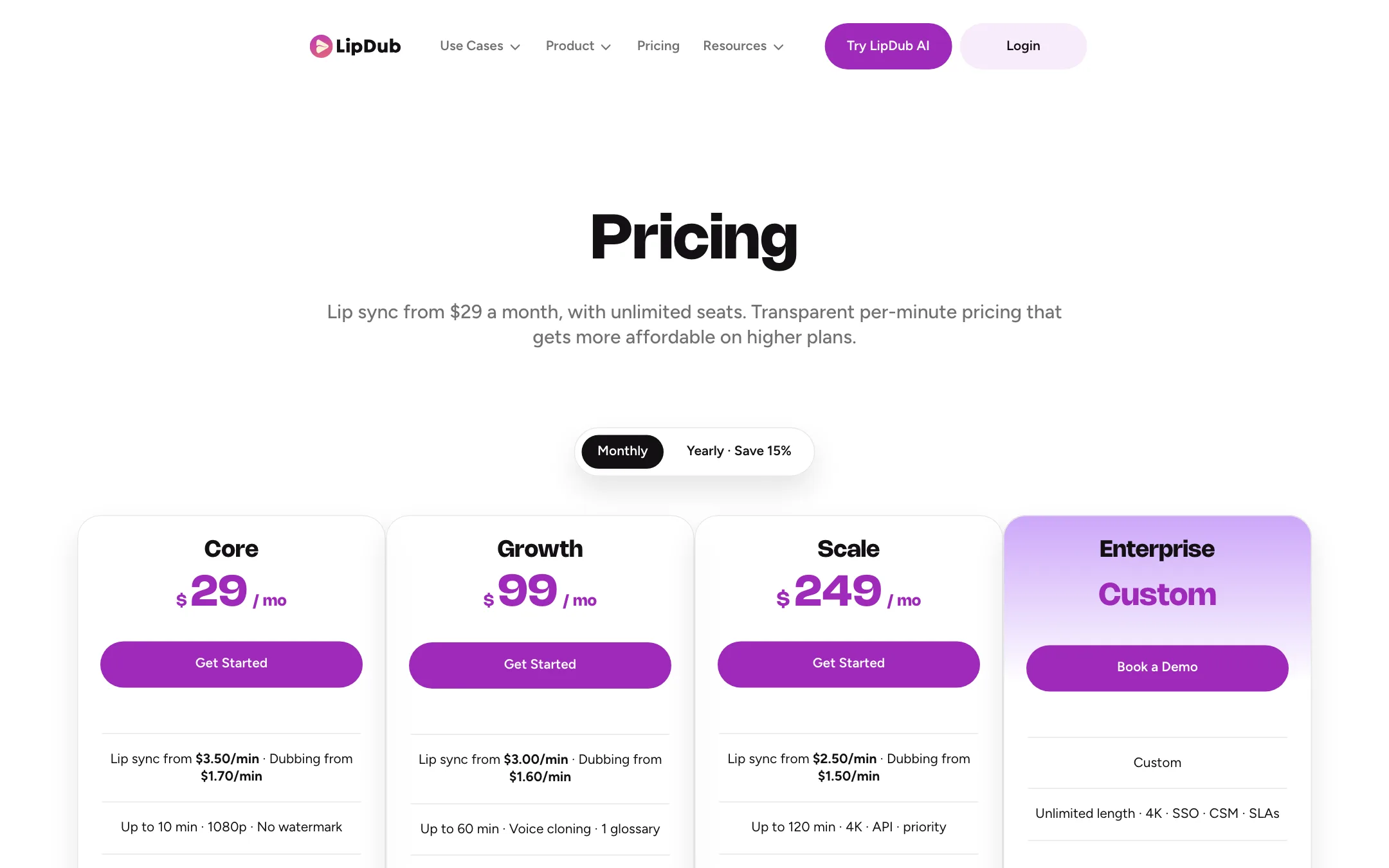
LipDub prices in two layers. You pay a monthly plan fee, and then you pay per minute of video you localize. Lip sync and dubbing are priced separately. The per-minute rate drops as you move up plans.
| Plan | Monthly fee | Lip sync | Dubbing only | Max length |
|---|---|---|---|---|
| Core | $29 | $3.50/min | $1.70/min | 10 min |
| Growth | $99 | $3.00/min | $1.60/min | 60 min |
| Scale | $249 | $2.50/min | $1.50/min | 120 min, 4K |
| Enterprise | Custom | $1.50 to $2.00/min | $1.00 to $1.40/min | Unlimited |
Yearly billing saves about 15% and loads the full year of credits on day one. The pricing page does not show the yearly per-month price.
A few things the pricing page does not make obvious:
- The plan fee is not the cost. A 10-minute video with lip sync into one language is $35 of usage on Core. Five languages is $175. The pricing FAQ suggests your plan’s fee comes with a matching allotment of credits, but it does not spell out how many minutes each plan includes. Check this in billing before you plan a big batch.
- Training fees are extra. Premium and Ultra charge a one-time fee per speaker. The amount is not on the public pricing page. LipDub 2.0 and Flash have no training fee.
- Top-ups cost 20% more. If you run out mid-cycle, extra credits are billed at a 20% premium and capped at 10x your plan’s monthly value. Upgrading may be cheaper.
- Credits expire. On monthly plans and top-ups, credits expire 60 days after purchase. On yearly plans they last 425 days. If you cancel, unused credits are removed 30 days after the plan ends.
- Length limits do not match. The plan table caps Core at 10 minutes and Scale at 120. The FAQ says up to 180 minutes per video. Assume the plan limit applies.
- Unlimited seats. Every plan includes unlimited team members and unlimited parallel jobs. That is generous for agencies.
Getting the most out of your credits
- Use dubbing only where you can. If the speaker is off camera or the video is a screen recording, skip lip sync and save about half.
- Fix the translation first. Every edit after generation costs credits. Clean up names and jargon in the translation editor before you generate audio.
- Let short clips use 2.0. For single-speaker videos under 2 minutes it skips the training fee and renders faster, per LipDub.
- Test one language first. Run a short section into your most important language and review it with a native speaker before you batch the rest.
Refunds
Subscription payments are not refunded. If a generation or speaker training fails for a technical reason, the credits come back automatically. Results you dislike, or mistakes in your inputs, are not refunded.
Verdict
LipDub AI is a specialist. It does not try to be an editor or an avatar studio. It takes the video you already have and puts it in other languages with your own voice and a matching mouth. Its pricing is unusually transparent for this category, and lip sync starts on the $29 plan.
The catch is that you cannot test it for free on the public plans, and the real cost is the plan plus the minutes. If you localize regularly, that model is fair. If you want one Spanish version of one video, a cheaper dubbing app or a free trial elsewhere makes more sense. Whatever you choose, run your own footage through it before you commit a whole library.