LipDub AI vs Dub AI
Two dubbing and voice tools side by side: pricing, free plans, features and who each one suits.
Some links on this page are affiliate links. If you buy through them we may earn a commission at no extra cost to you. Read our disclosure.

#4 of 33 in Dubbing and voice
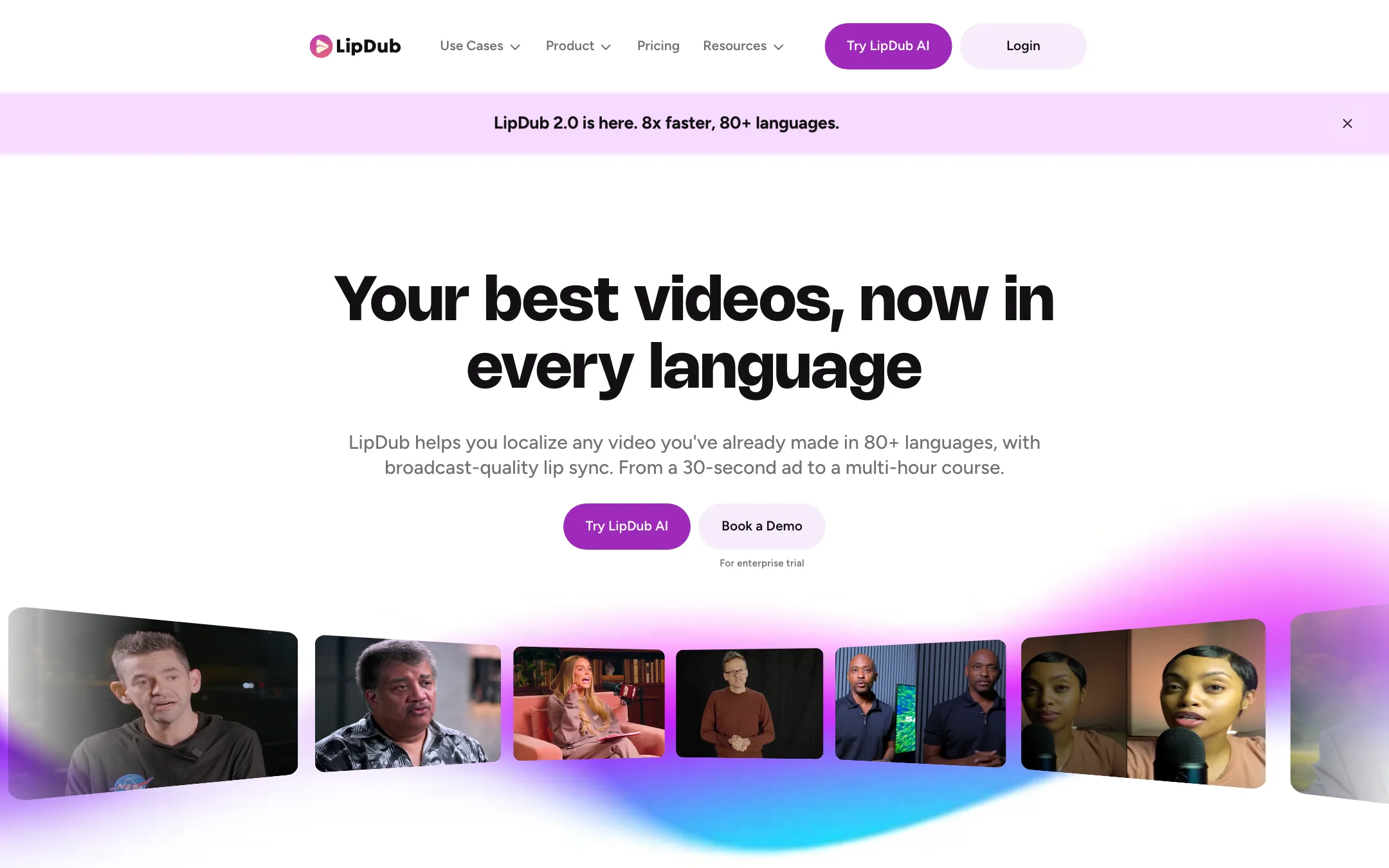
A video localization tool that translates, voice-clones and lip-syncs the videos you already made into 80+ languages, billed per minute
Best for: Creators, course makers and marketing teams who already have strong on-camera videos and want them in other languages with their own voice and matching lip movement.

#9 of 33 in Dubbing and voice
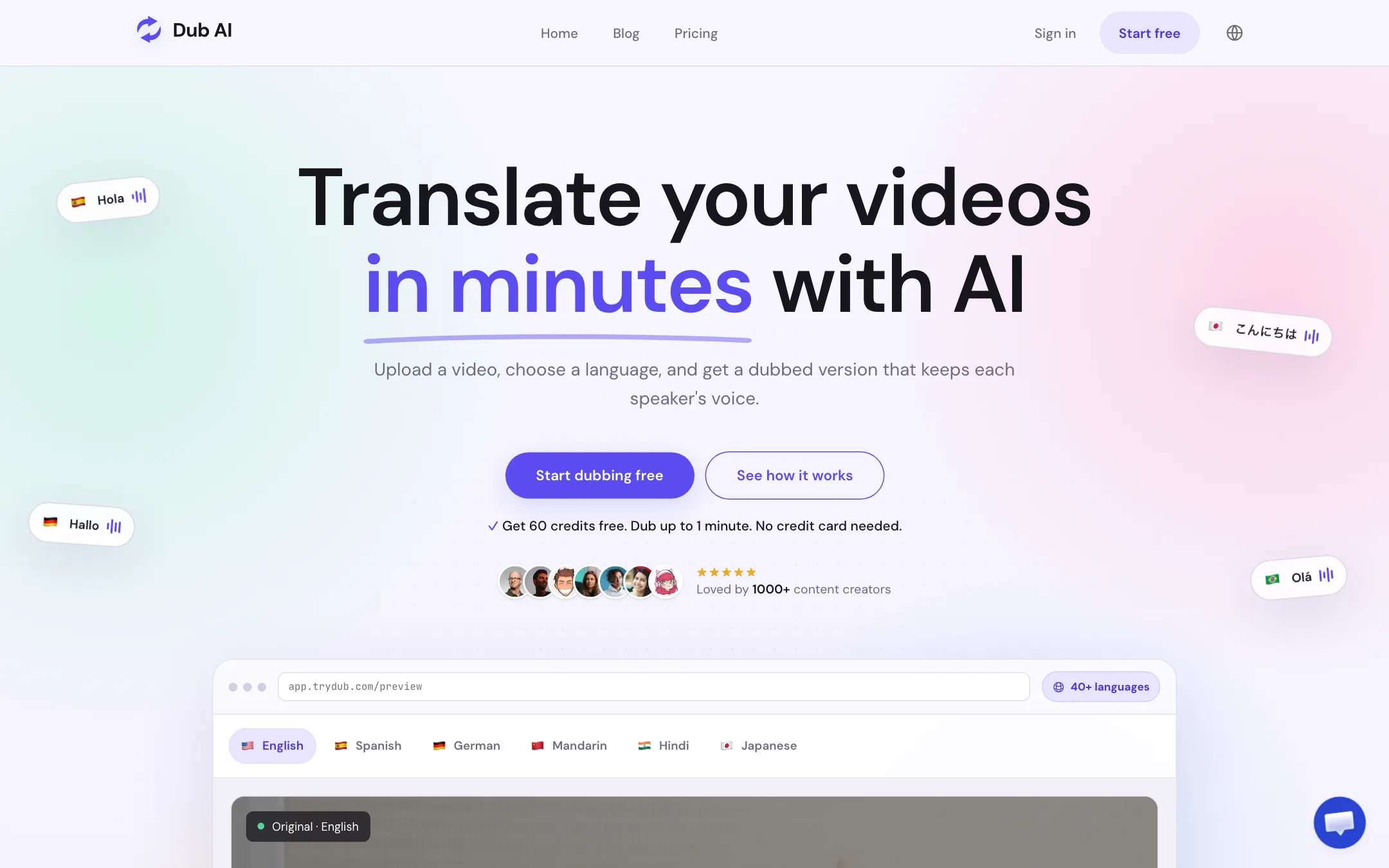
A focused web tool that translates and dubs video or audio into 40+ languages, keeps each speaker's voice, and hands you the transcript, subtitles and audio files
Best for: YouTubers, course makers and small teams who want to dub a finished video into another language in their own voice, without a full editor or a subscription.
The short answer
More creators choose LipDub AI than Dub AI, and it ranks higher in our dubbing and voice list. Pick LipDub AI if you want creators, course makers and marketing teams who already have strong on-camera videos and want them in other languages with their own voice and matching lip movement. Pick Dub AI if you want youtubers, course makers and small teams who want to dub a finished video into another language in their own voice, without a full editor or a subscription.
LipDub AI: A focused localization tool that does one job, dubbing and lip-syncing real footage, and publishes its per-minute rates in full. There is no free plan to test on, the plan fee comes on top of usage, and monthly credits expire after 60 days, so it suits steady localization work more than a one-off experiment.
Dub AI: Simple, cheap to try and easy to budget, with a one-time credit pack and useful exports. It skips lip sync and editing tools, publishes no API docs and names no model provider, so it suits occasional dubbing more than a localization pipeline.
Specs side by side
| LipDub AI | Dub AI | |
|---|---|---|
| Starting price | From $29/mo | From $60/mo |
| Free tier | ||
| Pricing | Core from $29/mo plus per-minute usage (lip sync from $3.50/min, dubbing from $1.70/min). No published free plan. | 60 free credits (1 minute of dubbing), no card. Pay as you go $15 once for 15 minutes, or $60/mo for 2 hours. |
| Platforms | Web, API | Web |
| Best for | Creators, course makers and marketing teams who already have strong on-camera videos and want them in other languages with their own voice and matching lip movement. | YouTubers, course makers and small teams who want to dub a finished video into another language in their own voice, without a full editor or a subscription. |
| Last checked | 2026-10-21 | 2026-10-21 |
Pricing
LipDub AI
Core from $29/mo plus per-minute usage (lip sync from $3.50/min, dubbing from $1.70/min). No published free plan.
- Core$29/mo
- Growth$99/mo
- Scale$249/mo
- EnterpriseCustom
- Top-upsPlan rate + 20%
Dub AI
60 free credits (1 minute of dubbing), no card. Pay as you go $15 once for 15 minutes, or $60/mo for 2 hours.
- FreeFree
- Pay As You Go$15 once
- Subscription$60/mo
- EnterpriseCustom
Key features
LipDub AI
- Five-step workflow of upload, translate and refine, voice clone and dub, lip sync, and export
- AI dubbing and lip sync in 80+ languages, chosen per video
- Voice cloning from about 10 seconds of source audio, or a stock voice library and text-to-speech
- Translation editor to fix any line before audio or lip sync is generated
- Custom translation prompt for tone and formality, plus a glossary on Growth and above
- LipDub 2.0, a zero-training model for single-speaker clips up to 2 minutes
- Flash, Premium and Ultra training-based models of LipDub 1.0 for long-form and detail-critical work
- Dialogue replacement with typed text or your own uploaded audio
- Partial lip sync on selected timeline regions, expressivity control and segment re-alignment
- Multi-speaker support with a separate voice clone per speaker, per LipDub
- Unlimited seats and unlimited concurrent jobs on every plan
- API on the Scale plan and above
Dub AI
- Translate and dub video or audio into 40+ languages
- Keeps each speaker's voice, with automatic detection of up to 10 speakers
- Accepts MP4, MOV, MP3 and WAV uploads
- Downloads the dubbed video, a translated transcript, an SRT subtitle file and separate audio files
- One credit per second of media, so costs are easy to predict
- One-time credit packs or a monthly subscription
- API access on custom Enterprise plans
Strengths and weaknesses
LipDub AI
- Per-minute rates are published for every plan, so you can budget before you sign up
- Lip sync is included from the $29 entry plan, not locked to a top tier
- Dubbing-only mode costs about half as much as lip sync for videos where the mouth is not on screen
- Unlimited seats and parallel jobs on every plan
- Works on live-action, animated and AI avatar footage, per LipDub
- Credits for failed generations and failed speaker training are refunded automatically
- No free plan on the pricing page, despite "try free" in the site description
- You pay the plan fee and per-minute usage, so the sticker price is not the real cost
- Uploading your own audio is not available on the $29 Core plan
- Monthly-plan credits expire 60 days after purchase, and no refunds on subscriptions
- Premium and Ultra models add a one-time training fee per speaker that the pricing page does not price
- Video length limits conflict: the plan table says 10 to 120 minutes, the FAQ says up to 180 minutes per video
- No mobile app and no built-in editor for cutting the video itself
Dub AI
- Free minute with no card, so you can test your own voice first
- One credit equals one second, the simplest pricing in this category
- A one-time $15 pack means no subscription for occasional jobs
- Subtitle, transcript and audio stems come with every dub
- Clear consent and review guidance on its own pages
- Says voice data is not kept after dubbing or used for training
- No lip sync, so on-camera talking heads will look out of step
- No published API documentation; API needs a sales conversation
- Only one monthly plan, and it jumps straight to $60
- Does not say which voice or translation models it uses
- Testimonials are mostly first names and handles, hard to verify
- Only 1 concurrent job on the pay-as-you-go pack
Try LipDub AI
Core from $29/mo plus per-minute usage (lip sync from $3.50/min, dubbing from $1.70/min). No published free plan.
Try Dub AI
60 free credits (1 minute of dubbing), no card. Pay as you go $15 once for 15 minutes, or $60/mo for 2 hours.