What JXP is
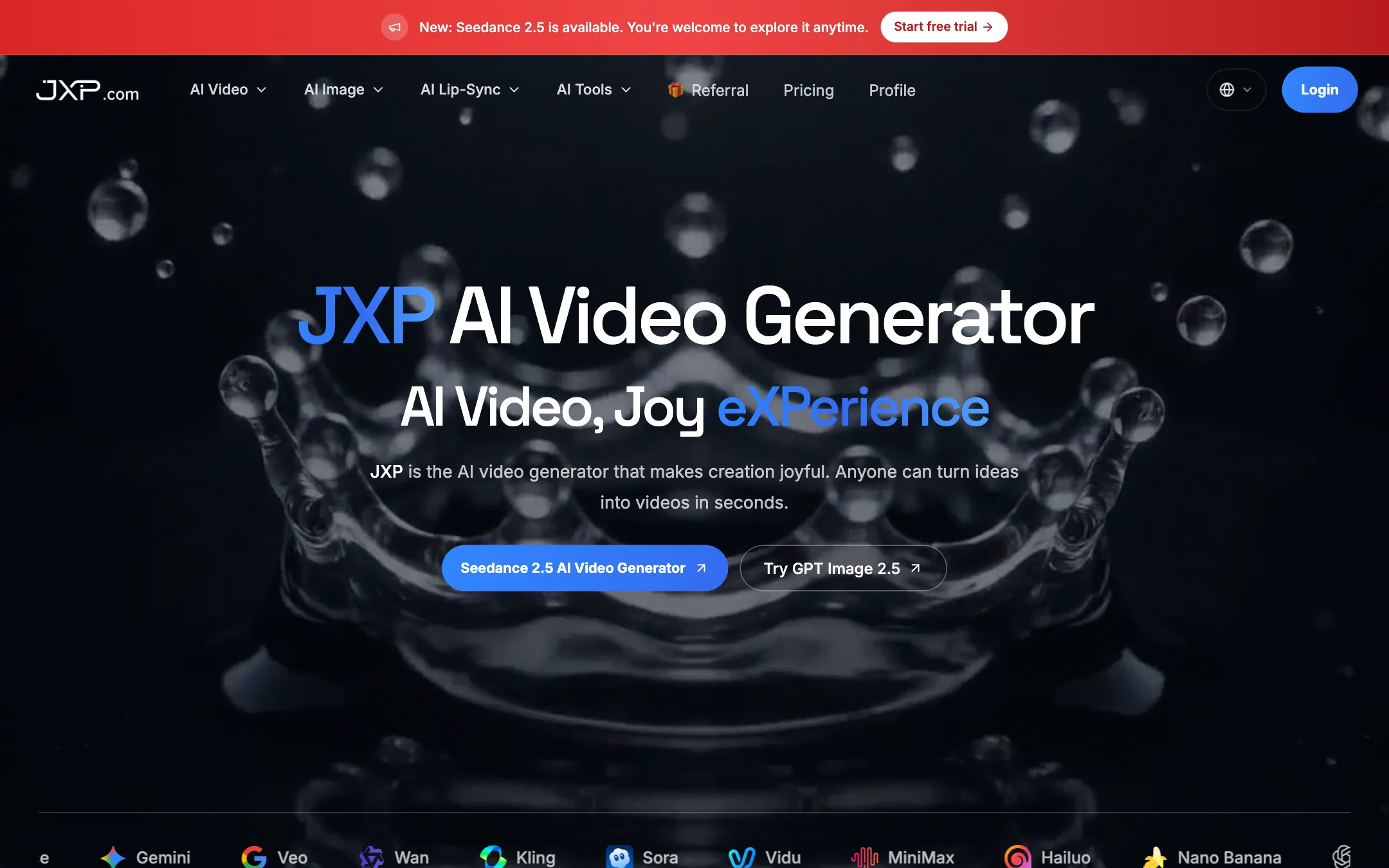
JXP is a web studio for AI video and images. You buy one pot of credits and spend it on whichever model you want: Seedance, Kling, Veo, Wan, Vidu, MiniMax and more. It also has a lip-sync tool for talking avatars and a photo-to-dance generator.
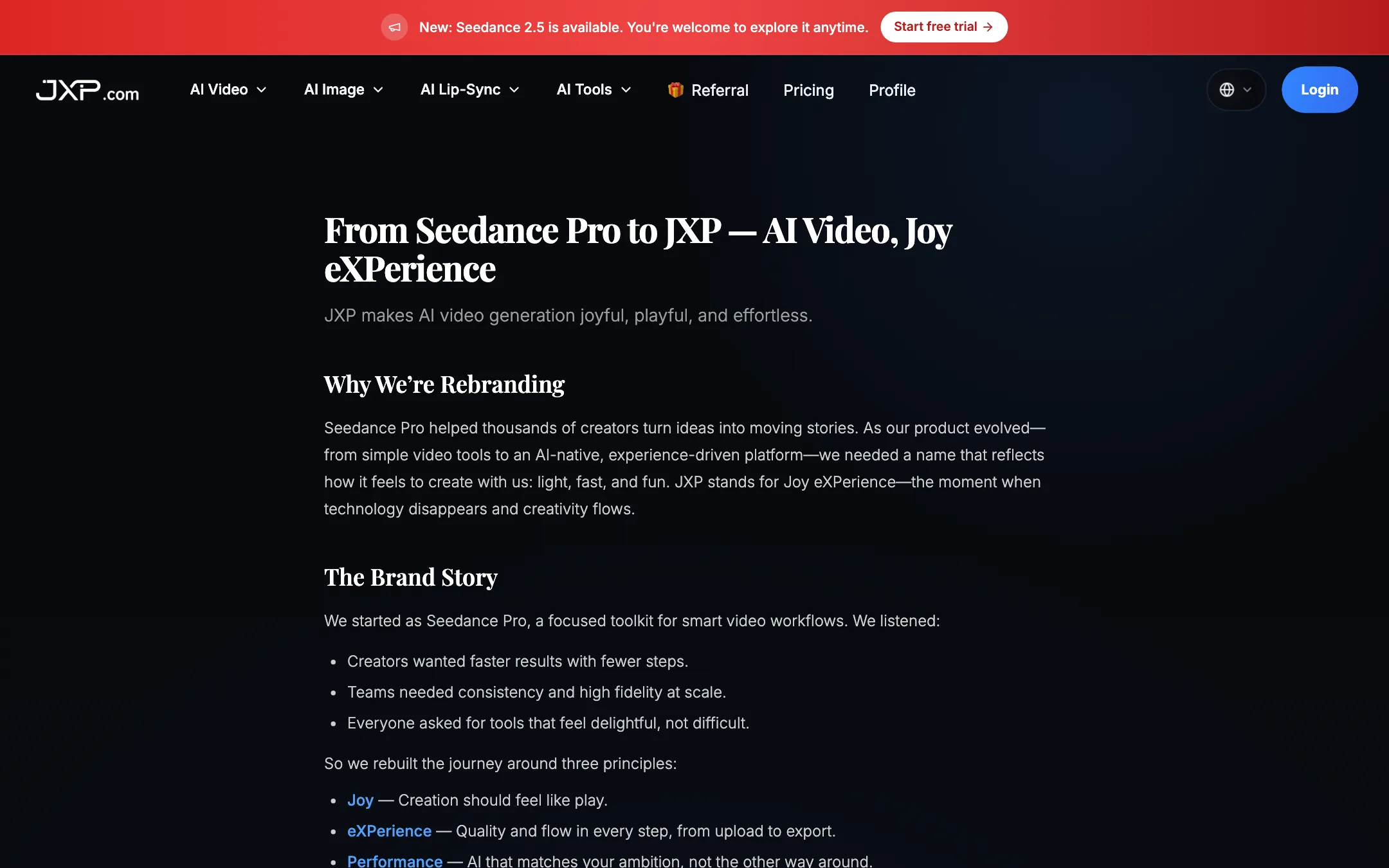
Our directory listed this tool as Seedance Pro at seedancepro.com. That domain now redirects to jxp.com. JXP’s brand upgrade page says it “evolved from Seedance Pro” and that JXP stands for “Joy eXPerience.” It says existing accounts, projects, links and pricing tiers carry over. The company behind it is listed as JXP COM LIMITED.
JXP is a reseller. The models belong to other companies. Seedance comes from ByteDance, Veo and Gemini Omni from Google, Kling from Kuaishou, Wan from Alibaba, and so on. JXP’s job is the interface, the credit system and the prices.
Who it is for
JXP fits you if:
- You want to compare Seedance, Kling and Veo on the same prompt without three subscriptions.
- You generate in bursts. Credits never expire, so a pack bought in March still works in October.
- You hate subscriptions. One-time packs start at $10.
- You want a talking avatar from a photo and an audio file, or a quick dance clip for social.
Skip it if:
- You want the cheapest price per clip on one model. Going to the model maker directly, or to a plan with daily free credits, may cost less.
- You need an editor. JXP generates clips; you will cut them together somewhere else.
- You need clear, consistent documentation. Parts of the site still describe the old Seedance Pro product, as we cover below.
The models
JXP’s homepage and navigation list a long catalog. On the video side:
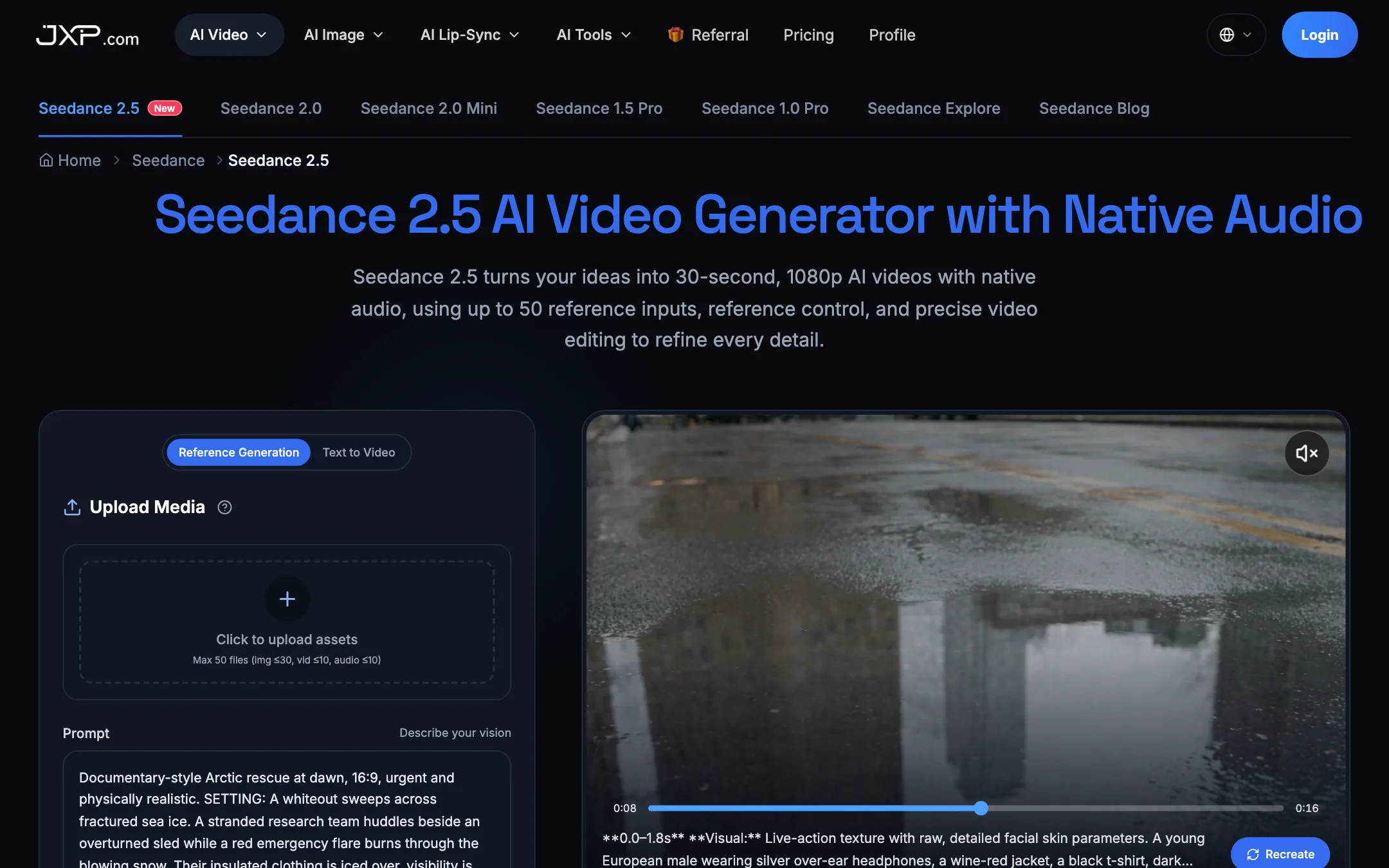
- Seedance: 2.5, 2.0, 2.0 Mini, 1.5 Pro and 1.0 Pro.
- Kling: 4.0, 3.0 and 2.6 Pro.
- Wan: 3.0, 2.7, 2.6 and 2.5.
- Veo: 3 and 3.1.
- MiniMax: H3, H3 Max and Hailuo 2.3.
- Others: Vidu Q4, Gemini Omni Flash and 1.1 Flash, LTX 2 to 2.5, HappyHorse 1.0 and 1.1, and Grok Imagine 1.5.
For images it lists GPT Image 2 and 2.5, Nano Banana in several versions, Seedream 3 to 5.0 Pro, Ideogram 4, Qwen Image 3 and Grok Image 2.
The homepage logo strip also shows Sora and a “JXP” entry. We found no Sora model page in the navigation and no page describing a JXP model of its own, so do not count on either.
How it works
JXP’s how-to page describes the standard flow for text to video:
- Choose Text to Video.
- Write your prompt. JXP says more detail gives better results.
- Set aspect ratio, resolution and duration.
- Click Generate Video, then download or share the result.
Image to video works the same way, with an upload step first. Reference to video lets you attach images, video or audio to steer the result. On the Seedance 2.5 page, the generator accepts up to 50 files: 30 images, 10 videos and 10 audio clips.
Each model has its own landing page with a generator built in. That is handy for trying a model quickly. JXP says the estimated credit cost is shown before you generate.
Lip sync and avatars
The lip-sync tool runs InfiniteTalk, an audio-driven model. You upload a portrait or a video, add an audio file, and it animates the face, head and body to match the speech. JXP pitches it for lectures, podcasts, presenters and multilingual versions of the same avatar.
Pricing is by the second: 1 credit at 480p, 2 at 720p and 3 at 1080p. The page caps a generation at 600 seconds.
AI Dance Generator
Upload one full-body photo and one dance clip, or pick one of JXP’s dance templates. The tool moves your subject to the dance. JXP lists it at 3 credits a second with a 5-second minimum, so 15 credits for the shortest clip. It asks you to use only images and reference videos you have permission to use, which is the right rule. Do not use it on photos of real people without their consent.
Output quality
We have not tested JXP hands-on, so we cannot judge its output directly. The quality you get depends mostly on the model you pick, since JXP runs other companies’ models.
JXP’s model pages make big claims on the models’ behalf. The Seedance 2.5 page promises 30-second single clips at 1080p with native audio and up to 50 references. The Veo 3.1 page claims 30-second clips at 1080p with multi-shot storytelling. Treat these as JXP’s summaries, and check the generator’s own settings before you plan around them.
In fact, the pages do not always agree with their own generators:
- Veo 3.1: the page says clips run to 30 seconds. The generator on the same page offers 4, 6 or 8 seconds.
- InfiniteTalk: the page promises “unlimited duration,” then states a 600-second maximum. It offers a 1080p setting, while its FAQ says exports are 480p and 720p for now.
None of this means the output is bad. It means the marketing copy runs ahead of the product, so trust the settings panel over the headline.
Generation time varies by model and queue. An older FAQ answer says 1 to 3 minutes per video. That was written for the Seedance Pro era, so expect longer for 30-second or high-resolution clips.
Pricing
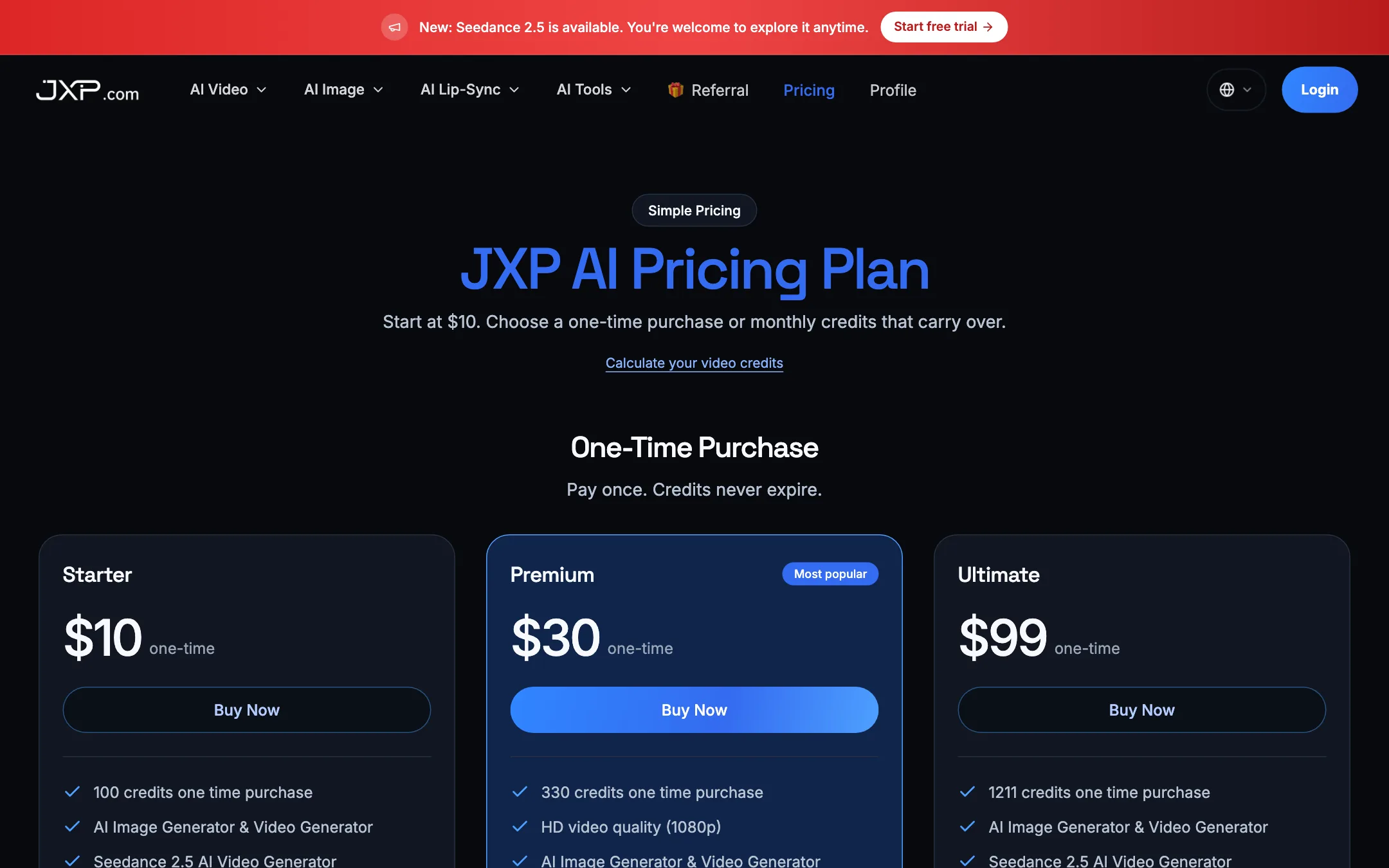
JXP sells credits at three price points, either as one-time packs or as monthly plans. Monthly plans give about 20% more credits for the same price.
| Tier | One-time | Monthly |
|---|---|---|
| Starter | $10 for 100 credits | $10 for 120 credits |
| Premium | $30 for 330 credits | $30 for 396 credits |
| Ultimate | $99 for 1,211 credits | $99 for 1,453 credits |
Every tier lists 1080p, Seedance 2.5 access and a commercial use license. Higher tiers add faster downloads, priority support and “advanced video effects.” Ultimate lists API access as coming soon. Payment is by card through Stripe.
What the credits buy
JXP’s calculator puts a 10-second, 720p Seedance 2.5 clip at 50 credits. So:
- Starter pack: 2 such clips for $10, about $5 each.
- Ultimate pack: about 24 clips for $99, roughly $4 each.
- Images: 1 credit each, so 100 images for $10.
- Lip sync: a 60-second talking video at 720p is 120 credits.
Other models, longer clips, higher resolution and extra references cost more. Use the free trial credits to check the real cost of the clip you need.
Credits, failures and refunds
The good news first. JXP says all credits, including subscription credits, never expire and roll over month to month. That is rare and genuinely useful if you create in bursts.
If a generation fails because of a server or technical error, no credits are charged. If it fails because your prompt or image breaks the content rules, the credits are still deducted. JXP’s terms ban NSFW content.
The refund policy is clearer than most:
- Within 7 days, 10% or less used: full refund.
- Within 7 days, more than 10% used: refund for unused credits only.
- After 7 days: no refund.
- Never refunded: used credits and bonus or promotional credits.
Referral program
JXP has a referral link, not a cash affiliate program. When someone you refer pays, you get 10% of their payment back as credits, added after a manual review. That is worth having if you share your work, but it pays in credits only.
Leftovers from Seedance Pro
The rebrand is not finished. Parts of the FAQ still describe the old product, and they contradict the current site:
- Subscriptions. The FAQ says purchases are one-time and that this is not a monthly subscription service. The pricing page sells monthly subscriptions.
- The name. Several answers still call the product “Seedance pro AI.”
- ByteDance. One answer describes Seedance as “ByteDance’s revolutionary AI video generation platform” and talks about Seedance 1.0 as the flagship. JXP does not claim to be ByteDance, and the current flagship on its own site is Seedance 2.5.
- Commercial use. The old FAQ says yes without conditions. The newer homepage FAQ says it depends on your plan, the model and your source material.
When the pages disagree, go with the pricing page and the generator settings, which are newer.
Verdict
JXP is a convenient way to sample a wide range of top video models from one account. Credits that never expire, packs from $10 and a real 7-day refund window make it low-risk to try. The lip-sync and dance tools add something most single-model sites lack.
The trade-offs are the usual ones for a reseller. JXP sets its own prices on models it does not own, and we did not compare them with each model maker’s direct rates. The marketing copy oversells some models, and stale Seedance Pro text muddies the FAQ. If you already know which model you want and use it daily, go direct or pick a plan with daily free credits. If you want to shop around between models now and then, JXP is a sensible place to do it.