CapCut vs AutoCut
Two video editors tools side by side: pricing, free plans, features and who each one suits.
Some links on this page are affiliate links. If you buy through them we may earn a commission at no extra cost to you. Read our disclosure.
#4 of 73 in Video editors
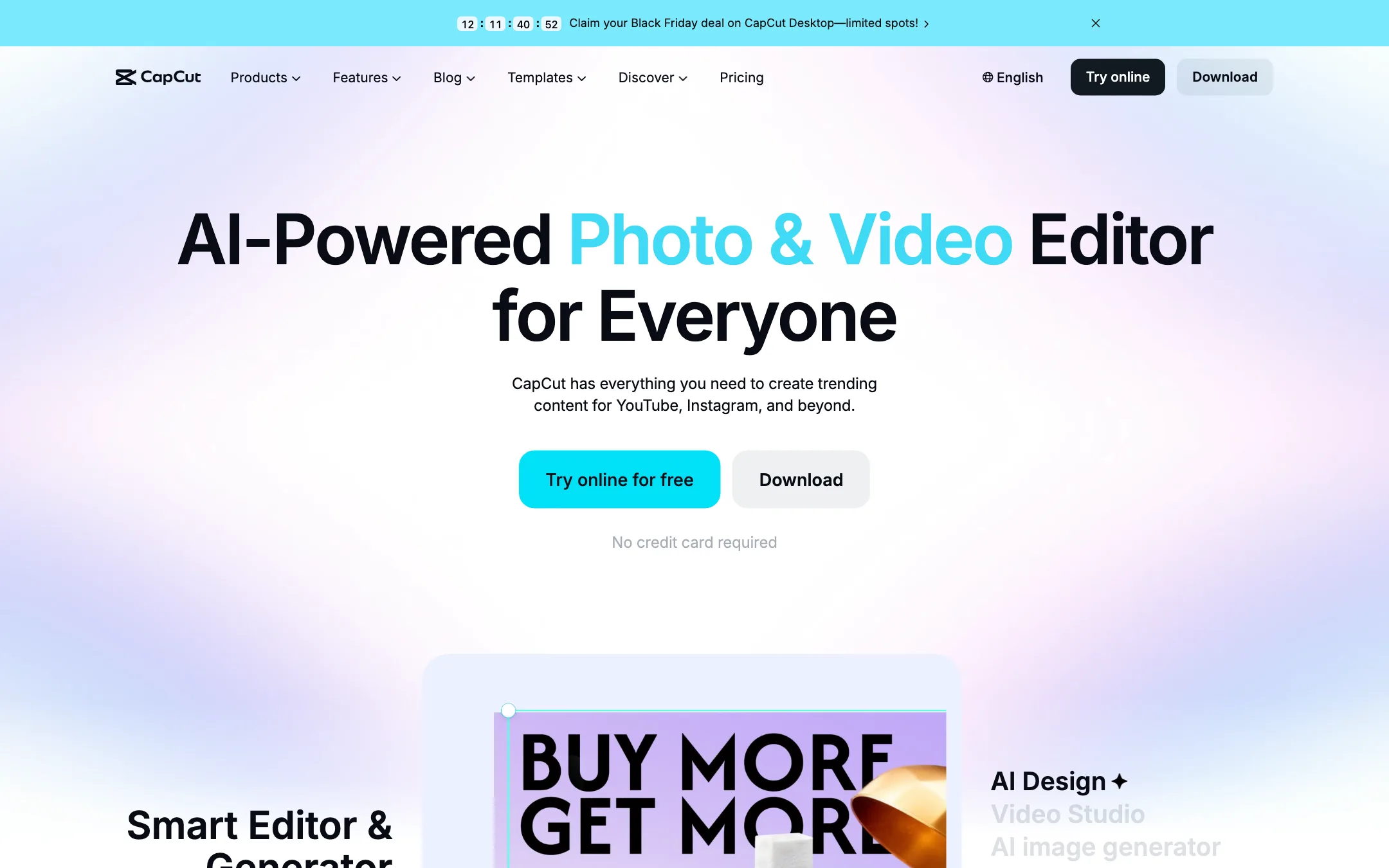
ByteDance's free all-round video editor with auto captions, huge template library and built-in Seedance video generation
Best for: Social creators who want one free editor on phone, browser and desktop, with auto captions and trend templates built in.
#5 of 73 in Video editors
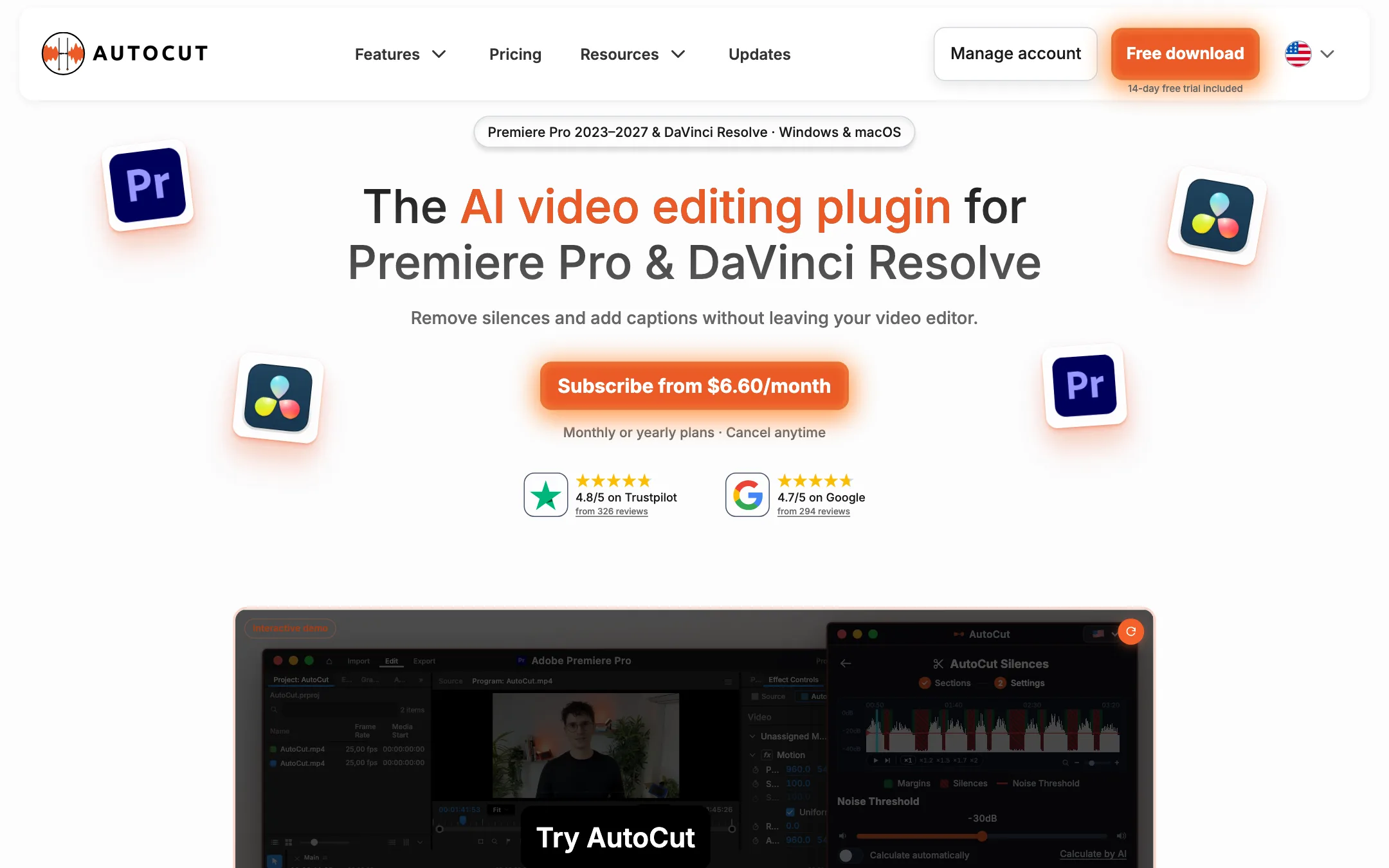
An AI editing plugin for Premiere Pro and DaVinci Resolve that cuts silences and bad takes, adds animated captions, zooms, B-roll and camera switches inside your own timeline
Best for: Editors who already work in Premiere Pro or DaVinci Resolve and want silence cuts, captions, zooms and multicam switches done automatically on their own timeline.
The short answer
More creators choose CapCut than AutoCut, and it ranks higher in our video editors list. Pick CapCut if you want social creators who want one free editor on phone, browser and desktop, with auto captions and trend templates built in. Pick AutoCut if you want editors who already work in premiere pro or davinci resolve and want silence cuts, captions, zooms and multicam switches done automatically on their own timeline.
CapCut: The default free editor for short-form creators, and for good reason. Captions, templates and effects are a tap away on every device. The catch is regional pricing you only see after sign-in, a credit system for the AI features, and ByteDance ownership, which some workplaces restrict.
AutoCut: A focused, fairly priced plugin that automates the boring first pass without moving you out of your editor. You need Premiere Pro or Resolve and some editing skill to get value from it, and there is no free plan once the 14-day trial ends.
Specs side by side
| CapCut | AutoCut | |
|---|---|---|
| Starting price | Pricing not published | From $6.6/mo |
| Free tier | ||
| Pricing | Free plan with basic editing and free templates. Pro, Ultra and Teams plans are priced per region; we saw Pro at MYR 48.9/mo. | 14-day free trial with all features, no card. Basic (silences only) from $6.60/mo yearly; the full AI plan from $14.90/mo yearly ($19.80 monthly). |
| Platforms | Web, Windows, macOS, iOS, Android, iPad | Windows, macOS, Premiere Pro, DaVinci Resolve |
| Best for | Social creators who want one free editor on phone, browser and desktop, with auto captions and trend templates built in. | Editors who already work in Premiere Pro or DaVinci Resolve and want silence cuts, captions, zooms and multicam switches done automatically on their own timeline. |
| Last checked | 2026-10-19 | 2026-10-21 |
Pricing
CapCut
Free plan with basic editing and free templates. Pro, Ultra and Teams plans are priced per region; we saw Pro at MYR 48.9/mo.
- FreeFree
- ProMYR 48.9/mo · MYR 314.9/yr
- UltraMYR 324.9/mo · MYR 3,699/yr
- TeamsFrom MYR 22.5/seat/mo (2 seats)
AutoCut
14-day free trial with all features, no card. Basic (silences only) from $6.60/mo yearly; the full AI plan from $14.90/mo yearly ($19.80 monthly).
- Free trialFree for 14 days
- Basic$6.60/mo yearly ($79) · $9.90 monthly
- AI Plan$14.90/mo yearly ($178.80) · $19.80 monthly
- Enterprise$19.90/mo per license, billed yearly
Key features
CapCut
- Timeline editor on web, Windows, macOS, iPhone, iPad and Android
- Auto captions with language detection and caption translation
- Caption templates with styled, animated text
- Large library of templates for Reels, TikTok and Shorts
- Text to speech, custom voices, voice enhance and noise reduction
- Background removal for video and images
- AI video generation with ByteDance's Seedance models inside the editor
- AI image generation and image tools (enhancer, upscaler, inpainting, text remover)
- Teams plan with shared space and brand kit
AutoCut
- AutoCut Silences removes dead air with a noise threshold, pace presets and J-cut or L-cut transitions
- AutoCaptions generates animated word-by-word captions in 80+ languages, with a new Advanced Mode in beta for Premiere Pro
- AutoCut Podcast and AutoCut Angles switch camera angles automatically based on who is speaking, silences, emotion or transcript
- AutoZoom adds timed zooms to talking-head footage without manual keyframes
- AutoViral finds strong moments in a long video and scores them as short clip candidates
- AutoB-Rolls places AI images or Storyblocks stock footage on your timeline
- AutoCut Repeat detects repeated takes and keeps the best one
- AutoProfanity Filter bleeps, mutes or removes swear words
- AutoChapters writes YouTube chapters with timestamps
- AutoResize reframes sequences for vertical and square formats
Strengths and weaknesses
CapCut
- Free plan covers real editing on every platform
- Auto captions and caption styles are built into the timeline
- Template library is huge and tracks current trends
- Same account across phone, browser and desktop
- Seedance video generation lives inside the editor, so you can generate and cut in one place
- Pro includes 1 TB of cloud storage
- Prices vary by country and the final price only shows after sign-in
- Many effects, templates and AI tools sit behind Pro
- AI features run on credits, and generation pricing is quoted per second of video
- Owned by ByteDance, which some companies and schools block
- The sheer number of tools and menus can feel cluttered
- The affiliate program only pays for referrals from four countries
AutoCut
- Works inside Premiere Pro and DaVinci Resolve, so there is no export and re-import
- Supports the free version of DaVinci Resolve, not just Studio
- 14-day trial includes every feature and needs no card
- Basic plan is cheap if you only need silence removal
- No video length or usage limit on normal editing, per AutoCut's FAQ
- Frequent updates, with a public changelog showing new features every few weeks
- No free plan after the trial
- You need Premiere Pro or DaVinci Resolve already, plus enough editing skill to review its cuts
- Basic covers silence removal only; captions, zooms and clips all need the AI Plan
- One license works on one computer at a time
- Captions Advanced Mode is a Premiere Pro beta, so Resolve users get the simpler caption mode for now
- Yearly savings are stated as "up to 33%" on the toggle and "up to 25%" in the FAQ; the real figure depends on the plan
Try CapCut
Free plan with basic editing and free templates. Pro, Ultra and Teams plans are priced per region; we saw Pro at MYR 48.9/mo.
Try AutoCut
14-day free trial with all features, no card. Basic (silences only) from $6.60/mo yearly; the full AI plan from $14.90/mo yearly ($19.80 monthly).