What Atlabs is
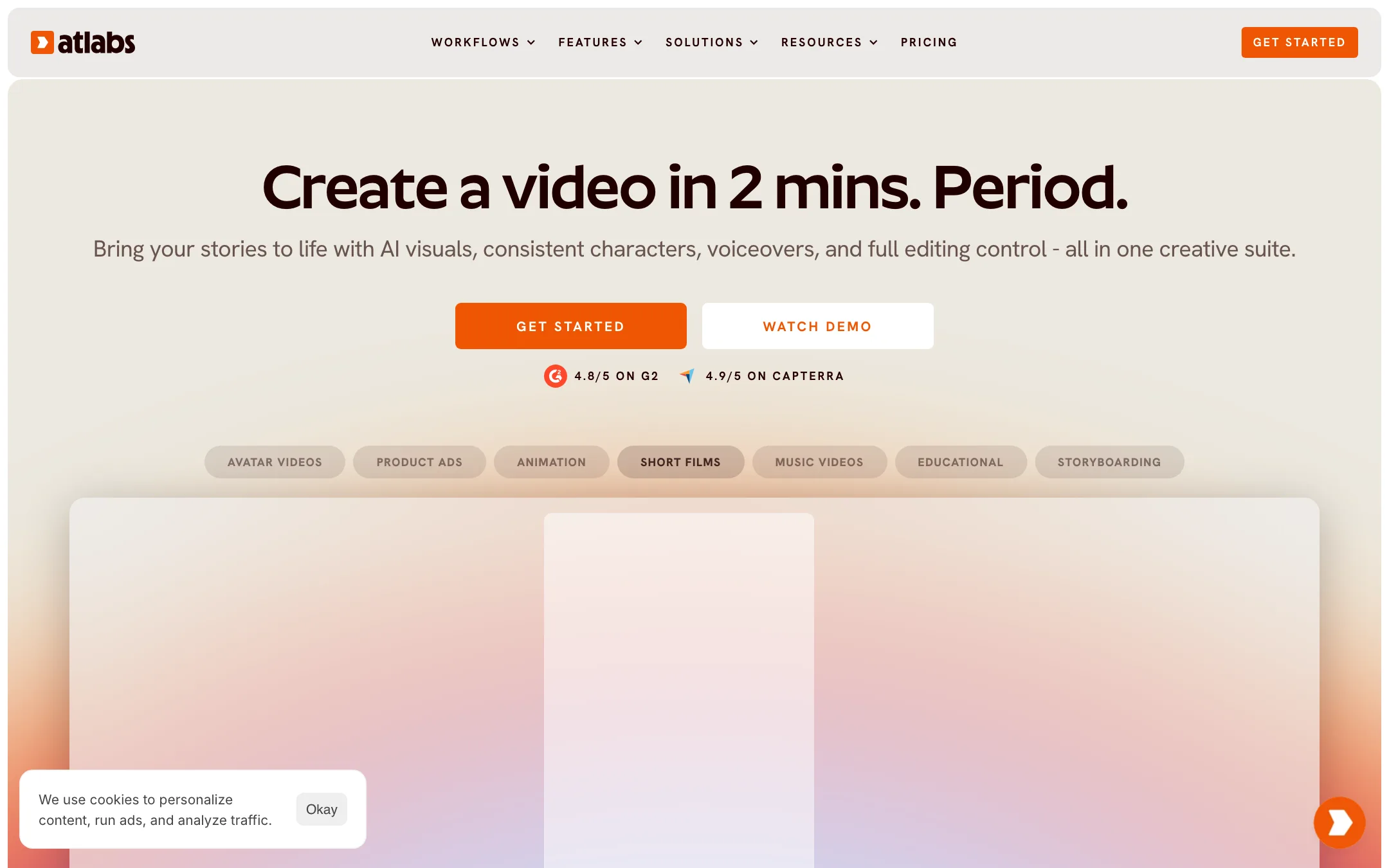
Atlabs is a browser-based AI video suite. You start from an idea, a script, an audio file or an existing video, and it builds a multi-scene video with visuals, voiceover, captions and music. Its headline is blunt: “Create a video in 2 mins. Period.”
The pitch is breadth. One account covers story films, music videos, animation, educational videos, avatar videos and UGC-style product ads. Atlabs says more than 50,000 brands, agencies and creators use it.
Atlabs does not train its own video model. Its pricing page lists a long table of third-party models: Google Veo 3.1, Seedance, Sora 2, Runway, Kling, Hailuo, Wan, LTX-2 and more, plus image models like Nano Banana Pro and Flux Kontext. What Atlabs builds is the workflow around them. That means scene planning, consistent characters, voice, lip sync and editing.
Who it is for
Atlabs fits you if:
- You make story videos, explainers or YouTube series and need the same character to look the same in every scene.
- You make music videos, for your own songs or for kids’ channels, and want scenes cut to the beat.
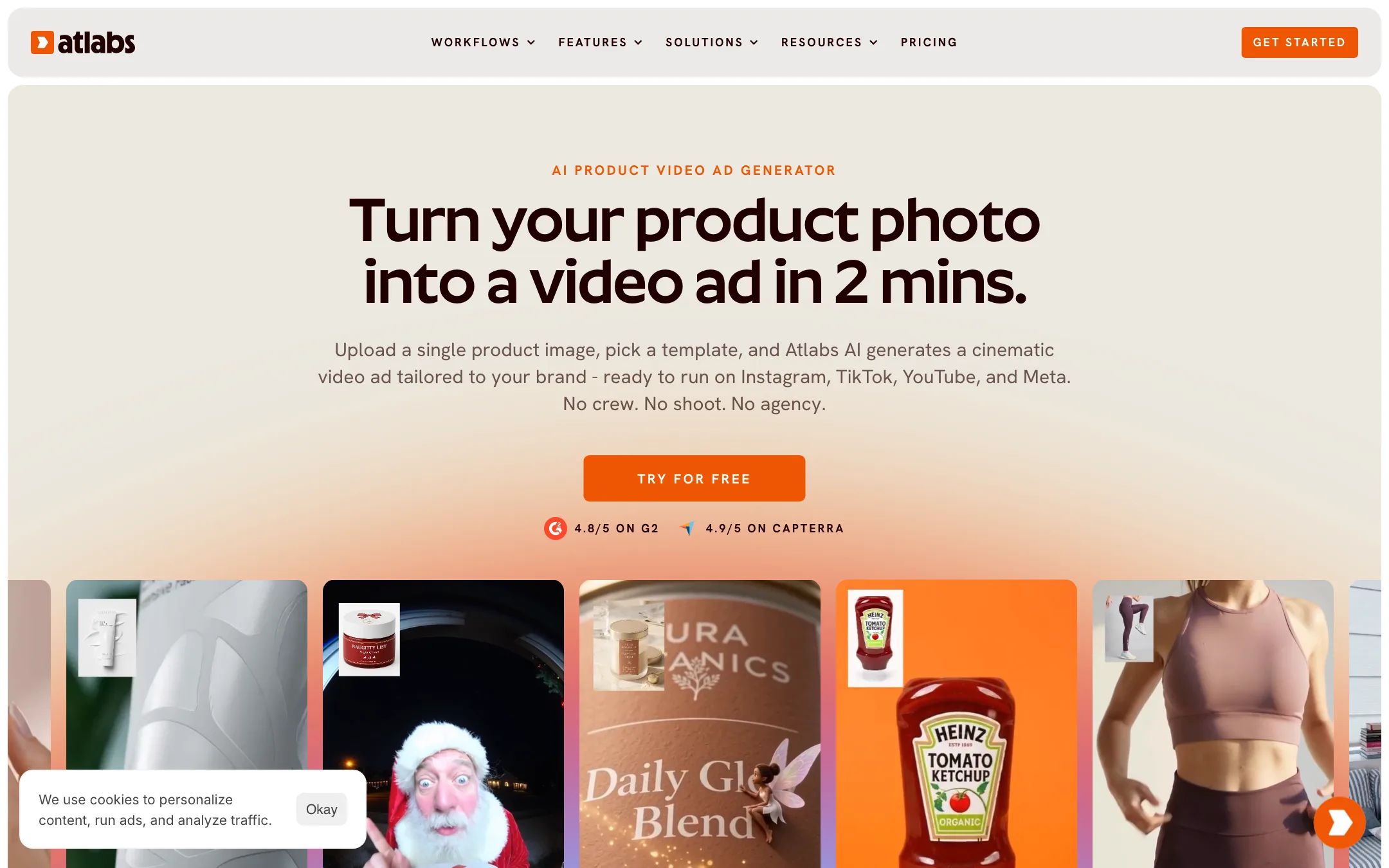
- You sell physical products and want product ads from a single photo.
- You want longer output. Pro allows 5-minute videos and Max allows 20.
- You want to hand the result to an editor. Plus and Max export to Premiere Pro.
Skip it if:
- You want one perfect cinematic shot with fine control. A direct model tool such as Runway or PixVerse gives you more control per generation.
- You want an ongoing free plan. Atlabs gives you one free video, then you pay.
- You need clear pricing before you sign up. The public pages disagree on some details, as covered below.
How it works
Atlabs is organised around workflows. Each one is a guided path for a type of video. The main ones on its site are Script to Video, Music Video, UGC Product Ads, UGC Avatar Video, Story to AI Video, Cartoon Video Maker and AI Storyboard Generator.
Script to video
According to Atlabs’ pages, a typical run goes like this:
- Start with your input. Type a rough idea, paste a script, upload an audio file or import an existing video. An AI script writer can draft the script if you only have an idea.
- Pick a style and format. Atlabs lists 30+ visual styles on most plans, or you can upload your own. Choose 9:16, 16:9 or 1:1 and a target length.
- Cast your characters. Pick from a built-in character library or add your own. Higher plans let you train custom characters, objects and locations so they stay consistent.
- Review the storyboard. Atlabs breaks the script into timed scenes. You can swap visuals, regenerate motion or change the voiceover per scene.
- Add voice, captions and music. Atlabs says it has 300+ voices in 40+ languages, voice cloning, emotion control and pronunciation fixes, plus animated subtitles and royalty-free music.
- Export. MP4 on every plan, with a Premiere Pro export on Plus and Max.
The homepage demo shows the idea in miniature. A one-line prompt about a rusty robot protecting a flower becomes a 30-second, 1:1 “Playful” video split into four timed scenes.
Music videos
The music video workflow is one of Atlabs’ more distinctive features. You upload an MP3 or WAV, or import a track from Suno or SoundCloud. Atlabs says it analyses the music, generates beat-synced scenes, adds lyric captions and can cast you as the performer. There are dedicated agents for kids’ music videos and for faith and gospel videos. Performance-style and multi-character music videos sit on higher plans.
Product ads
The UGC Product Ads workflow starts with one product photo. You pick from 100+ templates sorted by category, such as skincare, apparel, jewelry, food and beverage, and home. Atlabs says it places your product into the scene with matched lighting, shadows and reflections. You can also upload a reference ad, and “Clone a Video” copies its motion, pacing and camera moves with your product in it. Plus and Max add a 200+ template library, and Max adds an “Actor Holding Product” option.
Avatars and smaller tools
Avatar videos use AI lip sync on a character with your script. Atlabs also lists standalone tools: image generation and editing, video and image upscaling, reframing, lip sync, motion control, video modification, text to music and captioning. The workflow menu also carries “AI Baby Video Generator” and “AI Old Face Generator” photo effects. They are minor next to the main workflows and do not change the core product.
Output quality
We have not run Atlabs ourselves, so we cannot rate its output first-hand. What its pages show:
- Quality depends on the model. Every scene is generated by a third-party model. A Veo 3.1 or Kling scene will look different from a Hailuo or Wan scene. Atlabs’ value is in keeping characters and style consistent across those generations, not in a better model.
- Consistency is the main promise. Character, object and location libraries are built into the workflow. Atlabs says you can keep the same character across a whole series. That is a real problem with raw text-to-video tools, so it is worth testing on a short project first.
- Export resolution is capped at 1080p. The video upscaler goes to 4K on Plus and Max, but standard exports top out at 1080p, and Lite exports at 720p.
- Atlabs’ own ratings. It cites 4.8/5 on G2 and 4.9/5 on Capterra. Those are vendor-quoted figures.
Use the free video on the exact kind of project you plan to make. A music video and a product ad stress very different parts of the system.
Pricing
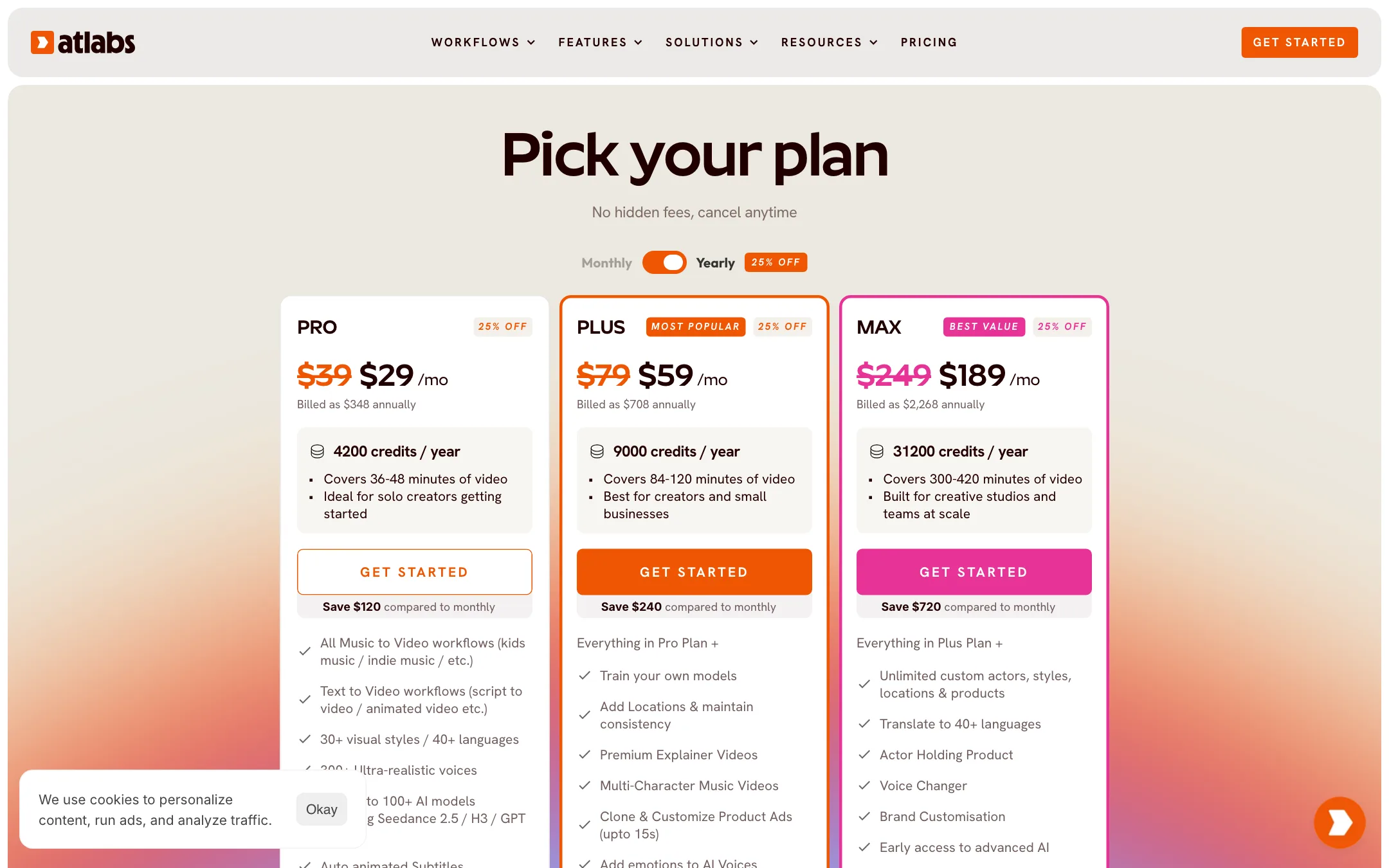
Atlabs sells annual plans with credits issued up front, or monthly plans. Yearly billing saves 25%.
| Plan | Price | What you get |
|---|---|---|
| Free | Free | One full video run |
| Lite | Not published | 2-minute videos, 720p |
| Pro | $29/mo yearly, $39 monthly | 4,200 credits a year, about 36 to 48 minutes of video, 5-minute videos |
| Plus | $59/mo yearly, $79 monthly | 9,000 credits a year, about 84 to 120 minutes, 10-minute videos, Premiere Pro export |
| Max | $189/mo yearly, $249 monthly | 31,200 credits a year, about 300 to 420 minutes, 20-minute videos |
The “minutes of video” estimates on each card are useful. Most credit-based tools only tell you the credit count. Treat them as Atlabs’ estimates, since the real cost depends on which model each scene uses.
Where the pricing pages disagree
- Lite has no price. The compare table and FAQ both mention a Lite plan “for individuals exploring AI video,” but no Lite price appeared on the public pricing page when we checked.
- Pro export resolution. The Pro card says “Export your videos (1080p).” The compare table’s key features row also says 1080p, but its sharing and export section lists Pro at 720p. Confirm before you buy if 1080p matters.
- Model counts and names. The homepage says “Powered by 50+ top AI models.” The pricing page says “100+ AI models including Seedance 2.5 / H3 / GPT 2.5.” The model table further down lists Seedance 2.0 and 1 Pro Fast, not 2.5. The footer names Seedance 2.0.
Credits and renewals
- Credits roll over while you stay subscribed. That applies to monthly and annual plans. Cancel and they go.
- Annual plans pay out credits up front. You get the full year’s balance on day one.
- Extra credits are on every plan. Plus and Max get discounted packs.
- Both plan types auto-renew. Atlabs says it sends a reminder before an annual renewal. You can switch off auto-renew in account settings.
- One-month use is possible. Atlabs’ FAQ says you can subscribe monthly and cancel straight away, keeping access to the end of the month.
Which plan to pick
- Pro suits a solo creator making a few short story or explainer videos a month. Atlabs estimates 36 to 48 minutes of video a year, which is roughly three to four minutes a month.
- Plus is the plan Atlabs marks as most popular. It adds trained characters, locations and objects, multi-character videos, emotion in voices and the Premiere Pro export. If consistency is why you want Atlabs, this is the realistic starting point.
- Max is for studios. It adds 1-click translation into 40+ languages, a voice changer, the Actor Holding Product ad format, faster renders and an account manager.
Verdict
Atlabs is a strong pick if you make multi-scene videos and keep fighting inconsistent characters. Long video limits, character libraries, music video tools and a Premiere Pro export add up to a real production workflow, not just a prompt box.
The trade-offs are clear. It runs on other companies’ models, so it will not beat a direct model tool on raw shot quality. The free plan is a single video. And its pricing pages disagree on Lite, Pro export resolution and model names. Start on monthly Pro, test your main use case, and move to yearly only once the output works for you.