
What AnimateAI is
AnimateAI is a web app for making short animated story videos, the kind you would post as a series. You give it a story idea. It creates characters, writes a storyboard with narration and voiceover, generates a short clip for each scene and joins them into one video.
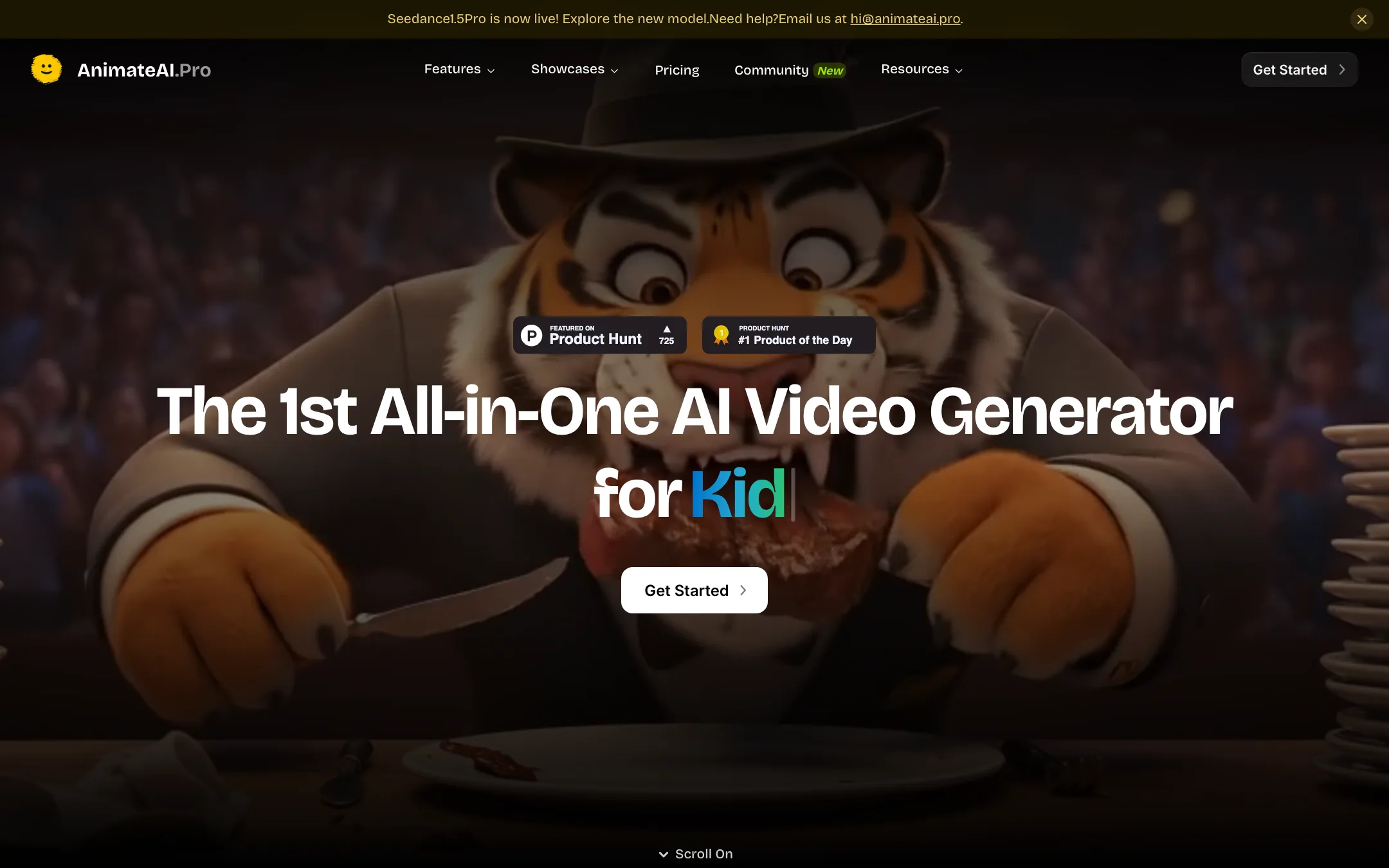
It calls itself “the 1st All-in-One AI Video Generator for Animated Series.” The useful part of that line is the word series. The product is built around keeping the same characters across many episodes, which is where most text-to-video tools fall apart.
AnimateAI does not train its own video model. It resells others. The pricing page lists Kling 1.6, Kling 2.0 Master, Kling 2.5 Turbo Pro and MiniMax Hailuo 02. The homepage goes further and names Runway, Luma and Minimax for video, FLUX and MidJourney for images, GPT-4, Claude and Gemini for text, ElevenLabs for voice and Suno for music. A site banner announces Seedance 1.5 Pro. What you pay for is the workflow that ties them together.
The terms are governed by Hong Kong law. Support is by email at [email protected].
Who it is for
AnimateAI fits you if:
- You run, or want to start, an animated story channel on YouTube or TikTok with recurring characters.
- You make kids’ bedtime stories, motivational shorts, lofi loops or fake movie trailers.
- You want a storyboard you can edit before any video credits are spent.
- You would rather follow one guided pipeline than juggle a chatbot, an image model, a video model and a voice tool.
Skip it if:
- You want to try AI video for free. There is no free plan.
- You need the newest, sharpest models on a budget. Standard stops at Kling 1.6 and Hailuo 02.
- You want live-action realism. The product, its showcases and its visual themes lean hard toward animation and anime.
- You need long videos. AnimateAI talks about 10 to 30 second full-length videos built from short scenes.
How it works
AnimateAI lays out its workflow in three stages on the homepage. You can run them by hand or hand the whole thing to Autopilot.
1. Characters
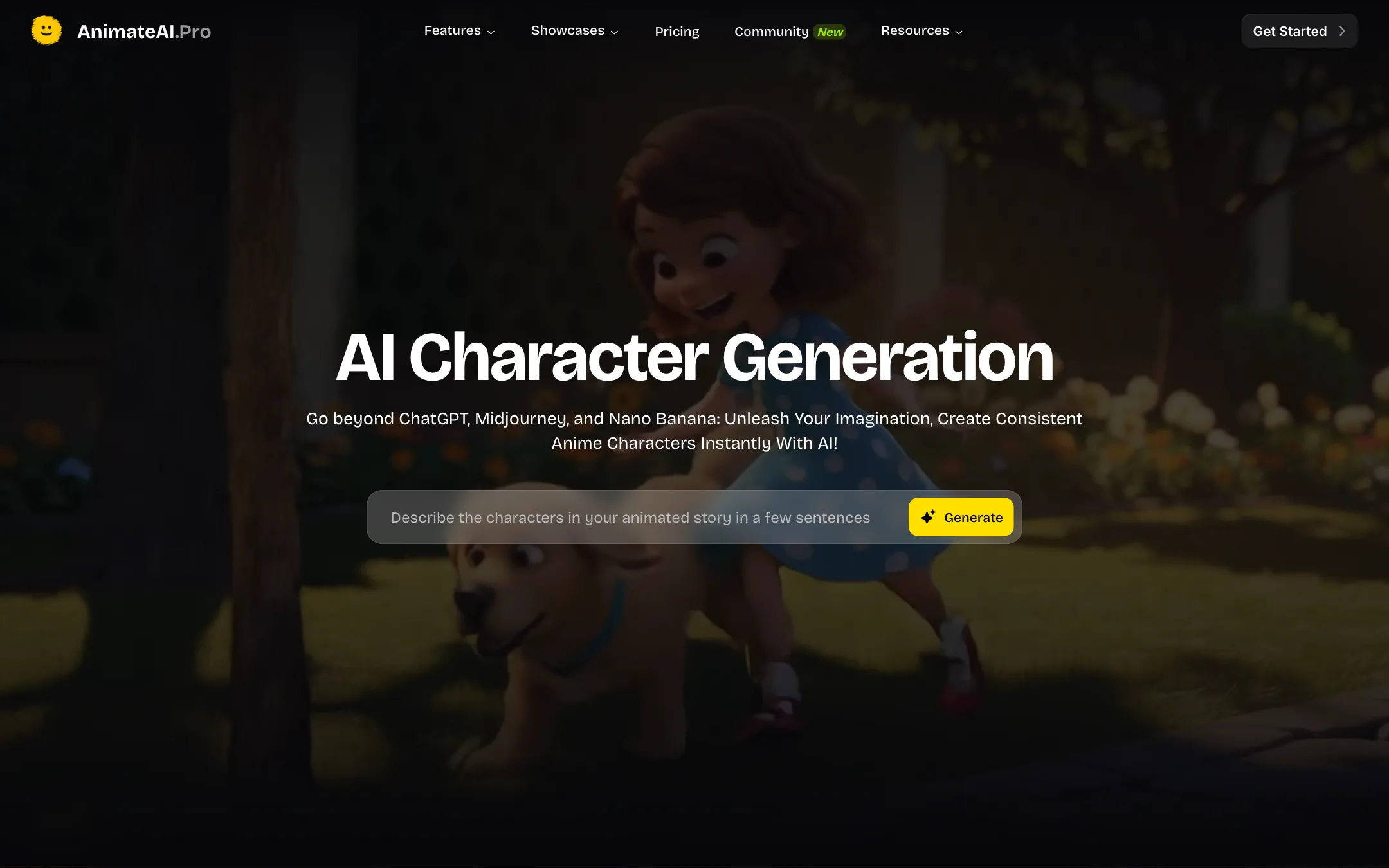
You describe a character in words or upload a sketch or reference image. AnimateAI generates the character and saves it to what it calls a Character Vault. You can set a style, outfit and voice. Later projects pull characters from the vault, so your lead looks the same in episode five as in episode one.
AnimateAI calls this an “Industry-First Consistency Lock.” Treat that as marketing. Other tools in this category also offer reusable characters. Still, a saved character with a fixed voice is the right foundation for a series, and it is the feature to test first.
The character picker splits a main character from background characters. The homepage demo shows sample characters such as Lisa and Alice with a shuffle button, so you can start from presets.
2. Storyboard
Next, AnimateAI turns your idea or script into a storyboard. Each scene gets a title, a description, a narration line, a voiceover and a picture. The homepage example shows three scenes of a painter called Alex, from “Evening Solitude” to “Midnight Masterpiece.”
You can edit the story, rewrite scenes and choose between images before you move on. This is the step that saves money. Fixing a scene description costs far less than regenerating a video clip.
3. Video
Then each scene is turned into a short clip, and a Concatenate Videos step joins them. AnimateAI says each scene runs about 5 to 6 seconds. You can change aspect ratio and resolution, and pick visual themes such as Ghibli-style and cyberpunk, according to the changelog.
There are a few helpers around this:
- Enhanced Mode rewrites your text, image and video prompts automatically. AnimateAI pitches it as a way to skip prompt engineering.
- Autopilot takes one request and runs everything: characters, prompts, storyboard and video.
- Templates let you remix a video from the AnimateAI community in your own style. A “Coming Soon” label sits next to this part of the homepage while the footer already links to it, so check what is there before you count on it.
A typical run
- Type a one-paragraph story idea, for example a bedtime story about a fox who is afraid of the dark.
- Pick or generate your main character and any background characters. Save them.
- Generate the storyboard. Read each scene and fix any narration that sounds off.
- Choose the video model. On Standard that means Kling 1.6 or Hailuo 02.
- Generate the scenes, then concatenate them into one video.
- Download it, or rerun single scenes that came out wrong.
Output quality
We have not run AnimateAI ourselves, so take quality claims as AnimateAI’s own. It says its videos come out “10x faster” and with “30% savings on AI models.” Neither claim comes with a method. Its FAQ says you get 1080p results automatically, and the changelog says Kling Pro at 1080p is for subscribers.
What you can reason about from the model list:
- On Standard you get Kling 1.6 and MiniMax Hailuo 02. These are capable models, but they are a generation or two behind the current Kling releases. Pro adds Kling 2.0 Master and Kling 2.5 Turbo Pro.
- The homepage and plans disagree on models. The homepage and FAQ name Runway, Luma and Seedance, and a banner says Seedance 1.5 Pro is live. The plan cards list only Kling and MiniMax. Ask support which models your plan unlocks before you pay.
- Consistency depends on the vault and the model. A saved character helps the image stage. Whether the video model keeps faces steady across scenes is still down to Kling or Hailuo, and both drift on fast motion.
- Voice and music are bought in. ElevenLabs and Suno are named for voice and music. Quality there should match those services, but you have less control than in the original apps.
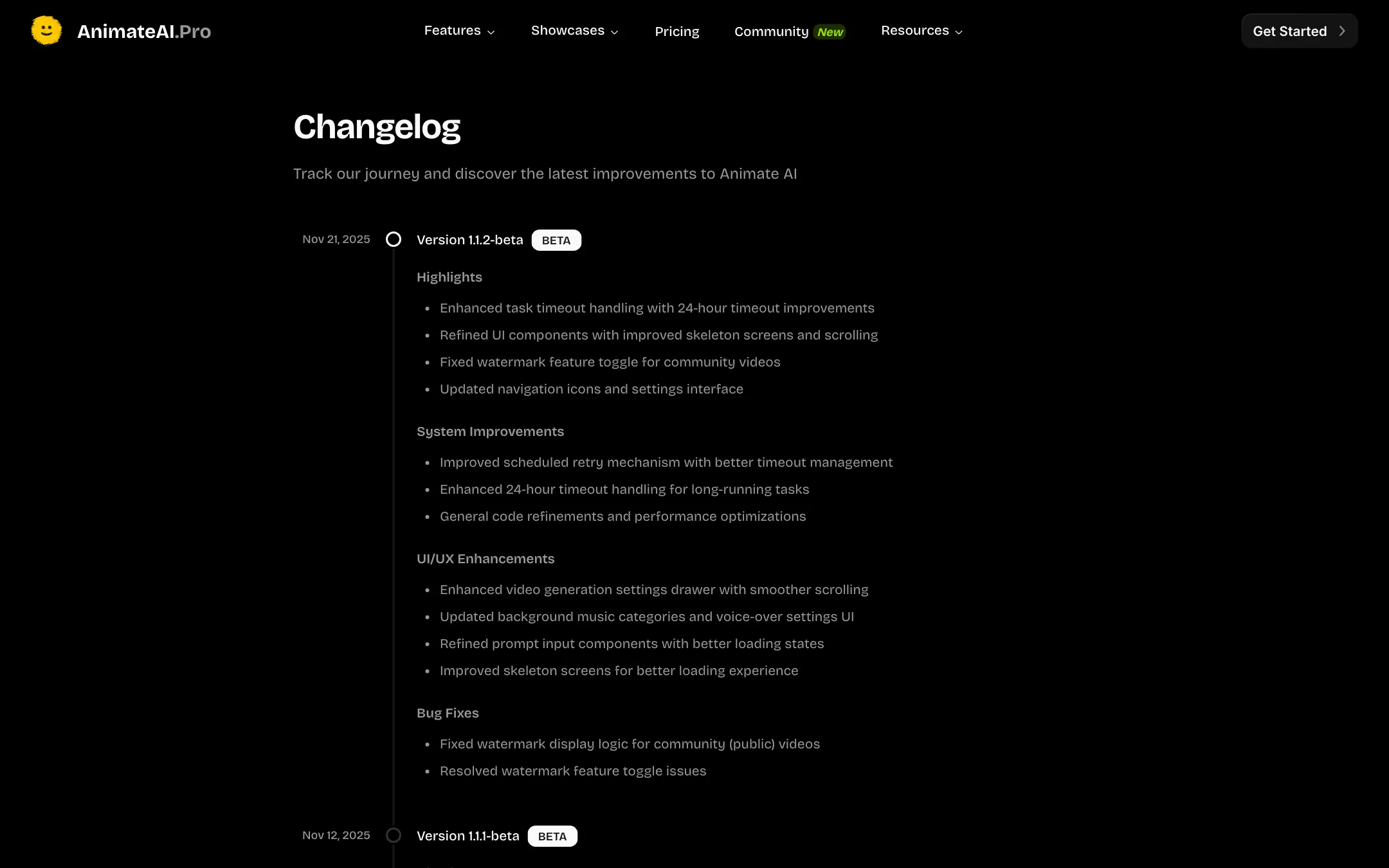
The changelog shows active fixes through late 2025, including voiceover timing compressed to fit each storyboard scene to reduce stutter. It also shows every release still tagged beta, and no entries after November 2025.
Pricing
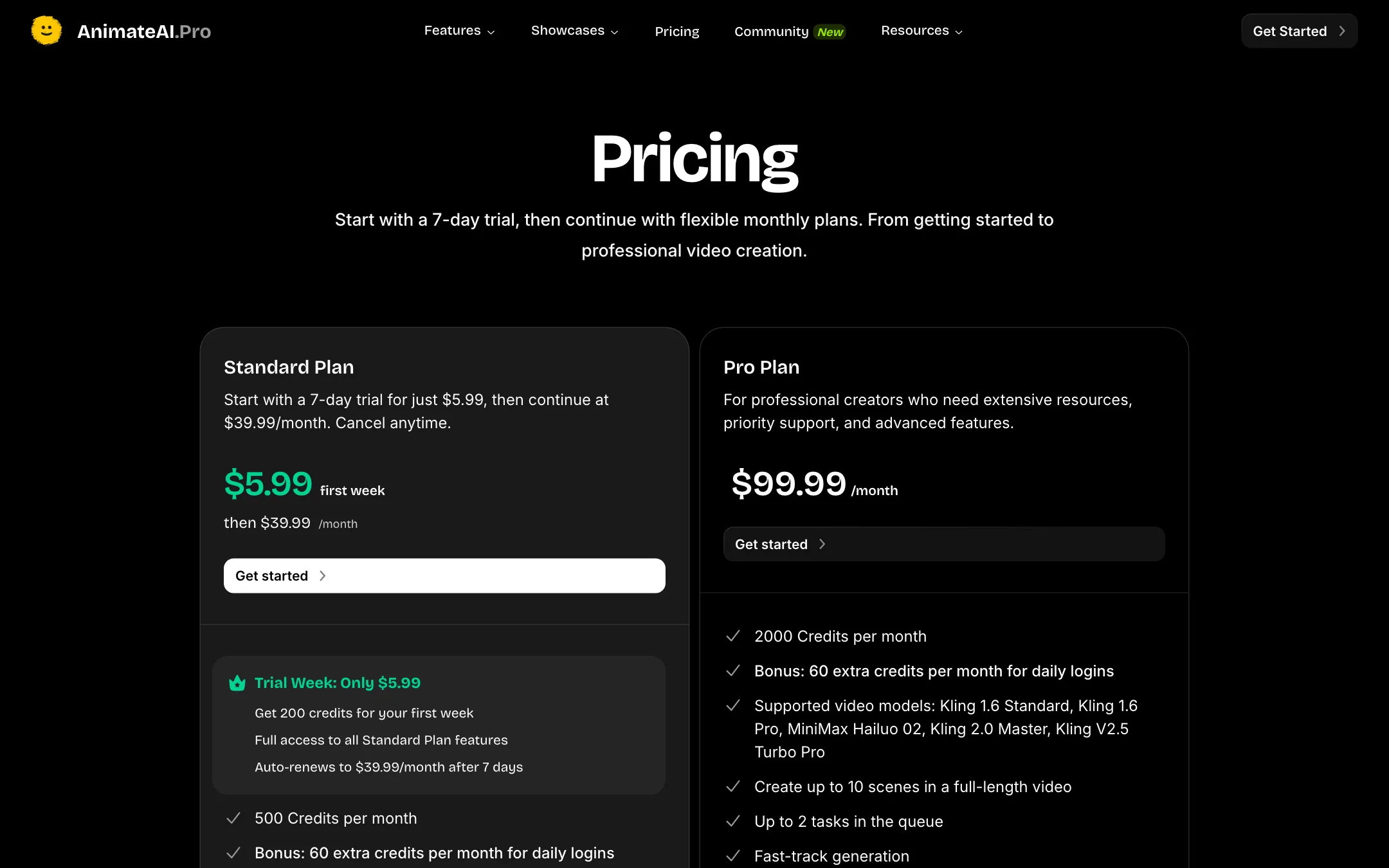
AnimateAI runs on credits and has no free plan.
| Plan | Price | What you get |
|---|---|---|
| Trial | $5.99 for 7 days | 200 credits, Standard features, renews at $39.99 |
| Standard | $39.99/mo | 500 credits + 60 for daily logins, Kling 1.6, Hailuo 02 |
| Pro | $99.99/mo | 2,000 credits + 60, adds Kling 2.0 Master and 2.5 Turbo Pro |
| Credit packs | $19.99 to $99.99 | 200 to 2,000 credits, expire after 30 days |
The credit math is simpler than most. AnimateAI says each scene costs 20 credits. A single scene is 20 credits, and a five-scene video is 100. So Standard’s 560 credits buy about five or six short episodes a month. Pro’s 2,060 buy about twenty.
Things to watch:
- The trial renews automatically. Cancel before day seven if you do not want the $39.99 charge.
- “Free” labels are stale. The pricing page title says “Compare Free & Pro Plans” and buttons say “Get Started for Free.” The changelog for October 2025 says “Removed Free plan.”
- Scene limits disagree. The plan cards say up to 10 scenes per video. The FAQ says up to 5 scenes per project. Plan for 5 until you see otherwise.
- Watermark wording disagrees. Standard lists “No watermarks.” An FAQ on the character page says to upgrade to Pro for “watermark-free downloads.” The plan card is the more recent-looking source.
- Pack credits expire in 30 days. Buy them only when you have a project ready.
- Daily-login credits need you to log in. The 60 bonus credits a month come from daily logins, so they are not guaranteed.
Refunds and rights
Subscription fees for the current billing period are not refundable. You can cancel any time and keep access until the period ends. If a full-length video fails, AnimateAI says it refunds every credit spent on that project, including story, character, storyboard, voice and music steps.
The pricing FAQ says paid users own full commercial rights to their scripts, characters, storyboards, voiceovers, music and videos. The terms also give AnimateAI a perpetual license to user content. If you are making videos for a client, read the terms first.
Verdict
AnimateAI is one of the few tools in this list built specifically for animated series. The character vault plus editable storyboard is the right shape for a recurring kids’ channel or story account, and the per-scene price is easy to plan around.
The catch is the entry cost. There is no free tier, Standard is $39.99 a month for older Kling models, and the site still contradicts itself on free access, scene limits and watermarks. If you want to test the series workflow, take the $5.99 week, generate two or three episodes with one saved character, and decide before the renewal. If you mainly want strong single clips, a general generator with a free tier will serve you better.