Veo 4 (veo4.dev) vs Runway
Two text to video tools side by side: pricing, free plans, features and who each one suits.
Some links on this page are affiliate links. If you buy through them we may earn a commission at no extra cost to you. Read our disclosure.

#8 of 77 in Text to video
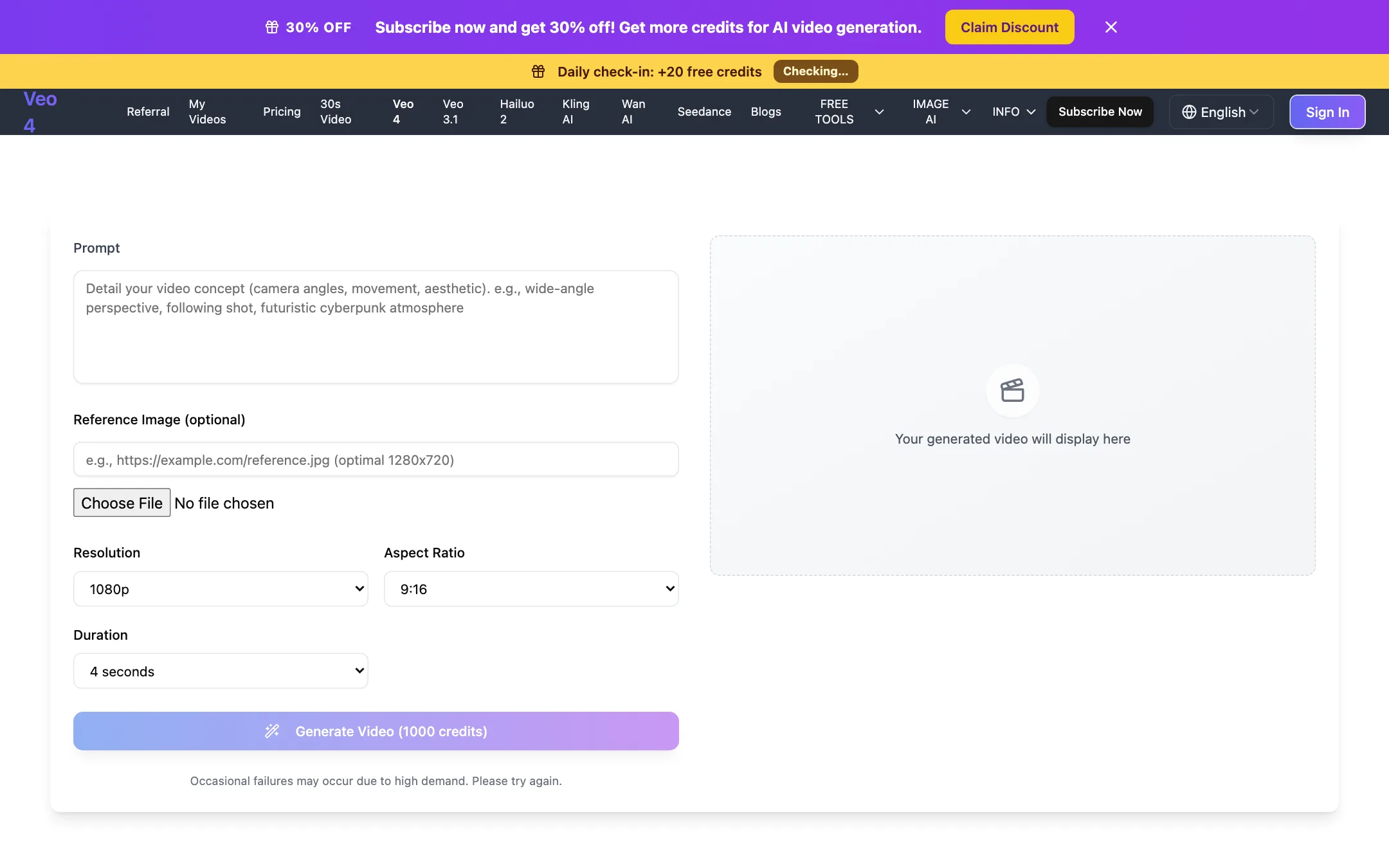
An independent web generator that sells Google Veo 3.1 Fast under a "Veo 4" label, plus Kling, Seedance, Hailuo and Wan
Best for: Budget-minded creators who want Veo 3.1 Fast and a few other big models in a simple browser form, and who understand they are buying through a reseller.

#10 of 77 in Text to video
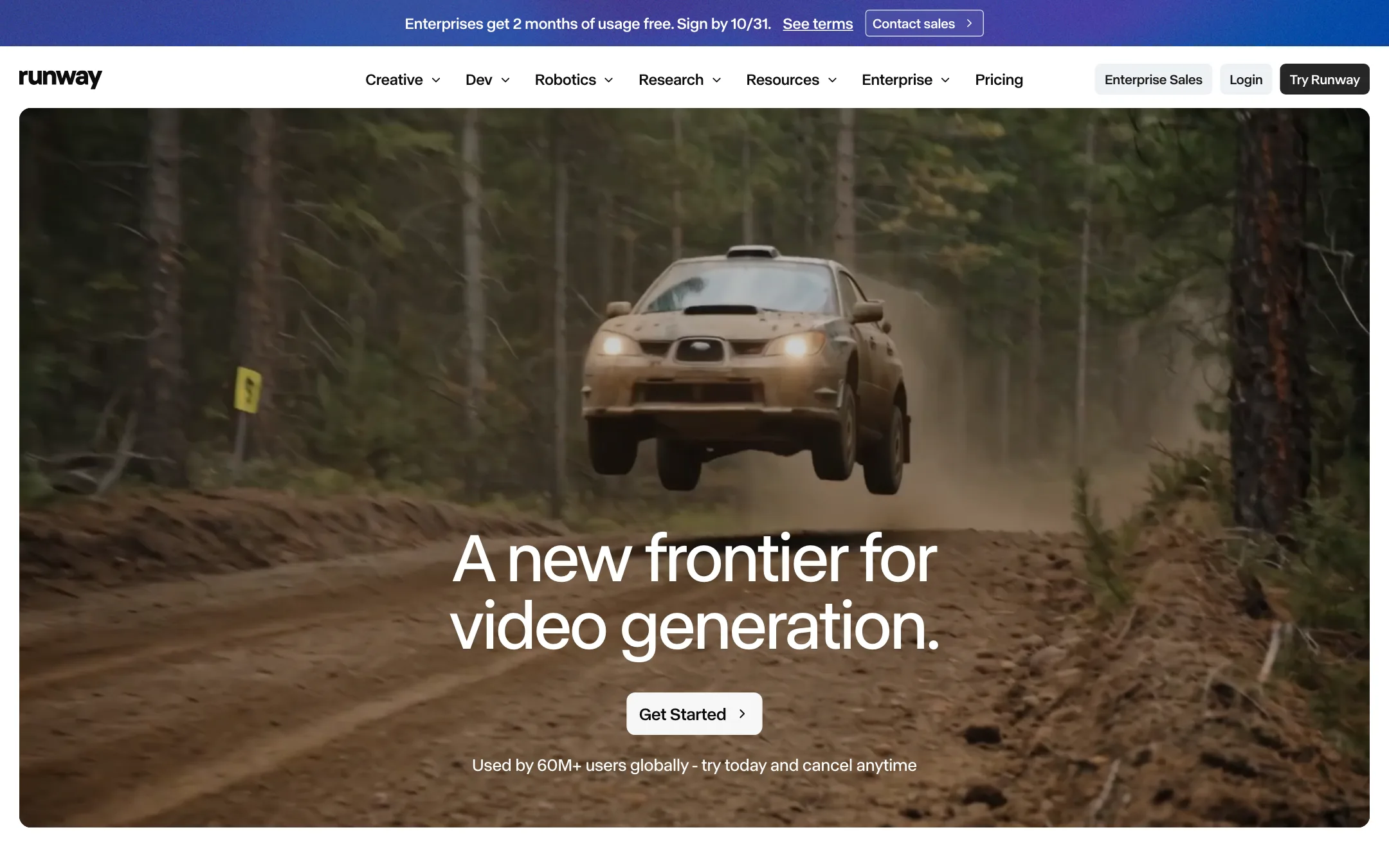
The AI video lab behind Gen-4.5 and Aleph, with a full creative suite for generating, editing and extending footage, plus Kling, Seedance and other models
Best for: Filmmakers, editors, agencies and brand teams who want frontier video models plus serious editing tools, and are willing to pay per second of footage.
The short answer
More creators choose Veo 4 (veo4.dev) than Runway, and it ranks higher in our text to video list. Pick Veo 4 (veo4.dev) if you want budget-minded creators who want veo 3.1 fast and a few other big models in a simple browser form, and who understand they are buying through a reseller. Pick Runway if you want filmmakers, editors, agencies and brand teams who want frontier video models plus serious editing tools, and are willing to pay per second of footage.
Veo 4 (veo4.dev): A simple, honest-about-itself reseller with a clean generator and fair credit refunds on failed jobs. The "Veo 4" name is a label for Google's Veo 3.1 Fast, not a new Google model, and refunds for anything else are close to impossible.
Runway: One of the few companies that builds its own frontier video models, wrapped in a deep creative suite with editing, plugins and team tools. It is a professional tool priced like one, and the cheapest plan buys under a minute of Gen-4.5 footage a month.
Specs side by side
| Veo 4 (veo4.dev) | Runway | |
|---|---|---|
| Starting price | From $19.99/mo | From $12/mo |
| Free tier | ||
| Pricing | One free 5-second 480p video for new users, plus 20 daily check-in credits. Paid plans from $19.99/mo billed yearly ($29.99 monthly). | Free plan with 125 one-time credits. Paid plans from $12/mo billed yearly ($15 monthly). |
| Platforms | Web | Web, iOS, Android, API |
| Best for | Budget-minded creators who want Veo 3.1 Fast and a few other big models in a simple browser form, and who understand they are buying through a reseller. | Filmmakers, editors, agencies and brand teams who want frontier video models plus serious editing tools, and are willing to pay per second of footage. |
| Last checked | 2026-10-19 | 2026-10-21 |
Pricing
Veo 4 (veo4.dev)
One free 5-second 480p video for new users, plus 20 daily check-in credits. Paid plans from $19.99/mo billed yearly ($29.99 monthly).
- Free$0
- Plus$19.99/mo yearly · $29.99 monthly
- Professional$34.99/mo yearly · $49.99 monthly
- Enterprise$69.99/mo yearly · $99.99 monthly
- Credits Pack$39.99 one-time
- CustomContact sales
Runway
Free plan with 125 one-time credits. Paid plans from $12/mo billed yearly ($15 monthly).
- FreeFree
- Standard$12/mo yearly · $15 monthly
- Pro$28/mo yearly · $35 monthly
- Max$76/mo yearly · $95 monthly
- Team$55/seat/mo yearly · $69 monthly
- EnterpriseCustom
Key features
Veo 4 (veo4.dev)
- "Veo 4" option that runs Google Veo 3.1 Fast: 4, 6 or 8 second clips at 720p or 1080p
- Also runs Veo 3.1, Kling 3.0, Kling 2.5 Turbo Pro, Seedance 2.0, Hailuo 2.3, Wan 2.6 and 3.0, MiniMax H3 and Happy Horse 1.0
- Text-to-video and image-to-video with an optional reference image
- 30-second video page powered by Wan 3.0 at 480p
- Credit cost shown on the Generate button before you start
- Failed generations refund their credits automatically
- Image tools including Flux generator and editor, photo restore, headshots and text removal
- Site in 10 languages
Runway
- Gen-4.5, Runway's own text-to-video and image-to-video model
- Aleph 2.0 and Edit Studio, which apply an edit made on one frame to the rest of the video
- Third-party models in the same app, including Kling 3.0, Seedance 2.0 and 2.5, Nano Banana Pro, Wan and FLUX
- Runway Agent for building end-to-end videos through conversation
- Apps for removing objects, relighting, changing backdrops or time of day, adding dialogue and upscaling
- Node-based Workflows that chain models and steps
- Act-Two and Add Performance for mapping your voice and expressions onto a character
- Plugins for Premiere Pro, After Effects and DaVinci Resolve
- Music, voice and sound effects generation
- Runway MCP, a ChatGPT plugin and a developer API
- iOS and Android apps
Strengths and weaknesses
Veo 4 (veo4.dev)
- Says plainly that "Veo 4" is Google's Veo 3.1 Fast, not a new Google model
- Credit cost is visible before you generate
- Failed jobs refund their credits
- One free video lets you see the workflow before paying
- Yearly plans are about 30% cheaper than monthly
- Credits pack for people who do not want a subscription
- The name invites confusion with Google's own Veo models
- The free video uses a small Lite model at 480p, not Veo
- A default Veo 4 clip costs 1,000 credits, so Plus covers roughly 20 clips a month
- Refunds only for major outages or defects, never for change of mind
- Small one-person operation, with limited public information about the company
Runway
- Runs its own frontier models, not only resold ones
- Video editing tools go well beyond generation, from object removal to relighting
- Premiere Pro, After Effects and Resolve plugins fit real post-production
- Public per-model credit costs make budgeting predictable
- Every paid plan gets all video and image models and no watermark
- Team plan with pooled credits and frame-accurate comments
- Standard's 625 credits buy only about 52 seconds of Gen-4.5 a month
- Free credits are one-time, roughly 10 seconds of Gen-4.5
- Credits do not roll over on Standard or Pro
- Pricing page labels yearly billing both "2 months free" and "20% off"; the actual saving is 20%
- Studio-grade output such as HDR and ProRes is Max-only
- The breadth of tools and models has a learning curve for casual creators
Try Veo 4 (veo4.dev)
One free 5-second 480p video for new users, plus 20 daily check-in credits. Paid plans from $19.99/mo billed yearly ($29.99 monthly).
Try Runway
Free plan with 125 one-time credits. Paid plans from $12/mo billed yearly ($15 monthly).