Topaz Labs vs HitPaw VikPea
Two video editors tools side by side: pricing, free plans, features and who each one suits.

#44 in Video editors
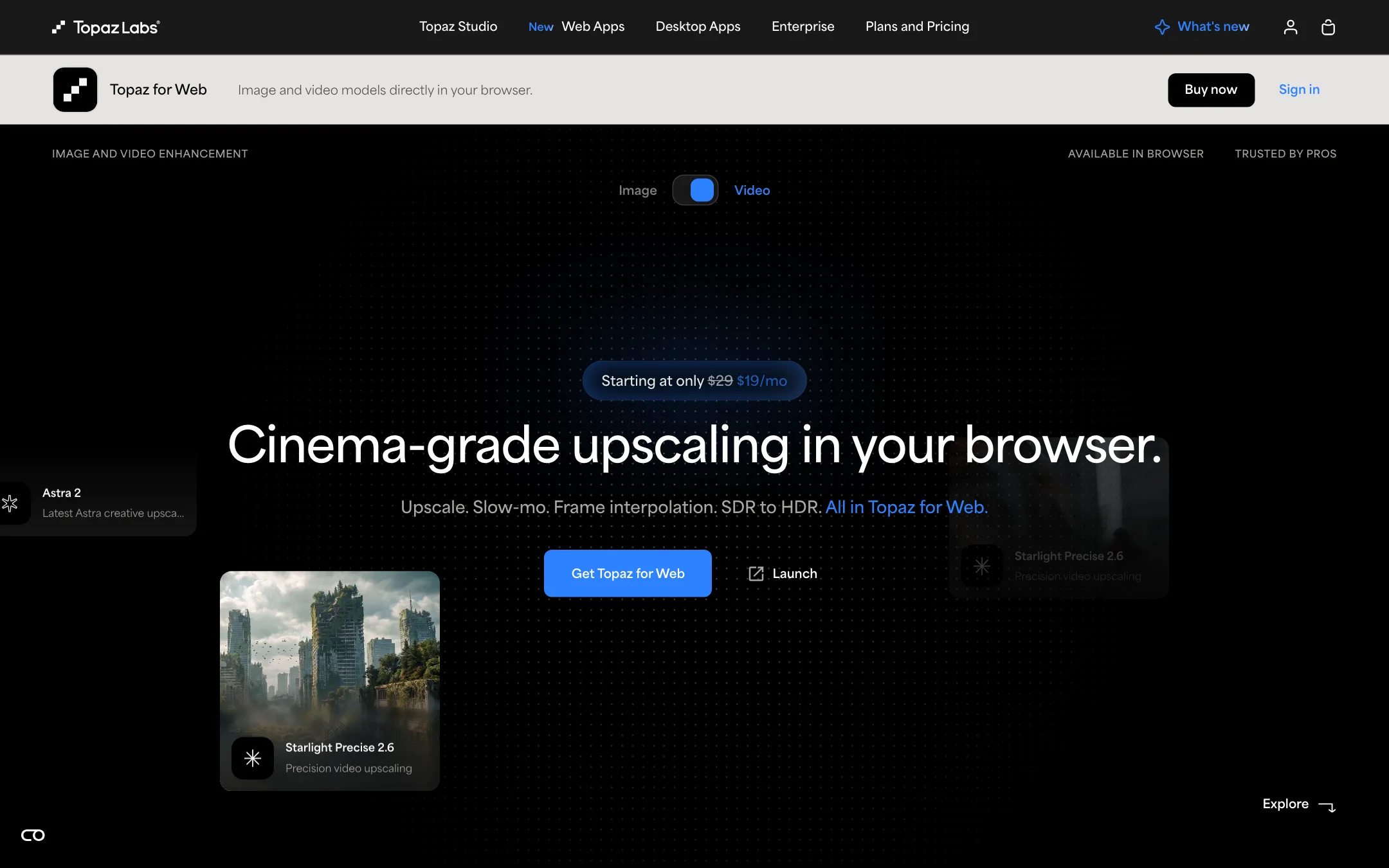
The long-running AI upscaler for video and photos, with a desktop app that renders locally and a browser app that finishes AI clips in the cloud
Best for: Editors and AI video creators who need to upscale, denoise, slow down or convert footage to HDR as the last step before delivery.
#48 in Video editors
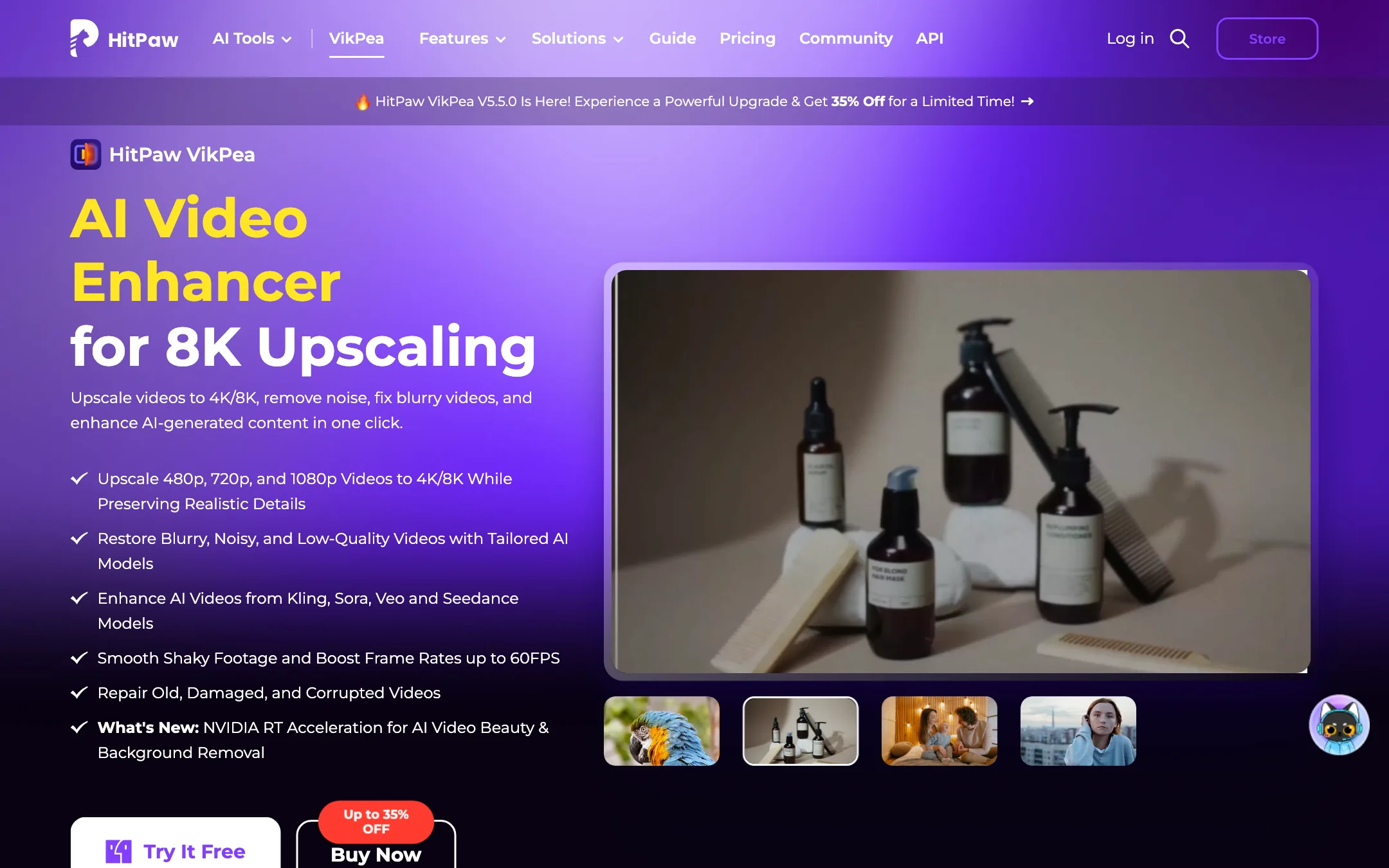
A desktop AI video enhancer for Windows and Mac that upscales to 4K or 8K, denoises, repairs, stabilizes and colorizes footage, with cloud rendering and a credit-based video generator on the side
Best for: People with old, noisy, shaky or low-resolution footage who want one-click upscaling and restoration on their own computer, without learning a pro finishing tool.
Topaz Labs or HitPaw VikPea?
Both upscale and clean up footage on your own computer. Topaz is the professional finishing tool, with more control, editor plugins and a higher price. VikPea is the simpler, cheaper option: pick a model that matches your footage and export. For home videos and casual AI clips on Windows, VikPea is the better value. For client work and serious grading, Topaz is worth the extra cost.
What each one is built for
Topaz gives you a choice between a precise upscaler for real footage and a creative one that adds texture to soft AI clips. It can output 10-bit ProRes or 16-bit EXR HDR for grading and runs inside After Effects, Resolve and Premiere. VikPea is a model picker. You choose a model for faces, animation, compressed files or general cleanup, or let its AI Pilot choose. It also repairs files that will not play and can colorize black-and-white video. Even HitPaw’s own positioning leaves high-end finishing to Topaz.
What it costs at typical use
Take three years of regular use on Windows:
- Topaz Video desktop at $299 a year comes to $897.
- VikPea at $99.99 a year comes to about $300 if the sale price holds at renewal, which HitPaw does not spell out. The perpetual license is $350.39 once and covers updates within the current major version.
On a Mac, VikPea yearly rises to $110.39, still far below Topaz.
There is a catch on VikPea’s side. Its strongest models, such as UHD Restoration and the generative and portrait models, export with credits on top of the license. Yearly buyers get 500 bonus credits, and HitPaw does not list per-clip costs. Topaz desktop renders locally with no usage cap at all.
Testing works differently too. VikPea’s free version previews but cannot export, and HitPaw ties its 30-day refund to support failing to fix a problem. Topaz has no free plan and a two-day refund window, so have your hardest clip ready on day one.
Which to pick
- Pick Topaz if you deliver client or AI work at 4K, grade in HDR, or want enhancement inside your editor. See the Topaz Labs review.
- Pick VikPea if you restore family tapes or phone clips, want one-click models, or prefer a one-time license. See the HitPaw VikPea review.
Specs side by side
| Topaz Labs | HitPaw VikPea | |
|---|---|---|
| Starting price | From $19/mo | From $8.33/mo |
| Free tier | ||
| Pricing | No free plan. Topaz for Web Video from $19/mo; Topaz Video desktop from $39/mo with an annual commitment ($59 monthly); Topaz Studio bundles every app. | Free download previews results but cannot export. Paid from $99.99/yr or $43.19/mo on Windows, or $350.39 once for a perpetual license. |
| Platforms | Web, Windows, Mac, iOS, API | Windows, macOS, API |
| Best for | Editors and AI video creators who need to upscale, denoise, slow down or convert footage to HDR as the last step before delivery. | People with old, noisy, shaky or low-resolution footage who want one-click upscaling and restoration on their own computer, without learning a pro finishing tool. |
| Last checked | 2026-10-21 | 2026-10-21 |
Pricing
Topaz Labs
No free plan. Topaz for Web Video from $19/mo; Topaz Video desktop from $39/mo with an annual commitment ($59 monthly); Topaz Studio bundles every app.
- Topaz for Web Video$19/mo or $199/yr (struck from $29 and $299)
- Topaz Video (desktop)$299/yr · $39/mo annual · $59 monthly
- Topaz Studio$199.50 first year then $399/yr · $69 monthly
- Topaz Video Pro$699/yr
- Topaz Studio Pro$799/yr or $79/mo annual
HitPaw VikPea
Free download previews results but cannot export. Paid from $99.99/yr or $43.19/mo on Windows, or $350.39 once for a perpetual license.
- Free trialFree
- 1 Month (Windows)$43.19/mo
- 1 Year (Windows)$99.99/yr
- Perpetual (Windows or Mac)$350.39 one-time
- 1 Month (Mac)$70.39/mo
- 1 Year (Mac)$110.39/yr
Key features
Topaz Labs
- Starlight Precise 2.6 for faithful upscaling up to 4K, plus Starlight Fast and Proteus
- Astra 2 Creative Upscale that adds detail to over-smoothed AI-generated clips
- Apollo frame interpolation for frame-rate conversion and slow motion
- Hyperion SDR to HDR, exporting 10-bit ProRes or 16-bit EXR
- Denoise, sharpen, deinterlace, motion deblur, grain and stabilization in the desktop app
- Local rendering on your own GPU, or cloud rendering with credits
- Plugins for After Effects and DaVinci Resolve, plus an Adobe Premiere panel
- Topaz for Web, a browser app for video and image workflows
- API for developers and enterprise licensing
HitPaw VikPea
- Upscales 480p, 720p and 1080p video to 4K or 8K, per HitPaw
- More than 10 enhancement models, including General Restoration, UHD Restoration, Portrait, Animation, Video Quality Repair and Professional Denoise, Sharpen and Decompression
- Frame interpolation from 15 or 30 FPS up to 60 FPS, and a stabilization model for shaky footage
- AI colorizing for black-and-white video, color enhancement, low-light enhancement and SDR to HDR conversion
- Repair for corrupted or unplayable video files
- Background removal with blur or template backgrounds
- Batch processing and a preview before export
- Cloud accelerated rendering for slower computers
- AI video generator inside the app using Seedance 2.5, Kling and Veo 3, paid in credits
- Enhancement API with an MCP server for developers
Strengths and weaknesses
Topaz Labs
- In-house models trained for upscaling, not resold from another lab
- Desktop app renders locally with no usage cap, so files never leave your machine
- Separate precise and creative upscalers for real footage and AI clips
- Works inside After Effects, Resolve and Premiere
- Studio bundles video, photo and the browser apps for one price
- Long track record, with an Emmy cited for its technology
- No free plan, only a 2-day refund window
- Pages we checked do not say how many credits a minute of cloud video costs
- Monthly cloud credits expire and do not roll over
- Sale prices and "first year" or "first 3 months" discounts make the real price hard to pin down
- Businesses over $1M revenue need Pro licenses at several times the price
- Desktop app runs on one computer at a time and needs a capable GPU for long jobs
HitPaw VikPea
- One app covers upscaling, denoise, stabilization, frame rate and color work
- Runs locally on Windows and Mac, so footage does not have to leave your machine
- Pick a model by footage type instead of tuning sliders
- Perpetual license option for people who hate subscriptions
- Cloud rendering helps if your GPU is weak
- 30-day money-back guarantee, per HitPaw's purchase page
- The free version previews only and cannot export anything
- Premium models such as UHD Restoration and the generative models need credits on top of the license
- Mac plans cost more than Windows, and a license works on one platform only
- Prices sit under a permanent-looking countdown sale, so the "regular" price is hard to trust
- HitPaw's own stats contradict each other across its pages
- Renewal discounts and generator credit costs are not spelled out before you buy
Try Topaz Labs
No free plan. Topaz for Web Video from $19/mo; Topaz Video desktop from $39/mo with an annual commitment ($59 monthly); Topaz Studio bundles every app.
Try HitPaw VikPea
Free download previews results but cannot export. Paid from $99.99/yr or $43.19/mo on Windows, or $350.39 once for a perpetual license.