Topaz Labs vs AVCLabs Video Enhancer AI
Two video editors tools side by side: pricing, free plans, features and who each one suits.

#44 in Video editors
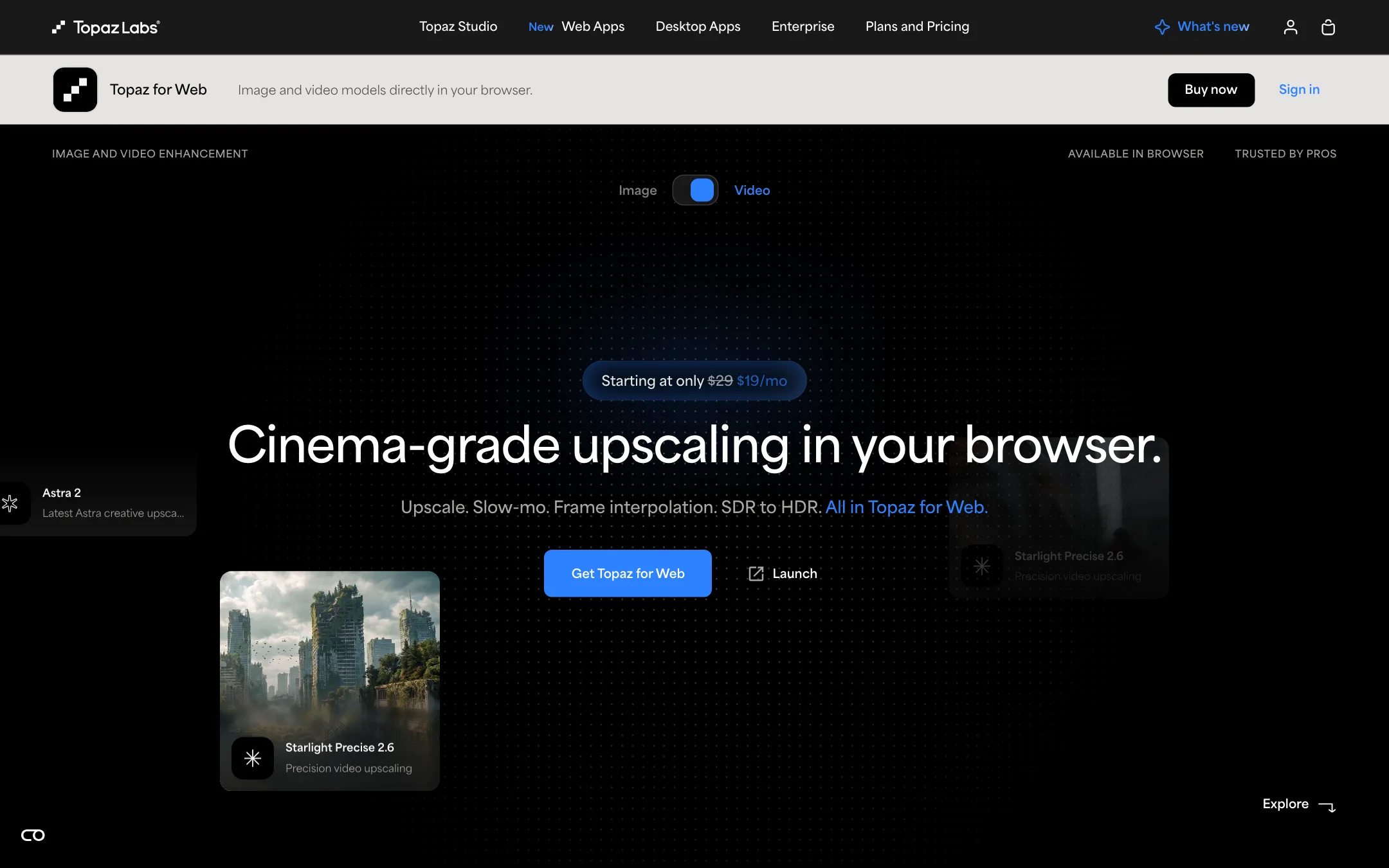
The long-running AI upscaler for video and photos, with a desktop app that renders locally and a browser app that finishes AI clips in the cloud
Best for: Editors and AI video creators who need to upscale, denoise, slow down or convert footage to HDR as the last step before delivery.

#29 in Video editors
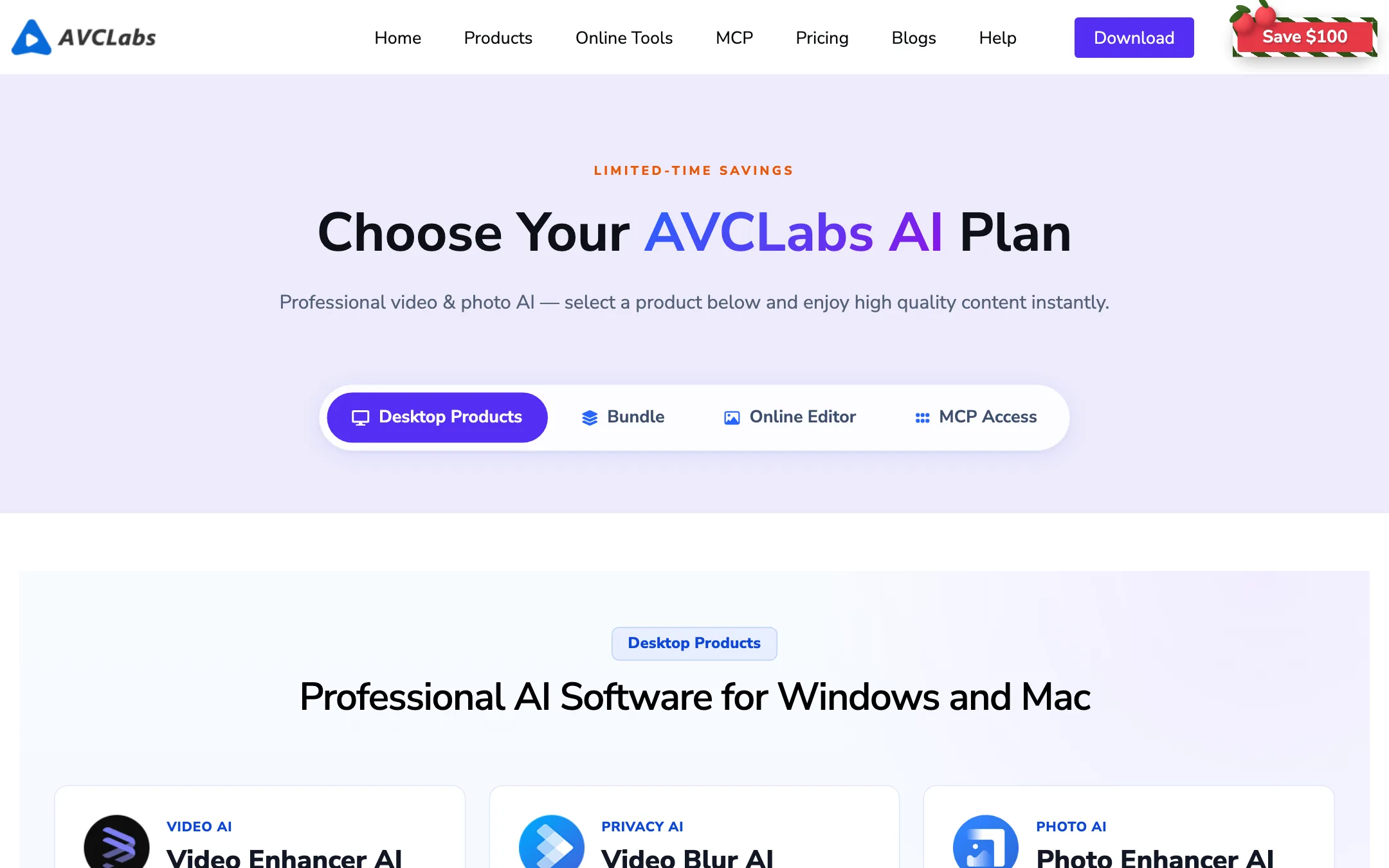
Desktop AI video upscaler and restorer that takes old or low-res footage to 4K or 8K locally, with blur, object removal and colorizing built in
Best for: Creators, archivists and editors who need to rescue old, noisy or low-resolution footage and want the processing to stay on their own computer.
Topaz Labs or AVCLabs Video Enhancer AI?
Both are desktop AI upscalers that render on your own GPU and keep footage off the internet. Topaz is the finishing tool for editors and AI video creators, with models trained in-house and plugins for the big editors. AVCLabs is a broader restoration kit for old footage, with extras Topaz does not list. If you deliver client or AI work, pick Topaz. If you are digitizing an archive, AVCLabs covers more of the job.
What each one is built for
Topaz splits upscaling into a precise mode for real footage and a creative mode that invents texture for soft AI clips. It also converts SDR to HDR with 10-bit ProRes or 16-bit EXR output and runs inside After Effects, Resolve and Premiere. AVCLabs adds colorizing for black-and-white film, face and license plate blurring with tracking, object and watermark removal, and output up to 8K. It is a standalone app, not a plugin.
What it costs at typical use
A one-month job, like a box of family tapes:
- AVCLabs Video Enhancer AI is $39.95 for the month.
- Topaz Video month to month is $59.
A full year of steady use:
- Topaz Video billed yearly is $299.
- AVCLabs’ store shows monthly pricing only. Twelve months at $39.95 is about $479. Yearly and perpetual licenses exist, but you only see those prices at checkout.
No strong GPU: AVCLabs’ cloud version starts at $9.95 a month. Topaz for Web Video is $19 a month with 200 cloud credits, but Topaz does not publish what a minute of video costs in credits, so price a test clip first.
Trying before you buy also differs. AVCLabs has a free trial and a five-day refund window. Topaz has no free plan and only two days to ask for a refund. Both lock a license to one computer, and AVCLabs also splits Windows and Mac licenses. Topaz requires Pro licenses for organizations over $1M in revenue.
Which to pick
- Pick Topaz if you finish AI clips, need HDR or editor plugins, or will use it all year. See the Topaz Labs review.
- Pick AVCLabs if you restore old or black-and-white footage, need blurring or object removal, or want a trial first. See the AVCLabs review.
Specs side by side
| Topaz Labs | AVCLabs Video Enhancer AI | |
|---|---|---|
| Starting price | From $19/mo | From $9.95/mo |
| Free tier | ||
| Pricing | No free plan. Topaz for Web Video from $19/mo; Topaz Video desktop from $39/mo with an annual commitment ($59 monthly); Topaz Studio bundles every app. | Free trial downloads. Video Enhancer Cloud and the Online Editor from $9.95/mo; desktop Video Enhancer AI $39.95/mo. |
| Platforms | Web, Windows, Mac, iOS, API | Windows, Mac, Web |
| Best for | Editors and AI video creators who need to upscale, denoise, slow down or convert footage to HDR as the last step before delivery. | Creators, archivists and editors who need to rescue old, noisy or low-resolution footage and want the processing to stay on their own computer. |
| Last checked | 2026-10-21 | 2026-10-21 |
Pricing
Topaz Labs
No free plan. Topaz for Web Video from $19/mo; Topaz Video desktop from $39/mo with an annual commitment ($59 monthly); Topaz Studio bundles every app.
- Topaz for Web Video$19/mo or $199/yr (struck from $29 and $299)
- Topaz Video (desktop)$299/yr · $39/mo annual · $59 monthly
- Topaz Studio$199.50 first year then $399/yr · $69 monthly
- Topaz Video Pro$699/yr
- Topaz Studio Pro$799/yr or $79/mo annual
AVCLabs Video Enhancer AI
Free trial downloads. Video Enhancer Cloud and the Online Editor from $9.95/mo; desktop Video Enhancer AI $39.95/mo.
- Free trialFree
- Video Enhancer Cloud / Online EditorFrom $9.95/mo
- Photo Enhancer AI$19.95/mo
- Video Enhancer AI$39.95/mo
- Video Blur AI$39.95/mo
- Video + Photo bundle$49.95/mo
Key features
Topaz Labs
- Starlight Precise 2.6 for faithful upscaling up to 4K, plus Starlight Fast and Proteus
- Astra 2 Creative Upscale that adds detail to over-smoothed AI-generated clips
- Apollo frame interpolation for frame-rate conversion and slow motion
- Hyperion SDR to HDR, exporting 10-bit ProRes or 16-bit EXR
- Denoise, sharpen, deinterlace, motion deblur, grain and stabilization in the desktop app
- Local rendering on your own GPU, or cloud rendering with credits
- Plugins for After Effects and DaVinci Resolve, plus an Adobe Premiere panel
- Topaz for Web, a browser app for video and image workflows
- API for developers and enterprise licensing
AVCLabs Video Enhancer AI
- Upscales 480p, 720p or 1080p footage to 4K or 8K, according to AVCLabs
- AI denoising for grain, low light and compression artifacts
- Colorizes black-and-white video
- Frame interpolation from 24 or 30 fps up to 60 or 120 fps, plus slow motion
- Stabilizes shaky handheld footage
- Face, license plate and background blurring with tracking
- Object, watermark and text removal with AI inpainting
- Deinterlacing for VHS, DVD and old camera transfers
- Batch processing and local GPU acceleration on Apple M-series, NVIDIA, AMD and Intel
- Browser tools, an online editor with a Seedance 2.0 video generator, and an MCP server for AI agents
Strengths and weaknesses
Topaz Labs
- In-house models trained for upscaling, not resold from another lab
- Desktop app renders locally with no usage cap, so files never leave your machine
- Separate precise and creative upscalers for real footage and AI clips
- Works inside After Effects, Resolve and Premiere
- Studio bundles video, photo and the browser apps for one price
- Long track record, with an Emmy cited for its technology
- No free plan, only a 2-day refund window
- Pages we checked do not say how many credits a minute of cloud video costs
- Monthly cloud credits expire and do not roll over
- Sale prices and "first year" or "first 3 months" discounts make the real price hard to pin down
- Businesses over $1M revenue need Pro licenses at several times the price
- Desktop app runs on one computer at a time and needs a capable GPU for long jobs
AVCLabs Video Enhancer AI
- Runs locally, so footage never has to leave your machine
- Batch processing suits archives and long videos
- Covers restoration jobs like deinterlacing, colorizing and interpolation in one app
- Free trial of the full feature set before you pay
- Supports a wide range of input formats, including VOB, MTS and RMVB
- Cloud version for people without a strong GPU
- $39.95 a month for the main desktop app is steep for occasional use
- One license covers one computer, and Windows and Mac licenses are separate
- Five-day refund window on monthly and yearly plans
- Needs 16GB of RAM and a capable GPU for reasonable speed
- The store page lists monthly prices only; yearly and perpetual pricing is not shown up front
- Product lineup is sprawling, with overlapping apps and online tools
Try Topaz Labs
No free plan. Topaz for Web Video from $19/mo; Topaz Video desktop from $39/mo with an annual commitment ($59 monthly); Topaz Studio bundles every app.
Try AVCLabs Video Enhancer AI
Free trial downloads. Video Enhancer Cloud and the Online Editor from $9.95/mo; desktop Video Enhancer AI $39.95/mo.