Submagic vs Captions
Two AI video tools side by side: pricing, free plans, features and who each one suits.

#1 in Captions and subtitles
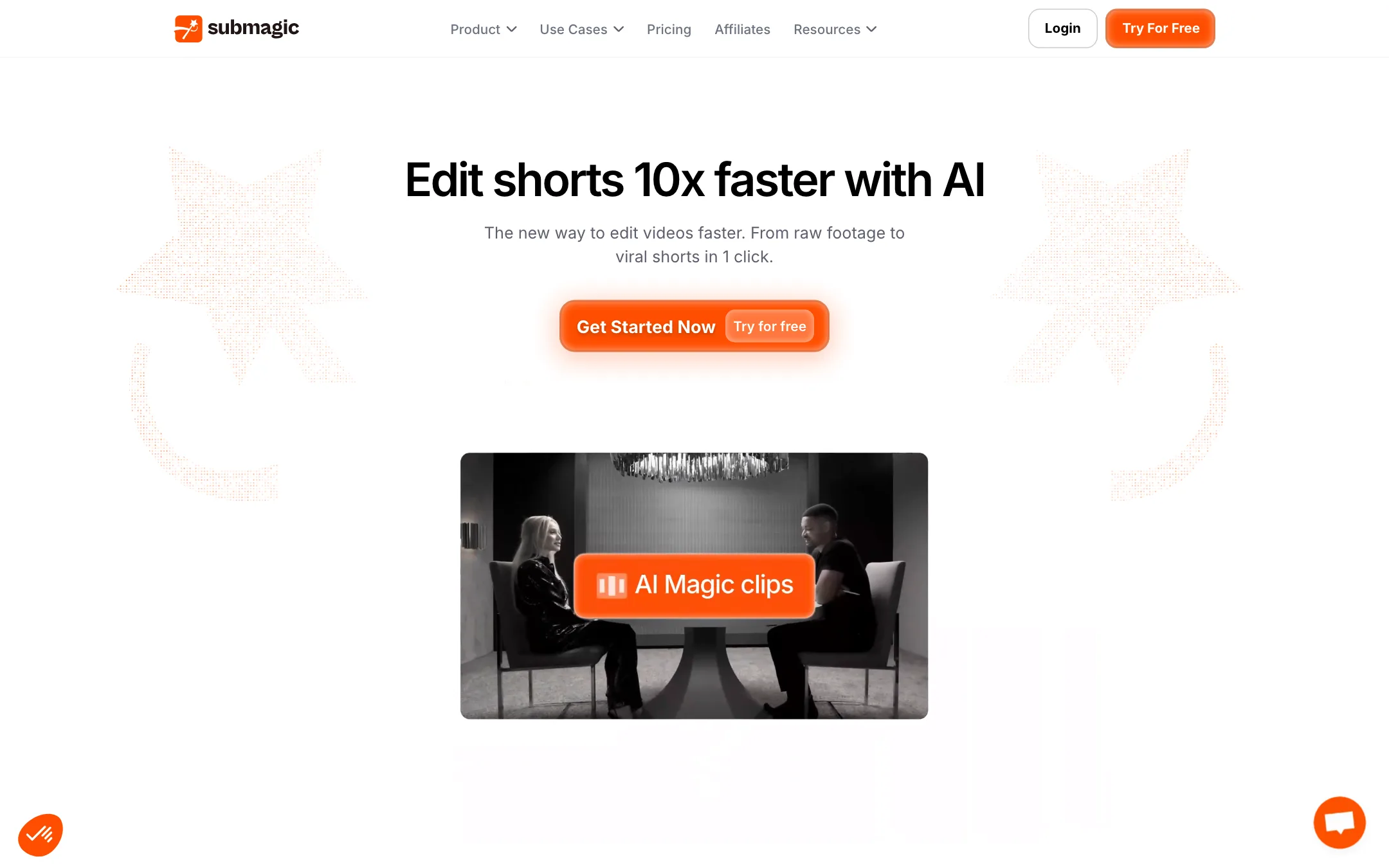
An AI short-form editor built around animated captions, with clipping, B-roll, silence cutting and scheduling on top
Best for: Creators, coaches and small teams who post talking-head shorts and want polished animated captions without touching a timeline.

#10 in Video editors
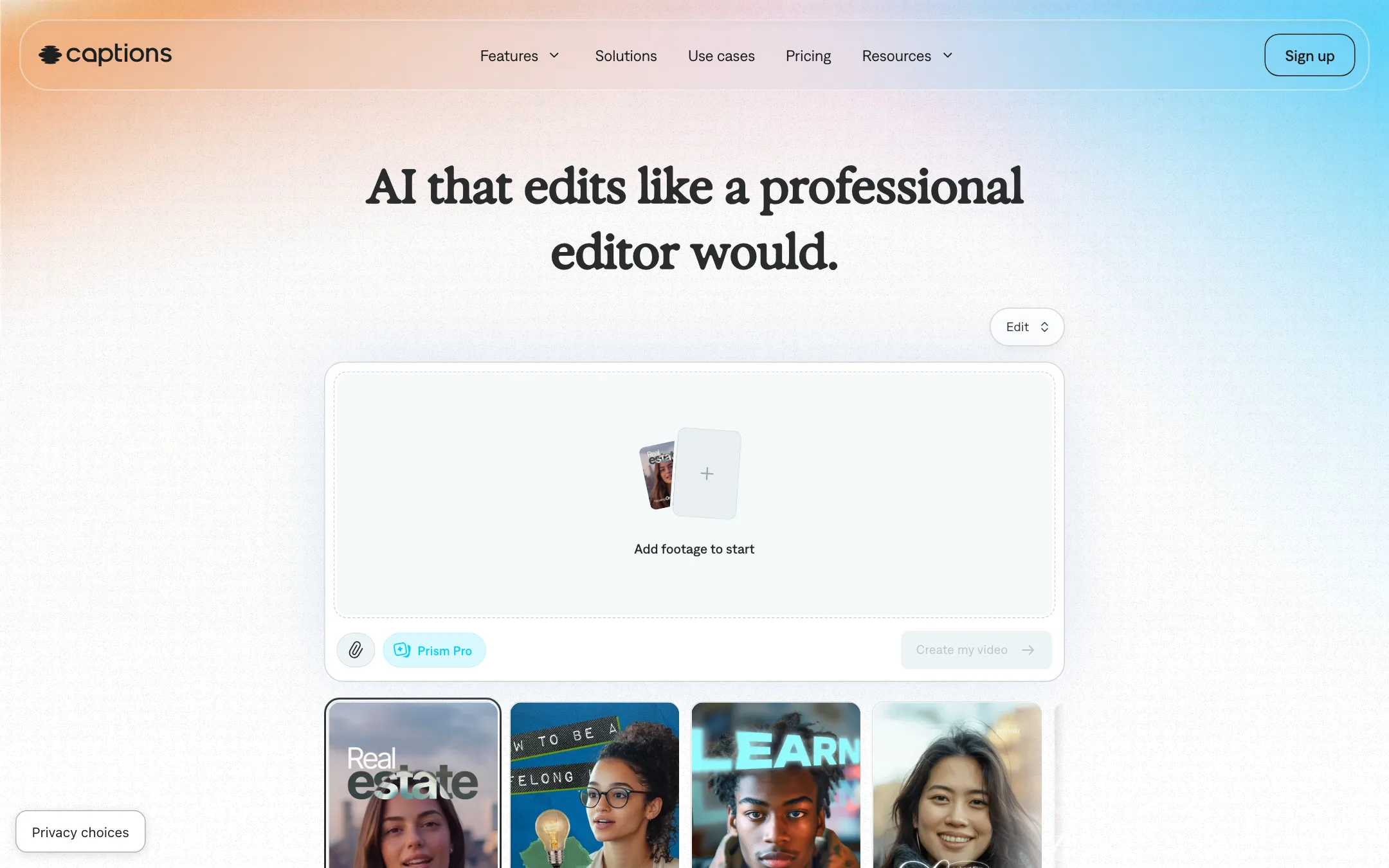
Mirage's AI video editor for talking-head creators, with one-tap AI Edit styles, chat editing, clips, avatars and lip-synced translation
Best for: Creators who talk to camera and want a phone-first editor that captions, cuts, adds B-roll and translates in a few taps.
Submagic or Captions?
Both tools exist to caption talking-head shorts, but they come at it from different devices. Submagic is a web editor with predictable credits and caption export. Captions is a phone-first app that edits the whole video in one pass and adds dubbing and an AI twin. If you edit on a laptop and mostly need captions, pick Submagic. If you film and edit on your phone, or need dubbing, pick Captions.
What each one is built for
Submagic centers on caption styling, then adds silence trimming, zooms, stock B-roll and publishing. It translates subtitles but keeps your original voice. It can export SRT files or captions on a green screen for another editor.
Captions starts with a teleprompter and ends with a finished edit. One tap applies a style with cuts, B-roll, music and captions. A chat box takes revisions. It also dubs into other languages with lip sync, and its avatars run on Mirage’s own model.
What it costs at typical use
Say you post three talking-head shorts a week, about 12 a month, each under two minutes.
- Submagic Starter covers about 15 videos at $12 a month yearly, or $19 monthly.
- Captions Max is $24.99 a month for 500 credits. Captions does not publish credit costs per feature or a yearly price on its pricing page, so we cannot say how many videos 500 credits buys.
On monthly billing, Submagic is about $6 a month cheaper for this workload. Captions softens its price with rollover: unused credits carry forward up to three months’ worth. Submagic’s credits are fixed per month.
Free use differs too. Captions’ free version has no AI credits, so AI editing, clips and avatars need Max. Submagic’s free start has limited exports, but it does not publish the limits.
Which to pick
Specs side by side
| Submagic | Captions | |
|---|---|---|
| Starting price | From $12/mo | From $24.99/mo |
| Free tier | ||
| Pricing | Free start with limited exports, no card. Paid plans from $12 per member/mo billed yearly ($19 monthly). | Free version with basic editing and no AI credits. Max $24.99/mo with 500 credits; Frontier $69.99/mo with 1,400 credits. |
| Platforms | Web, API | Web, iOS, Android, Mac |
| Best for | Creators, coaches and small teams who post talking-head shorts and want polished animated captions without touching a timeline. | Creators who talk to camera and want a phone-first editor that captions, cuts, adds B-roll and translates in a few taps. |
| Last checked | 2026-10-19 | 2026-10-21 |
Pricing
Submagic
Free start with limited exports, no card. Paid plans from $12 per member/mo billed yearly ($19 monthly).
- FreeFree
- Starter$12/mo yearly · $19 monthly
- Pro$23/mo yearly · $39 monthly
- Business$41/mo yearly · $69 monthly
- CustomContact sales
- API minute packs$57 to $1,000/mo
Captions
Free version with basic editing and no AI credits. Max $24.99/mo with 500 credits; Frontier $69.99/mo with 1,400 credits.
- FreeFree
- Max$24.99/mo
- FrontierFrom $69.99/mo
- EnterpriseCustom
Key features
Submagic
- Animated caption templates with emojis, keyword highlights and custom fonts
- Captions in 123 languages, plus translated subtitles
- Magic Clips turns a long video or YouTube link into several shorts
- Text-based editing, so you cut by deleting words from the transcript
- Smart Trim removes silences, filler words and bad takes
- Auto B-roll from a stock library or your own uploads
- Magic Zoom, sound effects and background music
- Clean audio and eye contact correction
- Brand Kit for saved fonts, colors and caption styles
- Scheduling and publishing to social platforms
- SRT export and green-screen caption export
- API with per-minute packs
Captions
- Auto captions with 100+ caption styles and keyframes
- Translated subtitles, AI dubbing and lip-dub translation
- AI Edit styles that cut scenes and add B-roll, music, zooms and transitions in one pass
- Chat-based editor that applies changes from plain-language prompts
- Clips, which finds and reframes the best moments from videos up to 3 hours or 10 GB
- AI twin from a selfie and 200+ stock AI actors, powered by Mirage's own Avatar X model
- Eye contact correction, denoise and filler-word and pause trimming
- Generated music, sound effects, images and video from 20+ models
- Teleprompter for recording in the app
Strengths and weaknesses
Submagic
- Caption styles are the core product and get the most attention
- Text-based editing is easier than a timeline for talking-head video
- Covers captions, clipping, trimming and B-roll in one tool
- No watermark on any paid plan
- Exports SRT files and green-screen captions for use in other editors
- Yearly billing cuts the price by up to 41%
- Priced per member, so a team of three pays three times
- Starter caps each video at 2 minutes and Pro at 5 minutes
- Free tier limits are not spelled out on the pricing page
- Credits per month are fixed, so heavy posters will need Business or custom
- Accuracy and language figures differ between Submagic's own pages
- Not a full editor for long-form or multi-track projects
Captions
- Covers the whole talking-head workflow in one app, from teleprompter to captioned export
- Avatars run on Mirage's own model, not a resold one
- Unused credits roll over, up to three months' worth
- Clips handles long inputs (3 hours, 10 GB) and scores each clip
- Eye contact correction and denoise fix common phone-recording problems
- Highly rated on iOS: 4.7 from 39,000 ratings
- Free version has no AI credits, so AI Edit, Clips and avatars all need a paid plan
- Published prices are iOS prices; web and Android may differ
- Yearly price is not shown on the pricing page
- Language counts differ between pages (100+ on the website, 91+ subtitles and 29 dubbing languages on the App Store)
- App Store reviewers report credits spent correcting AI edits they did not ask for
- A developer reply on the App Store mentions waits of up to 360 minutes after six AI projects a month on a "Pro" plan
Try Submagic
Free start with limited exports, no card. Paid plans from $12 per member/mo billed yearly ($19 monthly).
Try Captions
Free version with basic editing and no AI credits. Max $24.99/mo with 500 credits; Frontier $69.99/mo with 1,400 credits.