RenderLion vs SendShort
Two short-form clips tools, side by side. Same test criteria, same honesty about what breaks.
Some links on this page are affiliate links. If you buy through them we may earn a commission at no extra cost to you. It never changes how we rank tools. Read our disclosure.

#2 of 11 in Short-form clips
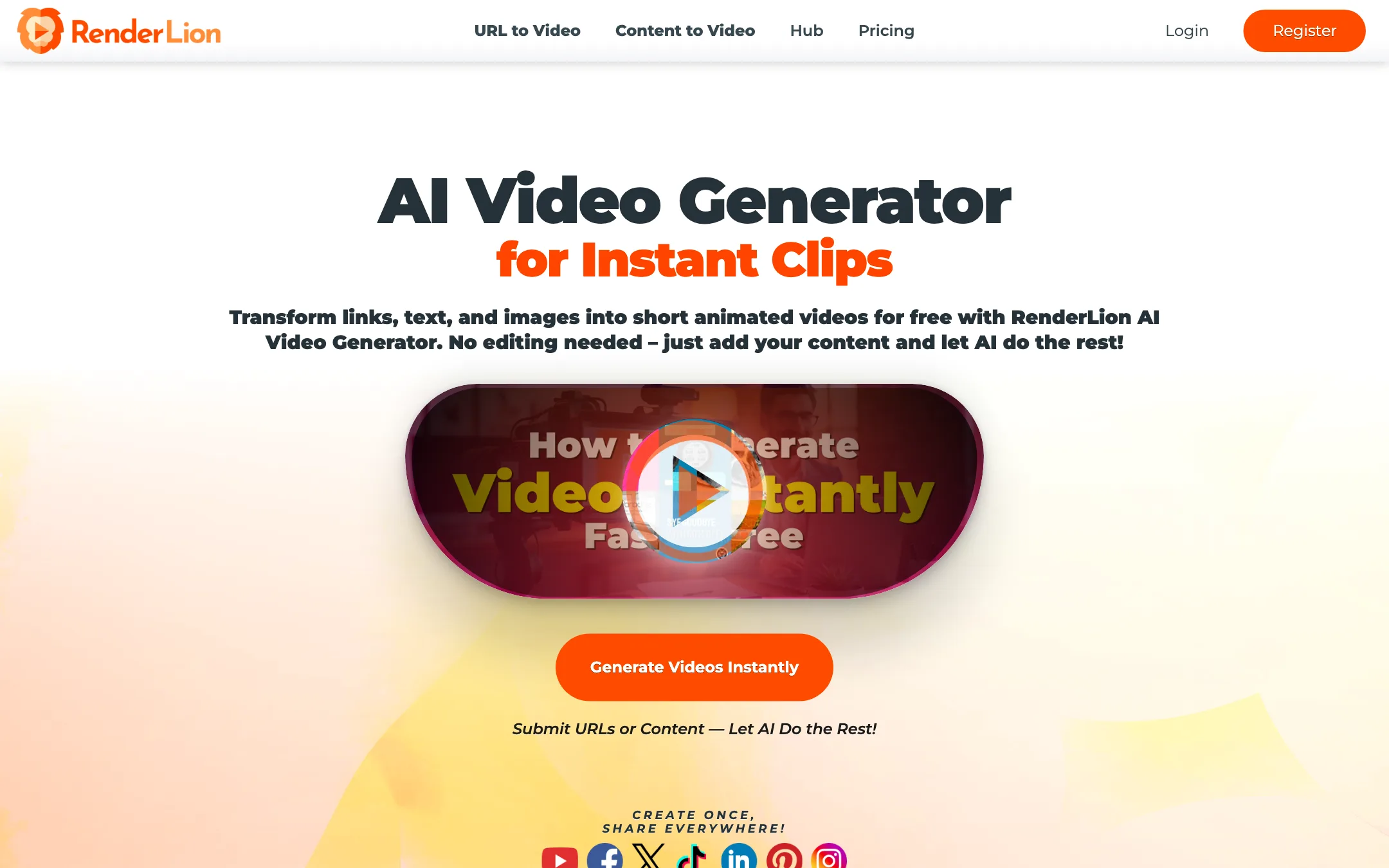
Turns a link, a block of text or a few images into a short animated social video in square, portrait and landscape, with cheap flat-rate plans
Best for: Small businesses, shops and social media managers who want quick branded promo clips from existing content like blog posts, product pages and offers, without touching a timeline.

#9 of 11 in Short-form clips
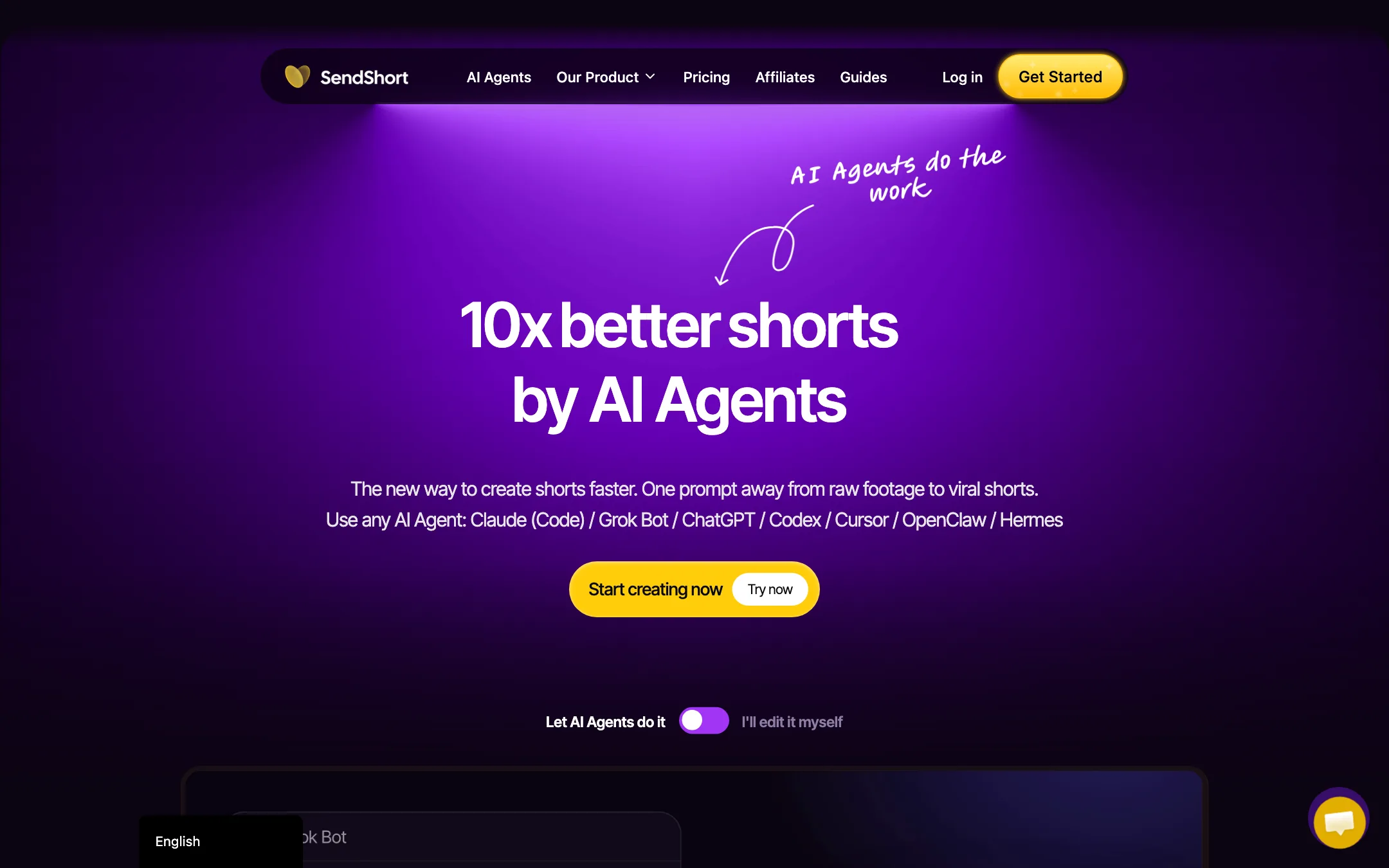
A long-video-to-shorts clipper with animated captions, a full editor, a TikTok and YouTube scheduler, and an MCP connector for AI agents
Best for: Podcasters, coaches and agencies who want long recordings cut into captioned shorts and posted to TikTok and YouTube from one place, optionally driven from an AI assistant.
The short answer
More creators choose RenderLion than SendShort, and it ranks higher in our short-form clips list. Pick RenderLion if you want small businesses, shops and social media managers who want quick branded promo clips from existing content like blog posts, product pages and offers, without touching a timeline. Pick SendShort if you want podcasters, coaches and agencies who want long recordings cut into captioned shorts and posted to tiktok and youtube from one place, optionally driven from an ai assistant.
RenderLion: A simple, inexpensive way to turn links and short text into animated social clips in three sizes at once. It is a template-style animation tool, not a generative video model, so expect motion graphics over stock images rather than cinematic footage. Check that the visuals it picks actually match your content.
SendShort: A broad, reasonably priced shorts workspace that now leans hard on AI-agent control. The catch is that the cheapest plan cannot clip long videos at all, so Professional is the real starting point for most people, and there is no free plan to test on.
Specs side by side
| RenderLion | SendShort | |
|---|---|---|
| Starting price | From $6/mo | From $15/mo |
| Free tier | ||
| Pricing | Free plan with limited, watermarked 720p renders. Paid plans from $6/mo billed yearly ($12 monthly). | No free plan or trial. Paid plans from $15/mo billed yearly ($19 monthly), with a 24-hour refund window. |
| Platforms | Web | Web, API, MCP connector |
| Best for | Small businesses, shops and social media managers who want quick branded promo clips from existing content like blog posts, product pages and offers, without touching a timeline. | Podcasters, coaches and agencies who want long recordings cut into captioned shorts and posted to TikTok and YouTube from one place, optionally driven from an AI assistant. |
| Last checked | 2026-10-19 | 2026-10-19 |
Pricing
RenderLion
Free plan with limited, watermarked 720p renders. Paid plans from $6/mo billed yearly ($12 monthly).
- FreeFree
- Starter$6/mo yearly · $12 monthly
- Growth$18/mo yearly · $36 monthly
- EnterpriseCustom
SendShort
No free plan or trial. Paid plans from $15/mo billed yearly ($19 monthly), with a 24-hour refund window.
- Starter$15/mo yearly · $19 monthly
- Professional$23/mo yearly · $29 monthly
- Business$47/mo yearly · $59 monthly
Key features
RenderLion
- URL to Video that reads a web page and builds a short animated clip
- Content to Video from a prompt or pasted text
- Purpose-built generators for offers, products, news, blog posts, job posts, events and property listings
- Images to Video slideshows from your photos
- Animated logo and animated wallpaper makers
- Every video in 1:1, 9:16 and 16:9 from one render
- Brand presets with your logo, colors and fonts
- AI voiceovers, music library and free stock photos and illustrations
- Batch of animated previews to choose from before rendering
- Reuse a past video with new data
SendShort
- Long video to shorts, with AI picking the moments it scores highest for retention (Professional and up)
- Animated captions in 100+ languages, with caption themes and brand kits
- Caption translation and SRT export on Professional and up
- Auto B-roll, zooms, sound effects and AI hook titles
- Silence cutting and noise reduction
- Faceless videos from a prompt, TikTok slideshows, music videos, AI avatar and photo-to-video clips
- Timeline editor with your own fonts, B-roll, music and images
- Scheduler and content calendar for TikTok and YouTube, unlimited social accounts
- MCP connector for Claude, ChatGPT, Grok, Cursor and other assistants, plus a REST API
- Automated series that produce new clips on a schedule
Strengths and weaknesses
RenderLion
- Very low entry price, from $6 a month billed yearly
- Growth plan has unlimited renders at a flat price
- One render gives you square, portrait and landscape versions
- No editing skills needed; input is a link or text
- Brand kits keep logos, colors and fonts consistent
- 25% lifetime affiliate rate and a 7-day refund window
- Template-style motion graphics, not generative AI footage
- Stock visuals can miss the point of your content (see our note on the public sample)
- Free renders are watermarked, 720p and limited by server availability
- Downloading even a free video requires an account
- Starter caps renders (10 a month or 120 a year) and they do not roll over
- Refund terms read differently on the pricing table and in the FAQ
SendShort
- One tool covers clipping, captions, light editing and scheduling
- Yearly billing cuts every plan by 20% or more
- Caption translation and SRT export are included from Professional
- MCP connector and API let you script clipping into your own workflow
- Unlimited social accounts on every plan
- Clear limits table on the pricing page
- No free plan and no free trial, only a 24-hour refund window
- Starter does not include long-video-to-shorts, the feature most people buy a clipper for
- Unused shorts do not roll over, and weekly limits reset every week
- The scheduler only posts to TikTok and YouTube
- Marketing copy and pricing disagree in places, such as the homepage calling it "100% free" and listing the API as Business-only
- Business is only "unlimited" up to 100+ shorts a month under fair use
Try RenderLion
Free plan with limited, watermarked 720p renders. Paid plans from $6/mo billed yearly ($12 monthly).
Try SendShort
No free plan or trial. Paid plans from $15/mo billed yearly ($19 monthly), with a 24-hour refund window.