OpusClip vs Vizard
Two short-form clips tools side by side: pricing, free plans, features and who each one suits.

#32 in Short-form clips
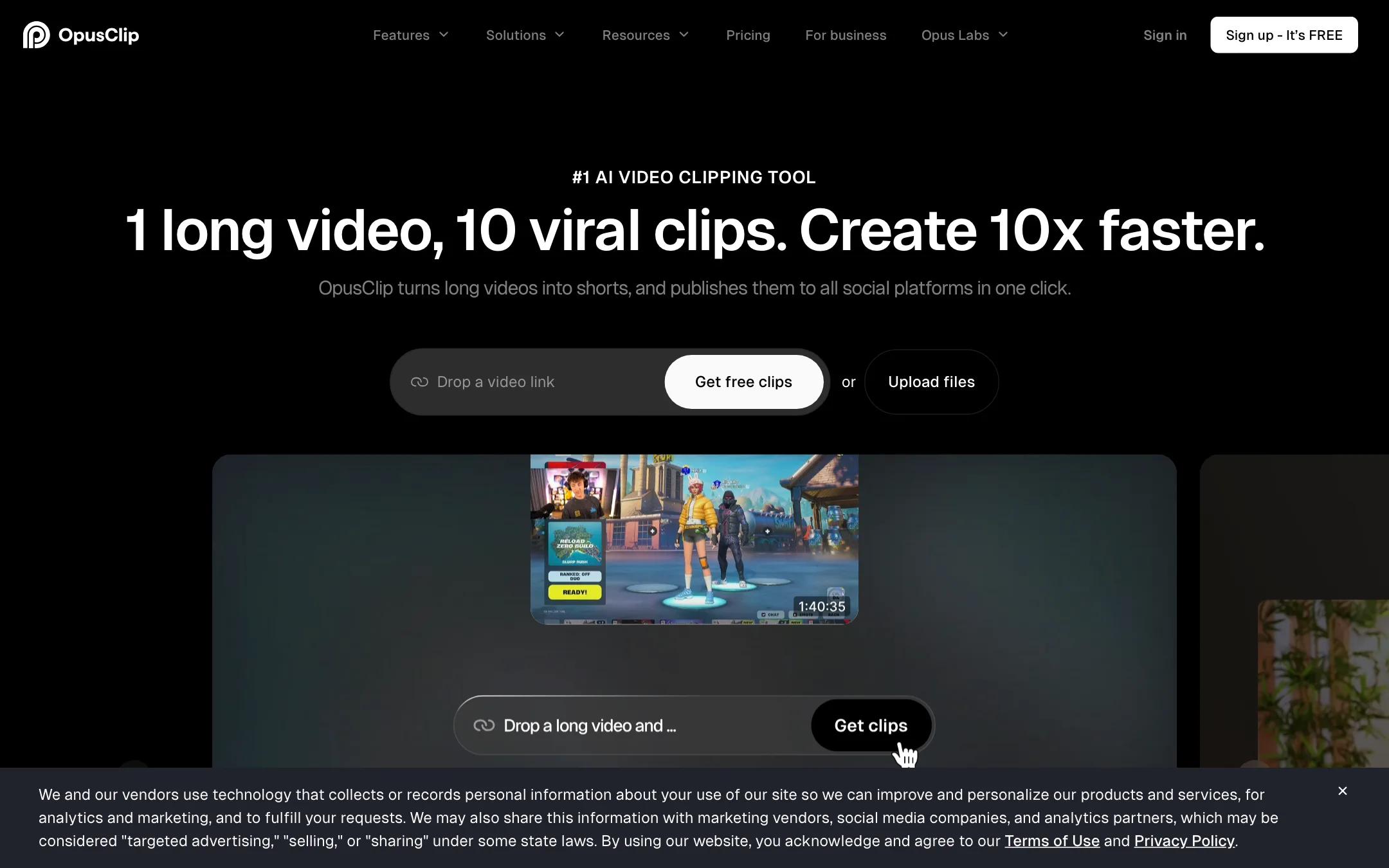
The best-known long-to-short clipping tool, with a virality score, animated captions, AI reframe and a built-in social scheduler
Best for: Podcasters, streamers and YouTubers who publish long videos every week and want a pile of captioned vertical clips without hiring an editor.
#35 in Short-form clips
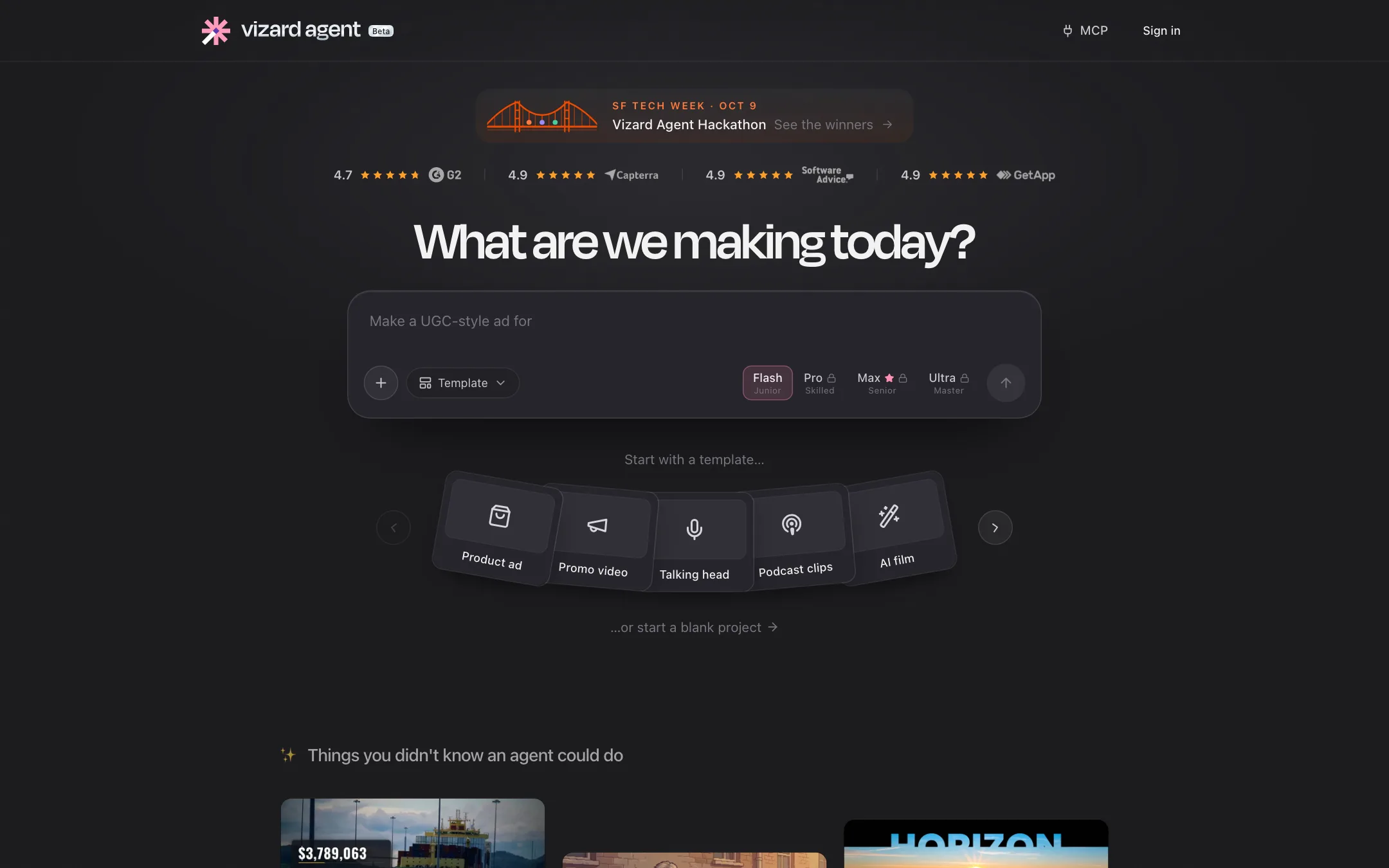
An AI clipping tool that cuts long videos into captioned vertical shorts, with a text-based editor, social scheduling and a newer video agent
Best for: Podcasters, coaches and marketing teams who record long talks, webinars or interviews and want a steady stream of captioned shorts from them.
OpusClip or Vizard?
These two are the closest match in this category. Both bill one credit per minute of uploaded video, both start at $14.50 a month on yearly billing, and both clip, caption, reframe and schedule. The difference is what that $14.50 buys. Vizard gives you more minutes and 4K. OpusClip gives you more finishing tools. If volume is your problem, pick Vizard.
What each one is built for
OpusClip’s Pro plan is aimed at people who polish their clips: AI B-roll, dubbing, brand templates, two seats, and XML export so an editor can finish in Premiere Pro or DaVinci Resolve.
Vizard’s Creator plan is aimed at people who need throughput. It starts at 600 credits, takes 30 GB uploads and exports 4K, with a text editor and a timeline for trims. Its newer Agent and AI Studio sit beside the clipper. They draw from the same credits but do not change the core job.
What it costs at typical use
Four one-hour episodes a month is about 240 minutes. Both plans cover that at $14.50 a month yearly, or $29 monthly.
Double the length to four two-hour episodes and you need about 480 minutes. Vizard Creator still fits inside 600. OpusClip Pro stops at 300, so you would need top-ups or a Business quote. OpusClip’s two-month rollover helps if your months are uneven. Vizard’s help center mentions rollover too, but its pricing page does not, so confirm it before you count on it.
For two people: OpusClip Pro already has two seats. Vizard Business is $19.50 yearly plus $5 for each extra seat, so about $24.50 a month, assuming the base price covers one person.
Test both free plans first. Each gives 60 minutes a month. Vizard’s free exports are 720p, OpusClip’s are 1080p but cannot be edited. Vizard’s refund window is short and closes once you upload.
Which to pick
Specs side by side
| OpusClip | Vizard | |
|---|---|---|
| Starting price | From $14.5/mo | From $14.5/mo |
| Free tier | ||
| Pricing | Free plan with 60 credits a month and a watermark. Paid plans from $14.50/mo (Pro, billed yearly) or $15/mo (Starter, monthly). | Free plan with 60 credits a month (1 credit = 1 minute of video), 720p with watermark. Paid plans from $14.50/mo billed yearly ($29 monthly). |
| Platforms | Web, API | Web, iOS, API |
| Best for | Podcasters, streamers and YouTubers who publish long videos every week and want a pile of captioned vertical clips without hiring an editor. | Podcasters, coaches and marketing teams who record long talks, webinars or interviews and want a steady stream of captioned shorts from them. |
| Last checked | 2026-10-21 | 2026-10-21 |
Pricing
OpusClip
Free plan with 60 credits a month and a watermark. Paid plans from $14.50/mo (Pro, billed yearly) or $15/mo (Starter, monthly).
- FreeFree
- Starter$15/mo, monthly only
- Pro$14.50/mo yearly · $29 monthly
- BusinessContact sales
Vizard
Free plan with 60 credits a month (1 credit = 1 minute of video), 720p with watermark. Paid plans from $14.50/mo billed yearly ($29 monthly).
- FreeFree
- Creator$14.50/mo yearly · $29 monthly
- Business$19.50/mo yearly · $39 monthly
- CustomContact sales
Key features
OpusClip
- AI clipping that cuts one long video into many short clips, each with a virality score
- ClipAnything model that clips non-podcast footage such as vlogs, gaming and sports, plus prompt-to-clip
- ReframeAnything AI reframe to 9:16, 1:1 or 16:9 with moving-subject tracking and manual tracking
- Animated captions in 20+ languages with emoji and keyword highlights
- Text-based and timeline editing, filler word and pause removal, speech enhancement
- AI B-roll from stock footage and generated images, AI voice-over and video dubbing
- Brand templates with fonts, colors, logo and intro or outro cards
- Social scheduler that posts to YouTube Shorts, TikTok, Instagram Reels and more
- Export to Adobe Premiere Pro and DaVinci Resolve via XML
- API, MCP connector and Zapier integration on higher plans
Vizard
- AI clipping that finds highlights in long videos and turns them into vertical shorts
- Auto reframe to keep the speaker centered in 9:16
- Spark 1.0 video-understanding model for prompt-based clipping, including clips with little dialogue
- Text-based editing, where deleting transcript text trims the video
- Timeline editor for second-level fine-tuning
- Auto subtitles, caption translation into 100+ languages and SRT export
- AI emojis, highlight keywords, B-roll and post suggestions
- Brand templates, brand kit and custom fonts
- Direct publishing and scheduling to YouTube, TikTok, Instagram, LinkedIn and X
- API with n8n template and a Claude Code or Cursor skill
- Vizard Agent for templated edits like product ads, tutorials and podcast clips
- AI Studio that resells Seedance, Kling, Veo and other video models on Vizard credits
Strengths and weaknesses
OpusClip
- Free plan that refreshes every month, no card needed
- Works from links to YouTube, Zoom, Twitch, Riverside, Vimeo and other sources on Pro
- Clips, captions, edits and schedules in one place
- Premiere Pro and DaVinci Resolve export lets an editor finish the cut
- Pro credits roll over for two months
- Team workspace and brand templates suit agencies
- Credits are minutes of source video, so a two-hour podcast eats most of a Starter month
- Starter has no yearly discount and caps you at 9:16
- Free clips are watermarked, cannot be edited and expire after 3 days
- The virality score is OpusClip's own prediction, not a measure of real reach
- Prices on the pricing page changed between our two checks in the same week
- Affiliate page says commissions last the first year, while its FAQ says they continue while the referral stays subscribed
Vizard
- Creator plan is cheap for what it includes, at $14.50 a month billed yearly
- 4K export and 30 GB uploads on the first paid plan
- Credits are simple, 1 credit per minute of uploaded video
- Clipping and transcription on the same video are charged once
- Scheduling and direct publishing are built in, so you may not need a separate social tool
- API and automation templates for teams that clip at volume
- Free exports are watermarked, capped at 720p and deleted after 3 days
- Refunds only within 7 days and only if you have not used the service, with possible processing fees
- Spark 1.0 is labeled beta and some accounts must ask support for access
- Help center examples quote an older Business price than the pricing page
- Agent and AI Studio spread the product thin and add another credit sink
- Vendor user counts differ between pages (10 million on one, 5 million on another)
Try OpusClip
Free plan with 60 credits a month and a watermark. Paid plans from $14.50/mo (Pro, billed yearly) or $15/mo (Starter, monthly).
Try Vizard
Free plan with 60 credits a month (1 credit = 1 minute of video), 720p with watermark. Paid plans from $14.50/mo billed yearly ($29 monthly).