OpusClip vs VEED
Two AI video tools side by side: pricing, free plans, features and who each one suits.

#32 in Short-form clips
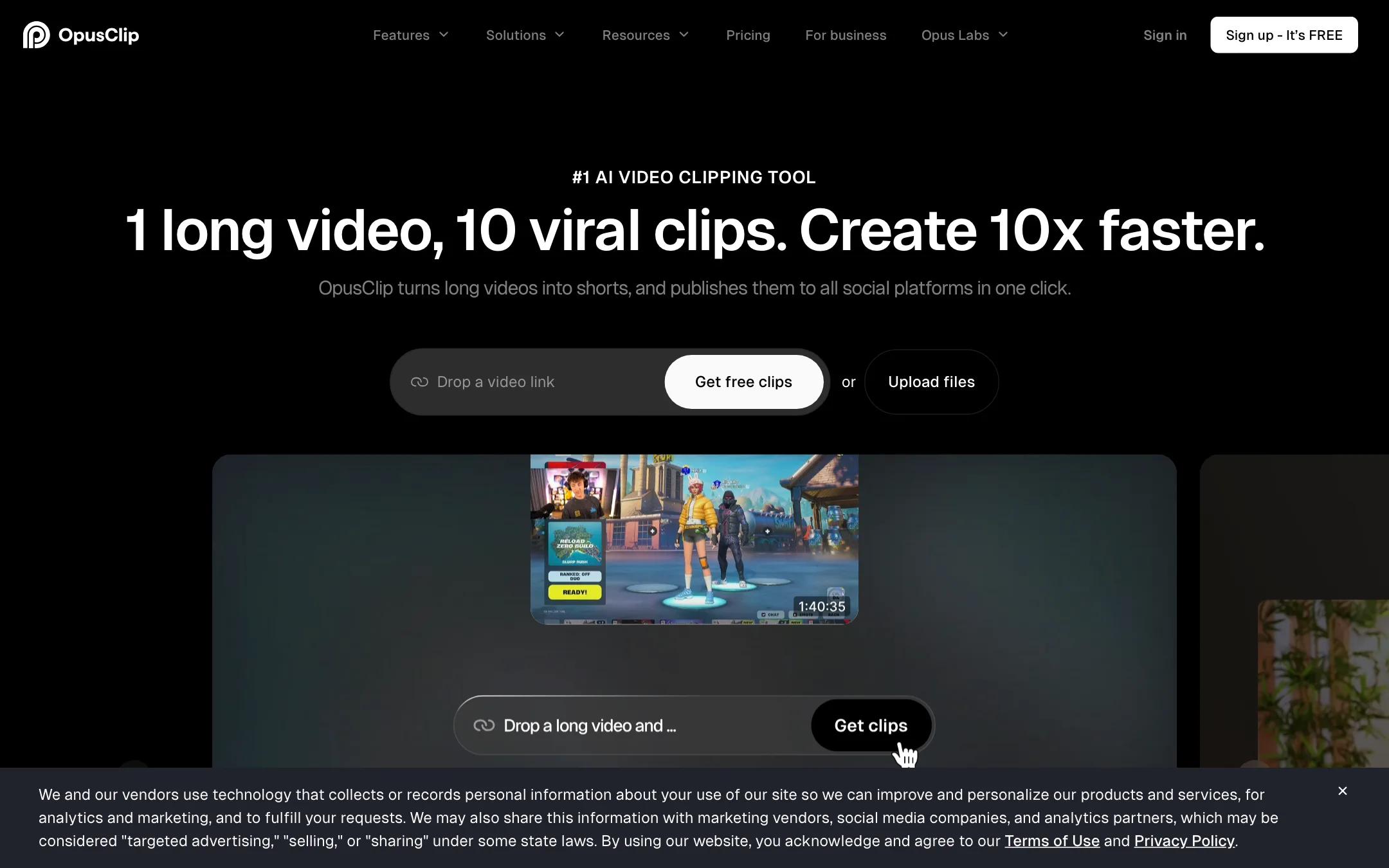
The best-known long-to-short clipping tool, with a virality score, animated captions, AI reframe and a built-in social scheduler
Best for: Podcasters, streamers and YouTubers who publish long videos every week and want a pile of captioned vertical clips without hiring an editor.
#11 in Video editors
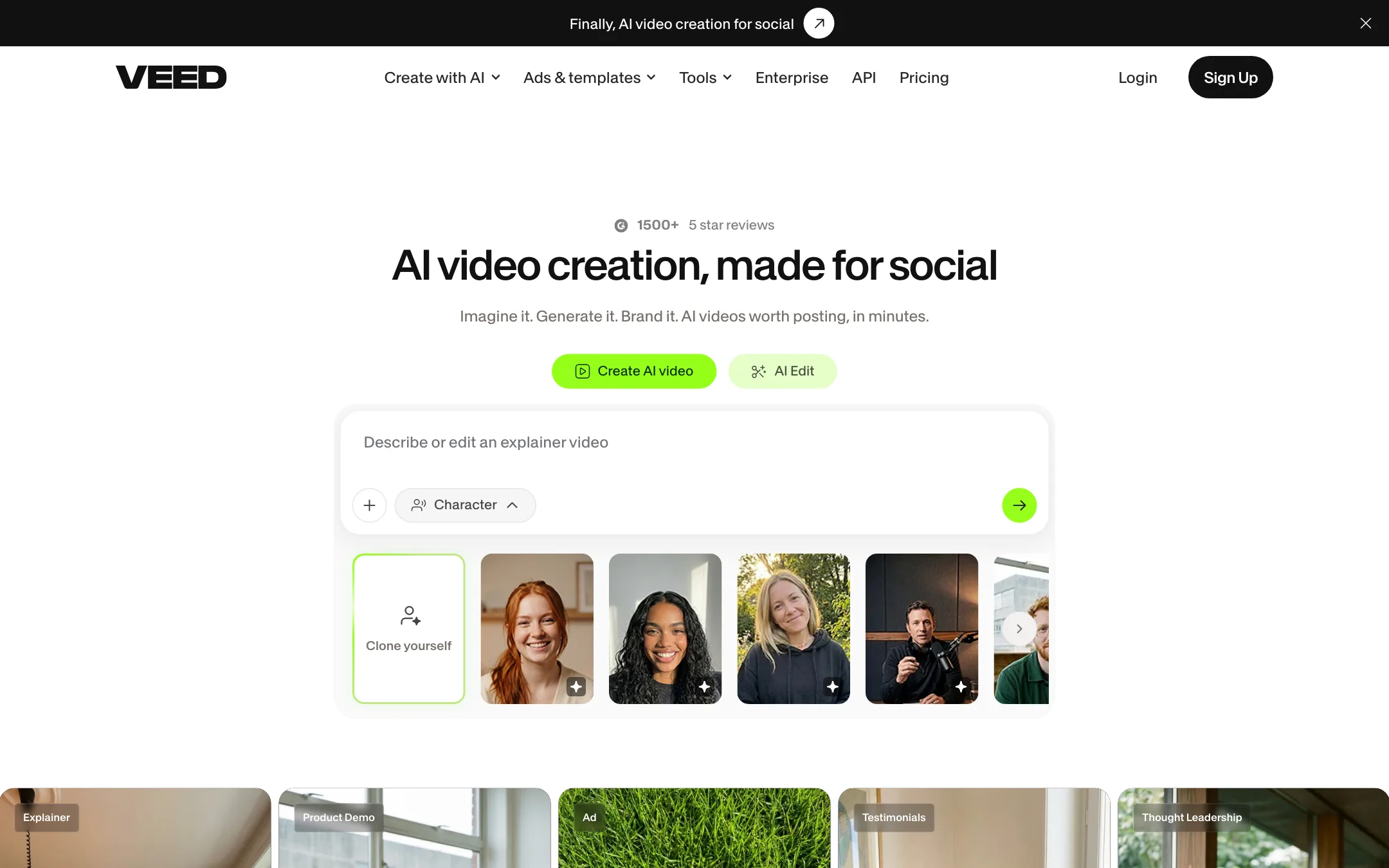
A browser video editor with auto subtitles, AI avatars, dubbing, eye contact correction and a model playground for Veo, Kling, Sora and VEED's own Fabric 1.0
Best for: Marketers, solopreneurs and social creators who want one browser app for editing, subtitles, talking-head fixes, avatars and AI clips.
OpusClip or VEED?
OpusClip decides what to cut. VEED helps you polish what you already cut. If you have long recordings and want the software to find the clips, pick OpusClip. If you make short videos yourself and want strong subtitles, talking-head fixes and AI extras in a browser editor, pick VEED.
What each one is built for
OpusClip is a clipper. You feed it a podcast or stream, it picks and ranks moments, reframes them to vertical, adds captions and can schedule the posts.
VEED is a general browser editor with a timeline, subtitles in 125+ languages, eye contact correction, noise removal, avatars and a playground of third-party video models. Our VEED review does not describe any automatic long-to-short clipping, so if you rely on VEED, you choose the moments yourself.
What it costs at typical use
Take a creator with four one-hour podcast episodes a month.
- OpusClip Pro covers the 240 minutes at $14.50 a month yearly, or $174 a year.
- VEED Creator, at $10 per user a month yearly, will caption and clean up the clips, but you do the cutting by hand. VEED showed $116 and $125 a year for Creator on the same day, and the monthly price was not shown, so check checkout.
Translation is the other cost point. OpusClip includes dubbing on Pro. VEED puts translation and 4K on its Pro plan, at $20 to $21 per user a month yearly.
Both tools bill per seat in some form. OpusClip Pro includes two seats. VEED charges for each user.
Which to pick
- Pick OpusClip if your content starts as long podcasts, interviews or streams and you want clips found, ranked and scheduled for you.
- Pick VEED if you film short videos yourself, want detailed subtitle styling and SRT or VTT files, need eye contact and noise fixes, or want to try Veo, Kling or Sora inside the same editor.
If you post a lot of clips from long shows, OpusClip saves more hours. If you edit original short videos, VEED does more per dollar.
Specs side by side
| OpusClip | VEED | |
|---|---|---|
| Starting price | From $14.5/mo | From $10/mo |
| Free tier | ||
| Pricing | Free plan with 60 credits a month and a watermark. Paid plans from $14.50/mo (Pro, billed yearly) or $15/mo (Starter, monthly). | Free plan with a VEED watermark. Creator from $10/user/mo billed yearly, Pro from $20/user/mo billed yearly; Enterprise custom. |
| Platforms | Web, API | Web, iOS, API |
| Best for | Podcasters, streamers and YouTubers who publish long videos every week and want a pile of captioned vertical clips without hiring an editor. | Marketers, solopreneurs and social creators who want one browser app for editing, subtitles, talking-head fixes, avatars and AI clips. |
| Last checked | 2026-10-21 | 2026-10-21 |
Pricing
OpusClip
Free plan with 60 credits a month and a watermark. Paid plans from $14.50/mo (Pro, billed yearly) or $15/mo (Starter, monthly).
- FreeFree
- Starter$15/mo, monthly only
- Pro$14.50/mo yearly · $29 monthly
- BusinessContact sales
VEED
Free plan with a VEED watermark. Creator from $10/user/mo billed yearly, Pro from $20/user/mo billed yearly; Enterprise custom.
- FreeFree
- Creator$10/user/mo billed yearly
- Pro$20 to $21/user/mo billed yearly
- Studio$35/user/mo billed yearly
- EnterpriseContact sales
Key features
OpusClip
- AI clipping that cuts one long video into many short clips, each with a virality score
- ClipAnything model that clips non-podcast footage such as vlogs, gaming and sports, plus prompt-to-clip
- ReframeAnything AI reframe to 9:16, 1:1 or 16:9 with moving-subject tracking and manual tracking
- Animated captions in 20+ languages with emoji and keyword highlights
- Text-based and timeline editing, filler word and pause removal, speech enhancement
- AI B-roll from stock footage and generated images, AI voice-over and video dubbing
- Brand templates with fonts, colors, logo and intro or outro cards
- Social scheduler that posts to YouTube Shorts, TikTok, Instagram Reels and more
- Export to Adobe Premiere Pro and DaVinci Resolve via XML
- API, MCP connector and Zapier integration on higher plans
VEED
- Browser video editor with trimming, text, music, stock media, brand kits and templates
- Auto subtitles in 125+ languages, animated and dynamic caption styles, SRT, VTT and TXT export
- Video translation and AI dubbing to 50+ languages on Pro
- Eye contact correction, background noise removal and video background removal
- AI avatars, plus Fabric 1.0, VEED's own model that makes any character image talk for up to 60 seconds
- AI Playground with third-party models including Veo 3.1, Kling, Sora 2, Seedance, Hailuo, PixVerse and LTX
- Text, script, image and video-to-video generation inside the same project
- Voice cloning, AI text to speech and an online teleprompter
- Screen recorder and an iOS app
- APIs for Fabric 1.0, lip sync, subtitles, background removal and green screen
Strengths and weaknesses
OpusClip
- Free plan that refreshes every month, no card needed
- Works from links to YouTube, Zoom, Twitch, Riverside, Vimeo and other sources on Pro
- Clips, captions, edits and schedules in one place
- Premiere Pro and DaVinci Resolve export lets an editor finish the cut
- Pro credits roll over for two months
- Team workspace and brand templates suit agencies
- Credits are minutes of source video, so a two-hour podcast eats most of a Starter month
- Starter has no yearly discount and caps you at 9:16
- Free clips are watermarked, cannot be edited and expire after 3 days
- The virality score is OpusClip's own prediction, not a measure of real reach
- Prices on the pricing page changed between our two checks in the same week
- Affiliate page says commissions last the first year, while its FAQ says they continue while the referral stays subscribed
VEED
- Subtitle tools are among the best in any browser editor, with styling, animation and file export
- Talking-head fixes like eye contact correction and noise removal save real time on UGC and webinars
- One subscription covers editing, captions, dubbing, avatars and several AI video models
- Generated clips drop straight into a real editor, so you can fix one scene instead of regenerating everything
- Cheap entry on yearly billing
- Clear commercial-use statement on AI-generated videos
- Free exports carry a VEED watermark that moves around the frame
- The pricing page showed two different plan sets on the same day, with different credits and prices
- Monthly prices were hidden from our crawler, and VEED's own pages quote $10 and $20 for Creator
- Third-party models each cost a different amount of credits, so budgeting AI generation is hard
- Translation and 4K are Pro features, not on Creator
- Charges per user, so teams pay more as they add editors
Try OpusClip
Free plan with 60 credits a month and a watermark. Paid plans from $14.50/mo (Pro, billed yearly) or $15/mo (Starter, monthly).
Try VEED
Free plan with a VEED watermark. Creator from $10/user/mo billed yearly, Pro from $20/user/mo billed yearly; Enterprise custom.