OpusClip vs Klap
Two short-form clips tools side by side: pricing, free plans, features and who each one suits.

#32 in Short-form clips
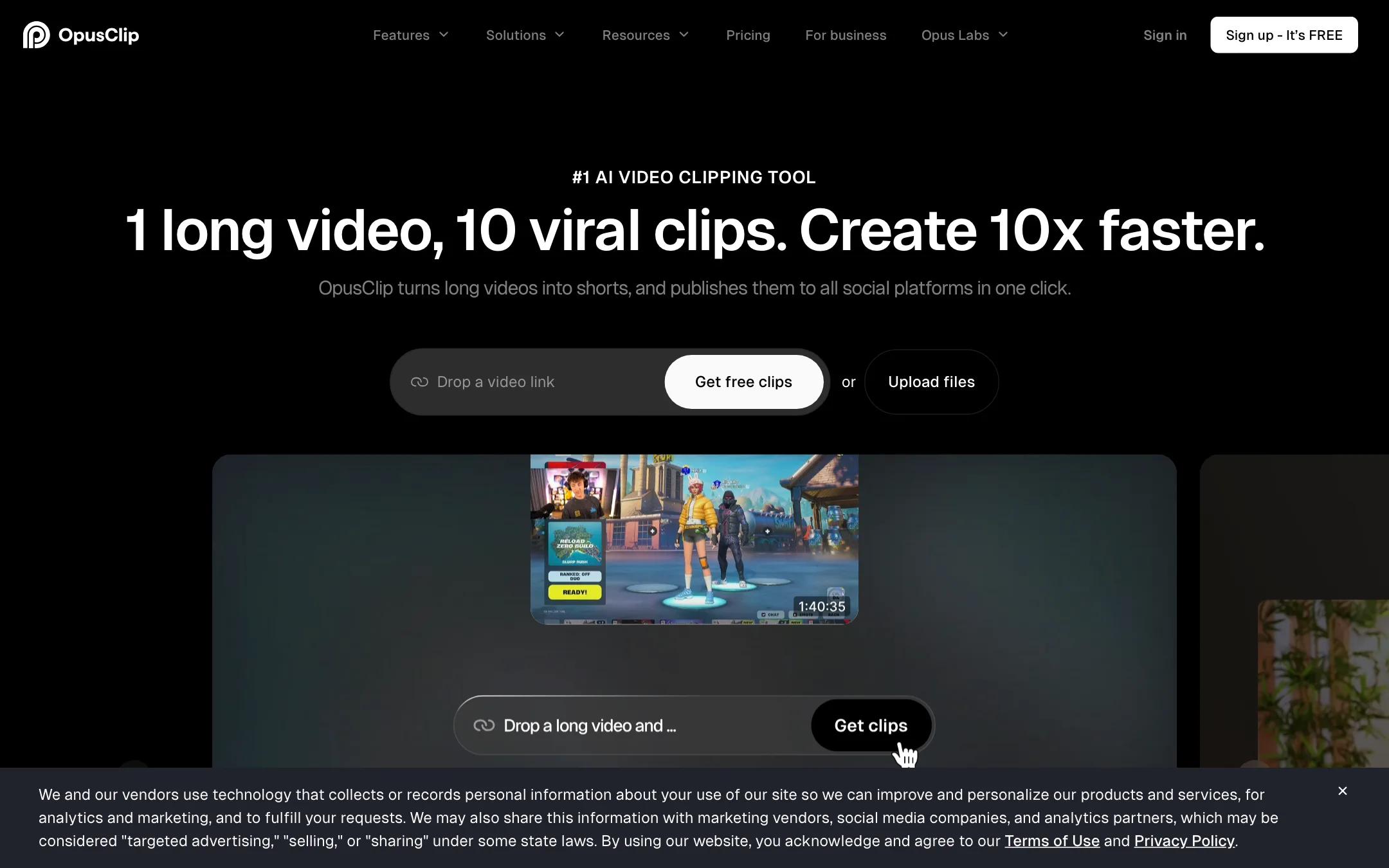
The best-known long-to-short clipping tool, with a virality score, animated captions, AI reframe and a built-in social scheduler
Best for: Podcasters, streamers and YouTubers who publish long videos every week and want a pile of captioned vertical clips without hiring an editor.
#26 in Short-form clips
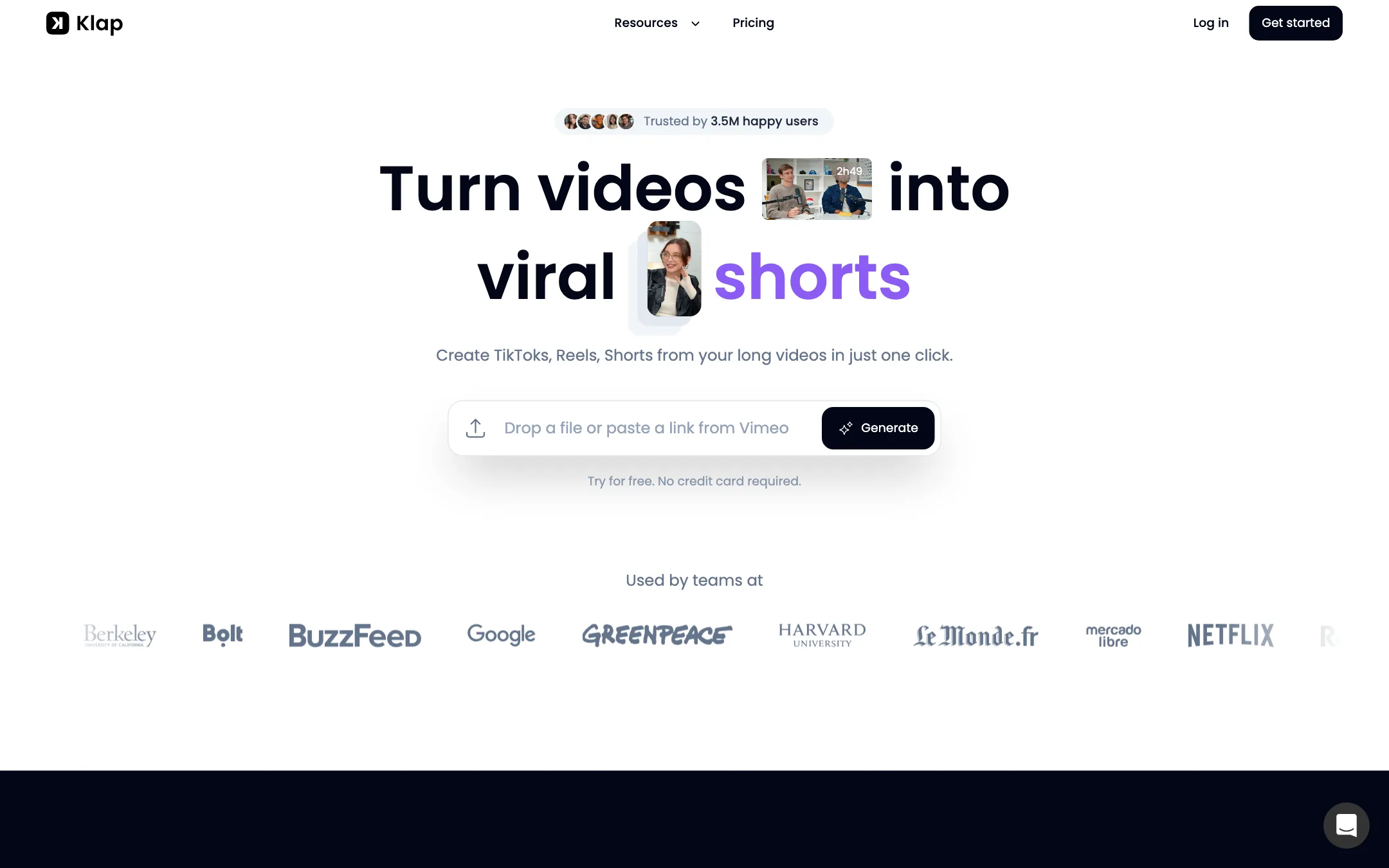
A long-video-to-shorts clipper with virality scores, content-aware reframing, animated captions, direct publishing, an API and an MCP server for AI agents
Best for: YouTubers, podcasters and streamers who want a week of captioned, reframed Shorts from each long video, posted without leaving the app.
OpusClip or Klap?
Both tools turn long videos into ranked, captioned vertical clips, so the deciding factor is how they bill. OpusClip counts minutes of video you upload. Klap counts clips it generates. If your episodes run long, Klap is usually cheaper. If you need a fuller editing and branding kit, OpusClip gives you more.
What each one is built for
OpusClip leans toward finishing work inside the app: transcript and timeline editing, B-roll, brand templates, dubbing, and XML export to Premiere Pro or DaVinci Resolve. Pro includes two seats, which suits small teams.
Klap stays focused on the clip itself. Its reframing reads the layout of each scene, which matters for gameplay with a webcam, screen recordings and multi-host podcasts. It posts to unlimited social accounts on every plan, and its MCP server and API let an AI agent run the whole job.
What it costs at typical use
Take four one-hour podcast episodes a month, keeping about 10 clips from each.
- OpusClip: roughly 240 credits, so Pro at $14.50 a month yearly ($29 monthly). Starter at $15 only covers 150 minutes.
- Klap: 40 clips fits Basic’s 100 a month, at $14 yearly ($29 monthly).
Close to even. Now make those episodes two hours each. OpusClip needs about 480 credits, more than Pro’s 300, so you are buying top-ups or talking to sales. Klap still makes 40 to 80 clips, which Basic covers. The reverse holds too: if you upload short videos and want many clips from each, OpusClip’s minute billing wins.
Trying before you pay is easier on OpusClip. Its free plan refreshes 60 credits every month, while Klap gives you one free video. Klap’s refund terms are more forgiving if a paid month goes badly.
Which to pick
- Pick OpusClip if you want B-roll, brand templates and dubbing in one place, a teammate needs a seat, or a human editor finishes the cut in Premiere or Resolve.
- Pick Klap if your recordings run long, you clip gaming or multi-camera podcasts, you post to many accounts, or you want clipping inside an automated or agent workflow.
Specs side by side
| OpusClip | Klap | |
|---|---|---|
| Starting price | From $14.5/mo | From $14/mo |
| Free tier | ||
| Pricing | Free plan with 60 credits a month and a watermark. Paid plans from $14.50/mo (Pro, billed yearly) or $15/mo (Starter, monthly). | One free video to try, no card needed. Paid plans from $14/mo billed yearly ($29 monthly). |
| Platforms | Web, API | Web, API |
| Best for | Podcasters, streamers and YouTubers who publish long videos every week and want a pile of captioned vertical clips without hiring an editor. | YouTubers, podcasters and streamers who want a week of captioned, reframed Shorts from each long video, posted without leaving the app. |
| Last checked | 2026-10-21 | 2026-10-21 |
Pricing
OpusClip
Free plan with 60 credits a month and a watermark. Paid plans from $14.50/mo (Pro, billed yearly) or $15/mo (Starter, monthly).
- FreeFree
- Starter$15/mo, monthly only
- Pro$14.50/mo yearly · $29 monthly
- BusinessContact sales
Klap
One free video to try, no card needed. Paid plans from $14/mo billed yearly ($29 monthly).
- Free trialFree
- Basic$14/mo yearly · $29 monthly
- Pro$39/mo yearly · $79 monthly
- Pro+$94/mo yearly · $189 monthly
- CustomContact sales
Key features
OpusClip
- AI clipping that cuts one long video into many short clips, each with a virality score
- ClipAnything model that clips non-podcast footage such as vlogs, gaming and sports, plus prompt-to-clip
- ReframeAnything AI reframe to 9:16, 1:1 or 16:9 with moving-subject tracking and manual tracking
- Animated captions in 20+ languages with emoji and keyword highlights
- Text-based and timeline editing, filler word and pause removal, speech enhancement
- AI B-roll from stock footage and generated images, AI voice-over and video dubbing
- Brand templates with fonts, colors, logo and intro or outro cards
- Social scheduler that posts to YouTube Shorts, TikTok, Instagram Reels and more
- Export to Adobe Premiere Pro and DaVinci Resolve via XML
- API, MCP connector and Zapier integration on higher plans
Klap
- AI clipping that finds topics, hooks and punchlines in long videos
- Virality Score from 0 to 100 on every clip
- AI Reframe 2 with split-screen, screencast, gaming and multi-speaker podcast layouts
- Animated captions with custom fonts, colors and logos
- Transcript editor: strike a sentence to cut it from the video
- Plain-English prompts to pull specific moments
- Clip translation and AI post captions
- Publish and schedule to TikTok, YouTube, Instagram, LinkedIn and Facebook
- Imports from YouTube, Vimeo, Twitch, Kick, Google Drive, Dropbox and direct upload, up to 4 hours
- API, MCP server for Claude, ChatGPT and Cursor, and Zapier, Make and n8n integrations
Strengths and weaknesses
OpusClip
- Free plan that refreshes every month, no card needed
- Works from links to YouTube, Zoom, Twitch, Riverside, Vimeo and other sources on Pro
- Clips, captions, edits and schedules in one place
- Premiere Pro and DaVinci Resolve export lets an editor finish the cut
- Pro credits roll over for two months
- Team workspace and brand templates suit agencies
- Credits are minutes of source video, so a two-hour podcast eats most of a Starter month
- Starter has no yearly discount and caps you at 9:16
- Free clips are watermarked, cannot be edited and expire after 3 days
- The virality score is OpusClip's own prediction, not a measure of real reach
- Prices on the pricing page changed between our two checks in the same week
- Affiliate page says commissions last the first year, while its FAQ says they continue while the referral stays subscribed
Klap
- Yearly plans are among the cheapest per clip in the category
- Reframing handles gameplay, screen recordings and multi-host podcasts, per Klap
- Clips are ranked so you know which to post first
- Scheduling and publishing built in, with unlimited social accounts
- MCP server lets an AI agent clip, caption and schedule from one prompt
- Refund available within the first month of a subscription
- Free trial is one video, despite tool pages calling the clipper "free"
- Monthly billing costs about twice the advertised yearly price
- Works best on speech; silent footage gives the AI little to go on
- Plan differences beyond clip counts are not listed on the pricing page
- Homepage FAQ calls the $29 plan "Klap Pro," but $29 is Basic and Pro is $79 monthly
- Virality Score is Klap's own prediction, not a guarantee of reach
Try OpusClip
Free plan with 60 credits a month and a watermark. Paid plans from $14.50/mo (Pro, billed yearly) or $15/mo (Starter, monthly).
Try Klap
One free video to try, no card needed. Paid plans from $14/mo billed yearly ($29 monthly).