Kling AI vs Pika
Two text to video tools side by side: pricing, free plans, features and who each one suits.

Unranked in Text to video
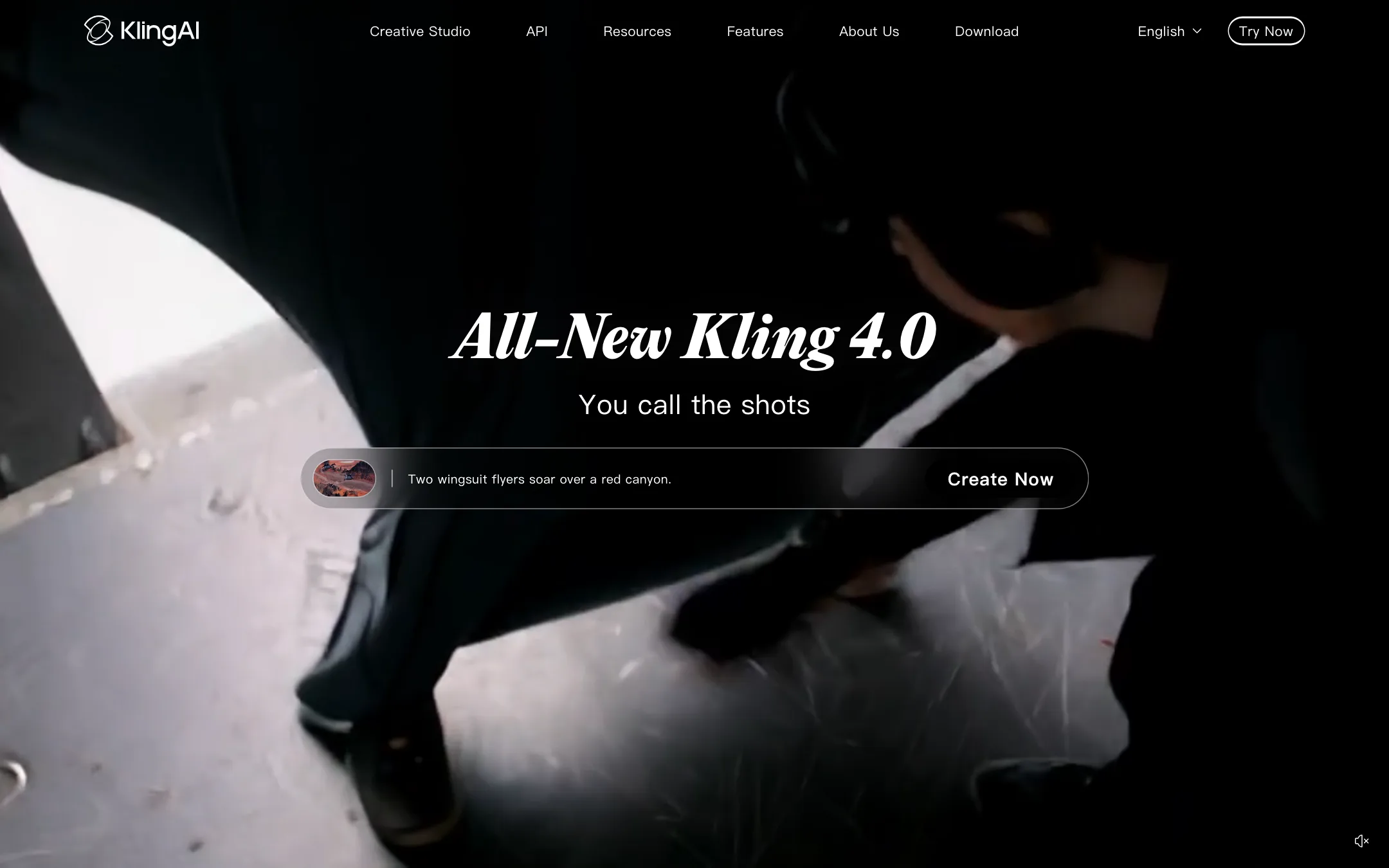
Kuaishou's AI video studio, home of Kling 4.0 with native 30-second clips, stereo audio and up to 15 reference assets, plus 4K output, Motion Control and an API
Best for: Filmmakers, ad makers and social creators who want one of the leading video models direct from its maker, with long native clips, sound and fine control over references and keyframes.

Unranked in Text to video
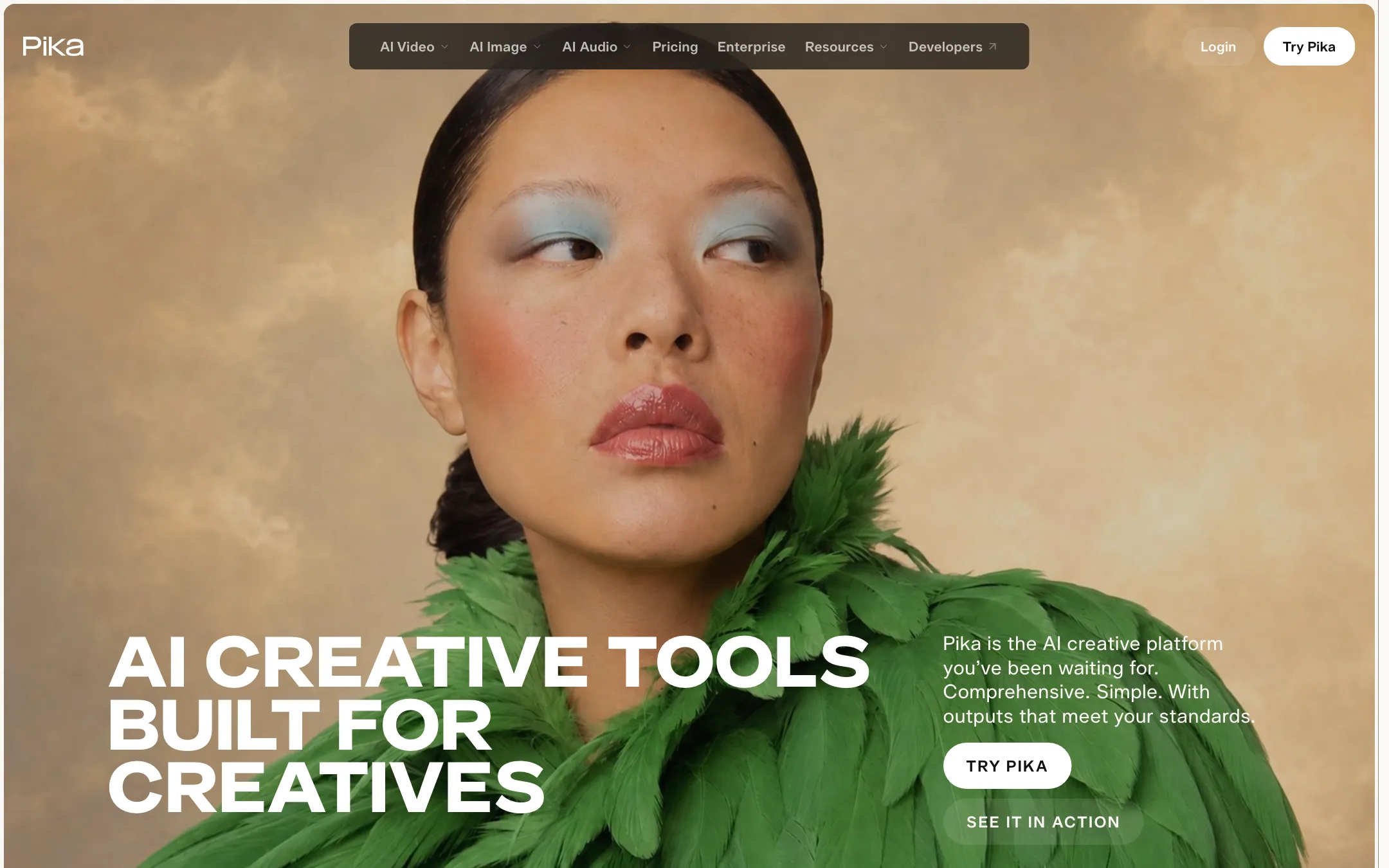
A rebuilt creative app that puts Seedance, MiniMax, Wan, Pika 2.5 and image and audio models behind 25+ focused apps, from Video Studio to Pikaffects
Best for: Social creators, marketers and small studios who want many video, image and sound models in one simple app, without picking a model for every task.
Kling AI or Pika?
These two solve different problems. Kling is one model family, sold by its maker, with deep control over each shot. Pika is a front end to many models, including Seedance 2.5, MiniMax H3 and Wan 3.0, packaged as small focused apps. If you know you want Kling’s output, buy Kling. If you want to try several models from one subscription, Pika is the simpler start.
What each one is built for
Kling is for directing. Kling 4.0 makes up to 30 seconds per generation with stereo audio, accepts up to 15 references and adds keyframes and Motion Control. Native 4K comes on paid plans. Kling is not on the model list in our Pika review.
Pika is for quick creative jobs. Video Studio builds multi-shot videos of up to 30 seconds with sound and up to 50 tagged references. Pikaframes, Pikaffects, relighting, color grading and Pika’s own audio models sit beside it. The free account has no monthly credits, so you pay before you generate.
What it costs at typical use
Say you want 10 clips of 5 seconds each.
- Kling Standard: $6.99 the first month, then $8.80, for 660 credits. A third-party figure from Kling’s guide puts a 5-second 1080p Kling 3.0 clip with audio at 60 credits, so ten clips use 600.
- Pika on Seedance 2.5: Pika lists 122 credits for a 5-second 720p clip. Its 1080p cost is not published. Ten 720p clips need 1,220 credits, more than Starter’s 900. Creator at $35 monthly, or $28 yearly, covers it with 3,150.
- Pika on Wan 3.0: 33 credits per 5-second 720p clip, so ten use 330. Starter at $10 monthly covers that.
So Kling gives you 1080p clips for less than Pika charges for Seedance at 720p. Pika is only cheaper if a lighter model like Wan is good enough. One catch: Pika’s own pages disagree on whether Starter carries a commercial license. Its plan table says Creator and up; its help center says all paid plans.
Which to pick
- Pick Kling if you want 1080p or 4K output, long single takes and fine control over references and motion. See the Kling review.
- Pick Pika if you want many models and simple tools in one place, no watermark on any plan, and audio models built in. See the Pika review.
Specs side by side
| Kling AI | Pika | |
|---|---|---|
| Starting price | From $8.8/mo | From $8/mo |
| Free tier | ||
| Pricing | Free Basic plan with daily free credits and a watermark. Paid plans from $8.80/mo ($6.99 first month) for 660 credits. | Free account with no monthly credits (you buy packs). Paid plans from $8/mo billed yearly ($10 monthly). |
| Platforms | Web, iOS, Android, macOS, Windows, API | Web, iOS, API |
| Best for | Filmmakers, ad makers and social creators who want one of the leading video models direct from its maker, with long native clips, sound and fine control over references and keyframes. | Social creators, marketers and small studios who want many video, image and sound models in one simple app, without picking a model for every task. |
| Last checked | 2026-10-22 | 2026-10-22 |
Pricing
Kling AI
Free Basic plan with daily free credits and a watermark. Paid plans from $8.80/mo ($6.99 first month) for 660 credits.
- BasicFree
- Standard$6.99 first month, then $8.80/mo (list $10)
- Pro$25.99 first month, then $32.56/mo (list $37)
- Premier$135 first month, then $181.99/mo (list $207)
- Ultra+$402 first month, then $544.99/mo (list $619)
- API packsFrom $700
Pika
Free account with no monthly credits (you buy packs). Paid plans from $8/mo billed yearly ($10 monthly).
- FreeFree
- Starter$8/mo yearly · $10 monthly
- Creator$28/mo yearly · $35 monthly
- FancyFrom $76/mo yearly · $95 monthly
- EnterpriseCustom
Key features
Kling AI
- Kling 4.0, with native clips up to 30 seconds and two-channel stereo audio
- Omni Reference with up to 15 combined images, videos and subject references per generation
- Up to 10 keyframes plus start and end frames to steer a shot
- Kling 3.0 and 3.0 Omni with multi-shot storyboarding of up to five connected shots
- Native dialogue and sound, with Kling 4.0 dialogue in 9 languages per Kling
- 720p, 1080p and native 4K output on paid plans
- Motion Control to copy movement and facial expression from a reference
- Canvas, a node workspace with an Agent that writes scripts and generates storyboards
- Kling Image 3.0 for stills, with native 4K and image series
- Digital Human, Restyle and lip sync tools
- Team workspaces with roles and shared assets
- MCP and CLI access for agents, plus a developer API
- Web, iOS, Android, macOS and Windows apps
Pika
- Video Studio for clips and multi-shot videos up to 30 seconds with sound, using up to 50 tagged references
- Model choice across Seedance 2.5, MiniMax H3, Wan 3.0, Pika 2.5 and others, or let each app pick
- Pikaframes, which animates between 2 to 5 still images with Pika 2.5
- Pikaffects, Pika's effect videos made from a single photo
- Extend Video, Color Grade, Relight Media and Camera Director for working on existing clips
- Character Studio for reusing the same character across generations
- Image apps including Image Studio, Edit Image and Product Shot
- Pika Soundtrack, Music, SFX and Speech audio models
- Pika for ChatGPT and Pika MCP for using the apps from AI assistants
- Pika API Club, a separate paid API with 100+ models
- iOS app
Strengths and weaknesses
Kling AI
- Sold direct by Kuaishou, the company that trains the models
- Native 30-second clips on Kling 4.0, longer than most rivals per generation
- Deep control with references, keyframes, Motion Control and multi-shot prompts
- Native audio, including dialogue, in the same generation
- Apps for every major platform, including desktop
- Public API with a per-second price list
- Credits get cheaper per 100 on bigger plans, from $1.33 down to $0.96 at renewal prices
- The plan page does not list how many credits a clip costs, so you only see it in the app
- Headline prices are first-month discounts; renewals cost more
- Free Basic plan has a watermark, no 1080p and no commercial use
- Premier and Ultra+ jump to $135 and $402 for the first month
- API packs start at $700, too much for casual developers
- So many models, modes and tools that newcomers can get lost
Pika
- Starter at $10 a month is one of the cheapest ways into Seedance 2.5
- Every plan, including Free, gets all models and no watermark
- Credit cost per generation is shown before you generate, and the pricing page converts credits into clips
- Apps are small and focused, so you do not need to learn a big suite
- Top-up credits last 365 days instead of resetting monthly
- Video, image and audio in one subscription
- The free account includes no monthly credits; you must buy a pack to generate
- Free accounts get no commercial license, even with bought credits
- Starter's 900 credits buy only about 7 Seedance 2.5 clips at 720p
- Monthly plan credits do not roll over
- Subscriptions and credit packs are non-refundable
- Pika may use your uploads and creations to improve its models
- Top-up credits do not work in the API, the iOS app or old.pika.art
Try Kling AI
Free Basic plan with daily free credits and a watermark. Paid plans from $8.80/mo ($6.99 first month) for 660 credits.
Try Pika
Free account with no monthly credits (you buy packs). Paid plans from $8/mo billed yearly ($10 monthly).