Fliki vs Pictory
Two text to video tools side by side: pricing, free plans, features and who each one suits.

#27 in Text to video
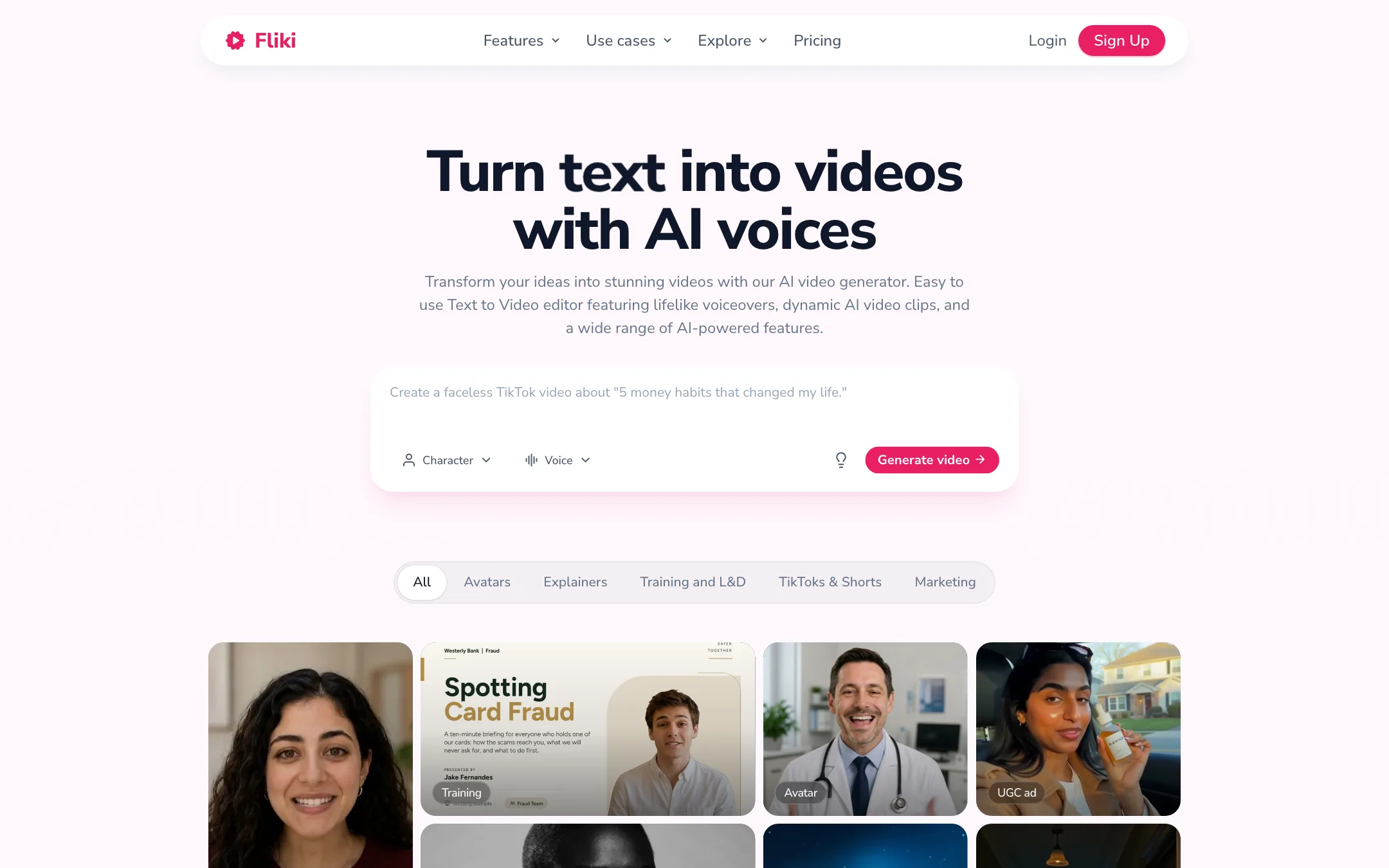
A voice-first text-to-video tool that turns ideas, scripts, blog posts and slides into narrated videos with 2,000+ AI voices in 80+ languages
Best for: Faceless creators, educators and marketers who start from words, not footage, and want a narrated video with stock or AI visuals, subtitles and music in minutes.

#26 in Text to video
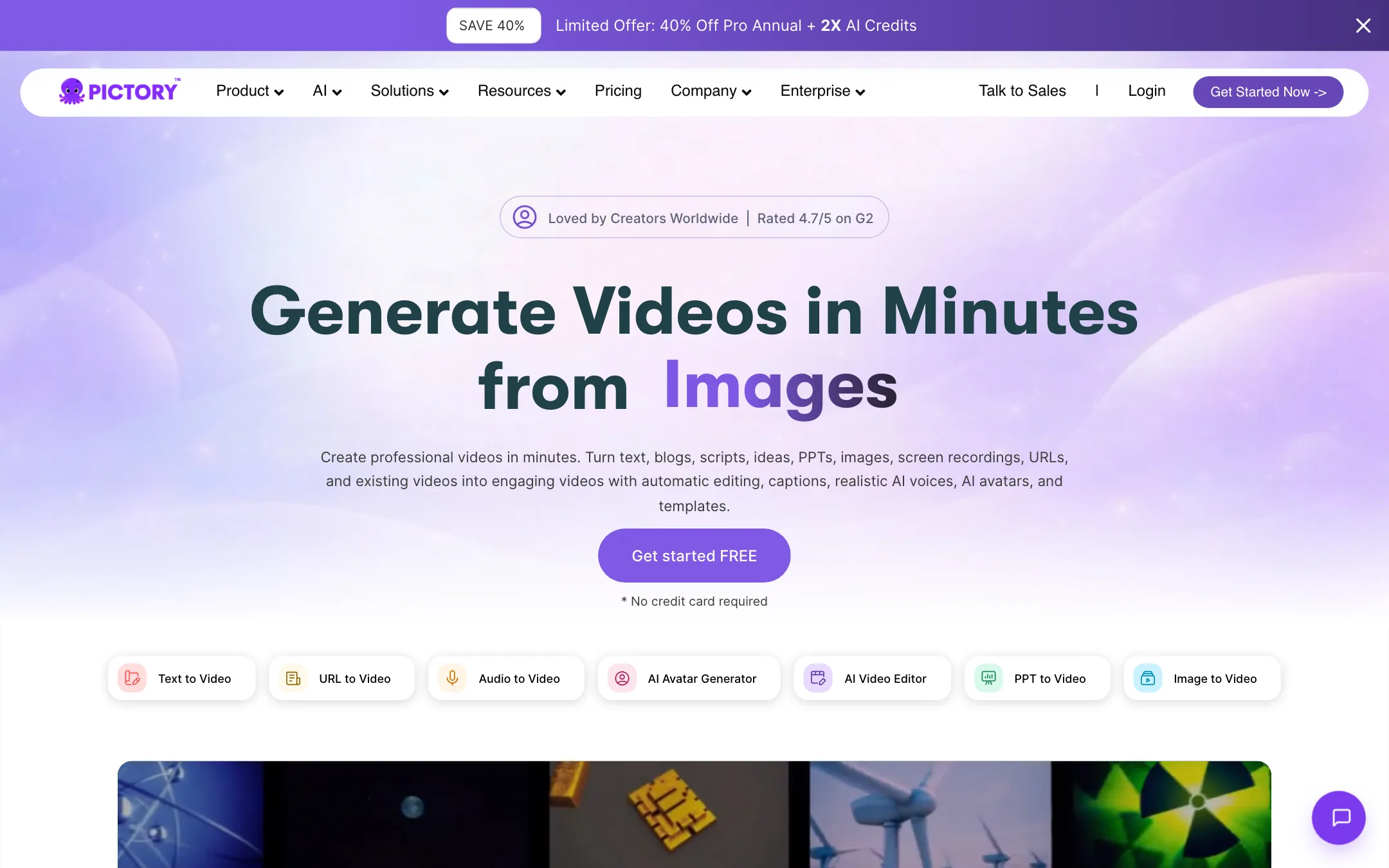
A browser video maker that turns scripts, blog posts, URLs and slides into stock-footage videos with AI voices, and edits recordings through their transcript
Best for: Bloggers, marketers, course creators and training teams who want to turn existing text, slides or recordings into narrated stock-footage videos without a timeline.
Fliki or Pictory?
Both tools turn words into narrated stock-footage videos, so the output looks similar. The split is everything around it. Fliki is the better pick if you publish in more than one language or want your own cloned voice cheaply. Pictory wins if you work in English and also need to cut down webinars, talks or podcasts.
What each one is built for
Fliki grew out of text-to-speech, and its plans are organized around voices: hundreds on the free tier, a thousand on Standard, and a voice clone from the cheapest paid plan. Pictory grew out of script-to-video and adds a second job Fliki does not do: upload a recording and edit it by deleting words from the transcript.
Language is the sharpest difference. Pictory’s own FAQ limits text-to-video to English. Fliki builds in 80+ languages and can translate a finished video.
What it costs at typical use
Say you turn 8 blog posts a month into 4-minute videos. That is 32 finished minutes.
- Fliki Standard, $21/mo billed yearly. Fliki’s FAQ says the 180 monthly credits cover 60 to 90 finished minutes once edits are counted. 32 minutes fits, but every script change regenerates audio and spends credits again.
- Pictory Starter, $25/mo billed yearly. You get 200 export minutes a month, and previews and edits are free. 32 minutes leaves a lot of room.
So Fliki is $48 a year cheaper, and Pictory is more forgiving if you revise a lot. Want a voice clone? Fliki has one on Standard. Pictory needs Professional at $35/mo yearly.
Two policy points: Pictory gives no refunds and deletes your projects when you cancel. Fliki says commercial rights for videos made while subscribed stay with you after you cancel.
Which to pick
- Pick Fliki if you publish in several languages, want a cloned voice on a budget, or turn slide decks into narrated lessons. Read the Fliki review.
- Pick Pictory if you work in English, rewrite scripts often, or have a backlog of recordings to trim by transcript. Read the Pictory review.
Specs side by side
| Fliki | Pictory | |
|---|---|---|
| Starting price | From $21/mo | From $25/mo |
| Free tier | ||
| Pricing | Free plan with 3 credits a month, 720p and a watermark. Standard from $21/mo billed yearly ($28 monthly), Premium $88 monthly. | 14-day free trial with 15 video minutes at 720p. Paid plans from $25/mo billed yearly; Professional $35/mo yearly ($59 monthly). |
| Platforms | Web | Web, API, Chrome extension |
| Best for | Faceless creators, educators and marketers who start from words, not footage, and want a narrated video with stock or AI visuals, subtitles and music in minutes. | Bloggers, marketers, course creators and training teams who want to turn existing text, slides or recordings into narrated stock-footage videos without a timeline. |
| Last checked | 2026-10-21 | 2026-10-21 |
Pricing
Fliki
Free plan with 3 credits a month, 720p and a watermark. Standard from $21/mo billed yearly ($28 monthly), Premium $88 monthly.
- FreeFree
- Standard$21/mo yearly · $28 monthly
- Premium$88 monthly · 25% off yearly
- EnterpriseCustom
- Top-up creditsVaries
Pictory
14-day free trial with 15 video minutes at 720p. Paid plans from $25/mo billed yearly; Professional $35/mo yearly ($59 monthly).
- Free trialFree for 14 days
- Starter$25/mo yearly
- Professional$35/mo yearly · $59 monthly
- Team$119/mo yearly
- EnterpriseContact sales
- API Self-Serve$79/mo yearly
Key features
Fliki
- Idea, script, blog post and PPT to video, with AI script writing, visuals, voiceover, music and subtitles
- 2,000+ AI voices in 80+ languages and 100+ accents, per Fliki
- Voice cloning from a short recorded sample
- AI video translator and dubbing with lip-synced mouth movement and translated captions, per Fliki
- AI avatars, photo avatars and a Digital Twin of yourself
- Series planner that writes and schedules recurring videos for TikTok, YouTube and Shorts
- Model gallery with third-party video and image models such as Veo 3.1, Kling 3 Pro, Seedance and GPT Image
- Stock library of images, video clips and music, plus licensed AI music generation
- Scene-based editor, brand kits, custom fonts and a pronunciation map
- Direct publishing to TikTok, Instagram and YouTube
- Bulk create, Make and Zapier integrations and an API on Premium
Pictory
- Script, text, blog post and URL to video, with scenes and stock visuals matched automatically
- PowerPoint and PDF to video, with narration and captions
- Edit recorded video by editing its transcript, with automatic highlights and filler-word removal
- Automatic captions with subtitle export as SRT, VTT or TXT
- Stock library from Getty Images and Storyblocks, plus thousands of music tracks
- ElevenLabs AI voices in 29 languages, voice cloning on Professional and above
- AI Studio for images and clips from third-party models such as Veo 3.1, PixVerse 5.5, Flux and Nano Banana
- Stock and custom AI avatars as an editable layer in the editor
- Brand kits for fonts, colors, logos and intros
- API, Zapier and Make integrations, a Chrome extension and a ChatGPT-based script generator
Strengths and weaknesses
Fliki
- Free plan with no credit card, enough to test the workflow
- Huge voice library across 80+ languages, with cloning on the cheapest paid plan
- Turns blog posts and slide decks into videos, not just prompts
- Standard is cheap at $21 a month billed yearly
- Commercial rights on paid plans continue after you cancel, per Fliki's FAQ
- Strong affiliate program and long track record, with 14M+ users claimed
- Free videos are 720p, watermarked and capped at 5 minutes
- AI video clips and the full avatar library need Premium at $88 a month
- Pages contradict each other: Premium length is 40 minutes on the pricing table and 30 in the FAQ
- Credits are charged again when you edit text and regenerate audio, so revisions eat your quota
- Monthly credits do not roll over, and top-ups need an active subscription
- No mobile app
- Pricing cards render in local currency for some visitors; USD is only in the FAQ text
Pictory
- Turns content you already have into video in a few steps
- Licensed Getty and Storyblocks footage, so no royalty worries per Pictory
- Transcript editing is fast for cleaning up talks, webinars and podcasts
- Video minutes are only spent on export, not on previews or edits
- Annual plans give you the whole year's minutes up front
- Public API with a self-serve plan for automations
- Text-to-video works in English only, per Pictory's own FAQ
- No refunds on paid subscriptions
- Monthly prices are hidden behind a toggle and upsell pop-ups
- Projects are permanently deleted when you cancel, so download first
- Stock-footage results can look generic without manual scene swaps
- Unused monthly minutes do not roll over
Try Fliki
Free plan with 3 credits a month, 720p and a watermark. Standard from $21/mo billed yearly ($28 monthly), Premium $88 monthly.
Try Pictory
14-day free trial with 15 video minutes at 720p. Paid plans from $25/mo billed yearly; Professional $35/mo yearly ($59 monthly).