Descript vs VEED
Two video editors tools side by side: pricing, free plans, features and who each one suits.

#23 in Video editors
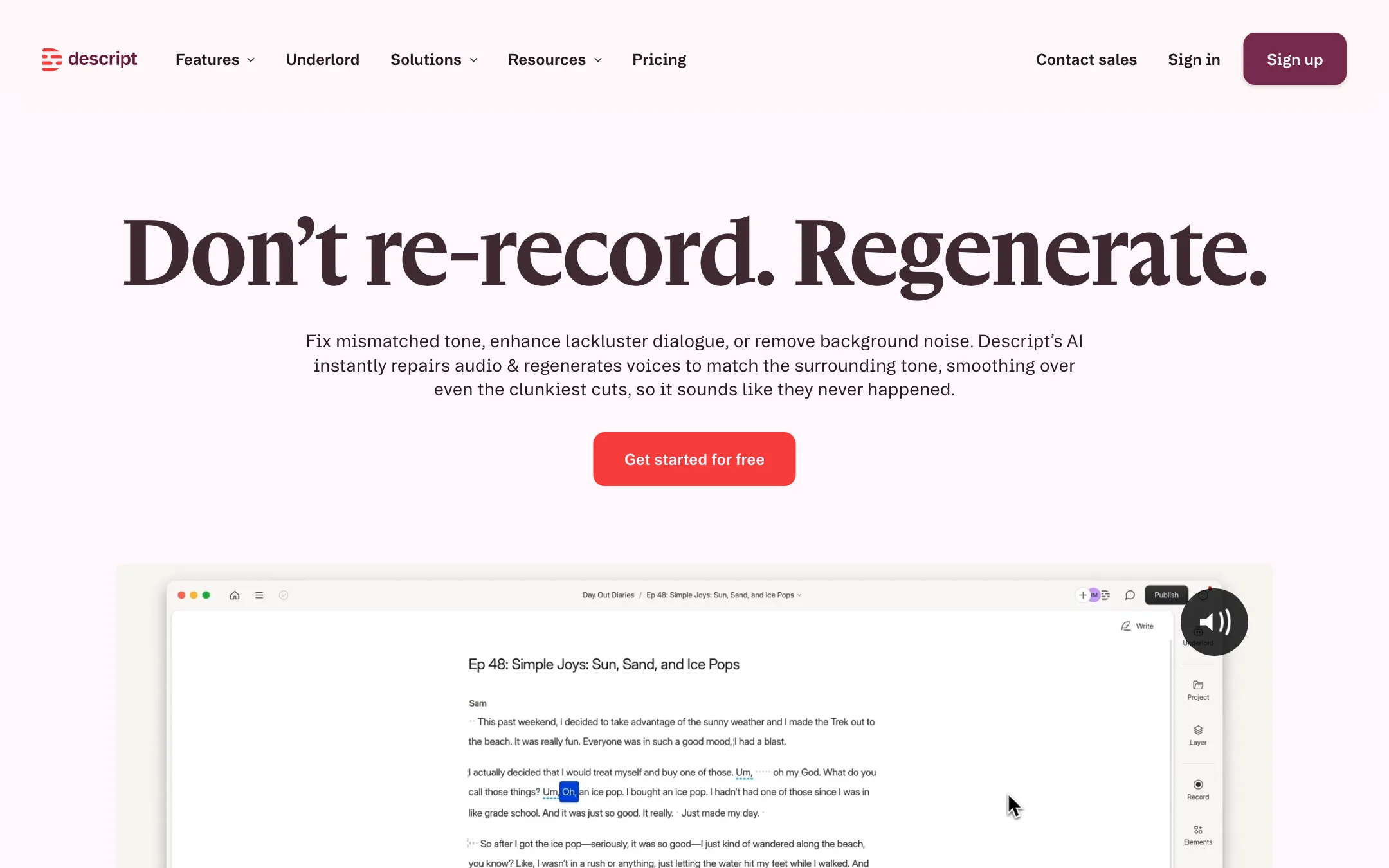
The text-based video and podcast editor where you edit by editing a transcript, with an AI co-editor, voice clones, Regenerate audio repair, captions and dubbing
Best for: Podcasters, YouTubers and teams who record people talking and want to edit by cutting text, fix flubs with AI voice and clean up audio without learning a timeline.
#11 in Video editors
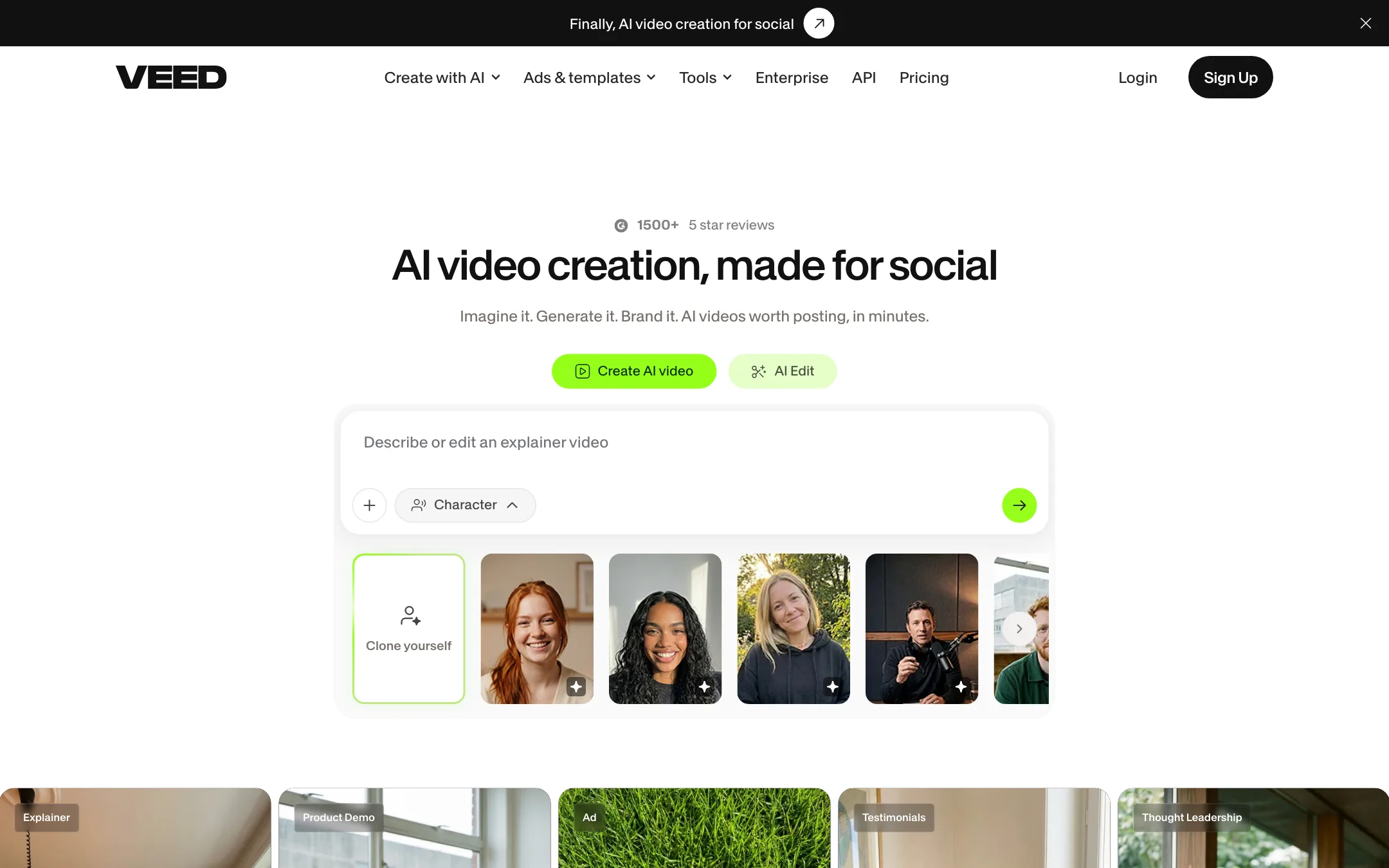
A browser video editor with auto subtitles, AI avatars, dubbing, eye contact correction and a model playground for Veo, Kling, Sora and VEED's own Fabric 1.0
Best for: Marketers, solopreneurs and social creators who want one browser app for editing, subtitles, talking-head fixes, avatars and AI clips.
Descript or VEED?
Descript is the better tool when you edit long recordings of people talking, like podcasts, lessons and interviews. VEED is cheaper and better suited to short, captioned social and marketing videos, with more AI generation on top. Pick by the length of what you record.
What each one is built for
Descript treats the transcript as the editor. You delete text to cut, remove filler words in one pass, and patch mistakes with a voice clone. Underlord, its AI co-editor, takes requests like trimming a long recording down to a target length. It runs on Mac, Windows and the web, and exports timelines to pro editors and audio tools.
VEED is a browser timeline editor with strong subtitle tools. VEED says it transcribes 125+ languages, against 25 for Descript, and you can download SRT, VTT or TXT files. It also resells outside video models like Veo, Kling and Sora alongside its own Fabric 1.0. Both tools offer eye contact correction and noise cleanup, so those do not separate them.
What it costs at typical use
Assume a solo creator making 8 talking-head videos a month, each cut from about 20 minutes of raw footage, with captions.
- VEED Creator: $10 a month billed yearly, about $120 a year (VEED showed us $116 and $125). Includes 1080p, no watermark and subtitles. Some plan versions cap subtitle hours, so check yours.
- Descript Hobbyist: $16 a month billed yearly, $192 a year. Your 160 minutes of uploads use under 3 of the 10 media hours. Exports go to 1080p without a watermark.
Now add Spanish versions of every video. VEED puts translation on Pro, $20 to $21 a month yearly, so $240 to $252 a year. Descript keeps dubbing on Business at $50 a month yearly, which is $600 a year. Both charge per user.
Which to pick
Specs side by side
| Descript | VEED | |
|---|---|---|
| Starting price | From $16/mo | From $10/mo |
| Free tier | ||
| Pricing | Free plan with 1 media hour a month and 100 one-time AI credits, 720p with a watermark. Paid plans from $16/mo billed yearly ($24 monthly). | Free plan with a VEED watermark. Creator from $10/user/mo billed yearly, Pro from $20/user/mo billed yearly; Enterprise custom. |
| Platforms | Web, Mac, Windows | Web, iOS, API |
| Best for | Podcasters, YouTubers and teams who record people talking and want to edit by cutting text, fix flubs with AI voice and clean up audio without learning a timeline. | Marketers, solopreneurs and social creators who want one browser app for editing, subtitles, talking-head fixes, avatars and AI clips. |
| Last checked | 2026-10-21 | 2026-10-21 |
Pricing
Descript
Free plan with 1 media hour a month and 100 one-time AI credits, 720p with a watermark. Paid plans from $16/mo billed yearly ($24 monthly).
- FreeFree
- Hobbyist$16/mo yearly · $24 monthly
- Creator$24/mo yearly · $35 monthly
- Business$50/mo yearly · $65 monthly
- EnterpriseCustom
VEED
Free plan with a VEED watermark. Creator from $10/user/mo billed yearly, Pro from $20/user/mo billed yearly; Enterprise custom.
- FreeFree
- Creator$10/user/mo billed yearly
- Pro$20 to $21/user/mo billed yearly
- Studio$35/user/mo billed yearly
- EnterpriseContact sales
Key features
Descript
- Text-based editing, delete words in the transcript to cut the video
- Underlord, an agentic AI co-editor that takes edit requests in plain language
- Regenerate, which re-creates speech to smooth cuts, liven flat delivery and remove noise
- Custom voice clones and stock AI speakers for text-to-speech and fixing words
- Studio Sound, filler word removal, Eye Contact and Green Screen
- Transcription in 25 languages with speaker detection
- Dynamic captions and caption translation
- AI dubbing with translation proofreading on Business
- Rooms for remote recording, plus screen and webcam recording
- Create Clips for turning long recordings into short highlights
- Export to Premiere, Final Cut, Pro Tools, Logic, Audition and more
VEED
- Browser video editor with trimming, text, music, stock media, brand kits and templates
- Auto subtitles in 125+ languages, animated and dynamic caption styles, SRT, VTT and TXT export
- Video translation and AI dubbing to 50+ languages on Pro
- Eye contact correction, background noise removal and video background removal
- AI avatars, plus Fabric 1.0, VEED's own model that makes any character image talk for up to 60 seconds
- AI Playground with third-party models including Veo 3.1, Kling, Sora 2, Seedance, Hailuo, PixVerse and LTX
- Text, script, image and video-to-video generation inside the same project
- Voice cloning, AI text to speech and an online teleprompter
- Screen recorder and an iOS app
- APIs for Fabric 1.0, lip sync, subtitles, background removal and green screen
Strengths and weaknesses
Descript
- Editing a transcript is far quicker than scrubbing a timeline for spoken content
- Strong audio tools in one place, from Studio Sound to Regenerate
- Voice clones let you fix a word without re-recording, on the cheapest paid plan
- Free plan with no card required
- Rooms, screen recording and editing in one app
- Timeline export to pro editors and DAWs
- AI credits are shared across every AI feature and do not roll over
- Underlord costs vary per request and are hard to predict, as Descript itself admits
- Dubbing and custom avatars need the $50 Business plan
- Translation language count differs between pages (5 on the AI voices page, 30+ on pricing)
- Media hours count every upload and recording, even if you never use it
- Not built for heavy motion graphics or cinematic editing
VEED
- Subtitle tools are among the best in any browser editor, with styling, animation and file export
- Talking-head fixes like eye contact correction and noise removal save real time on UGC and webinars
- One subscription covers editing, captions, dubbing, avatars and several AI video models
- Generated clips drop straight into a real editor, so you can fix one scene instead of regenerating everything
- Cheap entry on yearly billing
- Clear commercial-use statement on AI-generated videos
- Free exports carry a VEED watermark that moves around the frame
- The pricing page showed two different plan sets on the same day, with different credits and prices
- Monthly prices were hidden from our crawler, and VEED's own pages quote $10 and $20 for Creator
- Third-party models each cost a different amount of credits, so budgeting AI generation is hard
- Translation and 4K are Pro features, not on Creator
- Charges per user, so teams pay more as they add editors
Try Descript
Free plan with 1 media hour a month and 100 one-time AI credits, 720p with a watermark. Paid plans from $16/mo billed yearly ($24 monthly).
Try VEED
Free plan with a VEED watermark. Creator from $10/user/mo billed yearly, Pro from $20/user/mo billed yearly; Enterprise custom.