Descript vs Riverside
Two video editors tools side by side: pricing, free plans, features and who each one suits.

#23 in Video editors
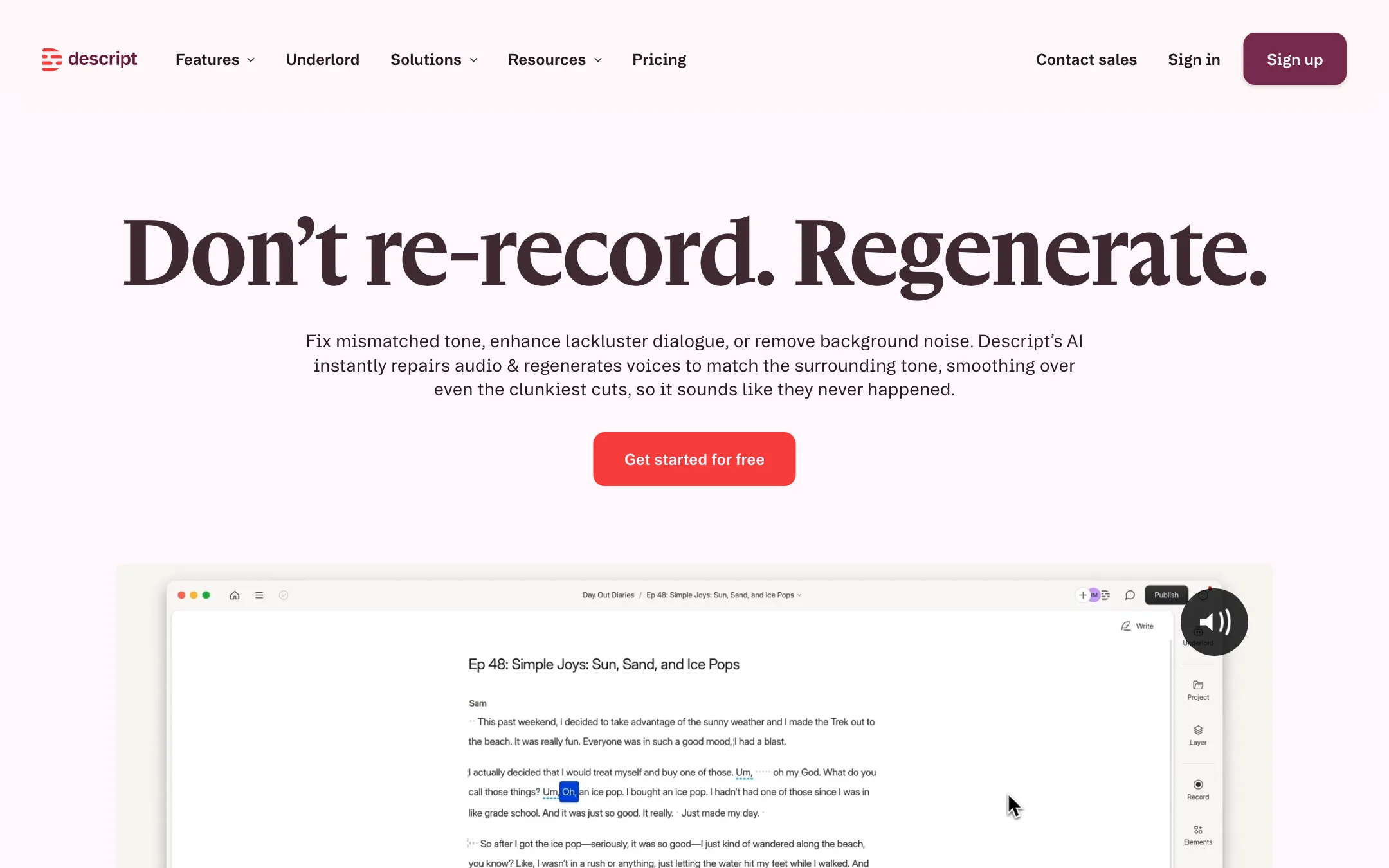
The text-based video and podcast editor where you edit by editing a transcript, with an AI co-editor, voice clones, Regenerate audio repair, captions and dubbing
Best for: Podcasters, YouTubers and teams who record people talking and want to edit by cutting text, fix flubs with AI voice and clean up audio without learning a timeline.

#18 in Video editors
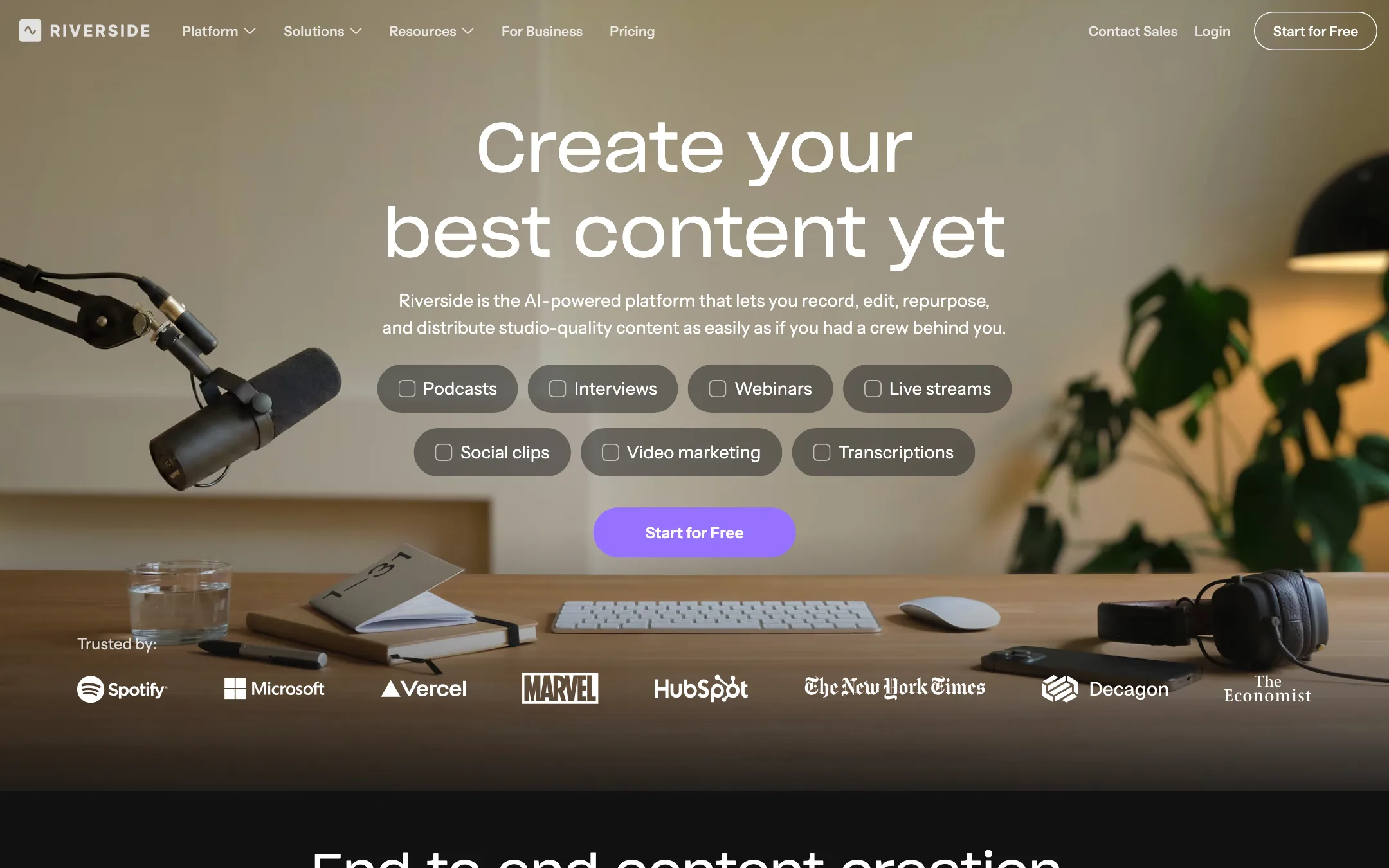
A remote recording studio with a text-based editor, Magic Clips, captions, AI dubbing and podcast hosting in one browser app
Best for: Podcasters, interview shows and marketing teams who record conversations with remote guests and want to edit, clip and publish them without leaving one app.
Descript or Riverside?
Both let you edit video by editing a transcript, so the real split is where your show begins and ends. Riverside is stronger at capture and distribution: local 4K guest tracks, clips, hosting and streaming. Descript is stronger at the edit itself: voice repair, an AI co-editor and export to pro tools. If you record remote guests every week, pick Riverside. If editing is the bottleneck, pick Descript.
What each one is built for
Riverside starts with the recording. Each guest is captured on their own device, so a bad connection does not ruin the file. After that, Magic Clips, captions, podcast hosting and, on Grow, scheduling and multistreaming handle the rest.
Descript starts with the transcript. Underlord takes plain-language edit requests, Regenerate smooths cuts, and voice clones let you patch a word without re-recording. It also records remote guests in Rooms, and it hands timelines off to Premiere, Final Cut, Pro Tools and other editors.
What it costs at typical use
Assume a weekly one-hour interview podcast: 4 hours of recording a month, plus clips.
- Descript Hobbyist: $16 a month billed yearly, $192 a year. A one-hour Rooms session uses 60 media minutes, so 4 episodes fit inside the 10-hour allowance. Studio Sound and filler removal cost at most 30 credits per file, so running both on each episode uses up to 240 of your 400 monthly credits. Exports top out at 1080p. For 4K, Creator is $24 a month yearly.
- Riverside Pro: $24 a month billed yearly, $288 a year. That includes 4K recording and 15 hours of separate-track downloads a month, plenty for 4 episodes. Magic Clips and Magic Audio do not use credits.
Riverside costs about $96 more a year at entry level, but it includes clipping without credits and hosting. Riverside showed different prices to different visitors, so check your checkout.
Dubbing changes the math. Descript keeps it on Business at $50 a month yearly. Riverside’s translation runs on credits from Pro up.
Which to pick
Specs side by side
| Descript | Riverside | |
|---|---|---|
| Starting price | From $16/mo | From $24/mo |
| Free tier | ||
| Pricing | Free plan with 1 media hour a month and 100 one-time AI credits, 720p with a watermark. Paid plans from $16/mo billed yearly ($24 monthly). | Free plan listed on the US pricing page. Paid plans from $24/mo billed yearly ($29 monthly), with a 14-day free trial. |
| Platforms | Web, Mac, Windows | Web, Mac, iOS, Android |
| Best for | Podcasters, YouTubers and teams who record people talking and want to edit by cutting text, fix flubs with AI voice and clean up audio without learning a timeline. | Podcasters, interview shows and marketing teams who record conversations with remote guests and want to edit, clip and publish them without leaving one app. |
| Last checked | 2026-10-21 | 2026-10-21 |
Pricing
Descript
Free plan with 1 media hour a month and 100 one-time AI credits, 720p with a watermark. Paid plans from $16/mo billed yearly ($24 monthly).
- FreeFree
- Hobbyist$16/mo yearly · $24 monthly
- Creator$24/mo yearly · $35 monthly
- Business$50/mo yearly · $65 monthly
- EnterpriseCustom
Riverside
Free plan listed on the US pricing page. Paid plans from $24/mo billed yearly ($29 monthly), with a 14-day free trial.
- FreeFree
- Pro$24/mo yearly · $29 monthly
- Grow$34/mo yearly · $39 monthly
- Webinar$79/mo yearly · $99 monthly
- BusinessContact sales
Key features
Descript
- Text-based editing, delete words in the transcript to cut the video
- Underlord, an agentic AI co-editor that takes edit requests in plain language
- Regenerate, which re-creates speech to smooth cuts, liven flat delivery and remove noise
- Custom voice clones and stock AI speakers for text-to-speech and fixing words
- Studio Sound, filler word removal, Eye Contact and Green Screen
- Transcription in 25 languages with speaker detection
- Dynamic captions and caption translation
- AI dubbing with translation proofreading on Business
- Rooms for remote recording, plus screen and webcam recording
- Create Clips for turning long recordings into short highlights
- Export to Premiere, Final Cut, Pro Tools, Logic, Audition and more
Riverside
- Remote recording with local 4K video and uncompressed audio on separate tracks per guest
- Text-based editor where you cut video by editing the transcript
- Magic Clips that pick highlights and turn them into vertical, square or widescreen clips
- One-click animated captions with custom fonts, colors and placement
- Magic Audio noise removal and filler-word and silence removal
- AI Co-Creator agent that drafts clips, show notes, social posts, thumbnails and blog posts
- AI Translation into 30+ languages in your own voice with lip sync, and VideoDub for fixing lines by editing text
- Eye contact correction, smart speaker layouts and AI B-roll
- Podcast hosting, social scheduling, multistreaming and webinars
- Riverside MCP for Claude, ChatGPT and Cursor
Strengths and weaknesses
Descript
- Editing a transcript is far quicker than scrubbing a timeline for spoken content
- Strong audio tools in one place, from Studio Sound to Regenerate
- Voice clones let you fix a word without re-recording, on the cheapest paid plan
- Free plan with no card required
- Rooms, screen recording and editing in one app
- Timeline export to pro editors and DAWs
- AI credits are shared across every AI feature and do not roll over
- Underlord costs vary per request and are hard to predict, as Descript itself admits
- Dubbing and custom avatars need the $50 Business plan
- Translation language count differs between pages (5 on the AI voices page, 30+ on pricing)
- Media hours count every upload and recording, even if you never use it
- Not built for heavy motion graphics or cinematic editing
Riverside
- Local recording keeps guest video sharp even on a weak connection
- Recording, editing, clipping, captions and publishing live in one place
- Editing by transcript is fast for talk-heavy content
- Core AI features like Magic Clips and Magic Audio do not use credits, per Riverside's FAQ
- Desktop, Mac app and mobile apps cover solo and in-person shoots
- Published affiliate program for creators who review gear and software
- Not a text-to-video generator; you need real footage to start
- Prices on the pricing page differ by visitor, and the FAQ, cards and comparison table do not agree for everyone
- AI Translation, AI B-roll and animated clips spend credits on top of the plan
- Separate-track downloads are capped at 15 to 25 hours a month below Business
- Collaborative editing and producer mode are Business-only
- Mobile recording tops out at 1080p below Business
Try Descript
Free plan with 1 media hour a month and 100 one-time AI credits, 720p with a watermark. Paid plans from $16/mo billed yearly ($24 monthly).
Try Riverside
Free plan listed on the US pricing page. Paid plans from $24/mo billed yearly ($29 monthly), with a 14-day free trial.