CrePal vs Videomagic
Two text to video tools side by side: pricing, free plans, features and who each one suits.
Some links on this page are affiliate links. If you buy through them we may earn a commission at no extra cost to you. Read our disclosure.

#1 of 77 in Text to video
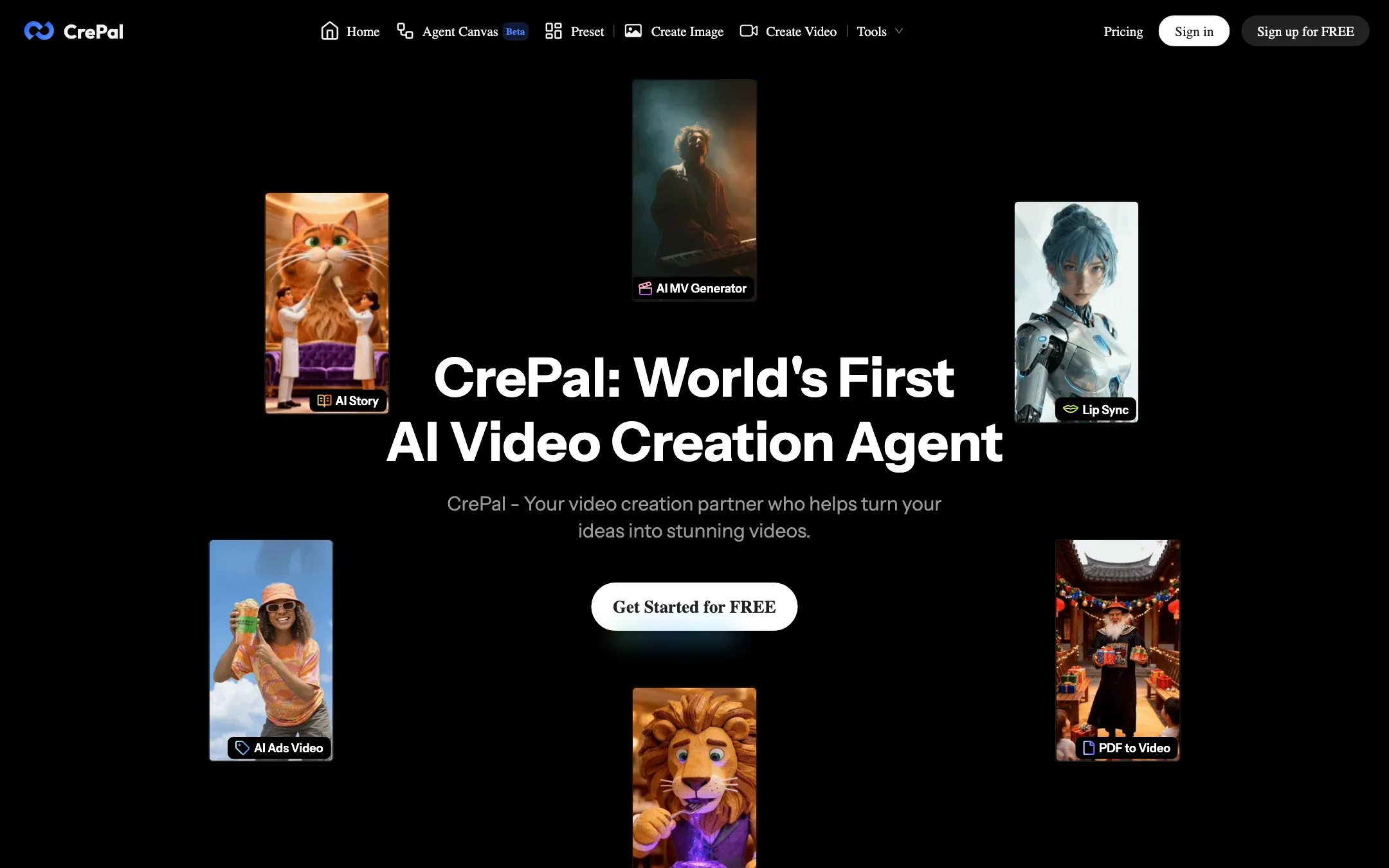
A chat-driven AI video agent that plans, scripts and assembles multi-scene videos by routing each shot to models like Seedance, Veo and Runway
Best for: Creators and small marketing teams who want a full multi-scene video from one brief, and would rather give notes in chat than cut on a timeline.

#5 of 77 in Text to video
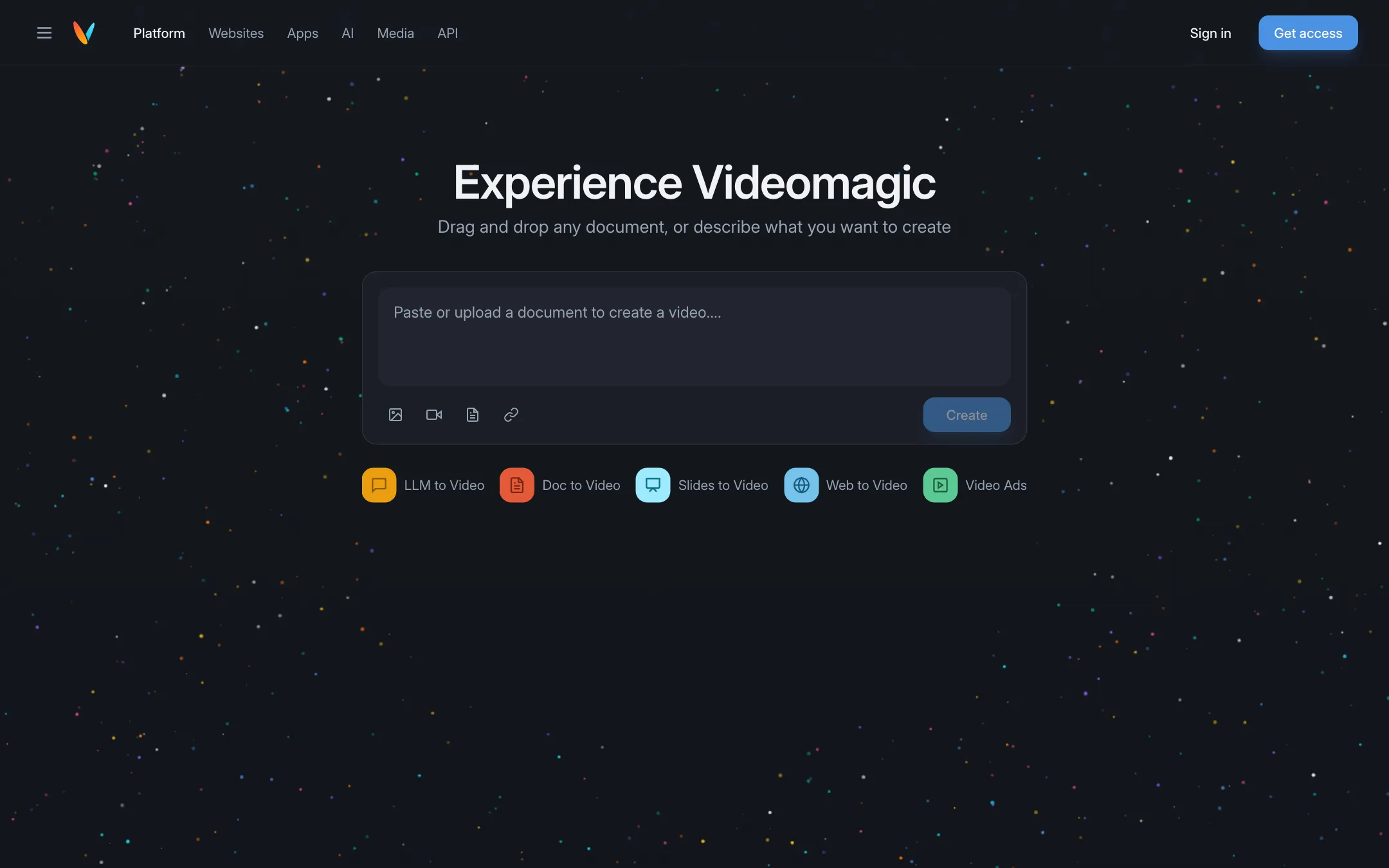
Turns documents, slides, web pages and AI chat answers into short narrated explainer videos you can question afterwards
Best for: Marketers, educators and teams who want to turn written material such as product pages, reports and slide decks into short narrated explainers.
The short answer
More creators choose CrePal than Videomagic, and it ranks higher in our text to video list. Pick CrePal if you want creators and small marketing teams who want a full multi-scene video from one brief, and would rather give notes in chat than cut on a timeline. Pick Videomagic if you want marketers, educators and teams who want to turn written material such as product pages, reports and slide decks into short narrated explainers.
CrePal: A genuine agent workflow rather than another single-model wrapper, with a sensible entry price and every model on the cheapest paid plan. The free plan's limits are unpublished, the pricing pages contradict each other, and you cannot see what a full video costs in credits until you are inside.
Videomagic: Videomagic is not a cinematic text-to-video generator. It is a document-to-explainer tool with a clever "ask why" chat on top. Useful if you have content to explain, expensive next to clip generators, and there is no free plan.
Specs side by side
| CrePal | Videomagic | |
|---|---|---|
| Starting price | From $26/mo | From $39/mo |
| Free tier | ||
| Pricing | Free plan with limited credits and standard models. Paid plans from $26/mo billed yearly ($29 monthly). | No free plan. 15-day free trial (card required). Paid plans from $39/mo billed yearly ($49 monthly). |
| Platforms | Web | Web, Chrome extension, API |
| Best for | Creators and small marketing teams who want a full multi-scene video from one brief, and would rather give notes in chat than cut on a timeline. | Marketers, educators and teams who want to turn written material such as product pages, reports and slide decks into short narrated explainers. |
| Last checked | 2026-10-20 | 2026-10-19 |
Pricing
CrePal
Free plan with limited credits and standard models. Paid plans from $26/mo billed yearly ($29 monthly).
- FreeFree
- Plus$26/mo yearly · $29 monthly
- Pro$72/mo yearly · $80 monthly
- Max$180/mo yearly · $200 monthly
- TeamContact sales
- Credit packs$5 to $100
Videomagic
No free plan. 15-day free trial (card required). Paid plans from $39/mo billed yearly ($49 monthly).
- Ignite$39/mo yearly · $49 monthly
- Blaze$79/mo yearly · $99 monthly
- Inferno$500/mo, monthly only
Key features
CrePal
- AI Director agent that turns a one-line idea into a script, scene plan, shots, voiceover, music and subtitles
- Two chat modes, AI Story Mode for hands-off runs and Director Mode for shot-level control
- Routes each scene to a different model, with Google Veo, Seedance, Runway, Pika and Suno named by CrePal
- Edit a finished video by describing changes in chat instead of using a timeline
- Agent Canvas (beta), a node-style workspace driven by the same agent
- Manual Create Video and Create Image screens with a model picker and reference uploads
- Mini apps for Ad Remix, AI talking avatars and PDF to video
- Preset library of ready-made multi-shot prompts for ads, documentaries and anime promos
- 16:9, 9:16 and 1:1 output, exported as MP4 with subtitles, voiceover and music
Videomagic
- Create a video from a URL, an uploaded document, slides or pasted text
- Modes for LLM to Video, Doc to Video, Slides to Video, Web to Video and Video Ads
- Narrated output split into chapters such as intro, key points, deep dive and summary
- Ask Why chat that answers questions grounded in the source document
- Chrome extension that turns answers from ChatGPT, Claude, Gemini and other AI tools into video
- Embeddable videos and a chat assistant for websites, with viewer analytics
- Vision, a separate scene search engine for media libraries
- Enterprise API that can run inside your own AWS or GCP account
- Minute-based billing with rollover on self-serve plans
Strengths and weaknesses
CrePal
- One brief can produce a complete multi-scene video, not just a five-second clip
- Every image and video model is unlocked on the cheapest paid plan
- You can approve or change the scene plan before credits go on generation
- Chat-based revisions suit people who have never used an editor
- Credits from failed generations are refunded automatically where possible, per the pricing page
- Credit packs are priced at a flat 100 credits per dollar
- The free plan's credit amount is not published anywhere we could find
- Pricing page says yearly saves up to 10%, the FAQ says 17%; the real figure is about 10%
- FAQ says commercial use is allowed on every plan including Free, while the terms bar commercial use of watermarked free outputs
- Credit cost per video depends on model, length and resolution, and is not listed before you sign in
- Free users cannot buy credit packs, only upgrade or earn invite credits
- Footer and blog lean on face swap, NSFW and "uncensored" search pages that sit oddly next to a brand-safe ad tool
Videomagic
- Starts from content you already have, not from a prompt
- Chat over the source makes explainers easier to trust and check
- Minutes roll over for up to a year on Ignite and Blaze
- Clear per-minute overage prices
- Done-for-you custom video option with 48-hour delivery
- Not a generator for cinematic or creative clips
- No free plan, and the trial needs a card
- Expensive per minute compared with credit-based generators
- App plugin pricing is "coming soon" and website embedding is quote-only
- Free downgrades are no longer offered, you can only deactivate
- Few public examples or output samples to judge quality before paying
Try CrePal
Free plan with limited credits and standard models. Paid plans from $26/mo billed yearly ($29 monthly).
Try Videomagic
No free plan. 15-day free trial (card required). Paid plans from $39/mo billed yearly ($49 monthly).